TS240W
TS240W
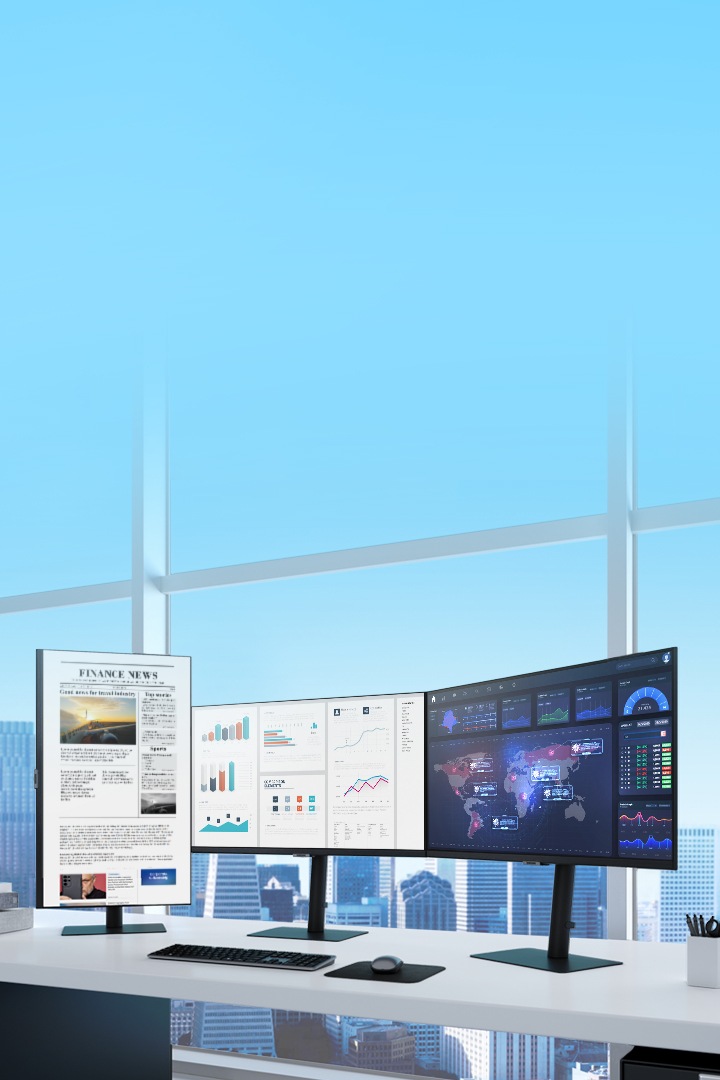
- With its all-in-one design and LED backlight, this product gives you the best office experience.
- Its enhanced desktop productivity and low energy consumption is ideal for your Windows model
FeaturesPrint
MagicRMS

Ergonomic Design

Migrate Seamlessly to Desktop Virtualisation

Improve Employee Productivity & Work Space


What is VDI?
TECH SPECSPrint
Network
-
Processor
AMD Ontario 1.0GHz Dual Core -
Operating System
WES 7 -
GPU
AMD Radeon HD 6290 -
Storage
8GB -
Memory
2GB -
USB
6EA -
Ethernet
Gigabit Ethernet
Display
-
Screen Size
24" -
Type
LED Display -
Brightness
250cd/m² -
Contrast Ratio
1,000:01:00 -
Resolution
1920 x 1200 -
Response Time
5ms -
Viewing Angle (Horizontal/Vertical)
170° / 160° -
Color Support
16.7 Million
Support
-
User Manual
-
User Manual5.6 MB, pdf, ENGLISH2012.07.12
-
-
Other Manuals (3)
-
User Manual4.37 MB, pdf, ARABIC2012.07.12
-
User Manual5.6 MB, pdf, FRENCH2012.07.12
-
Quick Guide6.07 MB, pdf, KOREAN, ENGLISH, ARABIC, CHINESE, CHINESE, FRENCH, GERMAN, HUNGARIAN, INDONESIAN, ITALIAN, JAPANESE, KAZAKH, POLISH, PORTUGUESE, RUSSIAN, SPANISH, SWEDISH, TURKISH2012.01.25
-
-
Driver (1)
-
Device(Install)2012.01.30Version : 1.0
-
-
In order to read a PDF file, you must have Adobe Acrobat reader installed on your computer. You can download it at the Adobe website.
Download Adobe Acrobat Reader -
In order to read DjVu files, you must have the DjVu viewer installed on your computer. Click this banner and install the viewer.
Download Djvu Viewer -
Have a question or need product support?
Go to Support
Some files may not be available from phones and tablets. Access this page from your desktop computer to be able to download all files.
Visit our industry pagesFind out how Samsung products can help with your business.