Samsung Business


Transforming businesses. Empowering owners.
Find the right solutions and exclusive benefits for businesses of all sizes
Small or medium business
Shop the solutions and devices you and your team need to work smarter and easier.


Enterprise
Talk with a Samsung agent and get tailor-made solutions for your specific business needs.


Recommended Business Products










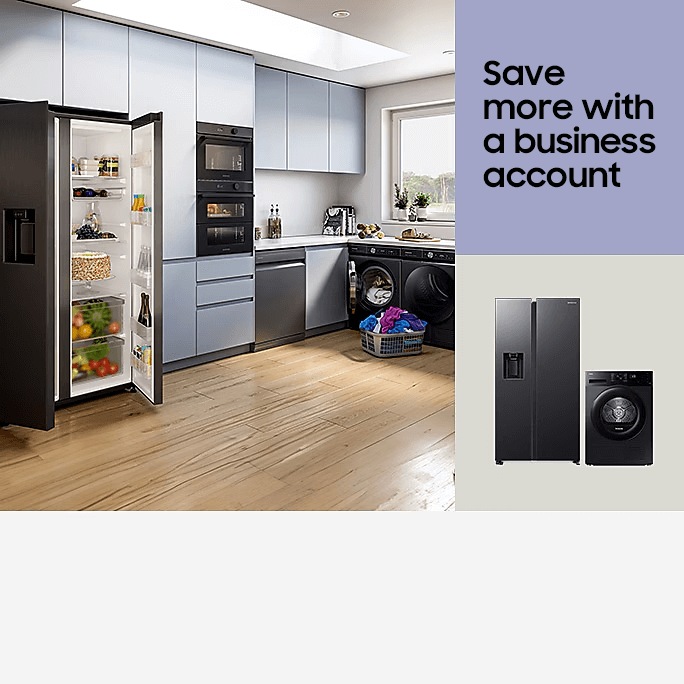
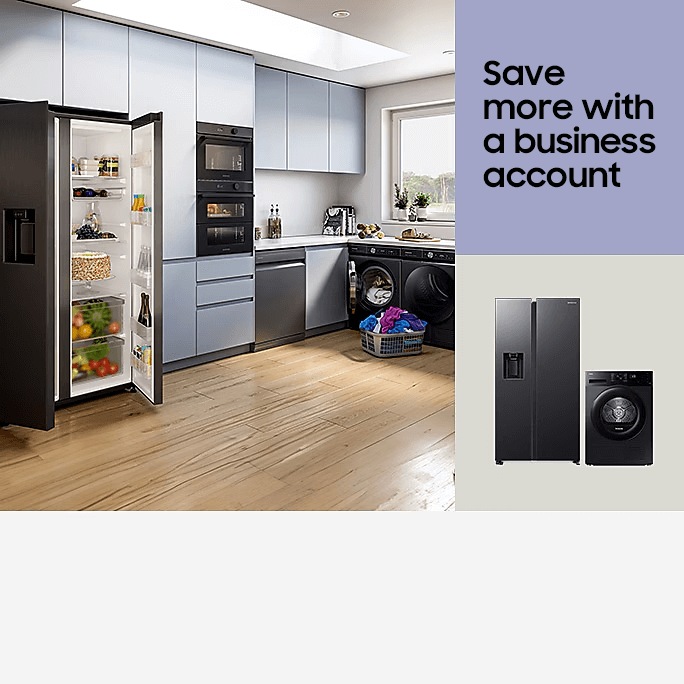






Enjoy more benefits when you buy direct


Free next day delivery


Related search
Memory size - User memory is less than the total memory due to storage of the operating system and software used to operate the smartphone features.
Actual memory will vary depending on the mobile phone operator and may change after software upgrades are performed.
Speeds indicate the performance of different processor cores. Core numbers vary between processors.
*Register your business or sign in and purchase from the Samsung Business Shop to receive 10% discount on all products ordered online with up to 25% off on select devices during promotional periods. 10% saving discount subject to registration verification and is only applicable to products sold on the Samsung Business eStore. Savings based on regular Samsung.com price. While stocks last. T&Cs apply.
1. Purchase from Samsung Business Shop by 30/09/26. Savings based on regular Samsung.com price.
2. Register your business or sign in and purchase from the Samsung Business Shop to receive 10% discount on all products ordered online with up to 25% off on select devices during promotional periods. 10% saving discount subject to registration verification and is only applicable to products sold on the Samsung Business eStore. Savings based on regular Samsung.com price. While stocks last. T&Cs apply.
4. Purchase from Samsung Business Shop by 06/10/26. Savings based on regular Samsung.com price.
5. Purchase from Samsung Business Shop by 29/09/26. Savings based on regular Samsung.com price.
6. Purchase from Samsung Business Shop by 02/10/26. Savings based on regular Samsung.com price. Discount automatically added to basket.
7. Promoter: Samsung Electronics (UK) Limited. UK, Isle of Man or Channel Islands residents (18+) only or registered companies in the same. Purchase a Selected new Samsung Device from a Participating Retailer between 09/09/2026 – 06/10/2026 and claim a cashback reward in the form of a Virtual Mastercard® Prepaid Card to be used in Samsung Wallet®. Participants must visit www.samsungoffers.claims/AutumnUpgradeCashback and be registered with a Samsung account. Participants must upload proof of purchase and provide all other required information (Claim). All Participants must claim within 30 days of purchase. Maximum 1 Claim per Promotion Product purchased (maximum 4 Claims per household) and a maximum of 10 Claims per company participant. Other exclusions may apply at point of purchase. www.samsungoffers.claims/AutumnUpgradeCashback for full Promotion terms.
8. Purchase from Samsung Business Shop by 02/10/26. Savings based on regular Samsung.com price. Discount automatically added to basket.


