Tech for All > Accessibility
Features for Better Vision Accessibility
TV
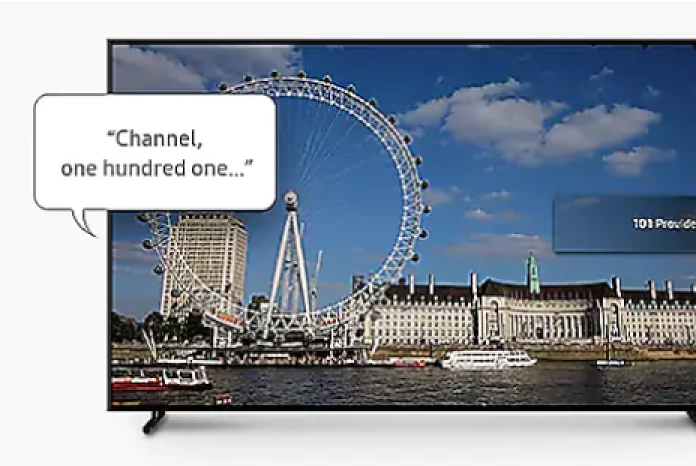
Voice Guide
- Enables smart TVs to read on-screen text
- Offers verbal feedback for basic features (channel, volume, program information, etc.) and access to smart services
Magnification
- Enables users to enlarge on-screen text and images up to 200% and zoom in on different parts
Relumino Mode
- Outlines objects, enhances contrast, and adjusts brightness and color to highlight content
Audio Subtitles*
- Identifies and reads video captions out loud using AI, enhanced in 2025 to lower foreign language dialogue volume and keep background sound
This function may not be supported depending on the model or geographical area.
SeeColors Mode
- Selects a color filter that displays screen content more clearly
Mobile and Wearable Devices
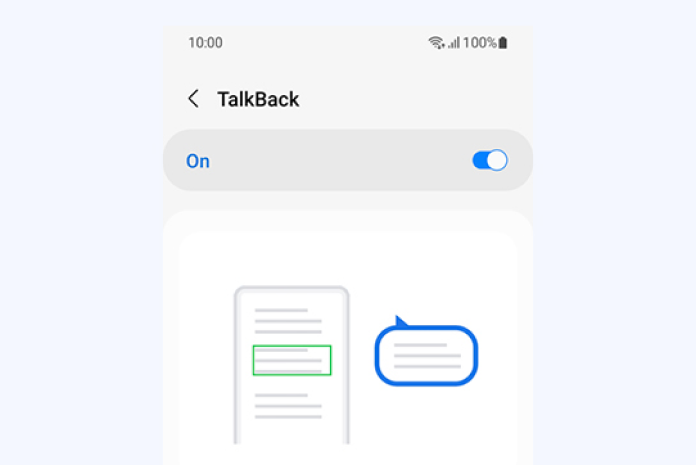
TalkBack
- Reads aloud text as well as image and other content descriptions on mobile and wearable devices
- AI-generated image descriptions help blind & low-vision users understand the screen content and images
Dim Strobing
- Dim strobing: Dimming strobing effects in videos helps users with light sensitivity enjoy a more comfortable viewing experience
Home Appliances
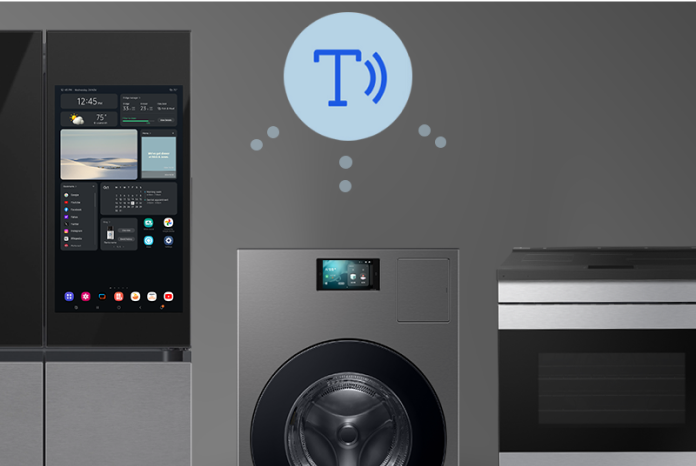
Family Hub™ Refrigerators and Smart Screen Home Appliances
- A wide touchscreen offering various accessibility features and intuitive user experience
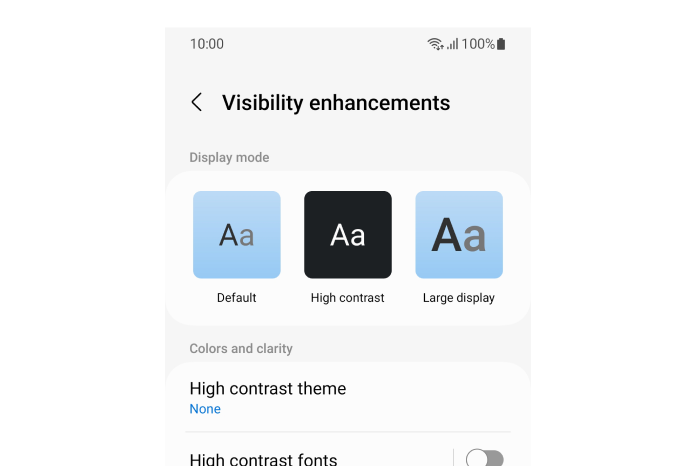
- Provide a range of accessibility functions, including Voice Guide, high contrast, grayscale/color inversion, magnification, and Relumino Outline
- Available on Family Hub™ refrigerators and Smart screen home appliances released from 2024 onward
- Feature availability and functionality may vary by model and language
SmartThings TalkBack
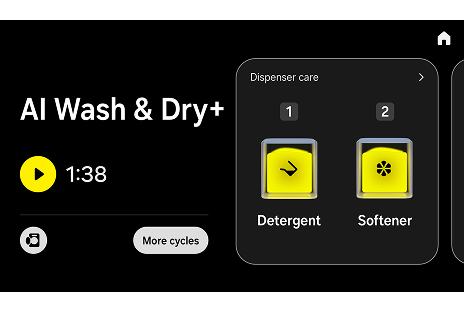
- TalkBack: Verified and improved by experts with visual impairments, SmartThings TalkBack reads appliance content and services aloud to provide a seamless, equitable service and experience for users with visual disabilities
- Mobile TalkBack: When a user directly adjusts a home appliance with its corresponding SmartThings page open, the operational changes are read aloud through their mobile device
Feature availability and functionality may vary by model and language
Initial Setup for Users with Visual Disabilities
- At the initial setup stage of Family Hub™ refrigerators and Smart screen home appliances, the user is provided with a voice guide indicating that the accessibility feature can be activated using a two-finger gesture
- This allows users with visual disabilities to independently set up their devices by triggering the voice guide via this gesture
Available on Family Hub™ refrigerators and Smart screen home appliances released in 2026
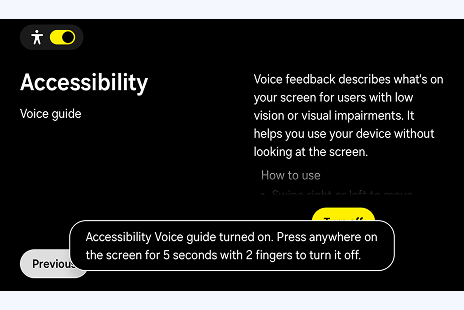 The Voice guide feature in the Accessibility settings provides voice feedback to help users with low vision or visual impairments use the device without looking at the screen. The description section includes instructions beginning with "How to use." At the bottom, a message reads: “Accessibility Voice guide turned on. Press anywhere on the screen for 5 seconds with 2 fingers to turn it off.”
Last updated June 26, 2026