Tech for All > Accessibility
Features for Better Mobility Accessibility
TV
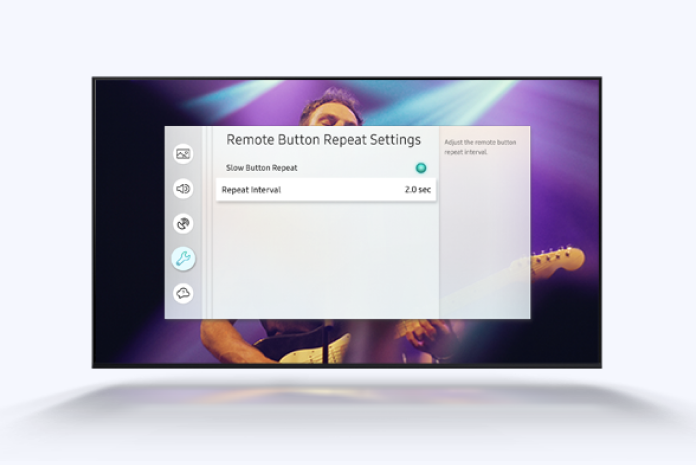
Slow Button Repeat
- By pressing and holding a button, users can slow down the speed of the action on the screen.
Button Highlight
- Users can access visual and audio accessibility features on the TV remote through the SmartThings app on mobile, with highlighted corresponding feature buttons for convenient navigation
- Specifically made for users who face difficulties holding and using a remote control
Mobile
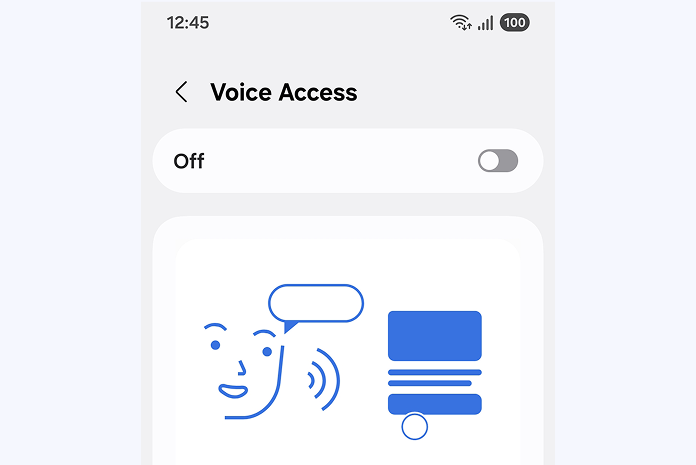
Voice Access
- Enables users to control device via voice commands
Wearable
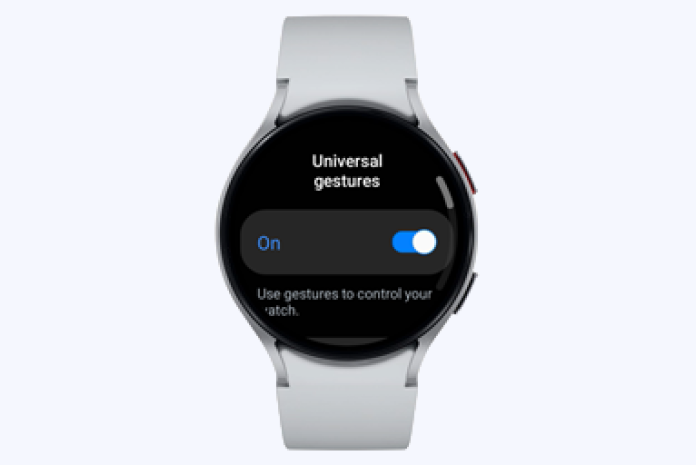
Universal gestures
- Enables users to control Watch via one-handed gestures, like pinching or making a fist
Home Appliance
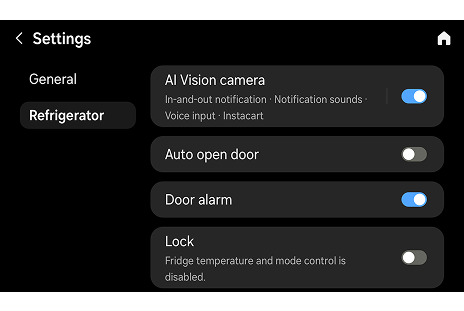
Auto Open Door
- Ensures easier access to home appliances for senior users and users with disabilities.
- Refrigerator: When bringing hand near the touch sensor in the door and when saying “open refrigerator door” on the mobile
- Washer: When touching the “Open Door” button on the 7-inch touchscreen and when saying “Hi Bixby, open the door” directly to the product
- Dryer: When powered on and when dry cycle is complete
- Microwaves: When touching the designated “Open Door” button and when saying “Hi Bixby, open the door” directly to the product
* Available on select models
Last updatedJune 27, 2025