We're here for you
Welcome to Samsung Support


Product Support
Get help, find answers, download drivers, manuals and more.


How to find model code
Select product from the menus below to find model number.
- Type
- Subtype
- Category
Topics
Conscious Service
Go sustainable with Samsung Customer Service.
Find additional info
Warranty
![Warranty]()
![Warranty]()


Repair Services
![At Your Service]()
![At Your Service]()


Experience hassle-free device repairs with our comprehensive service. Easily book an appointment, track your repair and ensure the safety of your data.
Book a Repair
Track my repair
Data Privacy Policy
Book a Repair
Track my repair
Data Privacy Policy
Installation Services
Samsung’s Installation Services are designed to provide seamless and hassle-free setup and support for your Samsung Consumer Electronics (CE) products.
Repair and Replacement Pricing
![Mobile Screen Replacement Pricing]()
![Mobile Screen Replacement Pricing]()


Know more about the recommended retail pricing for Galaxy mobile component repair, Galaxy phone screen replacement, TV panel replacement, and Galaxy Component repair.
Mobile Component Repair
TV Panel Replacement
Mobile Component Repair
TV Panel Replacement


Samsung Smart Switch
![Samsung Smart Switch]()
![Samsung Smart Switch]()


Receive a seamless transfer of contacts, photos, messages and more from your old device to your new galaxy with Samsung Smart Switch.
SmartThings FAQ
![SmartThings FAQ]()
![SmartThings FAQ]()


Get started with SmartThings App that lets you easily control, monitor and automate your home from the comfort of anywhere.
Galaxy Battery
![Galaxy Battery]()
![Galaxy Battery]()


Check out how you can take better care of your battery through proper use and charge.
Samsung Remote Service
![Samsung Remote Service]()
![Samsung Remote Service]()


Samsung Remote Service enables one of our trained technicians to remotely view and control your TV and smartphone to help you with your product.
Keep your Samsung Account secure
![Keep your Samsung Account secure]()
![Keep your Samsung Account secure]()


Set up two-step verification. Protect your account by requiring your password and another verification method to sign in.


Maintenance mode
![Maintenance mode]()
![Maintenance mode]()


How to use Galaxy Maintenance mode to secure your device when a repair is in progress
Back up & Restore data
![back up and restore icon]()
![back up and restore icon]()


Find out the various ways to backup and restore data on your Galaxy device.
How to




Manuals & Downloads


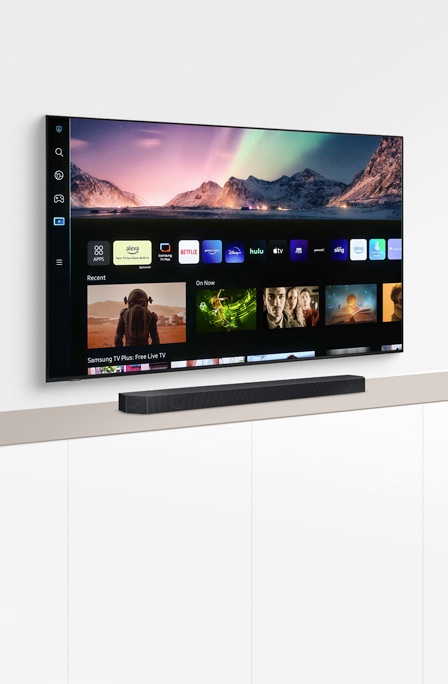
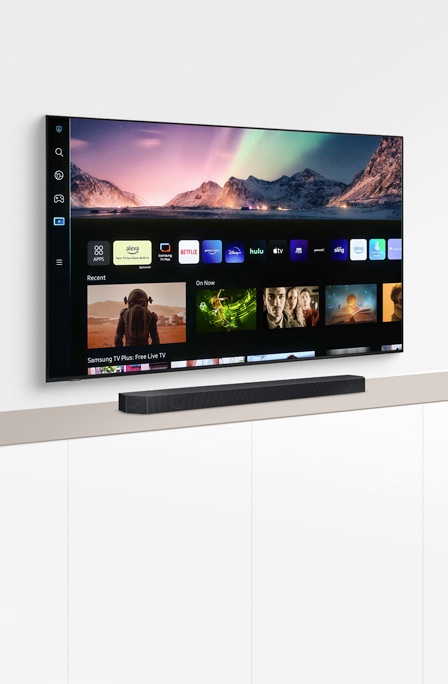
Interactive TV Simulator
Learn more about your TV and take advantage of all the latest functions using our Smart Interactive Simulator.


Samsung Members
![Samsung Members app icon]()
![Samsung Members app icon]()


Connect with Samsung experts and fellow fans for tips on how to get the most out of your Galaxy device. You can also get access to exclusive support features and other exciting perks.
Always here for YOU
![Always here for YOU]()
![Always here for YOU]()


Get the extra care you and your favorite products deserve with Samsung Customer Service.