Samsung


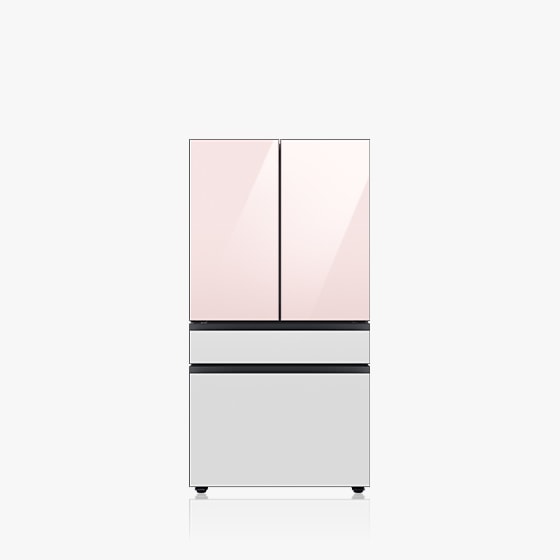
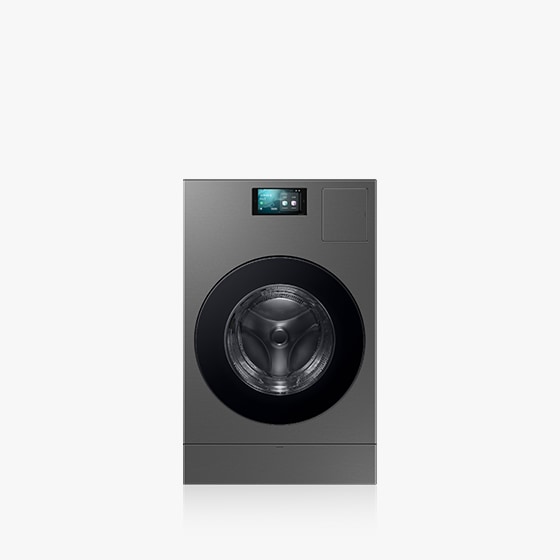
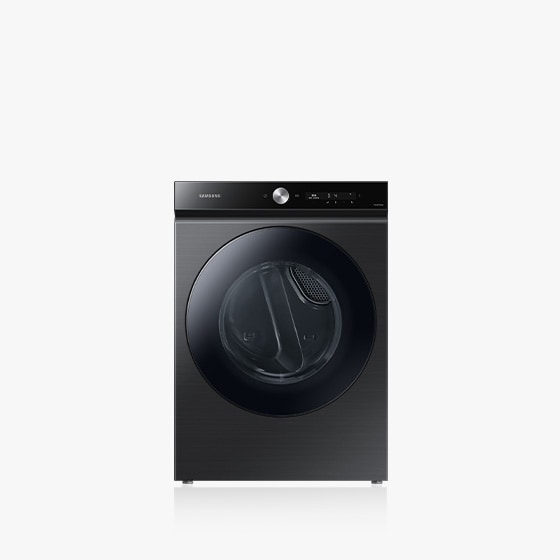
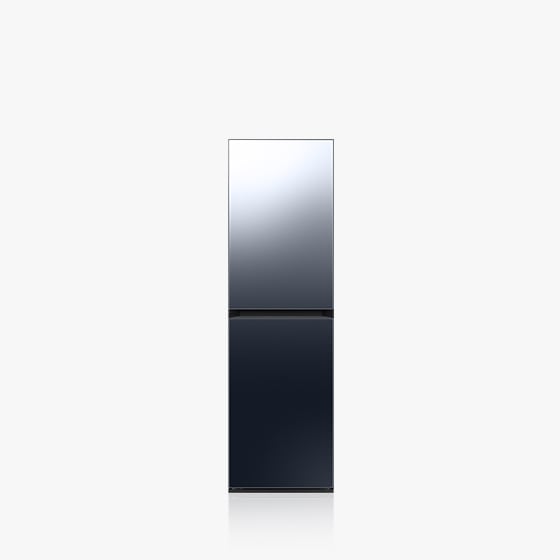
推薦商品


*技術來自全球電視銷售冠軍品牌:資料來源 - Omdia,(自 2006 年起)。僅供一般資訊參考,非任何形式之背書、認證或推薦,亦不對依據此資訊所作決策承擔任何責任。
*本網站提供之螢幕畫面及圖像內容,是僅為說明目的而展示的模擬畫面,僅供示意。
*圖片為模擬影像,僅供參考。實際 UX/UI 可能有所不同。販售顏色可能因國家、地區或電信商/通路而有所不同。產品皆為單獨販售。
*圖片為模擬影像,僅供參考。部分 AI 功能需登入 Samsung 帳號。
*5G 服務目前可支援台灣地區 5G 行動網路;國際漫遊時之 5G 功能,須俟測試通過,並依漫遊地區電信商支援狀況再行決定開放時程。
*5G 網路覆蓋範圍及速度,可能因不同地區/電信商而有差異。
*圖片為模擬影像,僅供參考。實際 UX/UI 可能有所不同。販售之顏色、尺寸、型號和錶帶可能因國家、地區或電信商/通路而有所不同。產品皆為單獨販售。練跑教練計劃適用於 Android 手機 (Android 10 或以上版本) 且需 Samsung Health 應用程式 (v6.30.2 或以上版本)。需登入 Samsung 帳號。服務僅適用於 Galaxy Watch8 系列或之後推出的 Galaxy Watch 系列。使用練跑教練計劃前,使用者需先完成測驗並取得跑步等級。
*內含經編輯的 AI 生成影像。
*生活家電產品販售之顏色、機型可能依國家/地區、通路業者而異。
¹資料來源: Ipsos Group S.A. 市調機構;調查執行於 2025 年 9 月,橫跨全球 30 個國家。
²研究指標: 依據購買力平價(PPP)加權之全球指數;針對 18 至 60 歲之冰箱或洗衣機持有者,共計 49,600 名受訪者。
³調查國家: 美國、加拿大、墨西哥、阿根廷、巴西、智利、秘魯、哥倫比亞、英國、德國、法國、義大利、西班牙、瑞典、荷蘭、瑞士、波蘭、羅馬尼亞、中國、印度、澳洲、印尼、越南、泰國、馬來西亞、阿拉伯聯合大公國(UAE)、沙烏地阿拉伯(KSA)、土耳其、南非、韓國。