QMB-T Series 55”


 Wishlist
 Message Us
 1-833-REVIEW8
- Images must be in BMP, PNG, GIF or JPEG format.
- File size must be 5 MB or less.
- Image must be at least 100 pixels tall.
- Image must be at least 100 pixels wide.
- It contains copyrighted media (and you don't hold the copyright)
- It contains media not related to the product
We may not publish your review if:
- It contains copyrighted media (an you don't hold the copyright)
- It contains media not related to the product

Delivery Details
Check availability in your area:



 Sorry, we have only units available for the selected configuration. Please


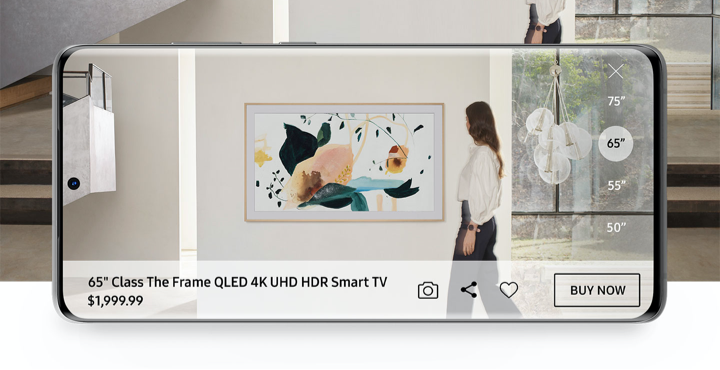
View the newest TVs in your room using our latest
Augmented Reality feature in the Shop Samsung app.


Finding the perfect fit can be a challenge. Now you can shop worry-free unlike ever before.
- Buy now by paying in full or with unbeatable Samsung Financing.
- Try out your purchase for up to 100 days, risk-free.
- Then, keep it or return it and get a full refund.
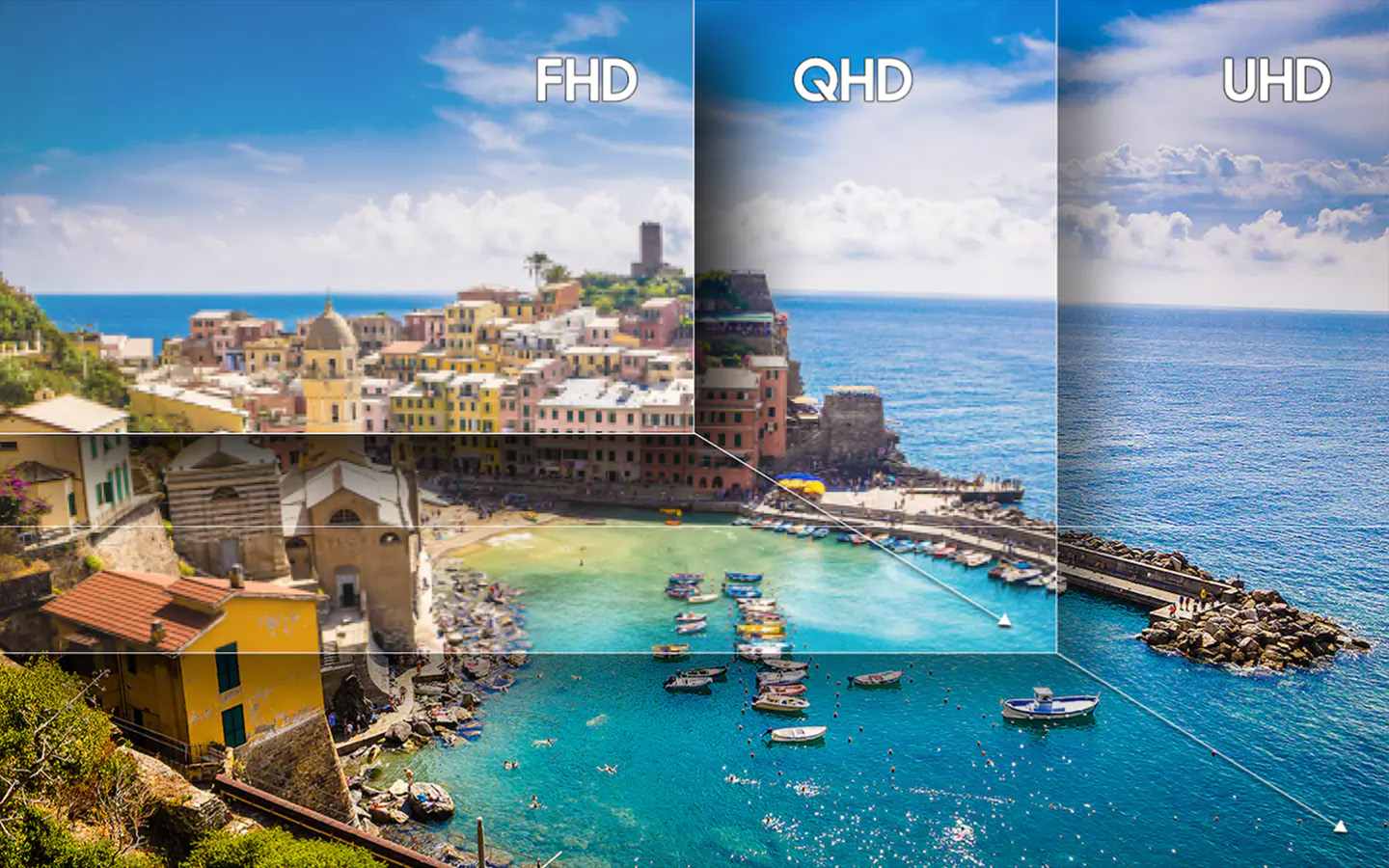
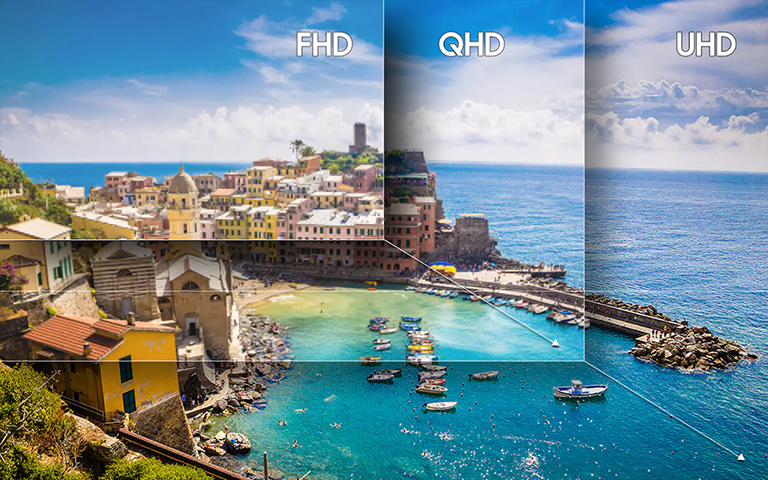
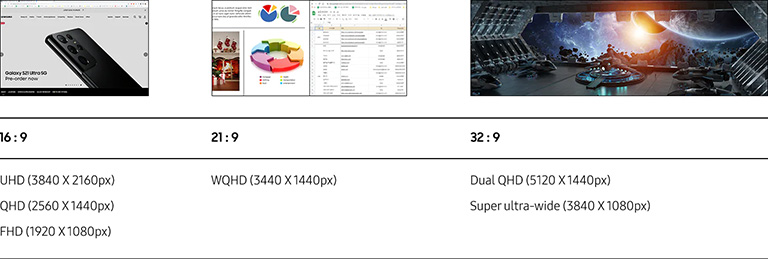
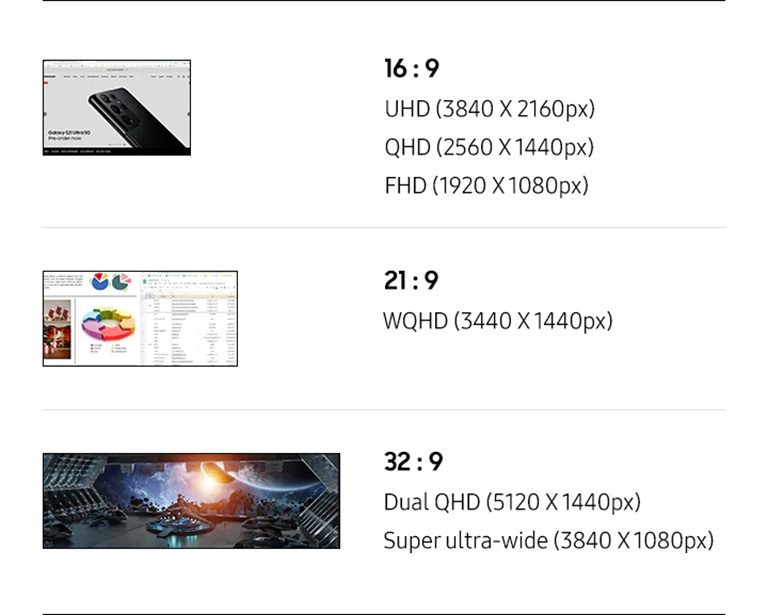
What is resolution?

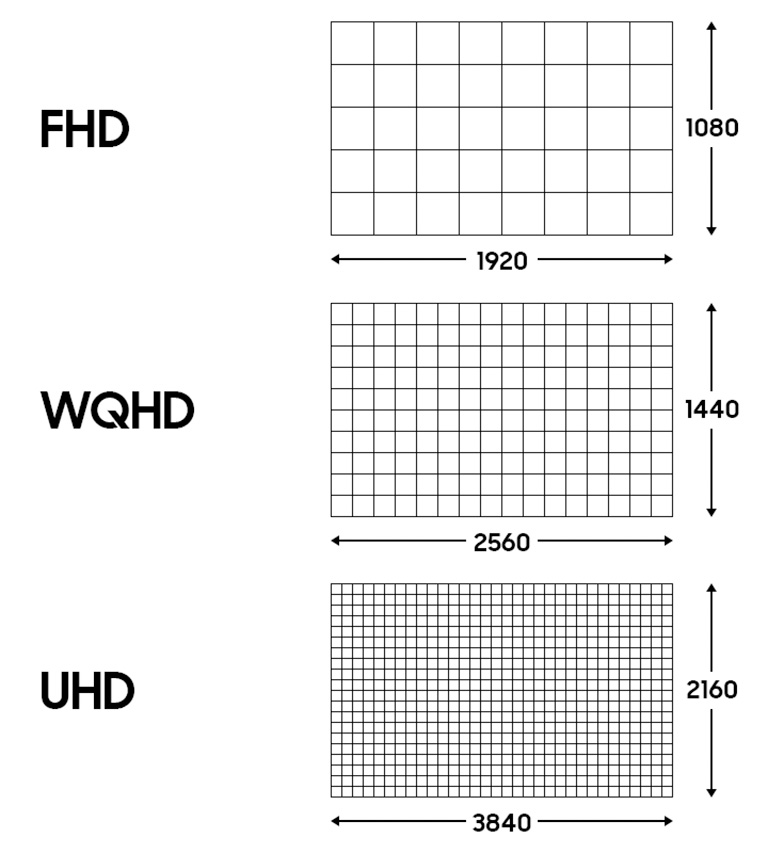
Larger Screens, higher resolution
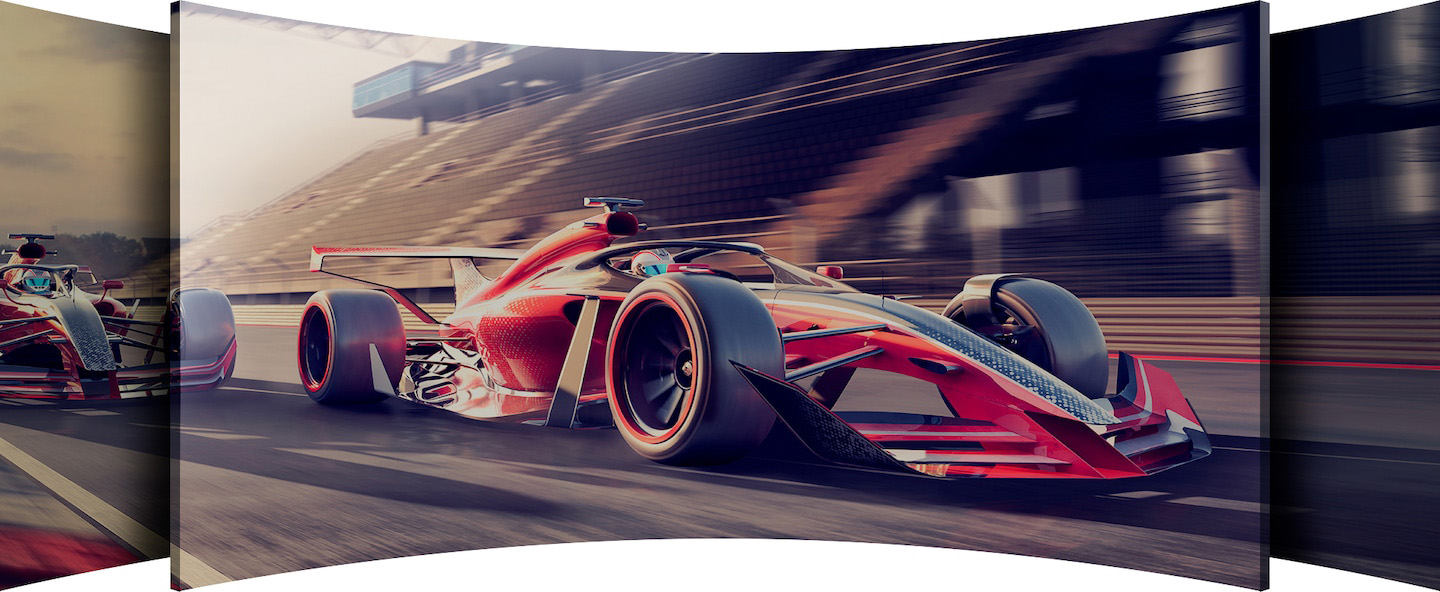
Are you Looking for a wider screen?
All-in-one touch solution for any environment
QMB-T displays maximize the touch display experience with a built-in, high performance Tizen-based media player. The all-in-one design eliminates the need for an external media player and an upgraded Tizen OS makes it easier than ever to utilize various touch apps.


Powerful touch experience
Upgraded Tizen OS makes playback more stable and opens up new possibilities with high-speed content. A responsive capacitive touch functionality offers an engaging user experience and the user-friendly design enables comfortable, productive digital interaction.
Captivate customers with UHD content
Samsung’s QMB-T series provides UHD resolution capabilities for incredibly clear content, increasing customer engagement with lifelike images that have been optimized to display exactly as intended.1

Better visibility even in sunlight
The QMB-T series offers improved visibility through non-glare glass which removes reflections that might disturb customer engagement, while the haze coating creates a smoother touch.

Built to be reliable and efficient
With an IP5X rating standard, the display is guaranteed to be efficient and reliable even in dusty environments. An innovative center IR means businesses implementing the display won’t have to make any adjustments, and a conformal coating protects the display from repeated customer interactions.
Built to be reliable and efficient
With an IP5X rating standard, the display is guaranteed to be efficient and reliable even in dusty environments. An innovative center IR means businesses implementing the display won’t have to make any adjustments, and a conformal coating protects the display from repeated customer interactions.


Integrated content and device management solution
Samsung’s MagicINFO solution enables easy content creation for touch display, and simple scheduling and management from a selection of curated images and videos. An early warning alert system ensures no downtime.2
Integrated content and device management solution
Samsung’s MagicINFO solution enables easy content creation for touch display, and simple scheduling and management from a selection of curated images and videos. An early warning alert system ensures no downtime.2


Maintain meeting room settings without unintended changes
Custom Home
Designed to simplify conference room management, Custom Home allows admins to lock specific meeting room settings, preventing users from changing settings between meetings. Now, conference rooms can work throughout the day as intended, without errors, allowing IT to focus on other tasks.
Simplified calibration between screens with mobile app
Smart Calibration
Guarantee complete brand consistency across every display in every location. Using the Samsung mobile app, Smart Calibration ensures every display is calibrated correctly, showcasing brand logos and other collateral in the exact colors required.3


Easier setups and updates for reduced workloads
Tizen Zero Config
Tizen Zero Config is essential for IT managers operating multiple units in different locations. Following display installation, IT professionals can register new apps through Tizen Business Manager and remotely install, eliminating needless travel and local installations.4
Supports the latest web-based content
Upgradable Web-engine
Upload any piece of content, no matter how innovative. QMB-T’s constant web-engine upgrades enable the latest types of content to be played without limitations, allowing for more diversified and engaging creative assets.

Flexible installation for custom designs
Auto Level
Keep content clear and steady. Auto Level automatically adjusts content when the screen is rotated from vertical to horizontal, for increased versatility in any space. Plus, it automatically recognizes incorrect pivot directions to keep the display always in the correct orientation.

Specifications
Specifications
Samsung ProCare Device Protection
Samsung ProCare Device Protection
Staying connected is critical. With ProCare Device Protection, you'll help ensure business continuity and maintain your company's valuable assets.
Staying connected is critical. With ProCare Device Protection, you'll help ensure business continuity and maintain your company's valuable assets.
Support
Support


Price, Promotion, Processing: Pricing, delivery date and other errors may be withdrawn or revised and/or your order may be cancelled at any time, without prior notice, before we have both (a) shipped or provided access to your product or service, and (b) received your payment for the product or service. All sales on Samsung.com are subject to the full Terms of Sale. Samsung is not responsible for any errors, omissions or misdirected or lost orders, or orders which may be delayed. Samsung reserves the right to modify pricing and modify or cancel promotions at any time, without prior notice.
Features and specifications are subject to change without prior notification.
1 The UHD feature is only supported for 43 inches and 55 inches display.
2 License for MagicINFO must be purchased separately.
3 Smart Calibration will be available through a firmware update launching in Q2 2022.
4 Tizen Zero Config will be available through a firmware update launching in Q2 2022.