Samsung *
Support Center
Whether it’s a product repair or just some help and advice. There are over 176 authorized support centers across Pakistan, operated by independent third parties, that can help you. All are fully trained and use genuine Samsung parts in all repairs. Find your product type below to see how you can get the face-to-face support you need

Maintenance mode
Maintenace mode protects your mobile device data privacy when sending your device for service.
Your data, photos, documents and user information will be safe and not accessible by anyone.
Make sure to put your phone in maintenance mode when you submit your device for service.


What product do you have?
-
- Smartphone, Tablet or Wearable
- To ensure the safety of your personal information, please remember to activate the maintenance mode before sending your phone in for repair. When maintenance mode is enabled, access to customer data within the device is restricted. Please click here to find out more about maintenance mode.
-
- 43' TV or smaller
- If you have one our smaller TVs, the quickest way for us to help you is for you to visit one of our authorised support centers from the list below.
-
- Other products
- For anything else, please contact us on 0800 -72678 and we will be able to advise you with the next steps.


Find a Support Center
TV & AV
Mobile Phone
Home Appliance
PC & Office
Displays
Healthcare
Apps & Services
How to search
please follow the steps below.
2 .Enter your city, town or post code
3. If no results appear, please increase the search radius (15KM, 20KM etc.)
Map
Enjoy Free Services for your Galaxy Devices at selected Stores
Keep your Galaxy device in top shape with our ''complimentary services ** '' available at selected authorized stores and locations operated by independent third parties”
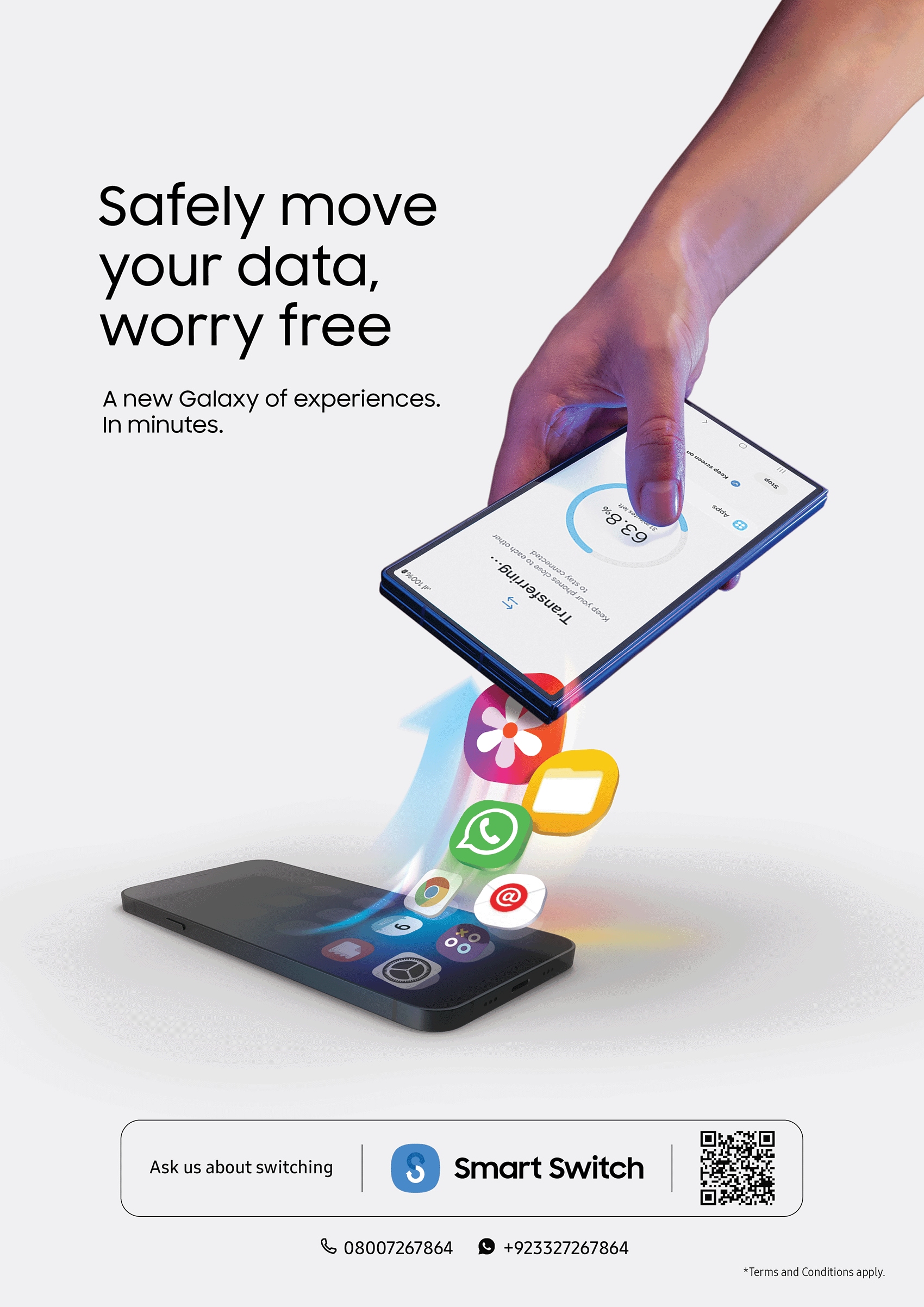
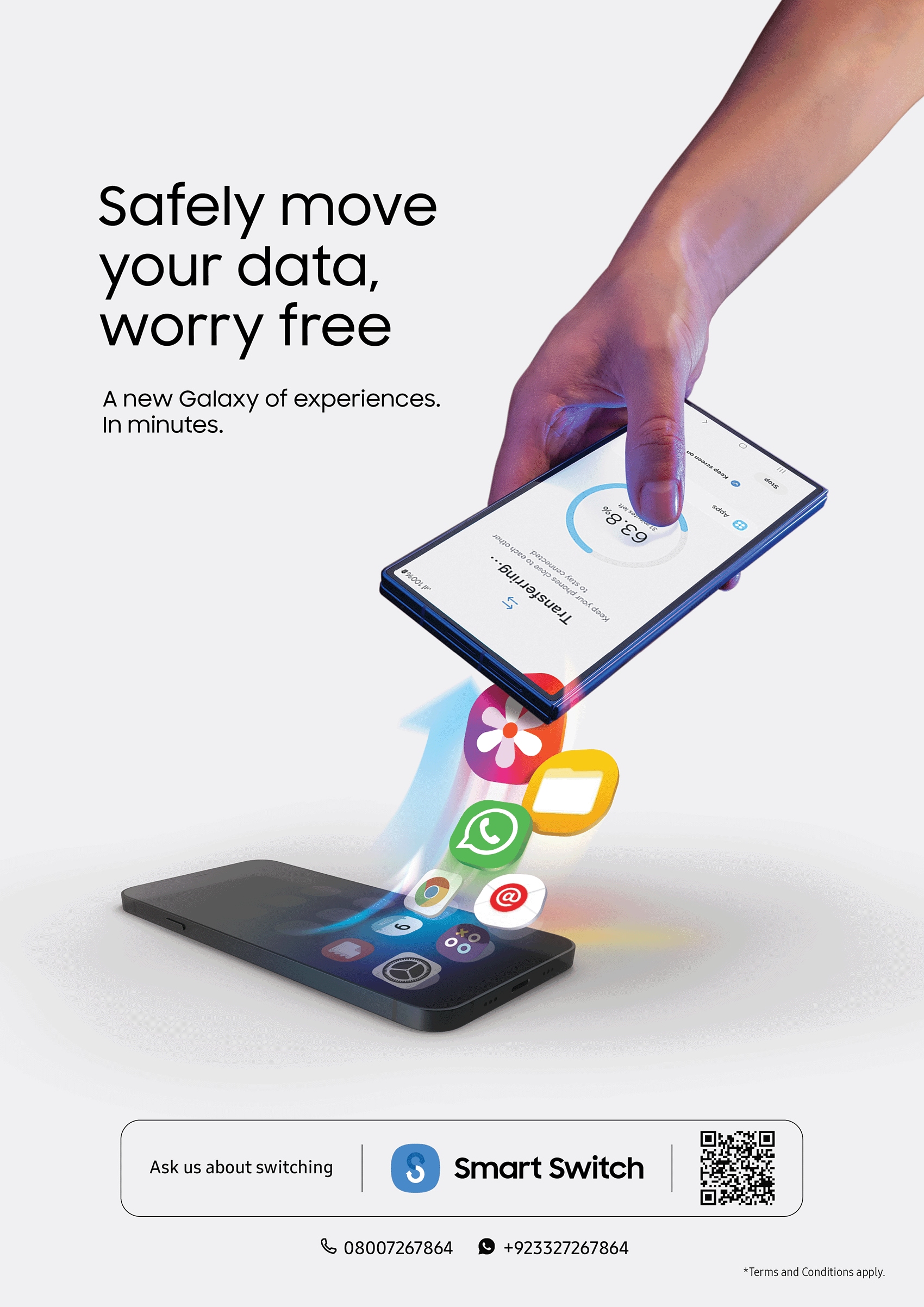
1. Smart Switch Data Transfer
Effortlessly transfer data from your old device to your new Samsung Galaxy with expert support.
2. Comprehensive Device Check-Up
Ensure your device runs smoothly with a full hardware and software health inspection.
3. Latest Software Updates
Boost performance and security by upgrading to the newest software versions.
4. Expert Technical Consultation
Receive one-on-one guidance on Galaxy AI features, battery care, screen time management, and more.
Need Help? We're Here for You. Meet with our Galaxy Consultants at following locations:
|
S.no |
City |
Shop Name |
Shop Address |
|---|---|---|---|
|
1 |
Karachi |
Samsung Premium Outlet |
L.G 19, Lower Ground Floor, LuckyOne Mall,Main Rashid Mehnaz Road, Karachi |
|
2 |
Lahore |
Samsung Premium Outlet |
Shop # 1079, First Floor, Packages Mall, Walton Road, Lahore |
|
3 |
Lahore |
Samsung Premium Outlet |
Shop # G-27, Emporium Mall, Lahore |
|
4 |
Islamabad |
Samsung Outlet F7 |
Ufone/Ptcl Joint Shop, Plot 13B, College Road, F-7 Markaz, Islamabad |
|
5 |
Bahawalpur |
Samsung Experience Store |
Opposite J.Huqqi Center Market,DC Office Chowk, Bhawalpur |
|
6 |
Multan |
Samsung Experience Store |
Shop # 5 Shareef Complex, Tehsil Chowk Gulgasht, Multan |
|
7 |
Faisalabad |
Samsung Experience Store |
Lower Ground Floor, Lyllpur Galleria, Canal Road Faisalabad |
To Learn more :https://www.samsung.com/pk/apps/smart-switch/
* Support centers operated by independent third parties
** The complimentary services for Galaxy Devices described above are performed by independent third parties, but Samsung-authorised service providers, and are subject to availability at the mentioned outlets. While all reasonable care will be taken during the service of Galaxy Devices, Samsung shall not be liable for any loss, damage, data loss, or any other defect arising from or in connection with the provision of these services. Risk of data loss is inherent in data transfers and device updates, and Samsung does not assume any liability for such eventualities. Samsung reserves the right to modify, suspend, or discontinue any free service at its sole discretion without prior notice.
