We're here for you
Welcome to Samsung Support


related search
Product Support
Get help, find answers, download drivers, manuals and more.


How to find model code
Select from the menus below to find your model number.
- Type
- Sub Type
- Category
Topic
New TVs eligible for 2 years extended warranty
Register your new TV for 2 years extended warranty within 30 days from your date of delivery or purchase (whichever is later).
Find additional information
Warranty
![Warranty]()
![Warranty]()


Register your product and find out what's covered.
Repair Cost Estimator
![Screen Replacement for Smartphones]()
![Screen Replacement for Smartphones]()


Find out what is the estimated cost to repair your Samsung products if they are damaged.
Samsung Members Community
![]()
![]()


Your new hub for all things Samsung and beyond. Connect with Samsung experts, super-fans, and other Community members on the latest tips, features and Samsung products.


Smart Switch
![Smart Switch]()
![Smart Switch]()


Receive a seamless transfer of contacts, photos, messages and more from your old device to your new galaxy with Samsung Smart Switch


Galaxy Battery
![Galaxy Battery]()
![Galaxy Battery]()


Check out how you can take better care of your battery through proper use and charge.
Service Terms and Conditions – Data Related
![Service Terms and Conditions – Data Related]()
![Service Terms and Conditions – Data Related]()


Check out the latest Samsung Service T&Cs and Data Backup & Deletion Policy


Maintenance mode
![Maintenance mode]()
![Maintenance mode]()


How to use Galaxy Maintenance mode to secure your device when a repair is in progress
Back up & Restore data
![back up and restore]()
![back up and restore]()


Find out the various ways to backup and restore data on your Galaxy device.
How to




Manuals & Documents


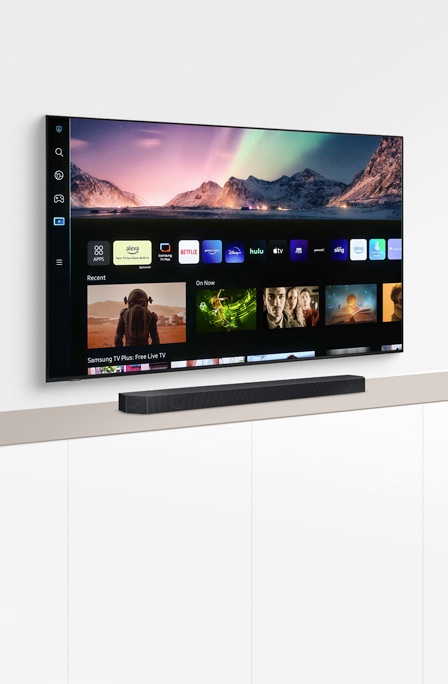
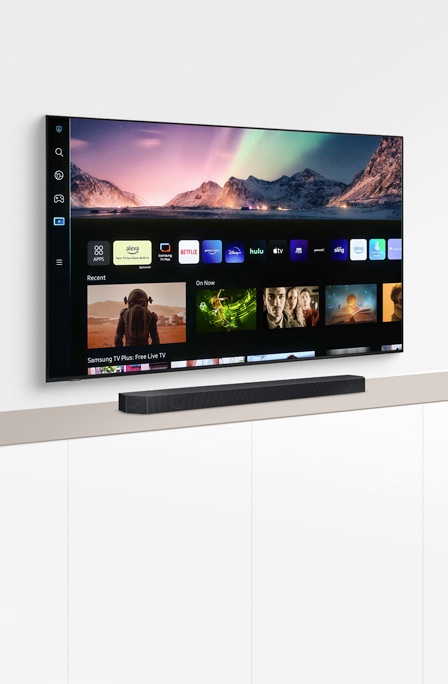
Interactive TV Simulator
Learn more about your TV and take advantage of all the latest functions using our Smart Interactive Simulator.


Samsung Members
![]()
![]()


Connect with Samsung experts, super-fans, and other Community members for tips on features and how to get the most out of your Samsung product.


RC01_Static Content