SmartThings Find仍顯示沒有使用的舊有裝置
最後更新日期 : 2026年1月9日
重要提醒:此頁面的資訊只適用於香港產品。產品型號、畫面序列或設定會根據您所在地區及/或購買產品的地區而不同。請按此跳轉至您所在地區的服務支援頁面。
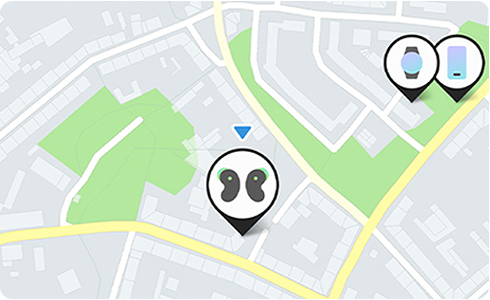
如果你的裝置已出售或不再使用,請按照以下步驟操作,在SmartThings Find刪除該裝置:
1
前往「SmartThings」,選擇「SmartThings Find」。
2
選擇欲刪除的裝置,然後以鏈結前往「尋找我的」頁面。
3
點選右上方的「更多」按鍵,並選擇「移除」來刪除裝置。
![Screen to select the device to delete, then click the map.]()
![Screen to select the device to delete, then click the map.]()
![Screen to use link at the bottom to go to the “Find My Mobile” site.]()
![Screen to use link at the bottom to go to the “Find My Mobile” site.]()
![Click “More” in the top right corner in the SmartThings Find.]()
![Click “More” in the top right corner in the SmartThings Find.]()
![Tap “Remove” in the SmartThings Find.]()
![Tap “Remove” in the SmartThings Find.]()


步驟一:輕觸欲刪除的裝置,再點選該裝置。


步驟二:點選「尋找我的」下方的鏈結。


步驟三:點選右上方的符號 ⋮ 。


步驟四:點選「移除」。
感謝您提供意見讓我們了解您的需要
請回答所有問題。
RC01_Static Content : This text is only displayed on the editor page