How to update your Samsung Galaxy phone or tablet
Last Update date : Apr 05. 2026
You can update your Samsung Galaxy phone or tablet from the Software update settings. Keeping your device updated improves performance, enhances security, and fixes bugs.
Make sure your device has enough battery and a stable internet connection before starting the update.
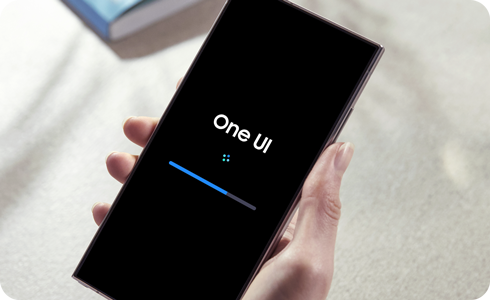
How to Perform a Software Update


Step 1. Open Settings > Tap Software update.


Step 2. Tap Download and install > Tap Install now.
Thank you for your feedback!
Please answer all questions.