SmartTV - Checking Sound Quality/Sound Test
Last Update date : Oct 27. 2020
Checking Sound Quality/Sound Test
1. Turn the TV on.
2. Press MENU on the TV remote, or on the TV itself

3. Use the ▲ or ▼ arrow button on the remote to select the Support section of the menu, then press ENTER
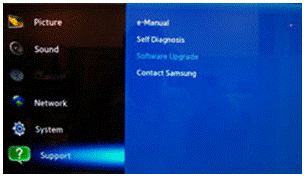
Use the Up (▲) or Down (▼) arrow to select the Self Diagnosis option, then press ENTER.
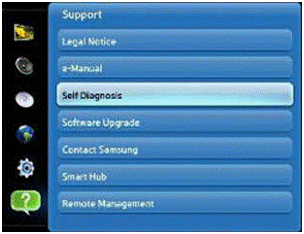
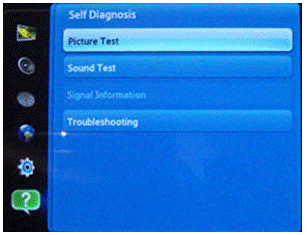
The Self Diagnosis menu will appear and be defaulted to the Picture Test. Press ENTER.
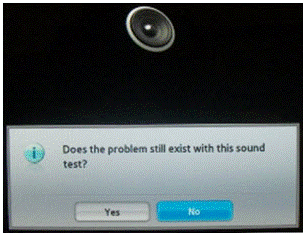
Note: To perform a Sound test press the Down (▼) arrow button to select Sound Test
Thank you for your feedback!
Please answer all questions.
Samsung Official Online Store
![]()
![]()


Shop online for the latest Samsung smartphones, tablets, wearables and accessories.
Samsung Members
![samsung members]()
![samsung members]()


Connect with Samsung experts, super-fans, and other Community members for tips on features and how to get the most out of your Samsung product.

