How to back up Samsung data using Smart Switch?
Last Update date : Apr 22. 2026
You can back up and restore data on your Samsung Galaxy using Smart Switch with a PC, SD card, or USB storage to keep your data safe and transferable.
Using Smart Switch on PC
- Install Smart Switch on your PC.
- Connect your Galaxy device to the PC.
- Back up or restore data using Smart Switch.
Using SD card backup on the Smart Switch mobile app
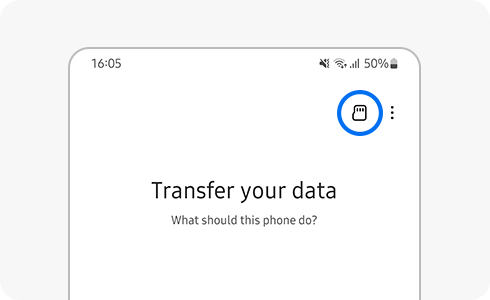
- Open Smart Switch and tap the SD card icon.

- Select the SD card.

- Choose the data to back up and tap Next.

Back up to USB storage
- Connect your device to USB storage.
- Open Smart Switch.
- Back up data to USB storage.
Notes:
- Delete previous backups on the SD card to keep only the latest backup.
- USB backup may create multiple backup files over time.
Thank you for your feedback!
Please answer all questions.