How can I download Apps on Freestyle?
Last Update date : Apr 23. 2026
You can download apps on The Freestyle using Smart Hub. Follow the steps below to access and install your desired apps.
1
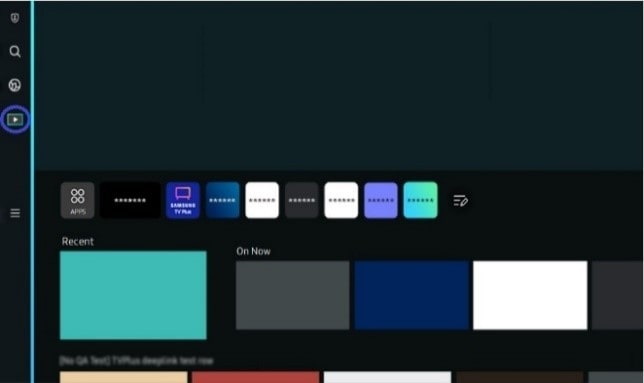
Open Media from Home. Go to the Home screen and select Media.
![1]()
2
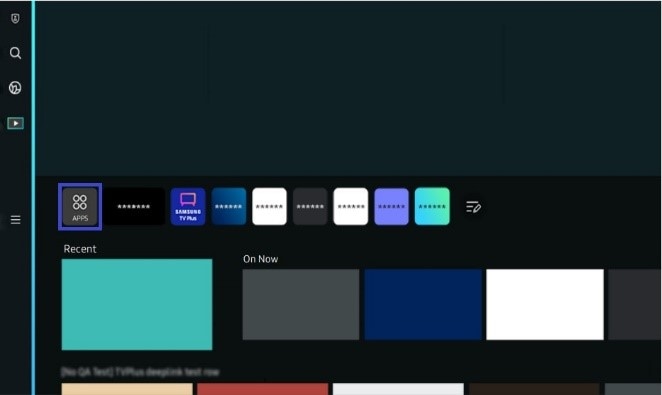
Open Apps. Navigate to and select APPS.
![2]()
3
Install an app. Browse or search for the app you want, select it, then choose Install.
Note: You can install a wide range of apps available on Smart Hub, including video, music, sports, and games.
Thank you for your feedback!
Please answer all questions.