How to use Running coach on Galaxy Watch8
Last Update date : Apr 19. 2026
You can use Running coach on Galaxy Watch8 by completing a 12-minute running test.
After the test, your watch creates a personalised training plan based on your performance.
Running coach analyses your data such as heart rate, VO₂max, distance, and pace to recommend a structured training plan.

How to use Running coach
- Open Samsung Health on your Galaxy Watch
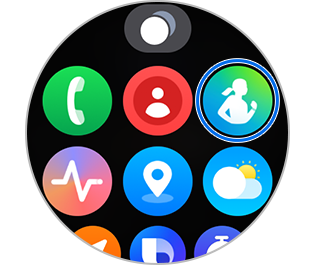
- Tap Exercise
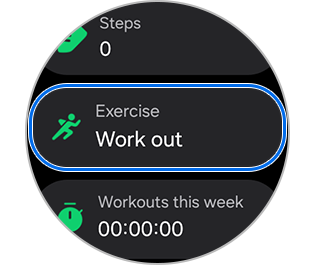
- Swipe and select Running coach
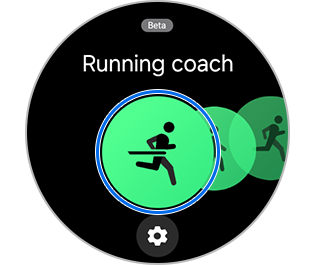
- Tap Find your running level and follow the on-screen instructions
- Complete the 12-minute running test
- View your personalised training plan after the test finishes


Test result


Training plan
Notes:
- You must run continuously for 12 minutes to complete the level test
- After the test, rate the difficulty on a 10-point scale to finalise your level
- You can reset the Running coach:
Samsung Health > Running coach > Training plan > Test again - Device menus and screens may vary depending on model and software version
- Image is simulated and actual UI may differ
Thank you for your feedback!
Please answer all questions.