We're here for you
Search Samsung Support

related search
Topics

Best Customer Service 2023 Award


2024 Winner
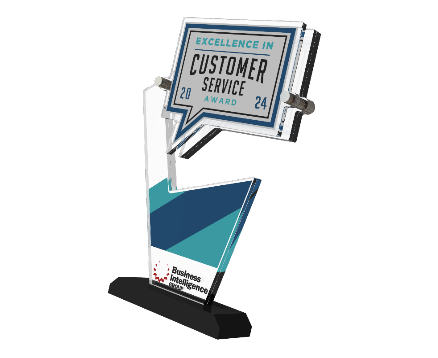
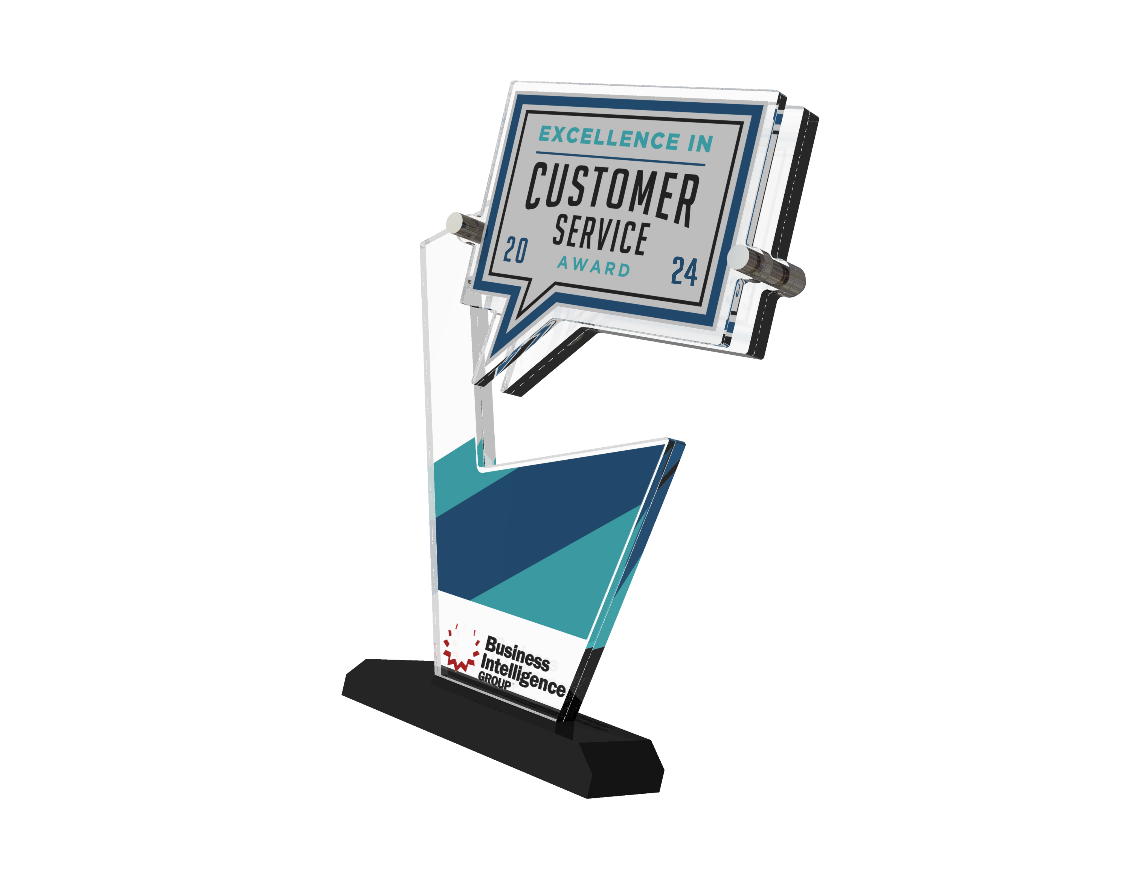
Gold Award Winner


2024 Ranked #1
Samsung Appliances for Warranty Coverage, Service Experience, Ease of Arranging Service, Timeliness of Service Repair, Courtesy and Helpfulness of Service Tech.*
Samsung TV for Overall Customer Satisfaction, Product Quality, Service Quality and Service Experience.1
Gold Award Winner


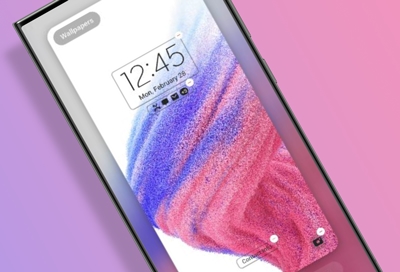
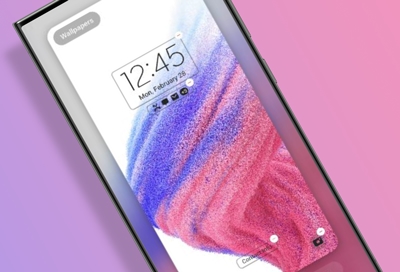


How to find model code
- Category
- Type
Contact Samsung Support




-
Mobile 8 AM - 12 AM EST 7 days a week
-
Home Electronics & Appliance 8 AM - 12 AM EST 7 days a week
-
IT/Computing 8 AM - 12 AM EST 7 days a week
-
Text Support 24 hours a day 7 days a week
**Price is reflective of purchasing the lowest price Certified Re-Newed phone with a cracked screen trade in. See Terms & Conditions
1 Based on the 2024 ACSI® Survey of customers rating their TV manufacturer. Samsung was rated #1 in Overall Customer Satisfaction, Product Quality, Service Quality and Service Experience. Samsung tied with one other manufacturer for Courtesy and helpfulness of Service Tech, Service Experience and Call Center Satisfaction Index. Samsung tied with two other manufacturers for Ease of arranging service. ACSI and its logo are registered trademarks of the American Customer Satisfaction Index. For more about the ACSI, visit www.theacsi.org
3 Out-of-warranty transparent pricing is only available on samsung.com/support for Home Appliances.
* Based on the 2024 ACSI® Survey of customers rating their appliance manufacturer. Samsung was rated #1 in Warranty coverage, Service Experience, Ease of Arranging Service, Courtesy and Helpfulness of Service Tech, and Timeliness of Service Repair. The #1 rating for warranty coverage is shared with one other manufacturer. ACSI and its logo are registered trademarks of the American Customer Satisfaction Index. For more about the ACSI, visit www.theacsi.org
‡ Coverage includes 99.9% of delivery zip codes (excluding P.O. box, APO/FPO/DPO) by our largest retailer; in-warranty service only.


You Are About To Be Redirected To Investor Relations Information for U.S.
Thank you for visiting Samsung U.S. Investor Relations. You will be redirected via a new browser window to the Samsung Global website for U.S. investor relations information.Redirect Notification
As of Nov. 1, 2017, the Samsung Electronics Co., Ltd. printer business and its related affiliates were transferred to HP Inc.For more information, please visit HP's website: http://www.hp.com/go/samsung
- * For Samsung Supplies information go to: www.hp.com/go/samsungsupplies
- * For S.T.A.R. Program cartridge return & recycling go to: www.hp.com/go/suppliesrecycling
- * For Samsung printer support or service go to: www.hp.com/support/samsung
Select CONTINUE to visit HP's website.