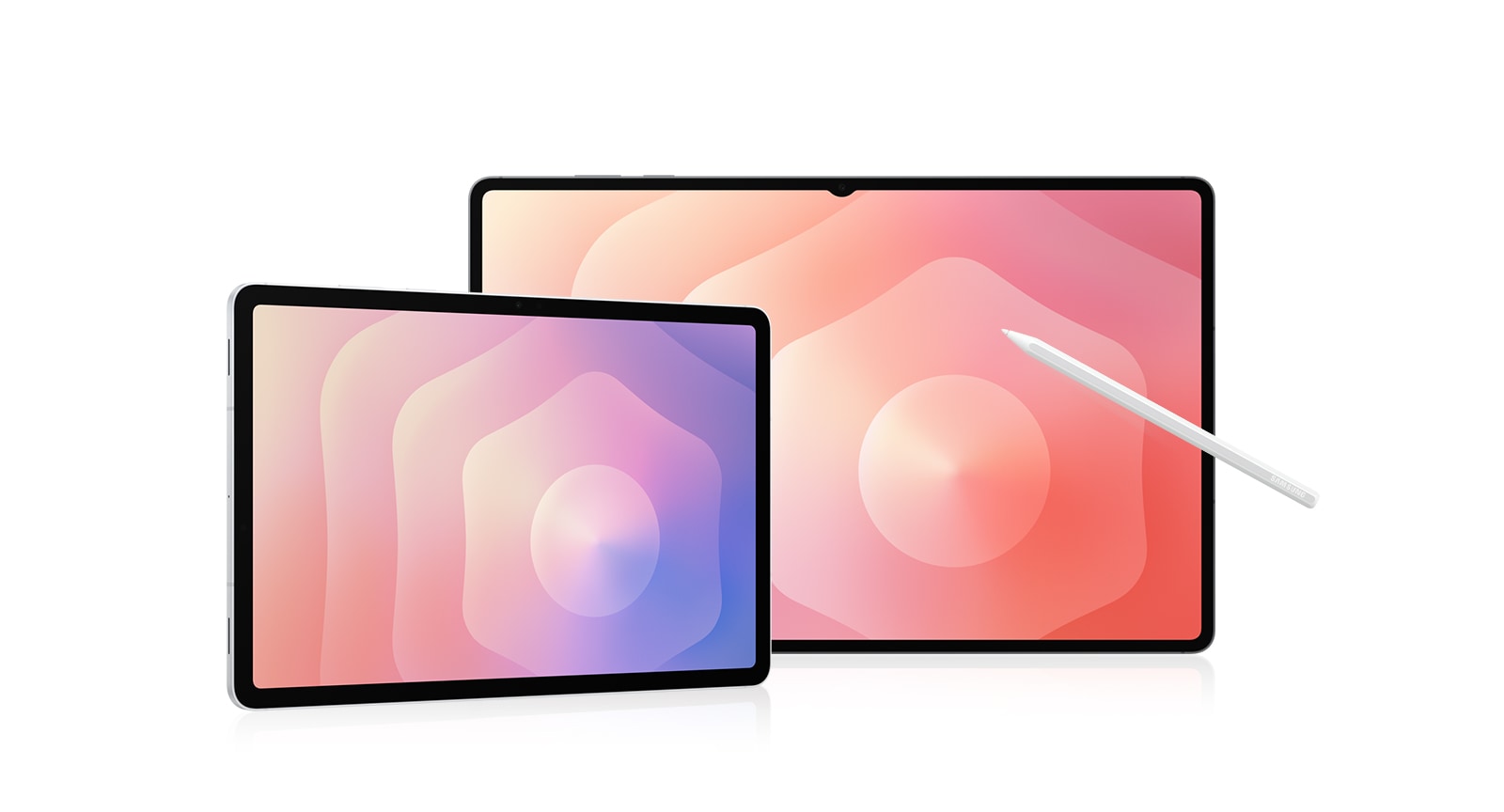
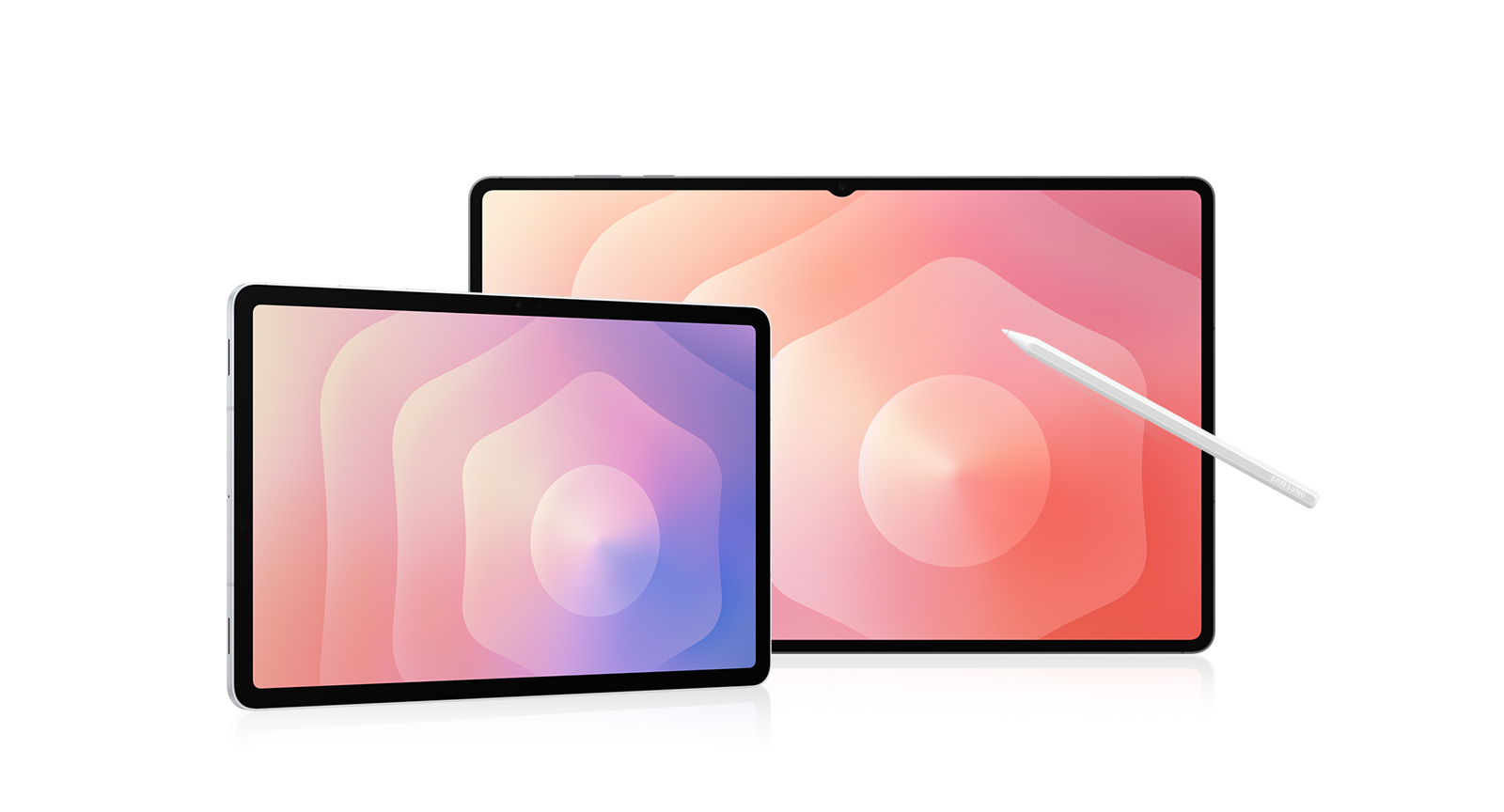
Galaxy Tab S11
Free In-Box Book Cover Keyboard worth up to ₱10,990
Together with instant discount:
● Galaxy Tab S11 Ultra 256GB: ₱ 85,990 (Save ₱4,000)
● Galaxy Tab S11 Ultra 512GB: ₱ 91,990 (Save ₱3,000)
T&Cs apply.
Boost productivity with bundle savings!
Save up to 30% off when you pair the new Galaxy Tab S11 | Tab S11 Ultra with select Galaxy Watches, Buds, Accessories, or Galaxy smartphones.
Buying Tool
Samsung Trade-in
Choose Between
Payment Plan Options
Samsung Upgrade Program
Purchase Option
Samsung Care+
Please select Samsung Care+ or no coverage
Trade-in, Samsung Care+, Tariff, Offer are not compatible with Rental option.
Samsung
Finance+ EMI
Offers
Samsung.com Advantage
Delivery
Enter your postal code to check available delivery options.
Offers
Reached maximum order quantity for this product.
FAQ
Click to Expand-
A. When you unbox your new Galaxy Tab S11 or Tab S11 Ultra, you’ll find an S Pen for precise note-taking and creative tasks, a quick start guide to get you set up, an ejection pin for the SIM/microSD tray, and a USB Type-C data cable for charging and connecting. <br><br> *In-box items may vary by country, region, or service provider.<br> *The data cable is available in white only.<br> *Travel Adapter is NOT included.
-
A. Yes, Galaxy Tab S11 and Tab S11 Ultra are versatile tablets designed to handle work, study, and entertainment. Both models come with an S Pen to take notes, sketch, or solve math problems easily. Galaxy Tab S11 features a compact 11.0-inch display, measures 253.8 × 165.3 × 5.5 mm, and weighs around 469 g, while Galaxy Tab S11 Ultra offers an expansive 14.6-inch display, measures 326.3 × 208.5 × 5.1 mm, and weighs around 692 g. Both are great for reading, attending online classes, or streaming content. With long battery life and smooth performance, both are great choices for everyday tasks and relaxation.
-
A. Yes, Galaxy Tab S11 supports both S Pen and Book Cover Keyboard Slim. S Pen is included in the box and allows for precise writing, sketching, and note-taking.<br> Pair your Galaxy Tab with Book Cover Keyboard Slim that turns it into a work-ready setup. For added versatility and protection, you can use Book Cover which offers flexible viewing angles, and Anti-Reflecting Screen Protector which helps reduce glare. <br><br> *Accessories sold separately.<br> *Availability and sales of accessories may vary by country or region.<br> *Features and keyboard layout may vary by model or type of language.
-
A. Galaxy Tab S11 Series is eligible for up to 7 generations of Android OS upgrades, along with 7 years of security updates from the date of global launch. This long-term software support helps keep your tablet secure, up to date, and compatible with the latest features over time. <br><br> *Availability and timing of Android OS upgrades and security updates may vary by device model and market.
-
A. Yes, you can quickly and easily transfer your iOS data to Galaxy Tab S11 Series using Smart Switch.<br> Smart Switch is a tool that simplifies transferring data from one device to another by allowing you to seamlessly move contacts, photos, videos, notes, calendar events and more. You can connect your new Galaxy Tab S11 Series to your old device using a cable or wirelessly using the Smart Switch app. <br><br> *Wired transfers from iOS require the receiving device to have Android™ 5.0 or later and the sending device to have iOS 5 or later. Transfers can be completed without a cable through a wireless connection or iCloud. For wireless connections, the receiving device must have Android™ 5.0 or later and the sending device must have iOS 12 or later. iCloud transfers require the receiving device to have Android™ 5.0 or later and the sending device to have iOS 5 or later. Open Smart Switch Mobile in “Settings” on the receiving Galaxy device or download the Smart Switch Mobile app from the Galaxy Store. For wireless transfers, download Smart Switch for iOS from the App Store on your iPhone or iPad. Data, content and apps available for transfer may vary by transmission method. Contacts, gallery, videos, calendars and reminders can be transferred wirelessly from an iOS device.
-
A. Galaxy Tab S11 Series offers a range of memory and storage combinations to suit your needs. Galaxy Tab S11 Ultra is available in 16 GB + 1 TB, 12 GB + 512 GB, or 12 GB + 256 GB. Galaxy Tab S11 is available in 12 GB + 512 GB, 12 GB + 256 GB, or 12 GB + 128 GB. If you need more space, both models support microSD card (sold separately), so you can easily expand your storage for apps, class notes, creative projects, or media. <br><br> *Storage options and availability may vary by country, region or carrier.<br> *Actual storage availability may vary depending on pre-installed software.<br> *MicroSD card sold separately. All models support microSD cards with up to 2 TB storage. External memory can be used to store media (photos, video and music files). Availability may vary by country and manufacturer.
-
A. If you want Galaxy's most powerful tablet experience with AI built for real productivity, Galaxy Tab S11 Series is the one to choose. Its ultra-slim design packs next-level performance and a massive display that's still easy to carry. Galaxy AI supports your day with multi-modal intelligence, helping you undestand content, stay organized, and create faster across apps. Plus, the new DeX offers a more intuitive experience for multitasking, so you can work smarter anytime, anywhere.
-
A. When you buy from Samsung.com, you get access to exclusive benefits including Trade In and Samsung Care+.<br> If you purchase your Galaxy Tab S11 Series from us, you can receive discounts towards your new smartphone when you trade in almost any device including smartphones, wearables and tablets.<br> Samsung Care+ is coverage for your new device that extends beyond the standard warranty, offering protection against accidental damage and providing more peace of mind to our customers. <br><br> *To be eligible for trade in, your qualifying device must meet all trade in Program eligibility requirements. For detailed information, please refer to www.samsung.com/my/trade-in/.<br> *Terms and conditions apply. Samsung Care+ coverage, service type and promotion details may vary by country/region and deductible (service fee) may apply. To be eligible for Samsung Care+ promotion benefit, registration may be required. For detailed Samsung Care+ information, please visit https://www.samsung.com/my/samsung-care-plus/.