How to pay using Samsung Wallet on Galaxy?
Last Update date : Apr 22. 2026
You can make payments with Samsung Wallet by opening your card, verifying with PIN or fingerprint, and tapping your phone on the payment terminal.
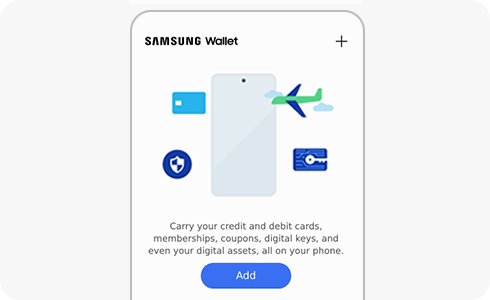
- Swipe up from the bottom of the screen to open Samsung Wallet.
- Select your card by swiping left or right if needed.
- Tap the fingerprint button or enter your PIN to activate payment mode.
- Place the back of your phone on the payment terminal.
Notes:
- You may need to enter your card PIN on the terminal to complete the payment.
- You have limited time to tap the phone; repeat the step if it times out.
- You can use Samsung Wallet abroad if your card issuer supports international payments.
- Activation may take 5–10 minutes after adding a card.
- Internet is required when adding a card to Samsung Wallet.
Thank you for your feedback!
Please answer all questions.