How to automatically refresh the Samsung Galaxy weather widget through movement
Last Update date : Apr 15. 2026
The Galaxy Weather widget on Samsung devices running Android 13 (One UI 5) can automatically refresh when movement is detected. This helps keep your weather information updated without needing to refresh it manually.
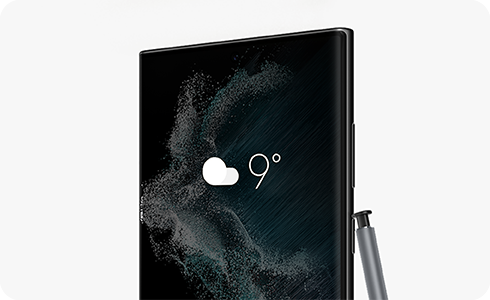
How to turn on automatic refresh on the go


Step 1. Check the weather widget on your home screen. If a refresh icon is visible, auto refresh is currently off. If the refresh icon is not shown, auto refresh is already turned on.


Step 2. Tap Menu icon.


Step 3. Tap Settings.


Step 4. Turn on “Auto refresh on the go”.


Step 5. Once enabled, the manual refresh icon will disappear and the weather widget will automatically update when movement is detected.
Notes:
- This feature is available on devices running Android 13 (One UI 5) or later.
- The widget updates automatically when motion is detected to provide more accurate weather information.
Thank you for your feedback!
Please answer all questions.