Tips to caring for the Galaxy Z Fold3 or Galaxy Z Flip3
Last Update date : Apr 28. 2026
The Galaxy Z Fold3 and Galaxy Z Flip3 are designed with foldable glass technology, offering a unique and flexible experience. To maintain their performance and durability, it is important to follow proper care and handling guidelines.
Handle the screen with care
- Do not press the screen with sharp or hard objects.
- Avoid applying excessive pressure to the display or camera area.
- Use only compatible accessories, such as the S Pen Fold Edition for Galaxy Z Fold3.


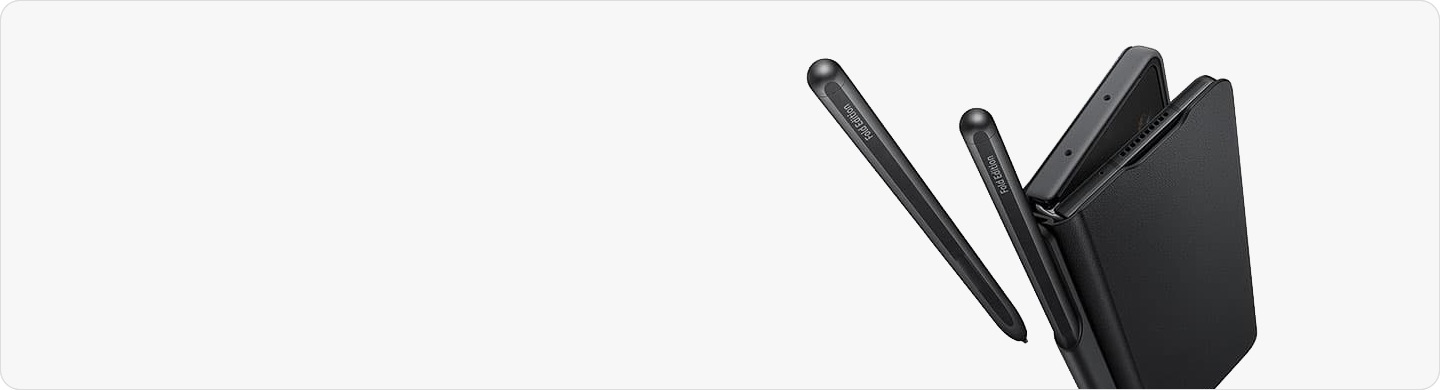
Ensure there are no objects such as coins, cards, or keys before folding the device.
Remove all foreign objects in between the screen
Ensure there are no objects such as coins, cards, or keys before folding the device.


Note:
- Magnetic items like cards may be damaged.
- The device is water-resistant (IPX8) but not dust-resistant.
- Avoid exposure to sand or small particles.
- Use only Samsung-approved screen protectors.
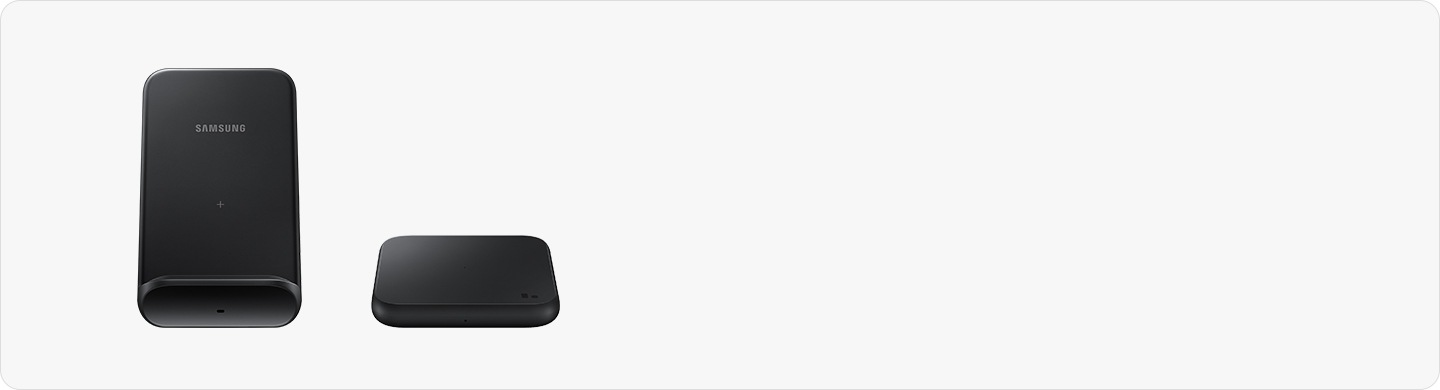
Use wireless charging properly
Galaxy Z Fold3


Galaxy Z Flip3


Notes:
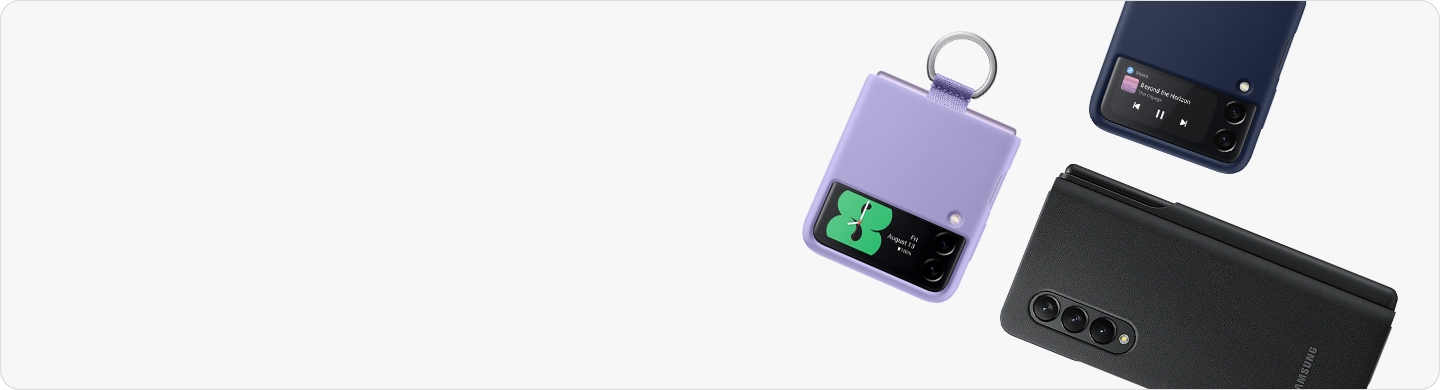
- Use original Samsung chargers and covers for best performance.
- Remove metallic or magnetic objects before charging.
- Charging indicators should light up when properly aligned.
Use Samsung Pay correctly
Galaxy Z Fold3


Galaxy Z Flip3


Notes:
- A stable internet connection is required during setup.
- In order to use Samsung Pay on the foldable phones(Galaxy Z Fold and Galaxy Z Flip series), you need to install Samsung Pay on the products first. Please connect your devices to a strong internet connection, either via your Mobile Data or Wi-Fi connections during the setup process.
Thank you for your feedback!
Please answer all questions.