Stop Photo Link Sharing on Samsung Phone
How to stop sharing photos as links on my Samsung Galaxy phone
If your Samsung Galaxy phone automatically sends photos as web links instead of MMS attachments, you can disable this feature in the Messages app settings. This behavior often occurs due to default media sharing preferences set by the app.
1. Why does my Samsung phone share photos as links?
Samsung devices may default to link sharing for photos to save data and optimize messaging performance. This feature converts images into web links that recipients can access through a browser. While convenient for large files, it may not suit users who prefer direct MMS attachments.
- Link sharing conserves mobile data by reducing file size.
- It ensures compatibility with carriers that limit MMS attachment sizes.
- Some users experience issues with link sharing due to network restrictions or recipient device limitations.
2. How to disable link sharing for photos
- Open the Settings app on your Samsung Galaxy phone.
- Scroll down and tap on Apps.
- Find and select the Messages app from the list.
- Tap on Permissions.
- Select Photos and videos.
- Choose Don't allow to disable link sharing.
3. Additional things to check
After disabling link sharing, ensure your Messages app is up to date:
- Open the Galaxy Store or Google Play Store.
- Search for the Messages app.
- Tap Update if available.
Also, verify that your device has sufficient storage space. Low storage can force the app to use alternative sharing methods.
4. Supported Samsung Galaxy devices
This solution applies to most Samsung Galaxy smartphones, including:
- Galaxy S24, S25, S26 series
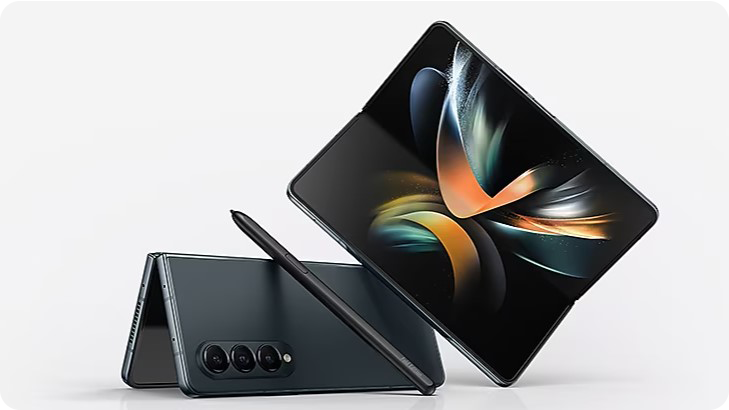
- Galaxy Z Fold and Z Flip series
- Galaxy A series devices
5. Related Samsung support topics
Thank you for your feedback!
Please answer all questions.