
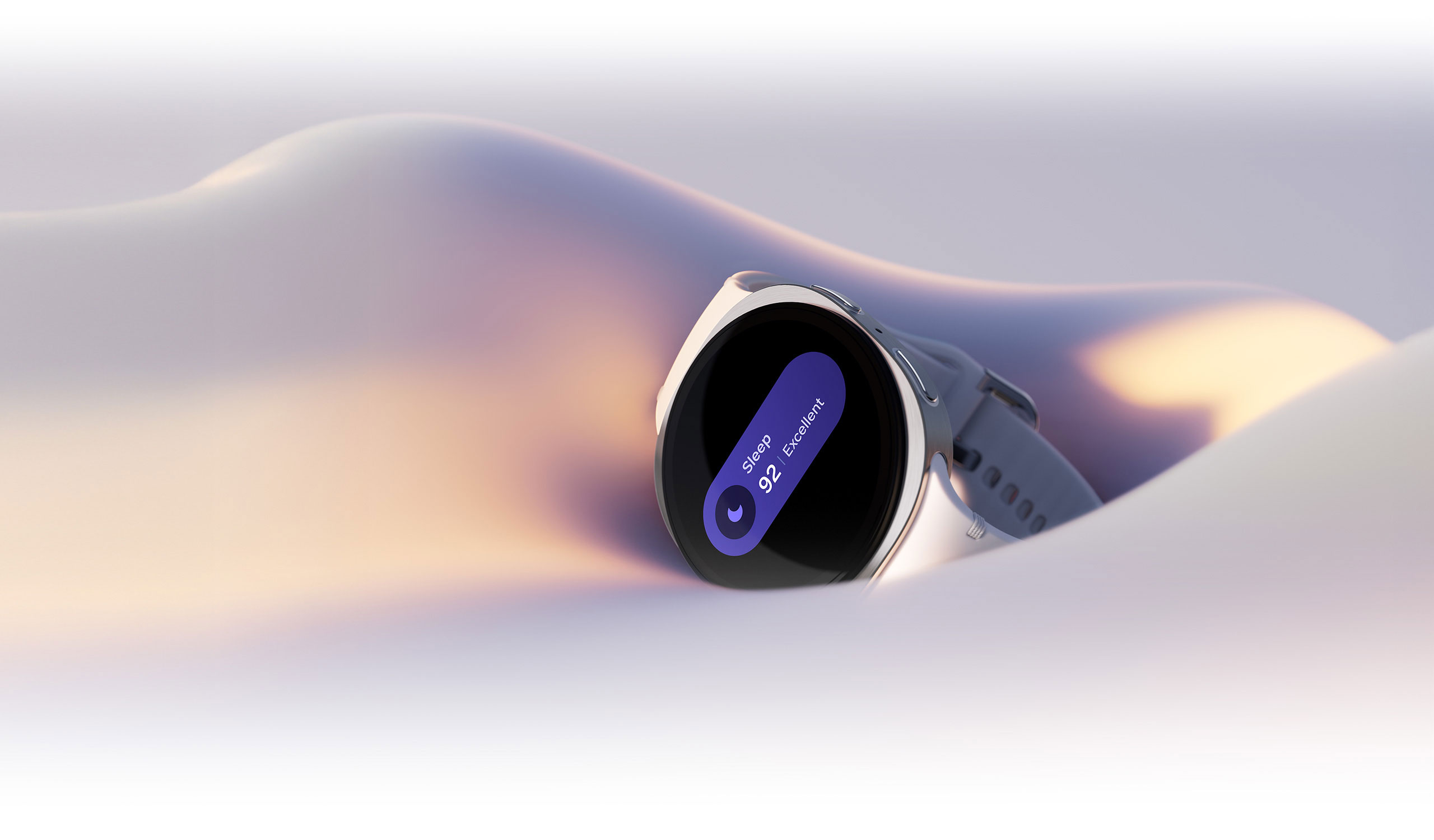


The thinnest Samsung Galaxy Watch yet, Galaxy Watch8 is ready to make an impact. Now, boldly reimagined — from the iconic new cushion design to the Dynamic Lug System for the snug, comfortable fit — all while performing powerfully with the 3 nm processor. Experience proactive coaching, from sleep to running to holistic health, that fuses intelligence with individuality. Make the most of your moments with Galaxy AI keeping you ahead, topped with a whole-new One UI experience.
Meet the next-level innovation
on Galaxy Watch8
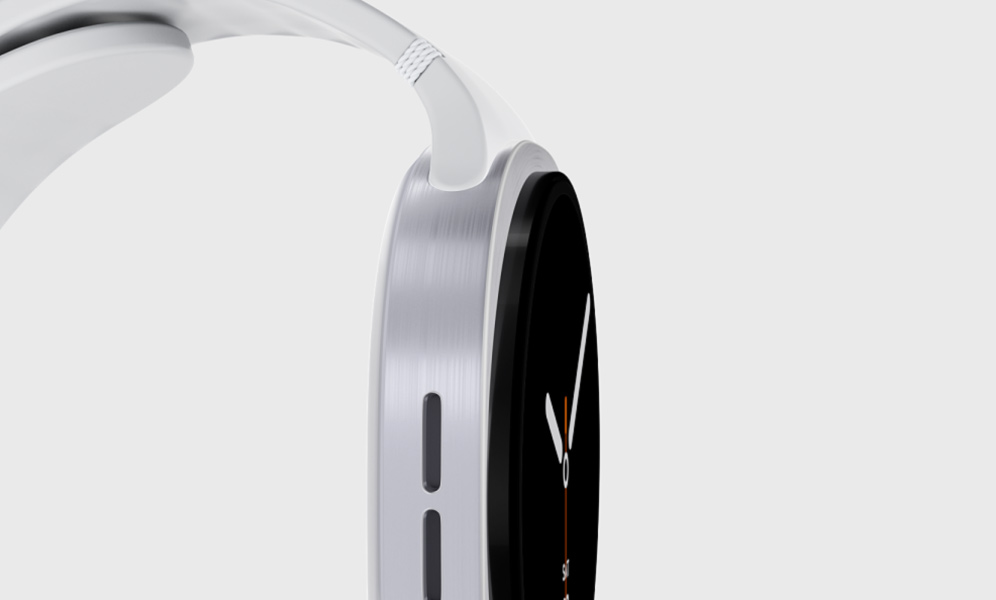

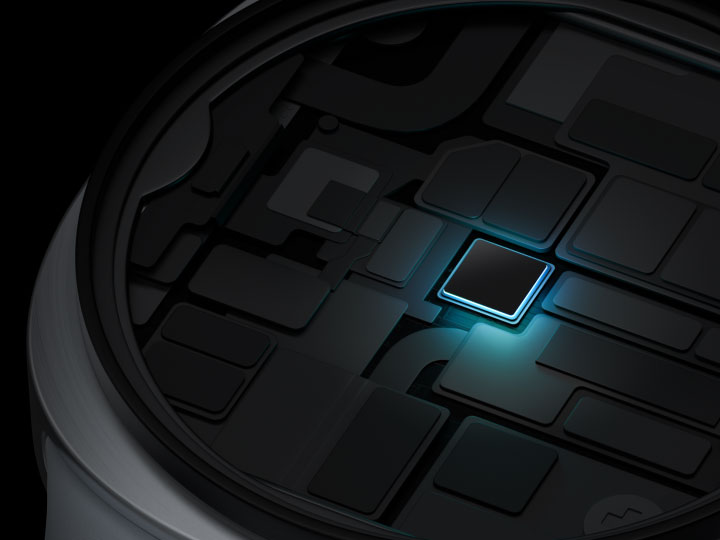
A corner of the Galaxy Watch8 is zoomed in, highlighting the cushion design. The device becomes transparent, revealing its internal components.
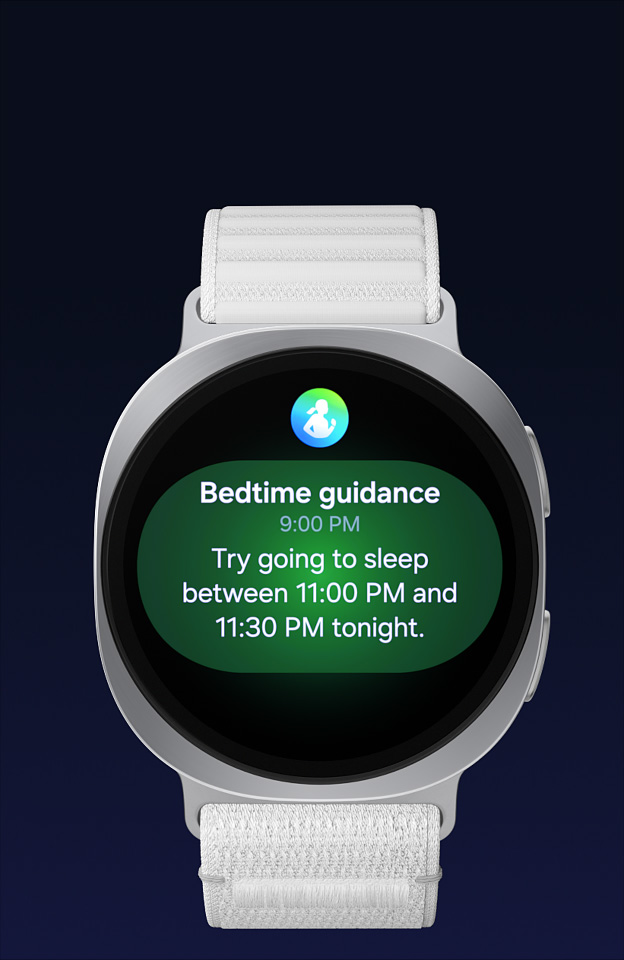
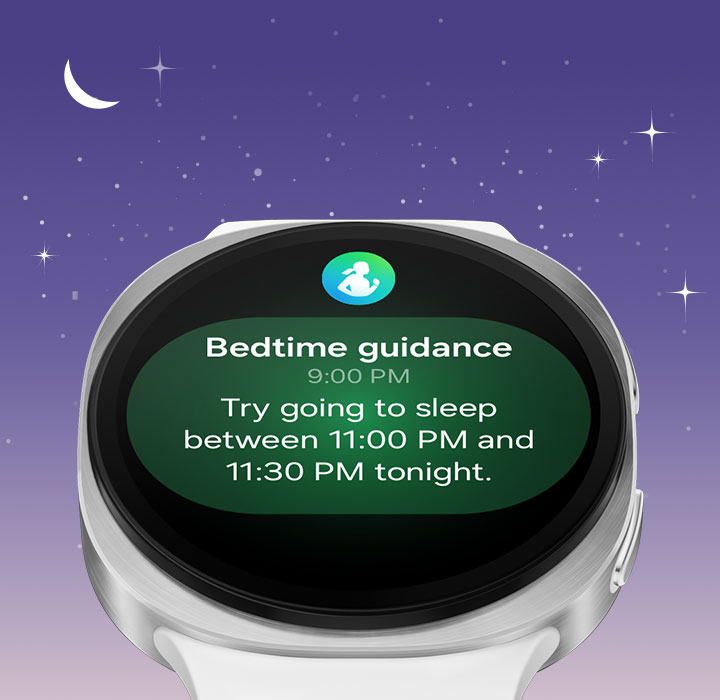
A notification pops up on the display of Galaxy Watch8. Bedtime guidance. Try going to sleep between 11:00 PM and 11:30 PM tonight.


Galaxy Watch8 shows the text Running level test. The screen is scrolled all the way down, and the Start button is tapped. Now, numbers are shown on the display. Time. 12:45. Duration going from 06:46 to 06:47. Distance going from 3.25 to 3.24. Pace 06'39". Heart rate 164. The scene changes. Text Your running level. 4. Congratulations!
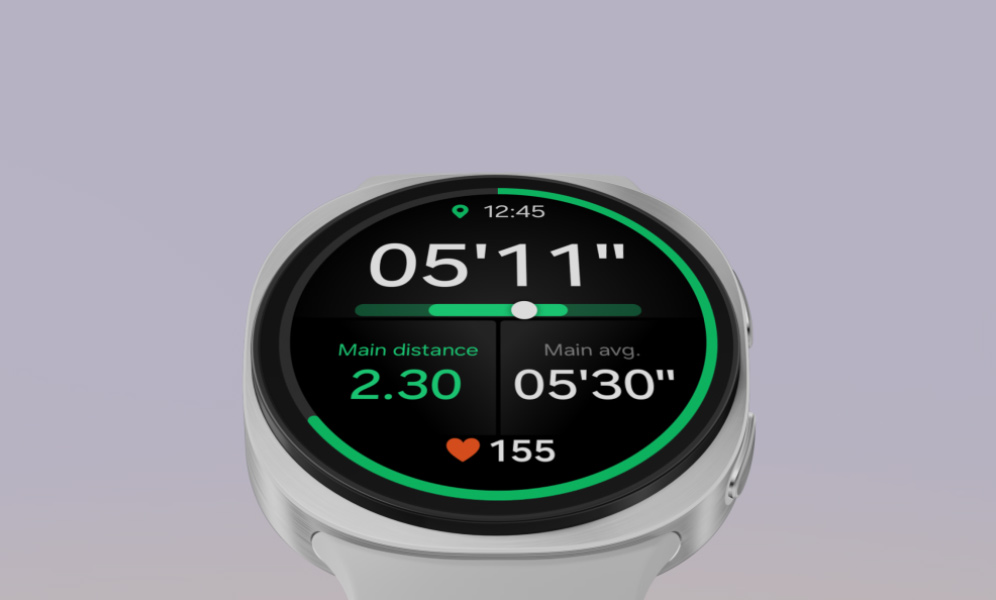

As light sweeps across the screen of Galaxy Watch8, the content remains sharp and clear.
Innovation meets our signature cushion design
It's time for a change — introducing Galaxy Watch8 with a bold new look, designed with innovation. Sleek lines flowing from the watch face to the slim body create a refined aesthetic, while the iconic cushion design adds a distinctive edge, rounding out a look built to leave a lasting impression. Available in 40 mm and 44 mm, in Graphite and Silver. 1

The thinnest
Galaxy Watch
Reimagined to be more compact than ever, Galaxy Watch8 is the slimmest Galaxy Watch yet. 11% thinner than Galaxy Watch7, the sleek profile of Galaxy Watch8 offers a more seamless feel on your wrist — enhancing both style and wearability throughout your day, during your workouts and even while you sleep. 3
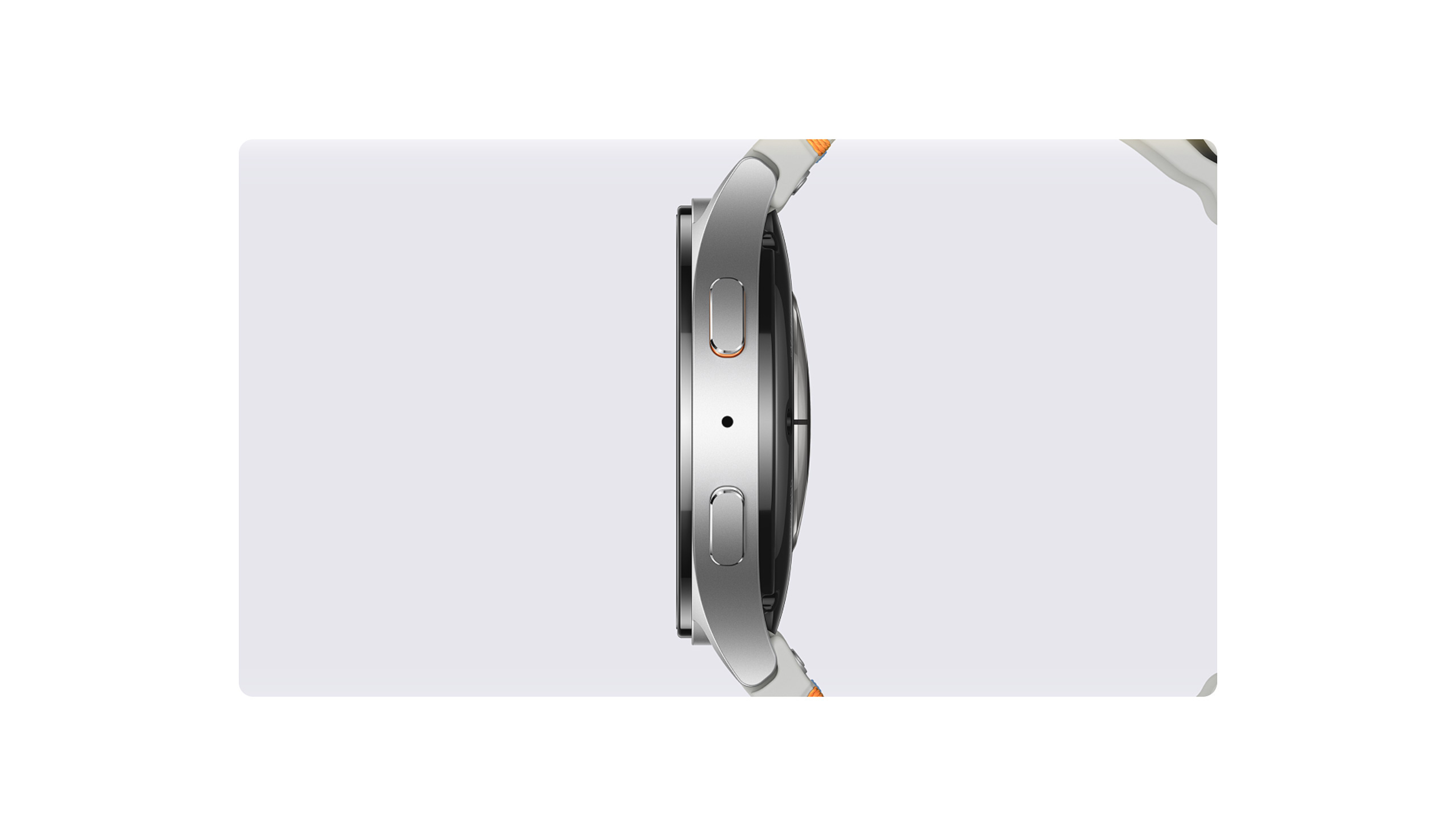
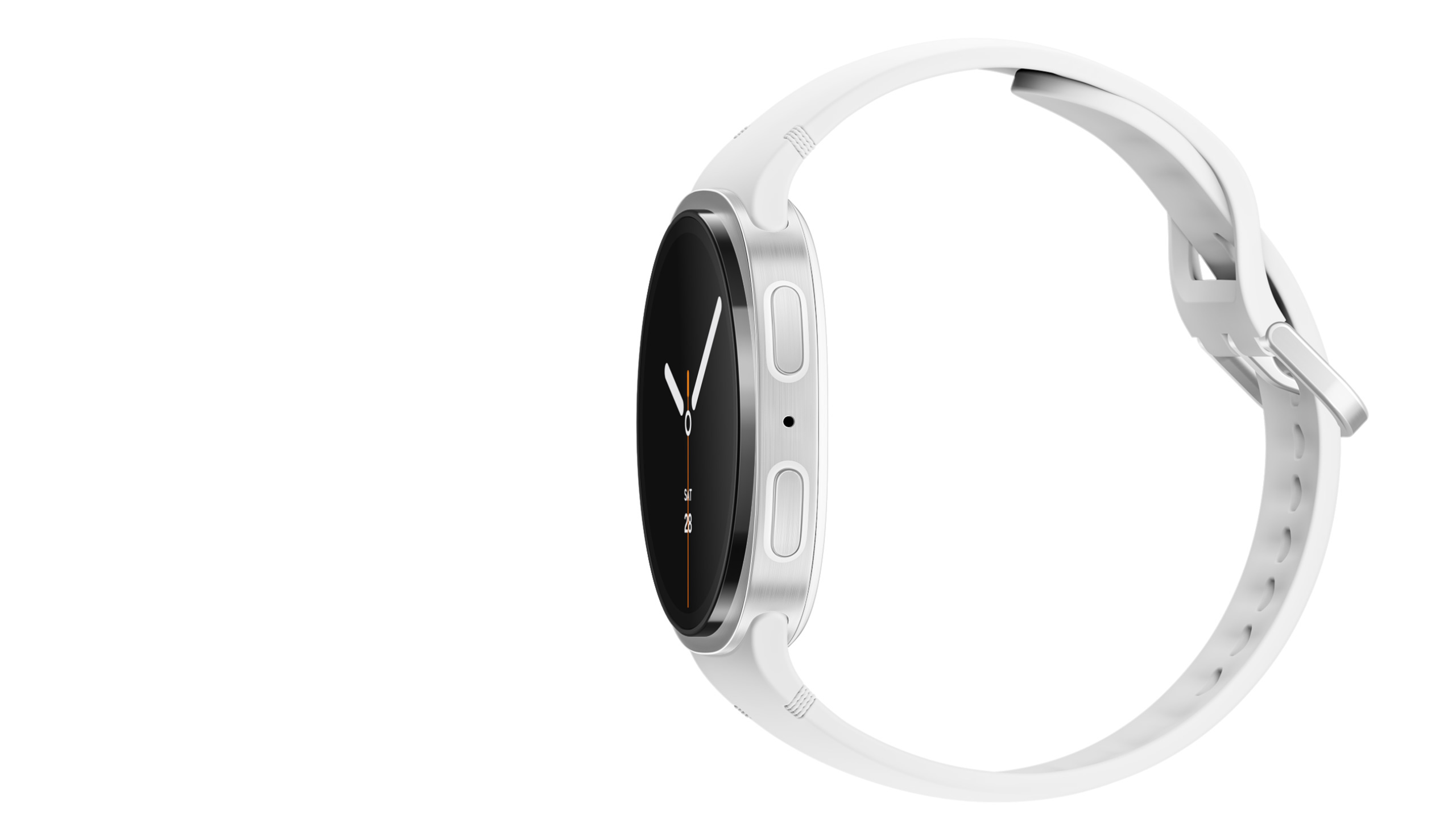

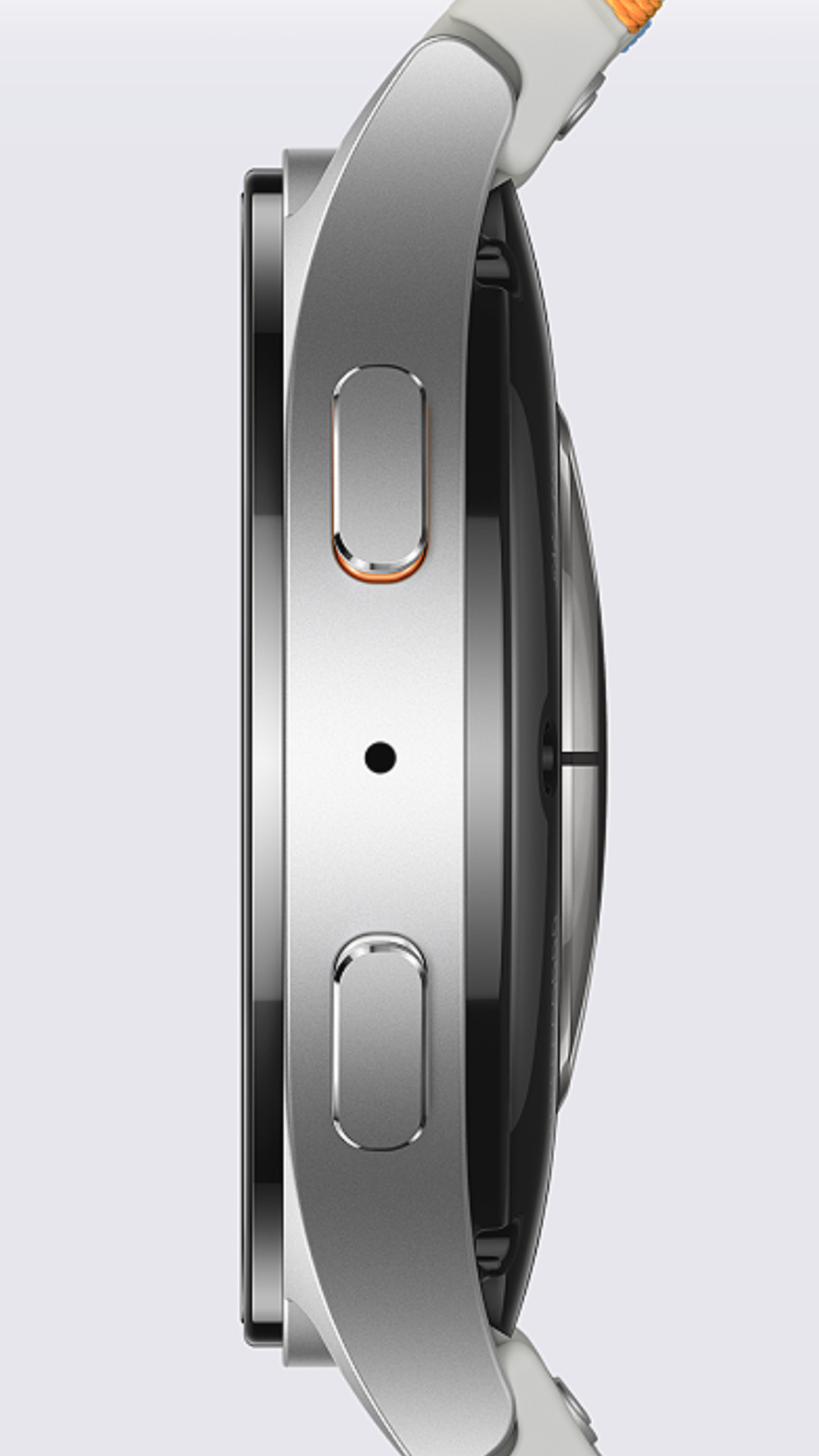
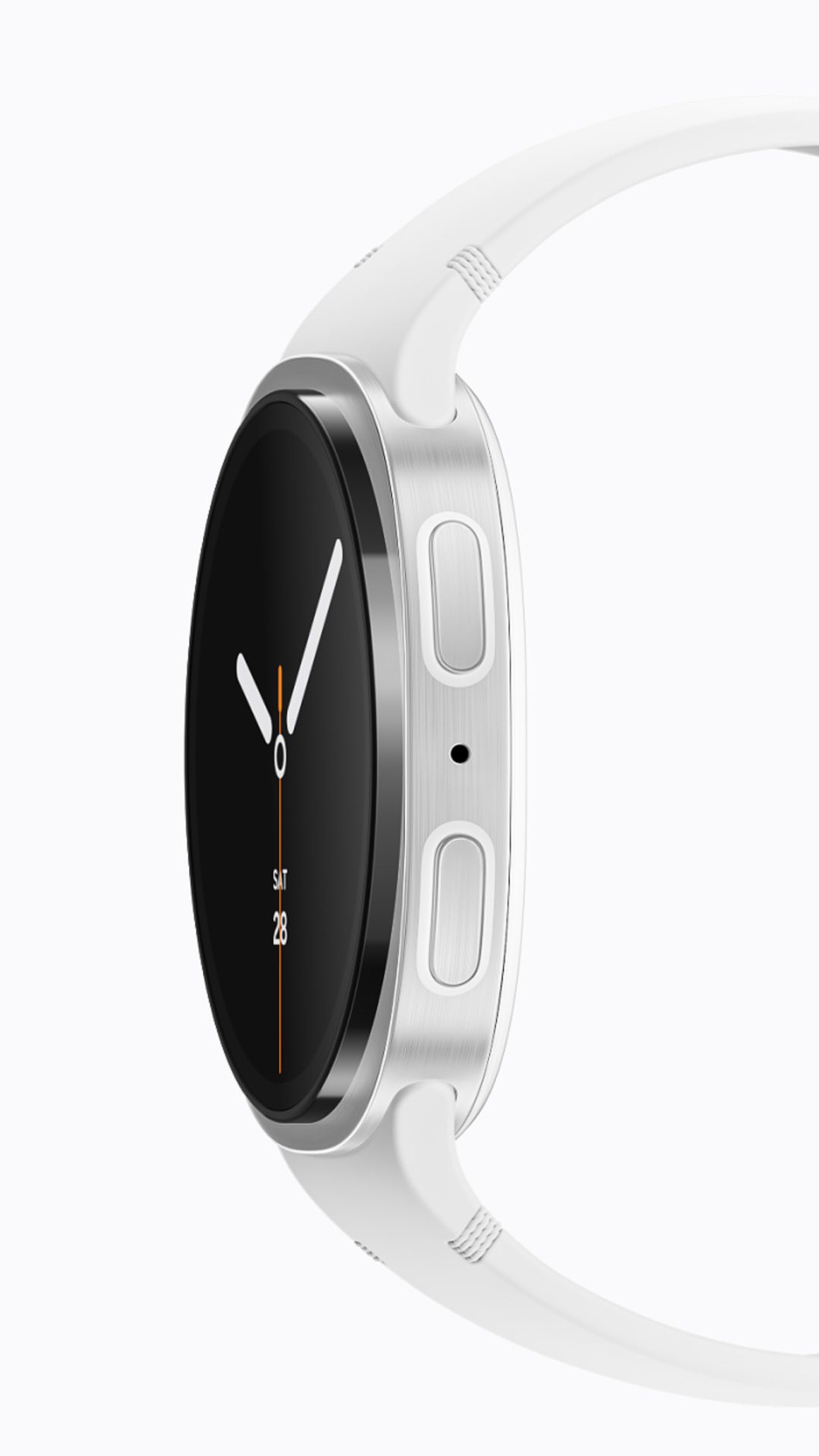
Side view of Galaxy Watch7 then from top-down a side view of Galaxy Watch8 gradually appears comparing the thickness between the 2 smartwatches. When the full side view of Galaxy Watch8 appears, it is shown secured by a white Sport Band, buckled into a loop. Galaxy Watch8 then turns slightly, revealing the watch face.
The most comfortable Galaxy Watch ever
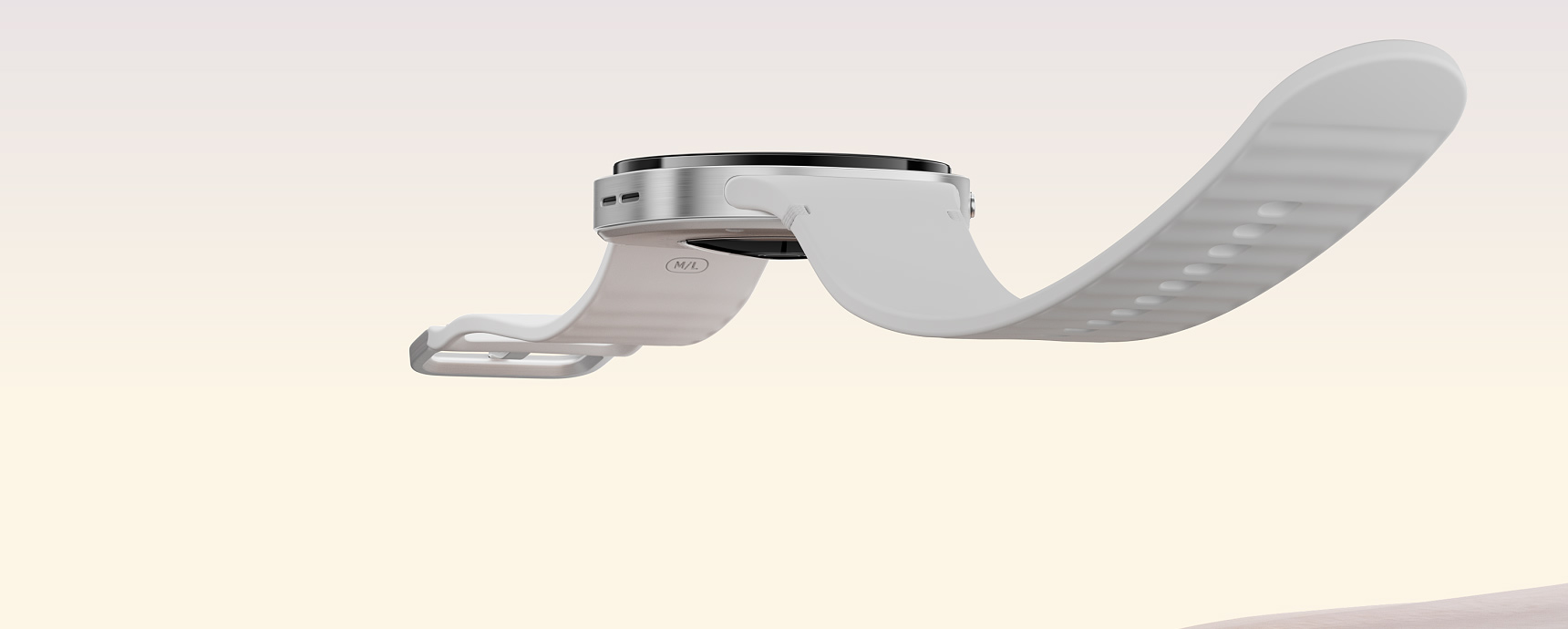

A person's arm extended outward as Galaxy Watch8 with a white Sport Band gently lands and attaches to their wrist.
Breeze through your day with extra comfort. With the Dynamic Lug System, Galaxy Watch8 sits more comfortably on your wrist, staying close to your skin with minimal space in between. This refined design enhances stability, resulting in a snug and stable fit that makes you barely notice it's there. Enjoy your day more with the most comfortable Galaxy Watch experience ever. 3, 4
Powerful inside and out
-
Boost your day with a 3 nm processor
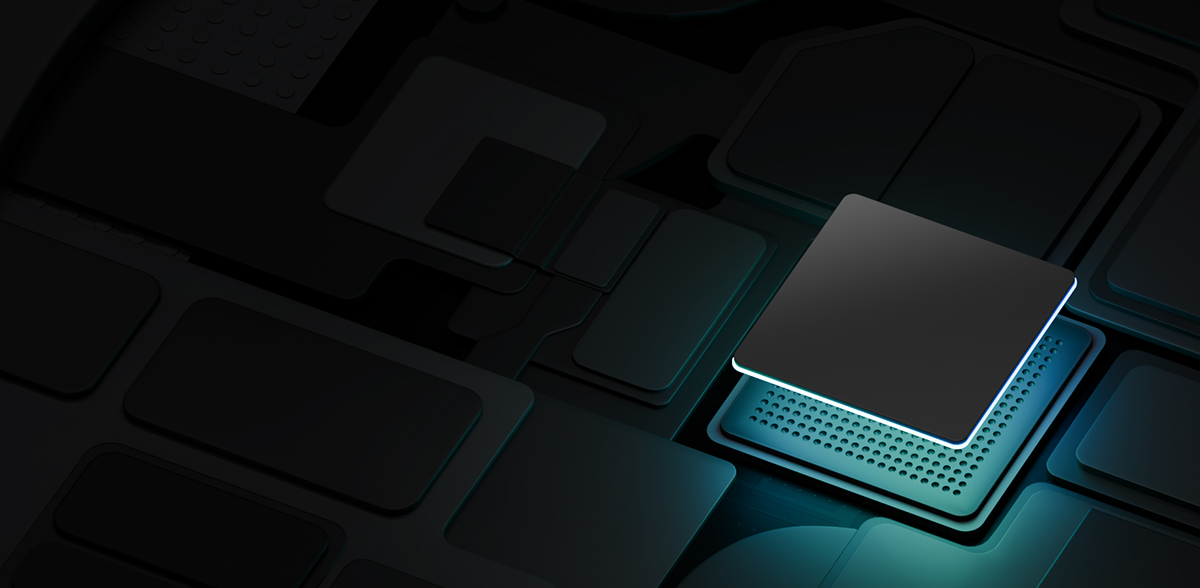
Keep things running smoothly with robust performance. Inside the slim, streamlined profile of Galaxy Watch8 lies a solid 3 nm processor. It delivers faster processing speeds and improved power efficiency, ensuring your interactions stay fast and fluid. Count on your processor that keeps up with what you do — from monitoring your health to multitasking seamlessly.


-
Always bright. Even in sunlight
Stay in the loop day or night with increased brightness of up to 3,000 nits that gives you a crystal-clear view on your screen, even in bright sunlight. Whether you're viewing your stats on a morning run or checking new messages in the middle of an afternoon walk, the high brightness screen of Galaxy Watch8 ensures that what matters to you stays sharp, vivid and easy to read. 3
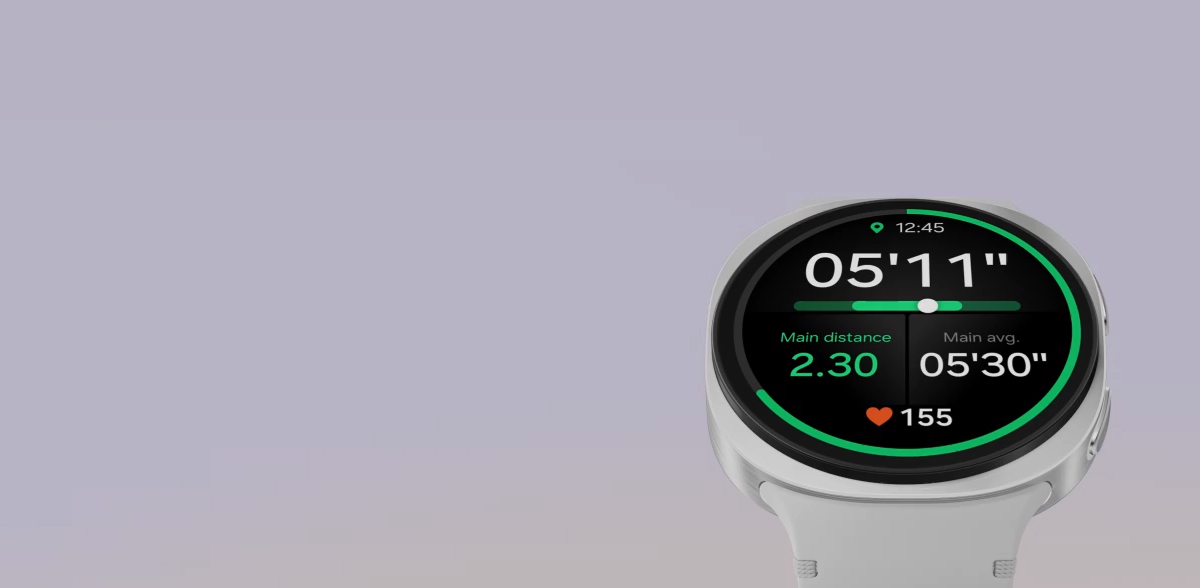
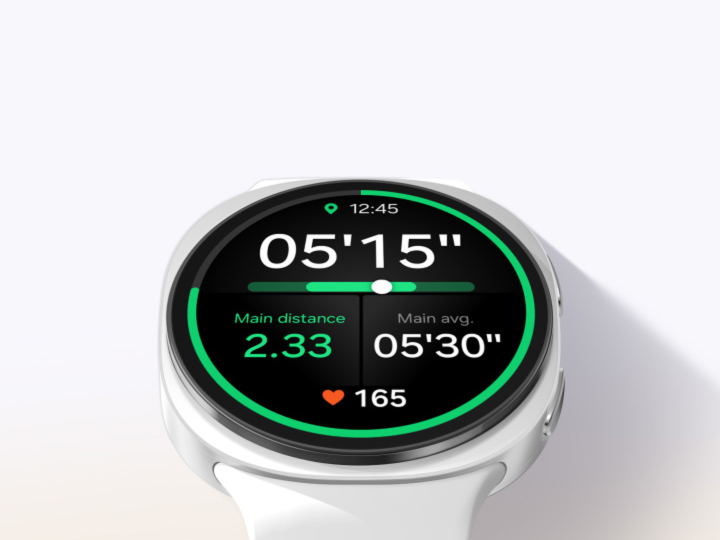
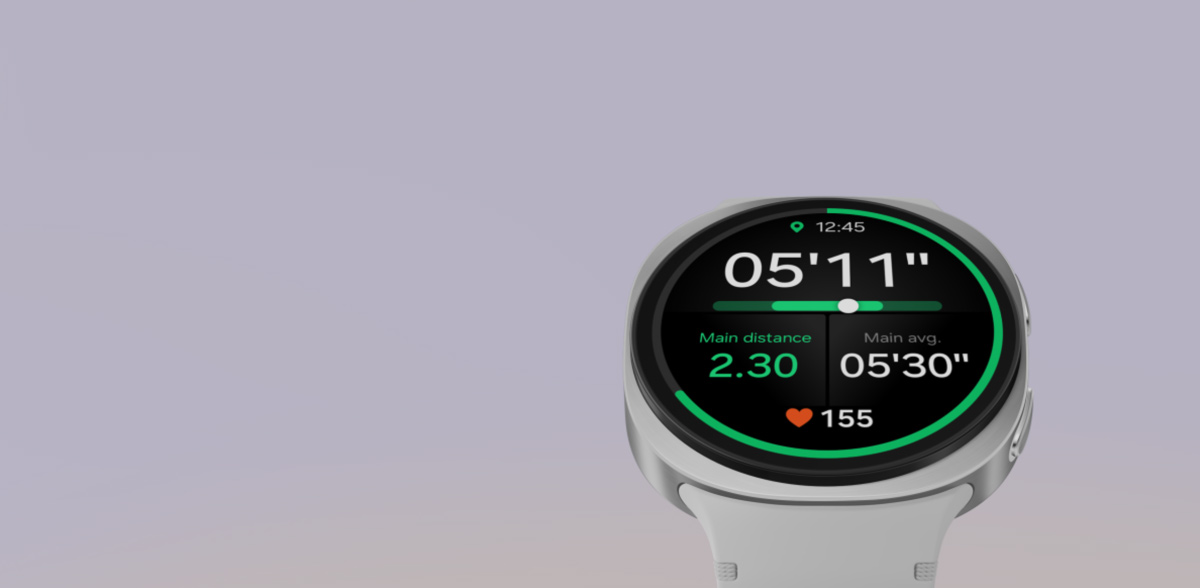
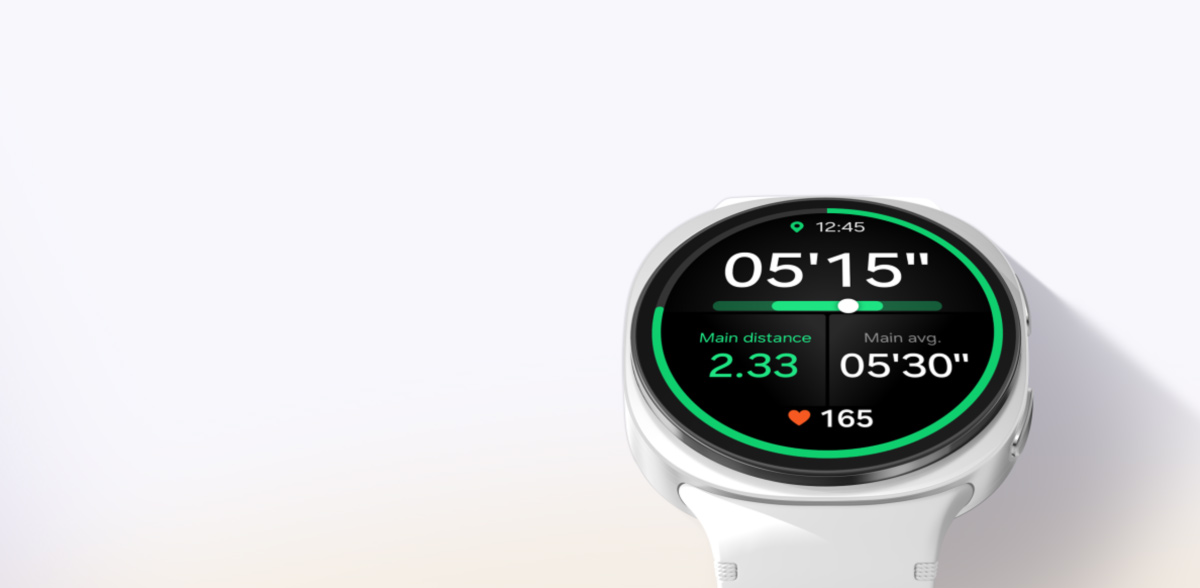
Colors for any look

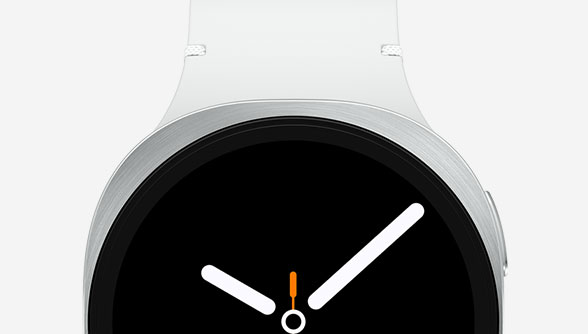

Galaxy Watch8 Silver viewed from the front, at a partial front-side angle and from the side showing the Home and Back buttons.


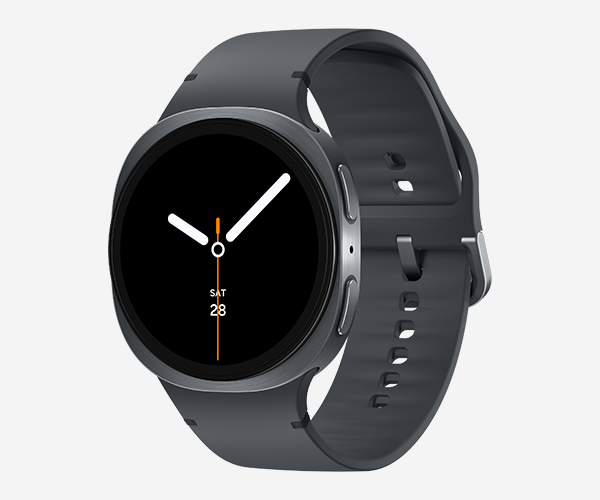
Galaxy Watch8 Graphite viewed from the front, at a partial front-side angle and from the side showing the Home and Back buttons.
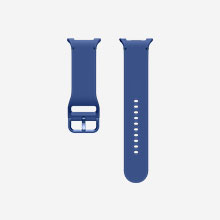
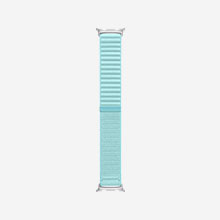
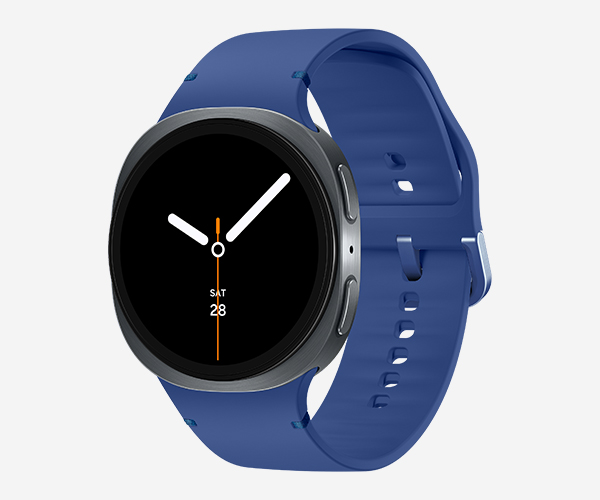
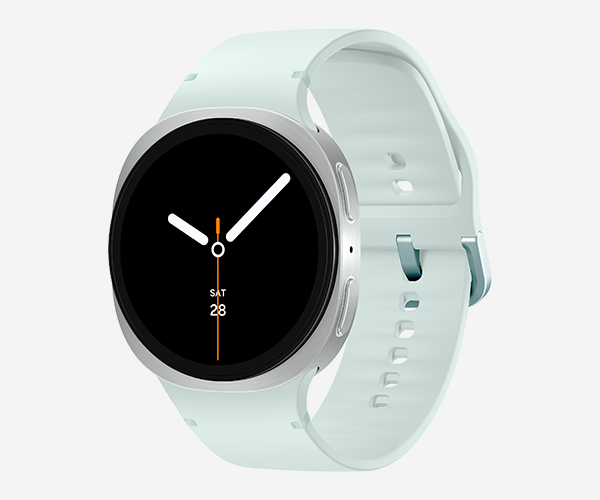
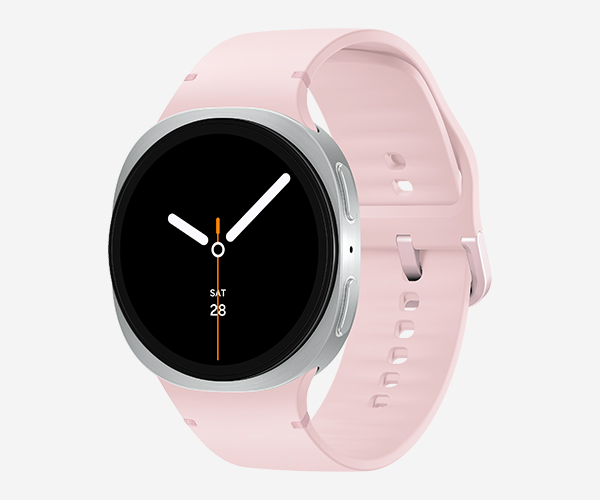
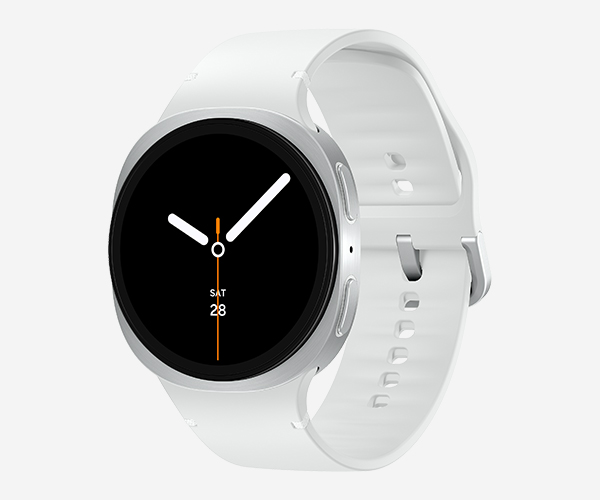
Pick a band that fits your day1



Build healthy sleep habits with Galaxy AI

Bedtime Guidance
Form a healthy bedtime routine
Build good sleep habits with Bedtime Guidance. Galaxy Watch8 uses three days worth of sleep data to find your optimal bedtime, the first step toward better sleep. Get smart nudges for your ideal bedtime and get the rest you need. Wake up feeling refreshed, fully recharged and better prepared to take on the day — all with a personalized sleep schedule. 2,5


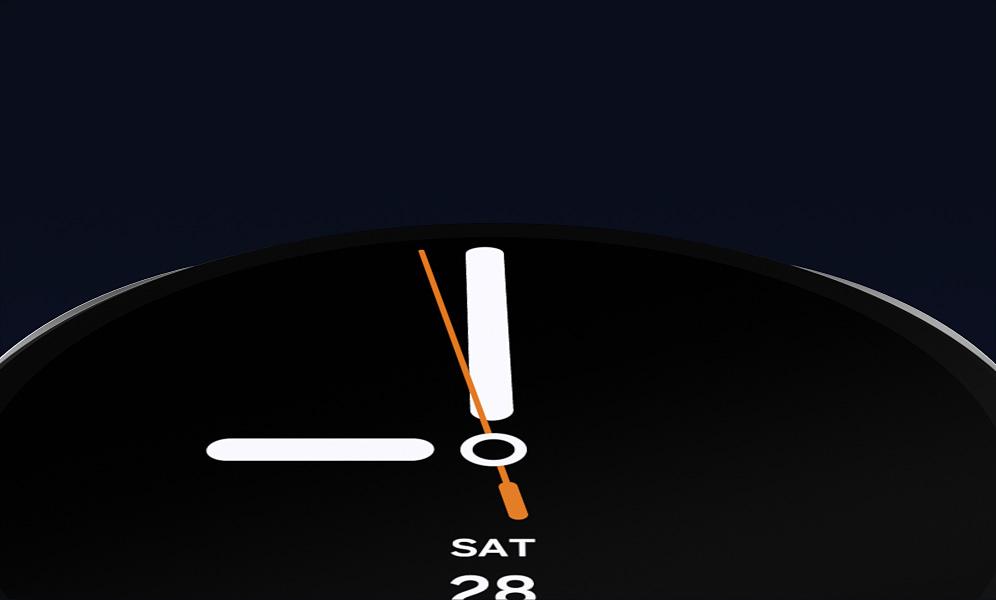
Galaxy Watch8 is seen from a tilted front view, with its watch face showing the time and date. The white minute hand the orange second hand move. Once it reaches nine o'clock, the face of Galaxy Watch8 shows the Samsung Health icon and Bedtime guidance with a text notification 'Try going to sleep between 11:00 PM and 11:30 PM tonight'.
Energy Score
Know your energy level. Own your day
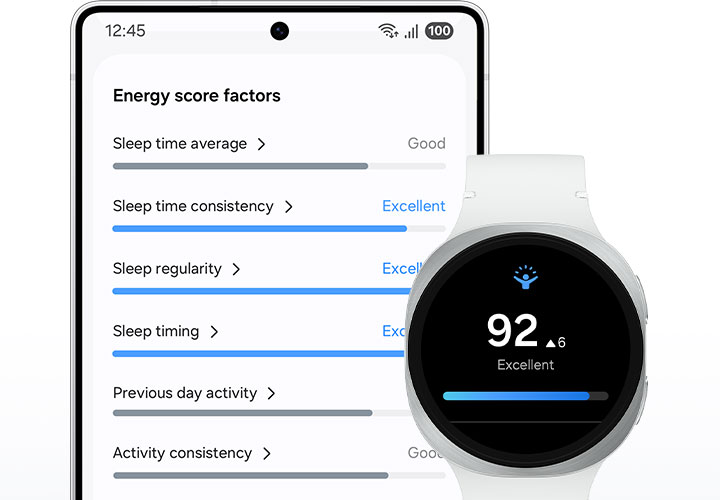
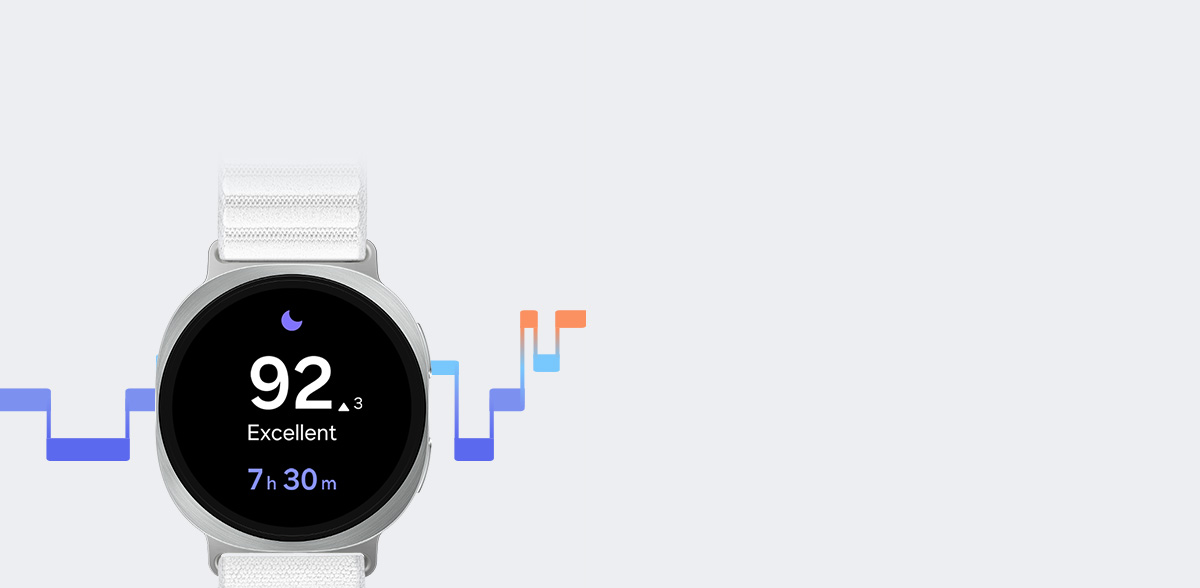
Understand your body and start your day smarter. Galaxy Watch8 analyzes your workouts, sleep patterns and nighttime heart signals to deliver a daily forecast — your Energy Score. Check insight messages brought to you by Galaxy AI, and review each index in detail. Plan your day accordingly to make the most of each moment. 2,6


The watch face of Galaxy Watch8 shows the Energy Score screen with the Energy Score of 92 and the word 'Excellent'. The Galaxy Watch8 disappears and a Samsung Galaxy smartphone appears showing the Energy Score screen with a list of Energy Score factors.
-
Sleep Tracking
Gain sleep insights and get deeper rest
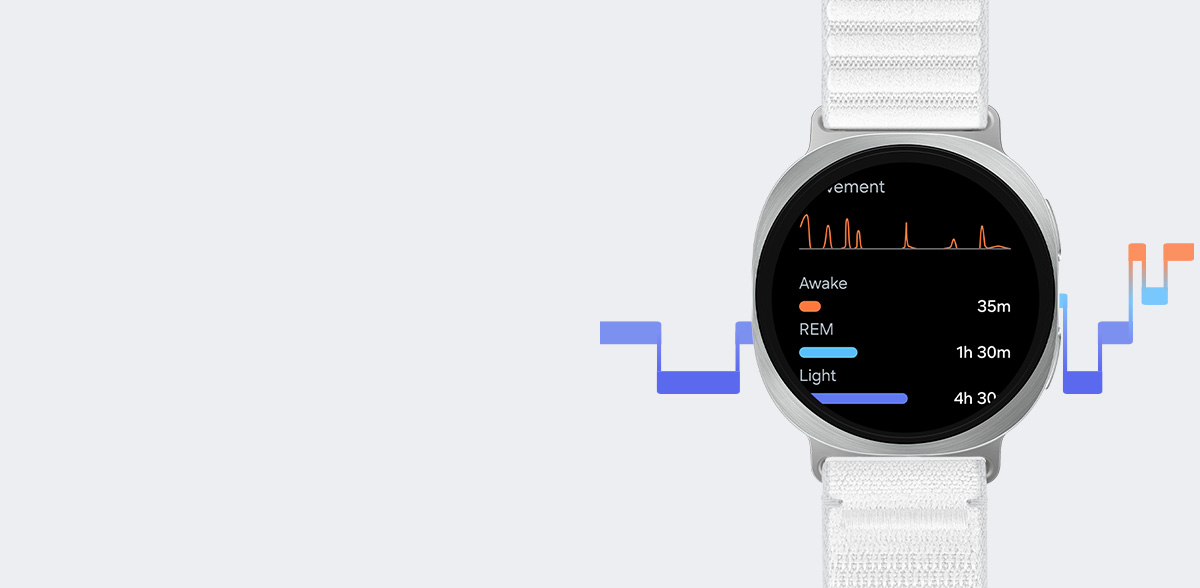
Simply wear Galaxy Watch8 to bed and wake up to a clear picture of how your sleep went the night before. With detailed insights into your sleep including sleep stages, consistency, heart rate and blood oxygen levels, you can shed light on aspects of your sleep you were previously in the dark about. Train your sleep, gain deeper rest and energize your day. 7
-
Sleep Coaching
Improve your sleep with Sleep Coaching
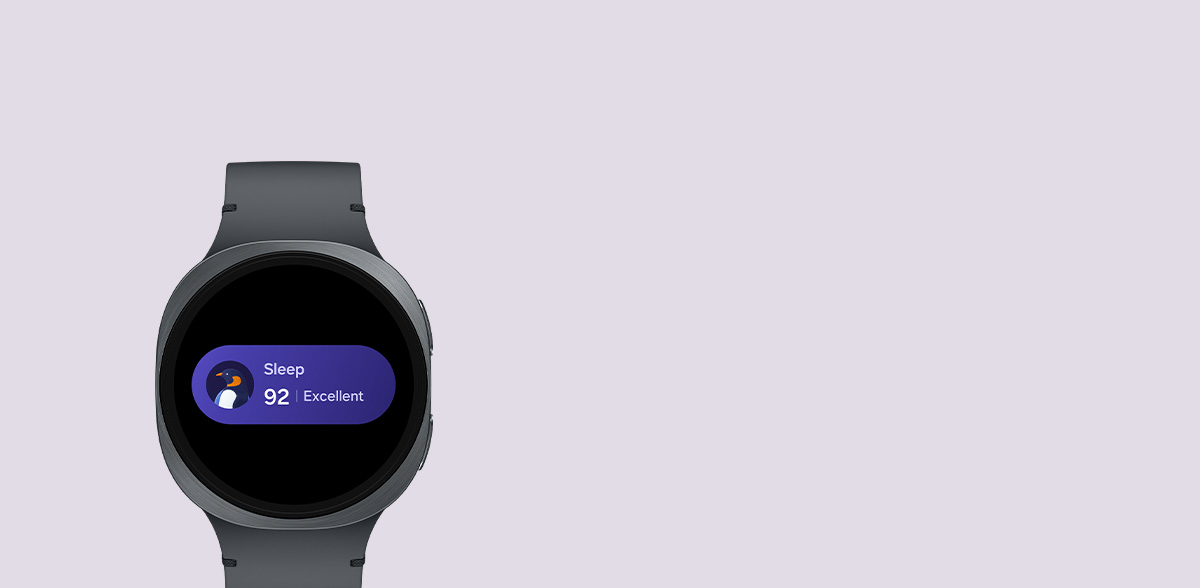
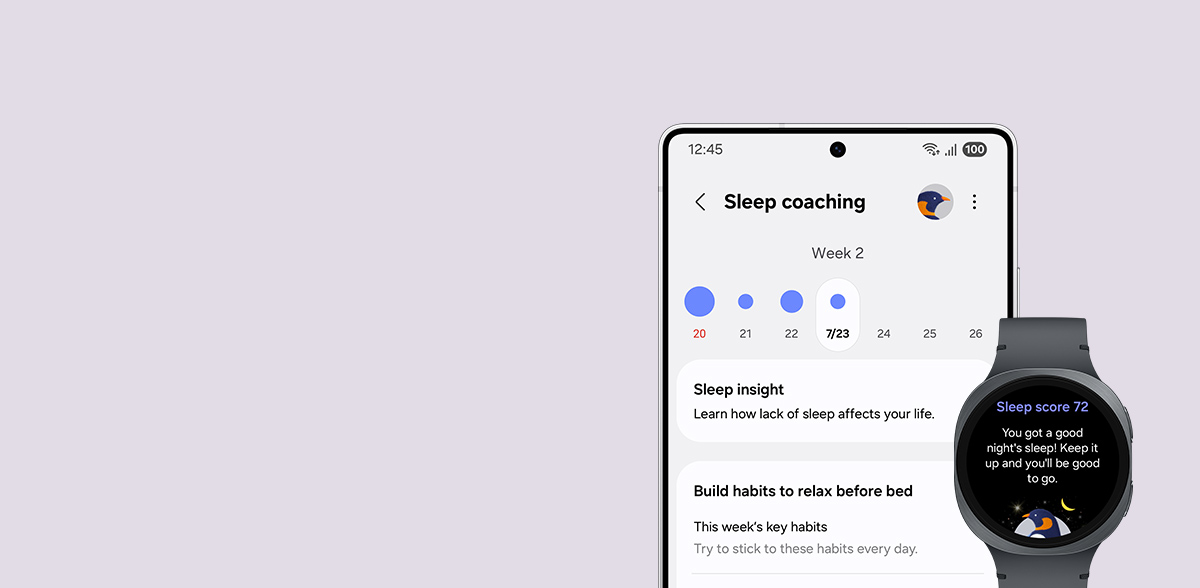
Did you know your day starts the night before? Work your way toward better sleep and better mornings with Galaxy Watch8. Wear it while you sleep for a week to find out your Sleep type and which of the 8 animals you are. Then, follow a 3-4 week personalized coaching program designed to improve your sleep, featuring small, sustainable tweaks like establishing a consistent wake-up time or staying active earlier in the day. 8,9,10,11
Find your pace, race your way

Running Coach
Run at your
own pace with
a personal coach
Once you've fully recovered with a good night's sleep, it's time to move. Start with a test to identify your running level from 1 to 10. Set your goals and work your way to break them by training at your own pace. Whether you're taking your first stride as a beginner or training for a full marathon, a 3-5 week running coach program tailored to your running capacity will guide and motivate you through every milestone, helping you break barriers. 2,15
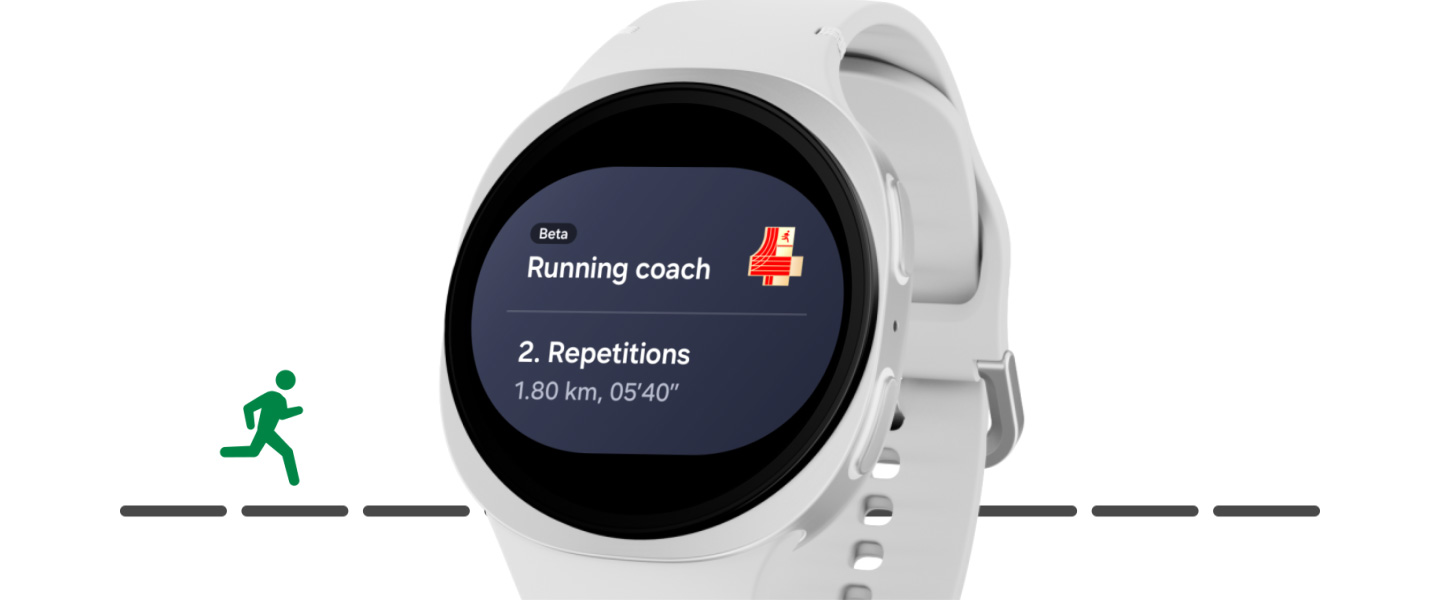
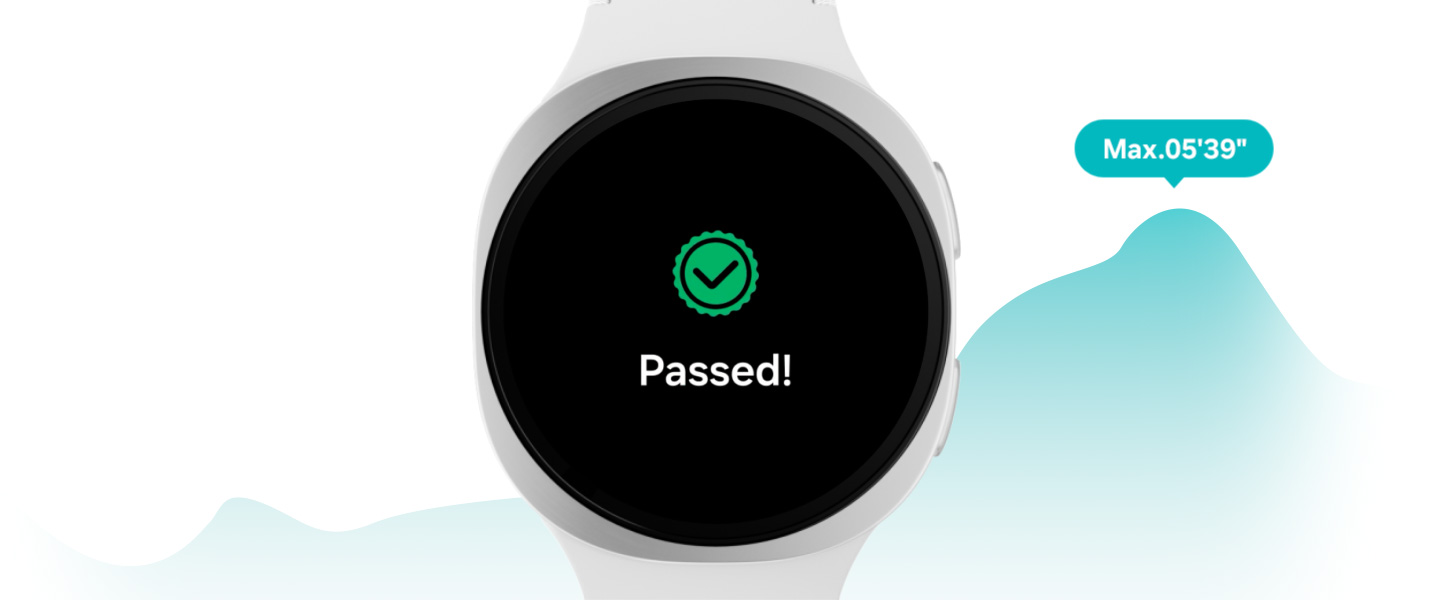
Running Coach screen shown on Galaxy Watch8 with the text 2. Repetitions. 1.80 km, 05'40". Screen changes. Workout 2. Repetitions. 1.80km. 05.40". 22:12. A running pictogram is shown in the background. After the Start button is tapped, the pictogram reaches the finish line, with the screen showing the status. The screen displays a check icon with the text 'Passed!'.

-
Personalized HR Zone
Train better with Personalized HR Zone
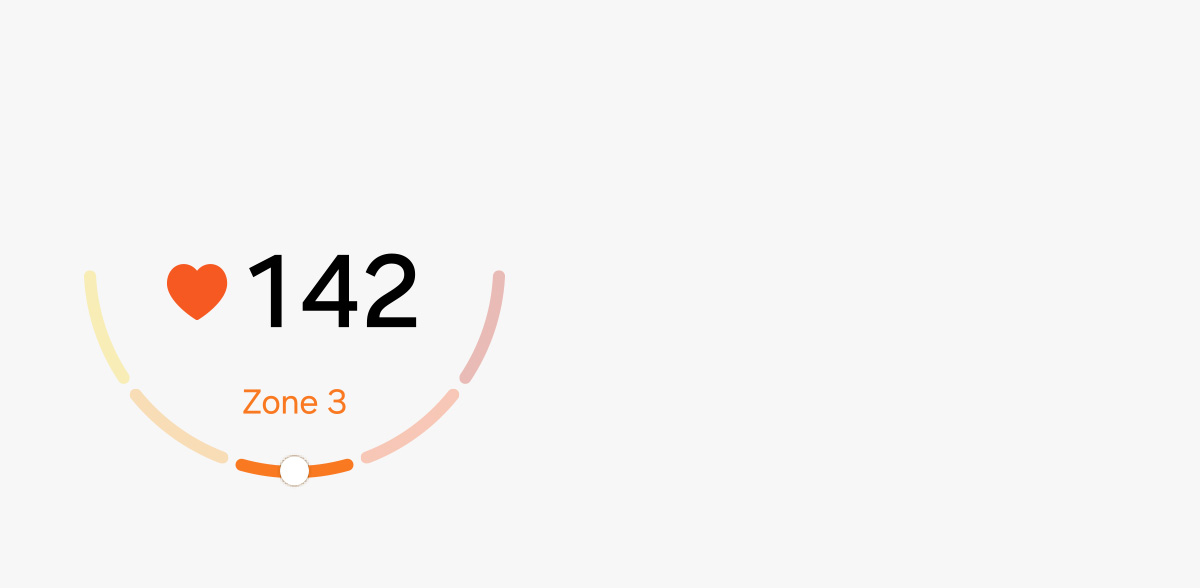
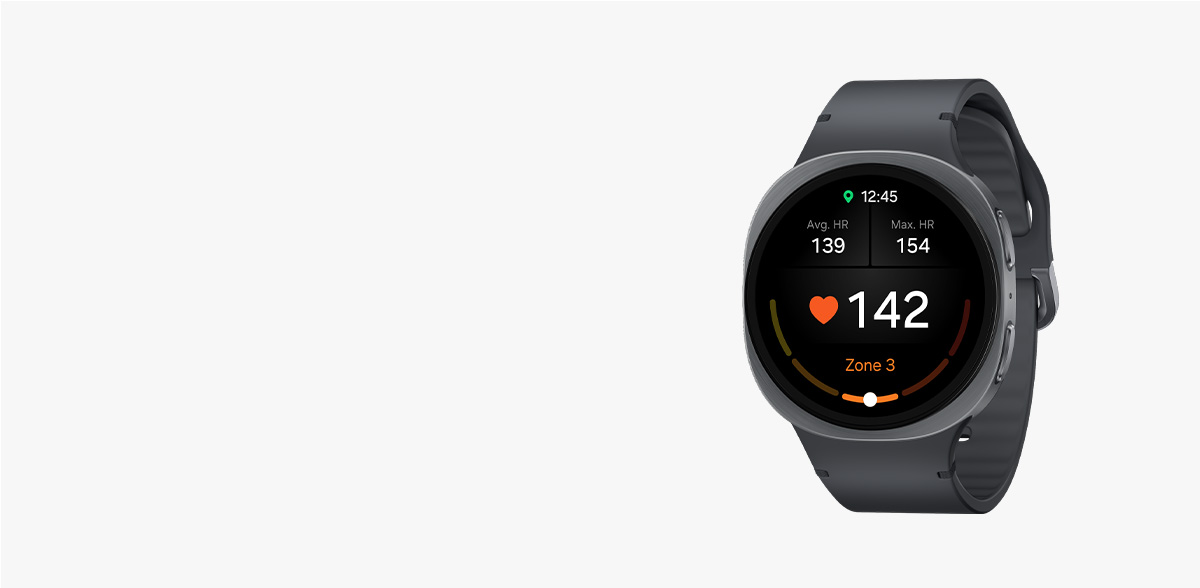
Check your real-time heart rate for safe and effective outdoor running. Monitor your personalized heart rate zone as you run, and adjust the intensity to suit your condition. Understand your physical capabilities better and ensure you're training at the optimal intensity to reach your running goals. 13
-
Daily Activity
Stay motivated with daily goals
Complete your rings and call it a day well spent with Daily Activity. Set daily goals that match your lifestyle and stay motivated to move. Check how many steps you take each day, how many calories you burn and how long you stay active. Galaxy Watch8 automatically measures your steps, active calories and activity time throughout the day, helping you make steady progress toward a more active life.


-
Exercise Tracking
Track your moves easily with Exercise Tracking
Monitor a wide range of exercise data — whether you're training at home, lifting at the gym or hiking outdoors. Check detailed data from your average pace and cadence to advanced running metrics and VO2 max. Add your go-to exercises and build your own routine to follow your progress effortlessly. With precise GPS, every move is accurately captured. 14,15,16,17

Vascular Load
Keep track of your
heart health while you sleep
Manage your vascular load as you sleep. Wear Galaxy Watch8 for at least 4 hours each night for over 3 nights to assess your baseline, and track your measurements over time. When your readings trend upward, you'll receive thoughtful suggestions — maybe it's time for more fresh foods, better sleep habits or managing daily stress. Stay informed about your heart health and make choices that support how you want to feel tomorrow. 2,21,22
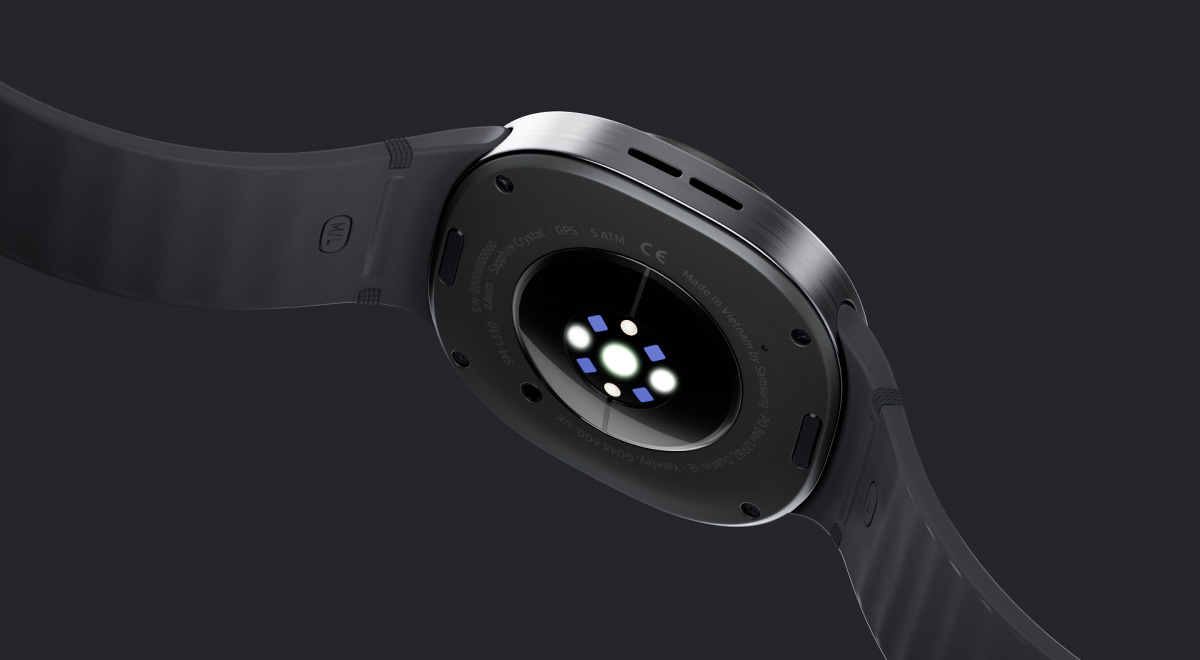
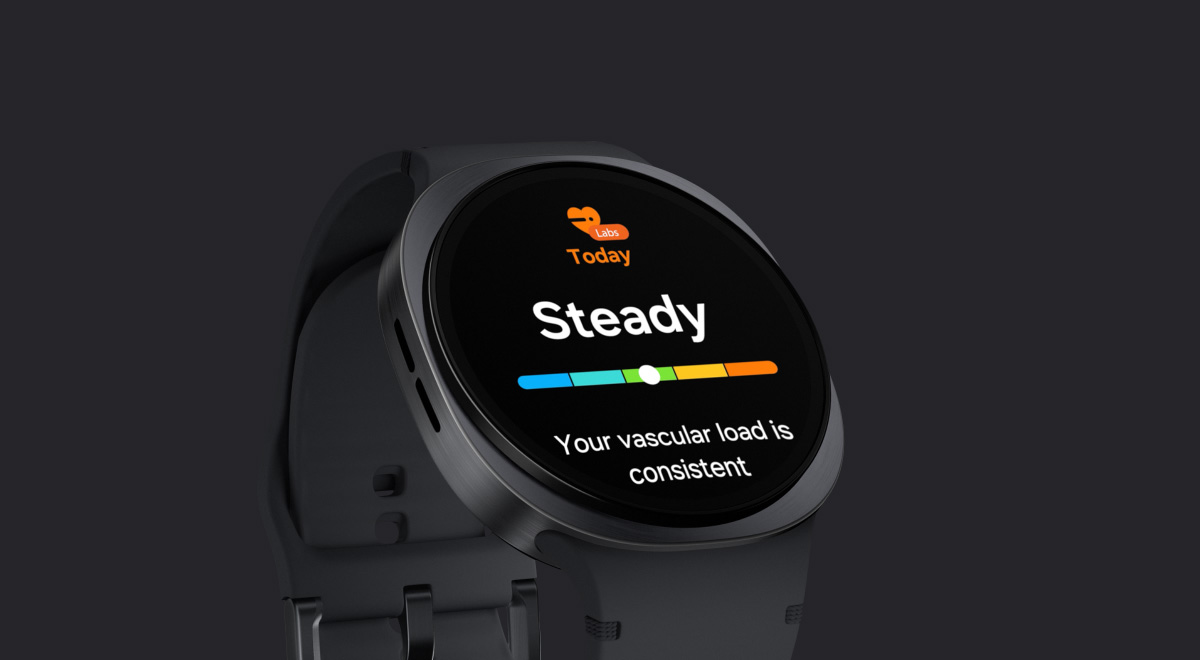
An optical sensor of Galaxy Watch8 measures the Vascular Load. Then Galaxy Watch8 is shown, displaying the texts 'Today' and 'Steady', along with a scale with an indicator. At the bottom is the message 'Your vascular load is consistent'.
-
BP
Keep an eye on your blood pressure
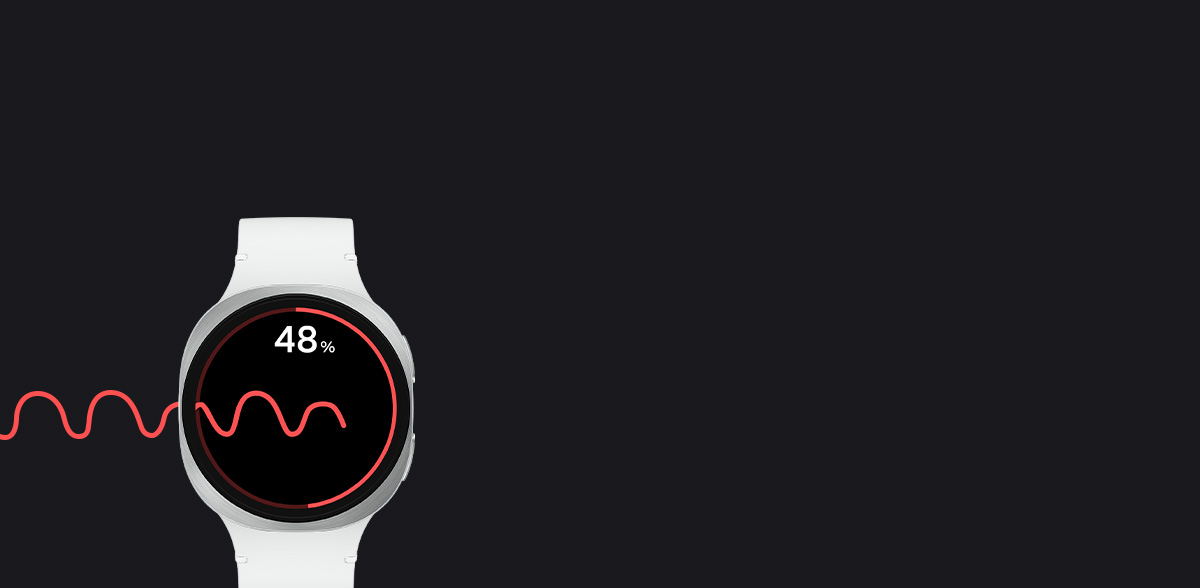
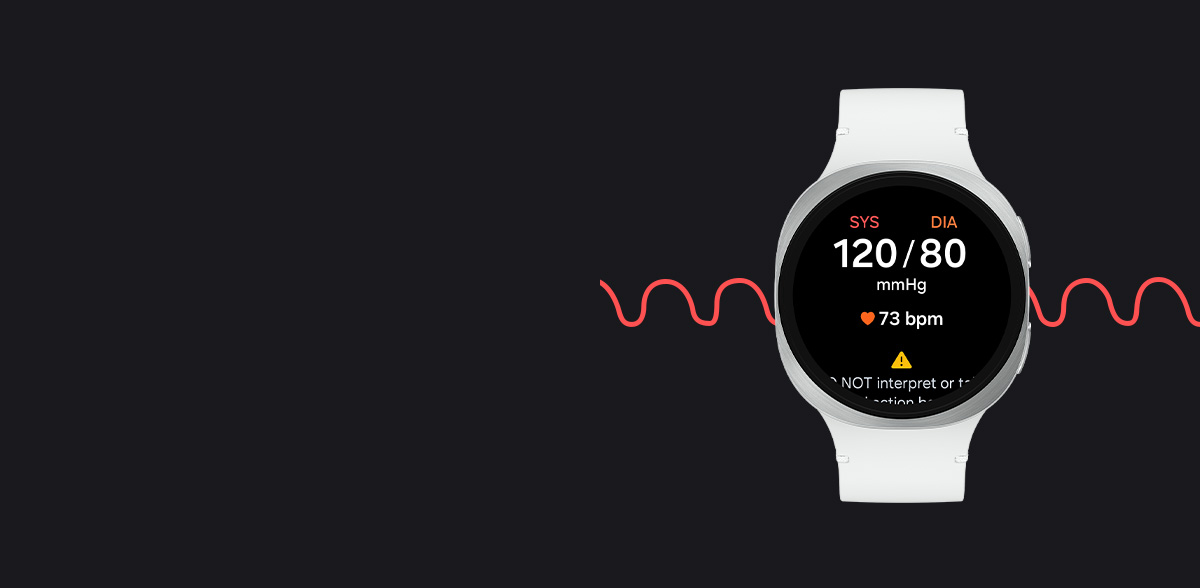
Proactively stay on top of your heart health. Calibrate your Galaxy Watch8 and start your measurement with the Samsung Health Monitor app to check your blood pressure, including both systolic and diastolic readings. By keeping track of your numbers regularly, you can watch for any significant changes and stay well-informed with your heart's condition. 20,21,22,23
-
ECG
Take an ECG to check your heart's rhythm
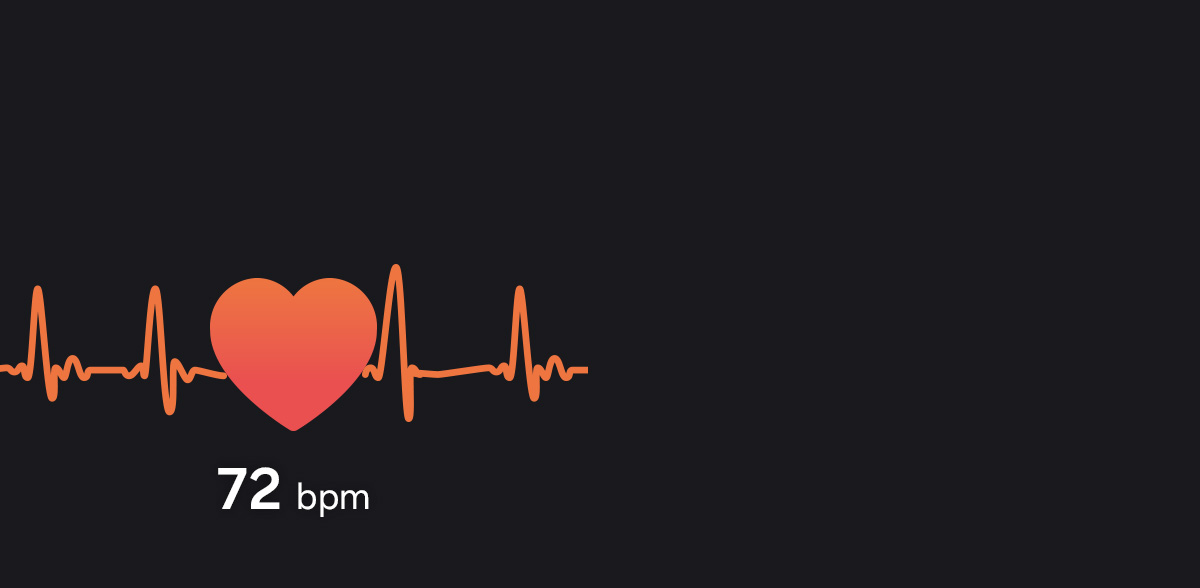
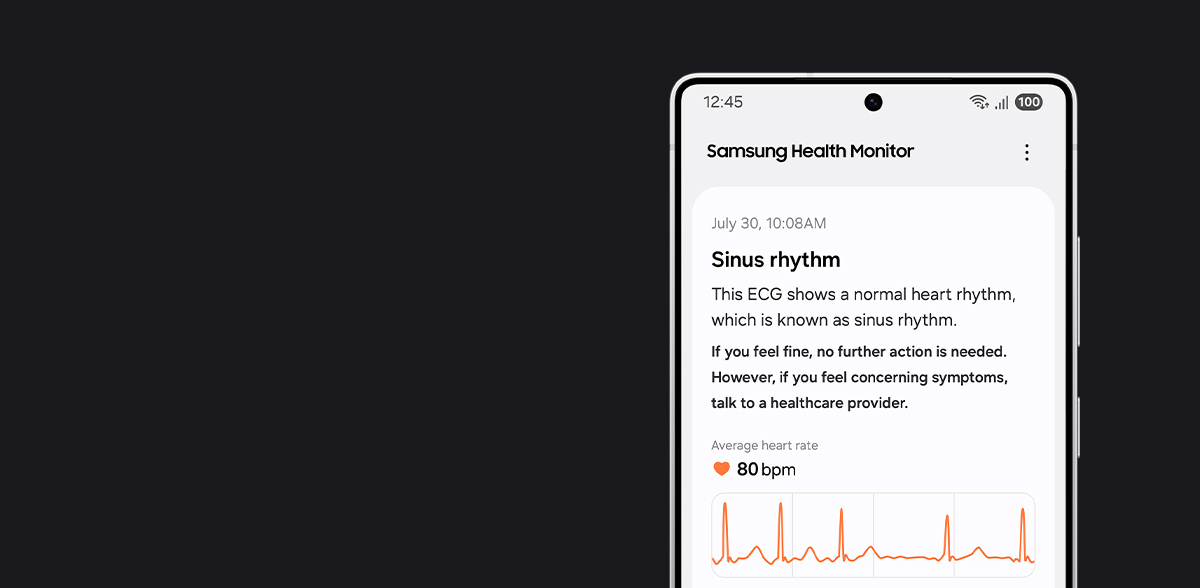
Follow up on of your heart's condition with Electrocardiogram (ECG). ECG helps you detect signs of atrial fibrillation (AFib) by measuring the electrical activity of your heart and recording it on a graph. You can see how steadily and strongly your heart is pumping in real time and gain valuable insights. Monitor regularly to ensure your heart's health. 24
-
IHRN
Stay alert to heart irregularities
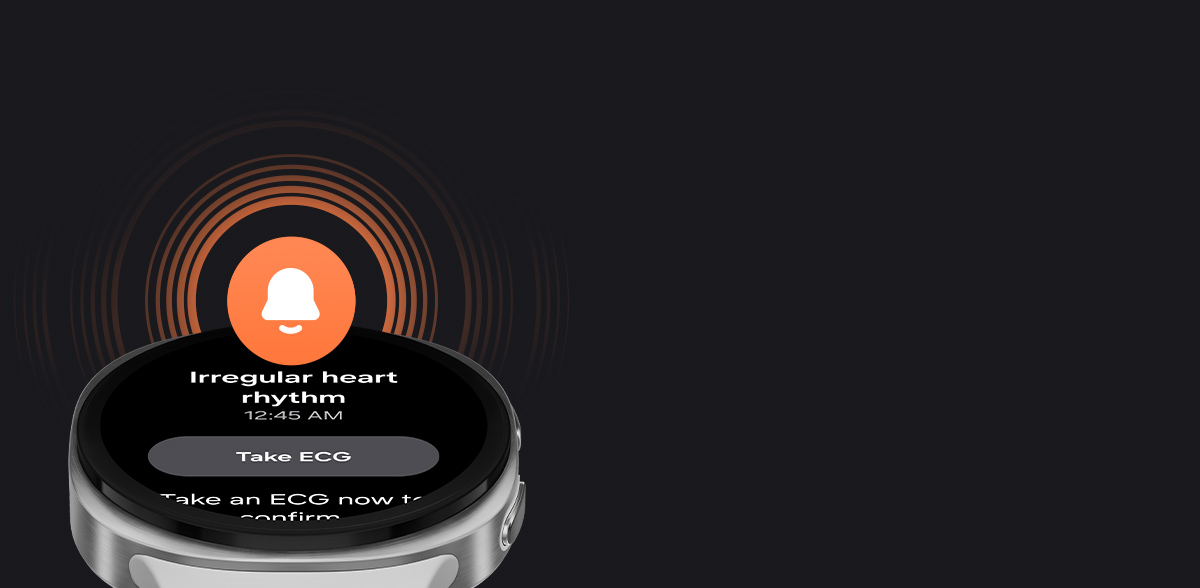
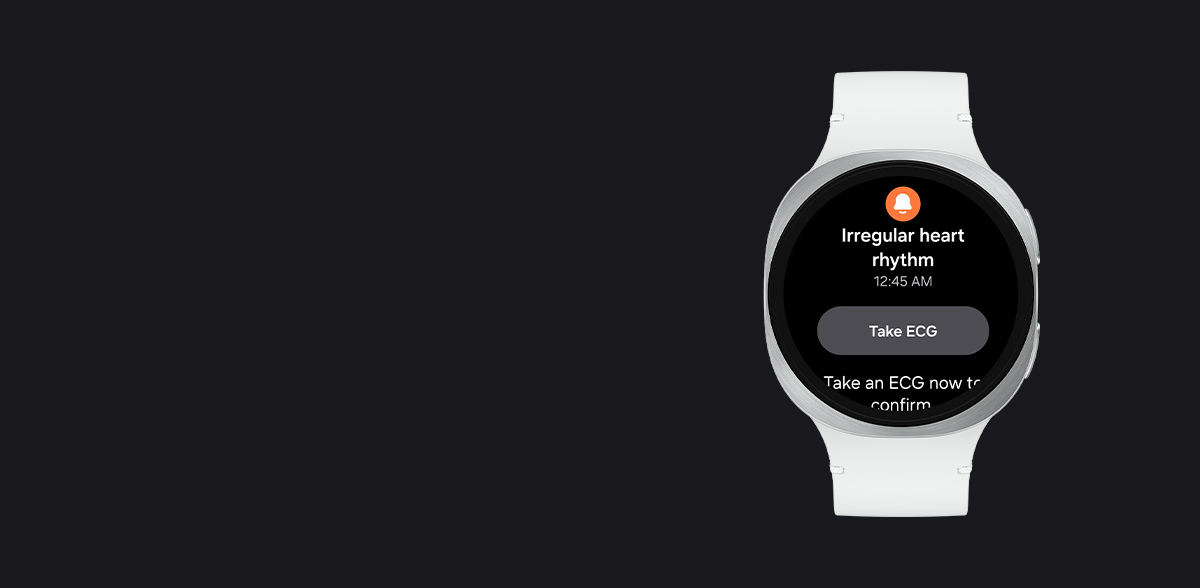
Have peace of mind with Galaxy Watch8 watching over your heart. Using Irregular Heart Rhythm Notification (IHRN), Galaxy Watch8 analyzes your pulse rate in the background. You will get a notification if irregularities are detected, such as those suggestive of atrial fibrillation (AFib), in which case you can take an ECG to get a closer look at your heart's condition. 24
Antioxidant index
Balance your diet
Find out if you're on the right track to aging well with Galaxy Watch8, the world's first smartwatch that measures your antioxidant level. Place your thumb on the sensor to measure the carotenoid levels in your skin and see how healthy your current diet and lifestyle are. Check your antioxidant index to improve your well-being and lower the risk of diseases. 2,25,26,27,28

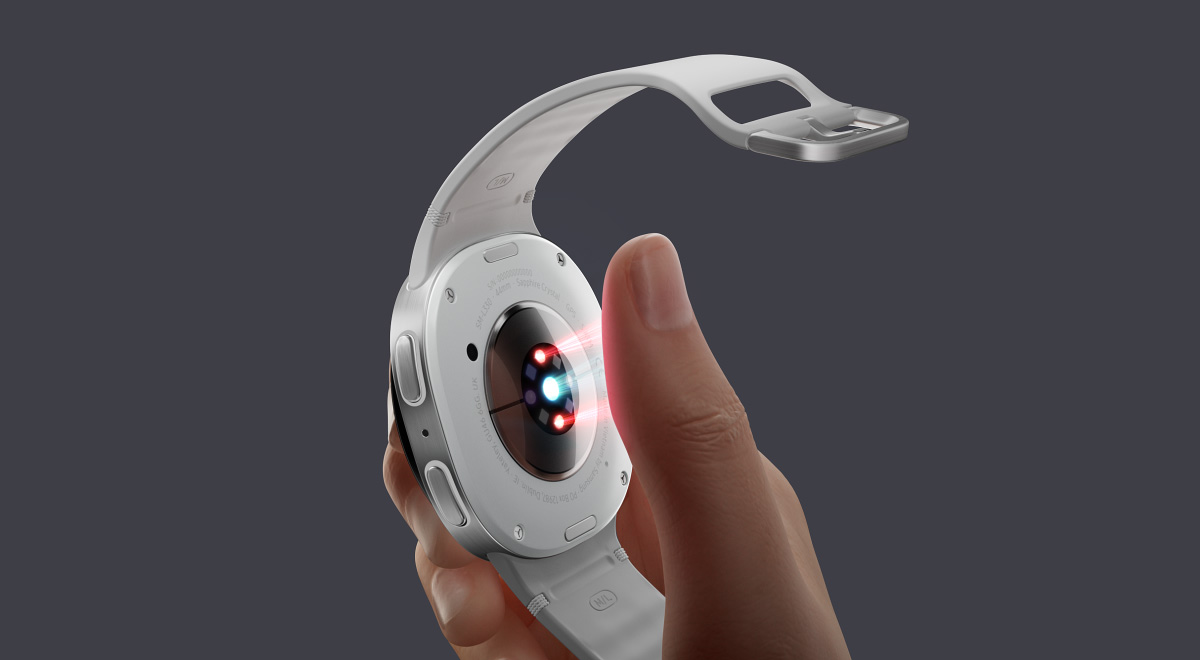

A person's thumb is placed on a sensor on the back of Galaxy Watch8, and the screen displays the Antioxidant index as 'Adequate' with a score of 92. A 'Measure' button is shown at the bottom.
-
AGEs index
Stay in the know about your AGEs index
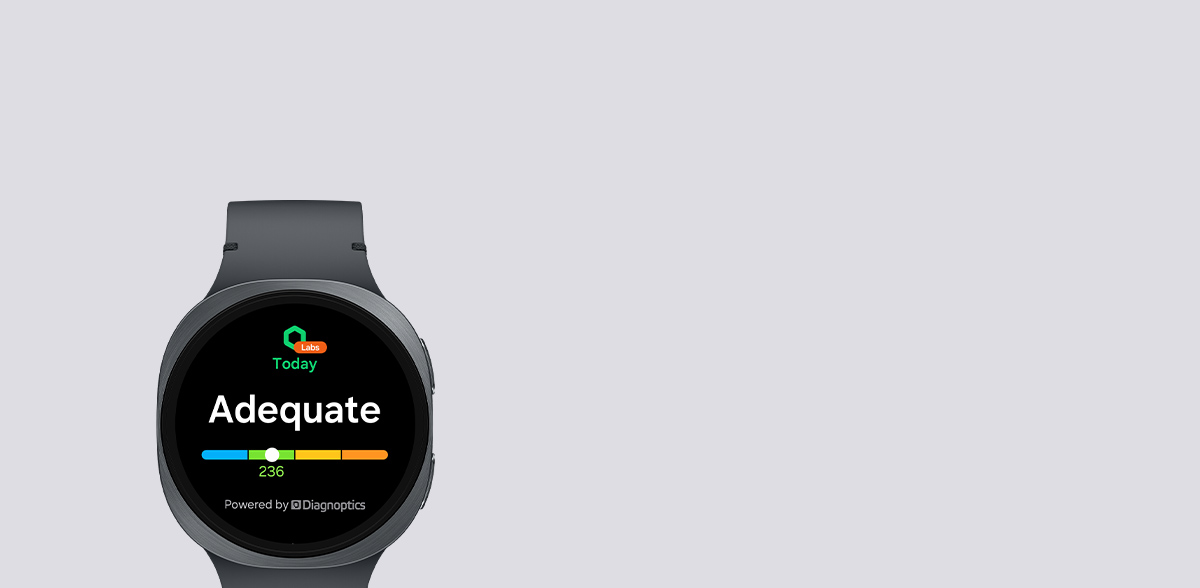
Maintain your metabolic health with Galaxy Watch8. Just wear it while you sleep, and effortlessly stay in control of your AGEs (Advanced Glycation End-products) index. Galaxy Watch8 monitors your AGEs index across four levels, helping you understand your current state. Support healthier aging and a more balanced lifestyle with insightful guidance. 29

-
Food Tracker
Check your meal logs at a glance
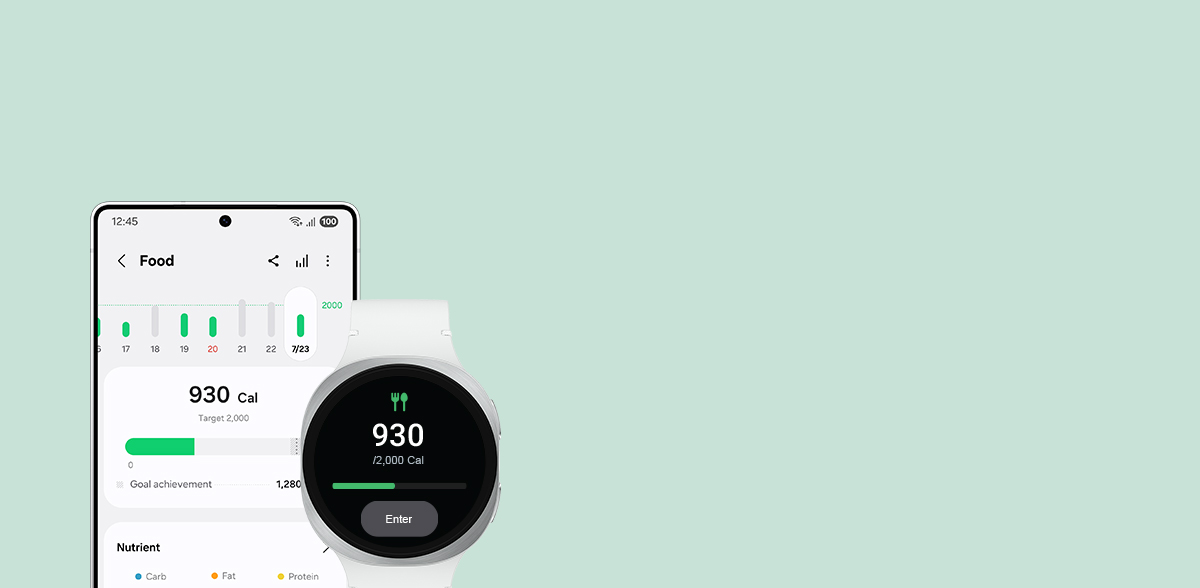
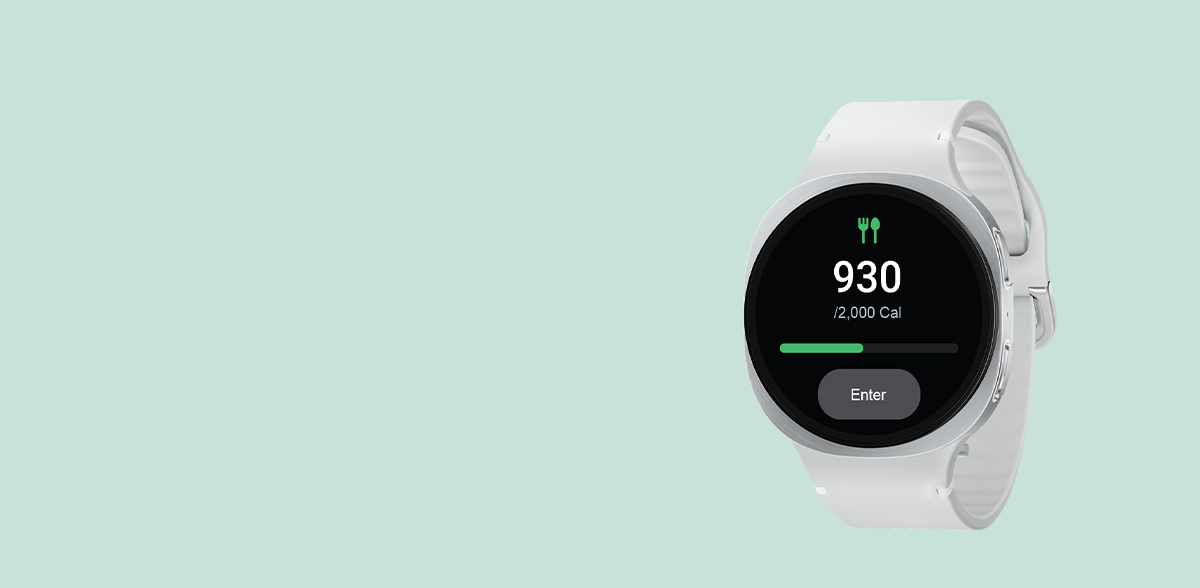
Log your meals to build healthier eating habits. Record your daily calorie intake right on your wrist with Food Tracker to help maintain a balanced diet. Take control of your nutrition by consistently keeping track of what you eat and drink to better understand your nutritional intake. Make informed decisions and eat healthier to enhance your wellness over time and become a healthier you.
-
Body Composition
Meet your fitness goals with insights
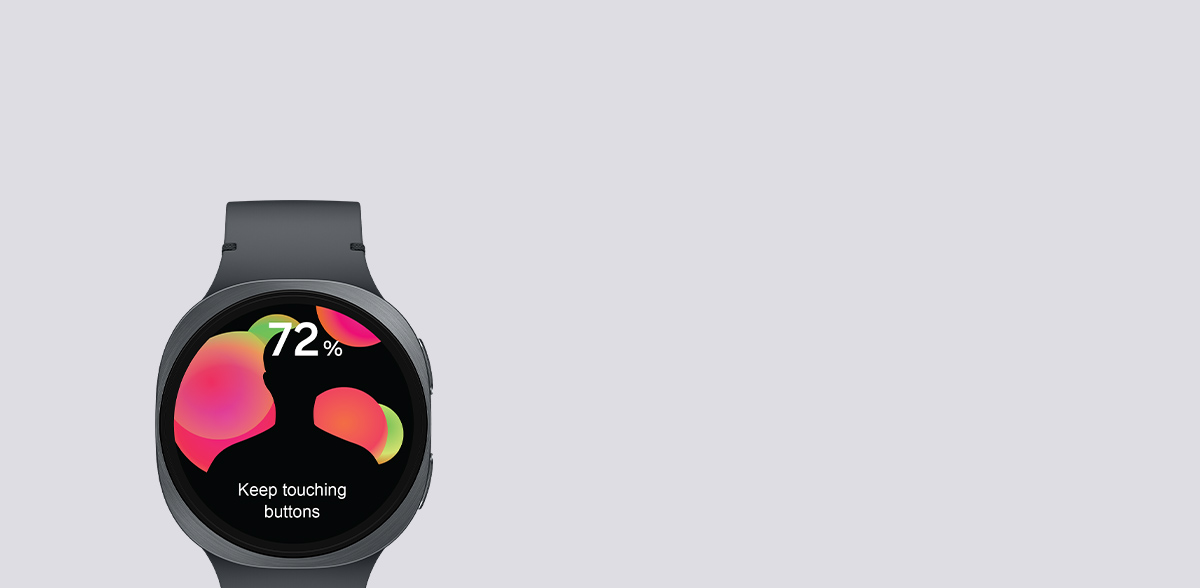
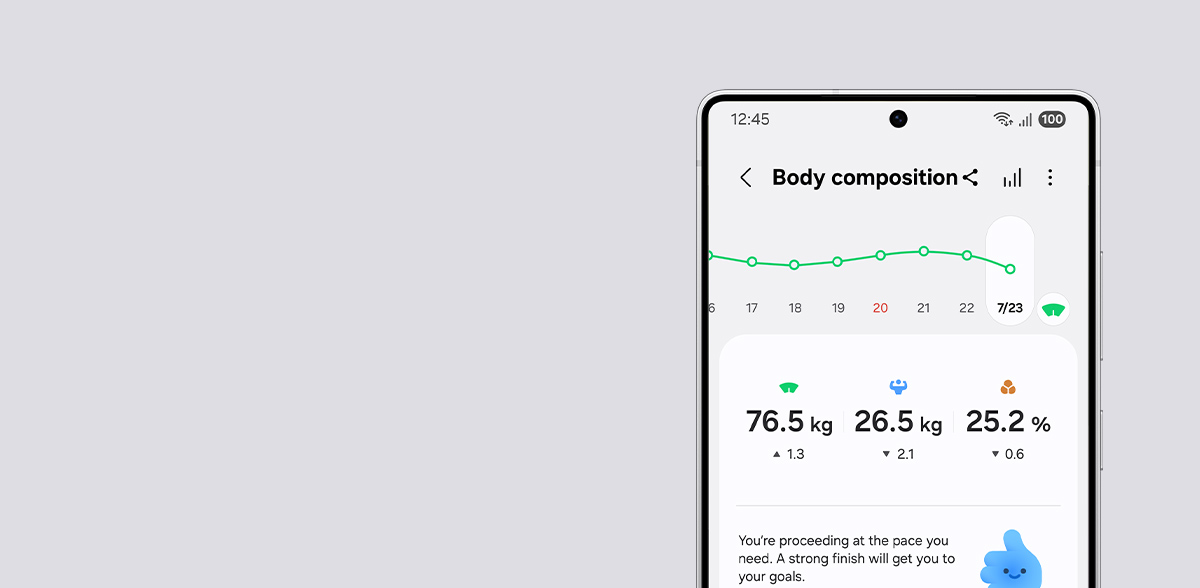
Measure your body composition with just your fingertips, and stay on track with your fitness goals. You can track key indicators like weight, skeletal muscle and fat mass by placing your middle and ring fingers on the buttons of Galaxy Watch8. Set personalized goals for each index and customize your fitness plan accordingly. Watch your body make progress over time, getting closer to the goals you've set. 11,14,30
Put your mind at ease
Mindfulness
Take a pause. Refresh your mind
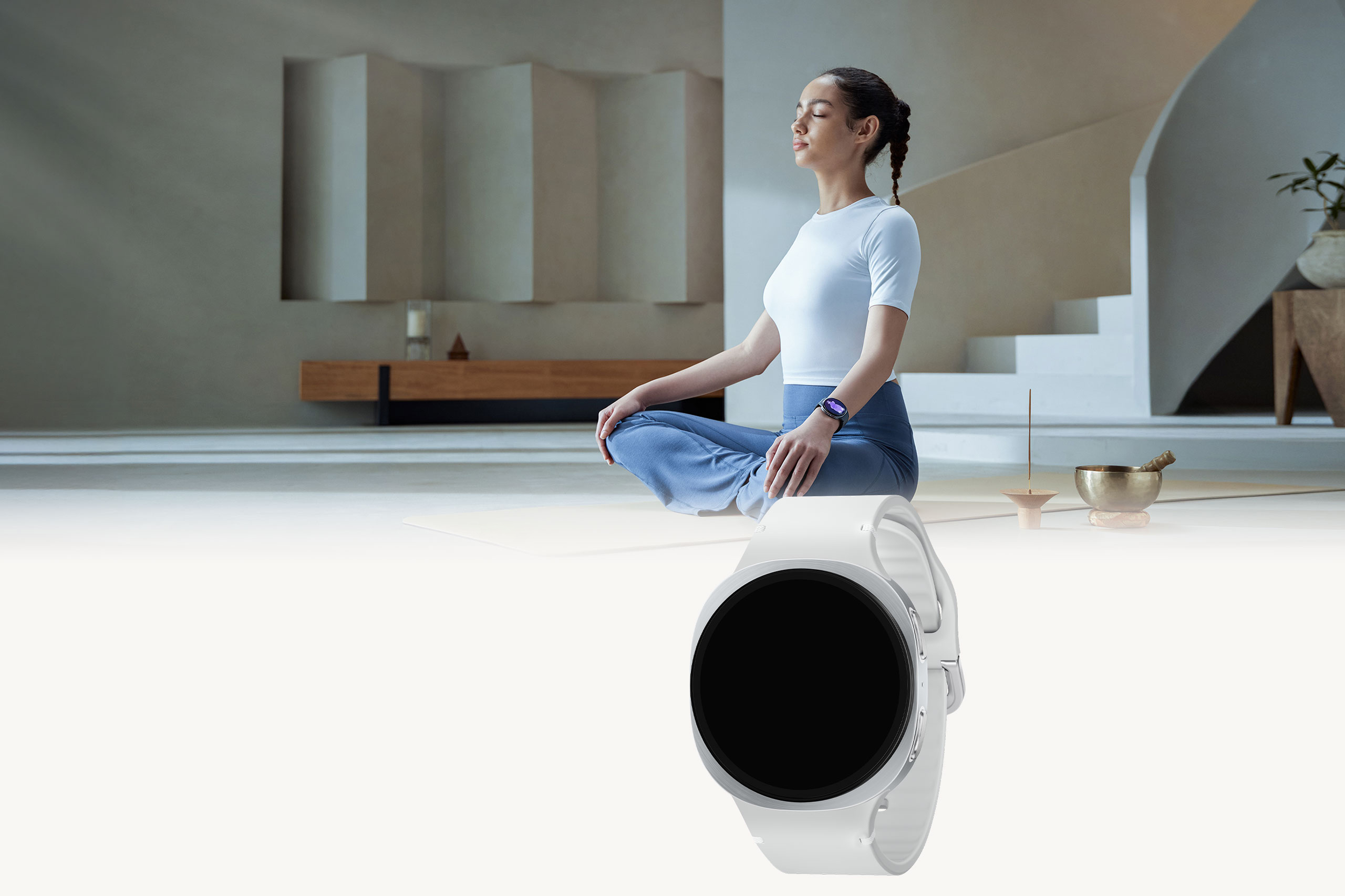
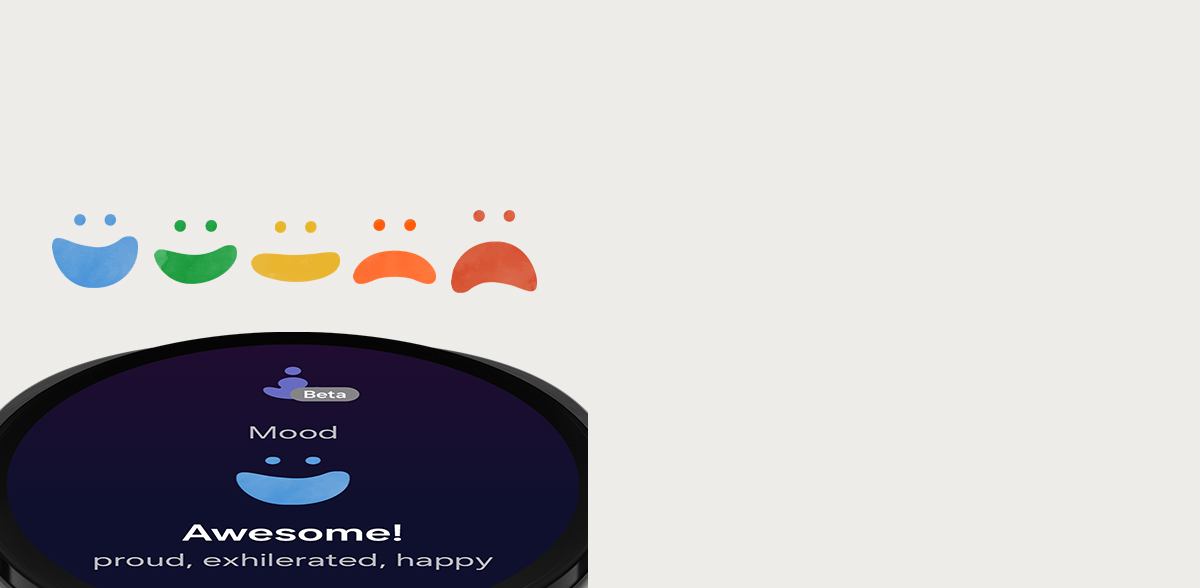
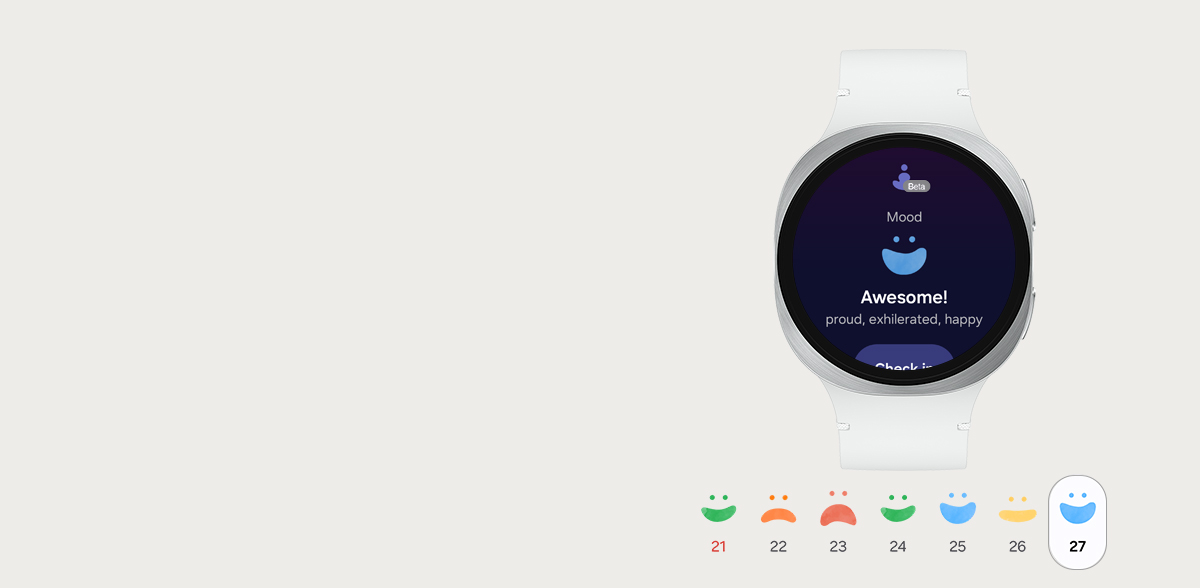
Make time each day to find your sense of serenity. Galaxy Watch8 offers tools that gently guide you toward mindfulness — from managing stress to living in the moment. Explore different techniques and discover what works best to support your mental well-being. Keep a daily log and unwind with guided breathing and meditation exercises. Consistently monitor the progress on your personal journey to find your own inner peace.
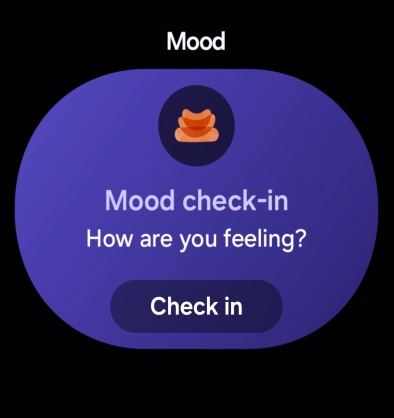
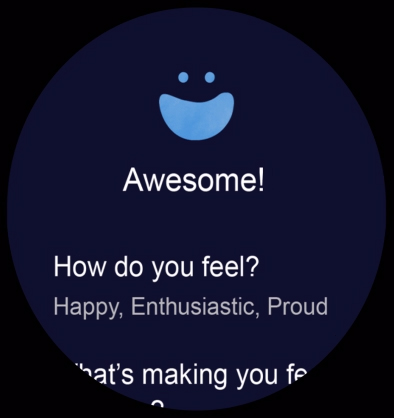
Galaxy Watch8 displaying a Mood check-in notification on screen, with the text 'How are you feeling?'. 'Check in' button below is tapped, 'Awesome' is selected. 'Next' is tapped. The text appears. 'Awesome! How do you feel? Happy, Enthusiastic, Proud.'
-
Breathing Exercises
Breathe in, breathe out, stay balanced
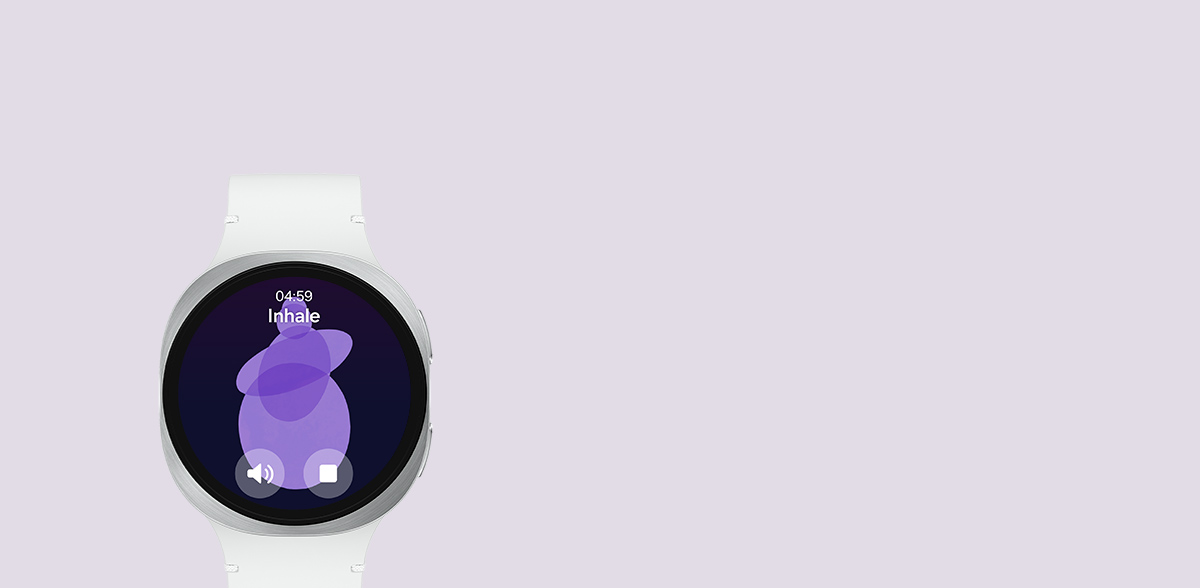
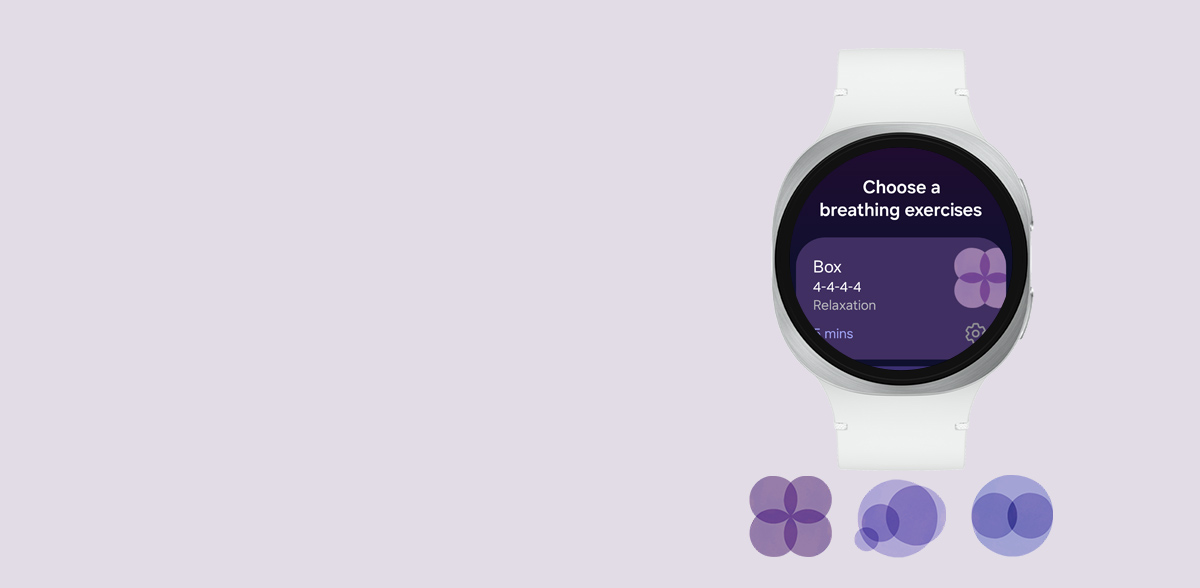
Take a deep breath. Clear your mind and refocus your thoughts with guided breathing exercises, anytime on your Galaxy Watch8. Choose from three built-in techniques designed to help you relax, regain focus or find balance, or create one of your own. It's always ready on your wrist whenever you need a mindful moment.
-
Stress
Maintain control of your stress level
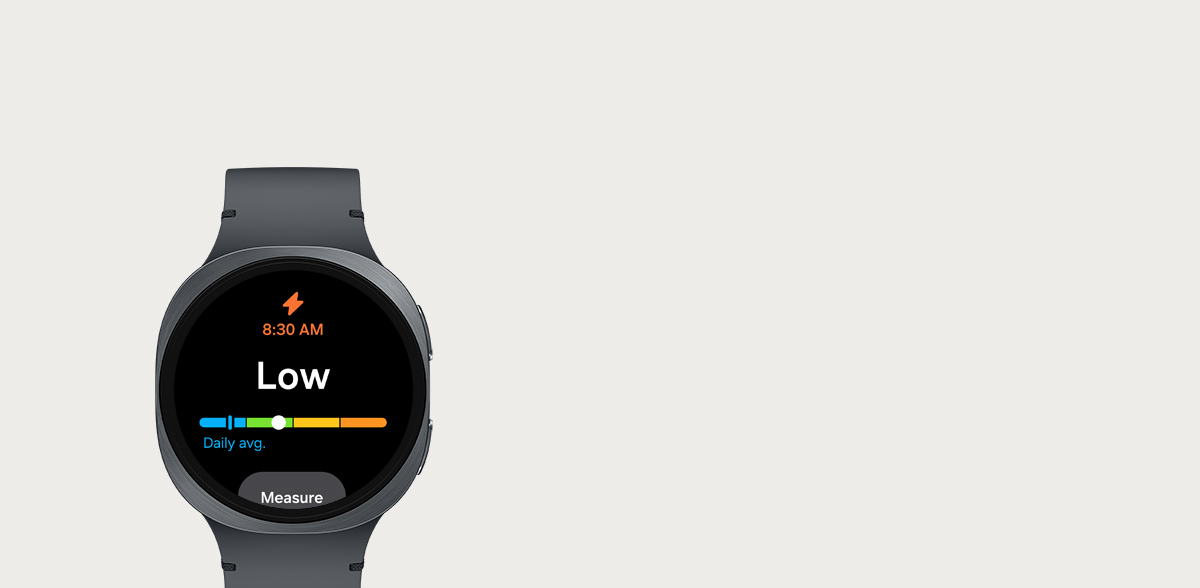
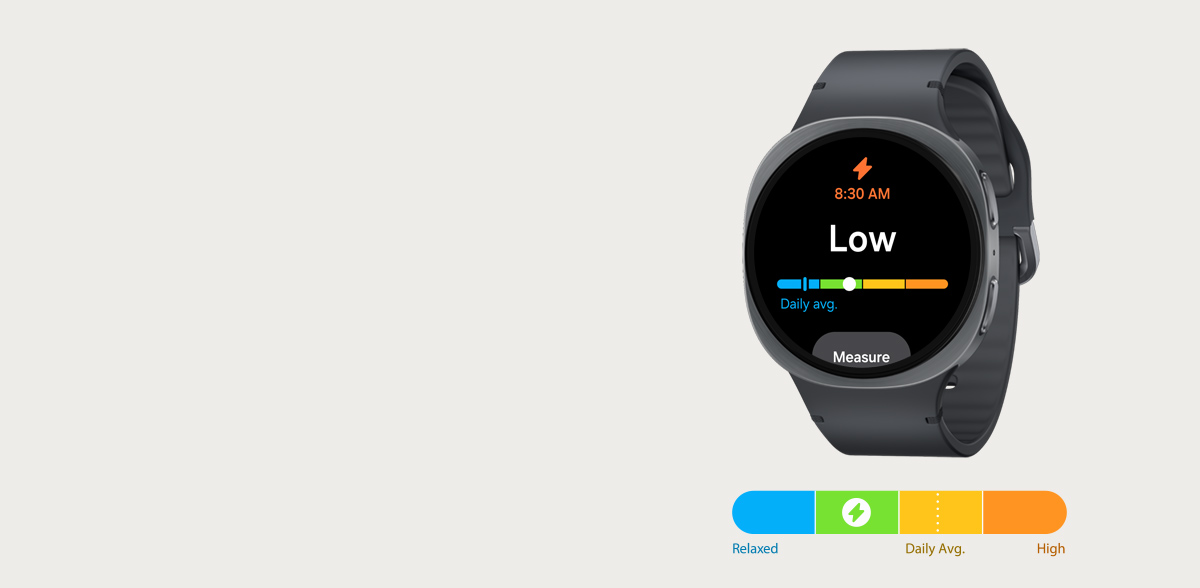
View your daily stress pattern to better manage your mental well-being. Enable advanced measurements to allow Galaxy Watch8 to track real-time changes in your stress levels throughout the day, and receive alerts when levels are high. When repeated, ease tension and refocus your mind with breathing exercises.
-
Cycle Tracking
Know your cycle and plan ahead
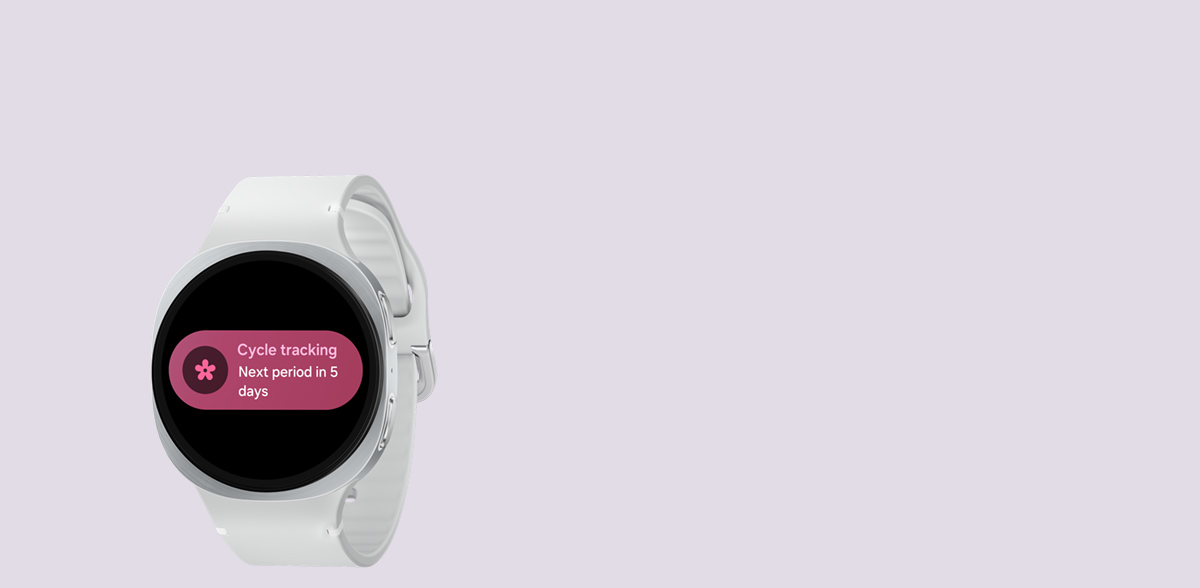
Stay in sync with your cycle thanks to Natural Cycles' adaptive fertility algorithm. Galaxy Watch8 helps forecast your upcoming period and ovulation cycles by monitoring your skin temperature overnight. Make more informed and proactive decisions about your schedule, plan accordingly and go about your day more confidently. 34

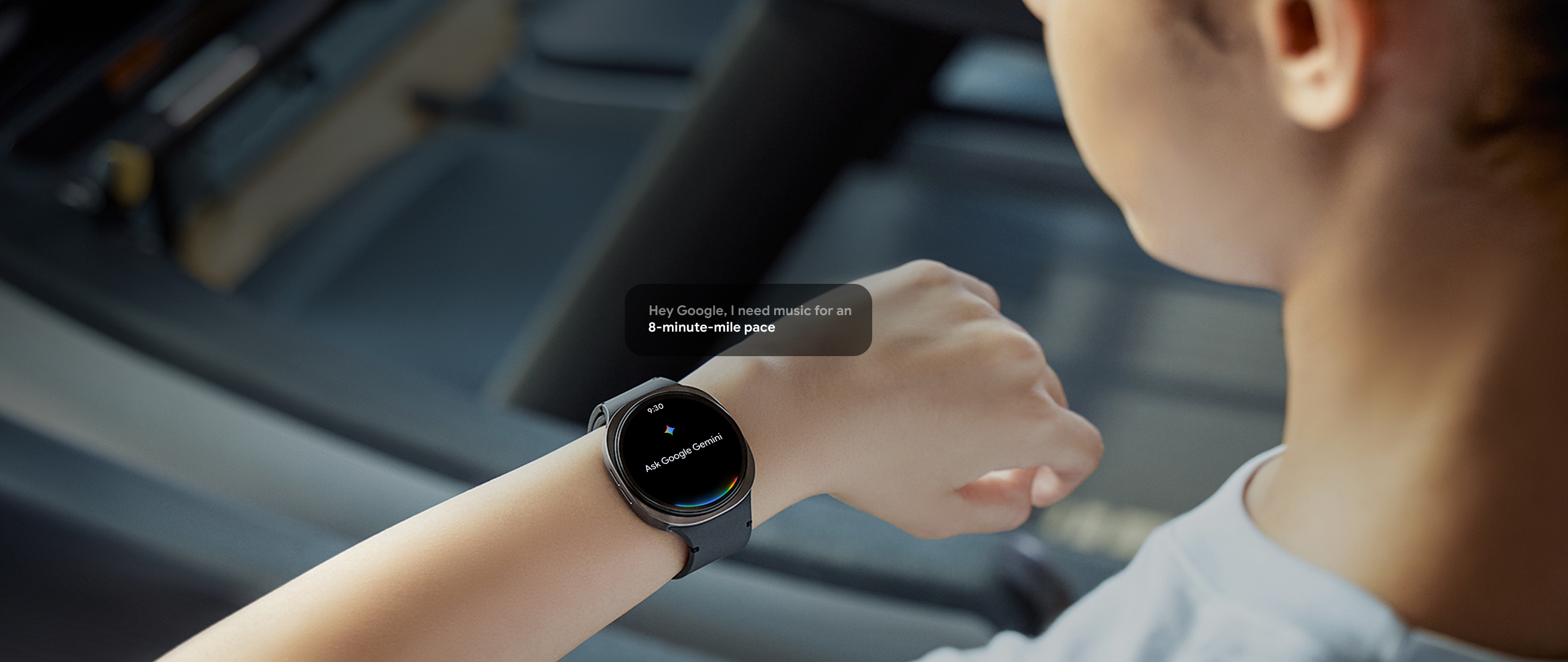
Just ask. Done
Lift your wrist and speak — Google Gemini is here to help. Galaxy Watch8 with built-in Gemini helps you get things done swiftly even during life's busiest moments. Just ask to get answers and ideas, complete various tasks across apps and access important information on the spot. Get what you need, right on your wrist. 35,36
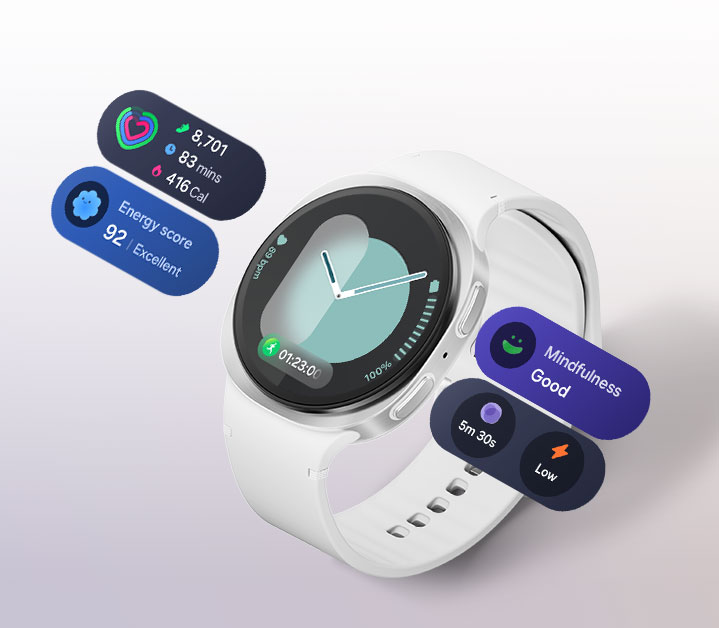
The all-new One UI 8 Watch
New Watch, new One UI. Catch your must-knows with the multi-info tile, bringing key info from the apps of your choice. Stay updated at a glance with streamlined notifications, and easily access your go-to apps from the top of the app list. View real-time info, from calls to running time and timers, all in one place with the Now bar. 37


Galaxy Watch8 displaying different screens of One UI 8, including Now bar, running, weather, Exercise Tracking and more.
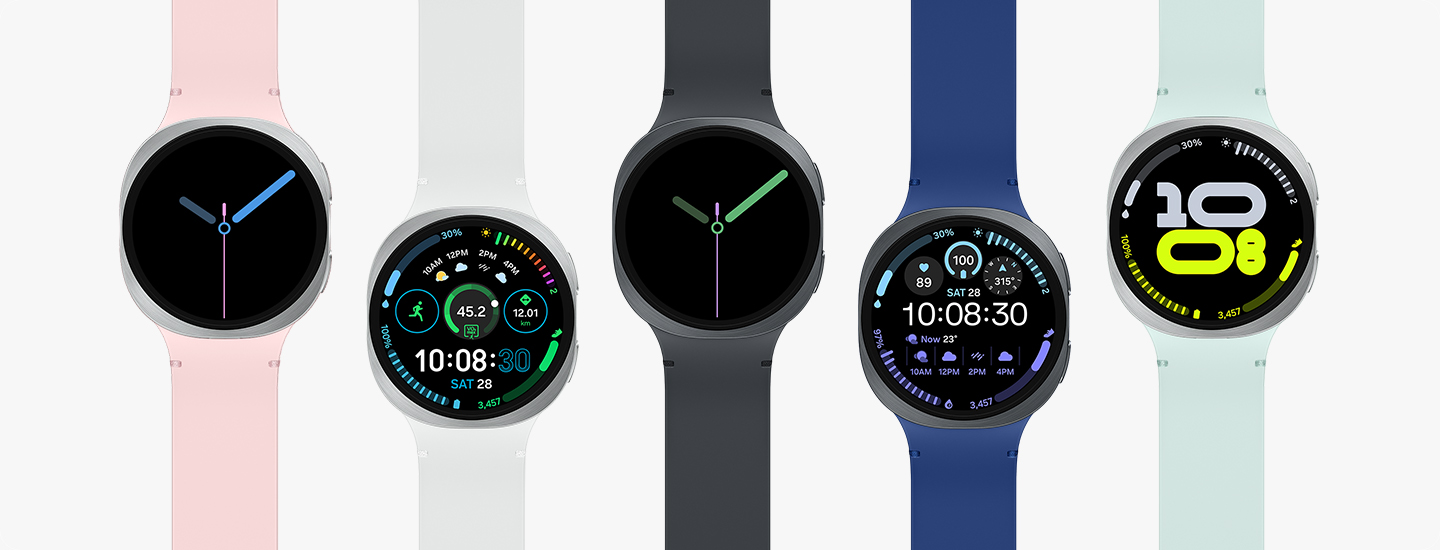
Make it yours, face to band
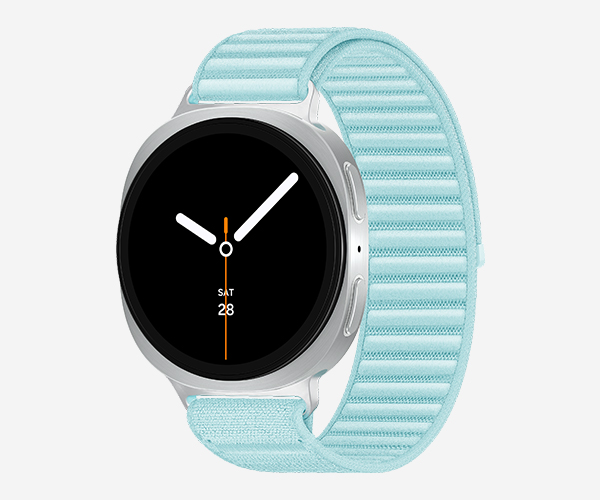
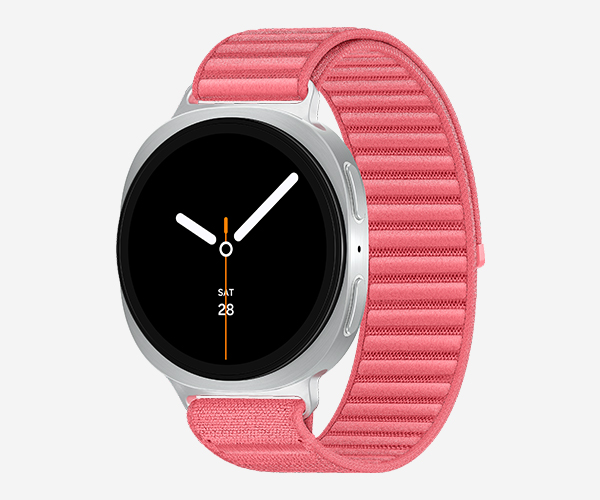
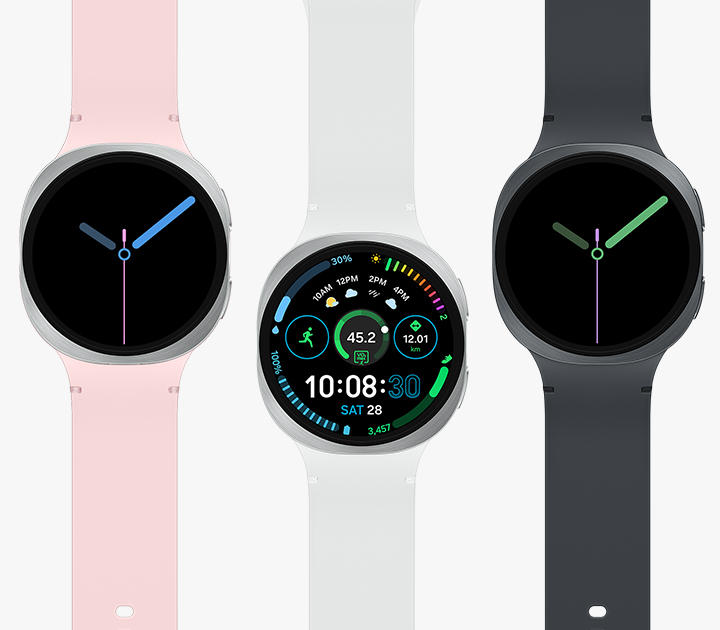
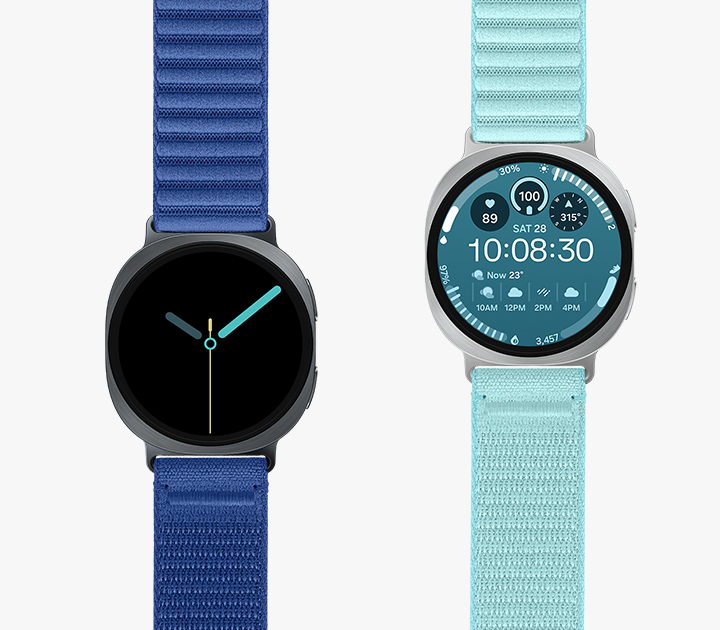
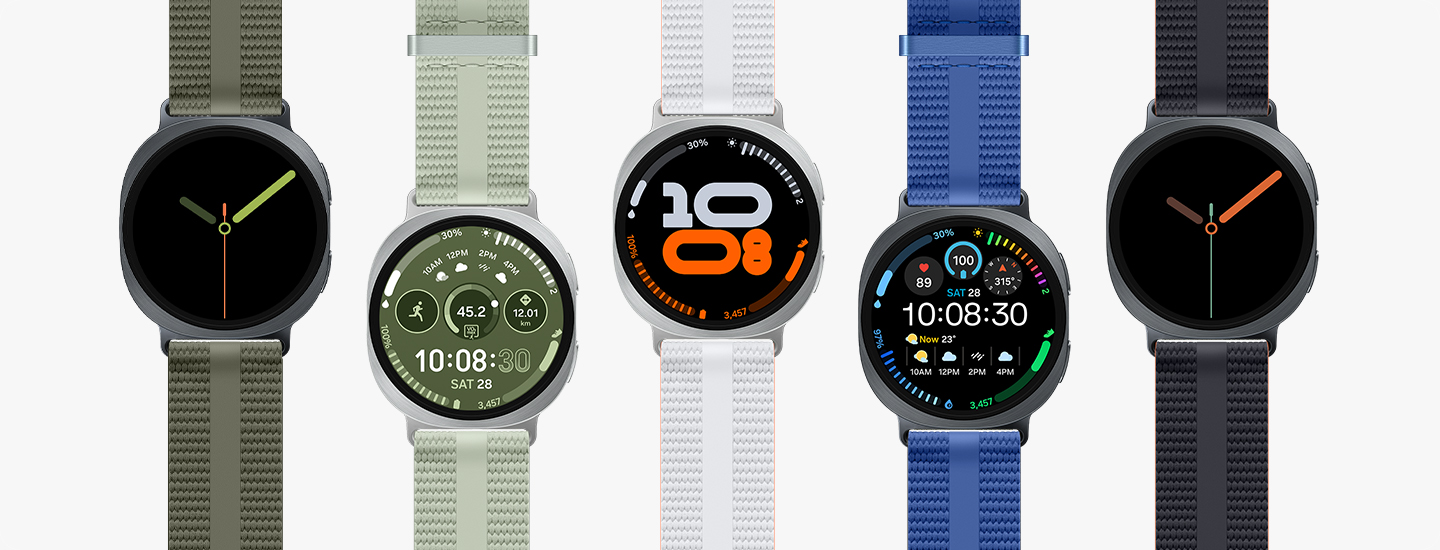
Change your band in a snap, and get ready for whatever's next. Go for the Sport Band when you're breaking a sweat, or settle for the soft Fabric Band for undisturbed comfort throughout the night. Plus, customize your watch face in the Galaxy Wearable app with options that range from colors to components. 38,39
- Pink
- White
- Graphite
- Blue
- Mint
- Pink
- White
- Graphite
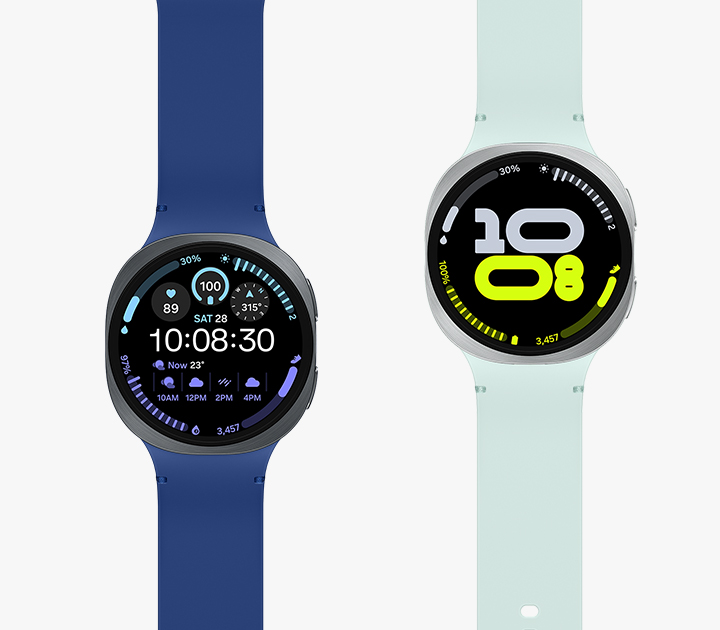
- Blue
- Mint
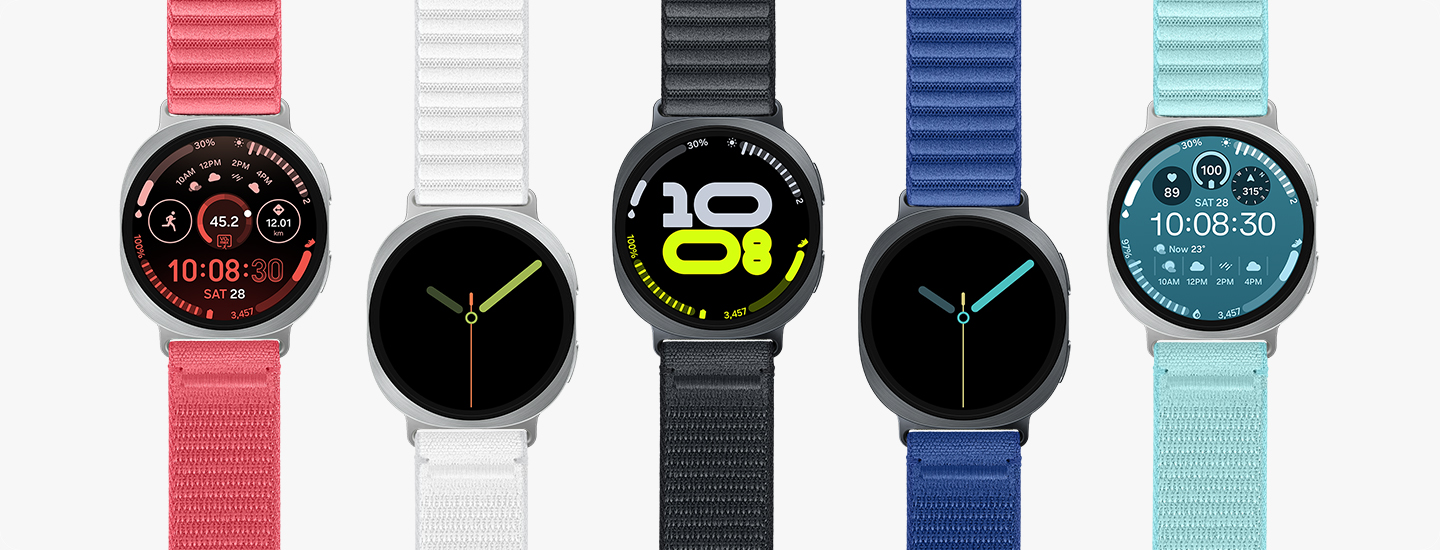
- Red
- White
- Graphite
- Blue
- Mint
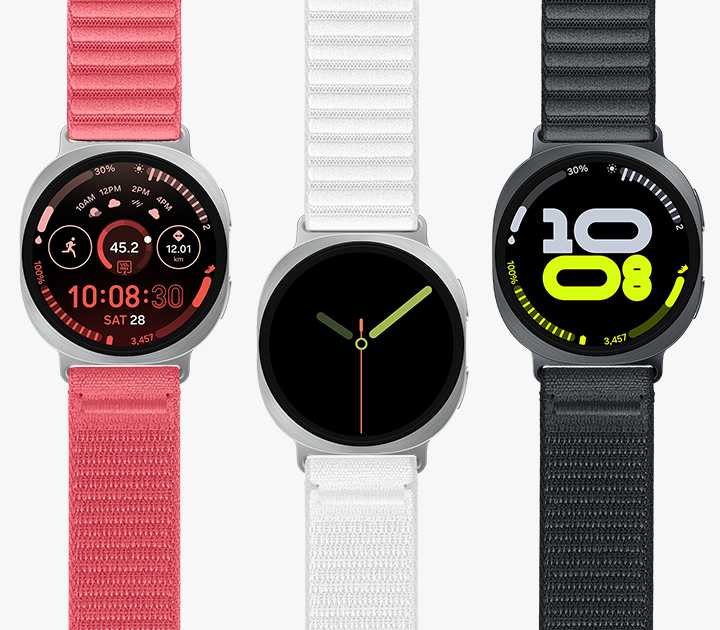
- Red
- White
- Graphite
- Blue
- Mint

- Black
- White
- Camel
- Taupe
- Blue

- Black
- White
- Camel

- Taupe
- Blue
- Green
- Sage
- White
- Blue
- Graphite

- Green
- Sage
- White

- Blue
- Graphite
Expanded
Galaxy Wearable experience
Get started with your Galaxy Watch seamlessly on your Android™ smartphone. Simply download Galaxy Wearable and Samsung Health apps from Google Play to connect your Android phone to your Galaxy Watch. Now, you can experience the latest Galaxy Wearable device — Galaxy Watch8. Enjoy the features, from health tracking to sleep coaching, that are integrated into a sleek cushion design. 40,41,42,43,44,45,46

Switch and protect with reliable plans
-
Time to upgrade with
Trade-InSimply trade in your old device and receive immediate savings for your new Galaxy Watch8. 47
Learn more
-
Care around the clock with Samsung Care+
Safeguard your device against accidental damage, unexpected breakdowns and even theft.
Learn more
Find the Watch that fits you best
Learn more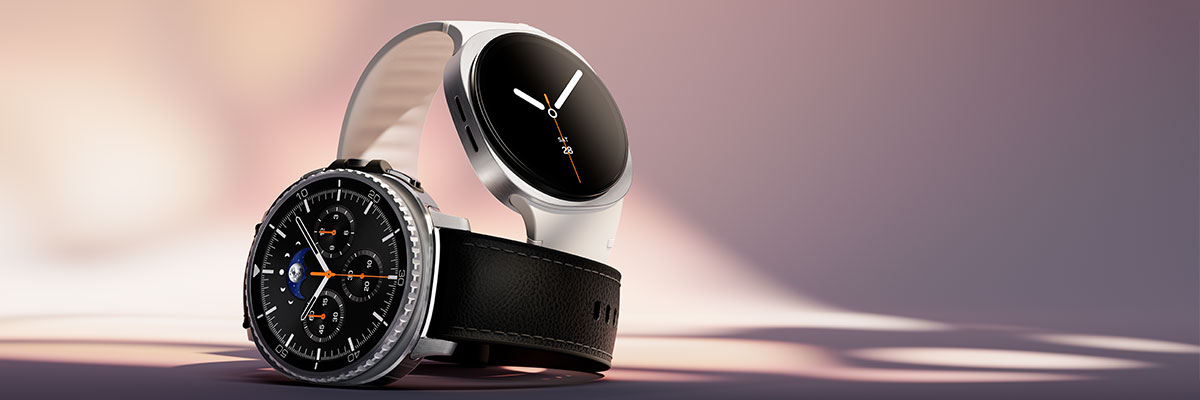



Compare Watch
Find your best Galaxy
Color
Latest Galaxy
More Galaxy
Color
Latest Galaxy
More Galaxy
Color
Key Specs
-

Material
Armor Aluminum -

Material
Armor Aluminum -
Material
Armor Aluminum
-

Processor
3 nm Processor,
5 Core -
Processor
3 nm Processor,
5 Core -
Processor
5 nm Processor,
2 Core
-

GPS
L1+L5 Dual-
Frequency GPS -
GPS
L1+L5 Dual-
Frequency GPS -
GPS
L1 GPS
-
Connectivity
Bluetooth / Bluetooth
+ LTE -
Connectivity
Bluetooth / Bluetooth
+ LTE -
Connectivity
Bluetooth / Bluetooth
+ LTE
-

Memory / Storage
2 GB / 32 GB -
Memory / Storage
2 GB / 32 GB -
Memory / Storage
2 GB / 16 GB
-
Display Brightness
Up to
3000 nits -
Display Brightness
Up to
2000 nits -
Display Brightness
Up to
2000 nits
-

Durability
5ATM + IP68 / MIL-
STD-810H -
Durability
5ATM + IP68 / MIL-
STD-810H -
Durability
5ATM + IP68 / MIL-
STD-810H
-

Battery
325 mAh
Up to 30 hrs (*AOD On) -
Battery
300 mAh
Up to 30 hrs (*AOD On) -
Battery
300 mAh
Up to 30 hrs (*AOD On)
-
Safety and Emergency
SOS / Fall detection -
Safety and Emergency
SOS / Fall detection -
Safety and Emergency
SOS / Fall detection
-
Health
Energy Score -not available Bedtime Guidance High Stress Alert Running Coach Personalized
Heart Rate Zone Personalized Functional
Threshold Power AGEs Index Vascular Load Blood Pressure ECG Irregular Heart
Rhythm Notification Antioxidant Body Composition Cycle Tracking -
Health
Energy Score -not available Bedtime Guidance -not available -not available Personalized
Heart Rate Zone Personalized Functional
Threshold Power AGEs Index -not available Blood Pressure ECG Irregular Heart
Rhythm Notification -not available Body Composition Cycle Tracking -
Health
Energy Score -not available Bedtime Guidance -not available -not available Personalized
Heart Rate Zone -not available -not available -not available Blood Pressure ECG Irregular Heart
Rhythm Notification -not available Body Composition Cycle Tracking
-
Google Gemini
Oavailable -
Google Gemini
-not available -
Google Gemini
-not available
Frequently Asked Questions
-
-
Galaxy Watch8 boasts a bright 3,000 nits display, ensuring clear visibility even in bright surroundings — making it suitable for outdoor activities. Powered by a 3 nm processor, it also delivers a seamless user experience, from health monitoring to multitasking across different apps.
-
Galaxy Watch8 is available in Silver and Graphite. It comes in two sizes, Small (40 mm) and Large (44 mm). 1
-
Yes, Galaxy Watch8 can monitor your stress levels. You can set up Galaxy Watch8 to automatically track your stress levels throughout the day. When the levels are high, you'll receive alerts and you can take guided breathing exercises to relieve tension. You can also manually monitor your stress levels whenever you need to stay on top of your mental well-being. 10
-
Galaxy Watch8 works with smartphones running Android 12 or higher. 17
-
Galaxy Watch8 comes in both LTE and Bluetooth model, giving users flexible options depending on their lifestyle and environment. With the LTE version, you can make calls, send messages, stream music and receive notifications without needing your phone nearby. It's ideal for staying connected while on the go. The Bluetooth version allows you to use the watch independently in known networks, especially when you're at home, work or any place with Wi-Fi. Both options enable a high level of standalone functionality, ensuring you can stay connected your way — whether you're on the move or on a network.
-
Galaxy Watch8 works with Samsung Galaxy smartphones running Android 12 or higher. 14
-
-
You can charge Galaxy Watch8 using the Wireless Charger it comes with. Just place your watch on the charger for easy, wireless charging.
-
The watch’s wear detection sensor uses infrared light reflected from the skin to determine whether the watch is being worn. This method uses the way human skin tissue and melanin cells reflect infrared light.
However, in the case of tattooed skin:-
- the pigments injected into the skin may absorb the infrared light, so the watch may not be detected as being worn properly; and
- sensors that collect biometric signals using infrared light , such as heart rate, stress and SpO2 may not operate normally.
Therefore, we recommend wearing the watch on an arm without tattoo for optimal performance.
- Availability of colors, sizes, models and watch bands may vary by country or carrier.
- Sequences shortened and simulated. Results for illustrative purposes only.
- Compared to previous Galaxy Watch series.
- Based on Samsung's internal test results. 7 different poses were tested on the wrists of a total 100 individuals. Test was conducted with Galaxy Watch7 (Large), Galaxy Watch8 (Large) and Galaxy Watch6 Classic (Large) and Galaxy Watch8 Classic.
- Bedtime Guidance is available on Android phone (Android 11 and above) and requires Samsung Health app (v6.30.2 or later). Bedtime Guidance based on 3 days of sleep analysis of user's circadian rhythm and sleep pressure. Intended for general wellness and fitness purposes only. The measurements are for your personal reference only. Not intended for use in detection, diagnosis, treatment of any medical condition or sleep disorder. Please consult a medical professional for advice.
- Energy Score is available on Android phones (Android 11 or above) and requires Samsung Health app (v6.27 or above). Samsung Account login required. Service availability may vary by country, region, language. To check the Energy Score, the health data tracked from Samsung Galaxy Watch must be synchronized with the Samsung Health app. Needs at least the previous day's activity data and sleep, and heart rate data during sleep. Not intended for use in detection, diagnosis, treatment of any medical condition. The result is for your personal reference only. Please consult a medical professional for advice.
- Sleep Tracking features are intended for general wellness and fitness purposes only. Not intended for use in detection, diagnosis, treatment of any medical condition or sleep disorder. The measurements are for your personal reference only. Please consult a medical professional for advice.
- Sleep Coaching requires sleep data of at least 7 days (including 1 workday and 1 day off).
- Available on Samsung Health app v.6.24 or above and must be paired with Samsung Galaxy smartphones with Android OS 11 and above. Samsung account login required.
- Intended for general wellness and fitness purposes only.
- Not intended for use in detection, diagnosis, treatment of any medical condition or disease. Please consult a medical professional for advice.
- Running Coach program is available on Android phones (Android 10 or above) and requires Samsung Health app (v6.30.2 or above). Samsung account login required. Service only available with Galaxy Watch8 Series or later released Galaxy Watch Series. To use Running Coach program, user needs to take a running level test and get a level before starting the coach program.
- Personalized Heart Rate Zone enabled when selecting outdoor run activity. It is required to run consistently for more than 10 minutes with speed of 4km/h or faster.
- Compatible smartphones and available features may vary by country/region, carrier or device.
- Auto detect workouts must be turned on in Settings. Auto detect is not available for all workouts.
- GPS accuracy may vary depending on network environment and other factors.
- Internet connection required to increase GPS accuracy or to view outdoor exercise results along with the route map. GPS function can be used on LTE models without paired smartphone. Non-LTE models require Bluetooth connection to paired smartphone. To improve GPS accuracy, go to Settings > Location > Location Accuracy > Improve Location Accuracy.
- Vascular Load available on Android phones (Android 10 or above) and requires the Samsung Health app (v6.30.2 or above). Samsung account login required. To measure vascular load, it is required to wear Galaxy Watch (Galaxy Watch Ultra, Watch8 and later released Galaxy Watch series) when sleeping for at least 3 days out of recent 14 days.
- Vascular load monitoring is for fitness and wellness only. If you've been diagnosed with cardiovascular disease or are recovering from surgery, be sure to follow your doctor's treatment plan. This is a Labs feature that you can preview before its official launch. If you don't want to use this experimental feature, you can turn it off in Samsung Health settings.
- For accurate blood pressure readings, a calibration is required every 4 weeks by BP monitor & arm cuff. Requires a Galaxy smartphone running Android 10.0 or above.
- Availability of Blood Pressure app may vary by country or region. Due to country restrictions in obtaining approval/registration as a Software as a medical device (SaMD), Blood Pressure app only works on watches and smartphones purchased in the countries where service is currently available (however, service may be restricted when users travel to non-service countries). Check out https://www.samsung.com/apps/samsung-health-monitor for more information and latest update on service countries. It is not intended for use by people under 22 years old.
- Users should measure their blood pressure when at rest, as they would do with a traditional cuff, and refrain from measuring when they are working out, smoking or drinking. Blood Pressure app is not intended for any diagnostic purposes regarding hypertension or other heart conditions or users under 22 years old. Users should not interpret or take clinical action based on the device output without consultation of a qualified healthcare professional. Blood Pressure app is not intended to replace traditional methods of diagnosis or treatment.
- Measured blood pressure history can be reviewed within the Samsung Health Monitor app on a paired smartphone.
- Availability of ECG and of Irregular Heart Rhythm Notification (IHRN) may vary by country or region. Due to country restrictions in obtaining approval/registration as a Software as a medical device (SaMD), ECG app only works on watches and smartphones purchased in the countries where service is currently available (however, service may be restricted when users travel to non-service countries). Check out https://www.samsung.com/apps/samsung-health-monitor for more information and latest update on service countries. It is not intended for users by people under 22 years old. Users should not interpret or take clinical action based on the device output without consultation of a qualified healthcare professional.
- Antioxidant Index available on Android phones (Android 10 or above) and requires the Samsung Health app (v6.30.2 or above). Samsung account login required.
- To measure, place the center of your finger on the sensor at the back of the Watch and hold it for 5 seconds. While antioxidant index can be measured using any finger, the thumb is recommended for the most accurate result.
- Repeated measurement due to uneven skin texture may lead to different results.
- Antioxidant Index is for fitness and wellness only. Not intended for use in detection, diagnosis or treatment of any medical condition. Please consult a medical professional for advice if you're concerned about your antioxidant level. This is a Labs feature that you can preview before its official launch. If you don't want to use this experimental feature, you can turn it off in Samsung Health settings.
- Advanced Glycation End-products (AGEs) index requires Samsung Account login and Samsung Health app 6.27 or later. Available on devices with Android OS 10 (Q OS) or later. Requires wearing Galaxy Watch to sleep. Not intended for use in detection, diagnosis, treatment of any medical condition. AGEs index is for your personal reference only. Please consult a medical professional for advice.
- Body Composition is only supported in Samsung Galaxy Watch4 series and later released Galaxy Watch models. Body Composition should not be used if you have an implanted pacemaker or other implanted medical devices, or if you are pregnant. Any health-related information accessed through the device and application should not be treated as medical advice. Measurement results may not be accurate if you are under 20 years old. The measurements are for your personal reference only. Please consult a medical professional for advice.
- Mindfulness available on Android phones (Android 10 or above) and requires the Samsung Health app (Samsung Health app for mobile phones v6.29 or above, Samsung Health app for Galaxy Watch v6.30 or above). Samsung account login required.
- Mindfulness is intended for general wellness purposes only. Not intended for use in detection, diagnosis, treatment of any medical condition.
- The tracking is for your personal reference only. Please consult a professional for advice.
- Cycle Tracking is available for cycle and period prediction which is powered by Natural Cycles. Cycle Tracking based on skin temperature works on phones and watches purchased in the countries where the service is currently available. NOT INTENDED FOR CONTRACEPTION. If you are currently taking hormonal birth control or undergoing hormonal treatment that inhibits ovulation, this service will not be useful for tracking ovulation. Predictions displayed are for personal reference only. To improve the accuracy of predictions, it is recommended to wear your Galaxy Watch for at least 4 hours sleep at night, 5 times a week. Predictions may vary depending on the proper use of your watch, input data, environmental conditions, etc. Intended for users 18 years old and above. Users should not interpret or take clinical action based on the predictions made without consultation of a qualified healthcare professional.
- Cross app action feature requires internet connection and Google Account. Service availability may vary by country, language, device model. Works on compatible apps. Features may differ depending on subscription and results may vary. Set up may be required for certain functions or apps. Accuracy of results is not guaranteed.
- Gemini mobile app available on select devices, languages, and countries. Requires compatible Wear OS watch to be connected to a compatible device. Check responses for accuracy. Internet connection and set up may be required. Results for illustrative purposes and may vary. Google and Gemini are trademarks of Google LLC.
- Apps supported on Now bar may vary by software version, device model, region, etc.
- Additional Watch bands sold separately.
- Watch band availability may vary depending on country, region or carrier.
- Galaxy Watch8 must be paired with a smartphone with Android 12.0 or above and minimum 1.5 GB Memory.
- Advanced settings on the Galaxy Wearable app include Pinch Control and software update.
- Some features are only available on selected Samsung Galaxy smartphones.
- Galaxy Wearable app is not supported on iOS.
- Samsung Health Monitor app is only available on Samsung Galaxy smartphones.
- Availability and supported features may vary by country, region or carrier.
- Android and Google Play are trademarks of Google LLC.
- To be eligible for trade-in, your qualifying device must meet all Trade-In Program eligibility requirements, which include, but are not limited to, that the device powers on, holds a charge, and does not power off unexpectedly; has a functioning display; has no breaks or cracks in the screen (unless a cracked screen offer applies); has no breaks or cracks in the case; has no liquid damage (whether visible or not); has no other defects that go beyond normal wear and tear; is not on a black list; has a verified FCC ID; has been reset to factory settings; has all personal information removed; has all software locks disabled; and is owned by you (leased devices are not eligible).


Iconic in metal. Shaped for all-day comfort


Timeless colors for every tune


Designed for ease, crafted for beauty
Check that Galaxy Buds4 is properly in place through the translucent cover. Charge wirelessly and simply take it anywhere — its compact, lightweight design makes it easy to carry. 3


Let your music stay in place effortlessly
Backed by global ear data, Galaxy Buds4 is shaped with a computational design that enhances wearability. Galaxy Buds4 stays in your ears snugly, whether you're indoors or outdoors. 4


Easy pinch, easy controls
Now with the upgraded Pinch Control, you can manage your media or control the volume with just your index finger — no need to reach for your phone.


Balanced clear sound, all around


Dynamic wide-range speaker for rich, full audio
Enjoy beautifully balanced sound on Galaxy Buds4 powered by an 11 mm wide-range speaker, delivering rich sound from solid, controlled bass to clear, detailed highs.


Hear every layer come alive
Hear every layer come alive with extended bit depth and high sampling rates. Samsung Seamless Codec (SSC) supports 24-bit / 96 kHz audio to preserve the original sound with vast amount of information, while optimized data transmission control enables a stable listening experience with reduced audible artifacts or dropouts. Turn on the Ultra High Quality Audio (UHQ) option on your Galaxy smartphone and rediscover your favorite songs in full detail.5


Rich sound adjusted your way
Take a step closer to stable, everyday audio. Customize bass, treble and tone with the 9-Band Equalizer to match your preference, creating a sound signature tailored just for you. Galaxy Buds4 also optimizes sound adaptively to your ear shape and wearing style, ensuring a consistent listening experience as your ears perceive it — even when you adjust the volume.6


Super Clear Call, even in noise
Your voice is clearly captured by 6 microphones positioned around your head, intelligently isolating it from the background sound with advanced Deep Neural Network (DNN). The exceptionally clean voice signal is transmitted with pure effortlessness through Super Wideband (SWB) up to 16 kHz between your Galaxy Buds4 and Galaxy smartphone. Hear and be heard, loud and clear — even in noisy moments.7


Surround yourself in sound
Expand your soundstage from stereo into a grand orchestral hall or a large arena, placing you at the center of a live performance with a single touch. Feel instruments and vocals in three dimensions, and experience the atmosphere enveloping you in music.8


Deeper immersion that adapts with you


Dive into your personal soundscape
With its quality sound system, Galaxy Buds4 achieves precise noise control. Distractions fade in real-time as Active Noise Canceling (ANC) algorithm instantly processes and adapts to your ear shape and fit. Tune in to immersive sound wherever you are.


Listen to music while staying connected
Manage your listening experience your way. Galaxy Buds4 adjusts the levels of ANC and ambient sounds in real-time, adapting to your environment — whether you’re sensitive to noise or prefer more blending. Stay more immersed in the music while remaining connected to the world around you.


Keep in sync with the Galaxy Ecosystem9


Simple connection. Straight to the tunes
Just open the Charging Case and you’re all set — as simple as that. No apps, no downloads and of course, no hassle. Your Galaxy smartphone and Galaxy Tab detect Galaxy Buds4 for easy pairing.10


Now, everything flows as one in One UI
The evolved One UI 8.5 creates a deep connection between your Galaxy Buds and Galaxy smartphone, almost like a duet. Control has never been more intuitive — manage features from the device settings, without downloading a separate app. From the Quick Panel, you can easily access features and also set and save sound preferences for each app.11


Personal AI translator in your ear
Break language barriers with a personal AI translator in your ear. Fully engage in the moment with Galaxy AI powered interpreter — hear it through Galaxy Buds4 and read it on your Galaxy smartphone. Galaxy AI steps in to ensure clear communication across different languages.12


Just talk to wake your AI agents
Ask for assistance with just your voice ― no phone-pulling required. Simply speak to AI agents such as Bixby to get answers to questions or manage tasks instantly without slowing you down.13


Respond with a simple nod or shake
Intuitive nods and shakes let you respond quickly, from answering calls to talking to Bixby, without lifting a hand. Get what you need effortlessly, even in situations where your hands are busy or when it’s not an ideal time to speak.14


Switch instantly between Galaxy devices
Auto Switch shifts your audio to the most pressing task at hand. Take a call on your Galaxy smartphone while focusing on your creative project on your Galaxy Tab or Galaxy Book. Jump right back to where you left off, the instant you hang up. The experience is seamless across your Galaxy devices.15


Pair up with our all-new AI phone
Pair Galaxy S26 and S26+ with Galaxy Watch8 to your everyday life to spark excitement ― from listening to quality audio with an improved codec and stable Bluetooth 6.1 connection, to paying more attention to your sleep quality and cardio health.


Frequently Asked Questions
The main differences between Galaxy Buds4 Pro and Galaxy Bud4 are as follows. Galaxy Buds4 Pro has an enhanced 2-way Speaker and a Dual Amplifier to reproduce Hi-Fi sound that's true to the original recording. And it comes with 3 sets of silicone ear tips in different sizes for sound delivery with less distortion. Features such as Voice Detect and Siren Detect are supported on Galaxy Buds4 Pro. Galaxy Buds4 produces balanced sound with a capable speaker and is optimized for everyday listening.17
Galaxy Buds4 comes with earbuds, Charging Case and the Quick Start Guide. USB Type-C cable is not included.
Galaxy Buds4 comes in two classic colors, White and Black. With timeless colors that never go out of style, Galaxy Buds4 blends into your outfit for any occasion.
Yes, Galaxy Buds4 Charging Case can be charged wirelessly. Wireless charging pad is not included in the box and is sold separately.
No. The Charging Case for each Buds is shaped differently, making it incompatible between the two models.
You can use Pinch Control on Galaxy Buds4 using your index finger. First, wear the earbuds and try the following actions. Pinch once (Single pinch) to play or pause the track, answer or end a call and stop using features such as Read Notifications Aloud. Pinch twice (Double pinch) to play the next track. Pinch three times (Triple pinch) to play the previous track. Pinch and hold to turn on the preset feature or decline a call. Swipe up or down using your index finger to adjust the volume.
You can turn on SSC - UHQ option when Galaxy Buds4 Series is paired with an eligible Galaxy device. The audio is delivered in extended 24-bit bit depth and 96 kHz sampling rate. Hear Hi-Fi sound in full detail, with rich audio information.18
SSC - UHQ supports up to 24-bit / 96 kHz and is available on Galaxy smartphones such as Galaxy S26 Series, S25 Series, S24 Series, S23 Series, Z Fold7, Z Flip7, Z Fold6, Z Flip6, Z Fold5 and Z Flip5. It's also available on Galaxy Tab S11 Series, Tab S10 Series and Tab S9 Series with One UI 6.1.1 or above. More devices may be supported in the future.19
Galaxy Buds4 Series isolates your voice input through an advanced Deep Neural Network (DNN) technology. The conversation between the caller and receiver is delivered through Super Wideband (SWB) up to 16 kHz, making the call crystal clear.20
Just open the Charging Case and you’re all set to connect Galaxy Buds4 to your Galaxy device. The earbuds automatically start pairing and a popup screen will appear on the Galaxy device. Tap Connect and the pairing is complete.21
You can control Galaxy Buds4 based on the version of One UI on your Galaxy device. On Galaxy devices running on One UI 8.0 or later, certain features can be controlled from the Quick Panel or you can manage Galaxy Buds4 in more detail from your phone's device settings without downloading any additional apps. For Galaxy devices running on earlier versions of One UI, configurations can be found in the Galaxy Wearable app.22
Your speech is delivered to Samsung Galaxy smartphone to be interpreted and played through its speakers. The opponent's speech is delivered to Samsung Galaxy smartphone to be interpreted but will be played through Galaxy Buds4 Series. Keep your earbuds on, even when you're talking with a person that speaks in another language.23
Auto Switch uses Bluetooth to automatically deliver the audio source between the devices. The feature allows you to take incoming calls while you're working on a creative project on your Galaxy Tab or Galaxy Book. Once the call is over, you can go right back to your project effortlessly.24
Galaxy Buds4 combine high-quality audio, Active Noise Cancellation, call features, intuitive controls, and Galaxy ecosystem connectivity. Galaxy Buds4 adds newer hardware, connectivity, sound-personalisation, and One UI integration, while Galaxy Buds3 remains a capable open-type option with Galaxy AI-supported features on compatible devices.
Both models provide gesture controls, straightforward pairing, noise control, personalised audio options, and convenient access to earbud settings. They are designed to reduce the need to reach for your phone while listening, adjusting volume, or managing calls.
Depending on the connected Galaxy device and software version, productivity features can include Interpreter, voice assistance, Auto Switch, app-specific sound preferences, and quick access to sound controls. These tools can be useful for calls, travel, focused work, and moving between compatible Galaxy devices.
Buyers should compare fit, audio performance, call clarity, ANC, battery life, device compatibility, and control preferences. Galaxy Buds4 uses an 11 mm wide-range speaker and newer connectivity, while Galaxy Buds3 offers an open-type design, an 11 mm speaker, and pinch-and-swipe controls.
Galaxy Buds4 introduces a refined metal blade design, an 11 mm wide-range speaker, high-quality audio support, enhanced call processing, adaptive sound optimisation, updated controls, and deeper integration with compatible Galaxy devices running supported One UI software.
Galaxy Buds4 offers newer connectivity, updated call and sound features, and closer integration with current Galaxy software. Galaxy Buds3 may still suit users who prefer its open-type fit and existing feature set. The better choice depends on comfort, device compatibility, and the features you use most.
On compatible Galaxy devices, Galaxy AI can support interpreted audio, adaptive listening features, and voice-led assistance. Requirements and availability vary by device, software version, language, country, and Samsung Account settings.
Yes. Both can be used for music, video, calls, meetings, and commuting. Galaxy Buds4 emphasises newer call, sound, and ecosystem features, while Galaxy Buds3 provides immersive audio, ANC, 360 Audio support, and convenient device switching when used with compatible products.
Compare Galaxy Buds


Specifications
-
Size (Main Display)
1.5" (37.3mm)
-
Body Weight (g)
34.0
-
Bluetooth Version
Bluetooth v5.3
-
Sensors
Accelerometer, Barometer, Bioelectrical Impedance Analysis Sensor, Electrical Heart Sensor, Gyro Sensor, Geomagnetic Sensor, Infrared Temperature Sensor, Light Sensor, Optical Heart Rate Sensor
-
Storage (GB)
32
-
CPU Speed
1.6GHz, 1.5GHz
-
NFC
NFC
-
Body Dimension (HxWxD, mm)
46.0 x 43.7 x 8.6
-
Infra
Wi-Fi Only, Bluetooth Only
-
Audio Playing Format
MP3, M4A, 3GA, AAC, OGG, OGA, WAV, AMR, AWB
-
Location Technology
GPS, Glonass, Beidou, Galileo
-
Wi-Fi
802.11a/b/g/n 2.4GHz+5GHz
-
NFC
Yes
-
Bluetooth Version
Bluetooth v5.3
-
Bluetooth Profiles
A2DP, AVRCP, HFP, HSP
-
Wear OS Powered by Samsung
-
Technology (Main Display)
Super AMOLED
-
Size (Main Display)
1.5" (37.3mm)
-
Resolution (Main Display)
480 x 480
-
Colour Depth (Main Display)
16M
-
CPU Speed
1.6GHz, 1.5GHz
-
CPU Type
Penta-Core
-
Memory (GB)
2
-
Storage (GB)
32
-
Available Storage (GB)
20.2
-
Accelerometer, Barometer, Bioelectrical Impedance Analysis Sensor, Electrical Heart Sensor, Gyro Sensor, Geomagnetic Sensor, Infrared Temperature Sensor, Light Sensor, Optical Heart Rate Sensor
-
Body Dimension (HxWxD, mm)
46.0 x 43.7 x 8.6
-
Body Weight (g)
34.0
-
Durability
5 ATM
-
Battery Capacity (mAh, Typical)
435.0
-
Removable
No
-
Usage Time (Hours, AOD Off)
Up to 40
-
Earbud Weight (g)
4.6
-
Bluetooth Version
Bluetooth v6.1
-
Sensors
Accelerometer, Gyro Sensor, Hall Sensor, Pressure Sensor, Proximity Sensor, Touch Sensor, VPU(Voice Pickup Unit)
-
Number of MIC
6
-
Speaker
1-way
-
Ambient Sound
Yes
-
Adaptive Noise Control
Yes
-
Active Noise Cancellation
Yes
-
360 Audio
Yes
-
Audio Codec
AAC, SBC, SSC(Samsung Seamless Codec), SSC-UHQ, LC3
-
Adaptive EQ
Yes
-
Adaptive ANC
Yes
-
Super Wide Band
Yes
-
Bluetooth Version
Bluetooth v6.1
-
Bluetooth Profiles
A2DP, AVRCP, HFP, PBP, TMAP
-
LE Audio
Yes
-
Auto Switch
Yes
-
Accelerometer, Gyro Sensor, Hall Sensor, Pressure Sensor, Proximity Sensor, Touch Sensor, VPU(Voice Pickup Unit)
-
Earbud Dimension (HxWxD, mm)
30.5 x 18.3 x 19.3
-
Earbud Weight (g)
4.6
-
Case Dimension (HxWxD, mm)
51 x 28.3 x 51
-
Case Weight (g)
45.1
-
Durability
IP54
-
Talk Time (Hours, ANC On)
Up to 3.5
-
Total Talk Time (Hours, ANC On)
Up to 18
-
Music Play Time (Hours, ANC On)
Up to 5
-
Total Music Play Time (Hours, ANC On)
Up to 24
-
Talk Time (Hours, ANC Off)
Up to 4
-
Total Talk Time (Hours, ANC Off)
Up to 20
-
Music Play Time (Hours, ANC Off)
Up to 6
-
Total Music Play Time (Hours, ANC Off)
Up to 30
-
Power Required for Charging (Min ~ Max, W)
2.5 | 4.5
-
Earbud Battery Capacity (mAh, Typical)
45
-
Case Battery Capacity (mAh, Typical)
515
-
Battery Chemistry
Lithium-Ion
-
Samsung Find
Yes
-
Bixby Voice Wake-up
Yes
-
Neck Stretch Reminder
Yes
Reviews
These reviews are managed by Bazaarvoice and comply with the Bazaarvoice Authenticity Policy, which is supported by anti-fraud technology and human analysis. Details at
https://www.bazaarvoice.com/trustmark/User manual & downloads
Solutions & Tips
-
Image simulated for illustrative purposes. Actual UX/UI may be different.
Contains AI-generated images with post-editing applied. - Availability of colors may vary by country or carrier.
- Availability of colors may vary by country or carrier.
-
Actual battery life may vary and depend on usage conditions, settings, number of times charged, Bluetooth signal strength, and other factors.
Actual Play time may vary based on settings.
Galaxy Buds use LC3 Codec when audio is transmitted over LE Audio. The availability of LE Audio may vary depending on the paired device and the audio features used. For LE Audio to function, the paired device must support it.
Auracast™ is a trademark of Bluetooth SIG, Inc. -
Actual battery life may vary and depend on usage conditions, settings, number of times charged, Bluetooth signal strength, and other factors.
Actual Play time may vary based on settings.
Galaxy Buds use LC3 Codec when audio is transmitted over LE Audio. The availability of LE Audio may vary depending on the paired device and the audio features used. For LE Audio to function, the paired device must support it.
Auracast™ is a trademark of Bluetooth SIG, Inc. - 1. Devices sold separately. Go to feature
- 2. Devices sold separately. Go to feature
- 3. Wireless charger and cable sold separately. Go to feature
- 4. Based on global ear data research conducted by Samsung Design Innovation Center. Go to feature
-
5.
Devices sold separately.
Ultra High Quality Audio (UHQ) up to 24-bit / 96 kHz is available on Galaxy S26 Series, S25 Series, S24 Series, S23 Series, Z Fold7, Z Flip7, Z Fold6, Z Flip6, Z Fold5, Z Flip5 and Tab S11 Series, Tab S10 Series, Tab S9 Series with One UI 6.1.1 or above. Additional devices may be supported in the future.
UHQ is off by default and can be configured directly in the phone settings for devices running One UI 8.0 and later. For devices running on earlier versions of One UI, configurations can be found in the Galaxy Wearable app. Go to feature - 6. Devices sold separately. Go to feature
-
7.
Devices sold separately.
Super wideband (SWB) call is available on Galaxy S26 Series, S25 Series, Z Fold7, Z Flip7, Z Fold6, Z Flip6, A56, Tab S11 Series and Tab S10 Series with One UI 6.1.1 or above. Additional devices may be supported in the future. Super wideband call is available regardless of the call app. SWB may not be supported depending on the mobile network between devices.
Each earbud contains three microphones (six in total across the device). The advanced DNN technology processes audio independently on each earbud, with no interaction between them. Go to feature - 8. 360 Audio is only available on Samsung Galaxy smartphones and Galaxy Tab devices with Android One UI version 3.1 or later, and selected Samsung TV models. Supported Samsung TV models include: Neo QLED 8K (QN900D, QN800D), Neo QLED 4K (QN95D, QN90D, QN87D, QN85D), OLED (S95D, S90D, S85D), QLED (Q80D, Q70D). Support for 360 Audio and head tracking may vary depending on the application and content. Go to feature
- 9. Devices sold separately. Go to feature
-
10.
Devices sold separately.
Bluetooth must be turned on to pair Galaxy Buds4 with Galaxy smartphone and Galaxy Tab.
Additional plug-in may need to be downloaded based on the version of One UI. For devices running on One UI versions below 8.0, Galaxy Wearable app needs to be downloaded.
Connecting Samsung Galaxy Buds4 as Bluetooth Audio is available regardless of OS but to configure advanced settings on the Galaxy Wearable app, Samsung Galaxy Buds4 must be paired with a smartphone with Android 12.0 or above and minimum 1.5 GB Memory.
Samsung Account login is required to activate and change the Galaxy Buds4 settings on the Galaxy Wearable app. Go to feature -
11.
Devices sold separately.
Samsung Account login is required to activate and change Galaxy Buds4 settings. For devices running on One UI 8.0 or later, settings can be configured directly in the phone settings. For devices running on earlier versions, configurations can be found in the Galaxy Wearable app. Additionally, to use the Galaxy Wearable app, Samsung Galaxy Buds4 must be paired with a smartphone running Android 12.0 or above with at least 1.5 GB of memory. Galaxy Wearable app is not supported on iOS.
Connecting Samsung Galaxy Buds4 as Bluetooth Audio is available regardless of the OS. Go to feature -
12.
Devices sold separately.
Interpreter is available on smartphone devices with Galaxy AI features included, running on One UI 6.1.1 or later.
Galaxy Buds4 supports Galaxy AI features such as Interpreter and Live Translate when paired with compatible Samsung Galaxy devices. Availability of Galaxy AI features may vary by device model. Samsung Account login may be required to use certain Samsung AI features. Samsung does not make any promises, assurances or guarantees as to the accuracy, completeness or reliability of the output provided by AI features. Supported languages (Regions) are Arabic, Bahasa Indonesia, Chinese Simplified, Chinese Traditional (Hong Kong, Taiwan), Dutch, English (Australia, India, United Kingdom, United States), French (Canada, France), German, Hindi, Italian, Japanese, Korean, Polish, Portuguese (Brazil, Portugal), Romanian, Russian (Russian Federation), Spanish (Mexico, Spain, United States), Swedish, Thai, Turkish, Vietnamese, Tagalog, Gujarati. More languages will be added in future updates. Go to feature -
13.
Voice wake-up is off by default, and can be configured directly in the phone settings for devices running One UI 8.0 and later. For devices running on earlier versions of One UI, configurations can be found in the Galaxy Wearable app.
Bixby is supported on most Samsung Galaxy smartphones and Galaxy Tab devices. Bixby provides real-time answers on devices running on One UI 8.5 or later. Service availability may vary by country, service provider, device model and OS version.
Bixby supports 9 languages: Korean, English, German, French, Italian, Spanish, Portuguese, Chinese (Simplified) and Japanese. Go to feature -
14.
Head Gesture is off by default, and can be configured directly in the phone settings for paired devices running One UI 8.5 and later.
Supported apps may vary by country. Gestures can be set by the user. Go to feature -
15.
Devices sold separately.
Auto Switch feature is only available on Samsung Galaxy Book series with One UI 6.0 Book or later, Samsung Galaxy smartphones and Galaxy Tab devices with One UI 4.1.1 or later and Galaxy Watch4 series or later. Samsung Galaxy devices must be logged in to Samsung Account to enable the Auto Switch feature. Auto Switch feature for Samsung TV is only available on Samsung TVs launched Feb ’22 or later after getting a firmware update from Jul ’22. Auto Switch with TV is only available for making and receiving phone calls. Go to feature - 16. Additional plug-in may need to be downloaded based on the version of One UI. For devices running on One UI versions below 8.0, Galaxy Wearable app needs to be downloaded. Go to feature
- 17. Adaptive Noise Control, Voice Detect and Siren Detect are off by default, and can be configured directly in the phone settings for devices running One UI 8.0 and later. For devices running on earlier versions of One UI, configurations can be found in the Galaxy Wearable app. Go to feature
-
18.
Ultra High Quality Audio (UHQ) up to 24-bit / 96 kHz is available on Galaxy S26 Series, S25 Series, S24 Series, S23 Series, Z Fold7, Z Flip7, Z Fold6, Z Flip6, Z Fold5, Z Flip5 and Tab S11 Series, Tab S10 Series, Tab S9 Series with One UI 6.1.1 or above. Additional devices may be supported in the future.
UHQ is off by default and can be configured directly in the phone settings for devices running One UI 8.0 and later. For devices running on earlier versions of One UI, configurations can be found in the Galaxy Wearable app. Go to feature - 19. UHQ is off by default and can be configured directly in the phone settings for devices running One UI 8.0 and later. For devices running on earlier versions of One UI, configurations can be found in the Galaxy Wearable app. Go to feature
-
20.
Super wideband (SWB) call is available on Galaxy S26 Series, S25 Series, Z Fold7, Z Flip7, Z Fold6, Z Flip6, A56, Tab S11 Series and Tab S10 Series with One UI 6.1.1 or above. Additional devices may be supported in the future. Super wideband call is available regardless of the call app. SWB may not be supported depending on the mobile network between devices.
Each earbud contains three microphones (six in total across the device). The advanced DNN technology processes audio independently on each earbud, with no interaction between them. Go to feature -
21.
Bluetooth must be turned on to pair Galaxy Buds4 with Galaxy smartphone and Galaxy Tab.
Additional plug-in may need to be downloaded based on the version of One UI. For devices running on One UI versions below 8.0, Galaxy Wearable app needs to be downloaded.
Connecting Samsung Galaxy Buds4 as Bluetooth Audio is available regardless of OS but to configure advanced settings on the Galaxy Wearable app, Samsung Galaxy Buds4 must be paired with a smartphone with Android 12.0 or above and minimum 1.5 GB Memory.
Samsung Account login is required to activate and change the Galaxy Buds4 settings on the Galaxy Wearable app. Go to feature - 22. Galaxy Buds4 can be connected to iOS devices but cannot be controlled through the device as Galaxy Wearable app is not supported. Go to feature
-
23.
Interpreter is available on smartphone devices with Galaxy AI features included, running on One UI 6.1.1 or later.
Galaxy Buds4 supports Galaxy AI features such as Interpreter and Live Translate when paired with compatible Samsung Galaxy devices. Availability of Galaxy AI features may vary by device model. Samsung Account login may be required to use certain Samsung AI features. Samsung does not make any promises, assurances or guarantees as to the accuracy, completeness or reliability of the output provided by AI features. Supported languages (Regions) are Arabic, Bahasa Indonesia, Chinese Simplified, Chinese Traditional (Hong Kong, Taiwan), Dutch, English (Australia, India, United Kingdom, United States), French (Canada, France), German, Hindi, Italian, Japanese, Korean, Polish, Portuguese (Brazil, Portugal), Romanian, Russian (Russian Federation), Spanish (Mexico, Spain, United States), Swedish, Thai, Turkish, Vietnamese, Tagalog, Gujarati. More languages will be added in future updates. Go to feature - 24. Auto Switch feature is only available on Samsung Galaxy Book series with One UI 6.0 Book or later, Samsung Galaxy smartphones and Galaxy Tab devices with One UI 4.1.1 or later and Galaxy Watch4 series or later. Samsung Galaxy devices must be logged in to Samsung Account to enable the Auto Switch feature. Auto Switch feature for Samsung TV is only available on Samsung TVs launched Feb ’22 or later after getting a firmware update from Jul ’22. Auto Switch with TV is only available for making and receiving phone calls. Go to feature
* Key feature may different from Key Spec
* All specifications and descriptions provided herein may be different from the actual specifications and descriptions for the product. Samsung reserves the right to make changes to this web page and the product described herein, at anytime, without obligation on Samsung to provide notification of such change. All functionality, features, specifications, GUI and other product information provided in this web page including, but not limited to, the benefits, design, pricing, components, performance, availability, and capabilities of the product are subject to change without notice or obligation. The contents within the screen are simulated images and are for demonstration purposes only.
* All images simulated for illustrative purposes.
* User Available Memory (GB) : User memory is less than the total memory due to storage of the operating system and software used to operate the device features. Actual user memory will vary depending on the operator and may change after software upgrades are performed.
* Network : The bandwidths supported by the device may vary depending on the region or service provider.
* Battery : Actual battery life varies by network environment, features and apps used, frequency of calls and messages, number of times charged, and many other factors.
* Features and specifications are subject to change without prior notification.
* All specifications and descriptions provided herein may be different from the actual specifications and descriptions for the product. Samsung reserves the right to make changes to this web page and the product described herein, at anytime, without obligation on Samsung to provide notification of such change. All functionality, features, specifications, GUI and other product information provided in this web page including, but not limited to, the benefits, design, pricing, components, performance, availability, and capabilities of the product are subject to change without notice or obligation. The contents within the screen are simulated images and are for demonstration purposes only.
* All images simulated for illustrative purposes.
* Image of Galaxy Buds Pro earbuds simulated for illustration purposes.
* Compatibility : Galaxy S21|S21+|S21 Ultra 5G, Galaxy S20|S20+|S20 Ultra, Galaxy Note20|20+, Galaxy Fold, Galaxy Z Fold2 5G, Galaxy Z Flip, Galaxy S20 FE, Galaxy S10e|S10|S10+, Galaxy Note10|10+, Galaxy Tab S7|S7+, Galaxy Tab S6, Galaxy Tab S6 Lite with OneUI 3.1 or higher