AirDresser – Things you can do with SmartThings
Once you have connected your AirDresser to the SmartThings App, there are certain AirDresser features and functions you can use from the convenience of your compatible mobile device.
See below for some of the features that are also available via the SmartThings App.
NOTE: The SmartThings App is available on Android and iOS devices. A Wi-Fi connection and a Samsung account are required. Data fees may apply.
1. Cycles
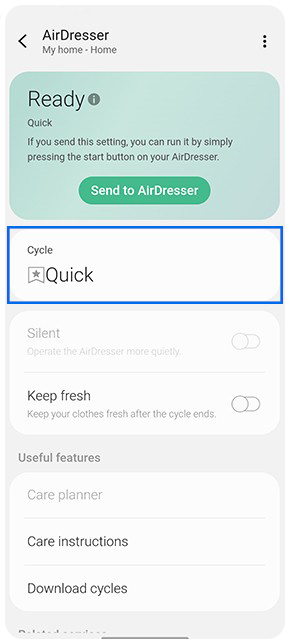
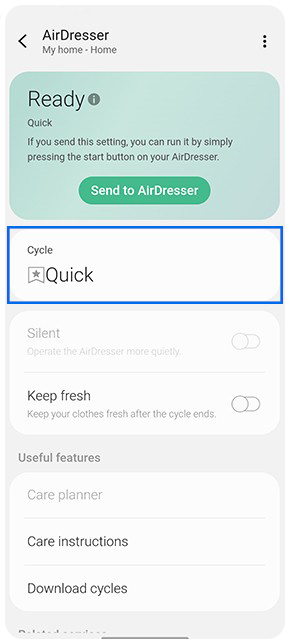
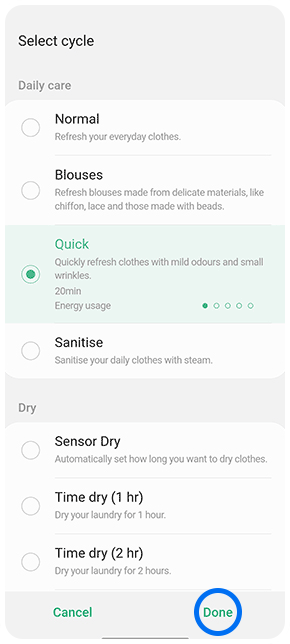
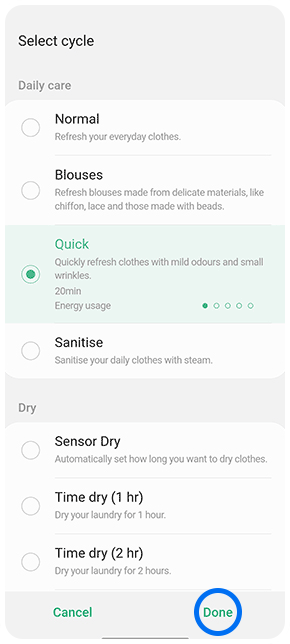
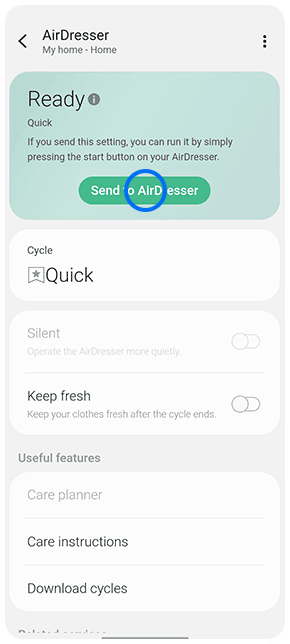
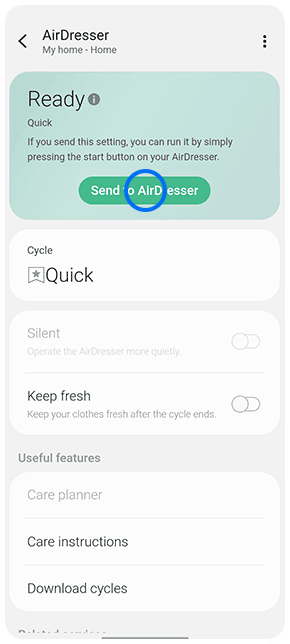
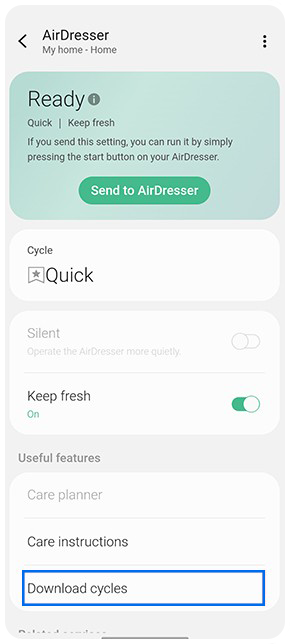
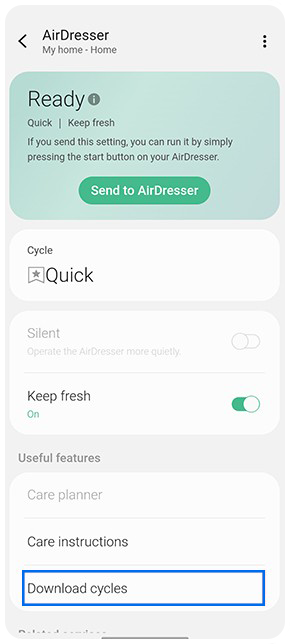
You are able to select a cycle for your AirDresser and then 'Send to AirDresser' to begin cycle from the SmartThings App.
2. Keep Fresh
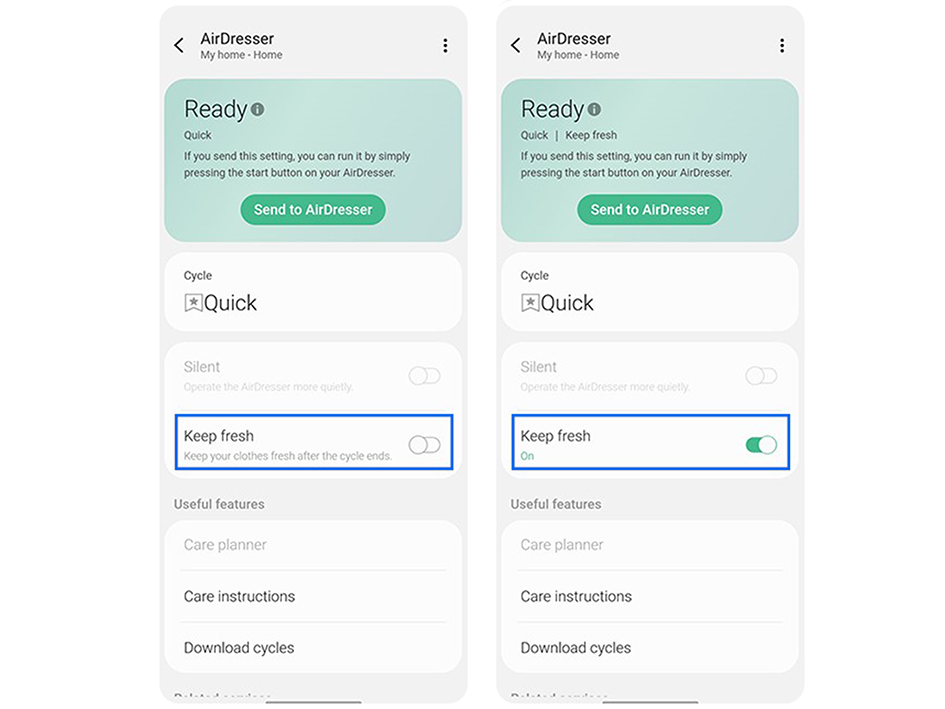
You can toggle on this function if you'd like to keep your clothes fresh after a cycle.
3. Care Instructions
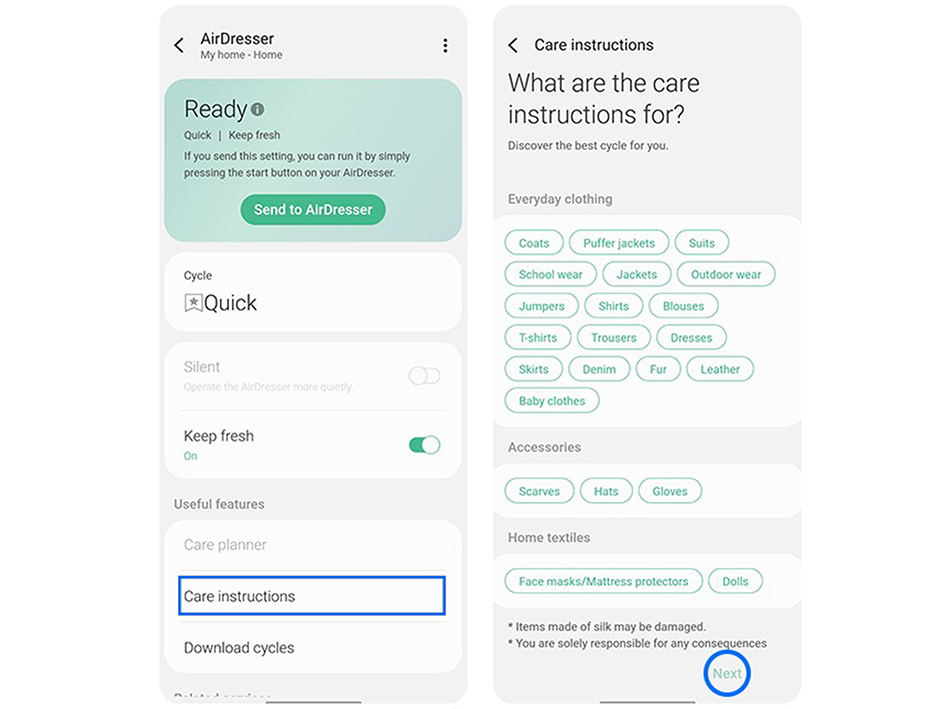
You can access care instructions for a selection of clothing and material types from your SmartThings App.
4. Download Cycles
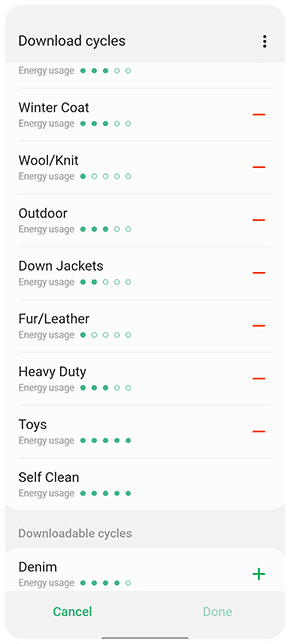
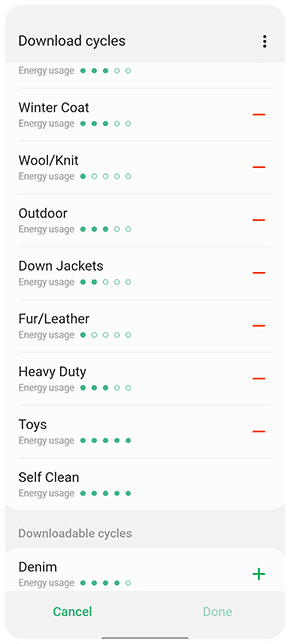
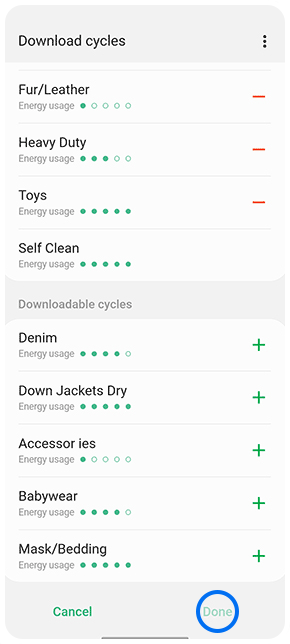
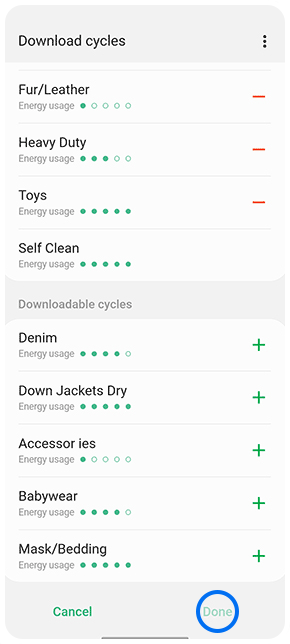
Through the SmartThings App, you are also able to download more cycles for your AirDresser. Simply press the '+' (plus) icon next to the cycle(s) you'd like to download then tap 'Done'. Tap the '-' (minus) icon to remove the cycle.
5. Home Care
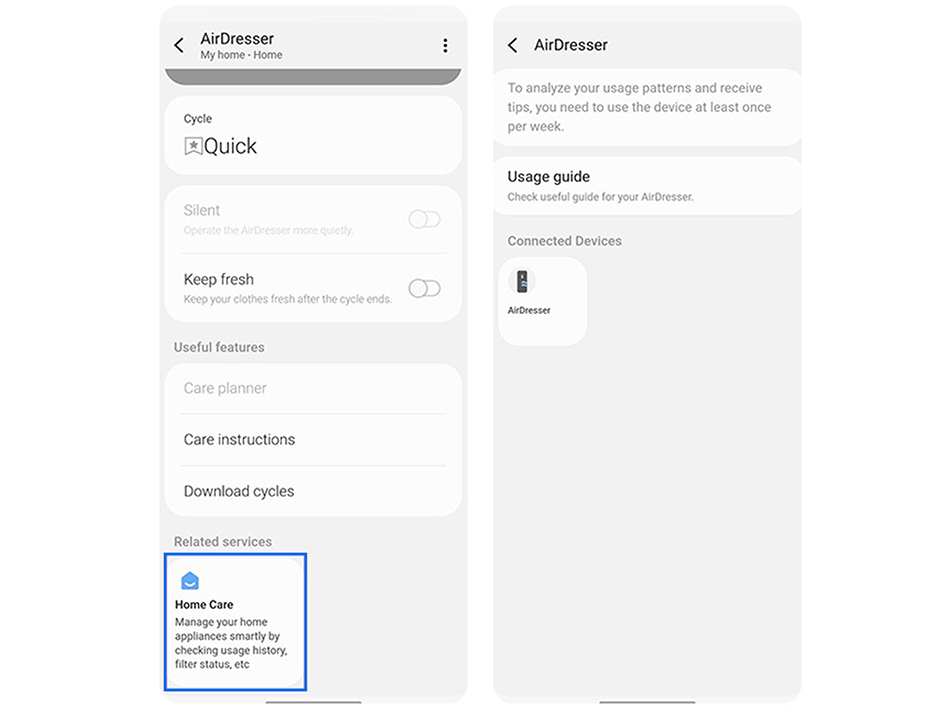
You can manage your AirDresser with Home Care, as the function smartly checks the usage history, filter status, etc.
Thank you for your feedback!
Please answer all questions.
Samsung Online Store
![]()
![]()


Samsung Members
![]()
![]()


Mobile Phone & Tablet Repair
![]()
![]()

