How do I add my Samsung Soundbar to the SmartThings app
Last Update date : Apr 27. 2026
You can connect your Samsung Soundbar to the SmartThings app to control it remotely. Make sure your phone and soundbar are on the same Wi-Fi and signed in to the same Samsung account.

Ensure to meet the requirements for connection
- Make sure your phone is running Android 6.0 or later or iOS 10.0 or later
- Connect your phone and soundbar to the same Wi-Fi network
- Install the SmartThings app from the app store
- Sign in to the same Samsung account on both devices
Method 1. Automatic registration
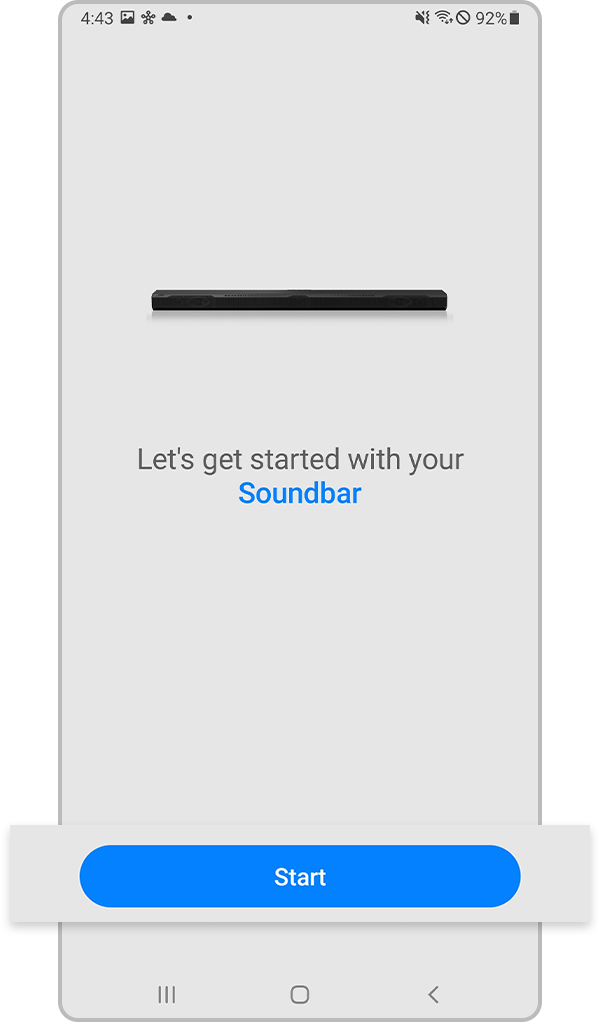
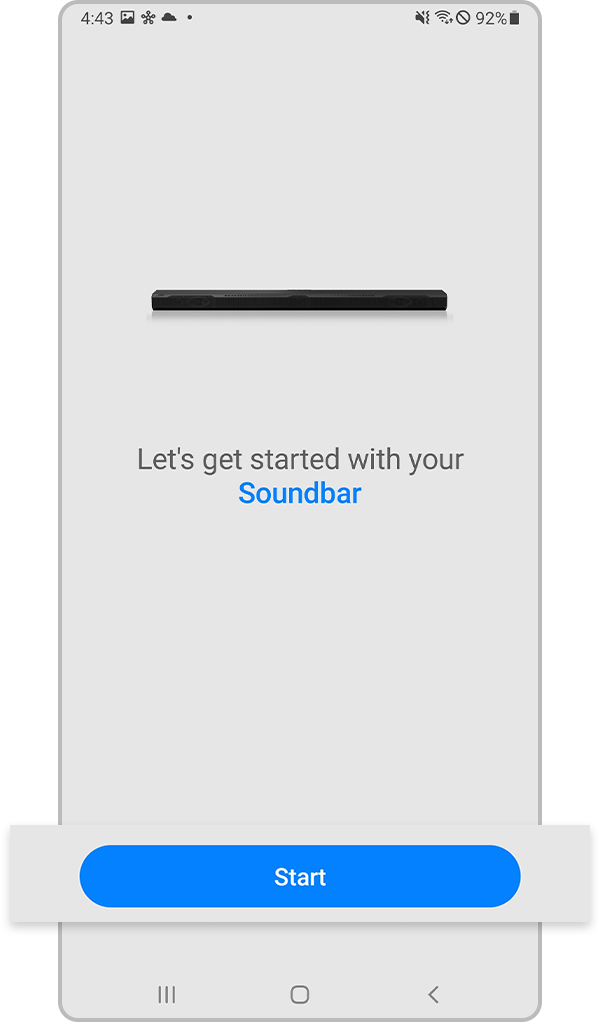
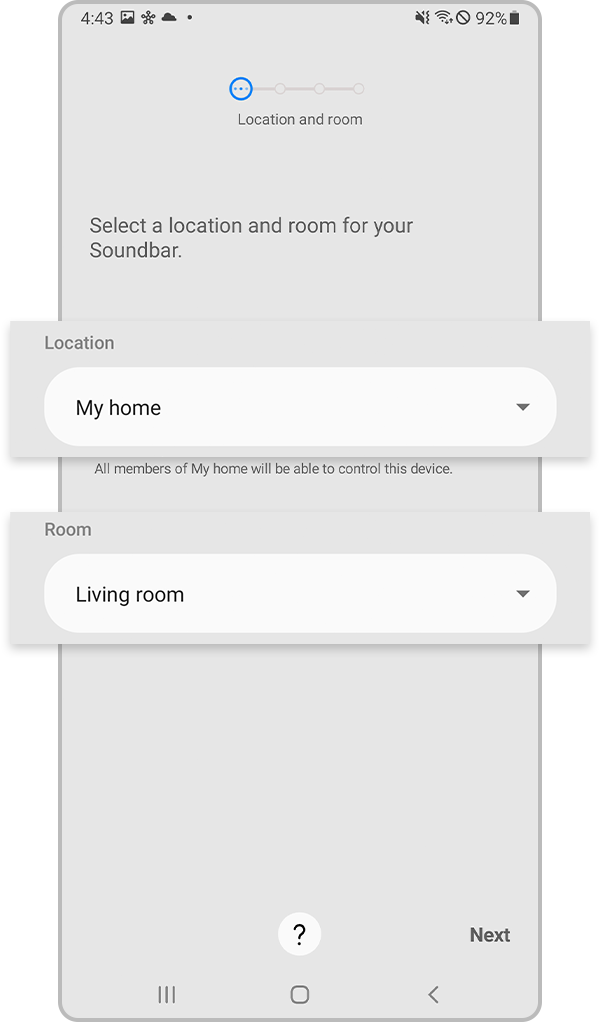
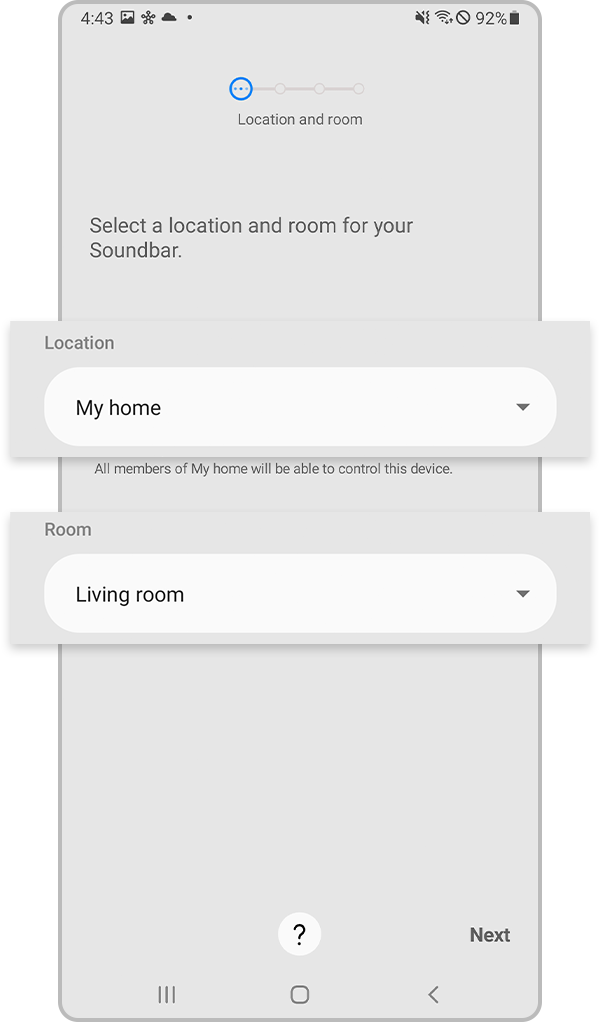
Notes:
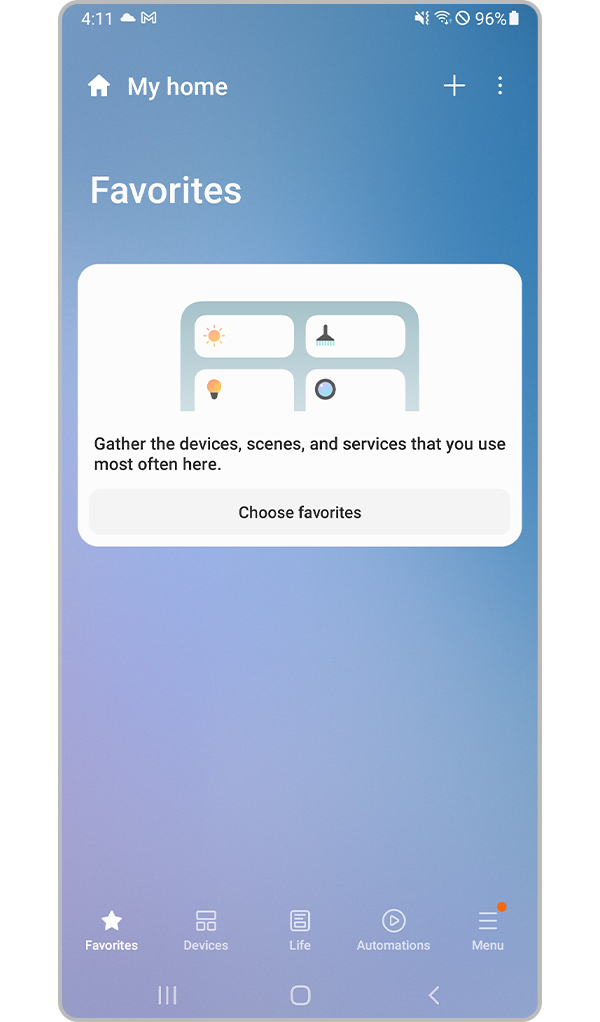
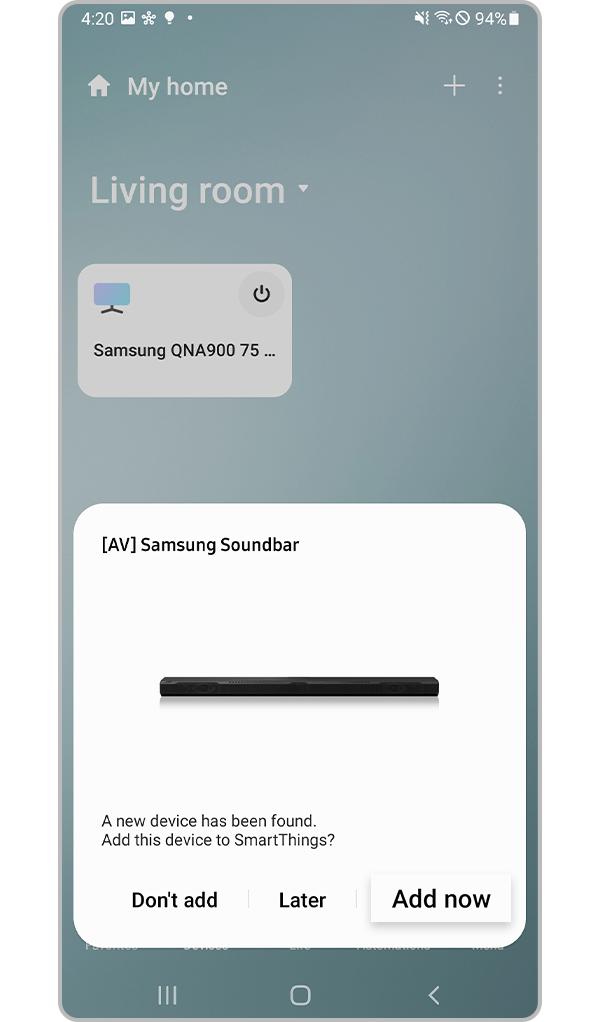
Your soundbar will be automatically detected if it is nearby and ready to connect.
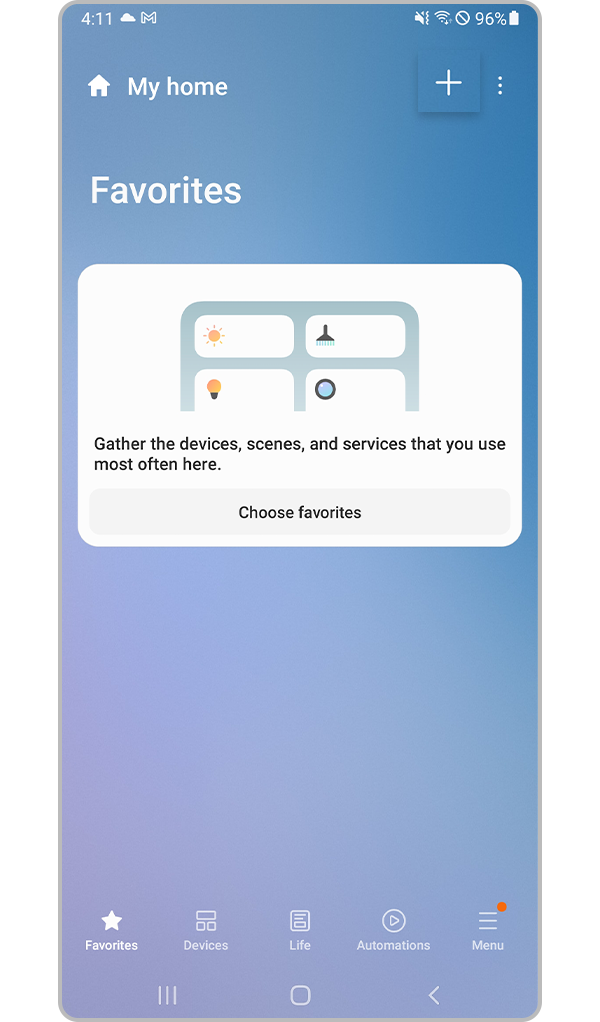
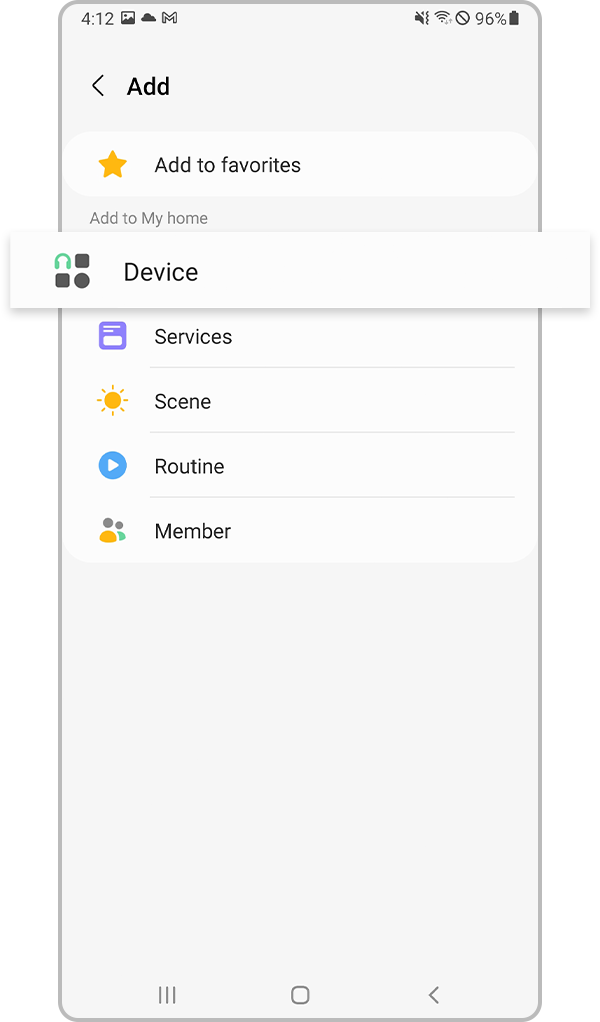
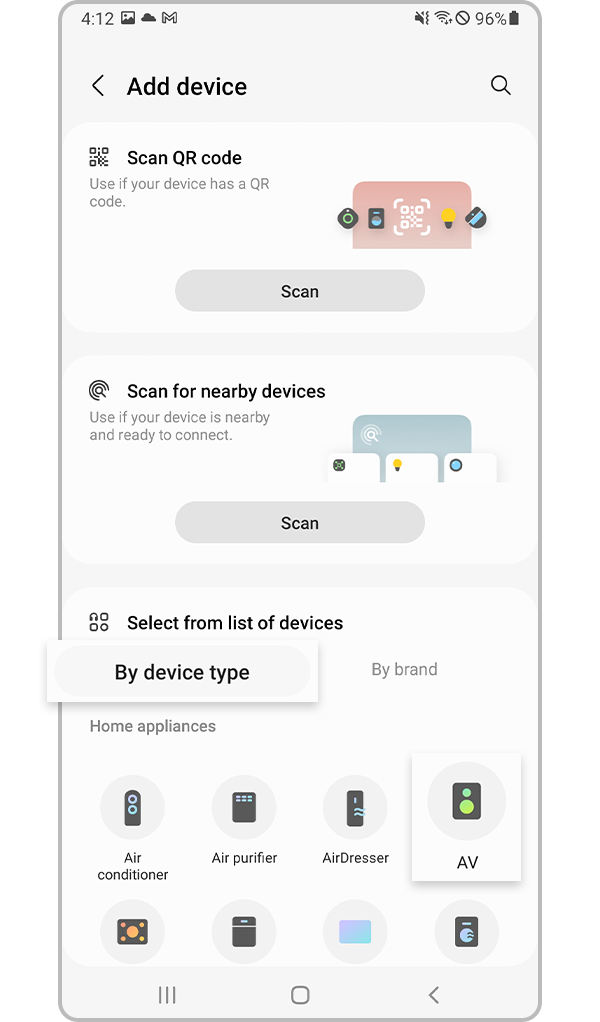
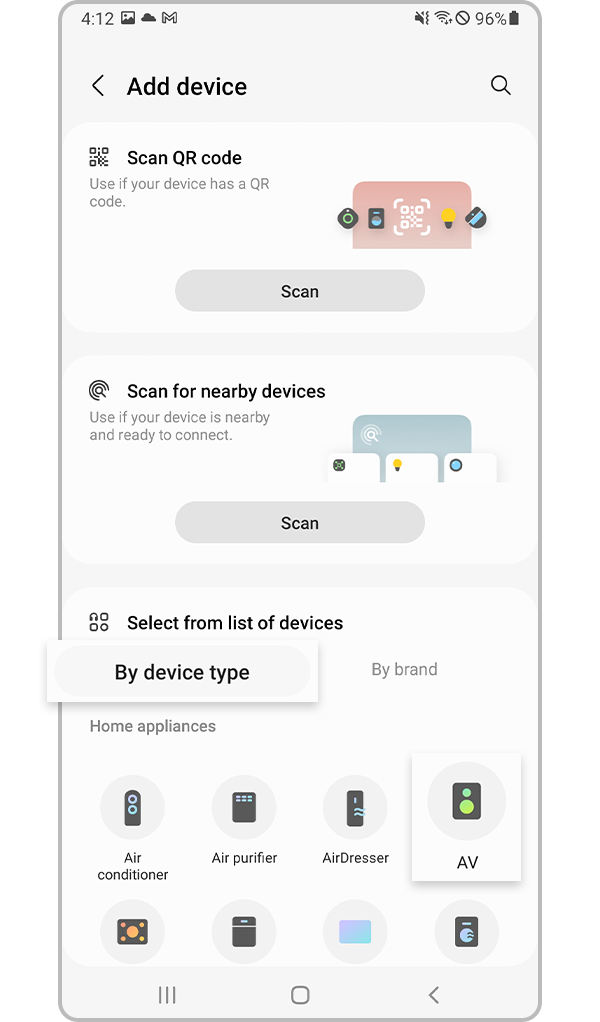
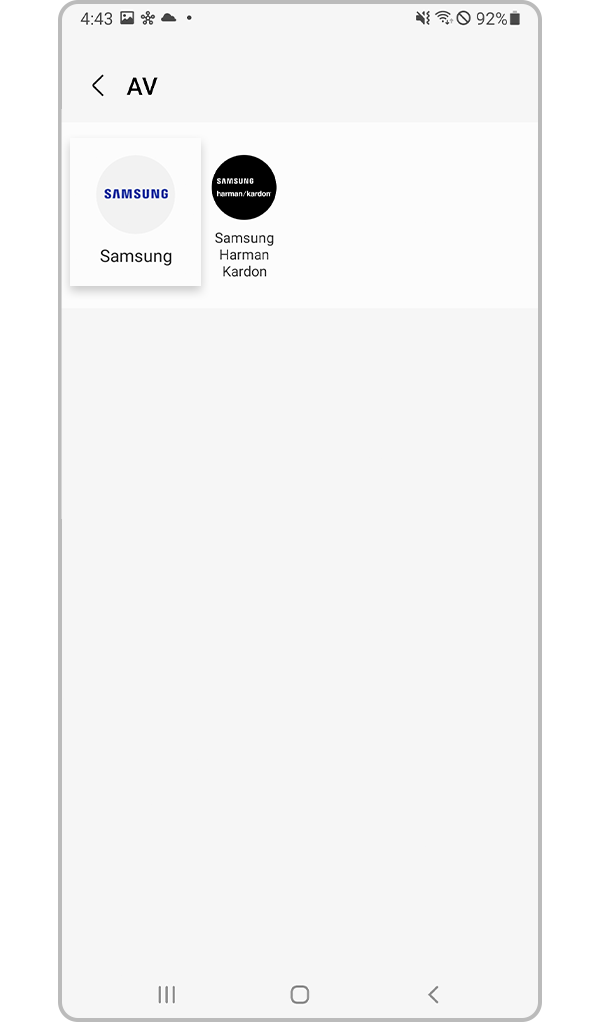
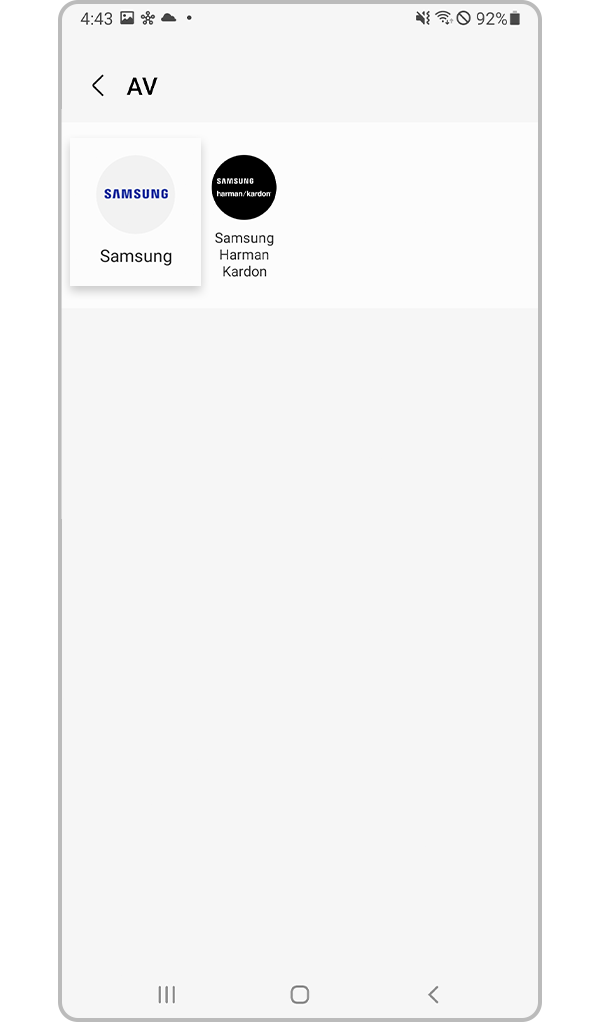
Method 2. Manual registration
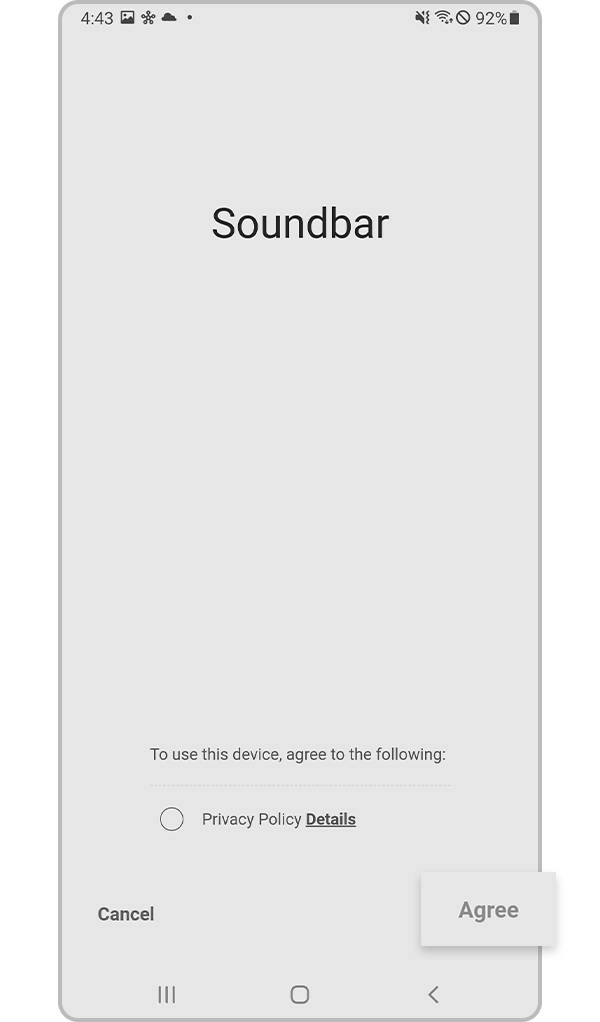
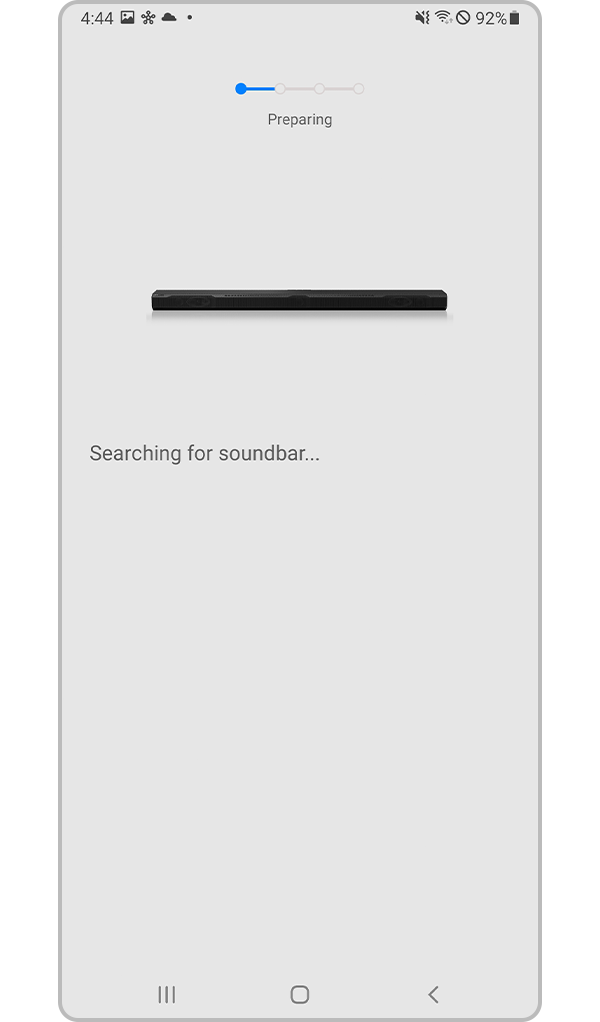
Notes:
Manual setup is useful if the device is not detected automatically.
If the soundbar is not connecting, check your Wi-Fi connection and make sure the device software is updated.
Thank you for your feedback!
Please answer all questions.