How can I prevent my Samsung Galaxy device from overheating
Last Update date : Apr 28. 2026
Galaxy devices may heat up during heavy use or charging, especially with gaming or multiple apps. Managing usage, settings, and environment can help prevent overheating.
What causes overheating
- Using the device in very hot or direct sunlight conditions
- Running multiple or heavy apps like games or GPS
- Using incompatible chargers or cables
- Performing updates or data transfers
Note:
- Signs and results may vary by device and model.
What to do if your device heats up during use
Solution 1
Turn off the Wi-Fi, GPS, and Bluetooth functions when not in use.
In addition, reduce the screen brightness of your device.


Solution 2
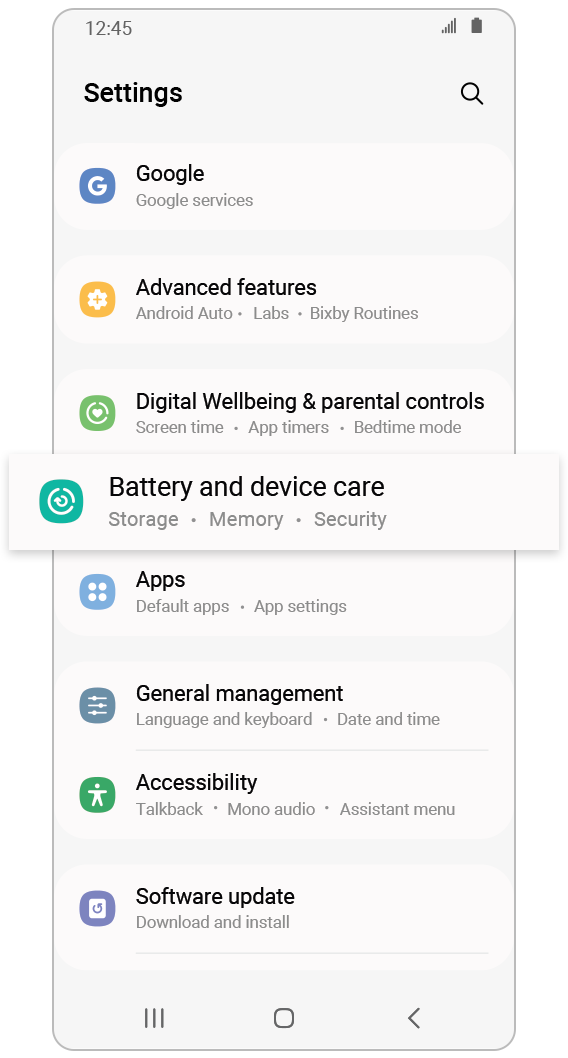
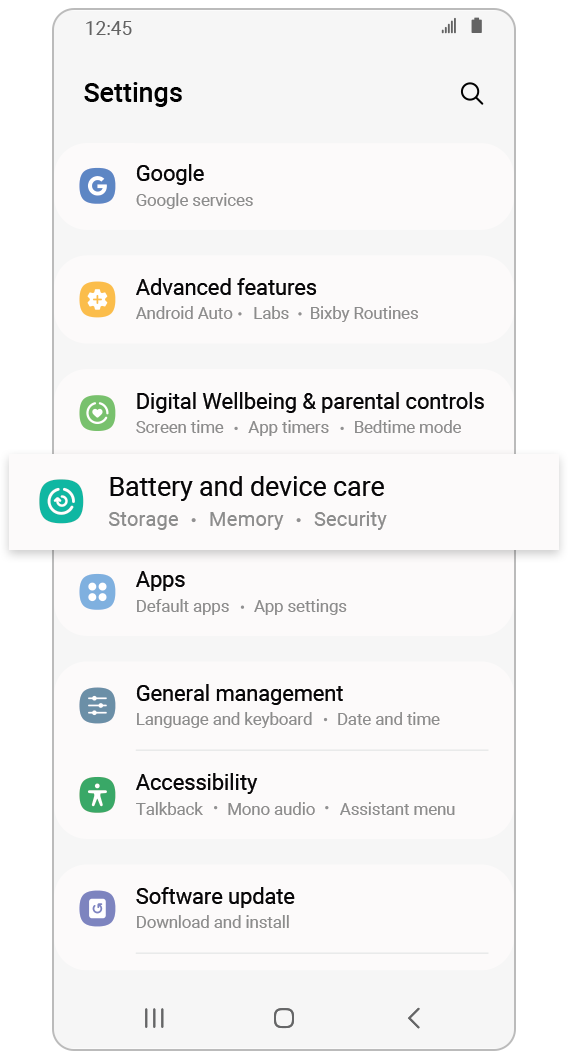
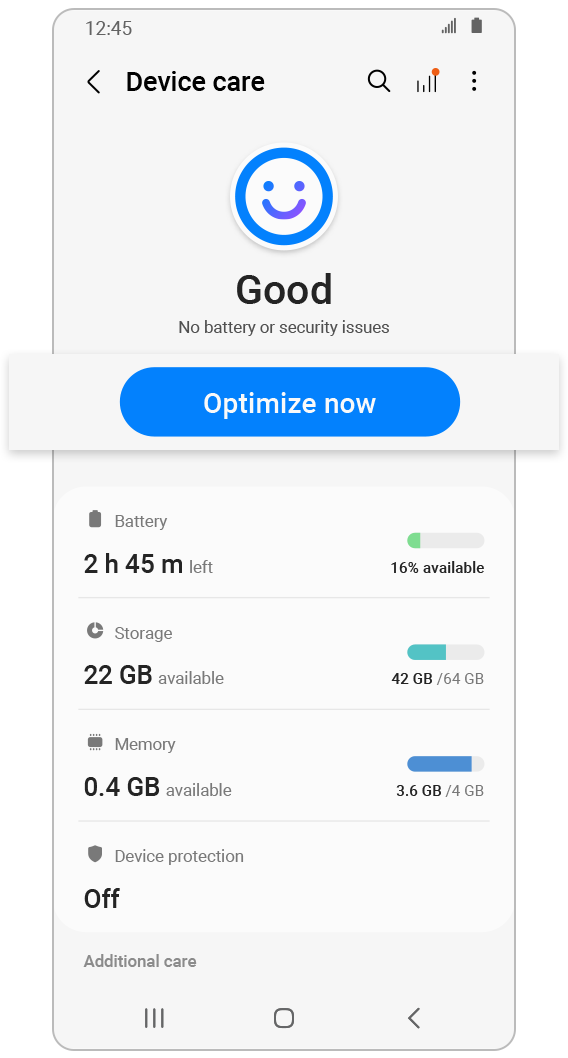
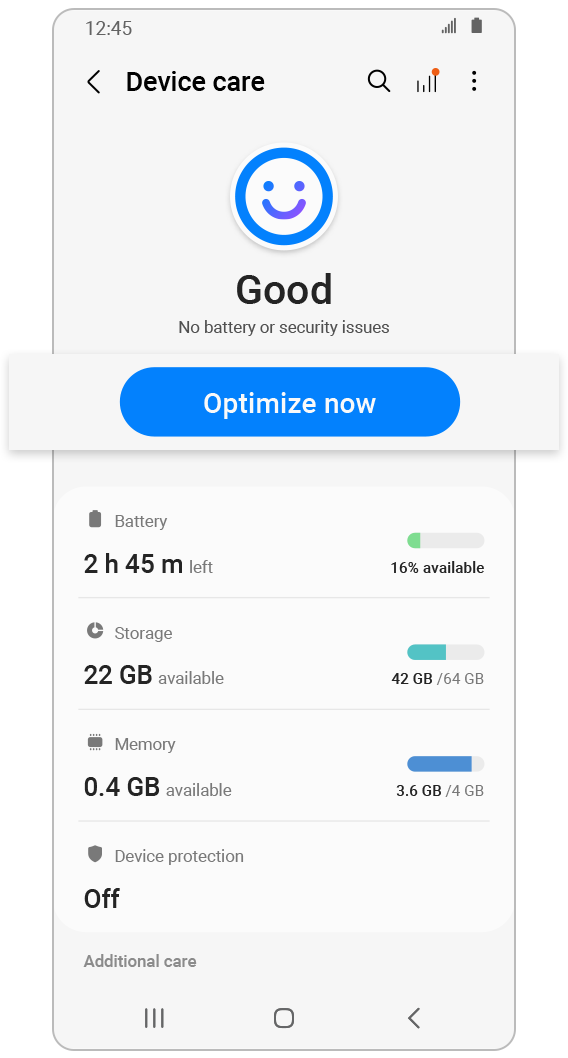
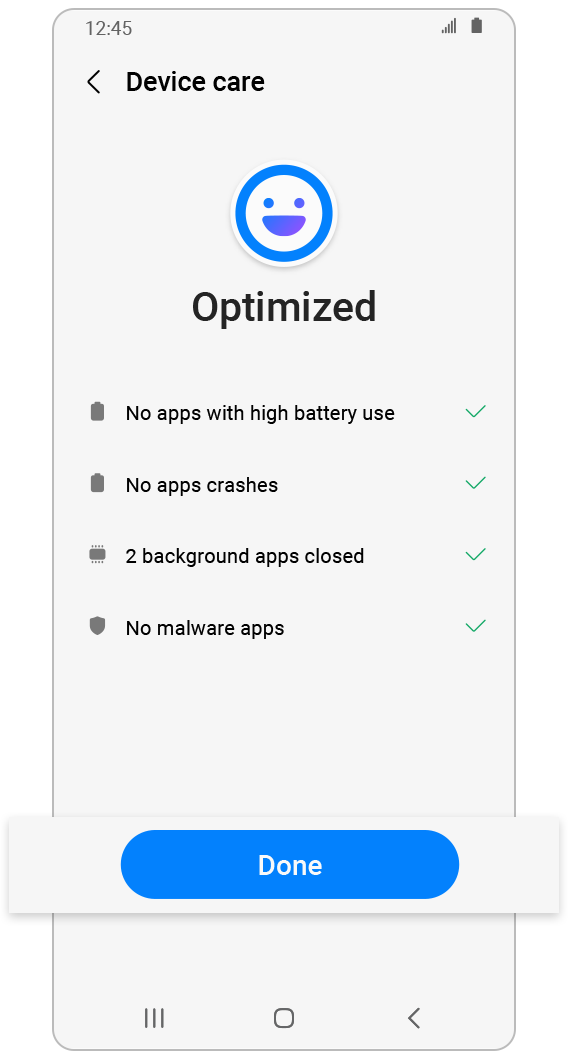
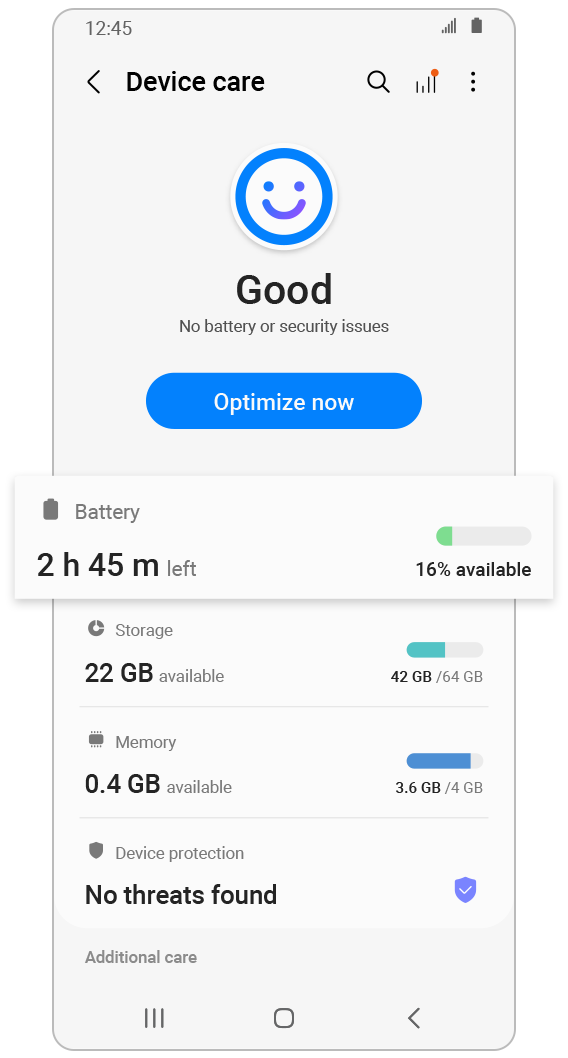
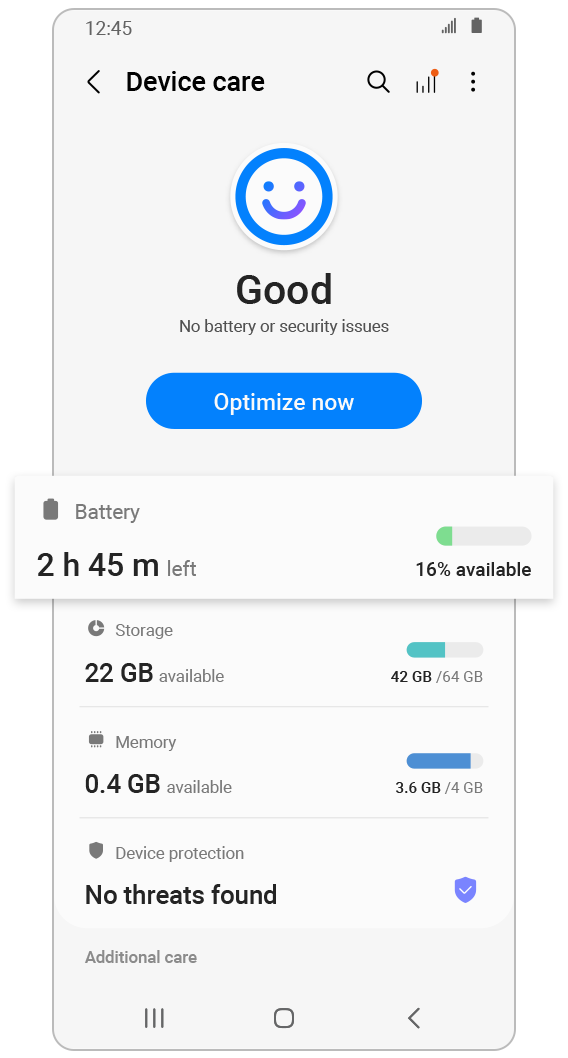
Optimize the phone to minimize the heat caused by processor intensive apps that drain the battery.
Solution 3
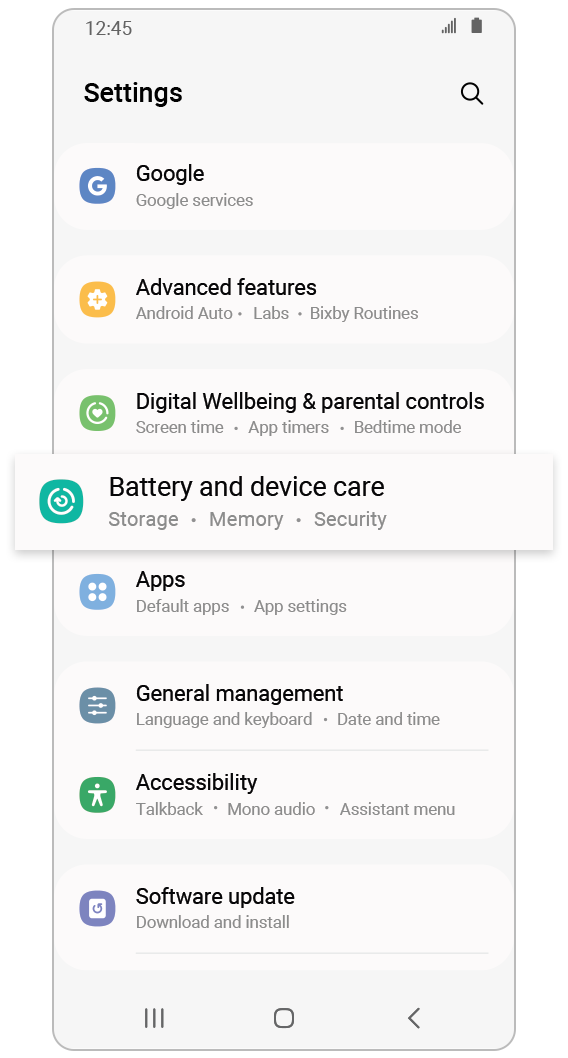
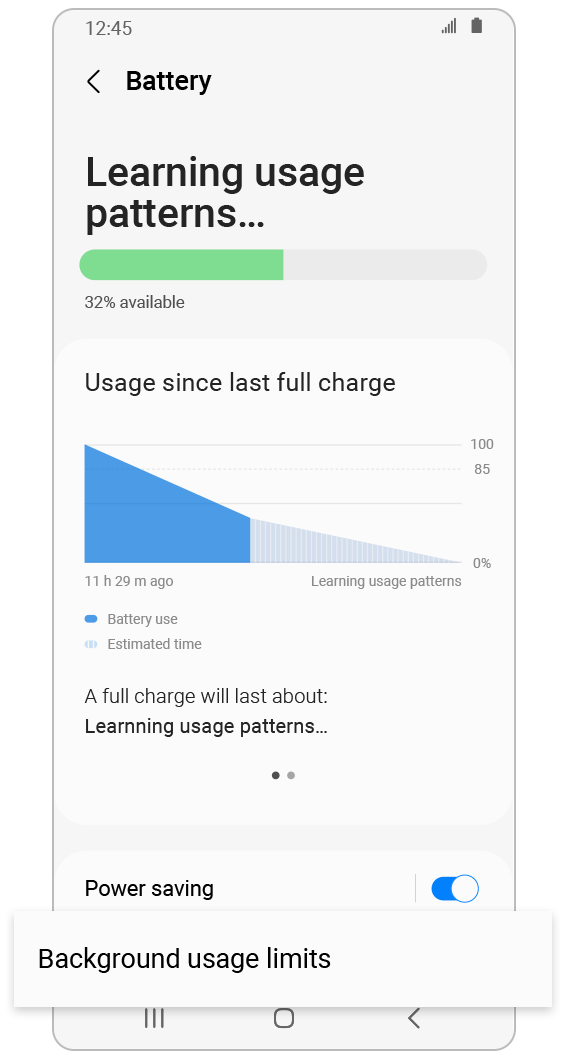
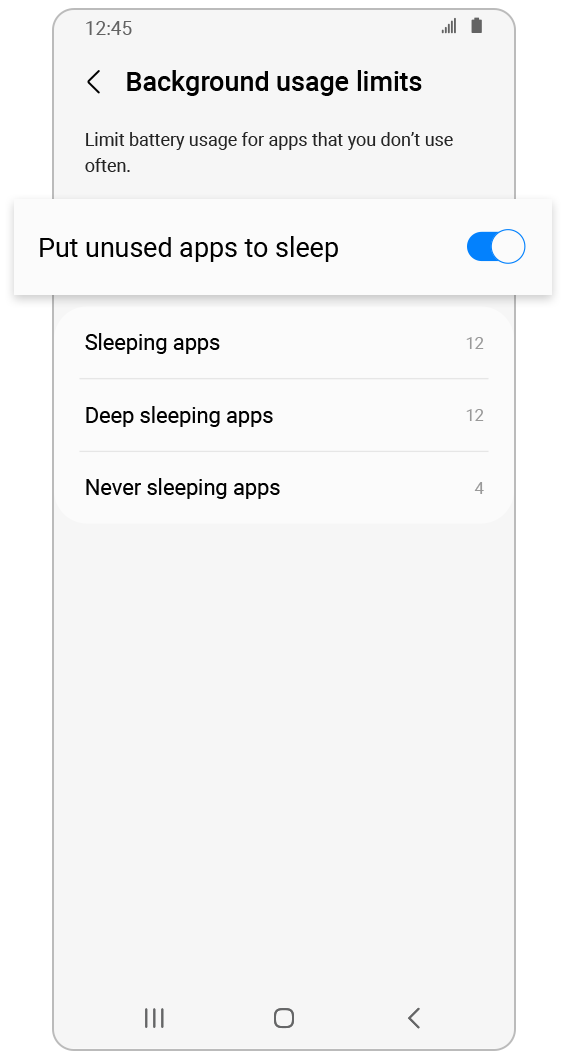
Unused apps in the background may heat up the device.
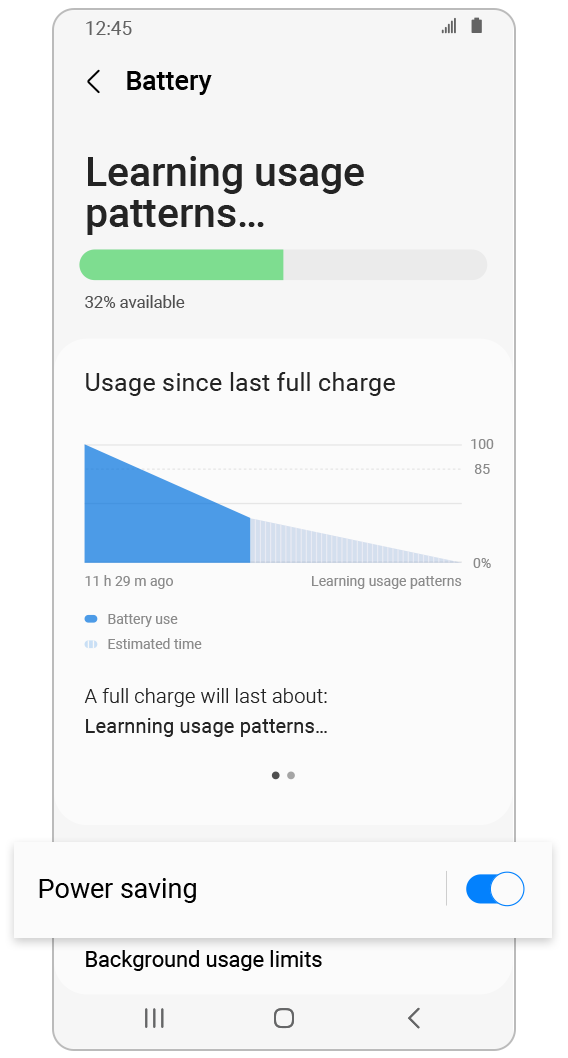
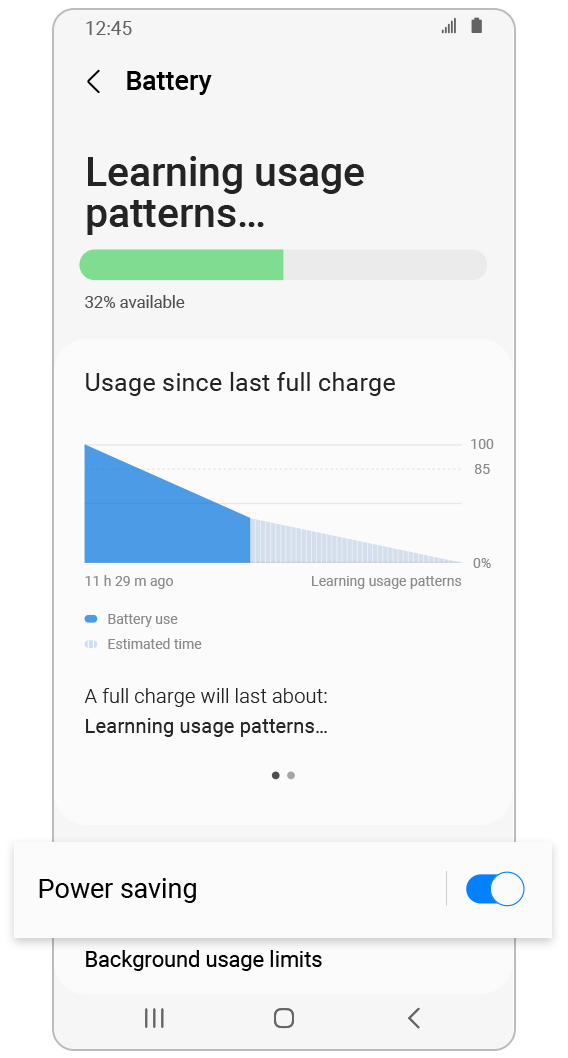
To resolve the issue, try ‘Background usage limits’.
Note:
- Please ensure your device has the latest app updates by checking regularly.
- Screen images and menu items may vary depending on your model and software version.
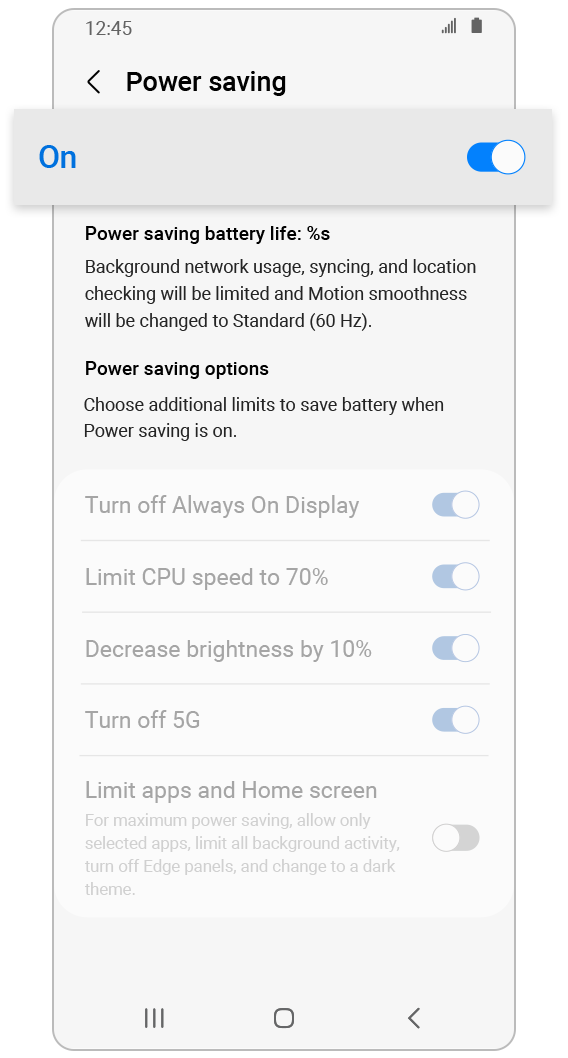
- 'Power saving’ limits the usage of network, data syncing, location info in the background.
TIPS
What does
'Power saving' do?
- Turns off ‘Always on Display’
- Decreases brightness by 10%
- Limits CPU speed to 70%
- Turns off 5G
- Limits app use and Home screen


What to do if your device heats up while charging
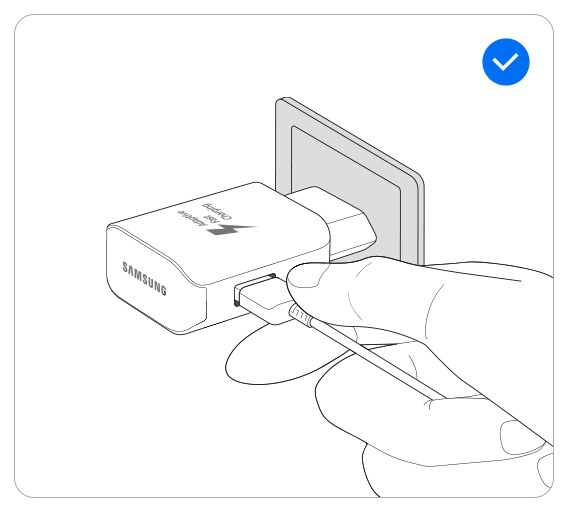
Take the following actions if your device generates heat while charging.


Note:
- The warranty for the smartphone battery is a year. If a manufacturing issue is identified by the Samsung Service Center within the warranty period, it will be repaired or replaced free of cost. If the issue is identified as caused by the user, even within the warranty period, or any issue is discovered after the warranty ends, there may be a charge to you for the repair.
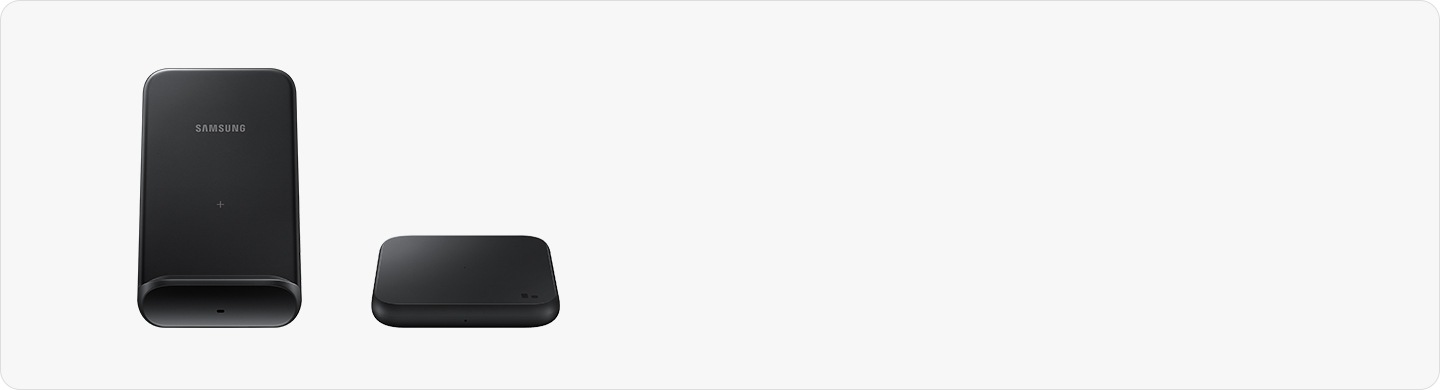
- When using a wireless charger, make sure there are no metal substances, magnets, or credit/transit cards between the device and the charger.
Thank you for your feedback!
Please answer all questions.