How to Use Now Bar & Now Brief on Galaxy S25?
Learn how to enable and use the Now bar and Now brief on Galaxy S25 to view live notifications, control apps, and get daily personalized updates.
The Now bar on Galaxy S25 (One UI 7) shows live notifications, music, and routines on the lock screen. The Now brief provides personalized updates throughout the day.
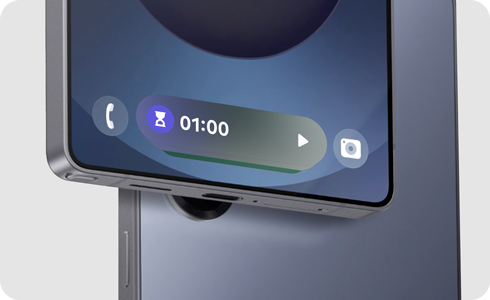
Note: Apps supported on Now bar may vary by software version, device model, region, etc.
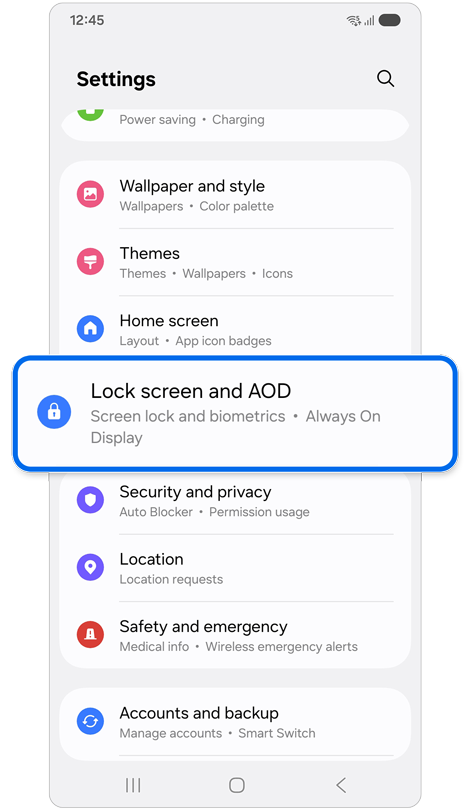
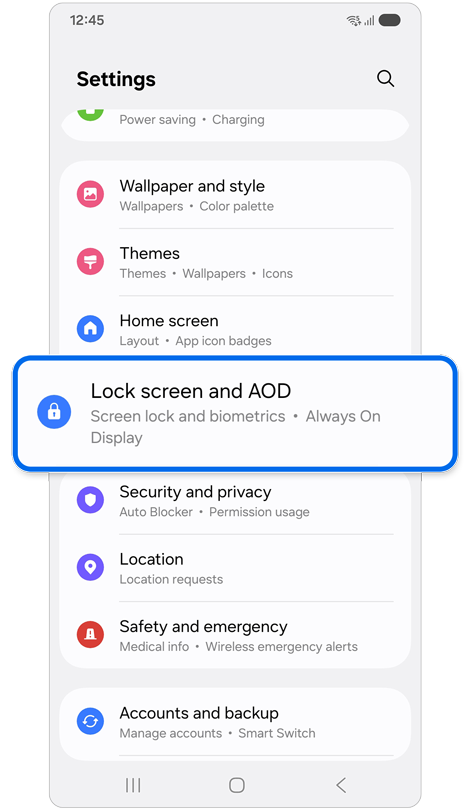
Step 1. Open Settings > Tap Lock screen and AOD.
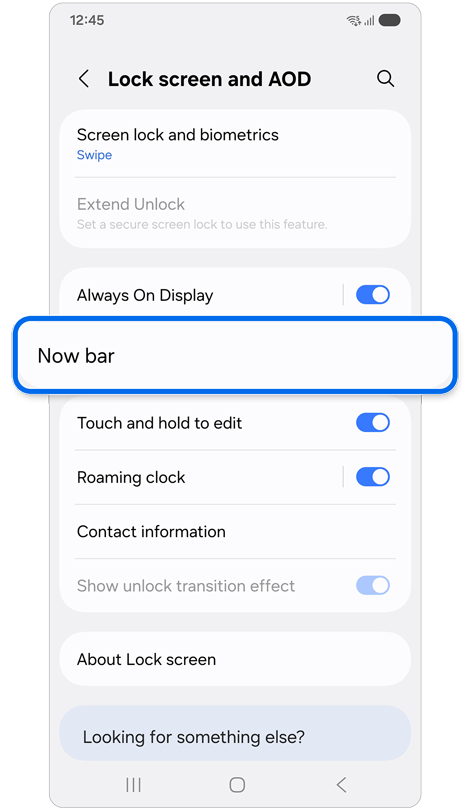
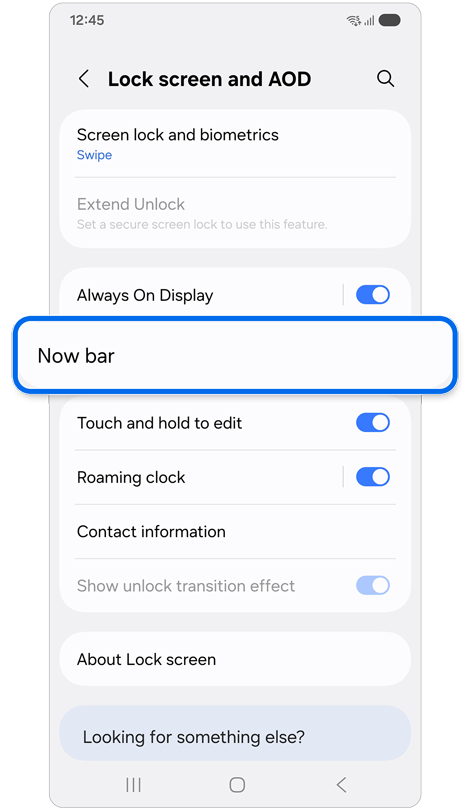
Step 2. Tap Now bar.
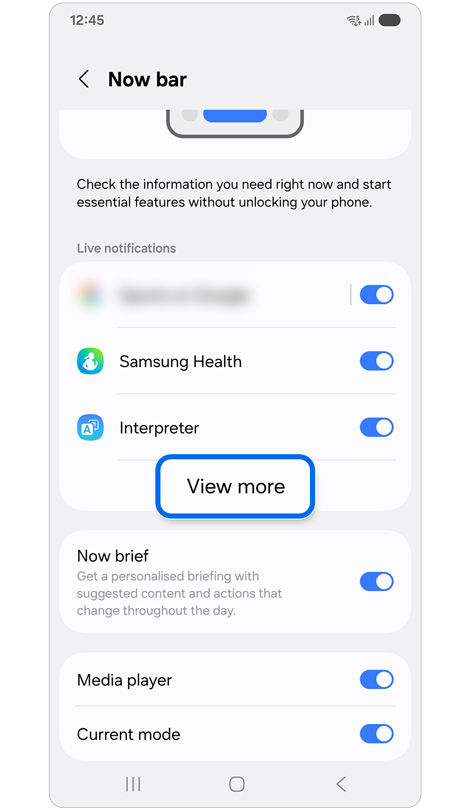
Step 3. Tap the switches to enable the options you’d like to appear in the Now bar > Tap View more.
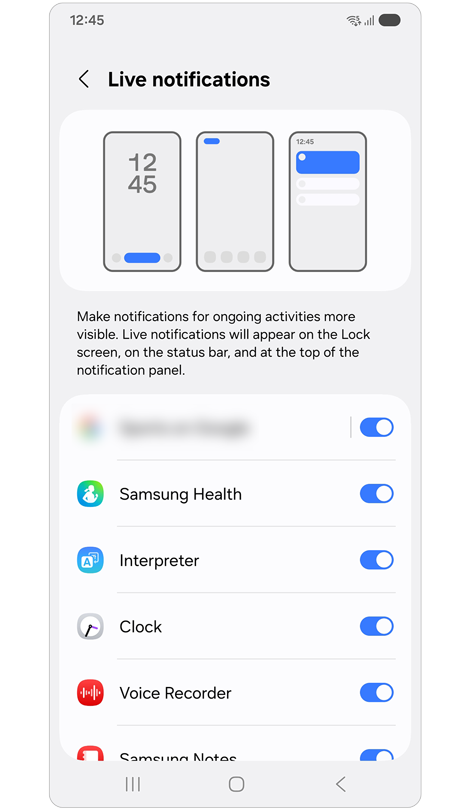
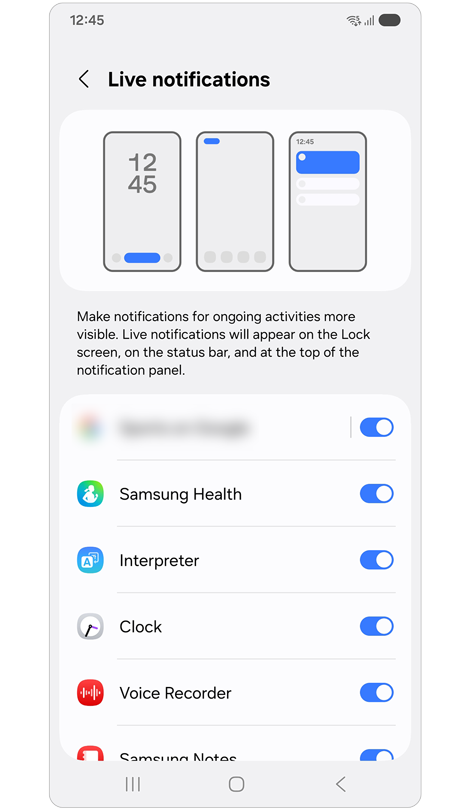
Step 4. Tap the switches to enable live app notifications.
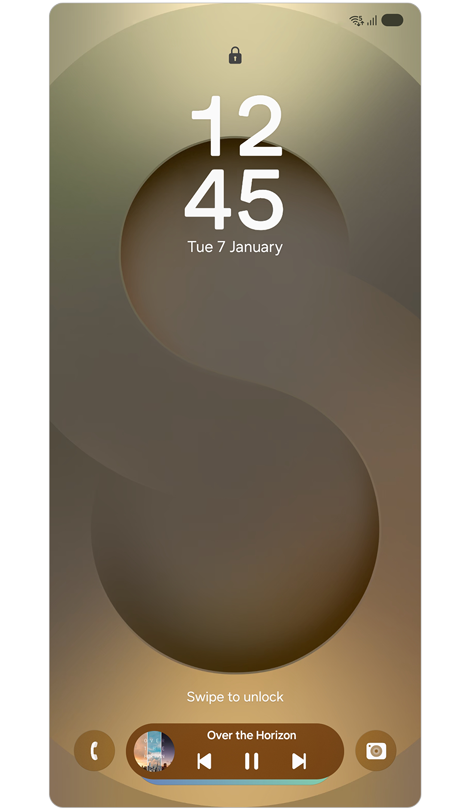
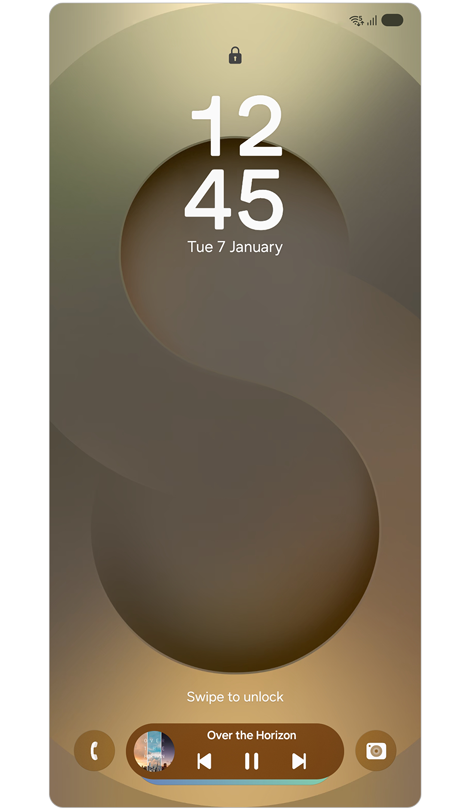
Step 1. Double tap the screen or press the Power button to wake the lock screen.
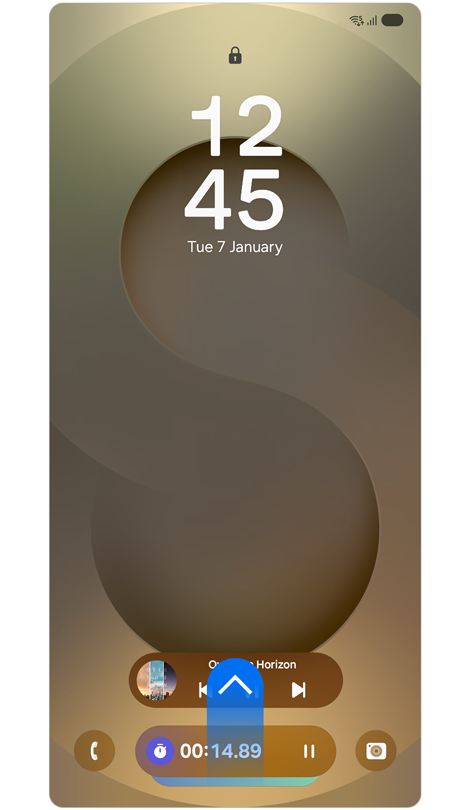
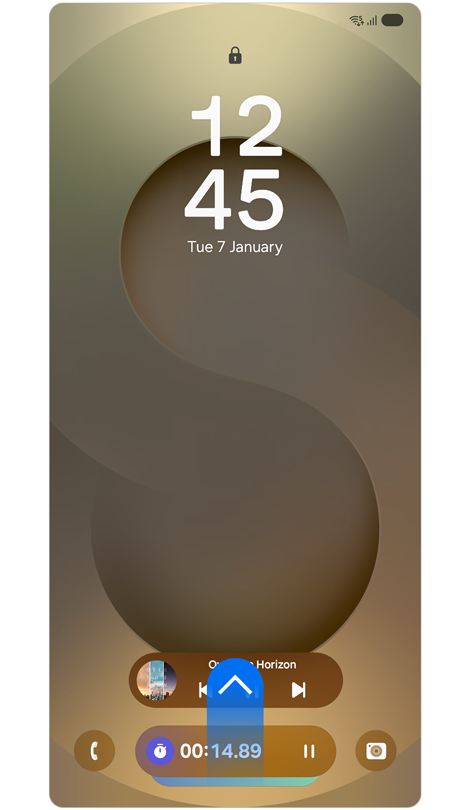
Step 2. Swipe upward to move to the desired bar.
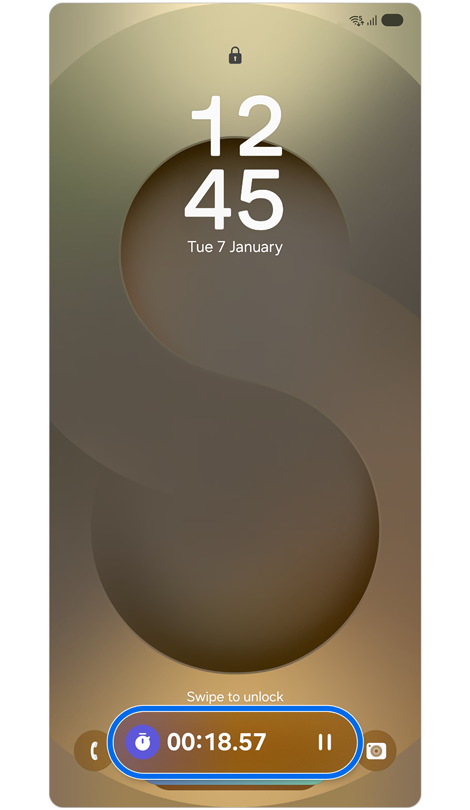
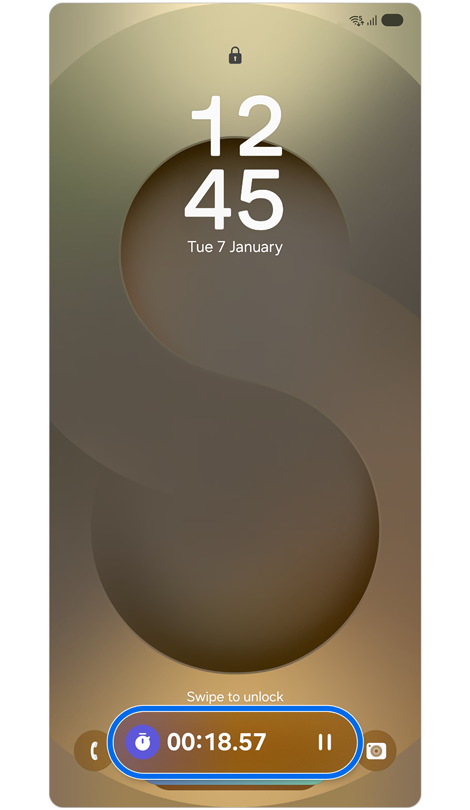
Step 3. Tap the Now bar to open the expanded view.
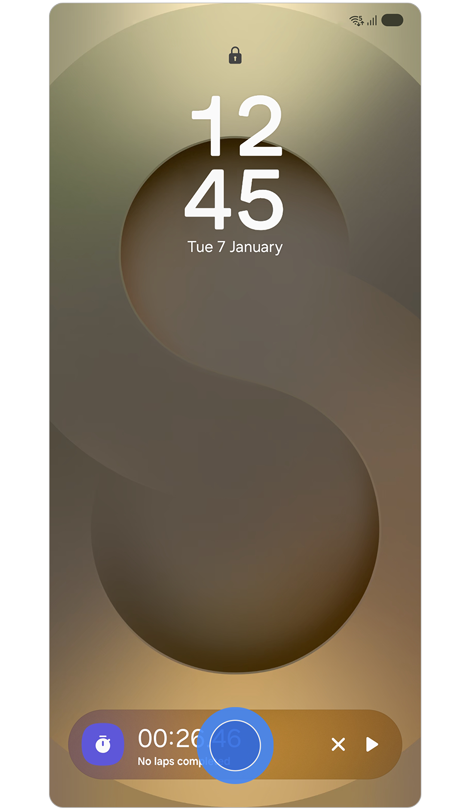
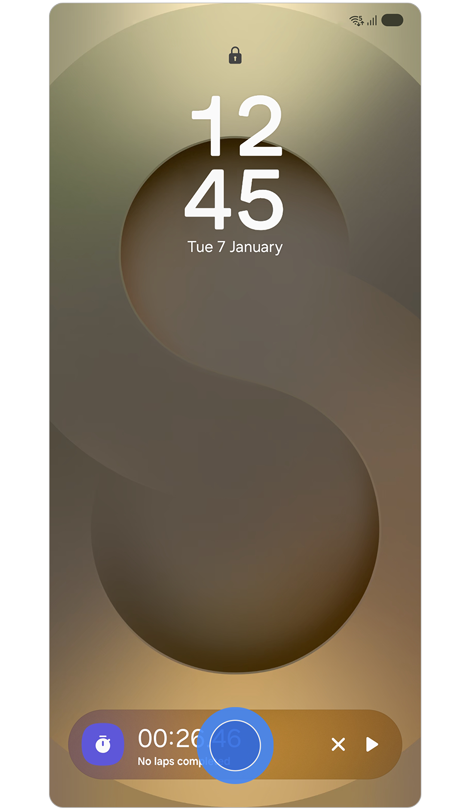
Step 4. Long press the Now bar to open more options.
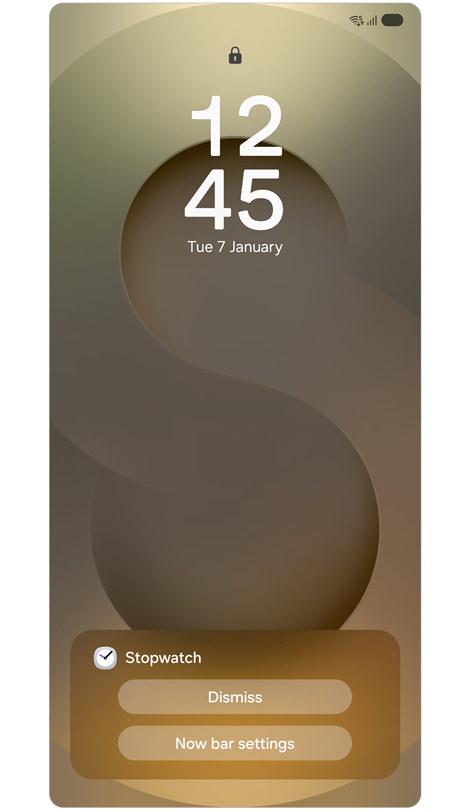
Step 5. You can remove the bar from the lock screen or change Now bar settings.
* Some applications may not have the function to remove or change settings while on the lock screen.
Notes:
- The Now bar appears only when both lock screen notifications and app notifications are enabled.
- The Now bar will only appear when you have an app open, and is displayed on the lock screen in real time while the app is running.
You can receive a personalised briefing of specific content that updates throughout the day in brief cards.
How to personalise content to include in Now brief
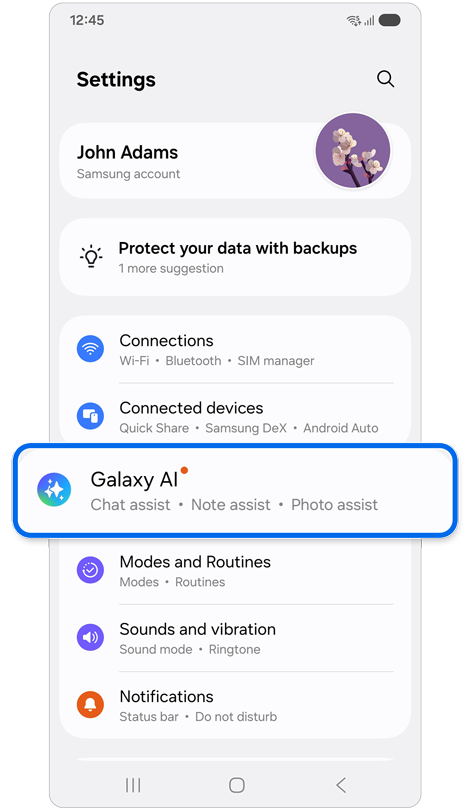
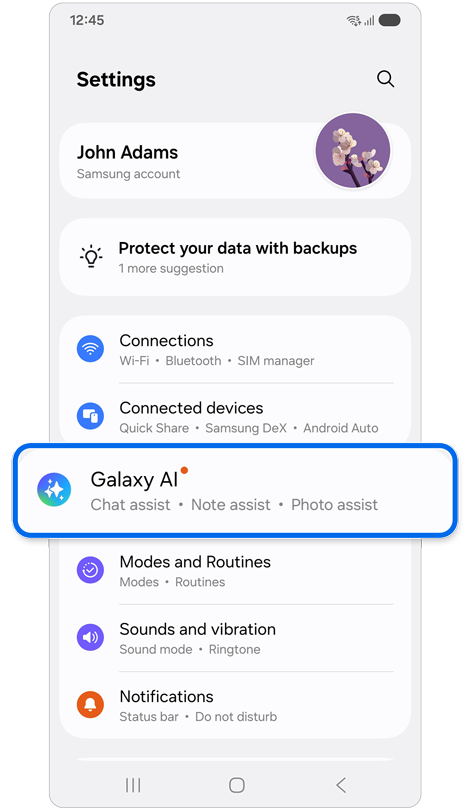
Step 1. Open Settings > Tap Galaxy AI.
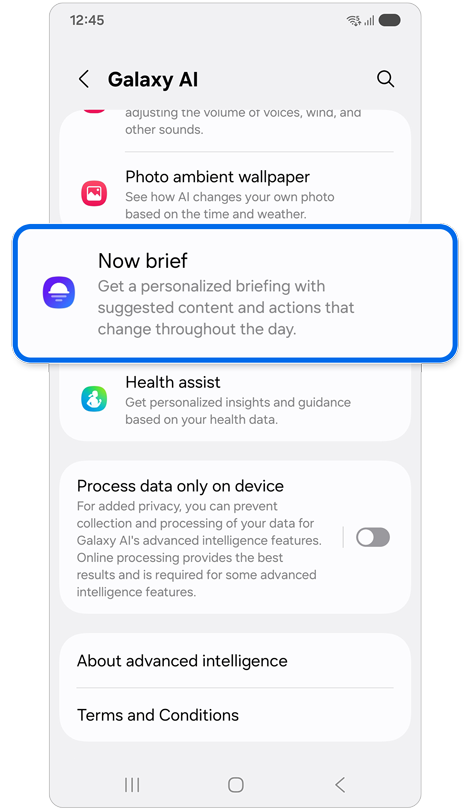
Step 2. Tap Now brief.
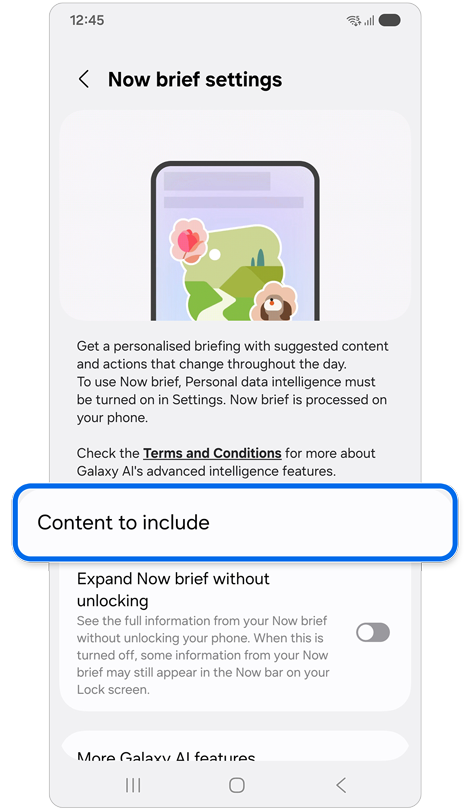
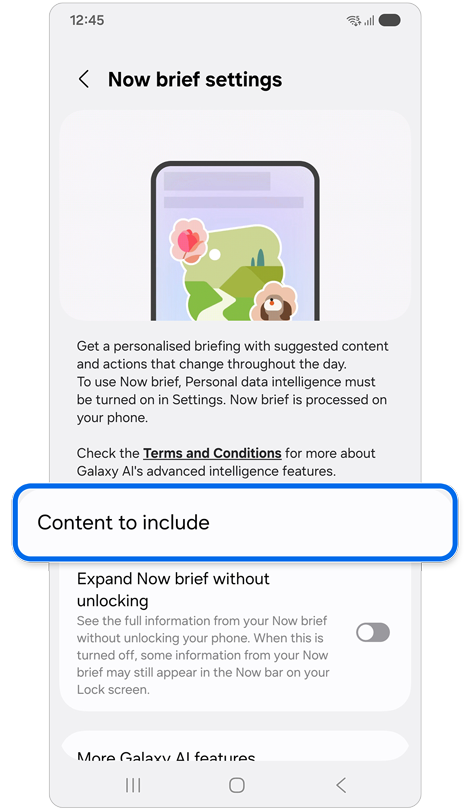
Step 3. Tap Content to include.
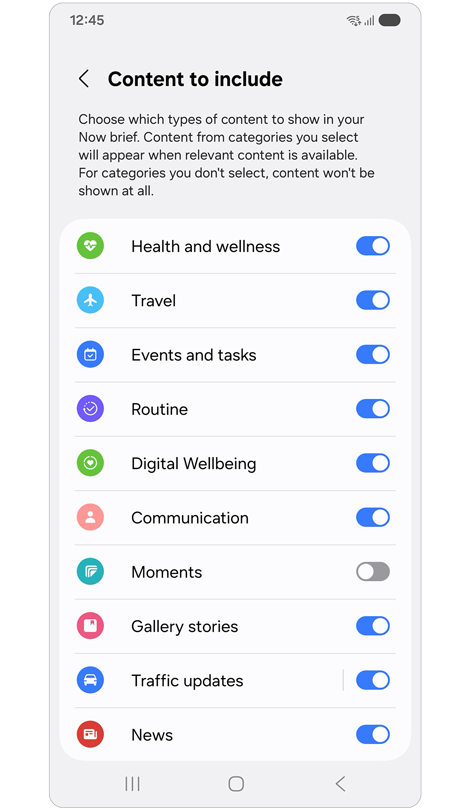
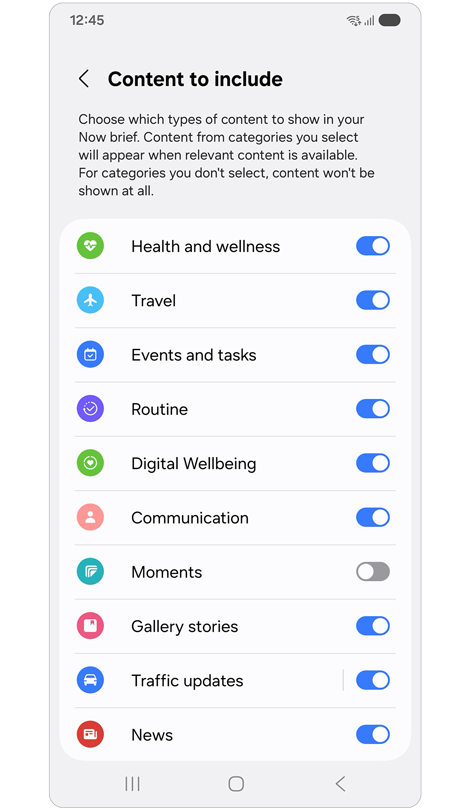
Step 4. Choose content to display in Now brief.
Note: Brief contents and images may vary by device model, software version, country/region, etc.
How to access Now brief
In addition to the Now brief notifications that appear on the lock screen via the Now bar, you can also open Now brief from the Now brief widget on the home screen or through the Edge panel.
- Access from the Edge panel


Step 1. Swipe left at the top right of the screen to open the Edge panel.
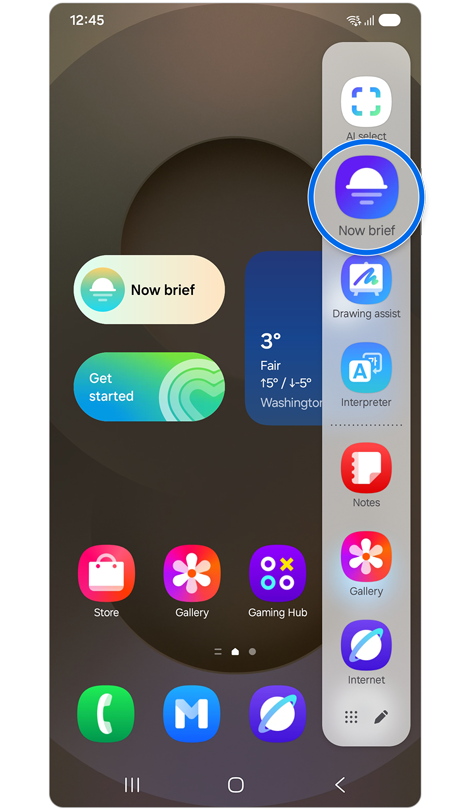
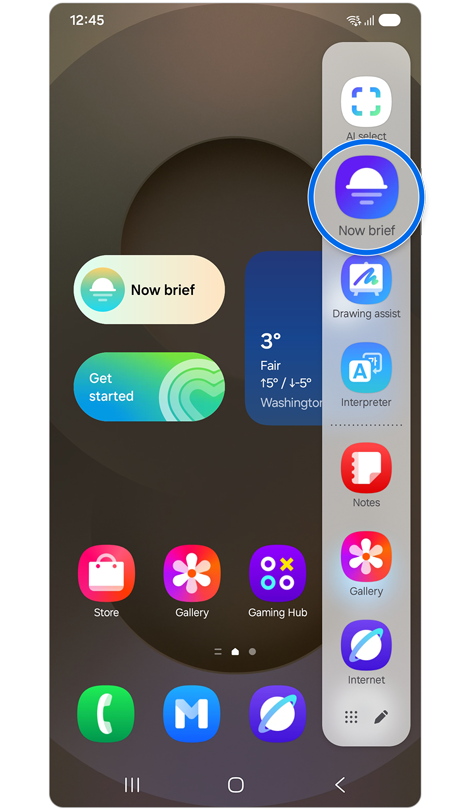
Step 2. Tap the Now brief icon.
- Access from the Now brief widget
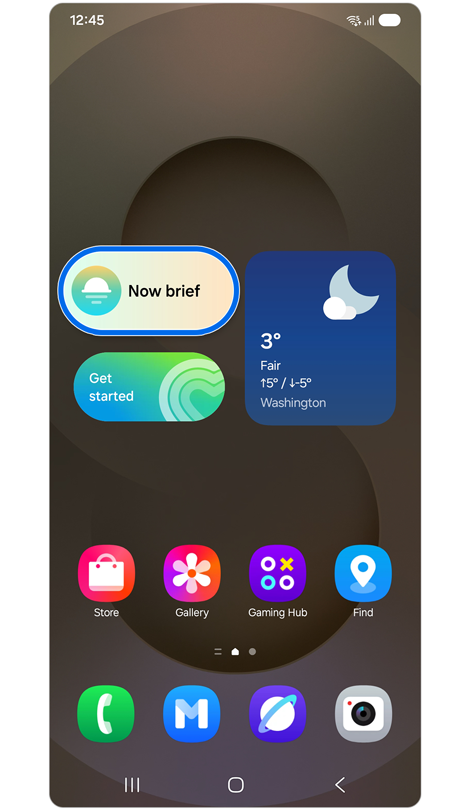
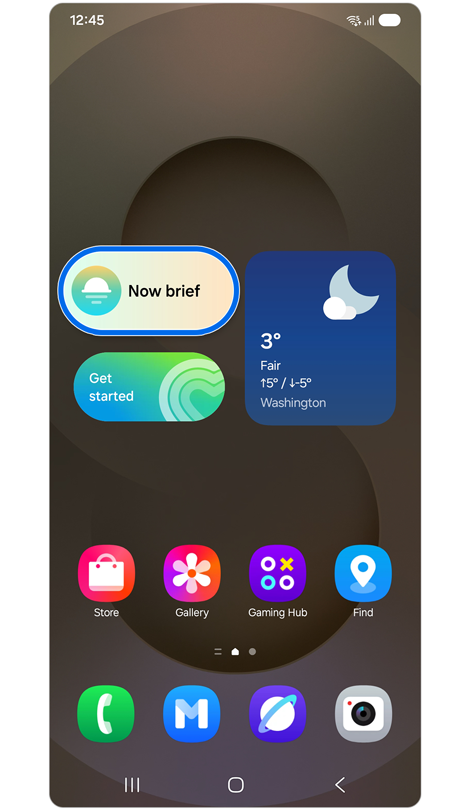
Step 1. Tap the Now brief widget.
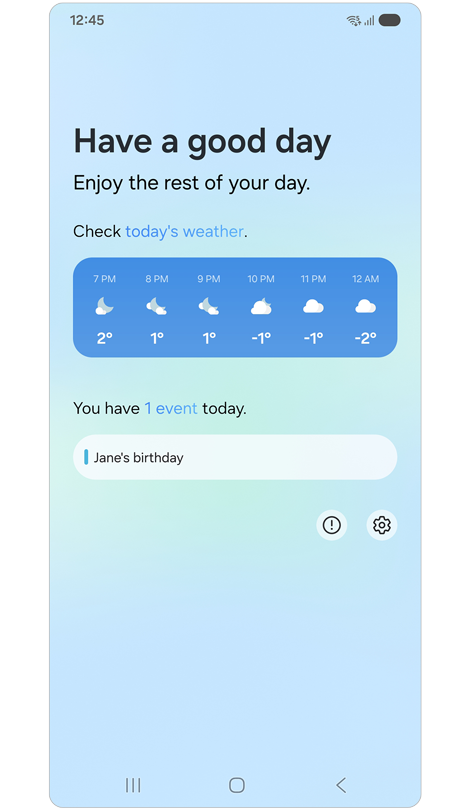
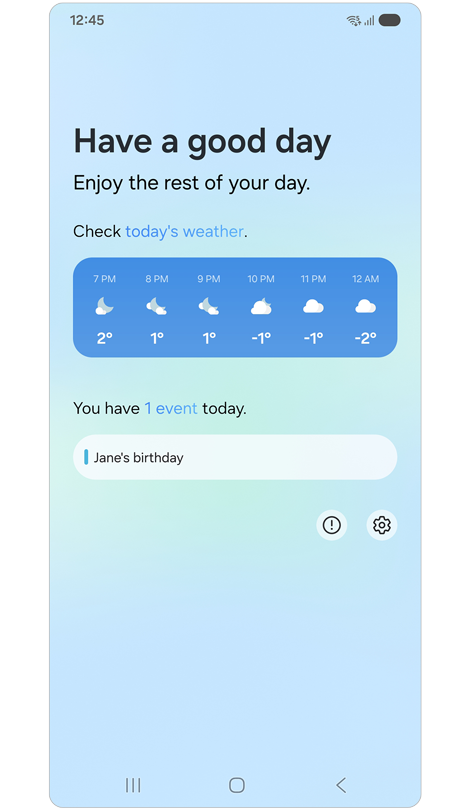
Step 2. The Now brief features you select will appear in real-time.
Now brief is active between the user's wake-up time (default 6am if no sleep information is registered) and bedtime (default 9pm if no sleep information is registered), but the timing of Now brief notifications can vary depending on various factors. Here is an example of one of the many features available on Now brief:
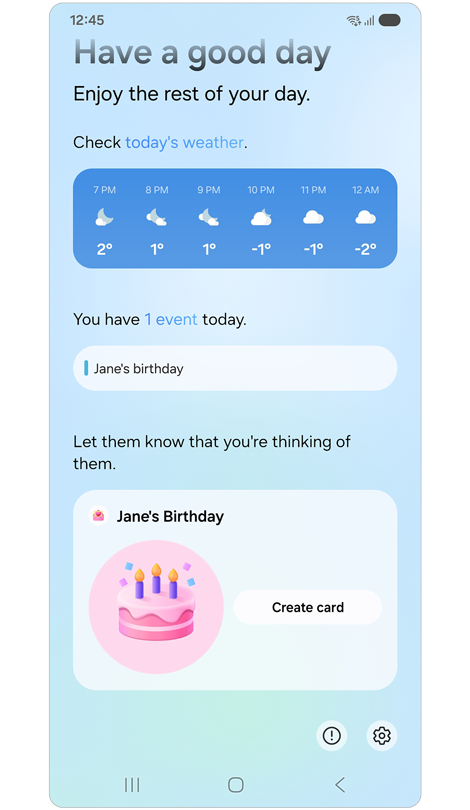
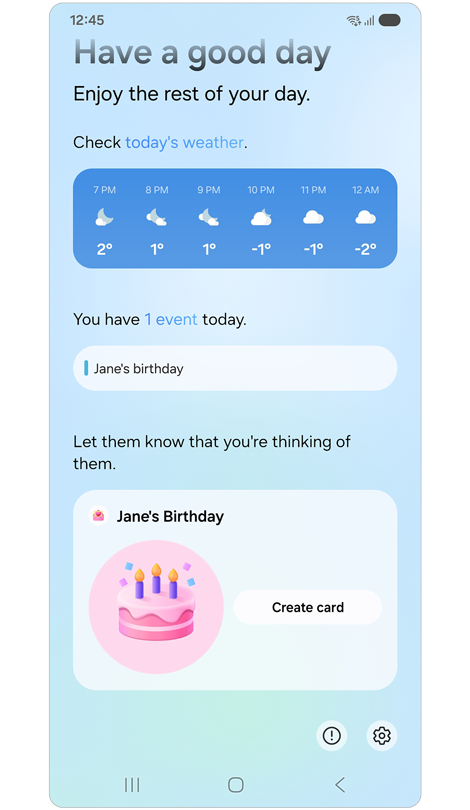
Birthday brief card: A notification reminder will appear in the Now Brief. You can tap the notification to create and send a birthday card with artwork.
In addition, Now brief automatically provides personalised information based on the user’s lifestyle, including the following:
- Health: Shows sleep patterns and energy levels.
- Wallet: Reminders of important expiration dates for items like flight tickets, train tickets, event tickets, and coupons.
- Events and tasks: Personalised reminders of upcoming schedules, missed calls, etc.
Notes:
- Some features or functions of Now brief may vary depending on the user’s behavior, device information, country/region, software version, and other factors.
- The time and cycle may vary for each Brief card.
Thank you for your feedback!
Please answer all questions.