How to use Samsung Video editor
You can use Samsung Video Editor in the Gallery app to trim, rotate, add effects, and enhance your videos easily. It provides simple tools to edit videos directly on supported Galaxy devices.
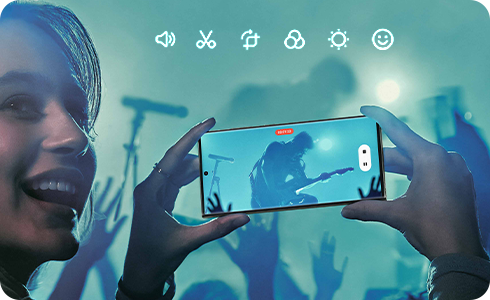
Open Samsung Video Editor


Step 1. Open Gallery app.


Step 2. Tap to select a video to edit.


Step 3. Tap the Edit (pencil icon).
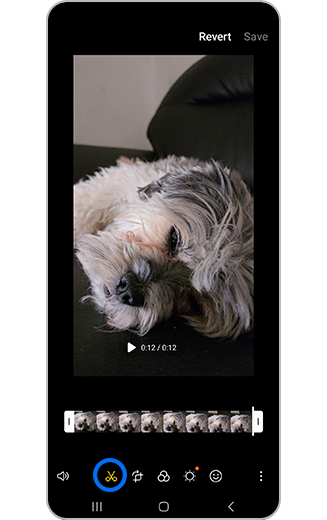
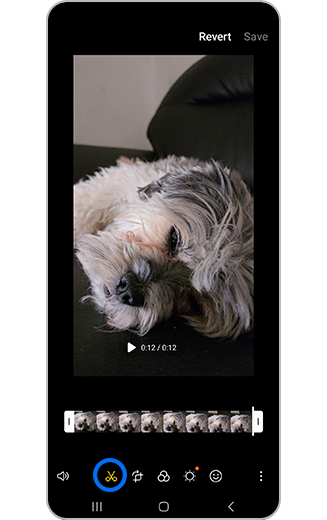
Step 1. Tap Trim.
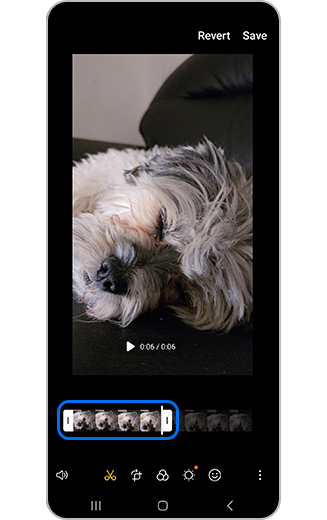
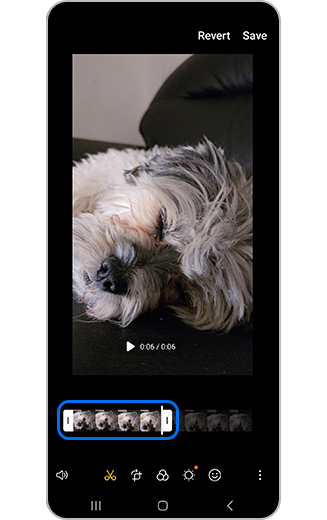
Step 2. Drag the slider bars to set the start and end points.
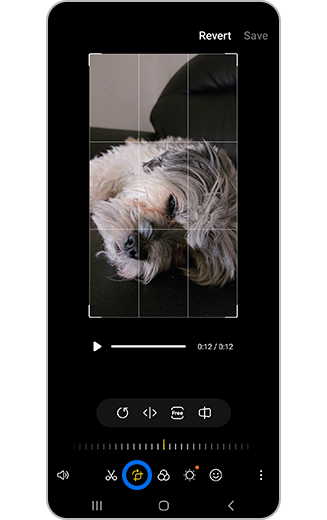
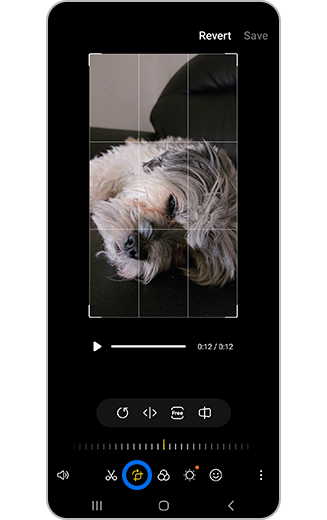
Tap Transform icon, then tap Rotate icon.
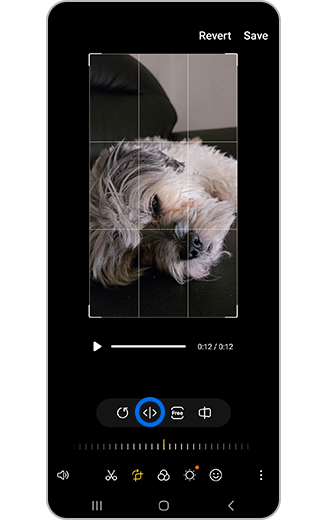
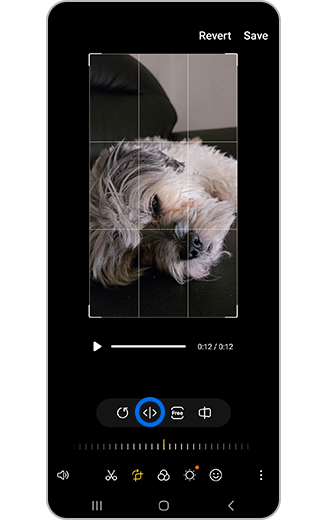
Tap Flip icon.
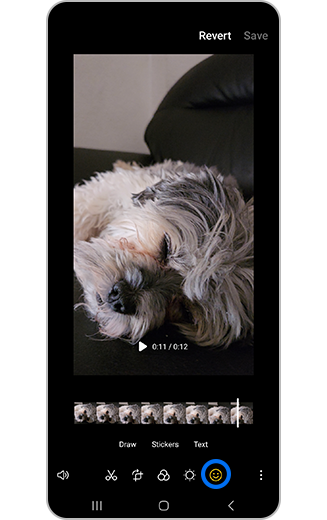
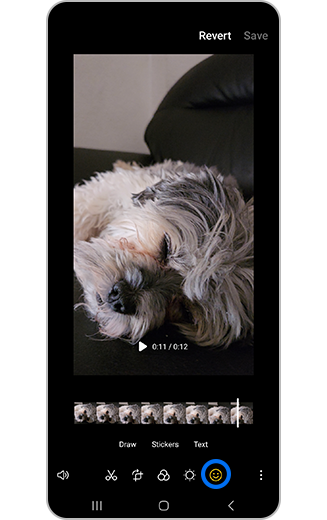
Step 1. Tap Decorations icon.
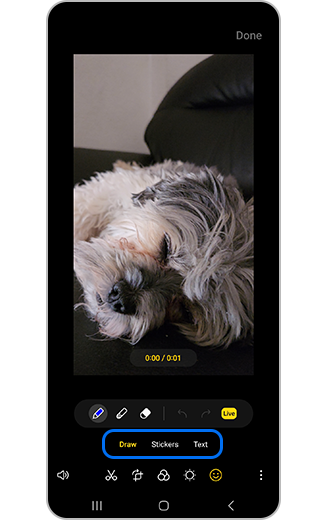
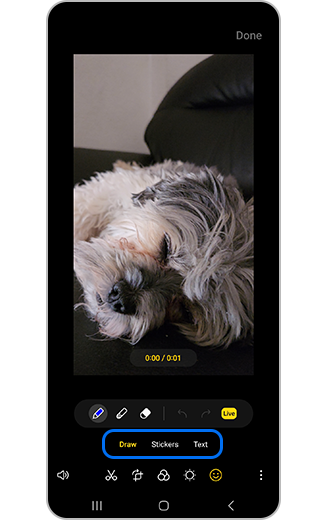
Step 2. Select Draw, Stickers, or Text.
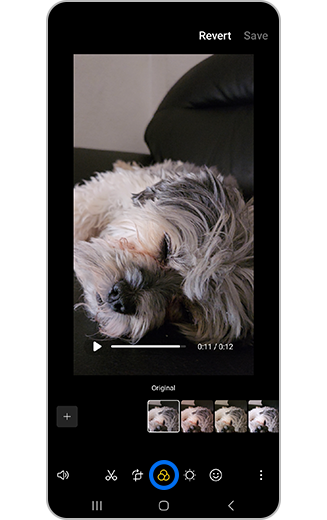
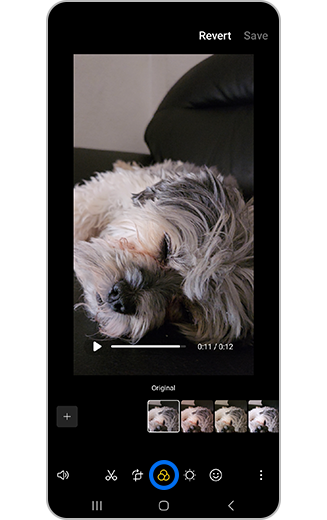
Step 1. Tap Filter.
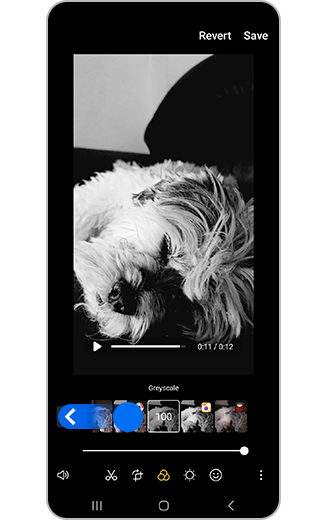
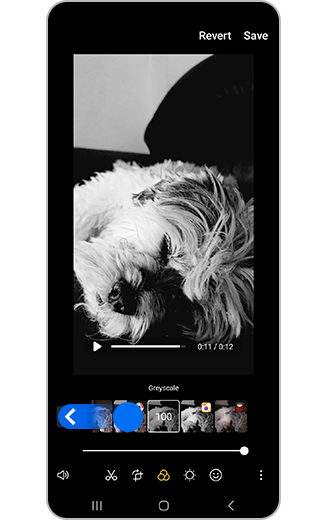
Step 2. Scroll through filters using the slider.
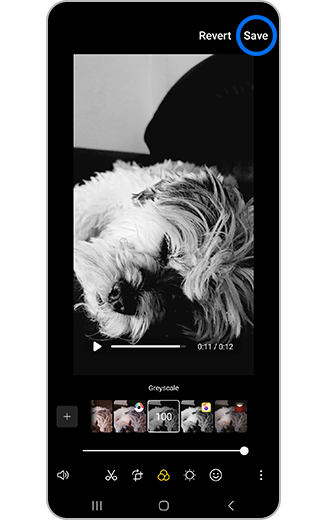
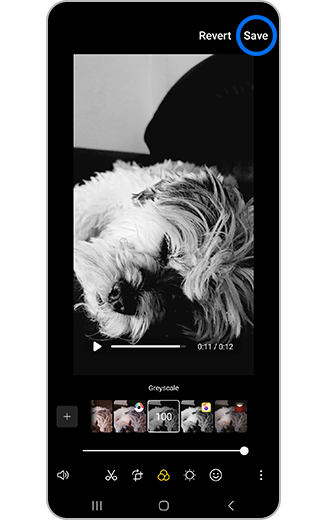
Step 3. Tap Tap Save to apply.
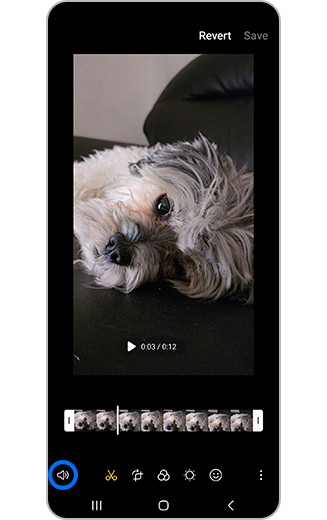
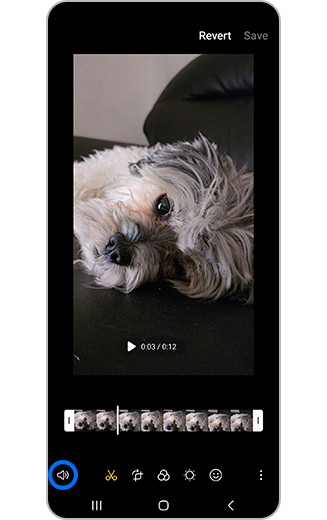
Step 1. Tap Audio icon.
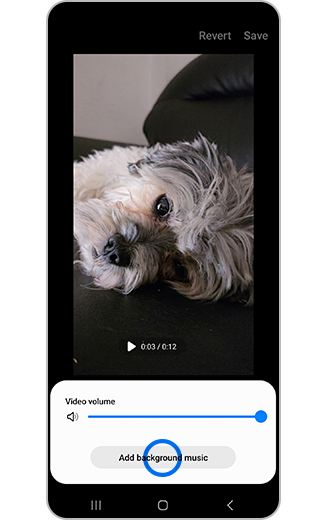
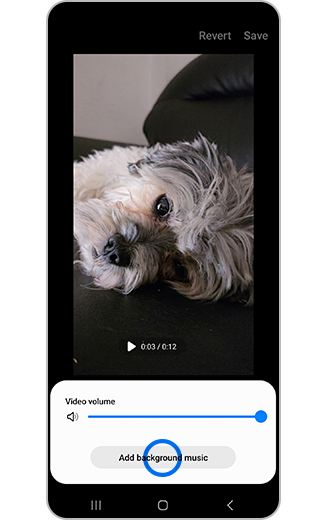
Step 2. Tap Add background music.
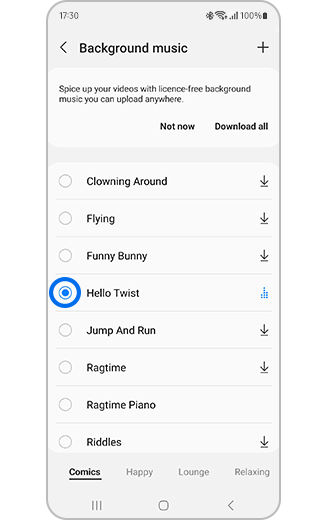
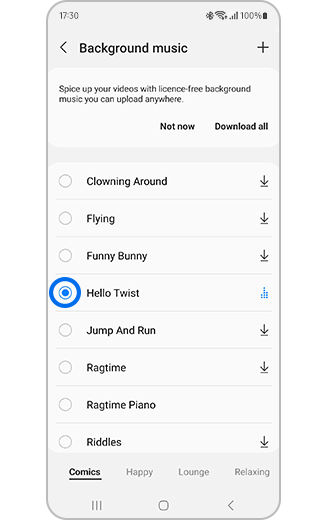
Step 3. Select music.
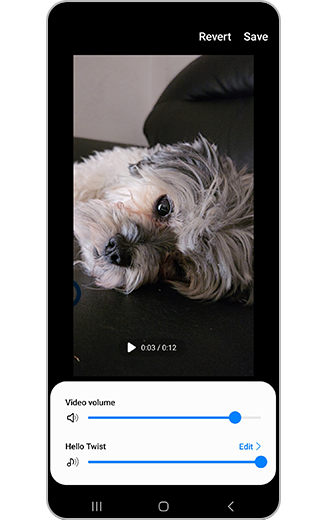
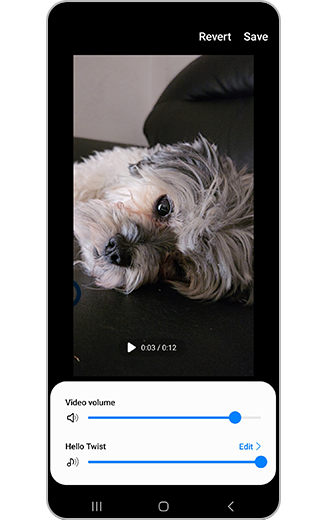
Step 4. Tap to adjust the video and music volume levels.
Notes
- Samsung Video Editor is available on Galaxy S20 models and later.
- Large or high-resolution videos may take time to save.
- Features may vary depending on device and software version.
Thank you for your feedback!
Please answer all questions.