How to set up fast charging on your Galaxy device?
Fast charging on Samsung Galaxy devices can be turned on in Battery settings. Enable both wired and wireless fast charging to reduce charging time with compatible chargers.
Use this if your Galaxy device is charging slowly or not using fast charging properly.
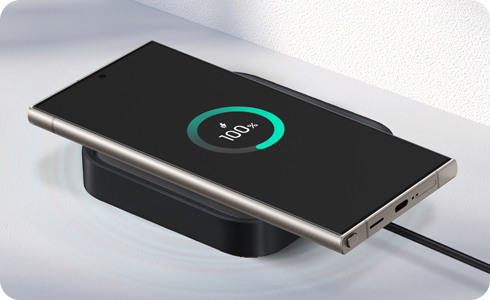
How to enable the fast charging and fast wireless charging feature


Step 1. Open Settings > Tap Battery.


Step 2. Select Charging settings.


Step 3. Tap the switch to enable each feature.
Note: You cannot enable or disable these features while the device is charging.
Available Charging Modes
- Show charging information: Displays battery level and estimated charging time when Always On Display is off.
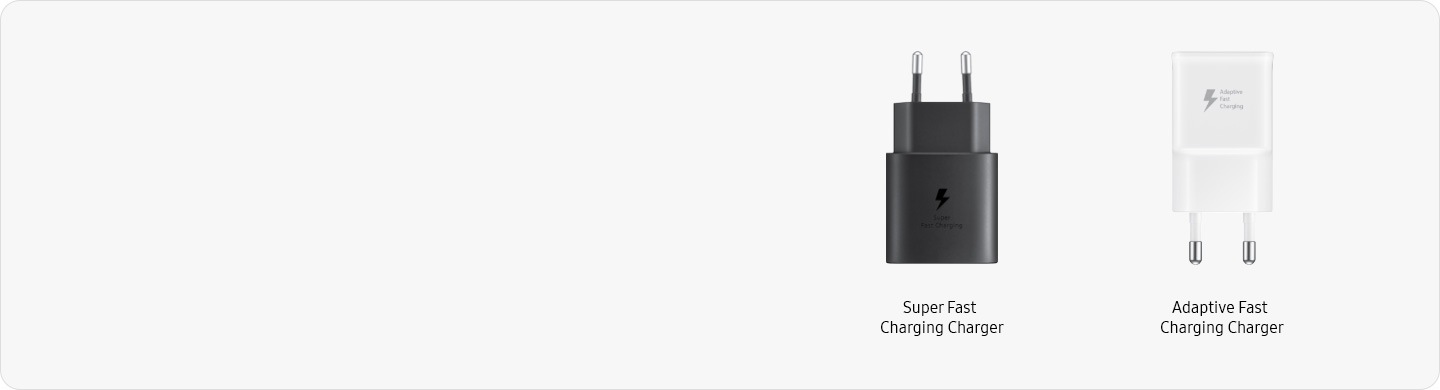
- Fast charging: Use with a wired charger (15W or higher).
- Fast wireless charging: Use with a wireless charger (9W or higher).
How to Properly Connect Your Wired Charger
STEP 1.
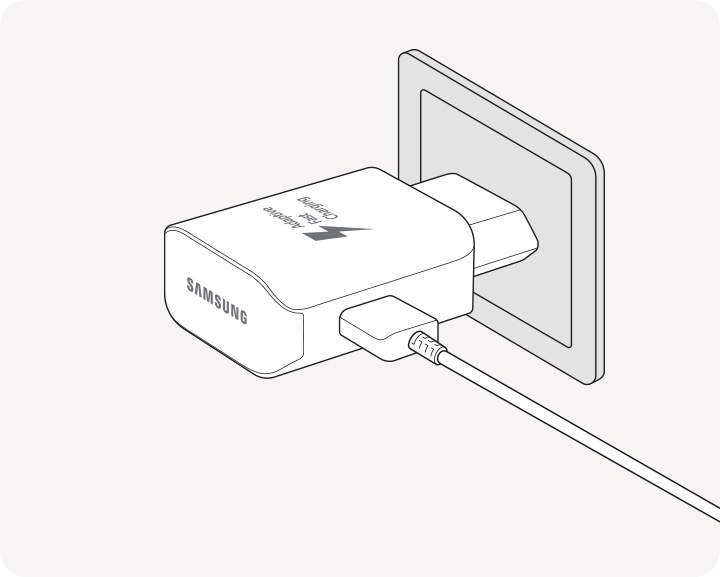
Plug the cable firmly into the adapter.


STEP 2.
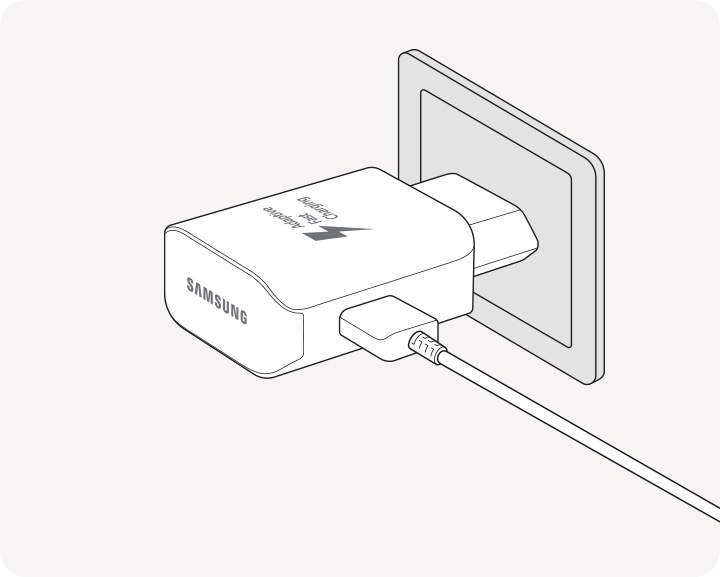
Plug the adapter securely into a wall socket.
STEP 3.
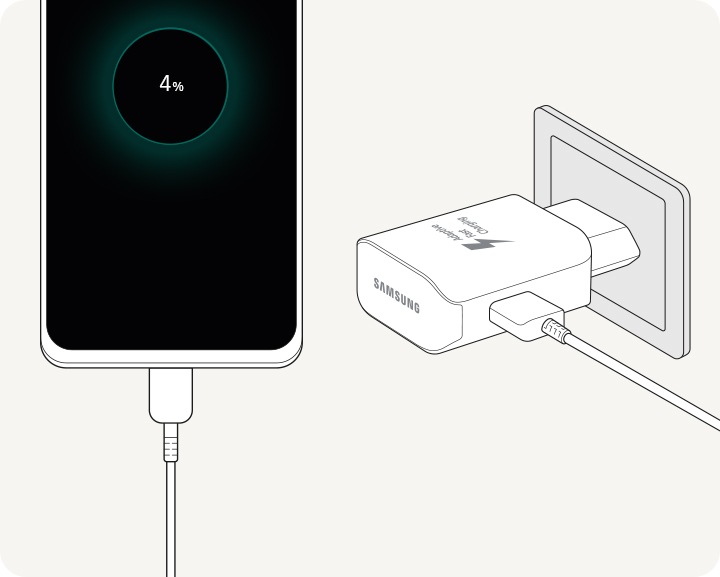
Connect the cable to your device.
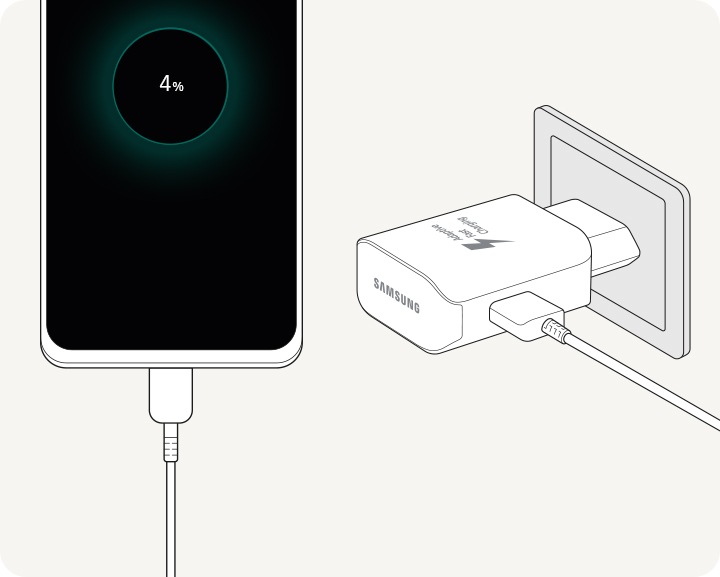
STEP 4.
Disconnect the charger once charging is complete.
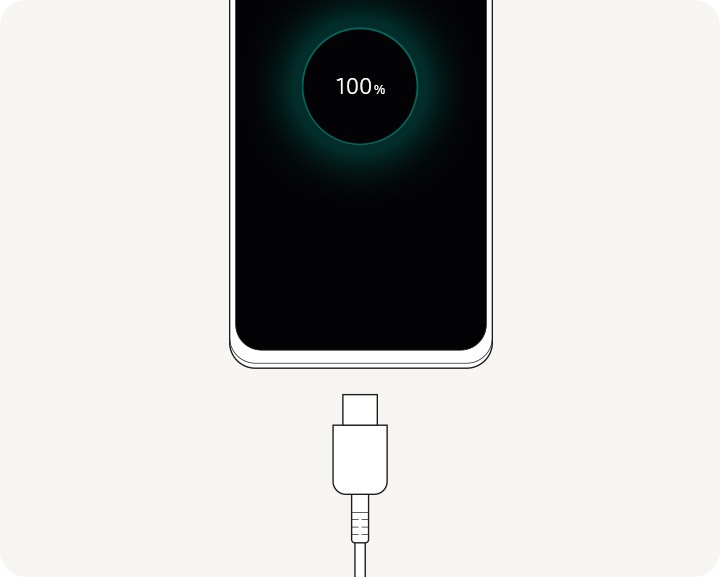
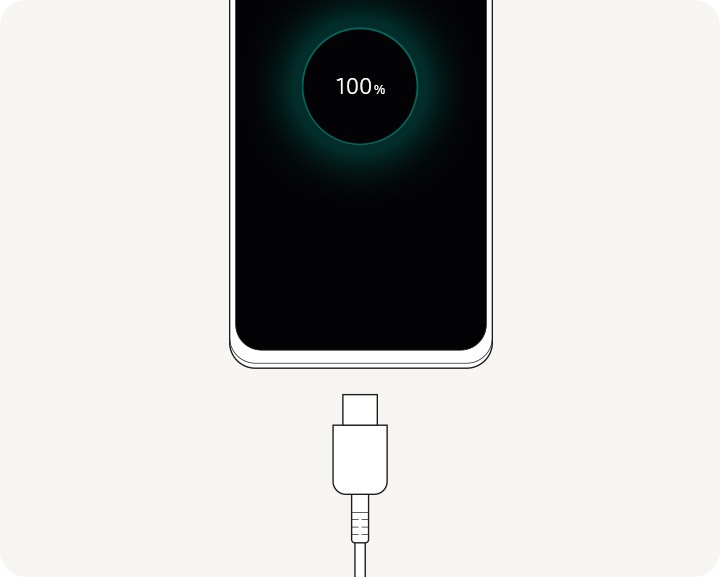
Check Connection
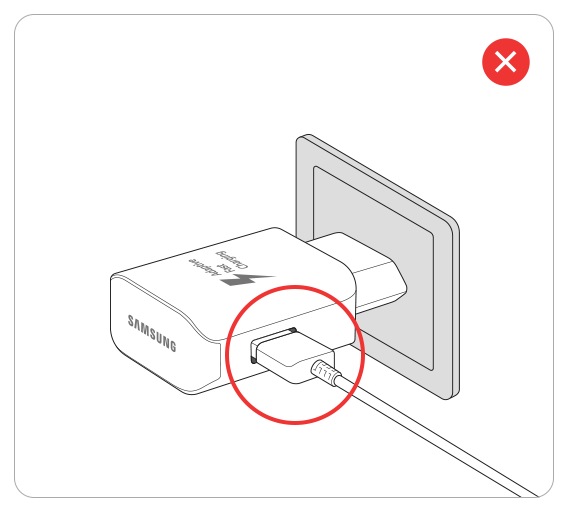
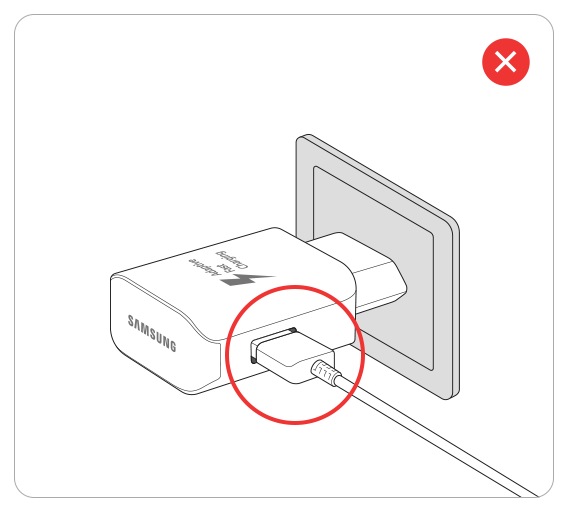
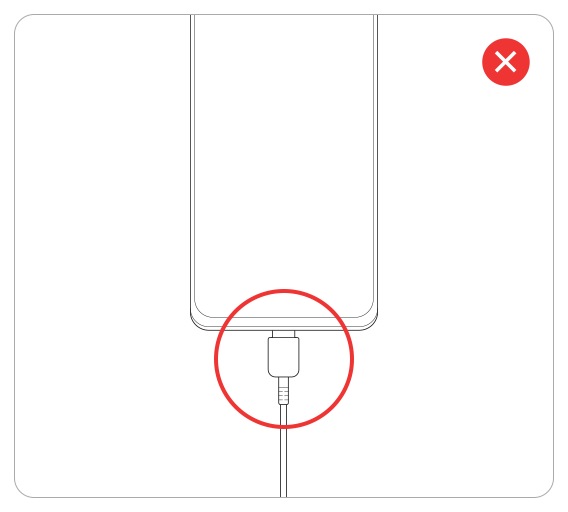
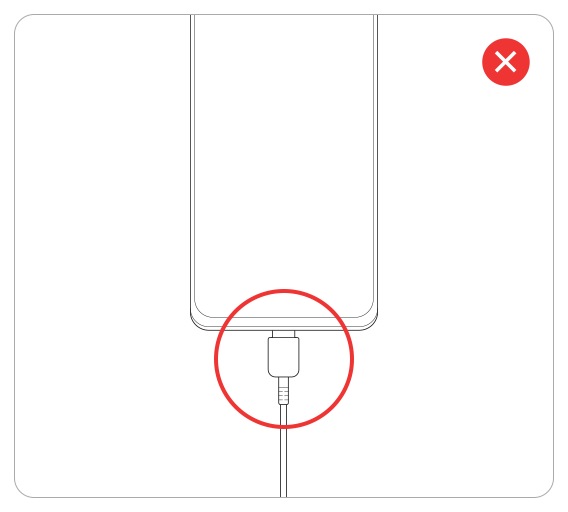
Notes:
- Disconnect the charger from your device before unplugging it from the wall.
- The charging adapter may be sold separately.
How to Use a Wireless Charger
STEP 1.
Place the back of your device on the wireless charger.
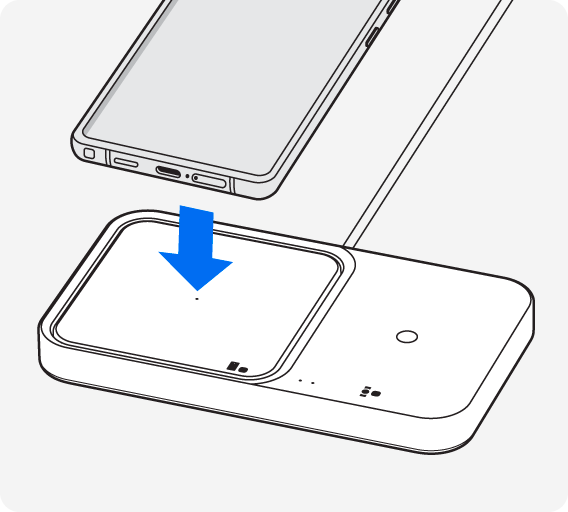
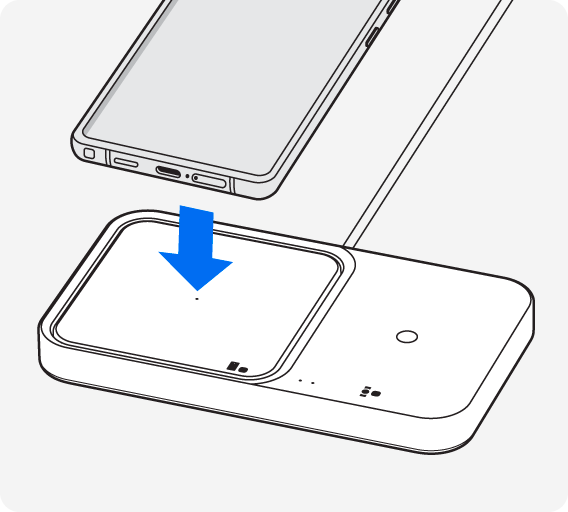
STEP 2.
Adjust the position if charging does not start or is unstable.


Check Placement
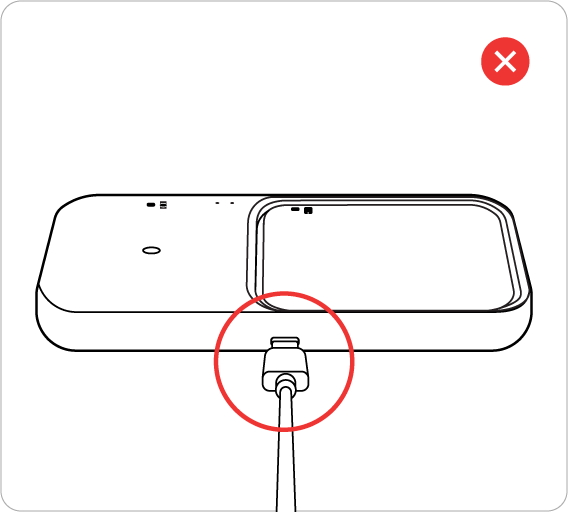
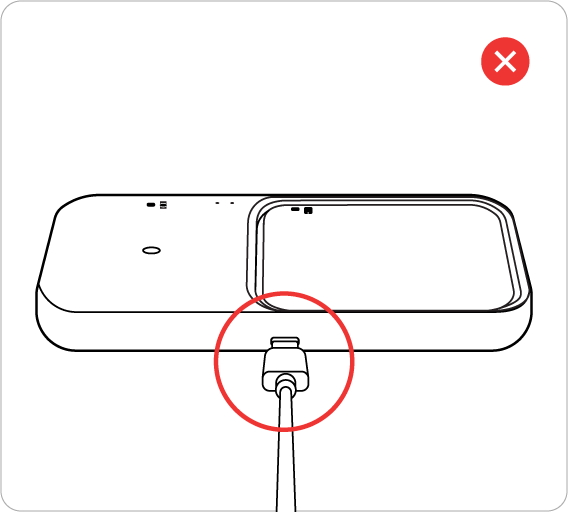
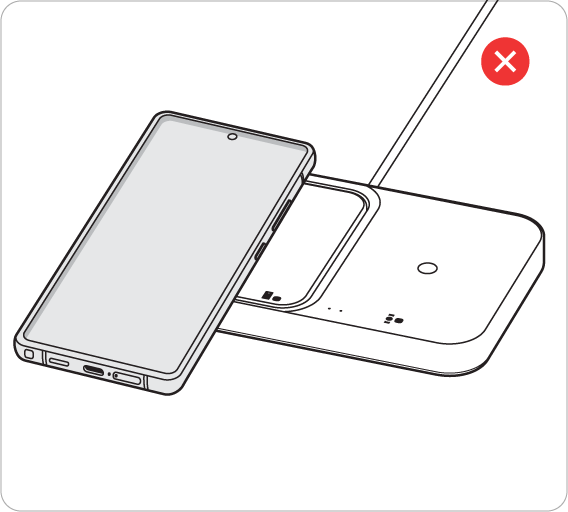
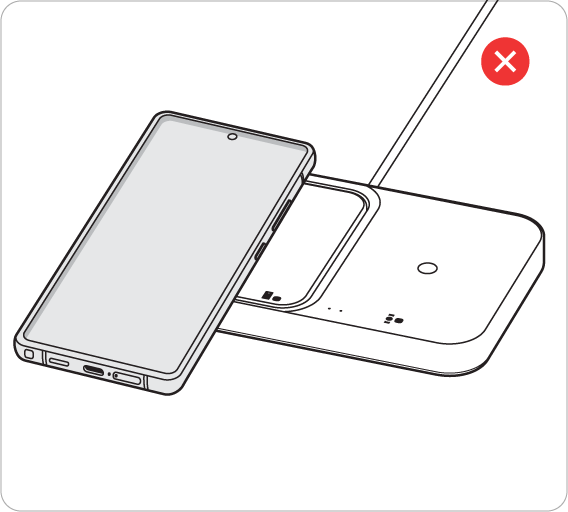
Notes:
- Charging coil position may vary by model.
- Thick cases may slow down charging.
- Charging speed may vary depending on conditions.
- Wireless charger may be sold separately.

Thank you for your feedback!
Please answer all questions.