Galaxy Note9 Main New Features: S Pen with Remote Control
Important Note: The information on this page is for Hong Kong products only. Models, sequences or settings will vary depending on location and/or where the product had been purchased. To be redirected to your local support page please click here.

S Pen with Remote Control : Usage (1/2)
• Easy selfie and wefie taking through Remote Control

- Single Press : Take picture
- Double Press : Front/ Rear switch Camera

Handheld Selfie Taking with Stable grip :
No need for pressing shutter icon on the screen
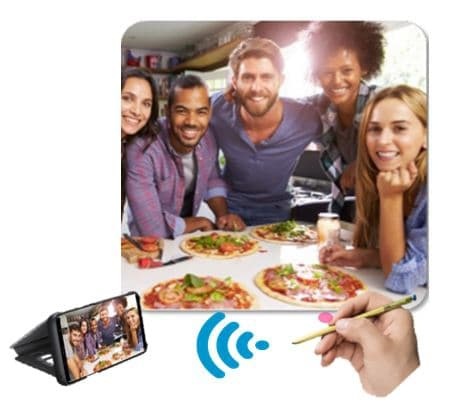
Wefie Taking with Clear View Standing Cover :
No need for sacrificing someone in the groupfie
S Pen with Remote Control : Usage (2/2)
• Versatile Remote Control on Various Apps
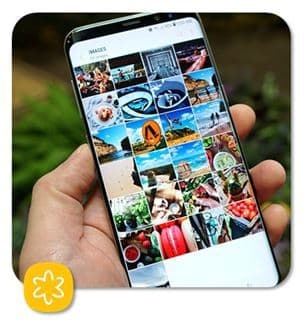
Gallery
- Single Press : Next Item
- Double Press : Previous Item
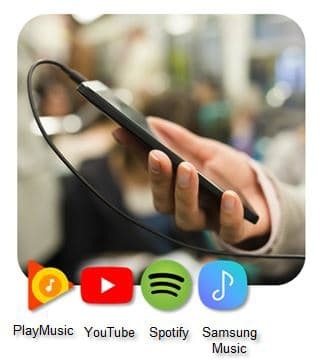
Media Player
- Single Press : Play / pause
- Double Press : Next Track or Video
Presentation
- Single Press : Next Slide
- Double Press : Previous Slide

※ All 3rd party music player apps based on Android OS standard can support the remote control feature.
Clear view standing cover sold separately. All images and features can be subject to change. All other products and services mentioned may belong to their respective trademark owners. Pictures/Images are for reference only. The above product description is only applicable to Samsung Galaxy Note9.
Notice: All functionality, features, specifications and other product information provided on this website including, but not limited to, the benefits, design, pricing, components, performance, availability, and capabilities of the product are subject to change without notice or obligation. Samsung reserves the right to make changes to this website and the product described herein, at any time, without obligation on Samsung to provide notification of such change.
You may also be interested in
How to Activate S Pen Remote on my Note9?
If the above information does not match what your product is showing, you may check the User Manual for your product. If you are unable to solve the problem, please contact us for further assistance.
Thank you for your feedback!
Please answer all questions.
RC01_Static Content : This text is only displayed on the editor page