How to locate the digital User guide on your device

If you ever have a question about your Galaxy device, the User guide (or Samsung Galaxy manual) is the perfect place to start searching for an answer. Follow our quick guide to easily access your User guide directly on your device.
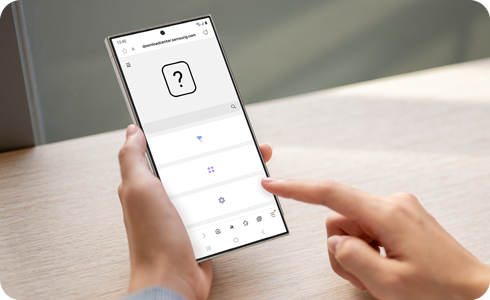
A person looking at the digital User guide on their Galaxy phone.

Please note: Your device must be connected to a wireless network.

Access the digital User guide

Settings home screen. Settings home screen.

Step 1. Open Settings > Select Tips and user guide.

A list of categories to view for tips and access the User guide. A list of categories to view for tips and access the User guide.

Step 2. Tap User guide.

List of topics covered in the digital User guide. List of topics covered in the digital User guide.

Step 3. Select the topic category you wish to see.

Thank you for your feedback!

*Operates as a price discount: Pre-order the Galaxy S26 Ultra larger storage variant (512GB) by 10.03.26 and pay the future price of the Galaxy S26 Ultra smaller storage variant (256GB). Pre-order the Galaxy S26+ larger storage variant (512GB) by 10.03.26 and pay the same price as the Galaxy S26+ smaller storage variant (256GB). Pre-order the Galaxy S26 larger storage variant (512GB) by 10.03.26 and pay the future price of the Galaxy S26 smaller storage variant (256GB).