
200 W 2.1Ch Soundbar HW-R450


Gallery popup


Scan this QR code with your phone and place the object in your space.
{{upgradeResult.displayModelName}}
{{upgradeResult.discountText1}}
{{upgradeResult.description1}}
{{upgradeResult.description2}}
{{offerFinance.title}}
{{offerFinance.learnMoreCta.text}}{{offerFinance.description}}
{{galaxyForeverResult.displayModelName}}
{{galaxyForeverResult.discountText1}}
{{galaxyForeverResult.description1}}
{{galaxyForeverResult.description2}}
Choose your color
Customizable bezels sold separately
Choose your skin color
Customizable skin sold separately
-
{{item.name}}
Out Of Stock
Mordern type
-
{{item.name}}
Out Of Stock
Beveled type
-
{{item.name}}
Out Of Stock
Skin color
-
{{item.name}}
Out Of Stock
Bezel type

- Mordern type
The Frame's custom bezels magnetically click into place. Now, you can switch between styles in a snap.
Bezel type

- Beveled type
The new Beveled type bezel design offers an elegant 45-degree angled inner edge bezel.
{{tradeIn.title}}
{{tradeIn.learnMoreCta.text}}{{tradeIn.description}}
{{tradeInResult.displayModelName}}
{{tradeInResult.discountText1}}
{{tradeInResult.discountText2}}
{{tradeInResult.discountText3}}
{{tradeInResult.discountText4}}
{{tradeInResult.discountText5}}
{{tradeInResult.discountText6}}
{{tradeInResult.specialDiscountText}}
{{tradeInResult.description}}
{{tradeInResult.contentText}}
DeleteDealer stock quantity
You can check the stock quantity for each region
Please select city
{{assuredBuyBack.title}}
{{newAssuredBuyBack.title}}
{{newAssuredBuyBack.learnMoreCta.text}}{{newAssuredBuyBack.description}}
Please select Samsung Assured Buyback or no coverage
{{care.title}}
{{care.learnMoreCta.text}}{{care.description}}
Please select Samsung Care+ or No to continue
-
{{item.specialText}}
-
{{warranty.title}}
{{warranty.description}}
{{warrantyResult.displayModelName}}
{{warrantyResult.discountText1}}
{{warrantyResult.description1}}
{{warrantyVd.title}}
{{warrantyVd.description}}
{{warrantyVdResult.title}}
{{warrantyVdResult.priceDisplay}}
{{delivery.headline}}
{{delivery.errorMessage}}
{{deliveryResult.priorityText}}
{{deliveryResult.mainText}}
{{deliveryResult.subText}}
Standard installation charges may apply.Click here for more details.
{{deliveryResult.decText}}
{{item.disclaimer}}
{{tariffOptionResult.displayModelName}}
{{tariffOptionResult.discountText1}}
{{tariffOptionResult.description1}}
{{tariffOptionResult.description2}}
{{tariffOptionResult.description}}
{{tariffOptionResult.price}}
{{tariffOptionResult.disclaimer}}
{{embedAddon.title}}
{{embedAddon.description}}
-
{{item.name}}
{{item.modelCode}}
{{item.description}}
{{item.finalPrice}}
{{item.originalPrice}}{{item.savePrice}} Out Of Stock
-
{{item.name}}
{{item.modelCode}}
{{item.description}}
- {{item.dotList1}}
- {{item.dotList2}}
- {{item.dotList3}}
{{item.finalPrice}}
{{item.originalPrice}}{{item.savePrice}} Out Of Stock
{{message.item.tcCTAText}}
{{message.item.periodText}}
Highlights

Wireless Subwoofer

Wireless Surround Ready

TV Sound Connect

Bluetooth Sreaming/Bluetooth Power On
Features
Elevate your TV sound with Powerful bass.


Powerful bass where you need it
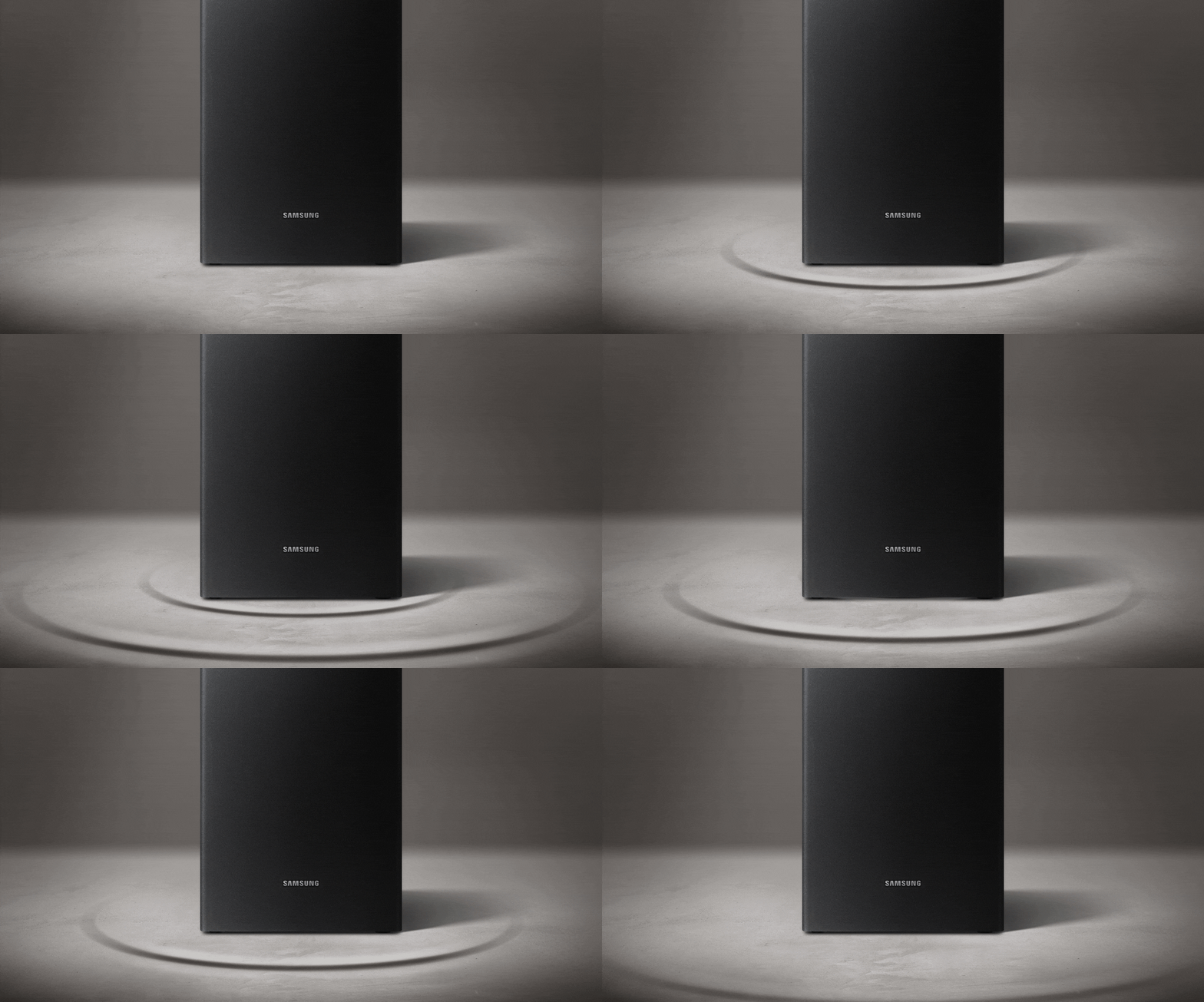
Don’t let wires get in the way of your bass. Set the soundbar with wireless subwoofer anywhere in your space and surround yourself with powerful, deeper bass.
Optimized gaming sound. Now on tap.
Plug in your console and get the amazing sound effects you expect, right away. The auto settings optimize your sound to the game you’re playing while cross-talk cancellation technology removes distracting sounds so you hear clear audio from the right direction to help you gain the advantage.


* This feature is supported only when the game console is connected to select 2019 Samsung TVs via HDMI (all QLED TVs, RU7400 series, and above). Game consoles supported include PlayStation 4 and Xbox. Compatible TVs and game consoles may change.** Game console purchase separately.
Wireless connection with TV
Connect the Soundbar to your Samsung TV* with ease and without the clutter of wires via Bluetooth or Wi-Fi. You'll be able to enjoy all your content instantly with clearer, more impactful sound.


* Compatible with selected Samsung TVs supporting Wi-Fi or Bluetooth.
Control with One Remote
You don’t need several remotes. For power, volume, and even the sound effects, you can control key Soundbar functions with a Samsung TV remote through TV’s UI.
* Actual product may vary by TV model and region.** Compatible with selected Samsung TVs. Please check in-store for more details.


* Actual product may vary by TV model and region.** Compatible with selected Samsung TVs. Please check in-store for more details.
Wireless music streaming
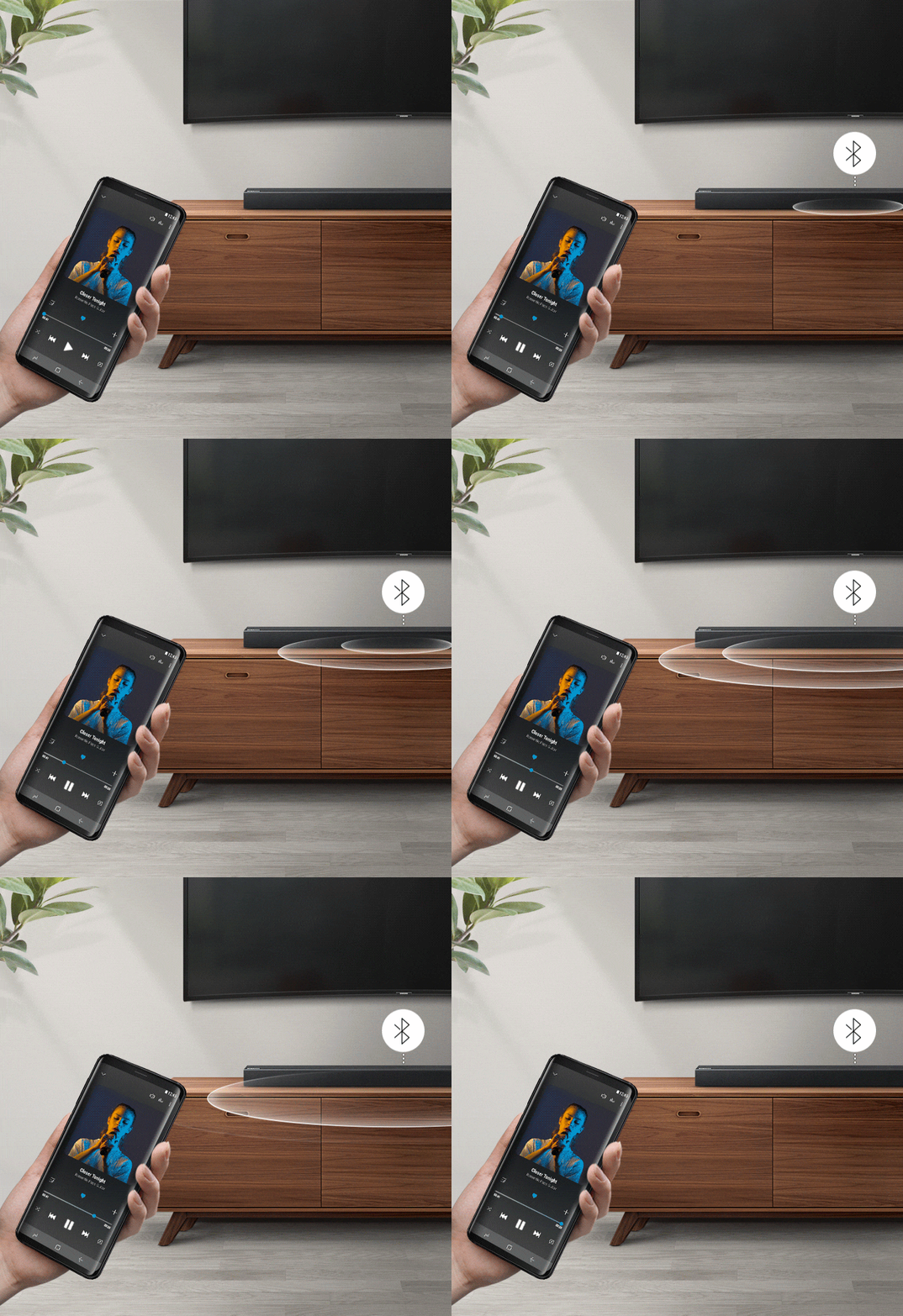
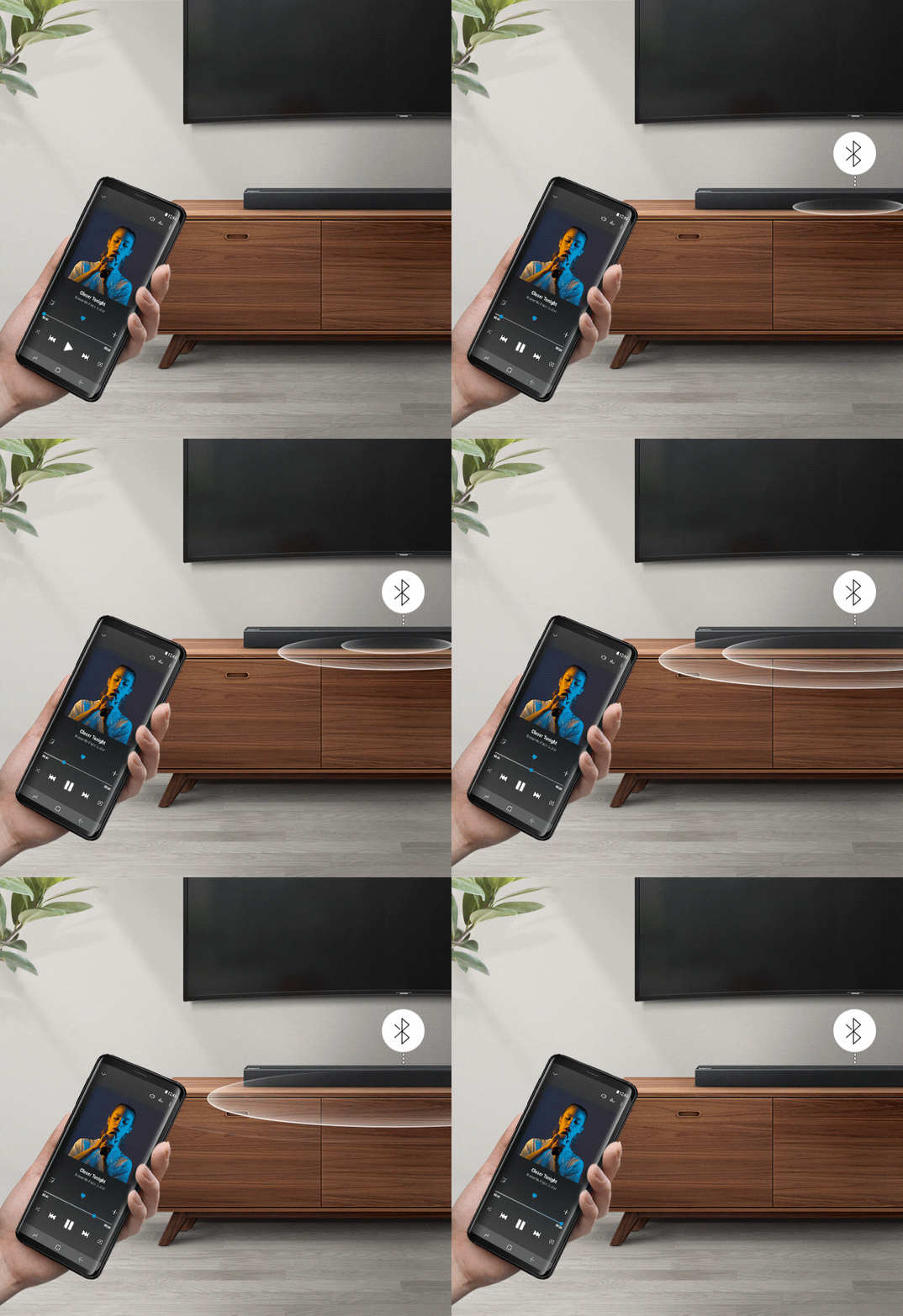
Samsung Soundbar uses Bluetooth for easy wireless connections to other devices. Enjoy music from your mobile in top audio quality anywhere, no strings attached.
Optimized sound for various content
The soundbar automatically analyzes your sound sources to optimize the audio track for your specific content. Whether it’s a loud sports match or a drama with quiet dialogue, you can count on the best soundbar to provide clear sounds for optimized TV viewing.


Wireless surround sound ready
The Wireless Surround Kit* lets you expand your Soundbar to a surround sound system easily without the mess of wires**. Together with your Soundbar, you can create a channel system for a true surround sound experience.
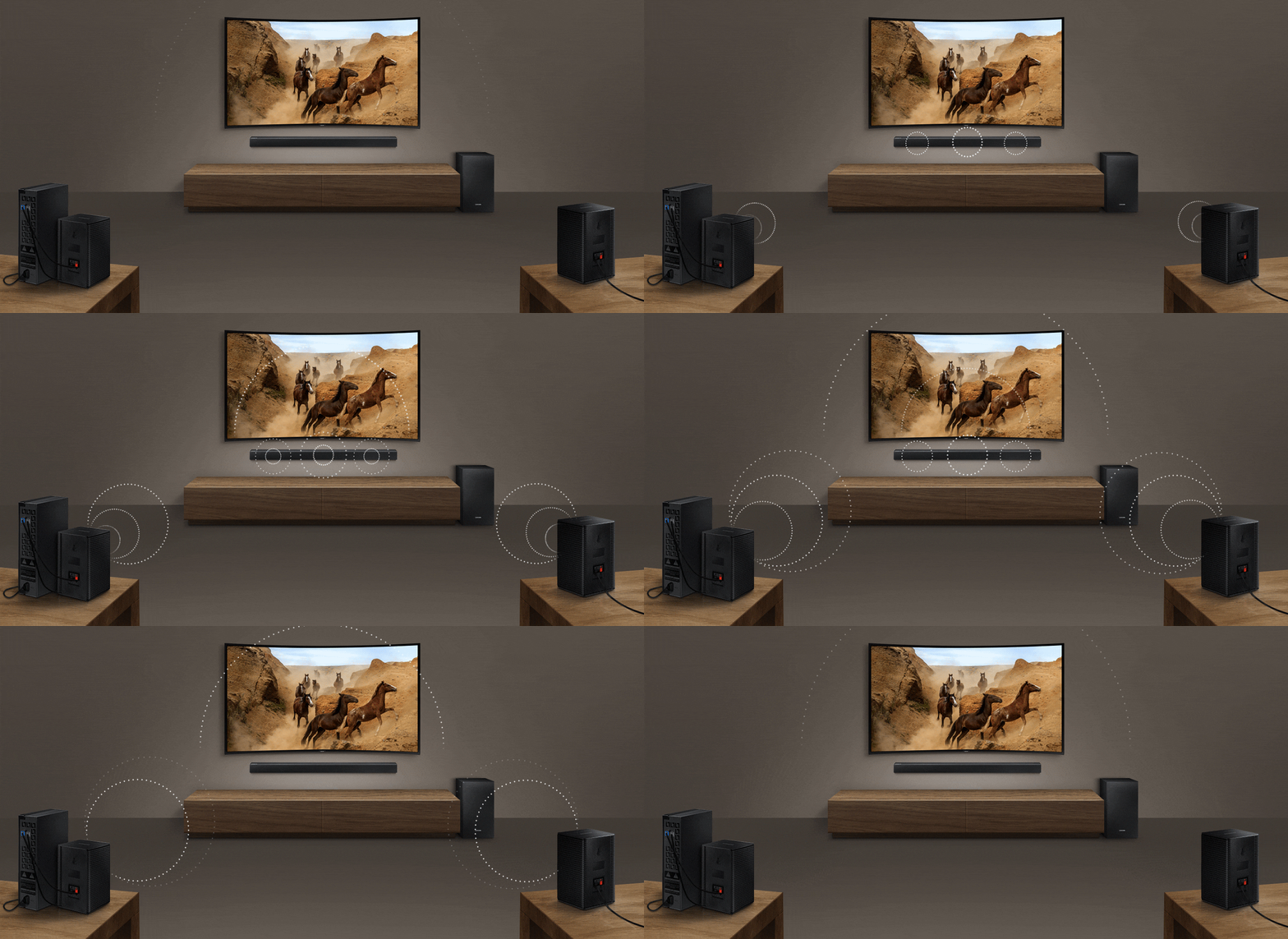
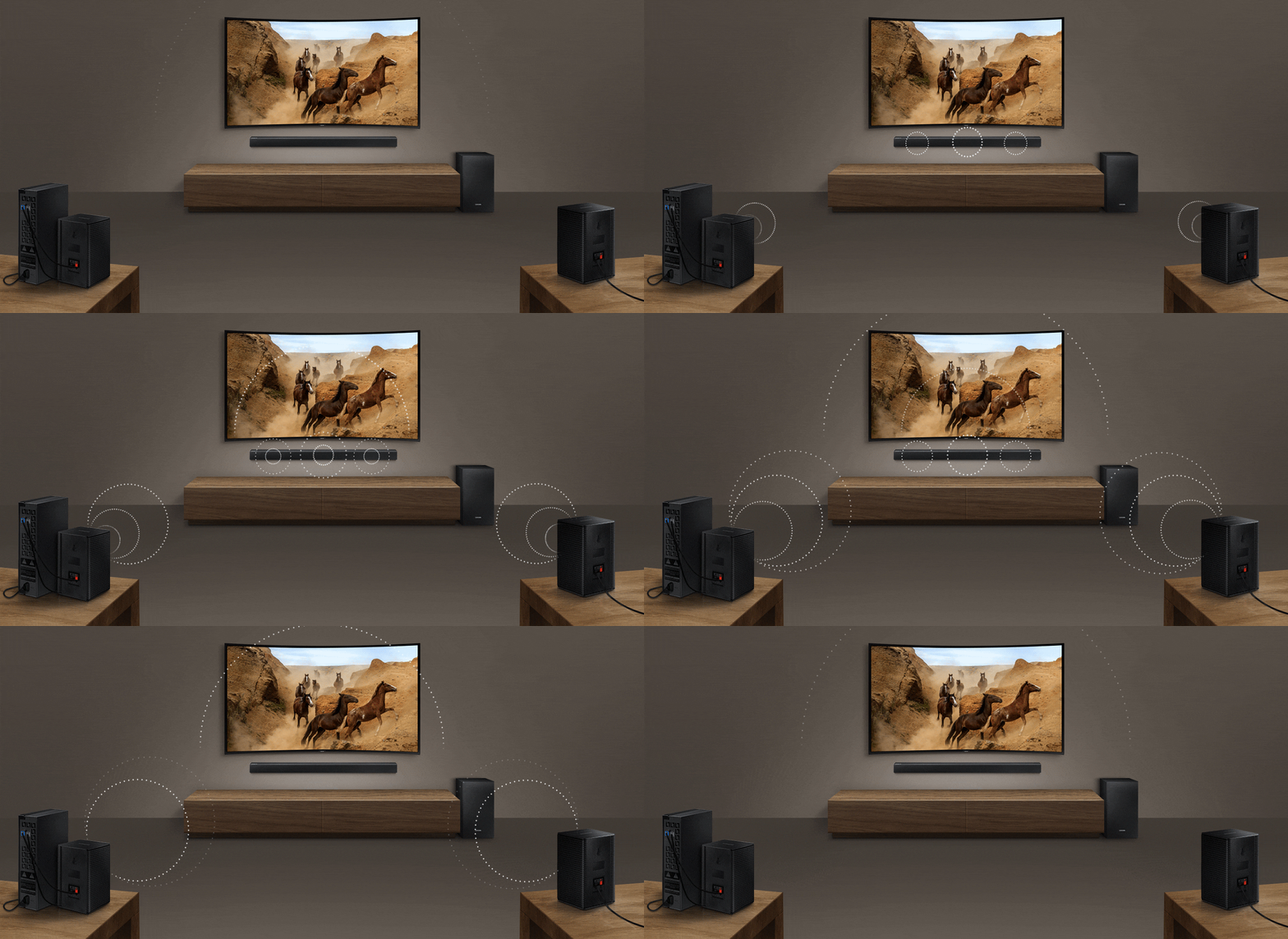
* Samsung Wireless Rear Speaker Kit is available for separate purchase (Accessory model: SWA-8500S).** The wireless module requires a power cable. Rear speakers are connected to the module by cable.
Samsung Audio Remote app
Control your Soundbar with the Samsung Audio Remote app on your smartphone or tablet running on Android™. Simply connect using Bluetooth™ to control all your key Soundbar functions and play your favorite song lists on your mobile device through one single app.
* Android is a registered trademark of Google Inc. Bluetooth is a registered trademark of Bluetooth SIG Inc.


* Android is a registered trademark of Google Inc. Bluetooth is a registered trademark of Bluetooth SIG Inc.
Specifications
-
Total Power
200 W
-
Number of Channel
2.1 Ch
-
Subwoofer Type (Active / Passive / Wireless, Bulit-in)
Wireless Active
-
Subwoofer Enclosure Type
Base Reflex
-
Total Power
200W
-
Number of Channel
2.1 Ch
-
Number of Speaker
2
-
Frequency Range
43Hz~20kHz
-
Speaker Type
Sealed Enclosure
-
Subwoofer Type (Active / Passive / Wireless, Bulit-in)
Wireless Active
-
Subwoofer Enclosure Type
Base Reflex
-
Subwoofer Driver Size
6.5'
-
Wide Range Tweeter
No
-
Amp Type
Digital Amp
-
Crystal Amplifier
Yes
-
Dolby Digital
Dolby 2ch
-
Dolby
Dolby 2ch
-
DTS Digital Surround
DTS 2ch
-
Bluetooth HI-FI Codec
No
-
Number of Sound Modes (DSP)
4
-
UHQ 32bit Audio
No
-
Distortion Cancelling
No
-
Smart Sound Mode
No
-
3D Video Pass
No
-
4K Video Pass
No
-
HDR
No
-
AAC
Yes
-
MP3
Yes
-
WAV
Yes
-
OGG
Yes
-
FLAC
No
-
ALAC
No
-
Anynet+ (HDMI-CEC)
No
-
Bluetooth
Yes
-
USB Host
Yes
-
Bluetooth Power On
Yes
-
NFC
No
-
Number of HDMI Input/Output
No
-
Number of Audio Input
1
-
Number of Optical Input
1
-
Auto Power Link
Yes
-
Compatible with SWA-8000S
No
-
Compatible with SWA-8500S
Yes
-
Compatible with SWA-9000S
No
-
Multiroom Hub
No
-
Multiroom App
No
-
One Power
No
-
Packing Type
One Packing
-
Net Dimension (Main Speaker) (WxHxD)
907.5 x 53.5 x 70.5
-
Net Dimension (Sub Woofer) (WxHxD)
181.5 x 343.0 x 272.0
-
Gross Dimension (WxHxD, mm): One Packing
965.0 x 434.0 x 230.0
-
Net Weight (Main Speaker, kg)
1.5
-
Net Weight (Sub Woofer)
4.0
-
Gross Weight (One Packing)
6.8
-
Stand-by Power Consumption (Main)
2.7W
-
Stand-by Power Consumption (Subwoofer, W)
0.5W
-
Operating Power Consumption (Main, W)
15W
-
Operating Power Consumption (Subwoofer, W)
28W
-
Free Voltage
Yes
-
Energy Star
Yes
-
ASC MIC
No
-
Antenna
No
-
Remote Controller
Yes
-
HDMI Cable
No
-
Optical Cable
Yes
-
Audio Cable
No
-
USB Cable
Yes
-
Wall Mount Bracket
Yes
-
TV Mount
No
-
Battery
Yes
Reviews
200 W 2.1Ch Soundbar HW-R450
Reviews with images & videos
Filters
Relevancy sort puts the best reviews at the top. We look at things like helpfulness votes, latest review, pictures and other traits that readers look for in their reviews.
Filters
19 Reviews
2022-06-24
2024-03-04
![[D] Alternative Text](https://photos-us.bazaarvoice.com/photo/2/cGhvdG86c2Ftc3VuZy1lbl9sYg/ac05d47a-f4d1-58c0-a757-84ef18414997)
![[D] Alternative Text](https://photos-us.bazaarvoice.com/photo/2/cGhvdG86c2Ftc3VuZy1lbl9sYg/c5e1e249-c29d-5eaf-b388-228aaf939cfd)
2025-05-13
Texas
2020-09-18
2020-04-17
Kansas City, MO
2020-11-12
2019-12-11
RDU
2020-05-09
2020-01-20
Delaware
2019-07-21
windsor, ct
OBA
dont_bother : I am very sorry to hear that dialogue is being drowned out in action scenes and too low to hear in other scenes. To improve your experience, press the Sound Mode button on your remote control and select DRC (Dynamic Range Control). In DRC mode, it lets you apply dynamic range control to Dolby Digital tracks. Press and hold the SOUND MODE button while the Soundbar is powered off to turn DRC (Dynamic Range Control) on or off. With the DRC turned on, loud sound is reduced. If you need additional help with this issue, or have any questions or concerns with this soundbar, please reach out to us via any of the below options: 1) Phone: 1-800-SAMSUNG (ask for Soundbar) Available 8AM - 12AM EST (Mon-Fri) / 9AM - 11PM EST (Sat-Sun) 2) LiveChat or Email: https://www.samsung.com/us/support/#contact_us_for_support 3) Facebook Messenger: https://www.facebook.com/samsungsupport 4) Twitter: https://twitter.com/SamsungSupport The Samsung Home Theater & Home Audio Community is also a great resource for getting help from Samsung moderators and customers: https://us.community.samsung.com/ Samsung is committed to providing the best possible product experience, quality, and value, and we are always here to help with any of your questions or concerns. - Samsung Solutions
2023-07-22
2021-07-20
Phila,pa
2019-09-26
Federal Way, WA
OBA
Kirkobane: Thank you for sharing your user experience with the HQ-R450 Soundbar. To improve your audio enjoyment and hear the dialogue more clearly, try using Dynamic Range Control (DRC). DRC lets you apply dynamic range control to Dolby Digital tracks. With DRC turned on, loud sounds will be reduced. Please follow these steps: 1) Turn off your soundbar 2) While the soundbar is off, press and hold the SOUND MODE button on the remote control for 6 seconds until you see “DRC ON” shown on the display. If you should wish to turn off DRC later, just repeat steps 1 and 2 above. You might also want to try SMART Mode, which automatically analyzes content and optimizes sound settings for the best experience. You can access this mode by pressing the SOUND CONTROL button and selecting from the displayed options. For further assistance, please know we are here to help. You can reach Samsung DAV Support via: 1) Phone: 1-800-SAMSUNG (ask for Soundbars) Available 8AM - 12AM EST (Mon-Fri) / 9AM - 11PM EST (Sat-Sun) 2) LiveChat or Email: https://www.samsung.com/us/support/#contact_us_for_support 3) Facebook Messenger: https://www.facebook.com/samsungsupport 4) Twitter: https://twitter.com/SamsungSupport The Samsung Members Community is also a great resource for getting help from Samsung moderators and customers: https://us.community.samsung.com/t5/Get-Help/ct-p/get-help If you have not already done so, we invite you to register your new Samsung product at: https://www.samsung.com/us/support/register/ Registering your product gives you access to easy warranty support, convenient opt-in to special promos & offers, faster troubleshooting & service, and quick notification of system updates.
2020-05-23
Saskatoon
2019-12-03
Maryland
OBA
Bubba: I am very sorry to see that you are not happy with this model not having HDMI. I am sorry for any spec confusion. For complete specs on this or any Samsung Soundbar model, please refer to Samsung.com. The HW-R450 specs can be found here: https://www.samsung.com/us/televisions-home-theater/home-theater/sound-bars/hw-r450-soundbar-hw-r450-za/#specs You can connect this Samsung via Optical Cable or Bluetooth. If you need further assistance, please know we are here to help. You can reach Samsung Support via: 1) Phone: 1-800-SAMSUNG Available 8AM - 12AM EST (Mon-Fri) / 9AM - 11PM EST (Sat-Sun) 2) LiveChat: https://www.samsung.com/us/support/#contact_us_for_support 3) Facebook Messenger: https://www.facebook.com/samsungsupport 4) Twitter: https://twitter.com/SamsungSupport 5) The Samsung Members Community is also a great resource for getting help from Samsung moderators and customers: https://us.community.samsung.com If you have not already done so, we invite you to register your new Samsung product at: https://us.community.samsung.com Registering your product gives you access to easy warranty support, convenient opt-in to special promos and offers, faster troubleshooting and service, and quick notification of system updates.
2020-03-27
2023-08-25
SouthAfrica
2019-07-31
Virginia
2020-03-08
OBA
me_2: Thank you for purchasing the Samsung HW-R450 Soundbar and sharing your experience. I am sorry to hear that you are having lip-sync issues with your TV. Dolby Digital content may be the cause for your audio delay as this is a known issue affecting all brands. If you are using a Samsung TV, please check that your TV firmware is updated to Version 1335.0 or higher. For how-to instructions on downloading the update to your Samsung TV, please visit: https://www.samsung.com/us/support/answer/ANS00062224/ If you are having audio delays between your Samsung Soundbar and a non-Samsung TV, a soundbar firmware update will be released soon. Please check for a new HW-R450, firmware update at: https://www.samsung.com/us/support/owners/product/2019-soundbar-with-wireless-subwoofer-hw-r450 If you need further assistance, please know we are here to help. You can reach Samsung Support via: 1) Phone: 1-800-SAMSUNG (ask for Soundbars) Available 8AM - 12AM EST (Mon-Fri) / 9AM - 11PM EST (Sat-Sun) 2) LiveChat: https://www.samsung.com/us/support/#contact_us_for_support 3) Facebook Messenger: https://www.facebook.com/samsungsupport 4) Twitter: https://twitter.com/SamsungSupport 5) The Samsung Members Community is also a great resource for getting help from Samsung moderators and customers: https://us.community.samsung.com If you have not already done so, we invite you to register your new Samsung product at: https://www.samsung.com/us/account/signin/?redirect=https%3A%2F%2Fwww.samsung.com%2Fus%2Fsupport%2Fregister%2F Registering your product gives you access to easy warranty support, convenient opt-in to special promos and offers, faster troubleshooting and service, and quick notification of system updates. ~ Samsung Solutions
These reviews are managed by Bazaarvoice and comply with the Bazaarvoice Authenticity Policy, which is supported by anti-fraud technology and human analysis. Details at
https://www.bazaarvoice.com/trustmark/User manual & downloads
Solutions & Tips
* Key feature may different from Key Spec


