How to use the PC on TV on your Samsung Smart TV
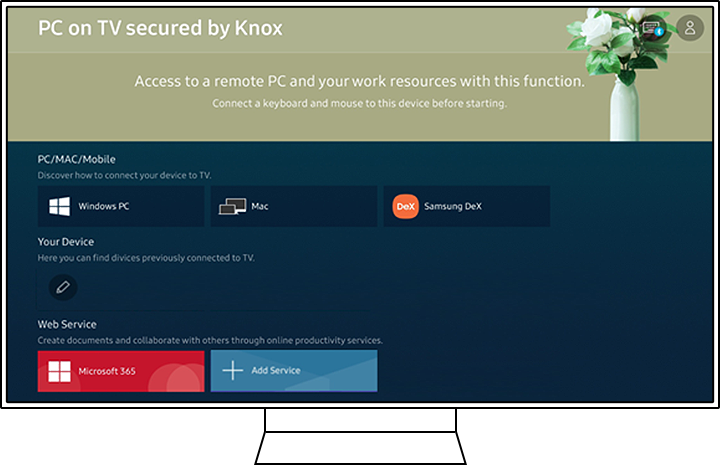
The PC on TV feature lets you connect your computer, laptop, or mobile device to your Samsung Smart TV. It allows you to work, study, or use apps like Microsoft 365 directly on the TV screen for a larger and more comfortable viewing experience.
Main ways to use PC on TV
You can access PC on TV through four main options:
- Easy Connection to Screen (remote PC access)
- Screen Sharing (PC mirroring via Wi-Fi)
- Samsung DeX (use your phone as a PC)
- Microsoft 365 (web-based Office apps)


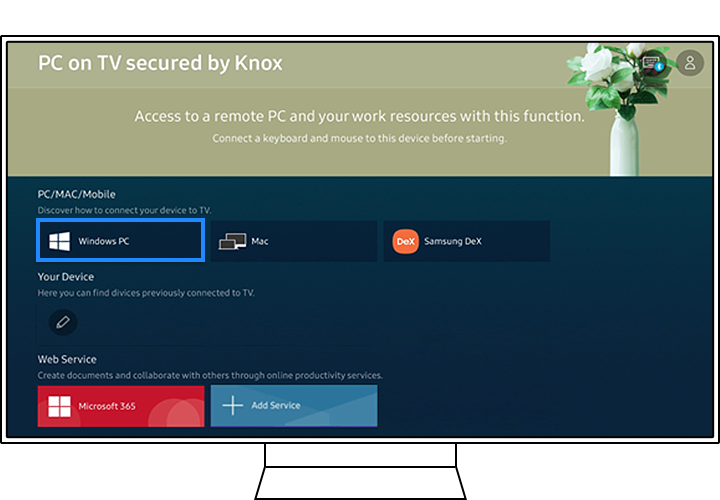
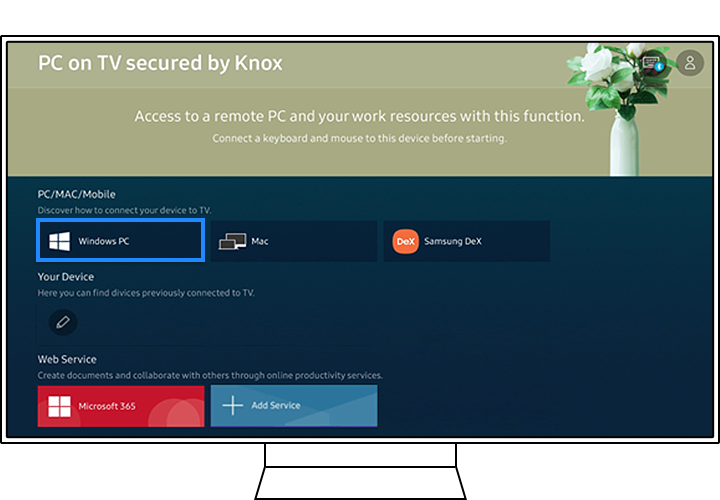
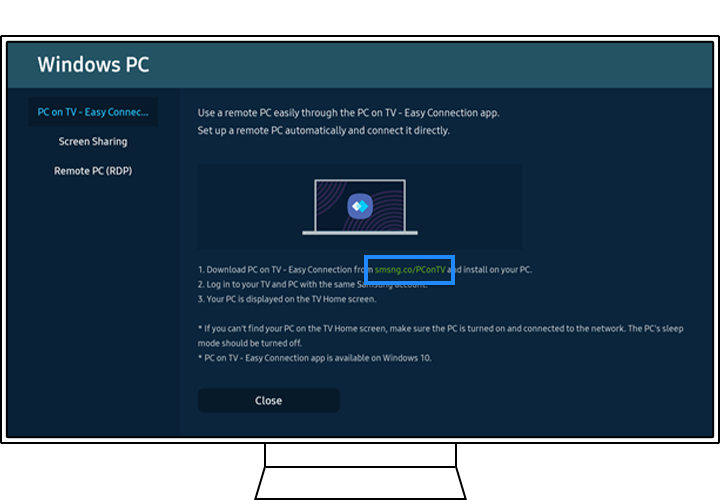
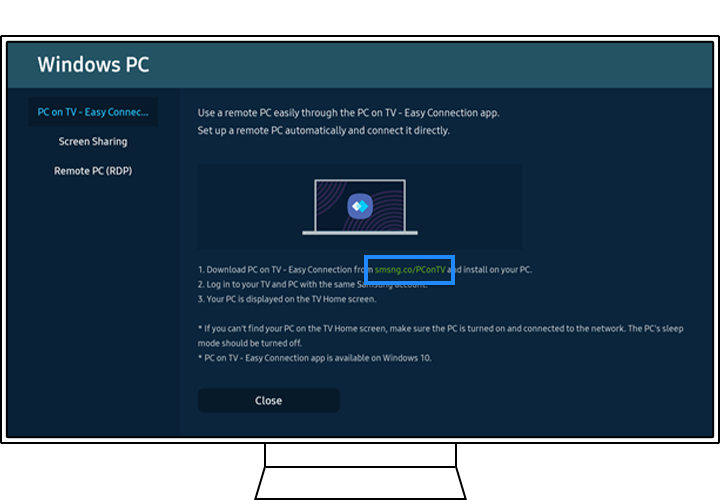


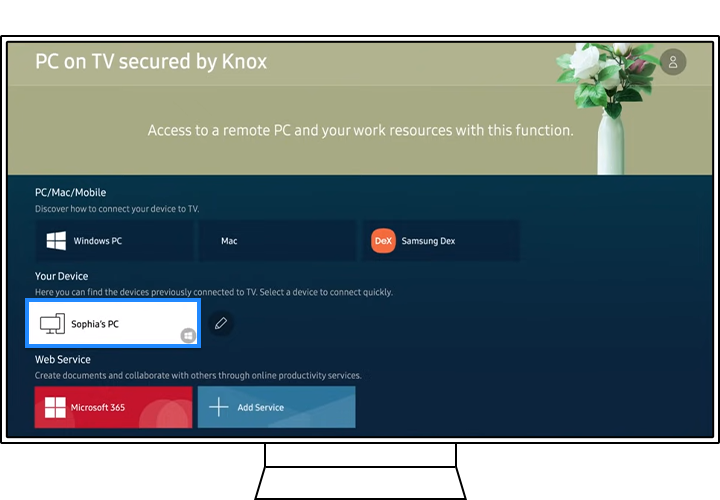
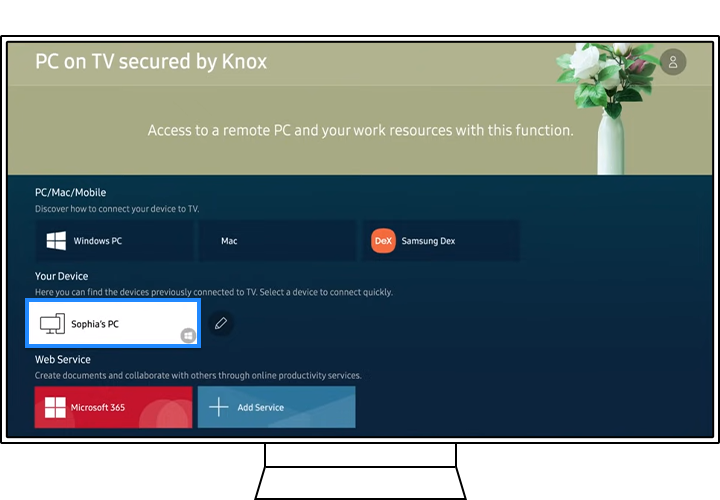
Step 5. Select the connected PC icon if it appears on the TV screen.
Note: Easy Connection is supported on Windows 10.


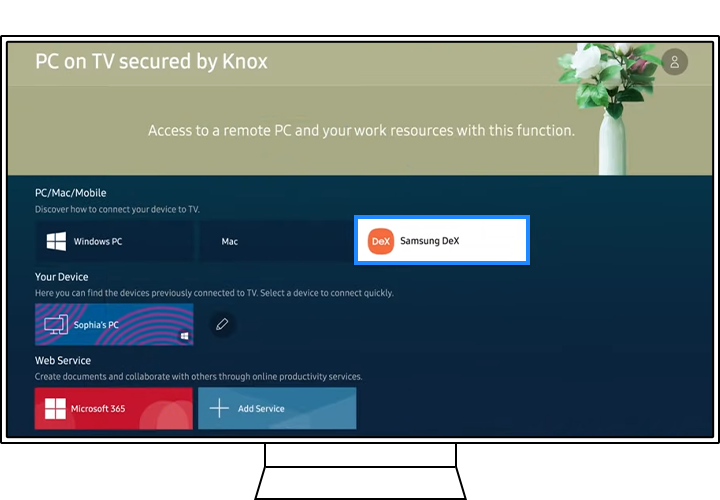
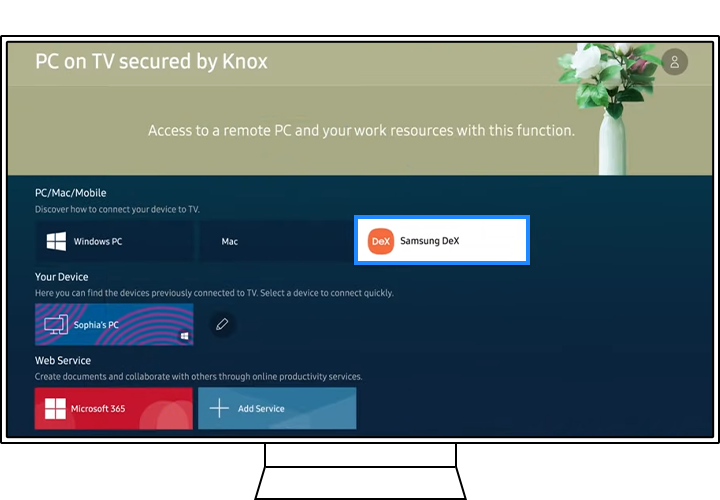
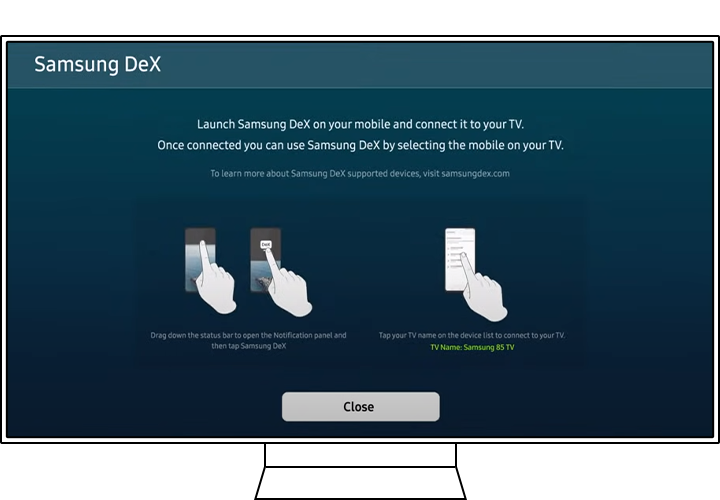


Step 2. Follow the on-screen guide and open the notifications panel on your phone, then tap DeX.
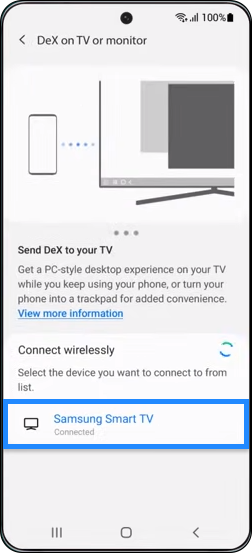
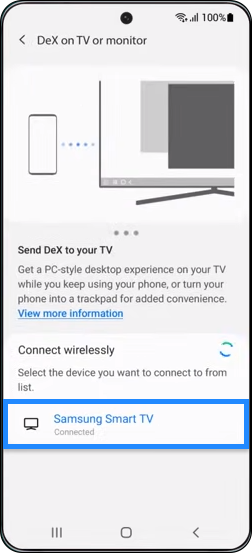
Step 3. Choose a TV to connect to.
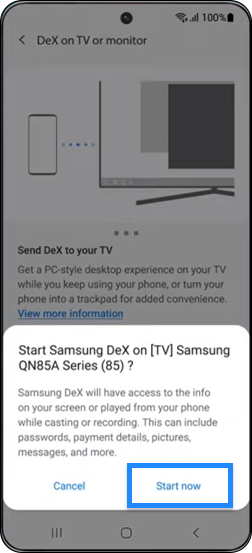
Step 4. Tap Start Now.
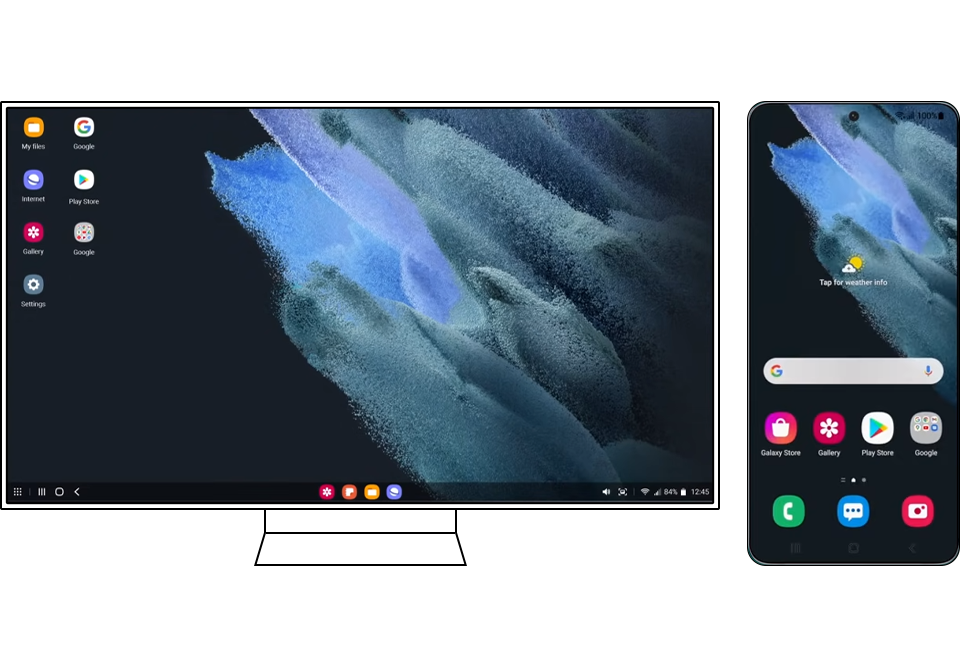
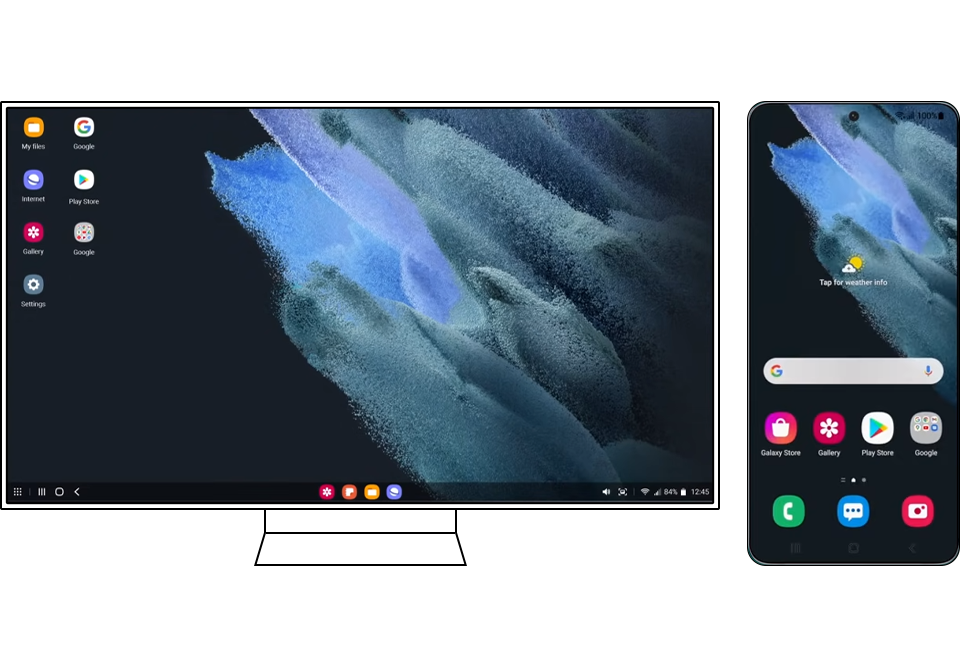
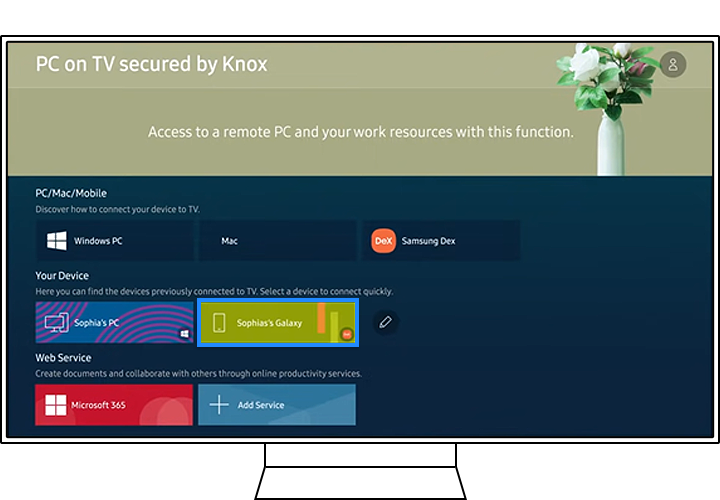
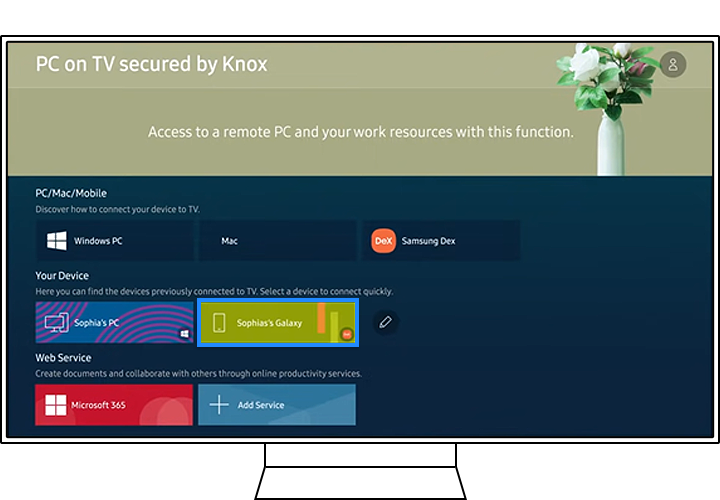
Note: Wireless DeX must be supported on your Galaxy device.
How to access Microsoft 365
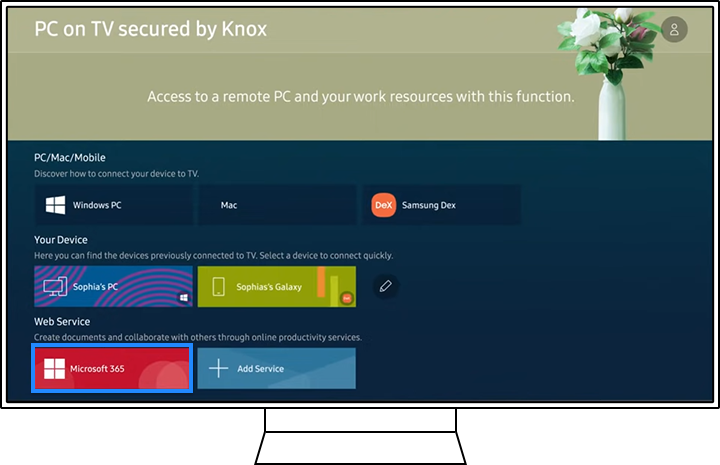
Step 1. Select the Microsoft 365 icon from the PC on TV menu panel.
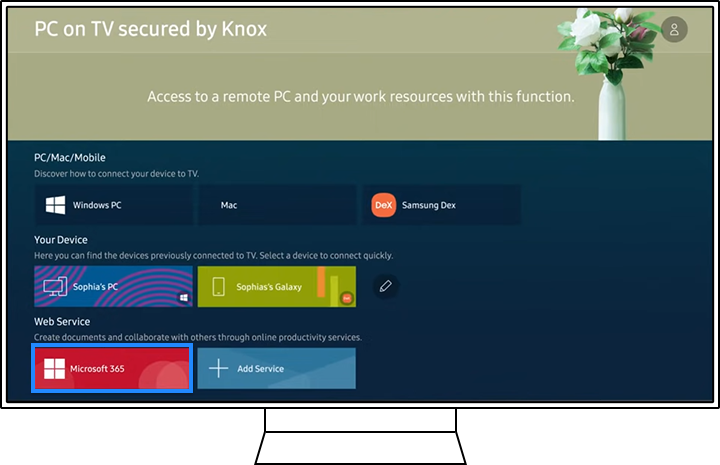
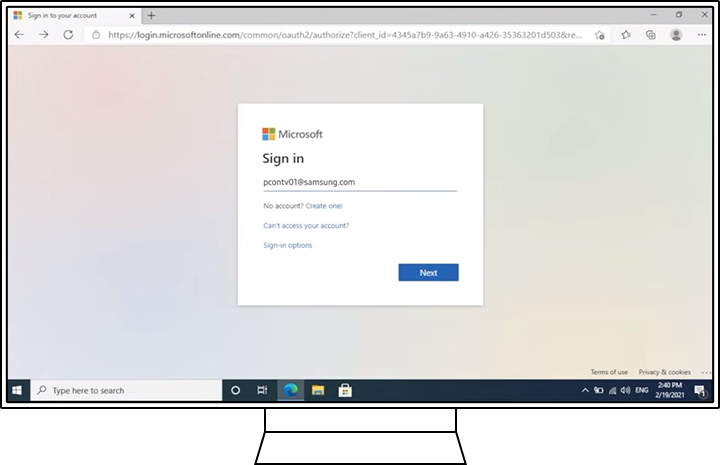
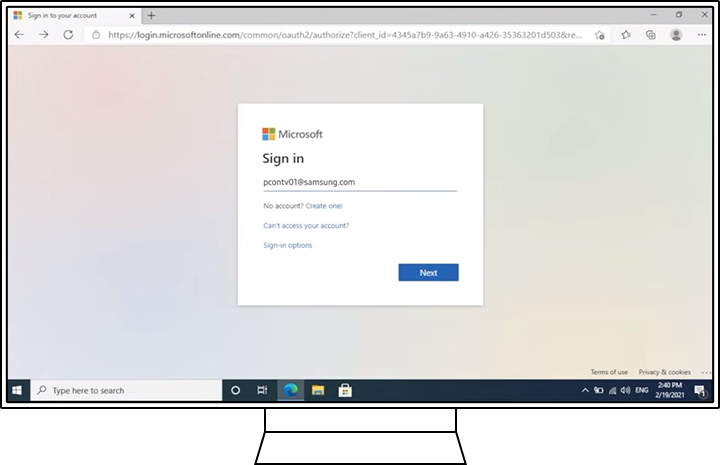
Step 2. Enter your Microsoft account ID and password.
Note: This feature works through the TV web browser and cloud services.
Notes
- Features may vary depending on TV model and software version.
- A stable Wi-Fi connection is required for best performance.
- Some features may require a keyboard and mouse for easier control.
Thank you for your feedback!
Please answer all questions.