What to do if your Galaxy S23 overheats
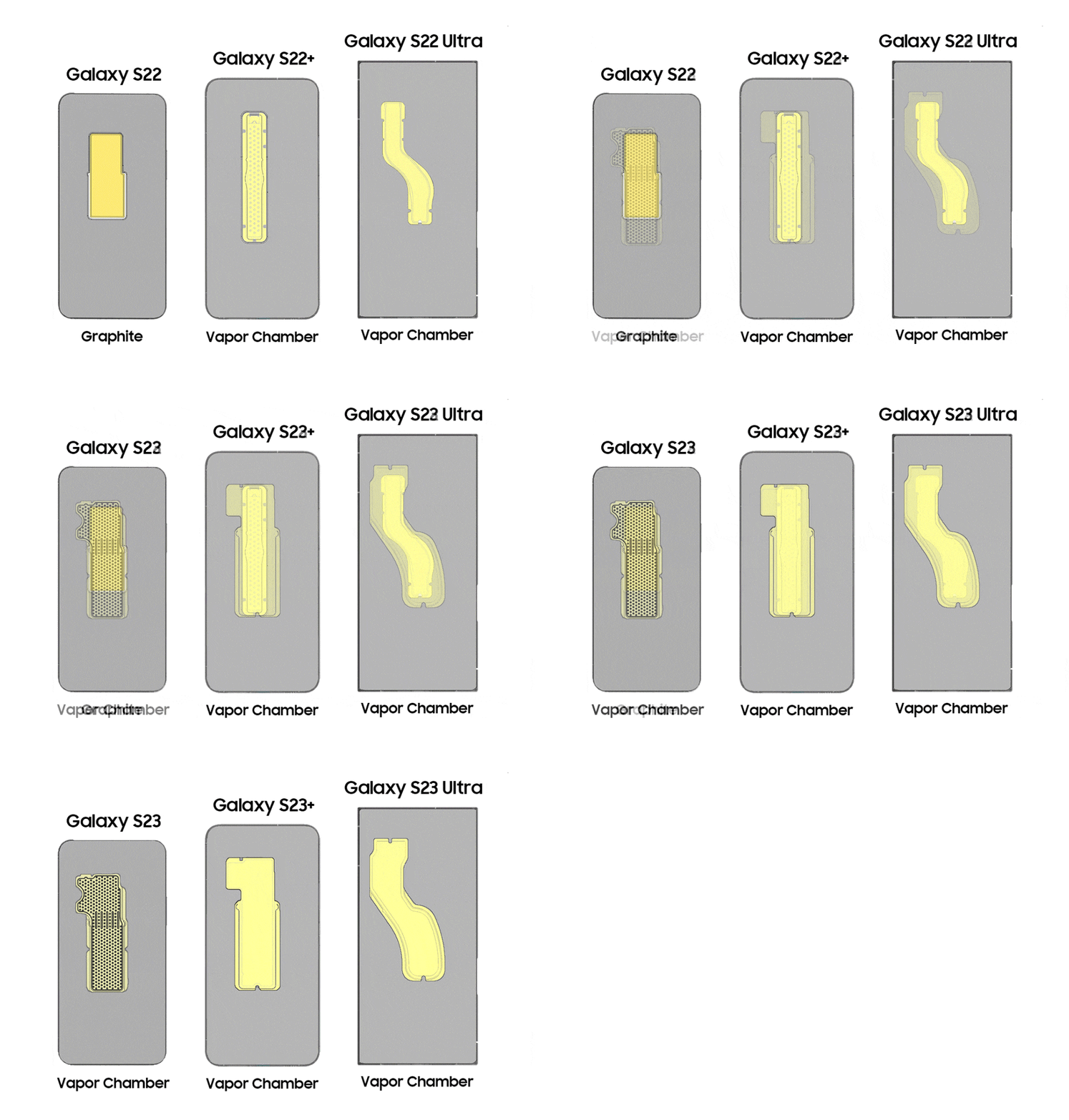
Why is my Samsung Galaxy S23 overheating?
If your Samsung Galaxy S23 feels excessively hot during use, it could be due to prolonged heavy tasks, high ambient temperatures, or software inefficiencies. While some warmth is normal during intensive operations, persistent overheating may require troubleshooting to ensure optimal performance and longevity.
1. Why does my Samsung Galaxy S23 overheat?
Overheating in the Galaxy S23 can occur due to several factors:
- Prolonged use of resource-intensive apps such as gaming, video editing, or streaming.
- High ambient temperature or direct exposure to sunlight.
- Background processes consuming excessive CPU or GPU resources.
- Outdated software or firmware causing inefficiencies.
- Charging with non-certified or low-quality accessories.
2. How to cool down my Samsung Galaxy S23
- Use the Optimise Now feature: Open Settings > Battery and device care > Optimise now to reduce background activity and improve thermal efficiency.
- Add the Optimise Now widget: Place the widget on your home screen for quick access to device optimisation.
- Limit heavy app usage: Close unused apps running in the background and avoid extended periods of gaming or video streaming.
- Reduce screen brightness: Lowering the display brightness can help decrease heat generation.
- Avoid direct sunlight: Keep your device away from direct sunlight or hot environments.
- Use certified chargers: Always use Samsung-certified chargers and cables to ensure safe charging.
- Update software: Install the latest software updates to improve system efficiency and thermal management.
3. Additional things to check
If the device continues to overheat after basic troubleshooting, consider these additional steps:
- Check for battery drain issues by reviewing battery usage in Settings > Battery and device care > Battery.
- Restart the device to clear temporary files and reset system processes.
- Remove the case temporarily to allow better heat dissipation.
- Test the device in Safe Mode to identify third-party app conflicts.
4. Supported Samsung Galaxy devices
The troubleshooting steps provided in this article apply to the following Samsung Galaxy devices:
Galaxy S23, Galaxy S23+, Galaxy S23 Ultra, Galaxy S24, Galaxy S24+, Galaxy S24 Ultra, Galaxy S25, Galaxy S25+, Galaxy S25 Ultra, Galaxy Z Fold series, Galaxy Z Flip series, and Galaxy A series.
5. Related Samsung support topics
Thank you for your feedback!
Please answer all questions.