Methods to back up and restore data to Galaxy devices
Important Note: The information on this page is for Hong Kong products only. Models, sequences or settings will vary depending on location and/or where the product had been purchased. To be redirected to your local support page please click here.
Whether you use your Galaxy device for work, personal reasons, or both, losing the information saved on it can cause many problems. Therefore, if you wish to backup your Galaxy phone or tablet, there are several methods available, such as the various options below.
Note: When sending your device for repair, we recommend backing up your data and then deleting it from the device to protect your personal information. If this is not possible, please enable Maintenance mode on your device.
Smart Switch app
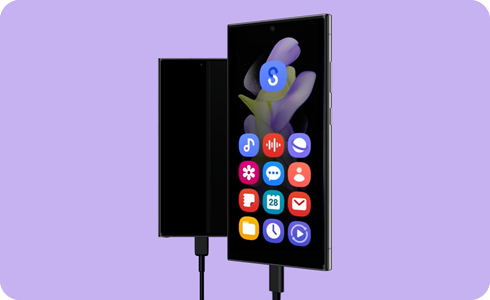
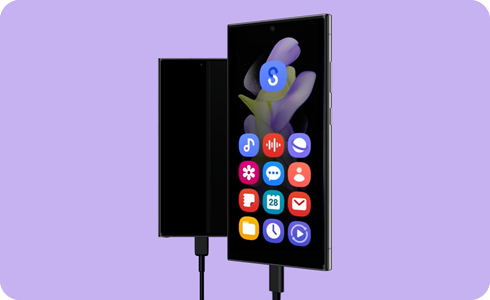
Use the Smart Switch app to back up and restore data to your Galaxy devices


If the above information does not match what your product is showing, you may check the User Manual for your product. If you are unable to solve the problem, please contact us for further assistance.
Thank you for your feedback!
Please answer all questions.
RC01_Static Content : This text is only displayed on the editor page