Use the Samsung Find app notification feature
Important Note: The information on this page is for Hong Kong products only. Models, sequences or settings will vary depending on location and/or where the product had been purchased. To be redirected to your local support page please click here.
Samsung Find’s feature, Notify when left behind, is designed to help users avoid losing important items, like earbuds. The feature sends notifications to the user when they are far enough away from the item that the connection between the item and the user’s phone is broken.
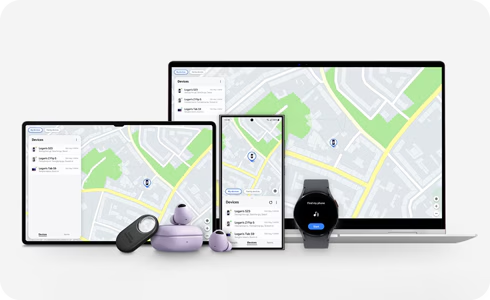
Get notified when you move too far away
If you turn on Notify when left behind from Samsung Find or SmartThings Find, you can receive notifications when a Galaxy device connected to your phone is disconnected.
Notes:
Samsung Find is an app available starting from One UI 6.1, and will be provided as an app update after March 2024. Until then, customers who want to immediately start using the Notify when left behind feature can do so through SmartThings Find.
Supported devices: Galaxy Watch, Galaxy Buds, S Pen Pro, Galaxy SmartTag
Supported devices for the Notify when left behind feature are the same as those for SmartThings Find.
If you set up a safe place, you won't be notified when you move away from your device.
You'll need to turn on location settings on your phone or tablet.
Galaxy SmartTag supports this feature only on Galaxy phones and tablets running Android 12 or higher.
If your tag is a third-party product, you'll need to make sure you have a firmware version that supports notifications when you walk away. Please contact the manufacturer for more details.
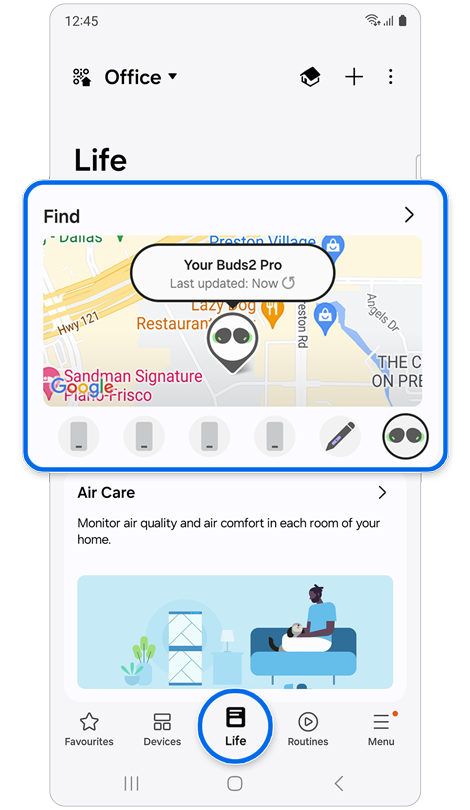
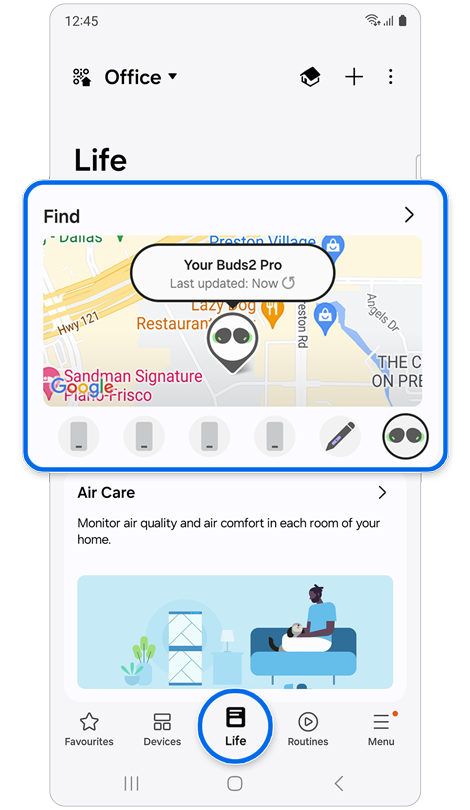
Step 1. Open the SmartThings app > Select the Life tab > Tap the Find card.
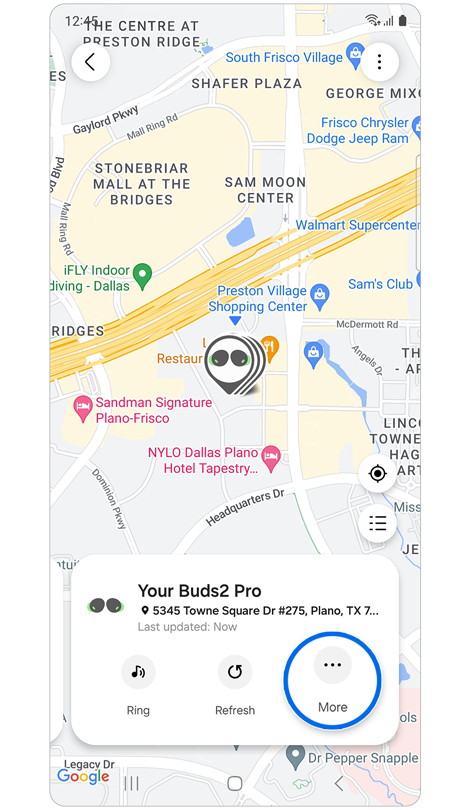
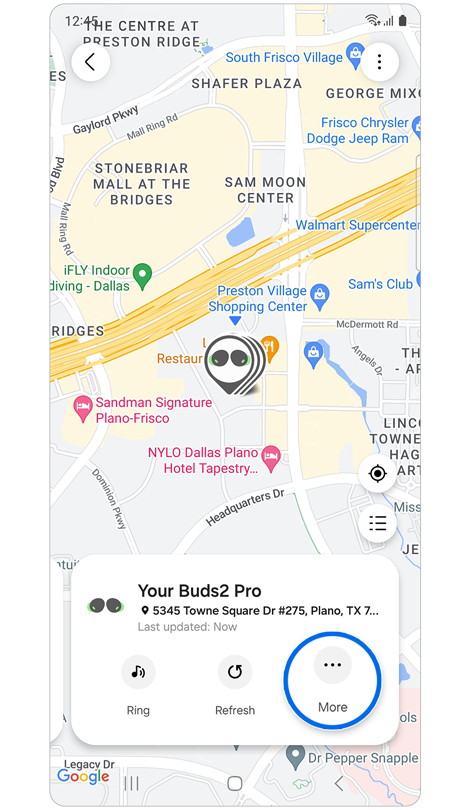
Step 2. Swipe left to the card of a device you wish to activate the notification feature for > Tap More.
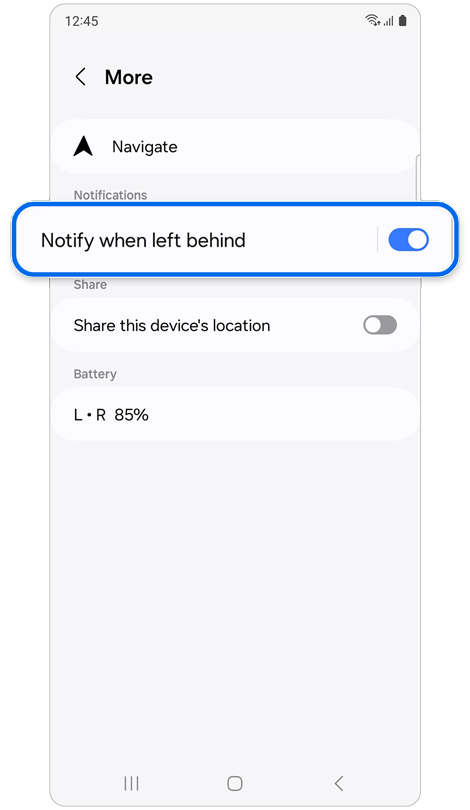
Step 3. Tap the switch next to Notify when left behind.
If the above information does not match what your product is showing, you may check the User Manual for your product. If you are unable to solve the problem, please contact us for further assistance.
Thank you for your feedback!
Please answer all questions.
RC01_Static Content : This text is only displayed on the editor page