Precautions when removing the main screen protective film on the Galaxy Z Fold / Z Flip series
Important Note: The information on this page is for Hong Kong products only. Models, sequences or settings will vary depending on location and/or where the product had been purchased. To be redirected to your local support page please click here.
Learn about the tips and precautions when removing the protective film from the main screen of your Galaxy Z Fold and Z Flip series.

The protective film attached to the main screen of Galaxy Z Fold and Z Flip series is an official film for foldables series. If you arbitrarily remove the main screen protective film or attach a non-official film, it may cause touch abnormalities, screen damage, etc. If you need to replace the protective film during use, please visit a service centre for assistance.
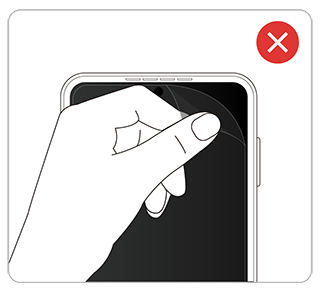
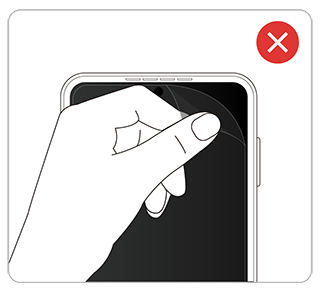
Galaxy Z Flip main screen protective film
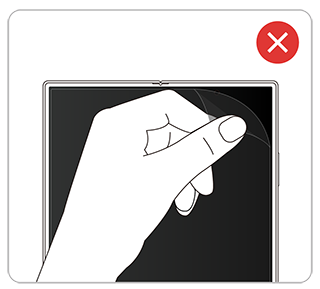
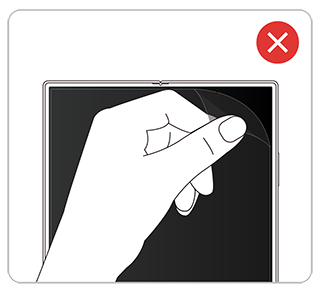
Galaxy Z Fold main screen protective film
If you remove the protective film on the main screen, screen touch may not work properly because the touch sensitivity that was customised for the protective film is different. If you remove the main screen protector, disable (OFF) the touch sensitivity setting.
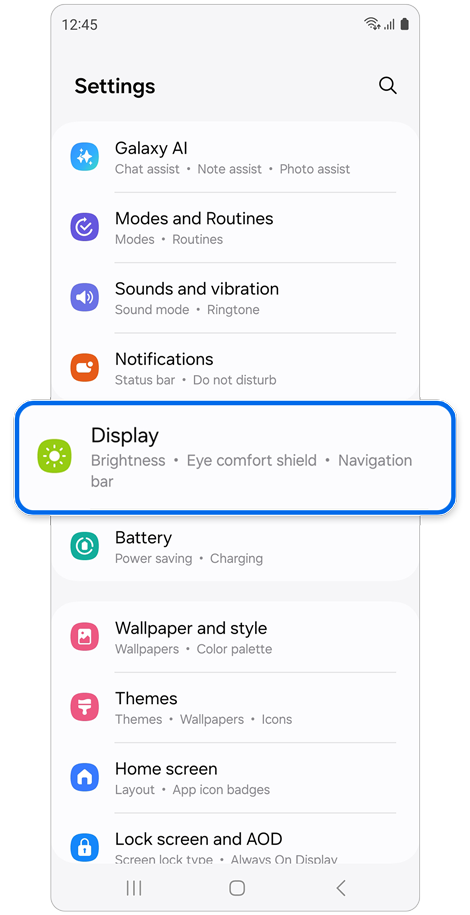
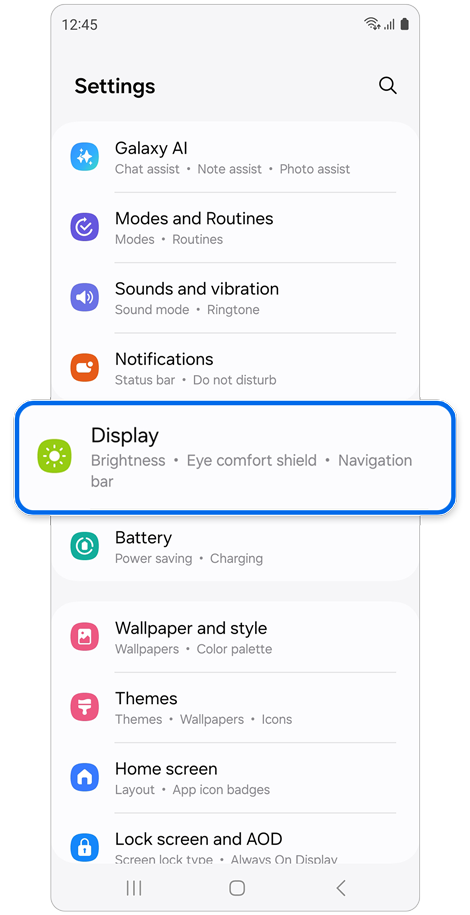
Step 1. Open Settings > Tap Display.
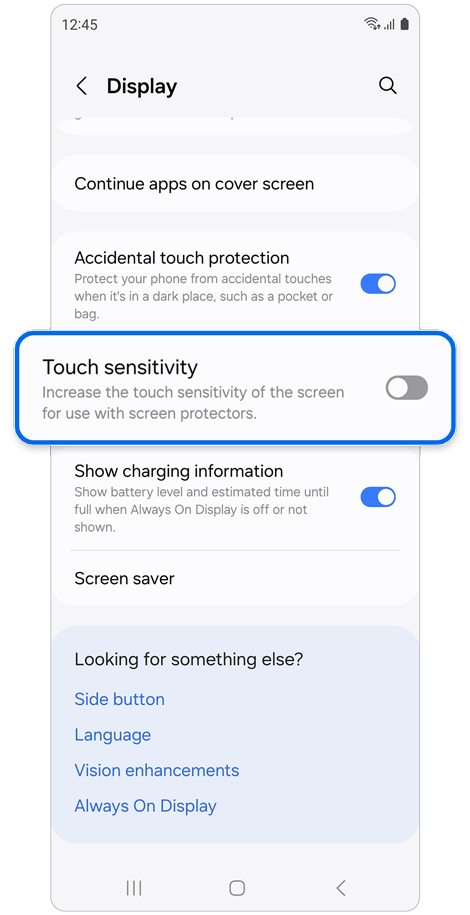
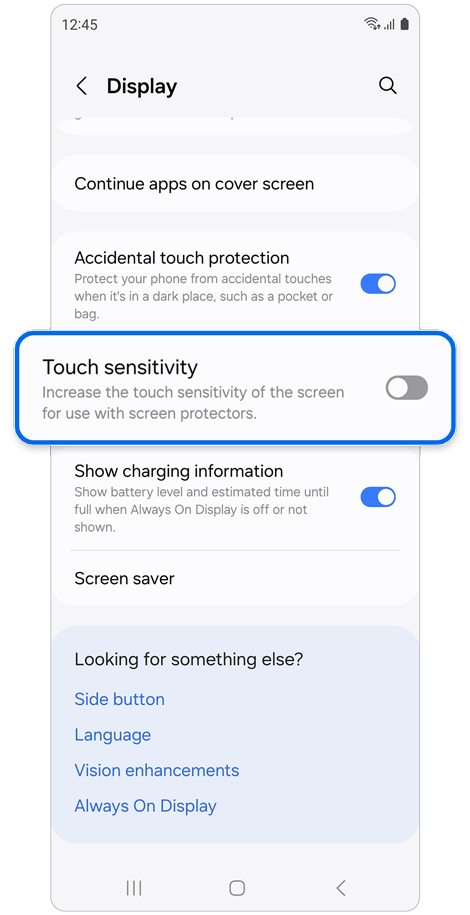
Step 2. Turn off the switch to disable the Touch sensitivity.
If the above information does not match what your product is showing, you may check the User Manual for your product. If you are unable to solve the problem, please contact us for further assistance.
Thank you for your feedback!
Please answer all questions.
RC01_Static Content : This text is only displayed on the editor page