No sound when uploading videos to WhatsApp from your phone
Last Update date : 22.08.2022
If you experience a loss of sound on videos when you upload them to selected third party applications try the following steps to correct this.
1
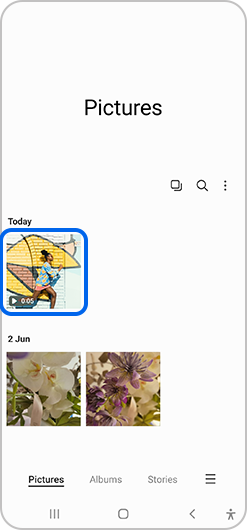
Open the edited video
![open the edited video]()
2
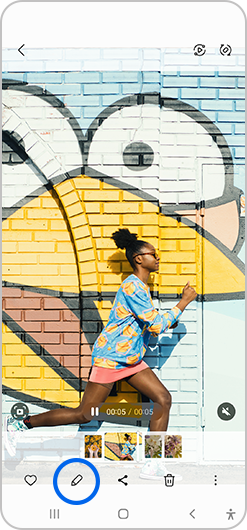
Select edit (pencil icon)
![select edit pencil icon]()
3
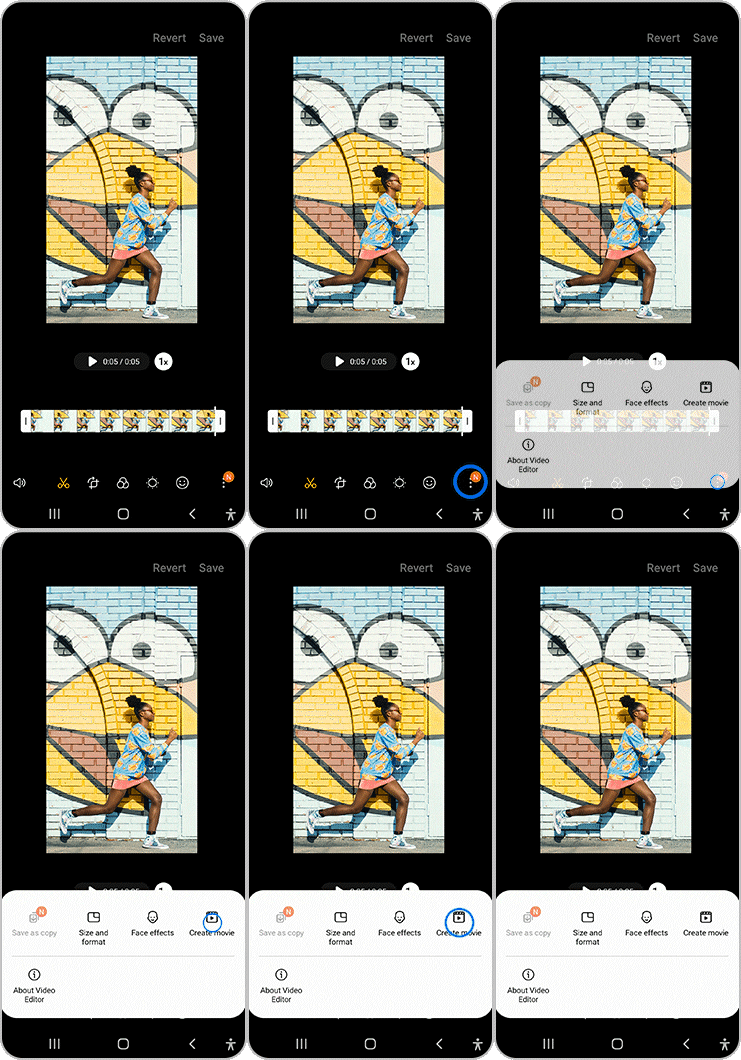
Click on menu icon and select "Create Movie"
![Click on menu icon and select Create Movie]()
3
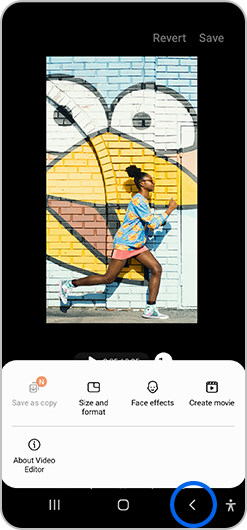
Go back
![Click on menu icon and select Create Movie]()
5
Save it
![save it]()

Note: Always ensure any third-party applications are updated to the latest version.
Please visit Samsung Support for further support

Thank you for your feedback!
Please answer all questions.