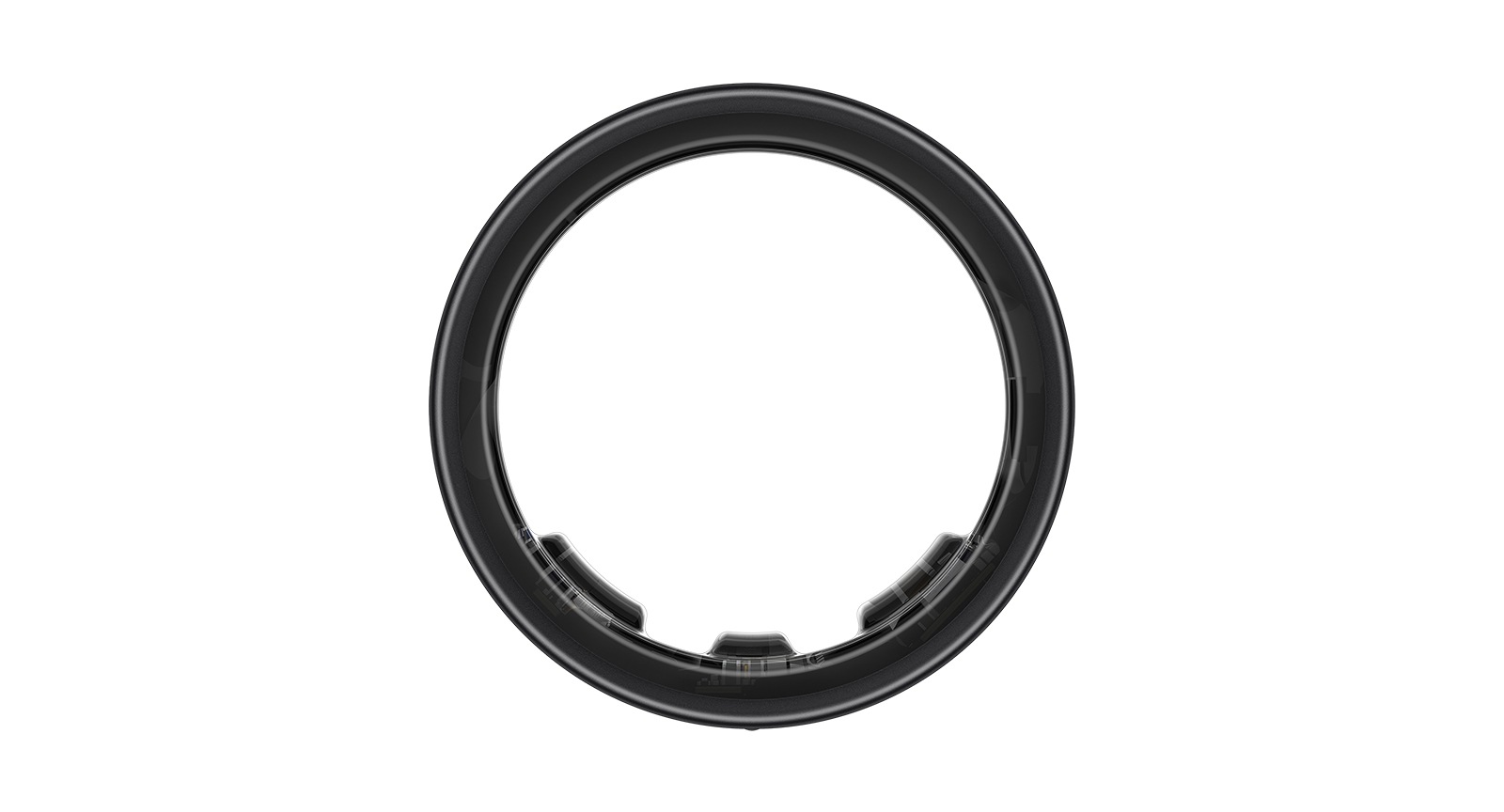
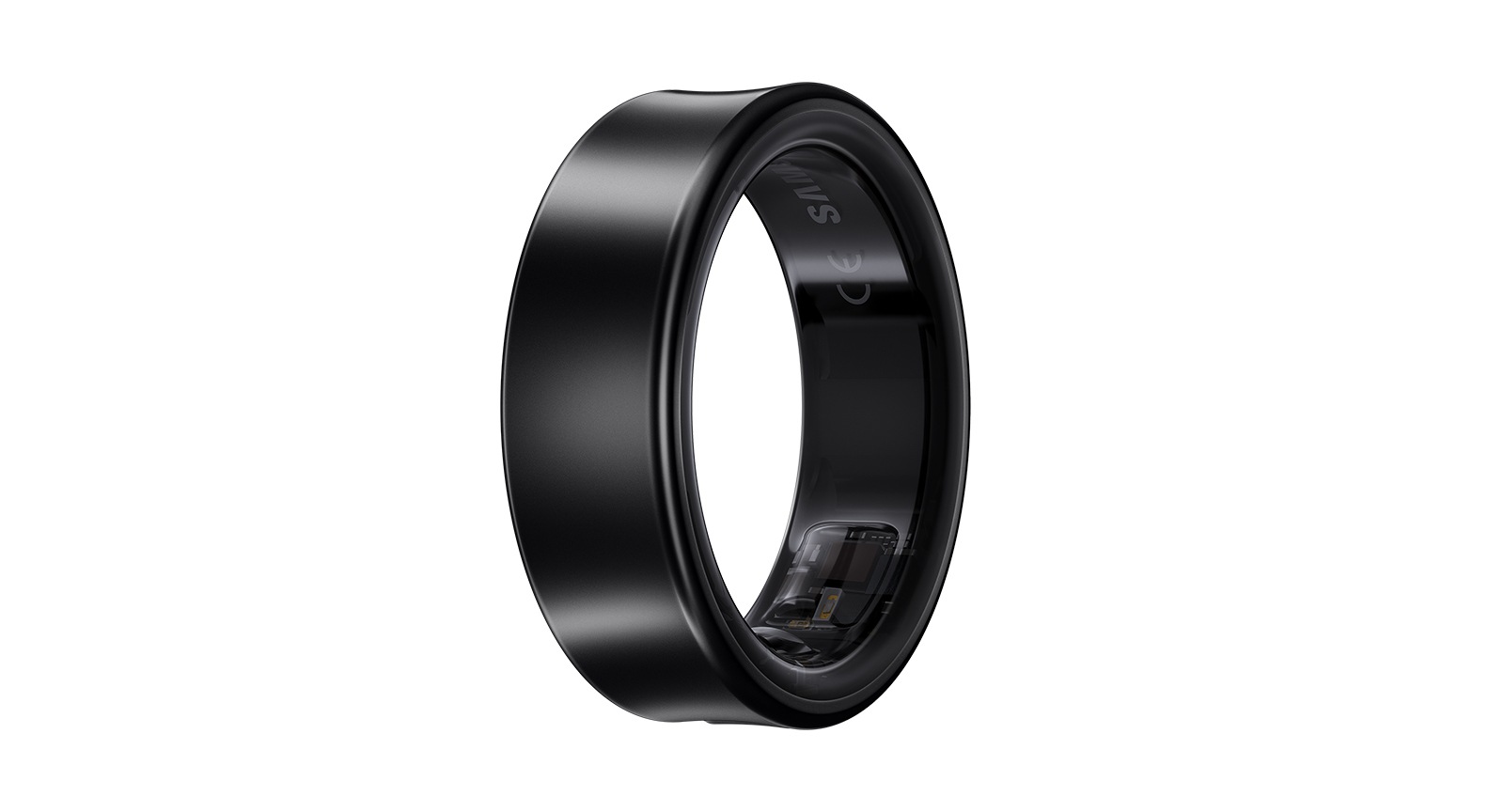
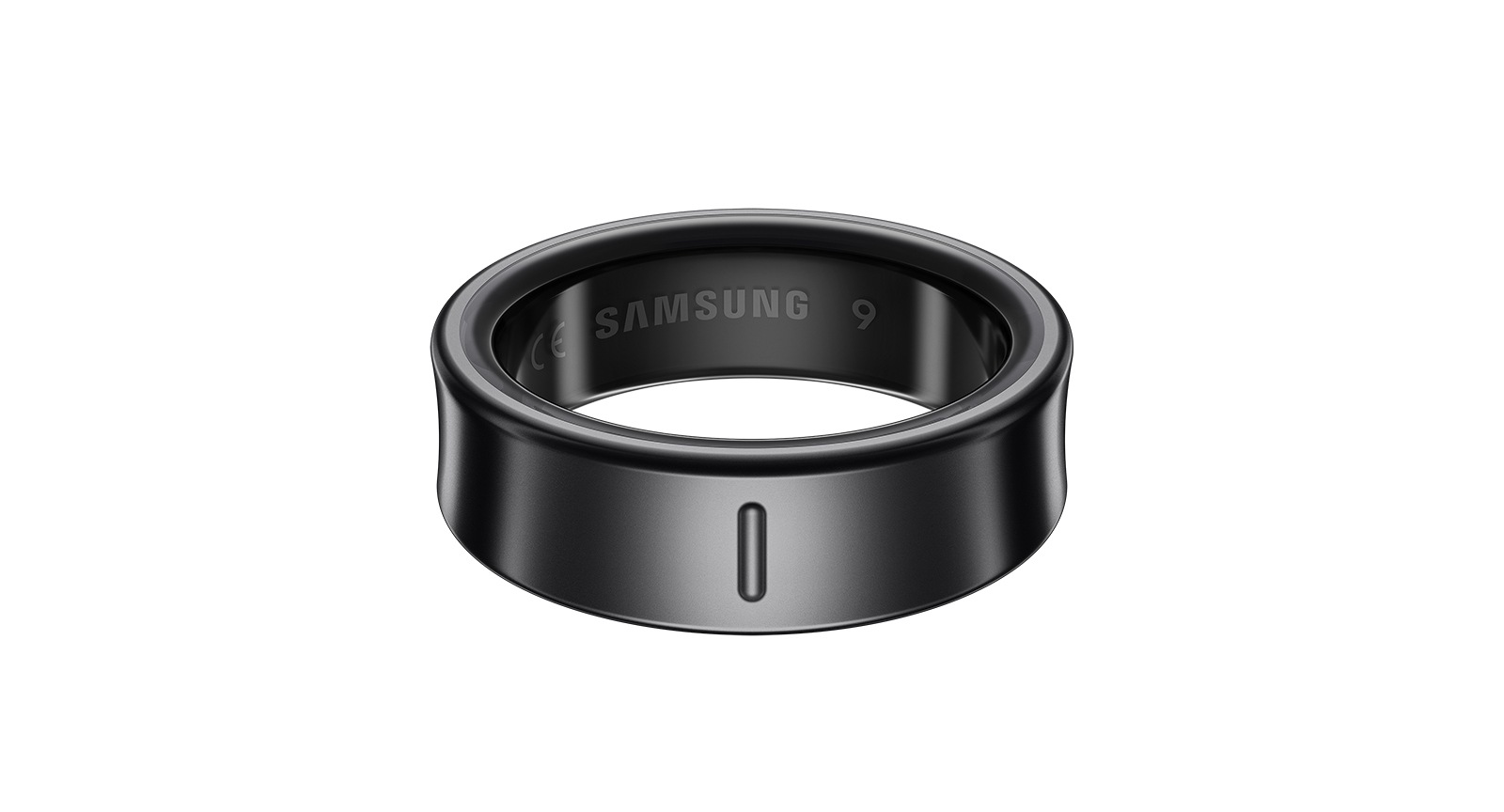
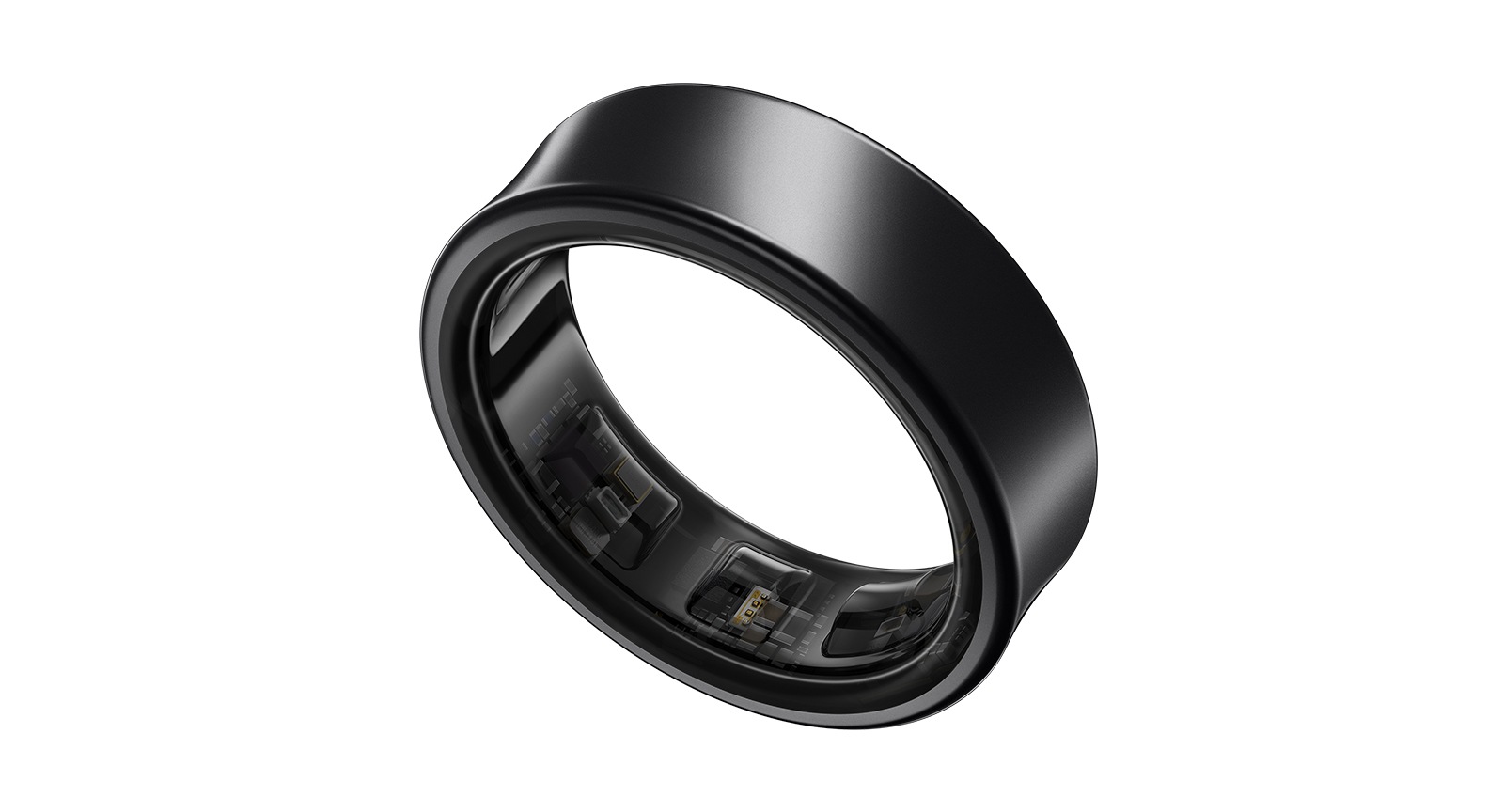
Galaxy Ring
Buying Tool
Size
-
We provide sizing kit at our Samsung Experience Stores, you may visit our stores to find your right size. Store addresses please refer to https://www.samsung.com/hk_en/samsung-experience-store/locations/ .
-
-
We strongly recommend that you refer to the guide first to confirm that it is the same size as the one you purchased.
Samsung Trade-in
Enjoy Trade‑in service at the time of purchase! Our newly launched “Stackable Trade-in service” you can trade in up to 3 eligible devices to upgrade to a new phone and enjoy even greater savings.
Simply answering a few questions to get an estimate.
*Enjoy Guaranteed Device Values even with scratched phone shells. Terms and Conditions apply, please see the Trade-in page for details.
Please select if you would like to trade-in
Please select 'Yes' or 'No' for Trade-in.
*Values may vary at the time of inspection. [T&C applied]
The trade-in price of the device is higher in value than the device you are purchasing. The excess value will not be refunded to you.
Purchase Option
SAMSUNG CARE+
Get a total care service plan for your Galaxy Ring, including 1-year extended warranty and a complimentary accidental damage and liquid damage device insurance^, limited to twice per annum (subject to payment of deductible).
The corresponding insurance coverage (Hong Kong or Macau) had been indicated at the service plan, please choose according to your need.
Please confirm if you would like to include 「Samsung Care+」in your purchase
OFFER
SAMSUNG ADVANTAGE
OFFER
Reached maximum order quantity for this product.
FAQ
Click to Expand-
A. Place the Galaxy Ring in the Charging Case and close it. When you open the Charging Case again, a pop-up will appear on the Samsung Galaxy smartphone, requesting connection. If the pop-up doesn't appear, press the Multi-purpose button for at least 3 seconds with the Galaxy Ring placed inside the Charging Case. You can also connect the Galaxy Ring to your Samsung Galaxy smartphone after downloading the Galaxy Wearable app and following the instructions onscreen. ※ Pop-up may not appear when the Charging Case or the Galaxy Ring is not sufficiently charged.
-
A. Galaxy Ring is supported on Samsung Galaxy smartphones over R OS version (Android 11.0).
-
A. Galaxy Ring is supported on Samsung Galaxy smartphones over R OS version (Android 11.0).
-
A. A tattoo or mole may interfere with the Optical Bio-signal Sensor's tracking. This may prevent the Galaxy Ring from recognizing that you're wearing it and may not work properly. So we recommend that you wear it on another non-tattooed or mole-free finger.
-
A. There is no way to distinguish Galaxy Ring devices that are the same size/color.
-
A. If you aren't planning to use the Galaxy Ring for a long period of time, please place it in the Charging Case. The battery might die if you don't use it for a while, so make sure to charge the Galaxy Ring before using it again.
-
A. You can't replace the components of the Galaxy Ring. You have to replace the entire product.
-
A. You can't replace the components of the Galaxy Ring. You have to replace the entire product.
-
A. No, you should refrain from using ultrasonic cleaners as they may cause damage to your Galaxy Ring.