How to locate the digital User guide on your device
Important Note: The information on this page is for Hong Kong products only. Models, sequences or settings will vary depending on location and/or where the product had been purchased. To be redirected to your local support page please click here.
If you ever have a question about your Galaxy device, the User guide (or Samsung Galaxy manual) is the perfect place to start searching for an answer and is obtainable through your device. Follow the instructions below to learn how to easily access this great resource.
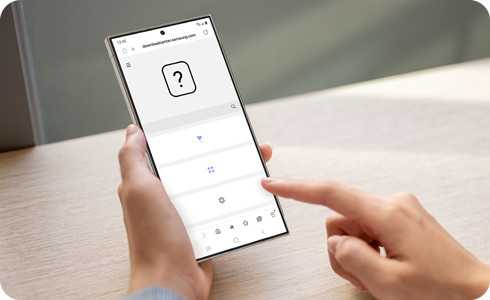
Note: Your device must be connected to a wireless network.
Access the digital User guide
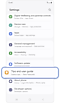

Step 1. Open Settings > Select Tips and user guide.
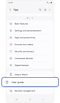

Step 2. Tap User guide.
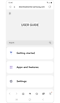

Step 3. Select the topic category you wish to see.
If the above information does not match what your product is showing, you may check the User Manual for your product. If you are unable to solve the problem, please contact us for further assistance.
Thank you for your feedback!
Please answer all questions.
RC01_Static Content : This text is only displayed on the editor page