How to use Generative photo editing with Galaxy AI
Important Note: The information on this page is for Hong Kong products only. Models, sequences or settings will vary depending on location and/or where the product had been purchased. To be redirected to your local support page please click here.
Generative photo editing with Galaxy AI analyses an image and regenerates it as you resize, remove, or reposition objects in the image. Users can also expand images while AI fills in the perfect background and even completes cut-off objects in the image, which makes photo editing a hassle-free experience.
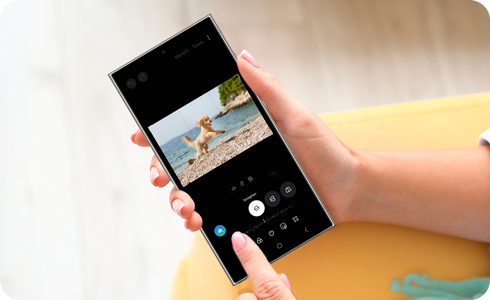
*Output content is watermarked to indicate that it has been edited using Generative photo editing.
How to use Generative photo editing
You can resize, remove, and reposition objects in photos, and the Generative photo editing feature will recreate the image in the most natural way.
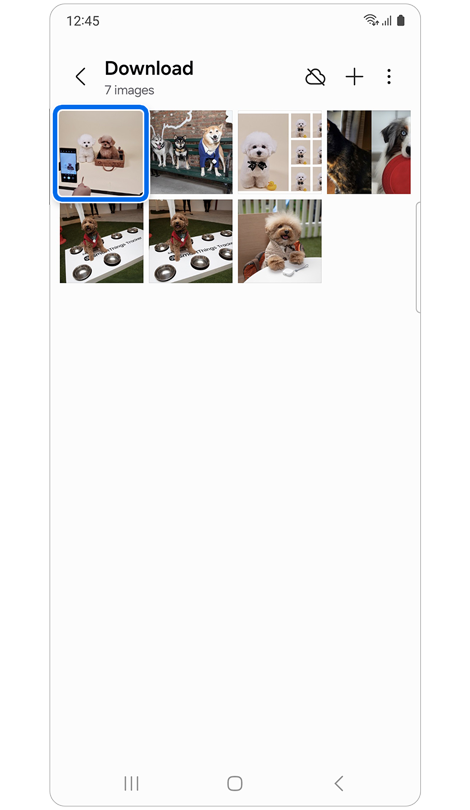
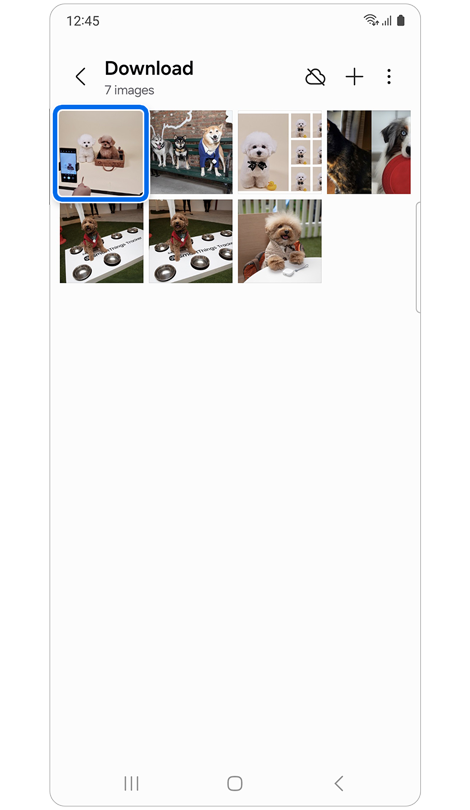
Step 1. Open the Gallery app > Select a photo.
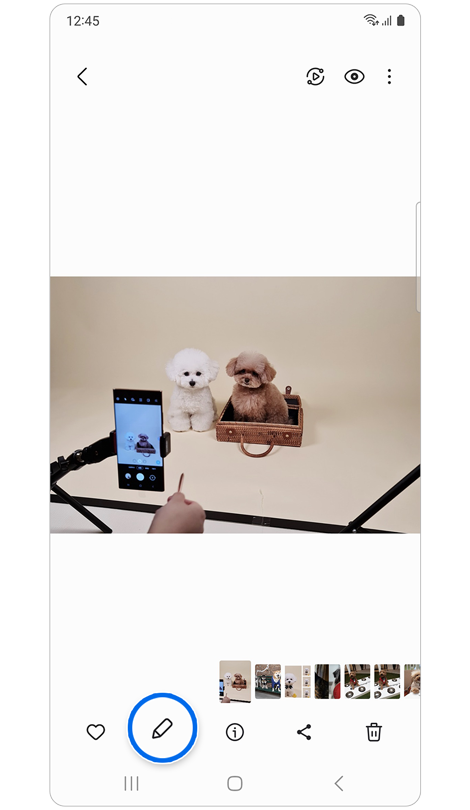
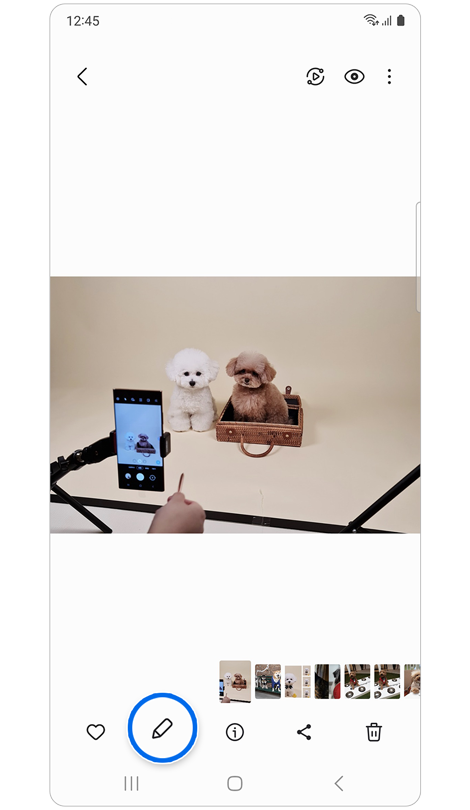
Step 2. Tap the Edit icon to enter editing mode.
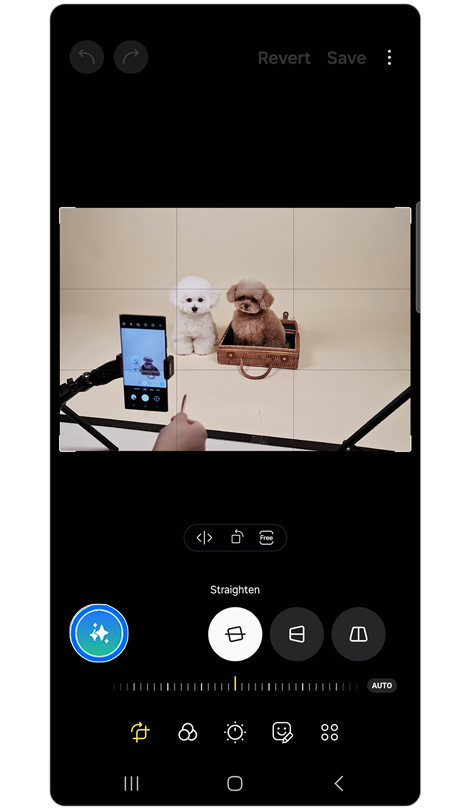
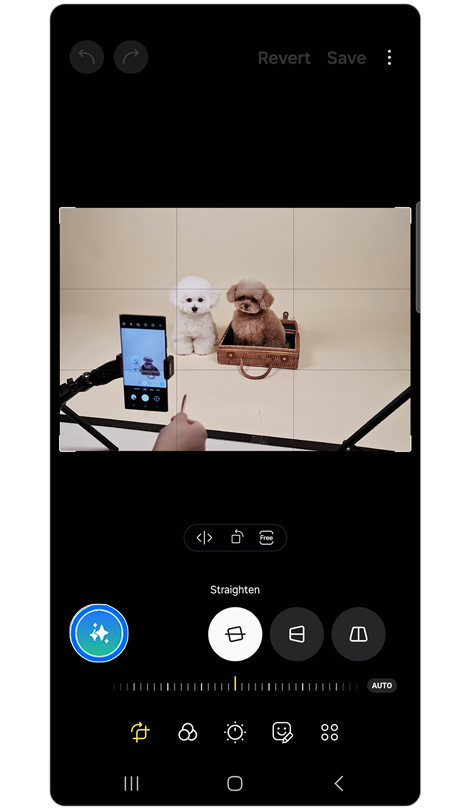
Step 3. Tap the Generative edit icon.
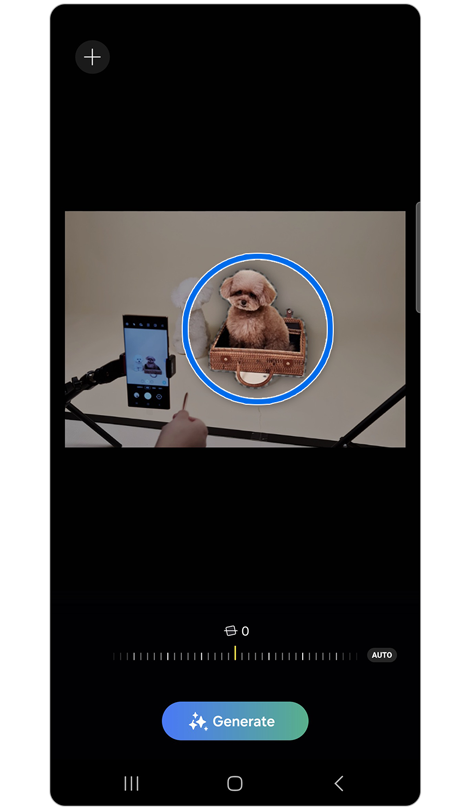
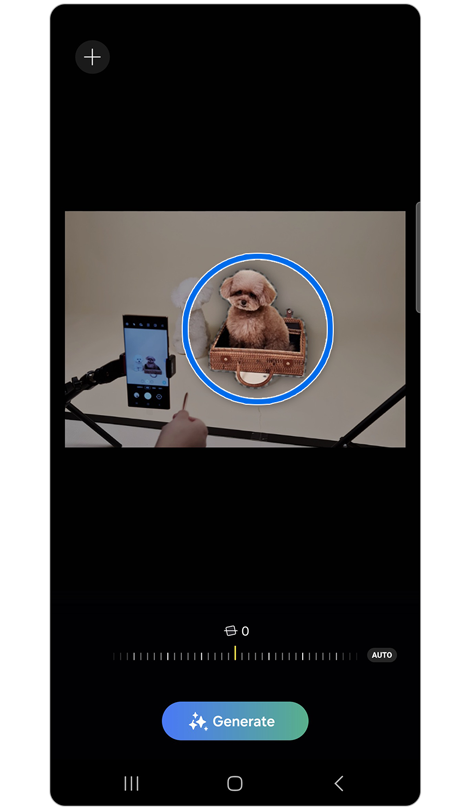
Step 4. Tap the object or draw a line around it to select an object.
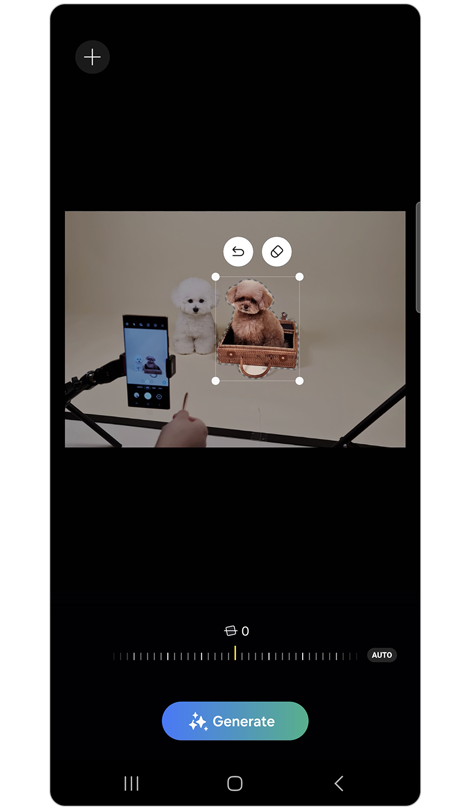
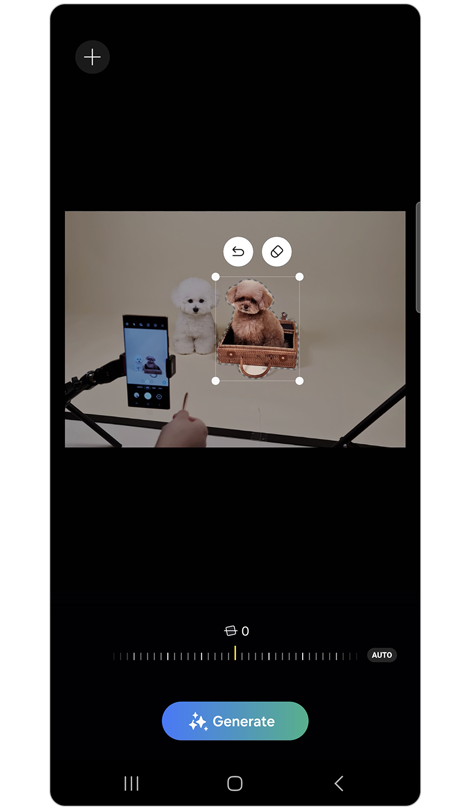
Step 5. You can delete, move, or resize objects by long-pressing on them.
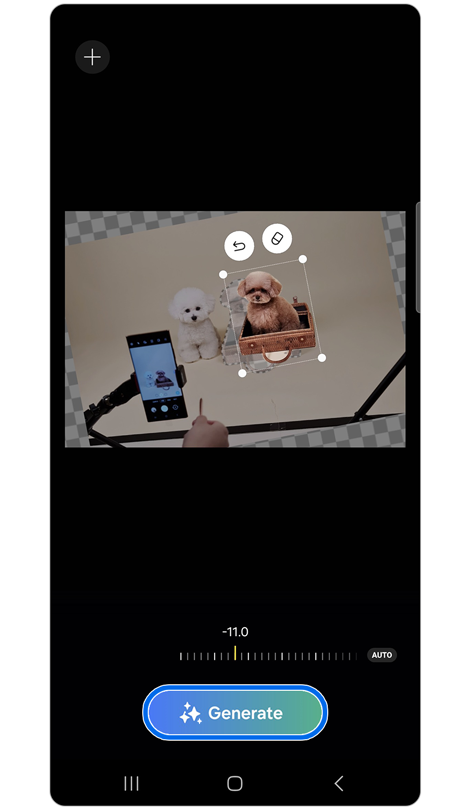
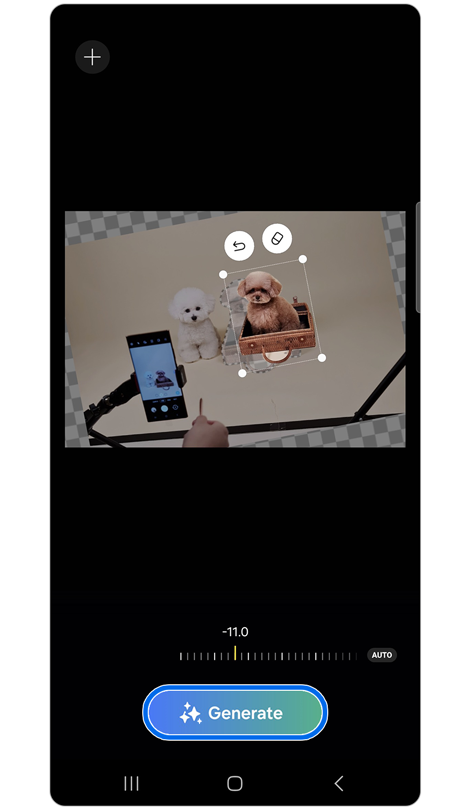
Step 6. Adjust the tilt lever to align images > Tap Generate.
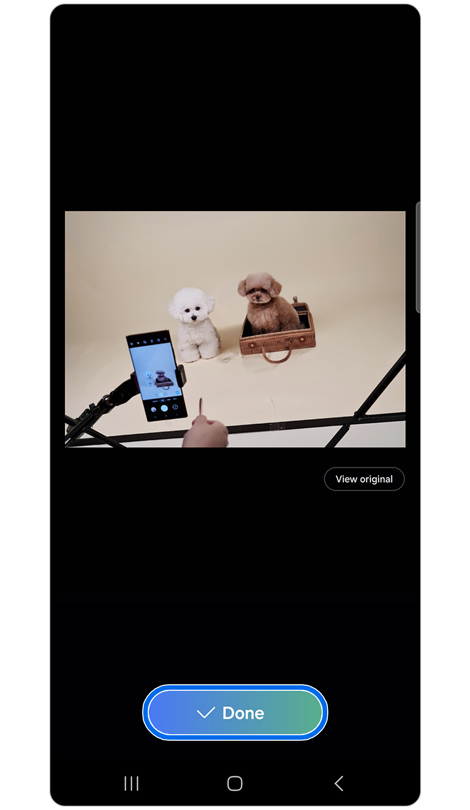
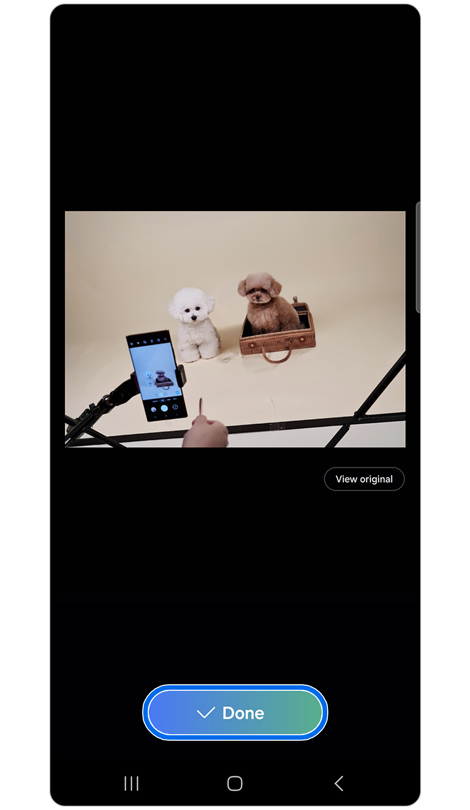
Step 7. Tap Done and save as a copy.
* Users can zoom out beyond the image borders, and the Generative photo editing feature will auto-fill the empty space.
* It may provide additional output suggestions after generating.
Note: When utilising the Generative photo editing feature, unintended objects or items may be included in your output. If the content is considered inappropriate, it may not be generated at all.
Click here to read more about the AI features on supported Samsung Galaxy devices and models.
If the above information does not match what your product is showing, you may check the User Manual for your product. If you are unable to solve the problem, please contact us for further assistance.
Thank you for your feedback!
Please answer all questions.
RC01_Static Content : This text is only displayed on the editor page