What to do if you experience static noise with the Samsung Galaxy Buds
Important Note: The information on this page is for Hong Kong products only. Models, sequences or settings will vary depending on location and/or where the product had been purchased. To be redirected to your local support page please click here.
If you’re experiencing static noises when using one or both of your Galaxy Buds, you can try a few things to solve the issue. Follow the instructions below to help get your Buds functioning properly.
Note: Menu options may vary depending on the Galaxy Buds model and software version.
Update Galaxy buds software
* Connect your Galaxy Buds to your phone before proceeding.
* Make sure to keep the Buds case open until the update is complete.
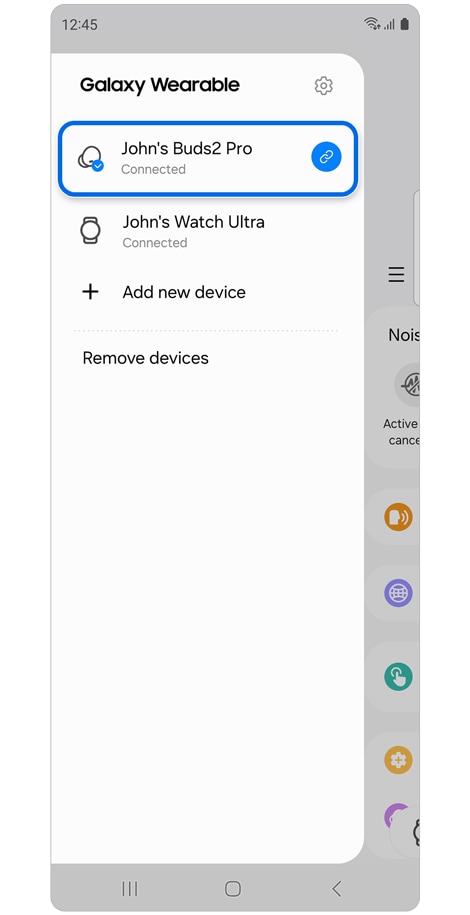
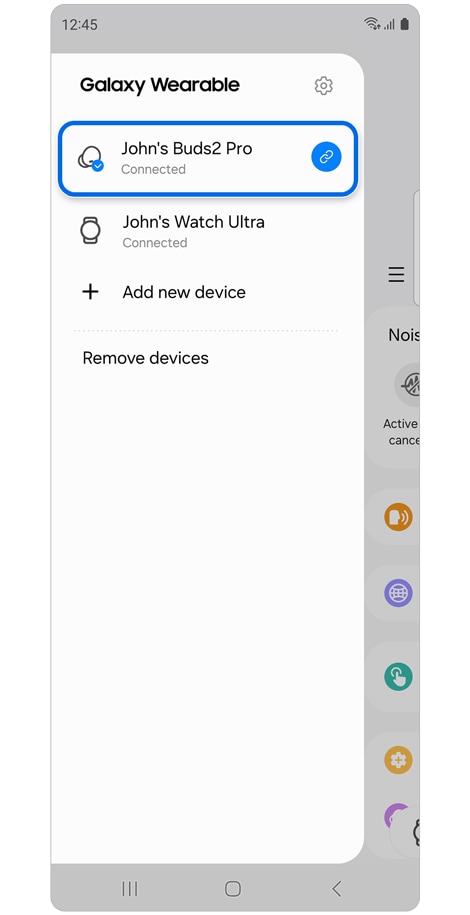
Step 1. Open Galaxy Wearable app >
If you need to switch devices, tap the devices menu icon (three horizontal lines) > Select your Galaxy Buds.
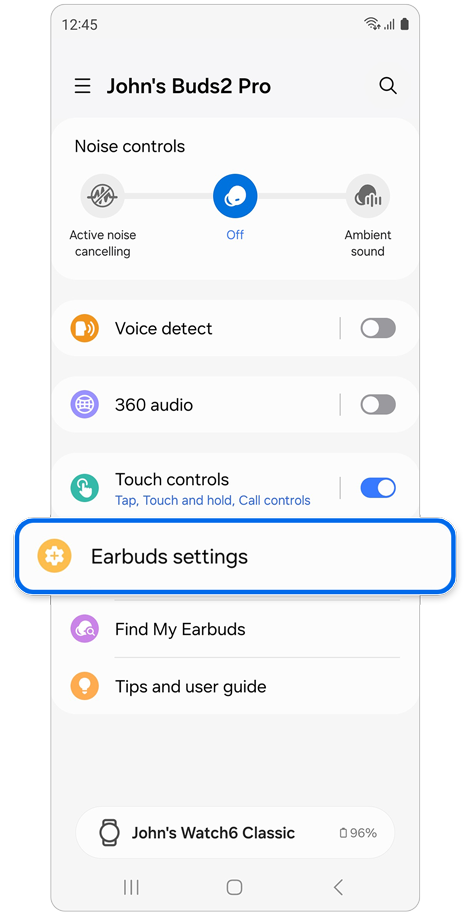
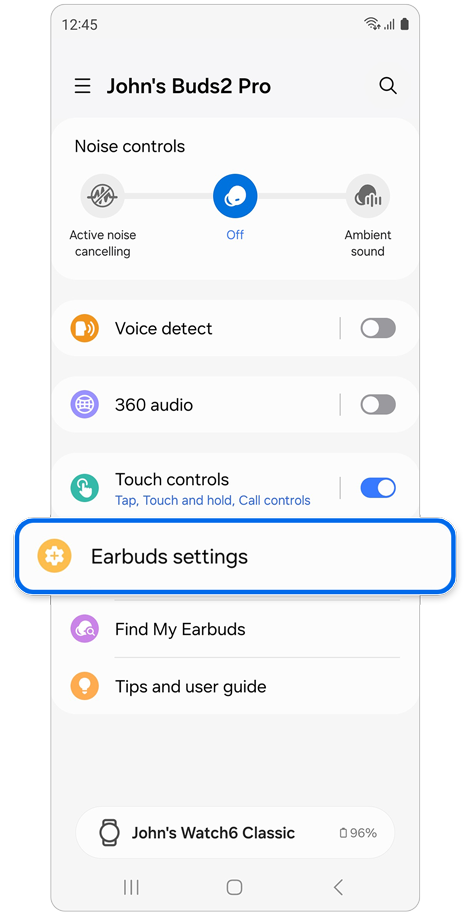
Step 2. Swipe up and select Earbuds settings.
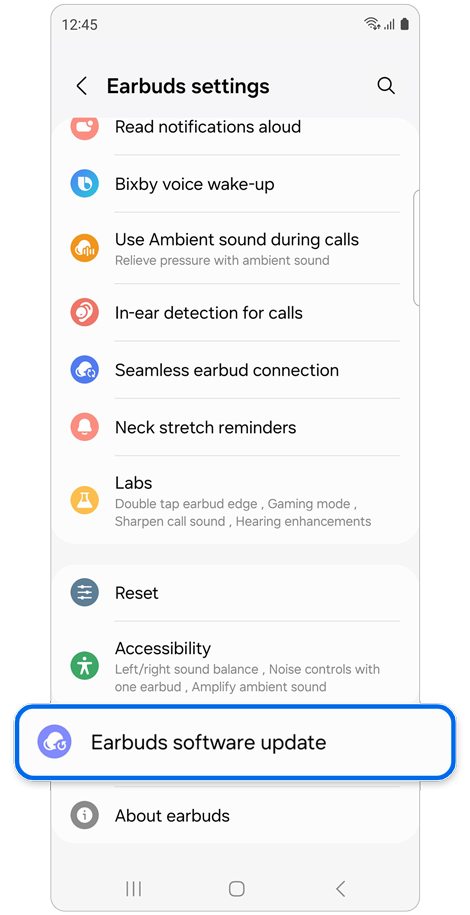
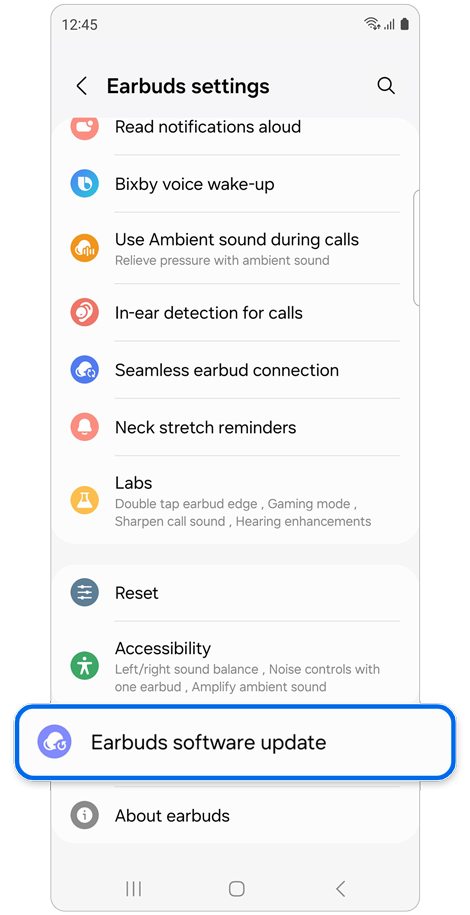
Step 3. Select Earbuds software update.
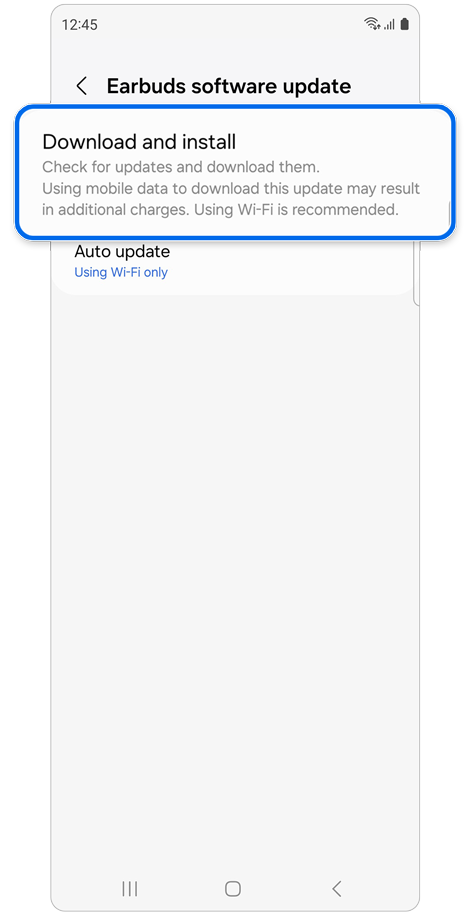
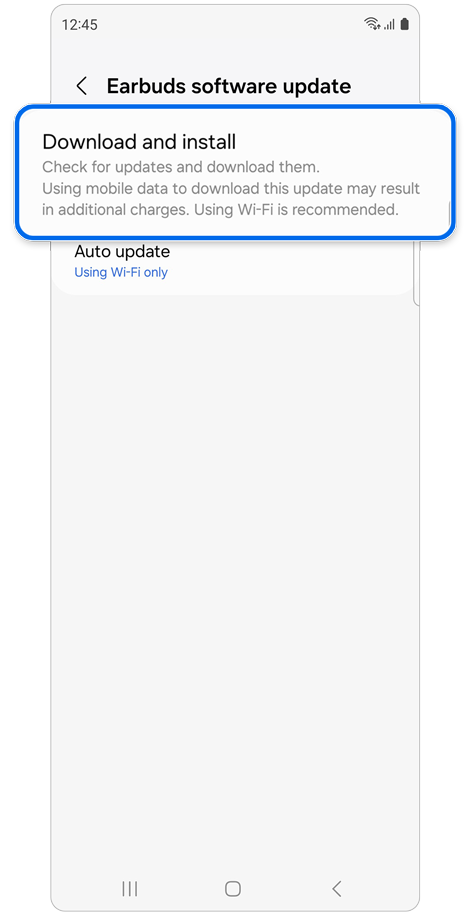
Step 4. Tap Download and install > If there are updates available, tap Update.
Note: You can also update the software by tapping View update and then Update if the update notification appears at the top of the Wearable home screen.
Update software on phones and tablets
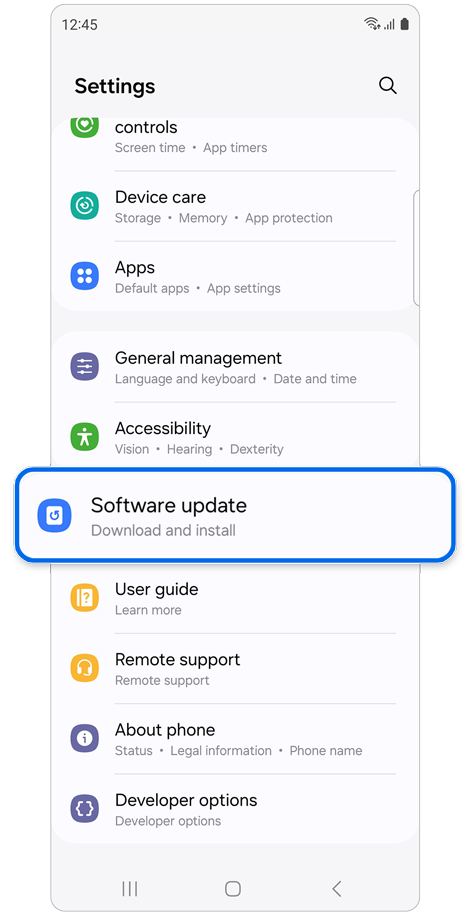
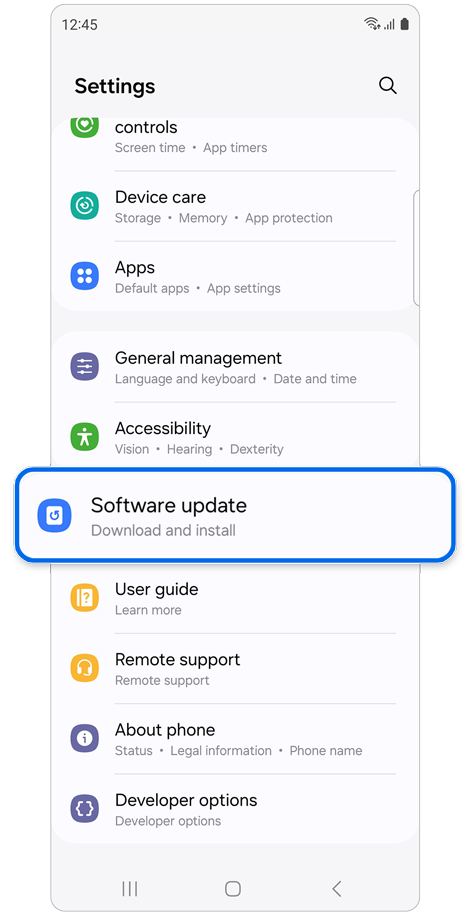
Step 1. Open Settings > Tap Software update.
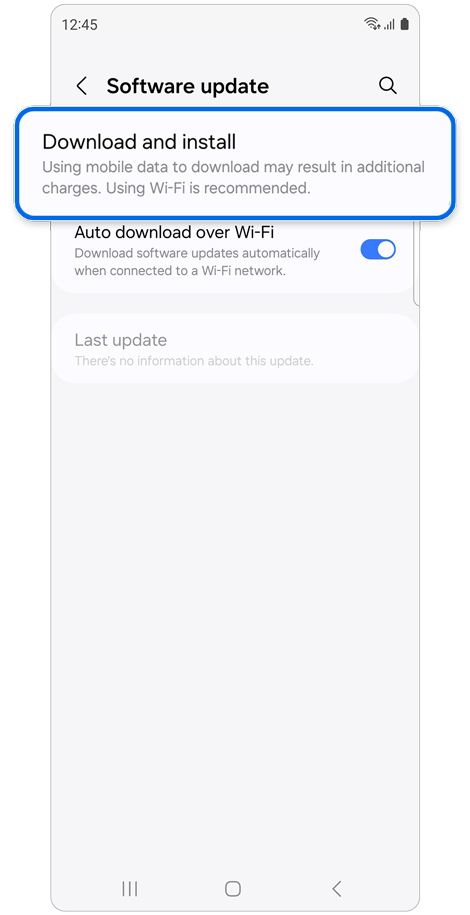
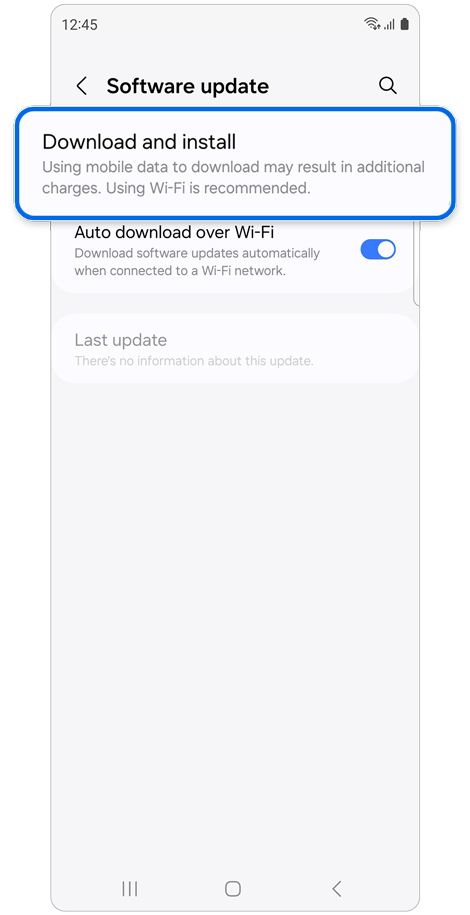
Step 2. Tap Download and install > Tap Install now.
1. Unpair your Galaxy Buds
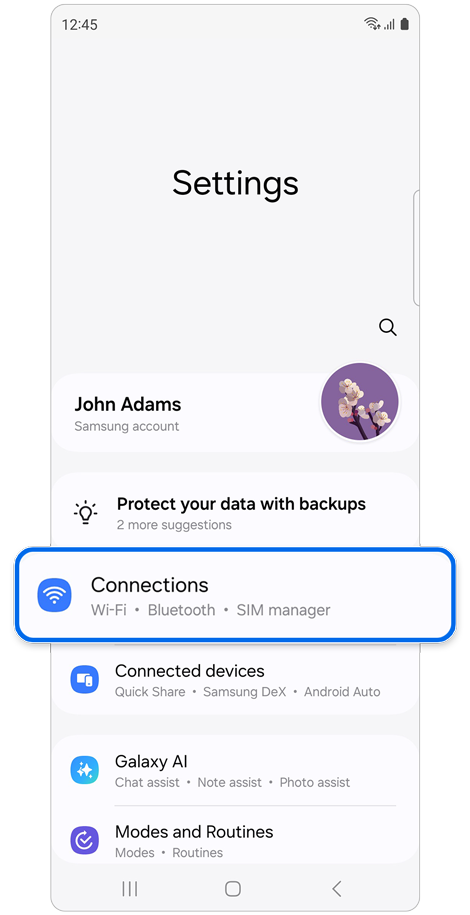
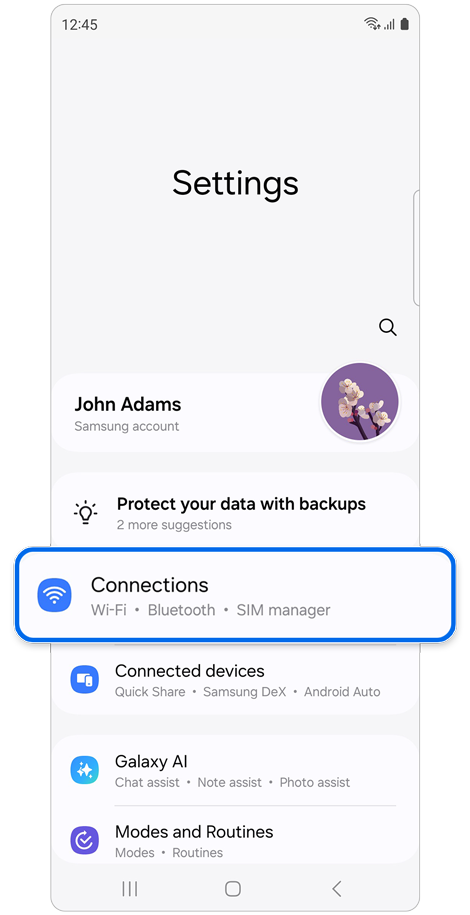
Step 1. Using your phone or tablet, open Settings > Select Connections.
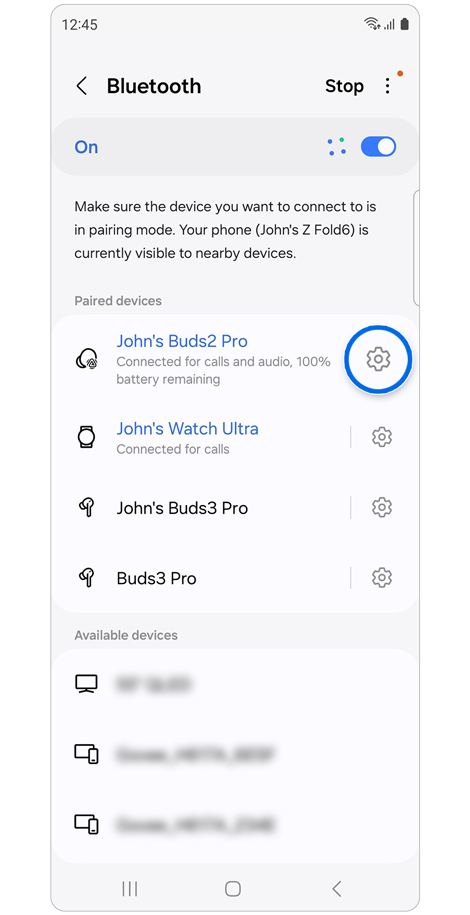
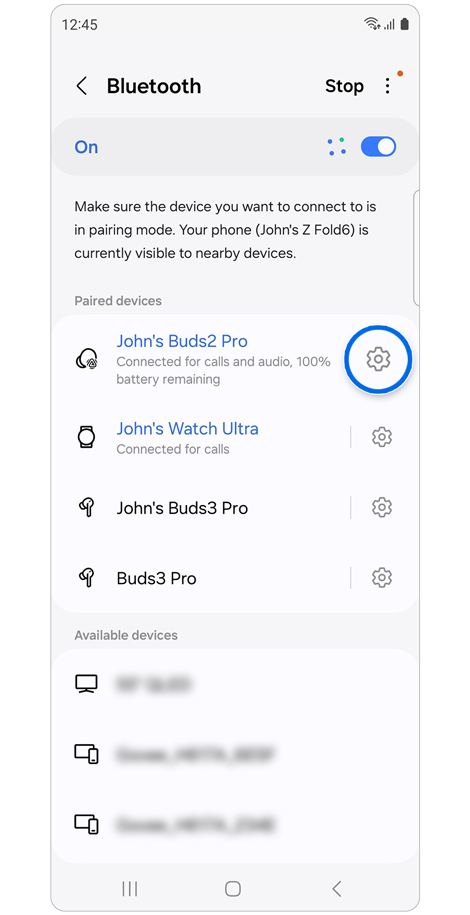
Step 2. Select Bluetooth > Tap your Galaxy Bud’s Settings icon (gear icon).
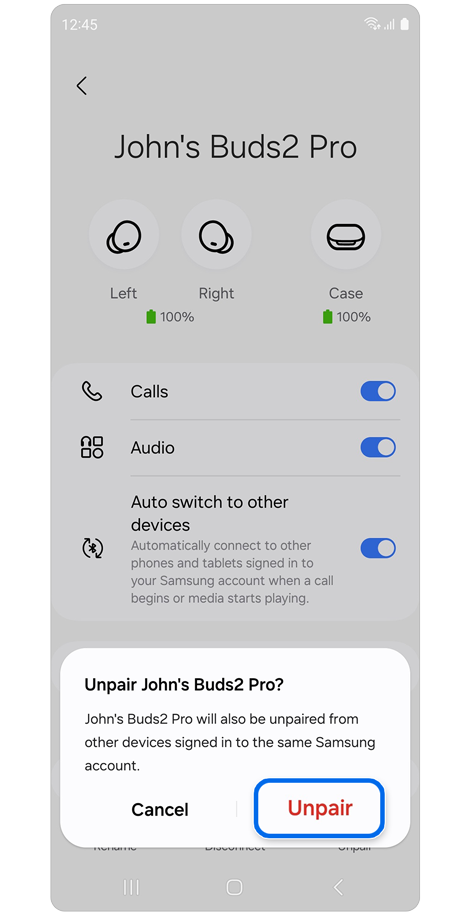
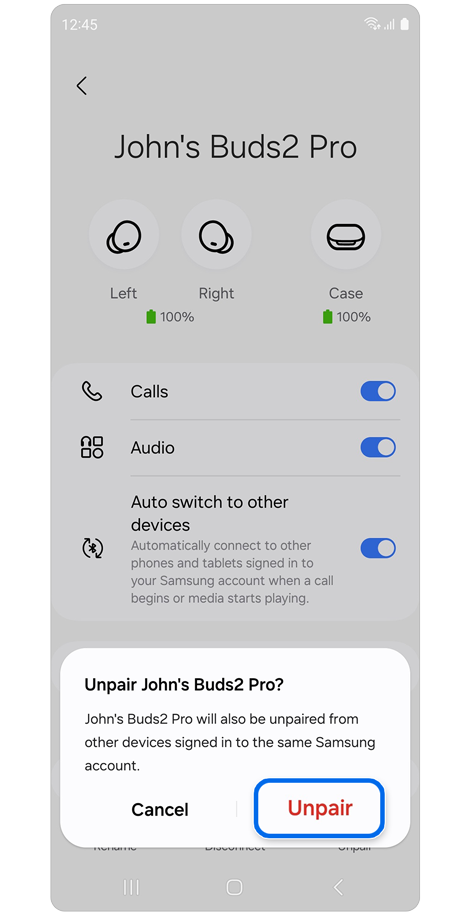
Step 3. Tap Unpair.
* If your Galaxy Buds were connected to the Galaxy Wearable app, unpairing them from Bluetooth will also remove them from the Wearable app.
2. Reconnect your Galaxy Buds
- Via pop-up window
After you've unpaired your Galaxy Buds, you will need to reconnect them to both Bluetooth and the Galaxy Wearable app.
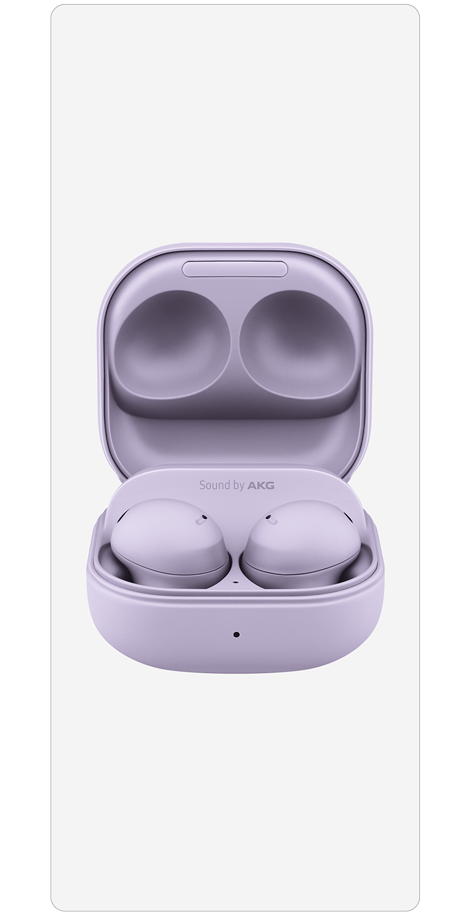
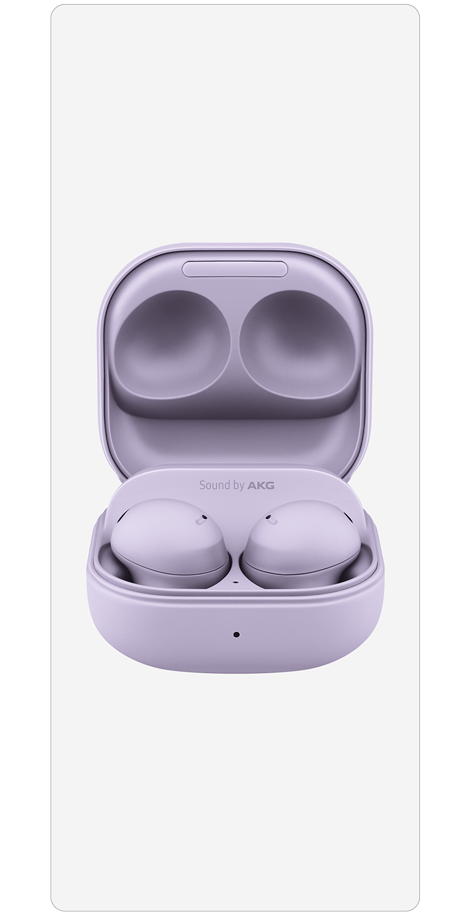
Step 1. Open the lid of the charging case.
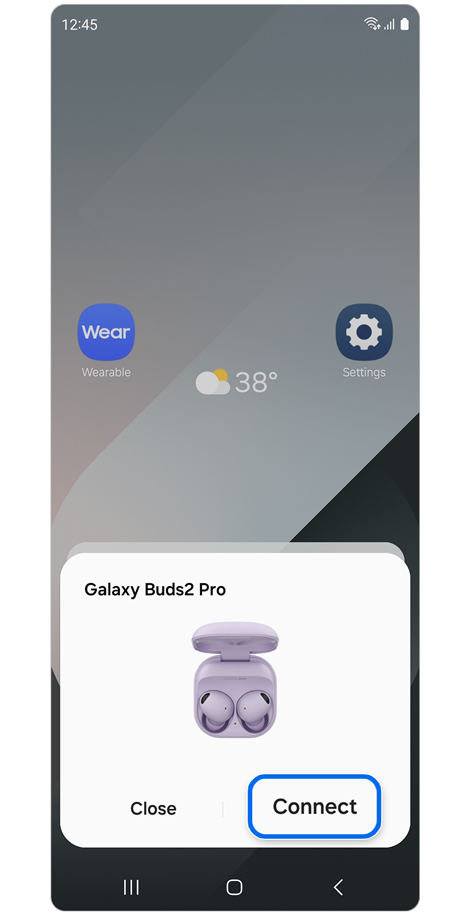
Step 2. A pop-up window should appear on your phone or tablet > Tap Connect.
- Via Galaxy Wearable app
The charging case lid must be open in order to be detected.
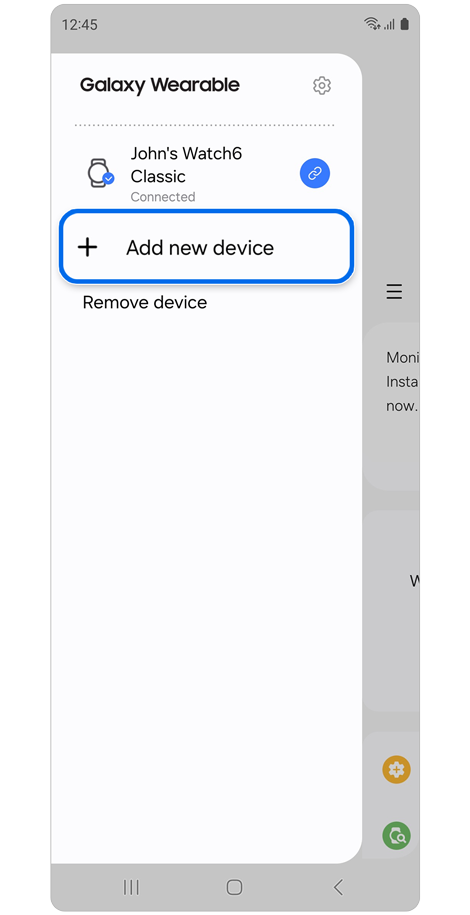
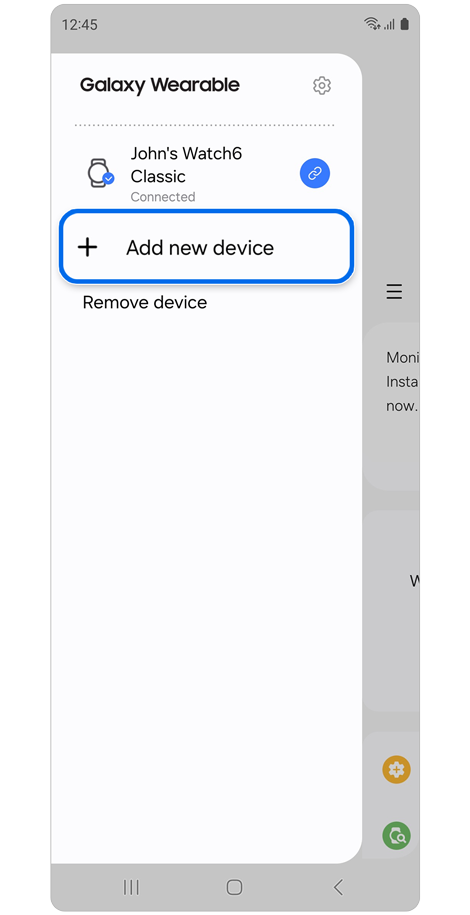
Step 1. Open the Galaxy Wearable app > tap Menu (the three horizontal lines) > Tap + Add new device.
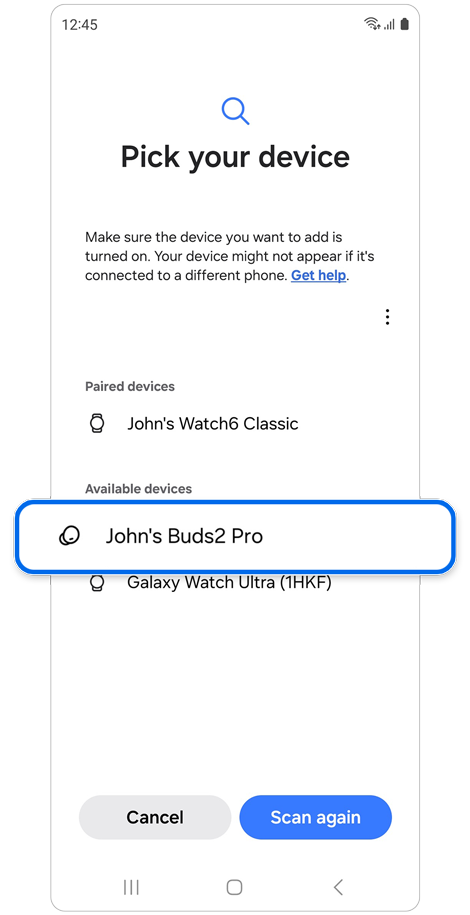
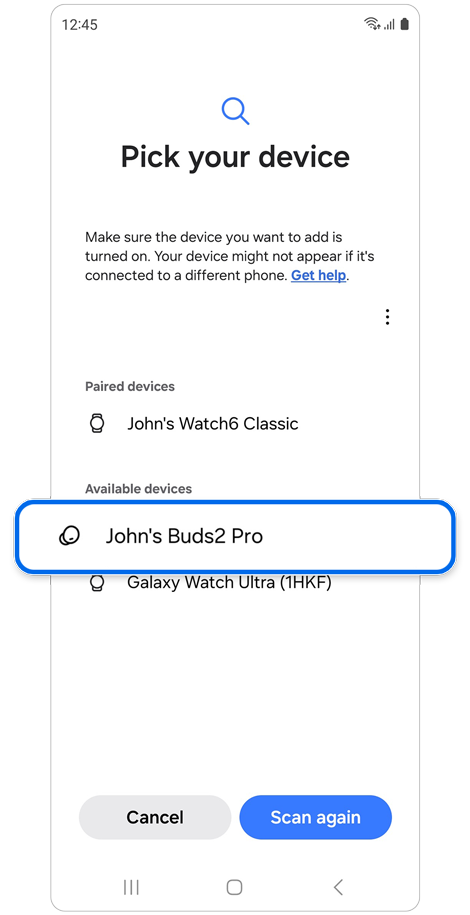
Step 2. Select your Galaxy Buds from the list.
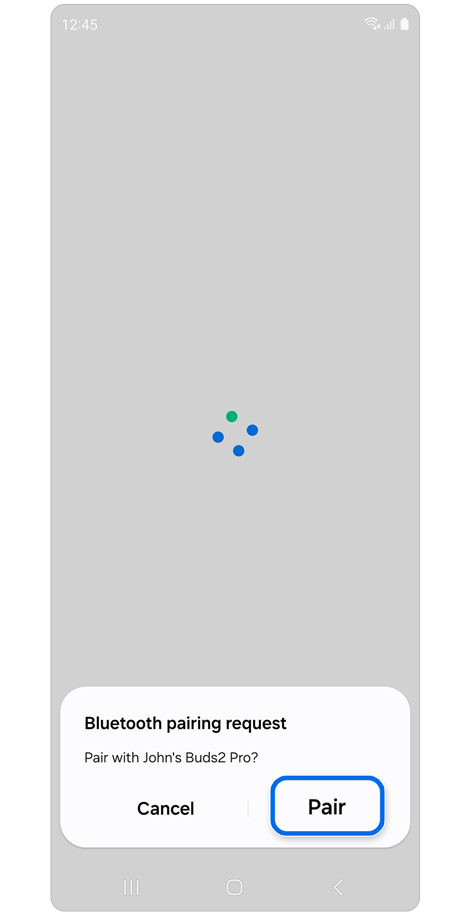
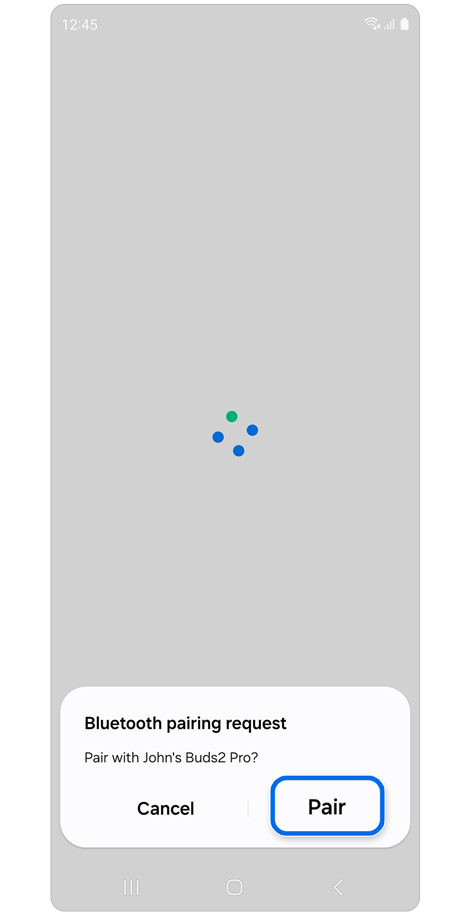
Step 3. Tap Pair on the pop-up window.
* If no devices are connected to the Galaxy Wearable app, you might be directed to the initial setup screen. From there, select your Galaxy Buds from the list and follow the on-screen instructions to reconnect them.
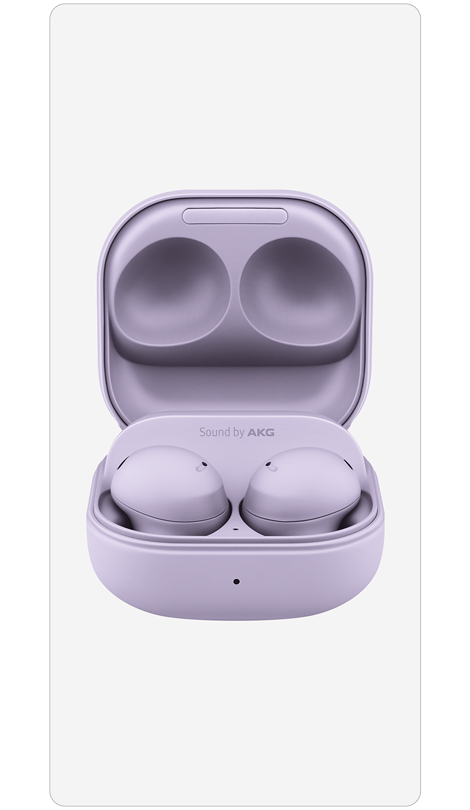
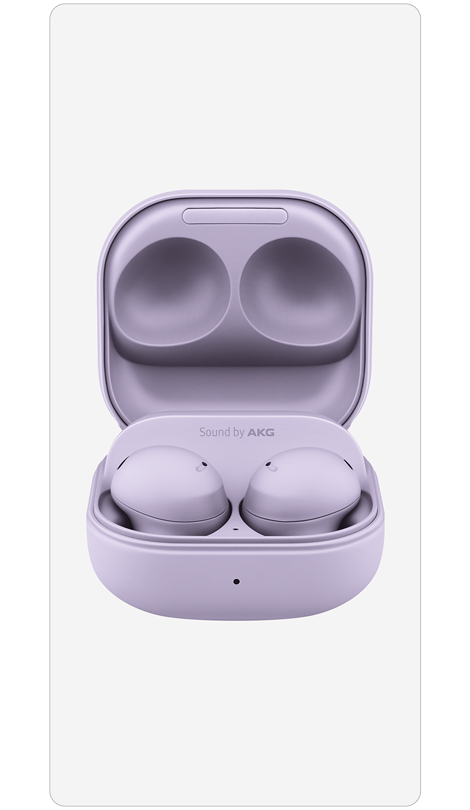
Step 1. Place your Buds in the charging case.
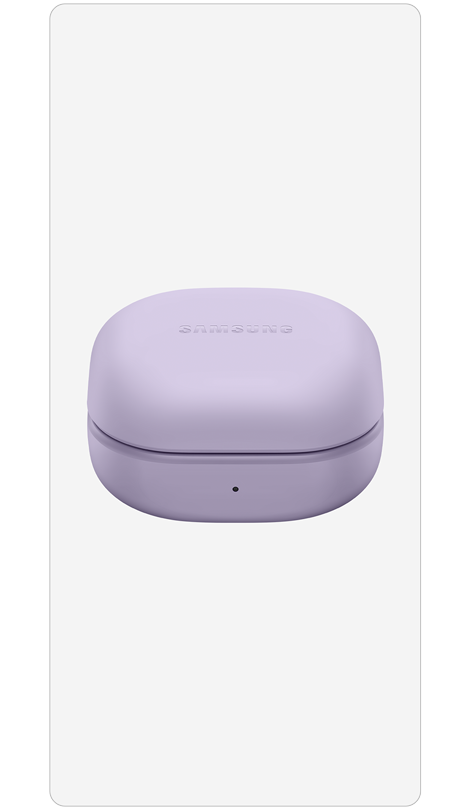
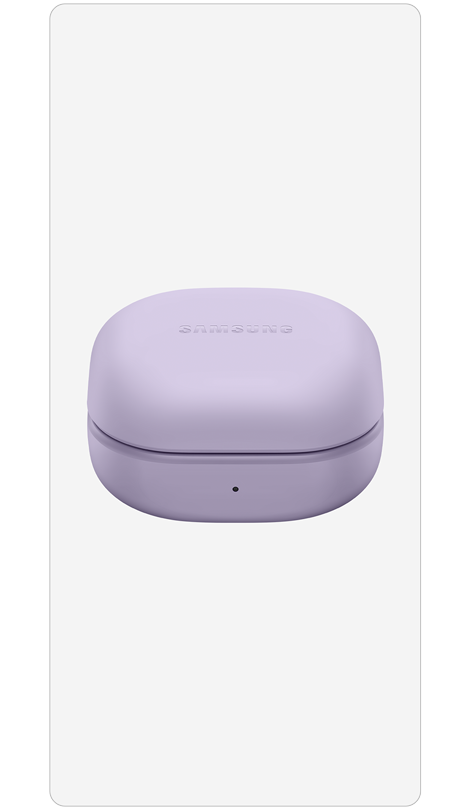
Step 2. Close the lid until the battery indicator light disappears.
* This may take up to 10 seconds.
* Make sure the Galaxy Buds are charged before removing them from the case.
* If the battery indicator light flashes red or orange, allow the Galaxy Buds to charge for more than 10 minutes.
Try returning the Galaxy Bud’s settings to their initial defaults.
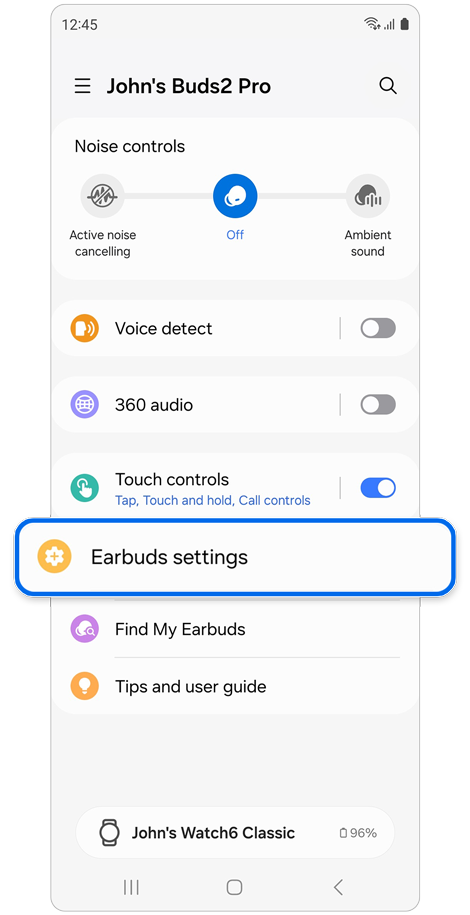
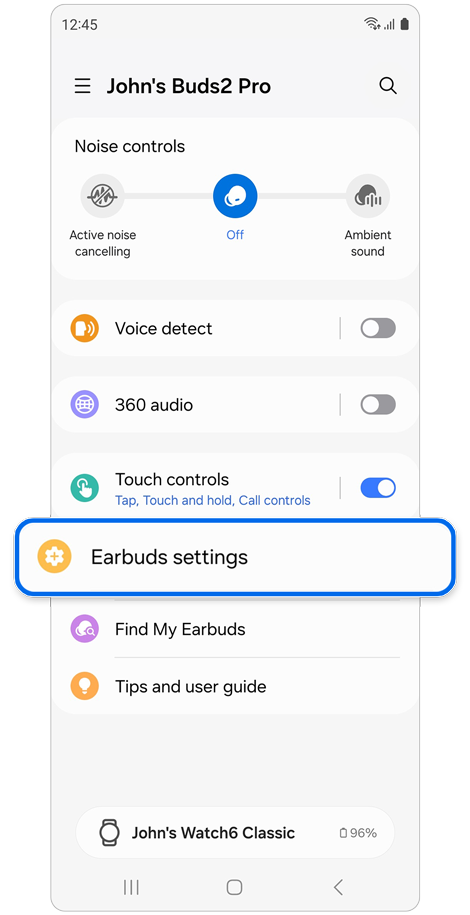
Step 1. Open the Galaxy Wearable app > Tap Earbuds settings.
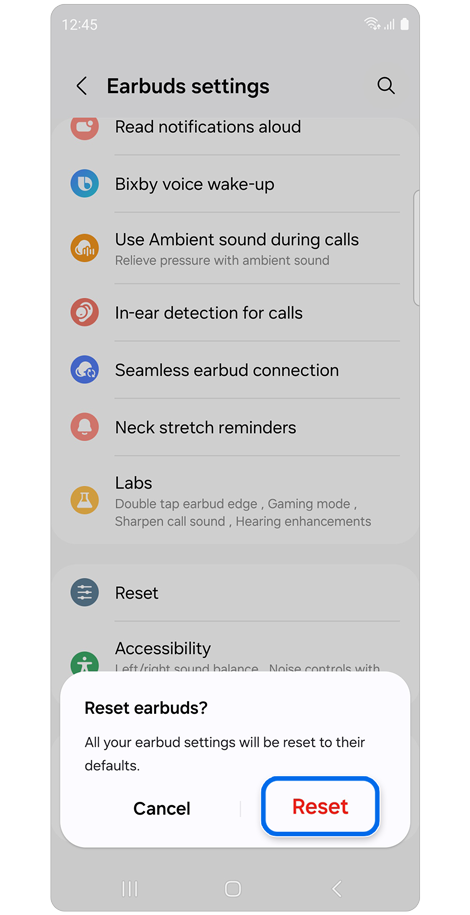
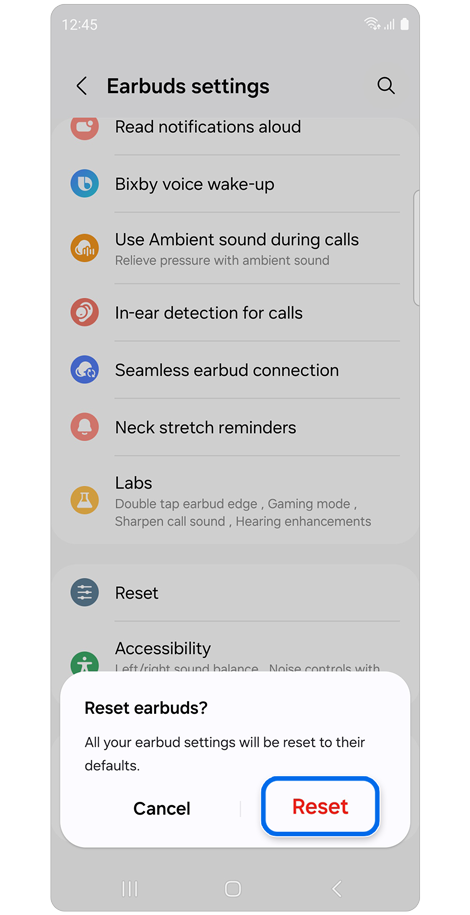
Step 2. Tap Reset > Tap Reset on the pop-up window to confirm.
* After resetting your Galaxy Buds, you will need to connect them to your phone or tablet again.
If the above information does not match what your product is showing, you may check the User Manual for your product. If you are unable to solve the problem, please contact us for further assistance.
Thank you for your feedback!
Please answer all questions.
RC01_Static Content : This text is only displayed on the editor page