How to fix the disconnection between your TV and SmartThings app
Important Note: The information on this page is for Hong Kong products only. Models, sequences or settings will vary depending on location and/or where the product had been purchased. To be redirected to your local support page please click here.
If the connection between SmartThings and your Samsung TV is unstable, you should check the basic settings. Have uninterrupted fun while the family is watching a movie or watching your favourite content.
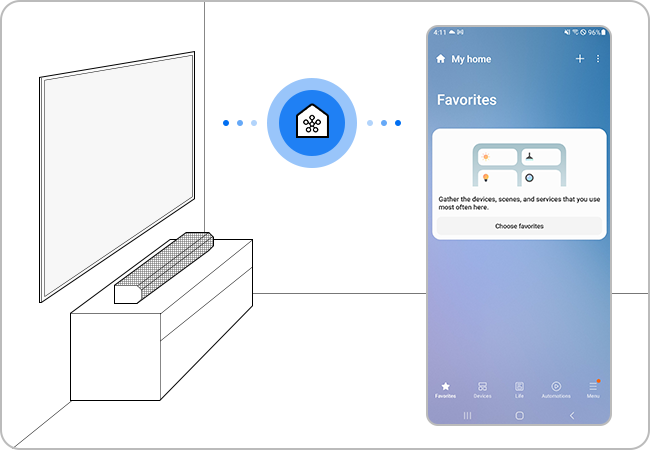
Check the wireless network status
Data reception may be slow, or temporary interruptions may occur when loading the app. If the router and the TV are far apart, the communication may not be smooth and registration may fail.


Step 1. Tap Settings on your smartphone.


Step 2. Tap Connections.


Step 3. Tap Wi-Fi.


Step 4. Make sure the device is connected to the same Wi-Fi network with your TV. If not, select the network and enter the associated password.
Note: If more than 10 devices are connected to the router, registration may fail.
Check for software updates
Make sure the software on your smartphone and SmartThings app is up to date, and if necessary, update the firmware of your TV as well.
Note: The SmartThings app is compatible with phones running Android 8.0 or higher as well as iOS 12.0 or higher.


Step 1. Launch the SmartThings app and tap Menu at the bottom right corner.


Step 2. Tap SmartThings Settings (Gear Icon) on the top right corner.


Step 3. Scroll down and tap About SmartThings.


Step 4. If your SmartThings needs update, you can update the software here.
Step 1.
Go to Settings > All Settings.


Step 2.
Select Support.


Step 3.
Select Software Update.


Step 4.
Select Update Now.


Note:
- If you are having trouble with your Samsung Smart TV, you should always check to see if there are any software updates available. Downloading the latest update may fix for your problem.
- Device screenshots, function availability, setting path, menu options and layout may vary depending on the device model and software version.
If the above information does not match what your product is showing, you may check the User Manual for your product. If you are unable to solve the problem, please contact us for further assistance.
Thank you for your feedback!
Please answer all questions.
RC01_Static Content : This text is only displayed on the editor page