Samsung मोबाइल फोन: आईएमईआई, मॉडल कोड और सीरियल नंबर किधर देखे?
Last Update date : Mar 20. 2026
To see this Article in English, please click here
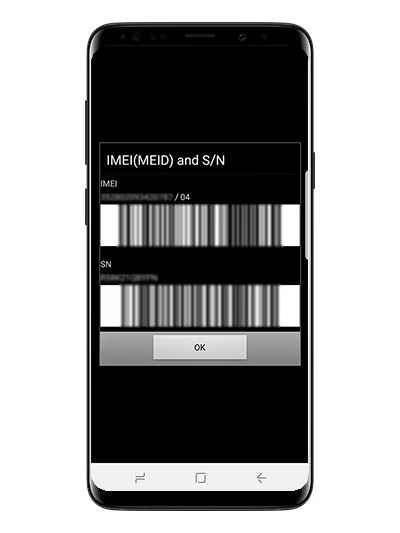
विधि 1: सैमसंग फोन सेटिंग
![]()
![]()
![]()
![]()
![]()
![]()
कृपया ध्यान दें: नीचे स्क्रीनशॉट Android OS संस्करण 9.0 (पाई) से लिए गए थे।


क़ुइक सेटिंग्स तक पहुँचने के लिए अपनी स्क्रीन पर नीचे की ओर स्वाइप करें और सेटिंग कॉगव्हील पर टैप करें


नीचे की ओर स्क्रॉल करें और अबाउट फोन पर टैप करें


मॉडल नंबर, सीरियल नंबर और आईएमईआई (IMEI) प्रदर्शित किया जाएगा
विधि 2: सैमसंग फोन का डायलर
![]()
![]()
![]()
![]()
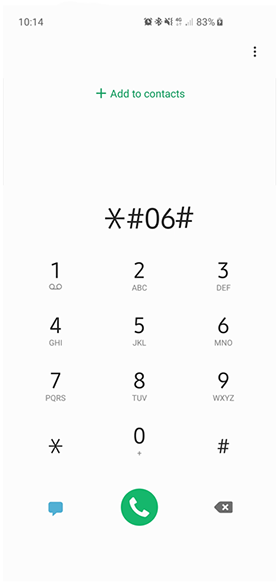
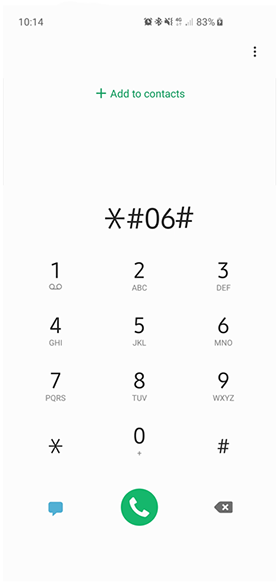
IMEI नंबर देखने के लिए अपने फोन डायलर पर *#06# डायल करें।
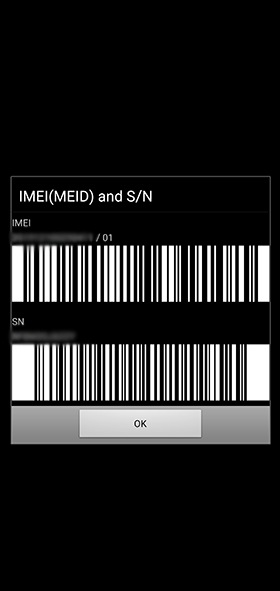
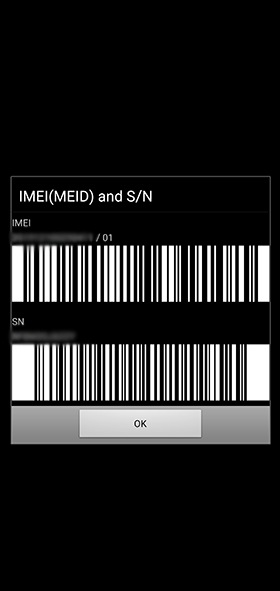
स्क्रीन पर आपको आपके वर्तमान डिवाइस का IMEI नंबर और साथ ही सीरियल नंबर (S/N) दिखाएगी।
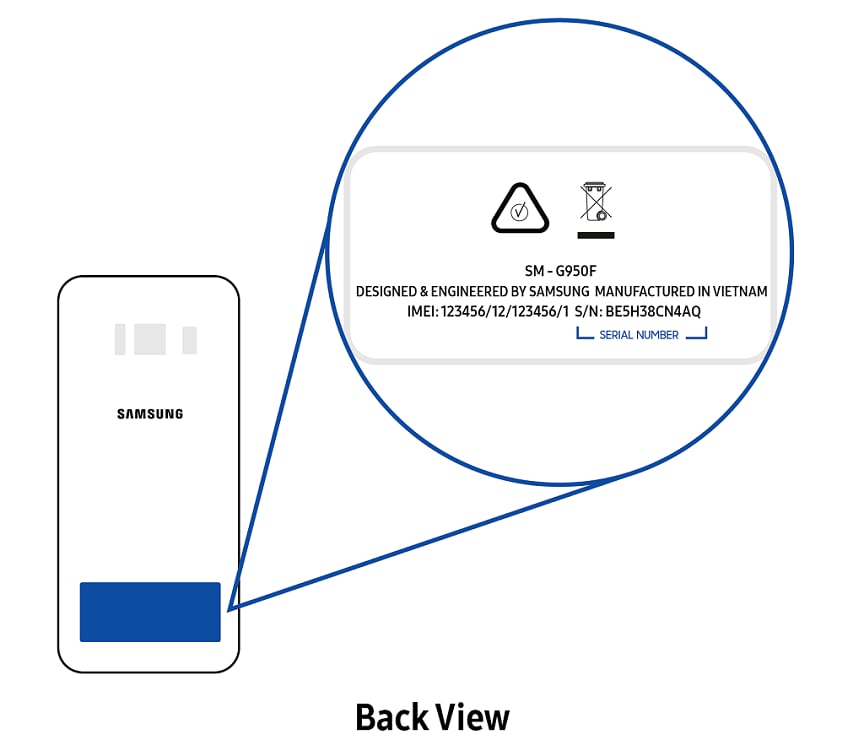
Other topic you may be interested in:

Thank you for your feedback!
Please answer all questions.
Contact Info
Digital Service Center
![DSC icon image]()
![DSC icon image]()


Get customized support, access to DIY videos and FAQs, or schedule a callback request to connect with an expert.

Scan to access
Scan to access
WhatsApp
![WhatsApp image icon]()
![WhatsApp image icon]()


WhatsApp us for services-related interaction.
Languages offered : English/ हिन्दी/ Indian Regional Languages
Available 24 Hours / 7 days
WhatsApp@ 1-800-5-726-7864

Scan to access
Languages offered : English/ हिन्दी/ Indian Regional Languages
Available 24 Hours / 7 days
WhatsApp@ 1-800-5-726-7864
Scan to access


Face-to-Face Support
![Image of location icon]()
![Image of location icon]()


Whether your product is in warranty or out of warranty, we're here to help.
Remote Service
![Image of RM icon]()
![Image of RM icon]()


Remote diagnostics by our specially trained technicians for your Galaxy device and Samsung TV


Phone Support (India)
![image of phone dialer]()
![image of phone dialer]()


Available: 8 AM to 8 PM (All 7 days)
Phone Support (Bangladesh, Sri Lanka, Nepal)
![Image of caller icon]()
![Image of caller icon]()
RC01_Static Content : This text is only displayed on the editor page