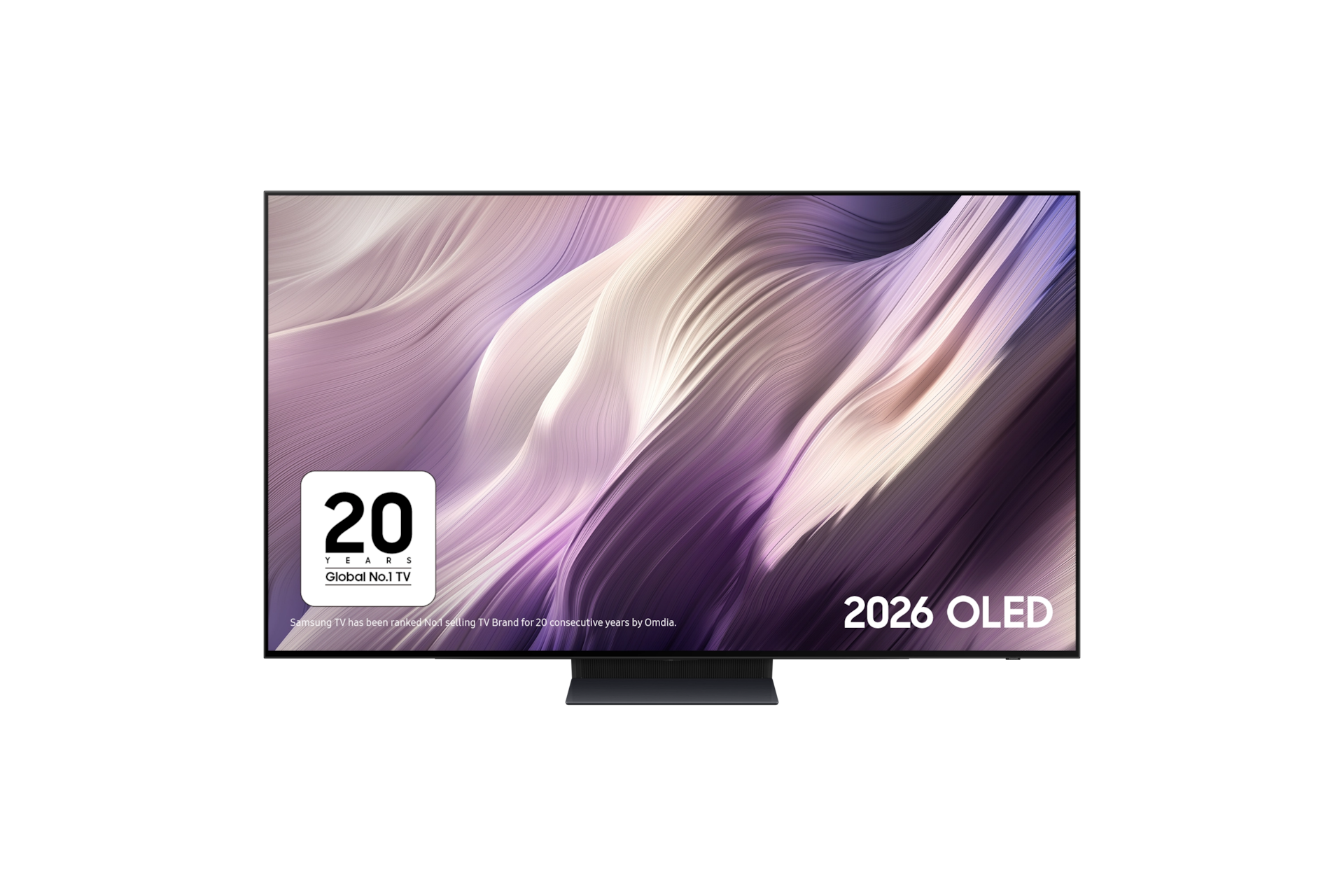
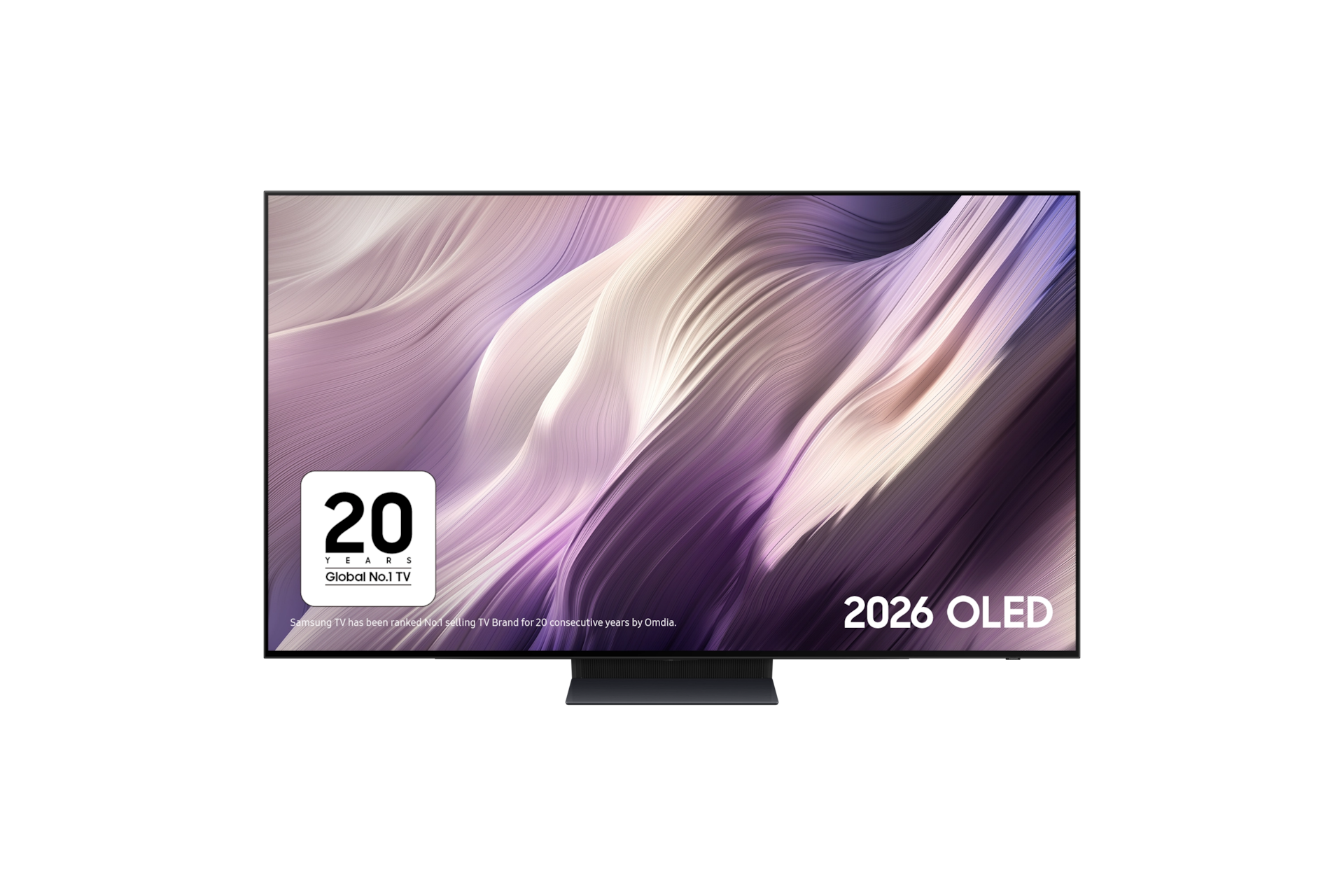


Please scan the QR Code with your mobile device, and place the product image in desired place.
Congratulations, your trade-in discount has been applied.
<%= title %> <% if (!!discountAmount) { %> <%= discountAmount %> <% } %> <% if (!!tradeInAmount && !!additionalDiscount) { %> <%= tradeInAmount %> <%= additionalDiscount %> <% } %>
<%= deviceSummary %>
<% if (quantityChangeable) { %>

Add Samsung Care+ for Business Policy
Learn moreAccidents happen, but they shouldn‘t slow your business down. No matter what happens, our team of Samsung experts can help your business get back on track by supporting you with complete protection against unexpected damage.
Please select Samsung Care + for Business Policy or "Not Required"
-
<% options.forEach((option) => { %>
-
<% if(hasChildren) { %>
<% } else { %> <% } %>
<% }) %>
*All prices include insurance premium tax
key features
-
Samsung Vision AI Companion
-
Glare Free with Real Black & Real Colour
-
Our Ultimate Gaming Pack
-
Infinity One Design


Stunning brightness and detail


Key features at a glance


Ask your TV anything and get instant answers
Samsung Vision AI Companion
Need outfit ideas? Looking for dinner nearby? Discovering your next favourite show? Vision AI Companion helps with questions big and small using multiple AI agents, giving you instant answers with videos and images that match your search. It’s a more visual, personalised way to discover, right from your TV.1


Intelligent 4K processing with AI upscaling
NQ4 AI Gen3 Processor
Experience powerful 4K AI enhancements to your entertainment. Soak in sharpened scene-by-scene upscaling that uses 128 neural networks to optimise both picture and sound. From streaming to sports, watch in enhanced brightness, depth, contrast, motion, sound and resolution, for a truly exceptional 4K experience.2


Picture Quality


No compromise on clear viewing
Glare Free with Real Black & Real Colour
Experience pure blacks and vivid colour without distraction. Samsung’s Glare-Free technology minimises glare, Real Black adds depth, and Pantone-certified Real Colour delivers lifelike tones, so movies, sports, and games look exactly as they should, day or night.3


Exceptional OLED brightness
OLED HDR Pro
Discover the beauty in every moment. OLED HDR Pro delivers vivid highlights, deep blacks, and remarkable contrast, so every scene looks lifelike and true to the director’s vision.


Cinematic detail, intelligently optimised.
HDR10+ ADVANCED
HDR10+ ADVANCED adjusts the picture scene by scene, so you see films and shows the way their creators intended. Bright highlights hold their detail, dark scenes keep their depth, and intelligent processing keeps fast-moving sport and action smooth. Everything on screen looks true to life.4


True blacks and bright whites, powered by self-emissive pixels
OLED
Experience real-world colours and cutting contrasts with Samsung OLED. OLED technology allows each pixel to be individually controlled - creating pure blacks, bright whites and epic contrast.


More about
Picture Quality


Our smoothest motion
AI Motion Enhancer Pro
AI understands what’s important on screen, smoothing fast movement so your eyes never struggle to keep up. Whether it’s the score, the ball, or fast paced action, everything stays clear, helping you stay fully absorbed.


Exceptional 4K clarity and detail
4K AI Upscaling Pro
From news to classics, our powerful 4K processor elevates all content to breathtaking 4K Ultra HD, regardless of the source. AI intelligently analyses images and intricately restores every detail, pixel by pixel for a stunning visual experience. 5


Transform SDR content into HDR-like picture quality
Auto HDR Remastering Pro
Enjoy HDR-like picture quality, even with SDR content. Using AI, your TV learns the difference between SDR and HDR content and transforms it into vibrant HDR-like visuals, scene-by-scene. Experience brighter highlights, more vibrant colours and clearer details.


Automatically adjusts to you
AI Customisation Mode
Our advanced AI processor automatically detects whether you are watching sports, movies, or general content, and auto- adjusts the picture settings based on your preferences. With AI content recognition, you no longer have to tweak the settings every time you watch something new.


Breathing New Life into Dull Colours
Colour Booster Pro
Our smart AI Colour Booster intelligently adjusts and enhances colour levels scene-by-scene. From the darkest night shots to the brightest landscapes, enjoy consistently high and accurate levels of colour for a bold viewing experience whatever you're watching.


Enjoy authentic colour, validated by PANTONE
PANTONE Validated
Enjoy colour validated by industry leading experts at Pantone®. Samsung TVs are verified for the accurate representation of up to 2,030 Pantone colours and 110 added skin tones so that every hue, tint and skin tone offers a more accurate and beautiful picture.


See depth, just like real life
Real Depth Enhancer
By enhancing contrast where the eye naturally focuses, Real Depth Enhancer adds realistic depth to every scene. Foreground details stand out naturally, creating a more immersive and three dimensional viewing experience.
Gaming Experience


Play smoother. React faster. Game bigger.
Our Ultimate Gaming Pack
Built for smooth, responsive gaming. Enjoy fluid motion, ultra-low latency and tear-free gaming with Motion Xcelerator 165Hz, NVIDIA G-SYNC and AMD FreeSync Premium Pro - so every move feels fast, smooth and in sync.6


Ultra-smooth motion up to 165Hz
Motion Xcelerator 165Hz
Enjoy ultra-smooth gameplay on Xbox, PS5 and all your favourite next-gen consoles and PC games with up to 165Hz motion. Make the most of lag-free gaming with ultra-responsive motion, perfect for fast-paced games on your TV with smooth, clear visuals.7


Ultra-smooth, ultra-fast responsive gameplay
G-Sync Compatible
Stay ahead of the action with sharp, precise movements. Validated by NVIDIA, G-Sync technology reduces screen tearing and stuttering to provide smooth gaming and enhanced immersion.8


HDR Gaming without screen tearing and stuttering
FreeSync Premium Pro
AMD FreeSync Premium Pro works with your next gen console to give you an exceptional gaming experience: combining reduced screen tearing and stuttering with exceptional High Dynamic Range (HDR) visuals. Watch your games come to life in spectacular colour and detail, just like the creators intended.9
Jump into games instantly. No console required.
Gaming Hub
Samsung Gaming Hub brings Xbox, Amazon Luna, GeForce NOW, Blacknut and more together in one seamless destination. Play instantly with no downloads, no storage limits and no console required, just switch on your TV and jump into world class gaming.10


Level Up Your Gameplay
Game Bar
The advanced Game Bar puts you in command, so you can optimise your gameplay with ease. Switch between wide 21:9 or ultrawide 32:9 aspect ratios, check input lag, activate virtual aim point or minimap zoom, and more.


Sound


Get wrapped up in 8-speaker cinematic sound
Dolby Atmos®
Bring the sound of cinema into your home. With 8 built-in speakers, your TV creates immersive sound that surrounds you from every angle. Immerse yourself in your favourite movies and must-see releases with sound that pulls you into the moment. Don't just see the action - feel it.


More about
Sound


Dynamic 8-speaker sound that moves with the action
Object Tracking Sound+
An immersive TV surround sound experience that puts you in the heart of the action. Your TV uses its 8 speakers built-in to the four sides of the TV to make the sound follow the action on screen. Hear the rise of the crowd as your sports team attacks, feel superheroes swoop into scenes, and get drawn into immersive sound that peaks with every action you see.


Sound, tailored to you
AI Sound Pro
Experience sound that adapts to what you're watching, and where you're watching it. From Adaptive Sound Pro that adjusts to your room and optimises audio for your content, to Active Voice Amplifier that enhances dialogue to combat background noise and distractions. Enjoy perfectly balanced audio, every time.


TV and soundbar, perfectly in sync
Q-Symphony
Why choose between your TV speakers and a soundbar?With Q-Symphony, you don’t have to. Working together, they create bigger, more immersive sound, with added height and depth for a truly cinematic experience.
Design


Our slimmest, seamless design
Infinity One Design with One Connect Box
With our slimmest profile and the ultimate clean cable solution, every inch has been engineered to blend seamlessly into your space. With only one cable connecting to your TV, all of your devices plug into the One Connect Box rather than the back of your TV. Now you can place your devices up to 2.5m away, or even hidden away in a cupboard.11


Charge it with light
SolarCell Remote
Say goodbye to replacing batteries. The SolarCell Remote is designed with a built-in solar panel that recharges using sunlight or indoor lighting. It’s a small change that helps reduce waste and keeps your remote ready whenever you need it.12


One UI Tizen


Tailored recommendations from your favourite apps
Smart TV powered by Tizen OS
Spend less time searching and more time watching. With Netflix, Disney+, YouTube, Xbox and more, get personalised recommendations and instant access to the latest shows and movies on the best streaming apps. Plus access to 1,000s of extra TV Shows and Movies on Samsung TV Plus - all for free.13


Enjoy 7 years of new TV experiences14


More about
One UI Tizen


TV you know and love. Just watch.
Samsung TV Plus
Watch channels, live events, and on-demand movies and series[15]. No subscriptions, logins or fees. The best part? You already have it. It’s TV with you in mind. 15


Keeping your private information private
Samsung Knox Security
With today's TVs holding your passwords and private payment information, Samsung Knox Security keeps your data protected with multi-layered security, constant system monitoring and updates and the automatic blocking of harmful attacks. Stay secured, stay entertained. 16


Your day, on display
Now Brief
Stay informed all day long, even when your Smart TV is off. Personalise your Daily Board with useful widgets like Weather, Memo, SmartThings, Music, and Tips. It wakes up hands-free with voice activation or as you approach, delivering the info you need effortlessly - helping you stay organised and connected throughout your day.
SmartThings


One place. All your smart devices.
SmartThings
Connect and control all your smart devices from your TV and phone[17]. Program your smart heating, set your smart washer, get alerts when your food is ready, monitor your video doorbell! Make life easier for all your smart device routines with the simplicity of the SmartThings app.17


Specifications
Support
Find answers to the questions you have about our products
-
User Manual
- ver 2608280
- 4.34 MB
- 03.09.2026
ENGLISH -
Remote control Guide
- ver 2608140
- 0.25 MB
- 25.08.2026
ENGLISH -
Simple User Guide
- ver 2607140
- 0.21 MB
- 24.07.2026
ENGLISH -
Installation Guide
- ver 2602120
- 0.54 MB
- 11.05.2026
ENGLISH
{{family.currentModel.displayName}}
{{family.currentModel.modelCode}}
Price with discount: {{model.prices.currentPriceDisplay}}
Price before: {{model.prices.priceDisplay}}
-
{{summary.title}}
-
{{summary.title}}
Compare models
Compare with similar items


