
MEET THE TRUE HI-FI GALAXY BUDS
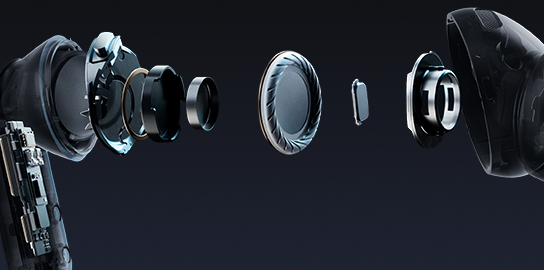
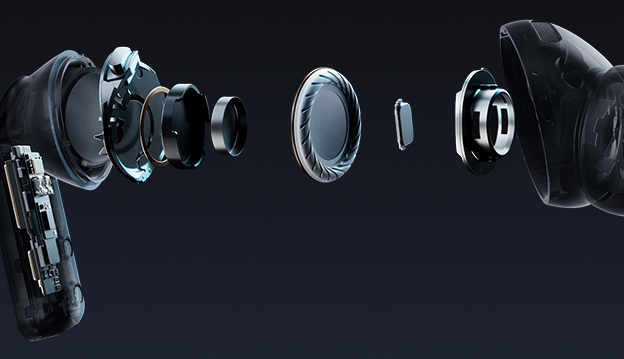
Advanced 2-way Speaker
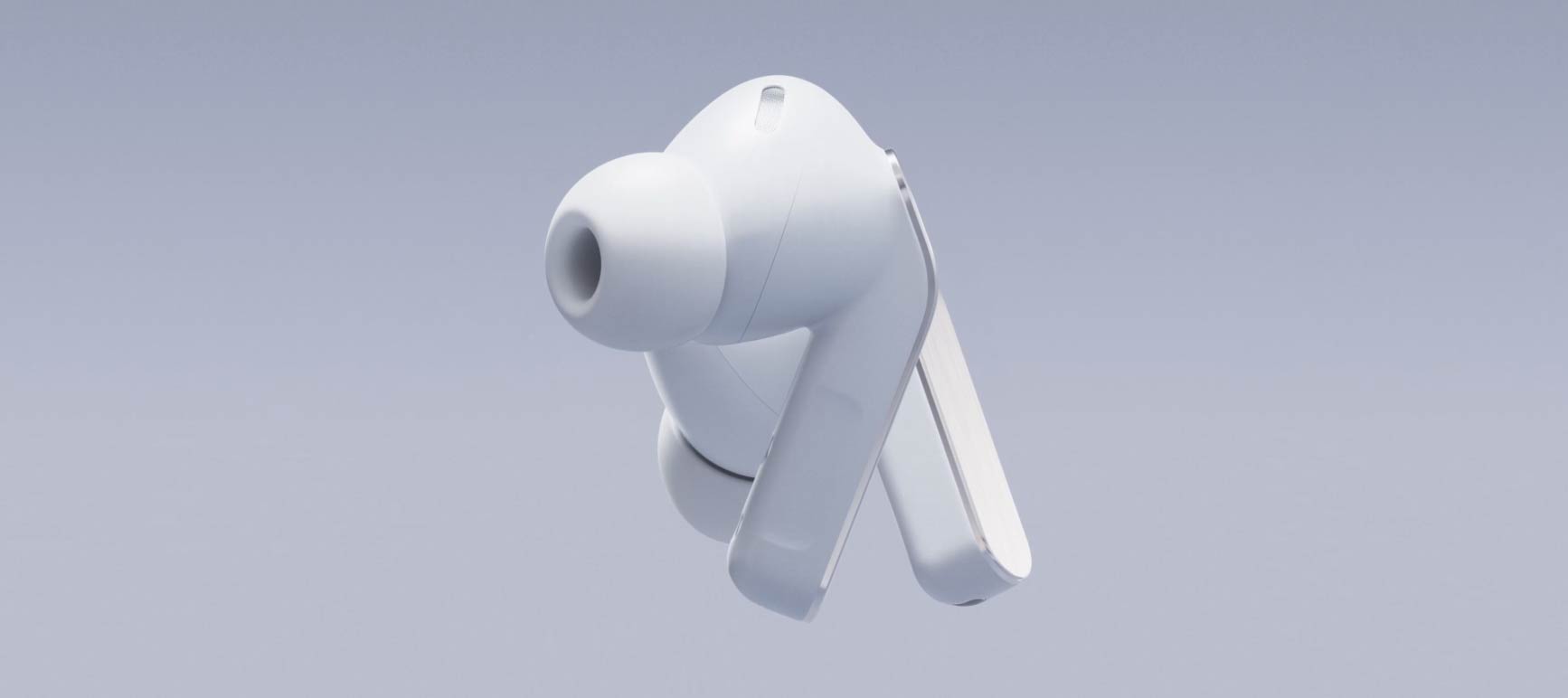
From deeper, richer lows powered by a wider woofer to clear highs, the advanced 2-way Speaker delivers a complete, balanced sound.
Design
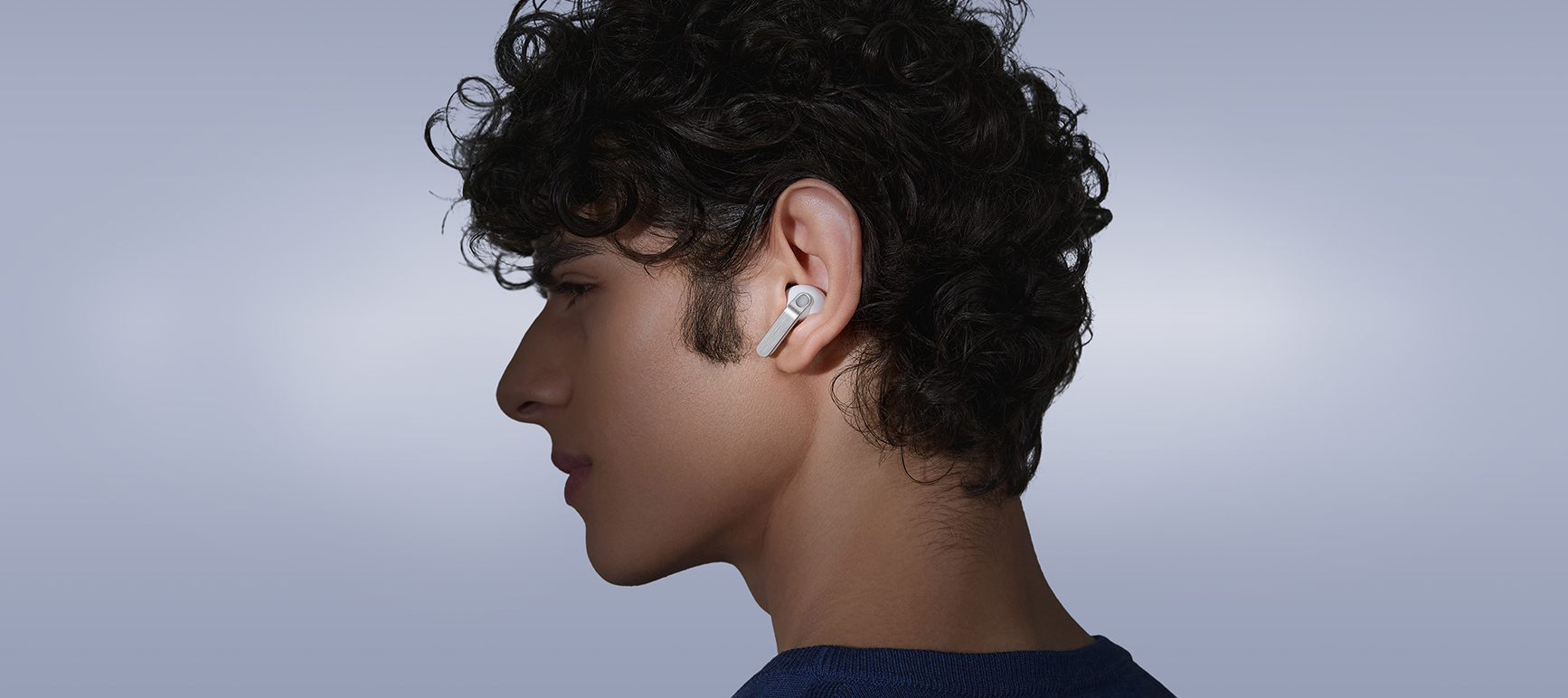
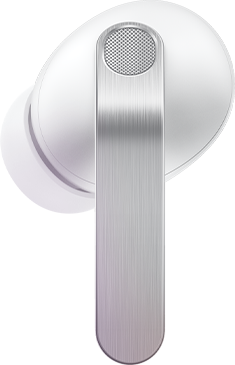
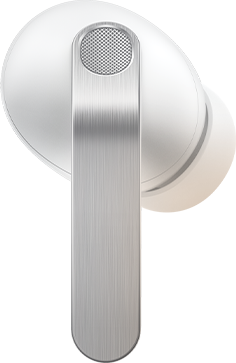
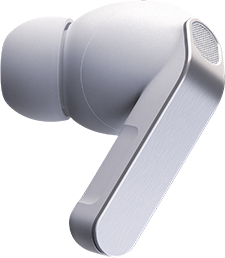
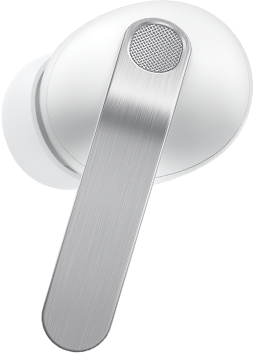
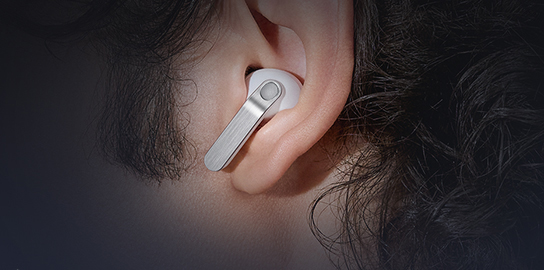
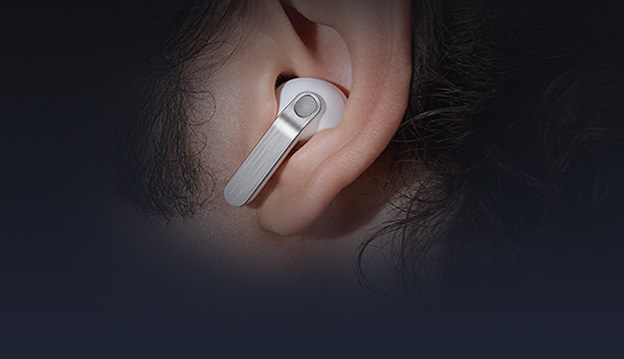
Iconic in metal, shaped for all-day comfort. The real metal blade defines both design and control. Ergonomic contours create a secure, natural fit that stays comfortable from morning to night.
Ultra High Quality Audio
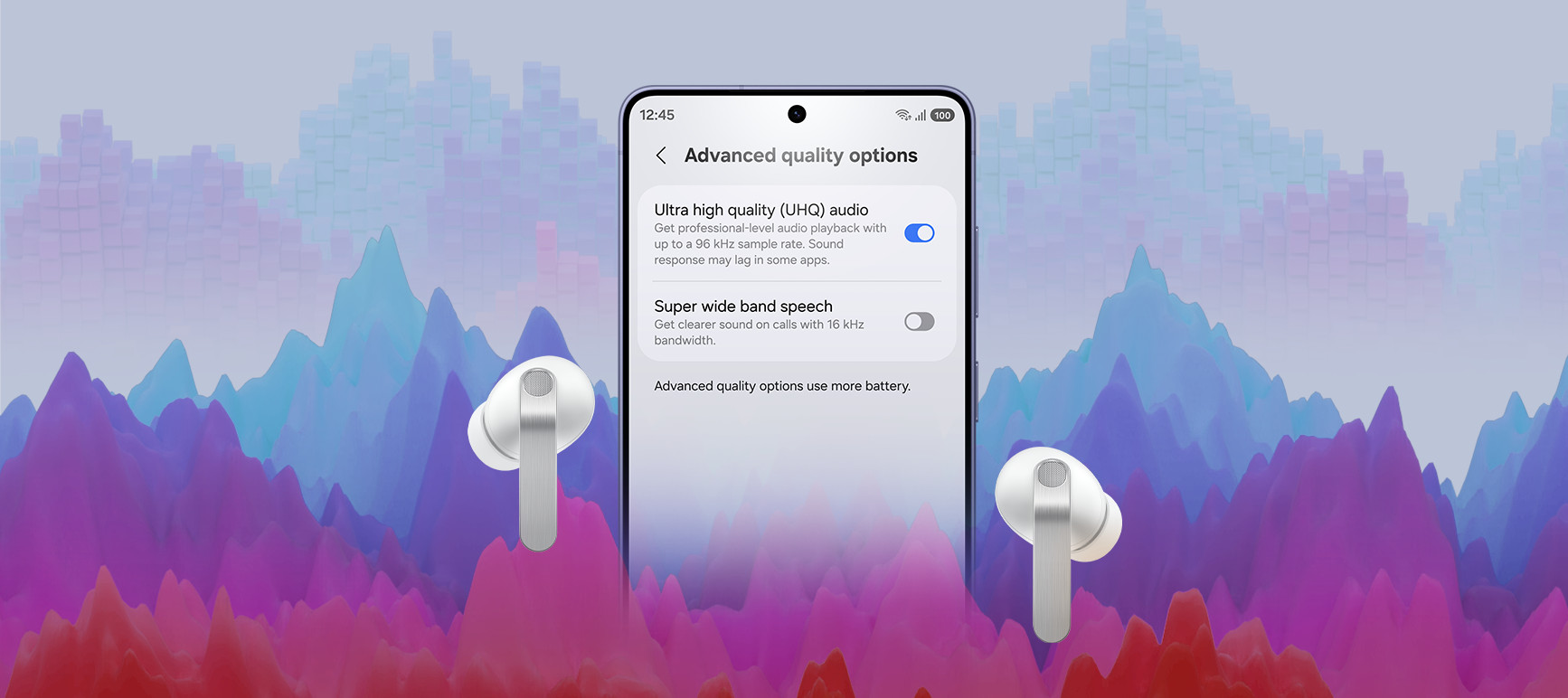
Ultra High Quality Audio with 24-bit / 96 kHz reveals every layer, making the world feel richer and more alive.
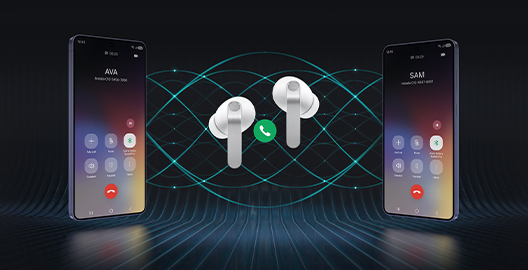
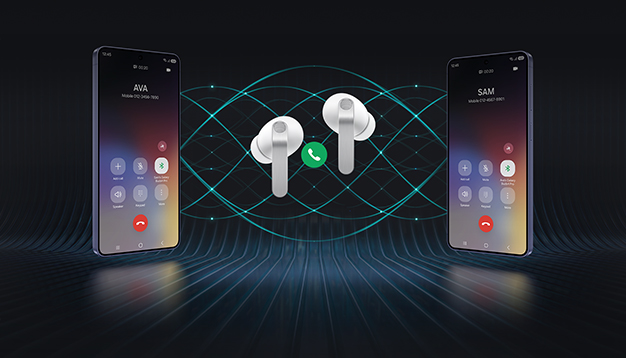
Super Clear Call
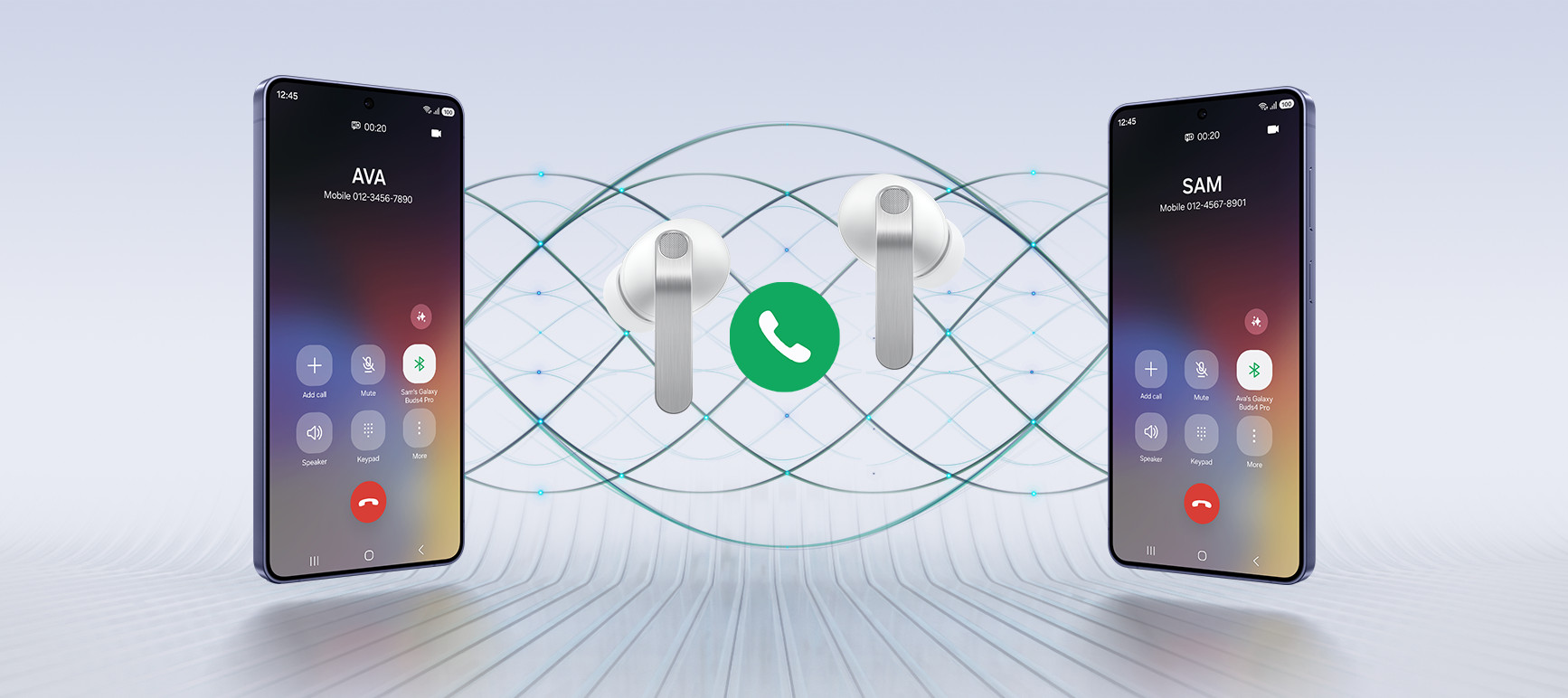
Your voice is captured clearly by advanced machine-learned DNN, even in noisy moments, and delivered pure and effortless through Super Wideband.
Charging Case
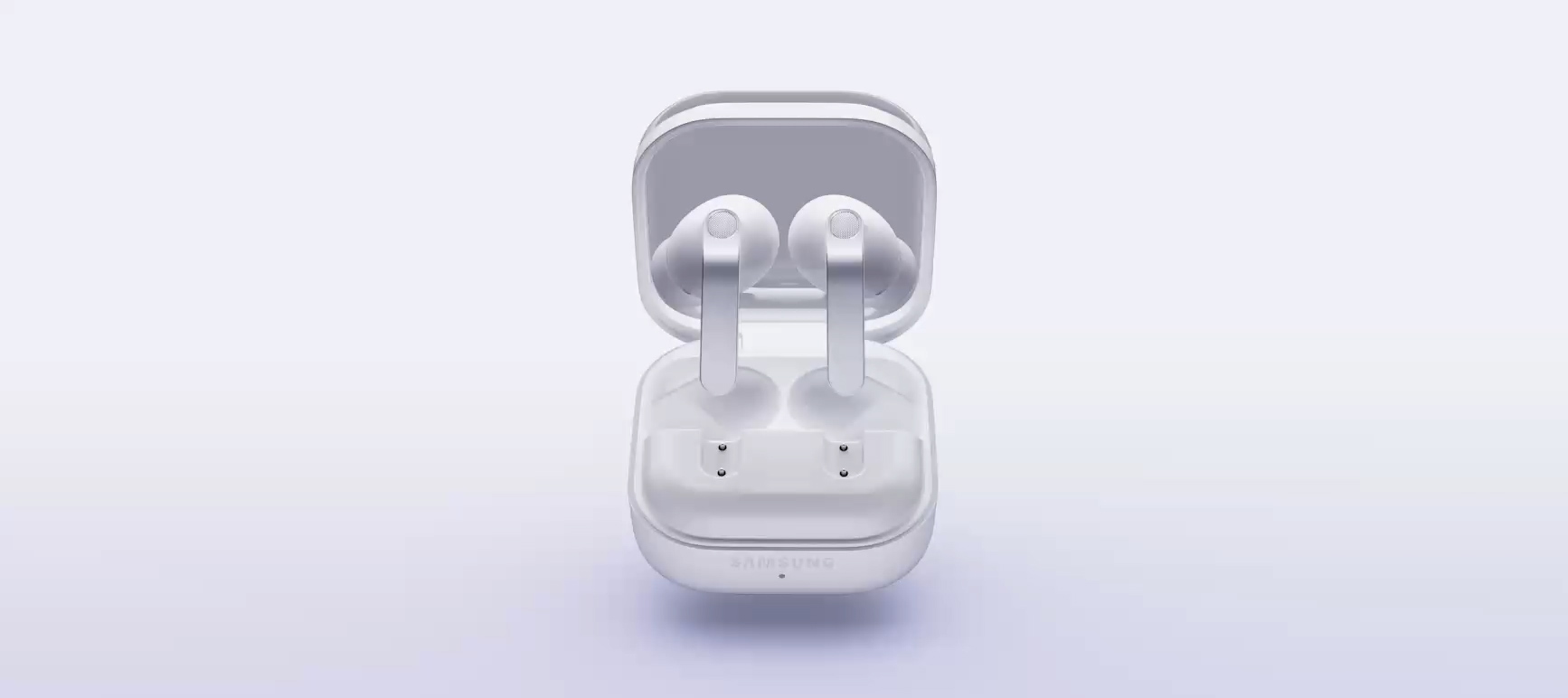
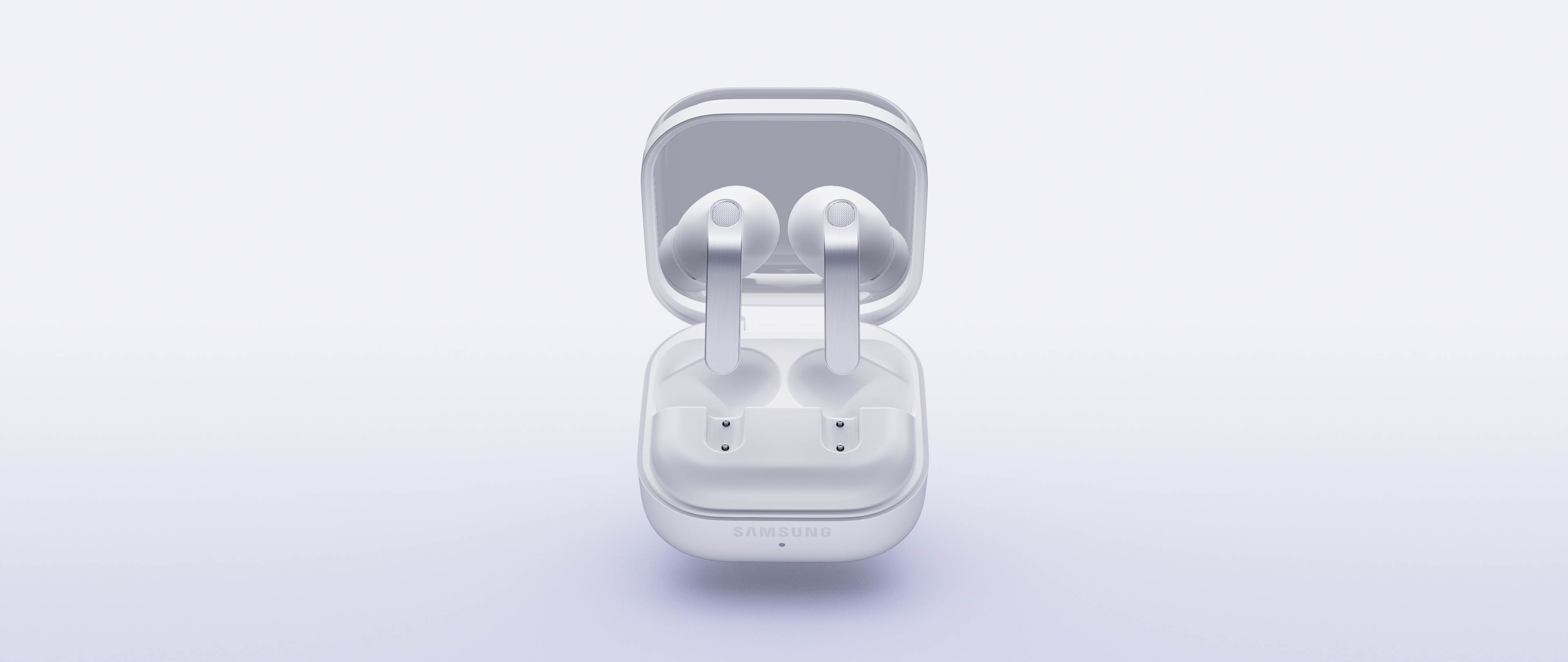
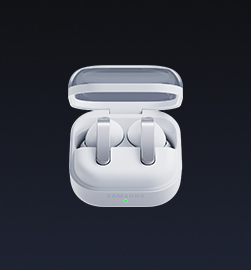
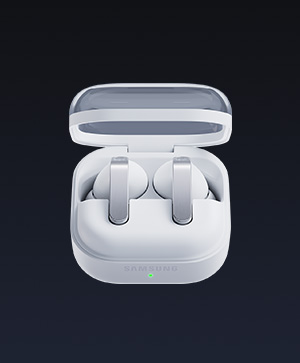
From clean, sculptural form to smooth magnetic docking, the Charging Case turns everyday use into a refined experience.
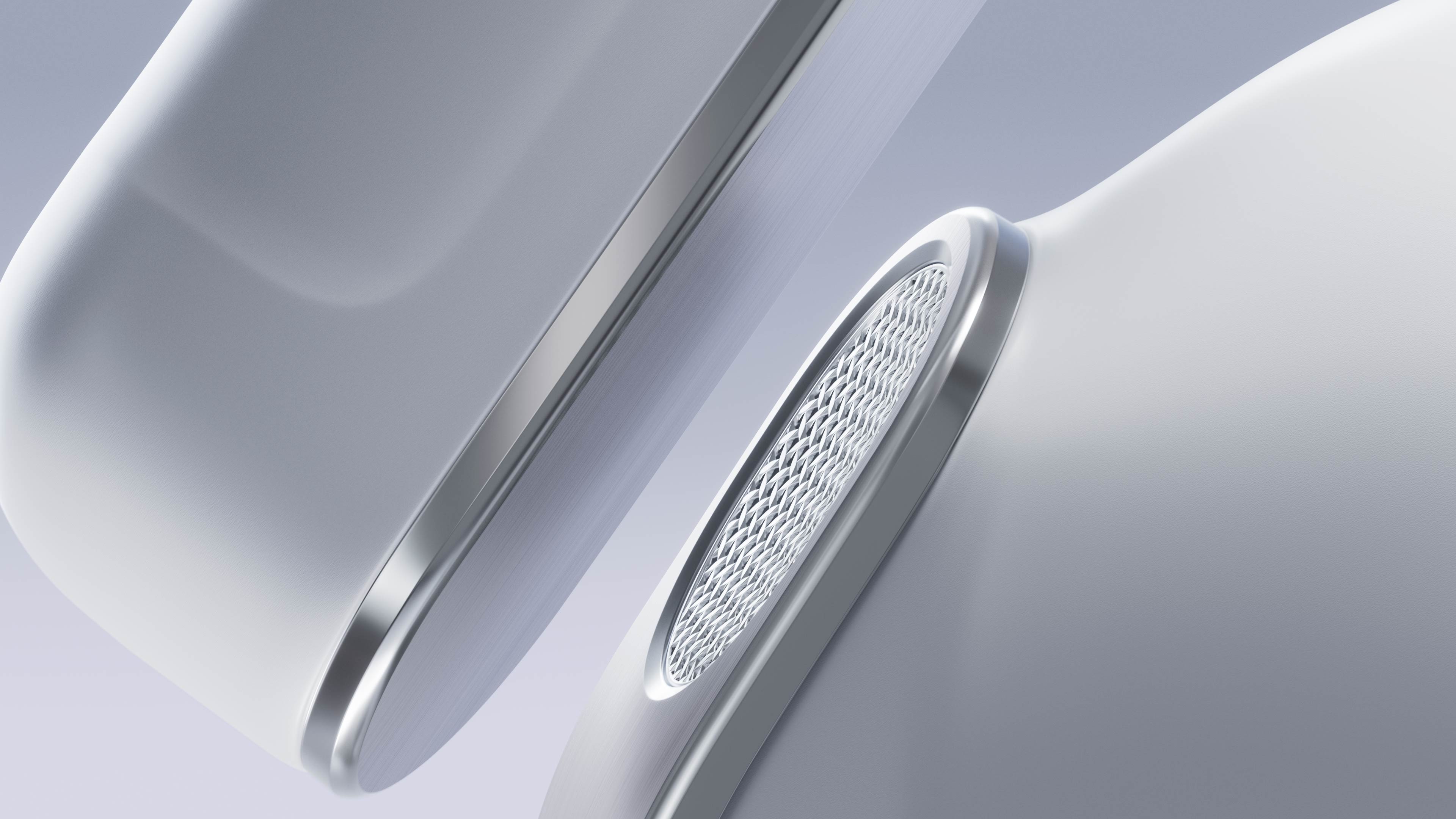
Iconic metal design.
Built for
all-day comfort
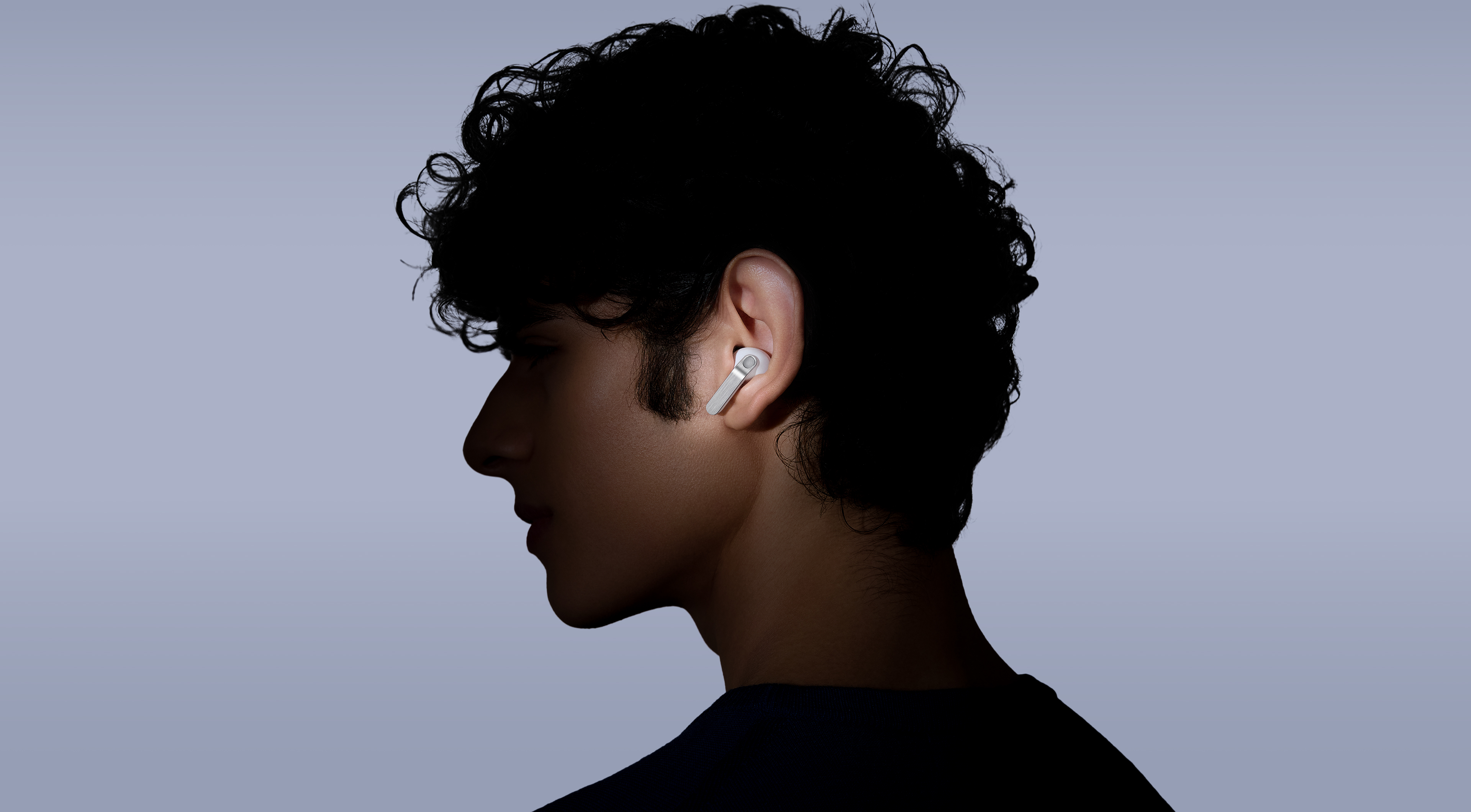
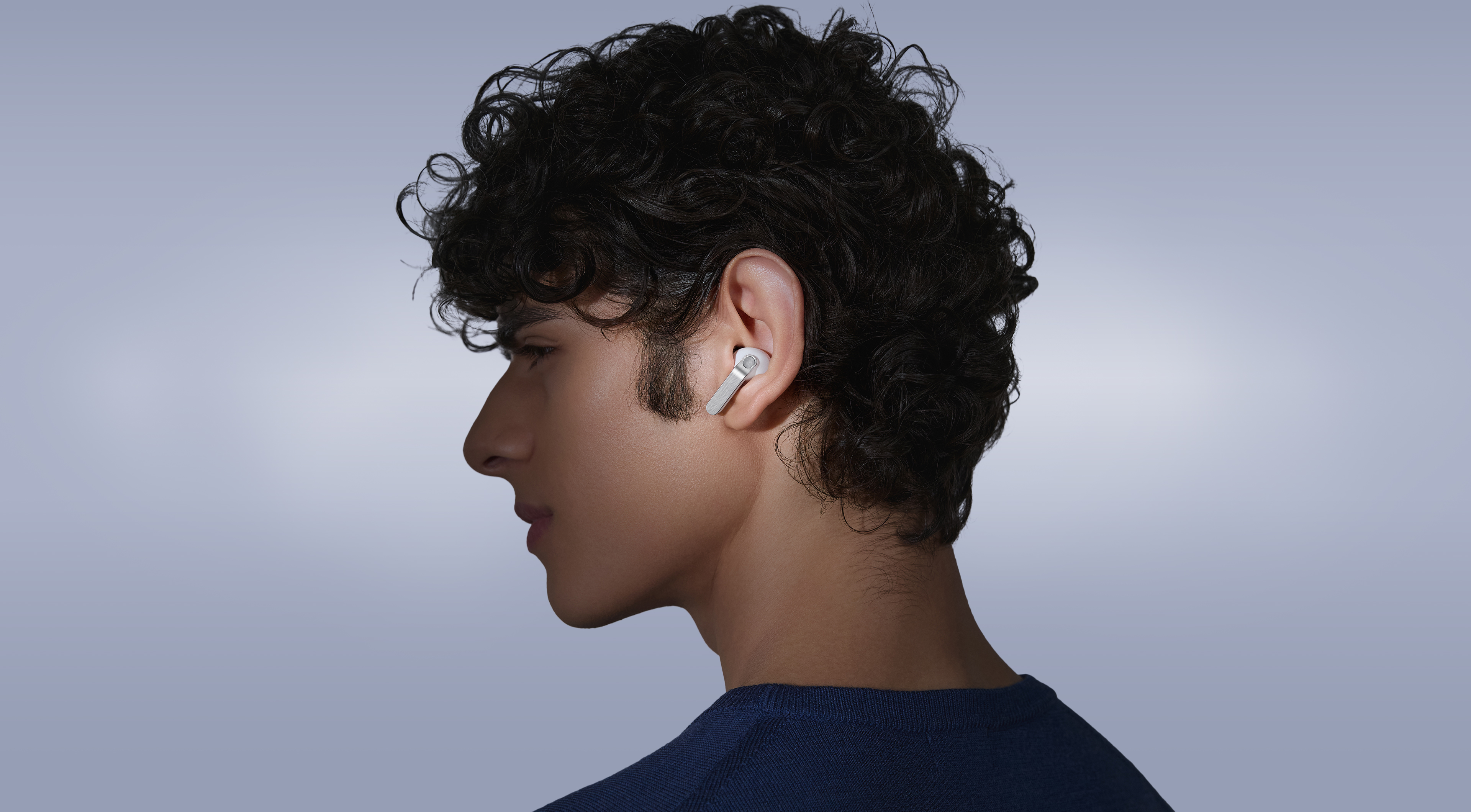
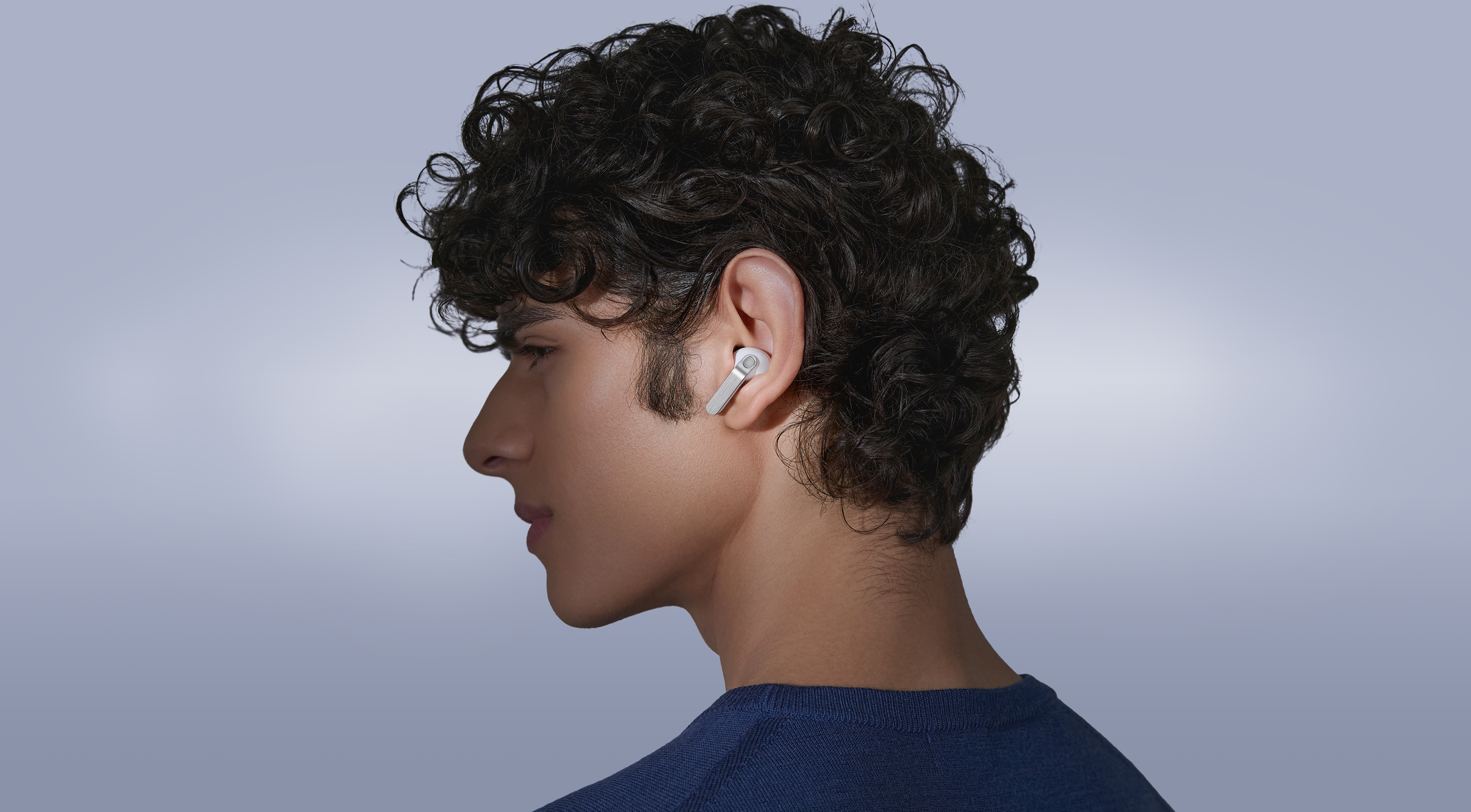
The real metal blade defines both design and control. Finely sculpted from aluminum and perfected to create an impeccable hairline, Galaxy Buds4 Pro shines elegantly, turning heads. Finished in timeless colors, it presents a classic look that feels sophisticated yet versatile. Shaped for lasting comfort and stability, the surface that touches your ears feel naturally comfortable to provide a secure fit. From docking and charging to control, every interaction flows seamlessly through an ergonomic design.
-
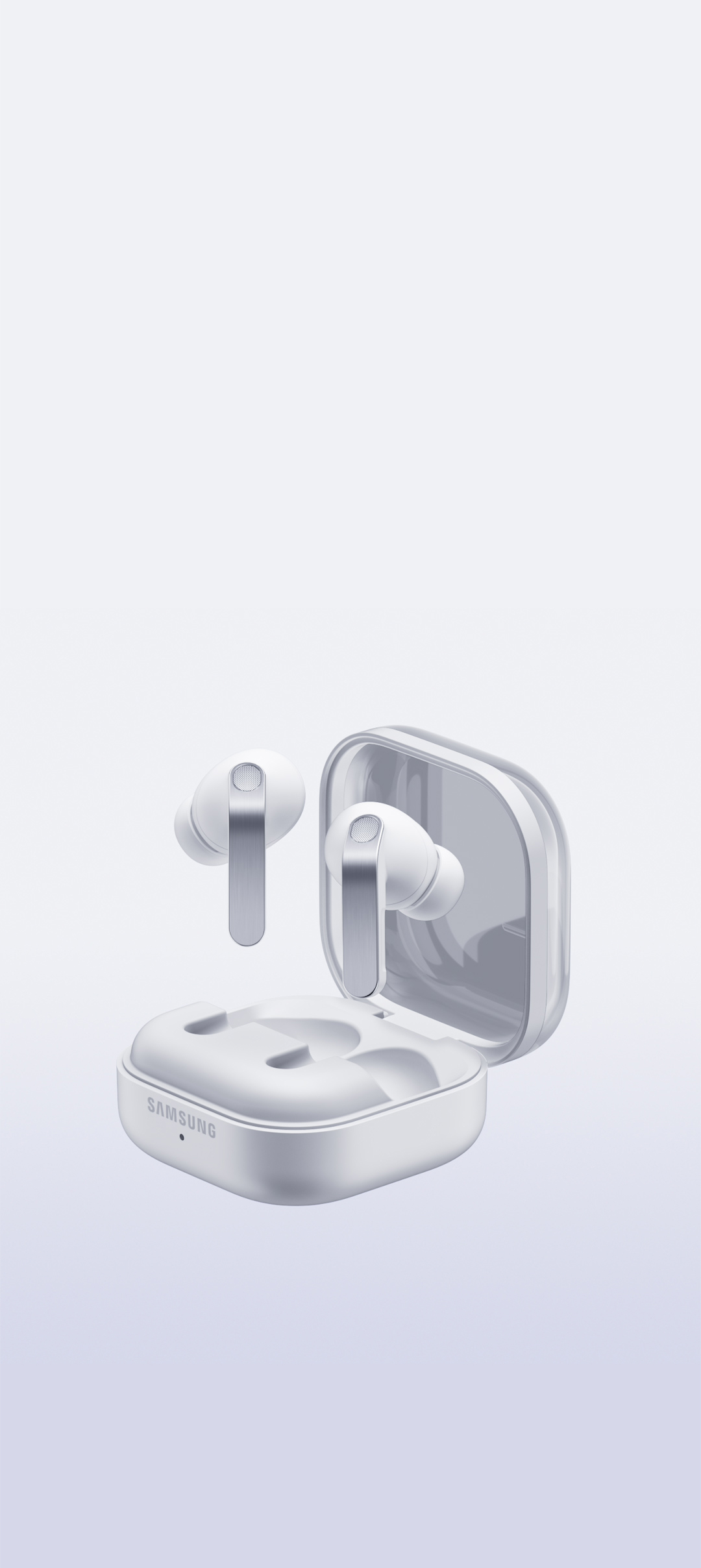
Colors White View MoreClose Color information layer
Colors
WhiteSamsung.com only
White

Black


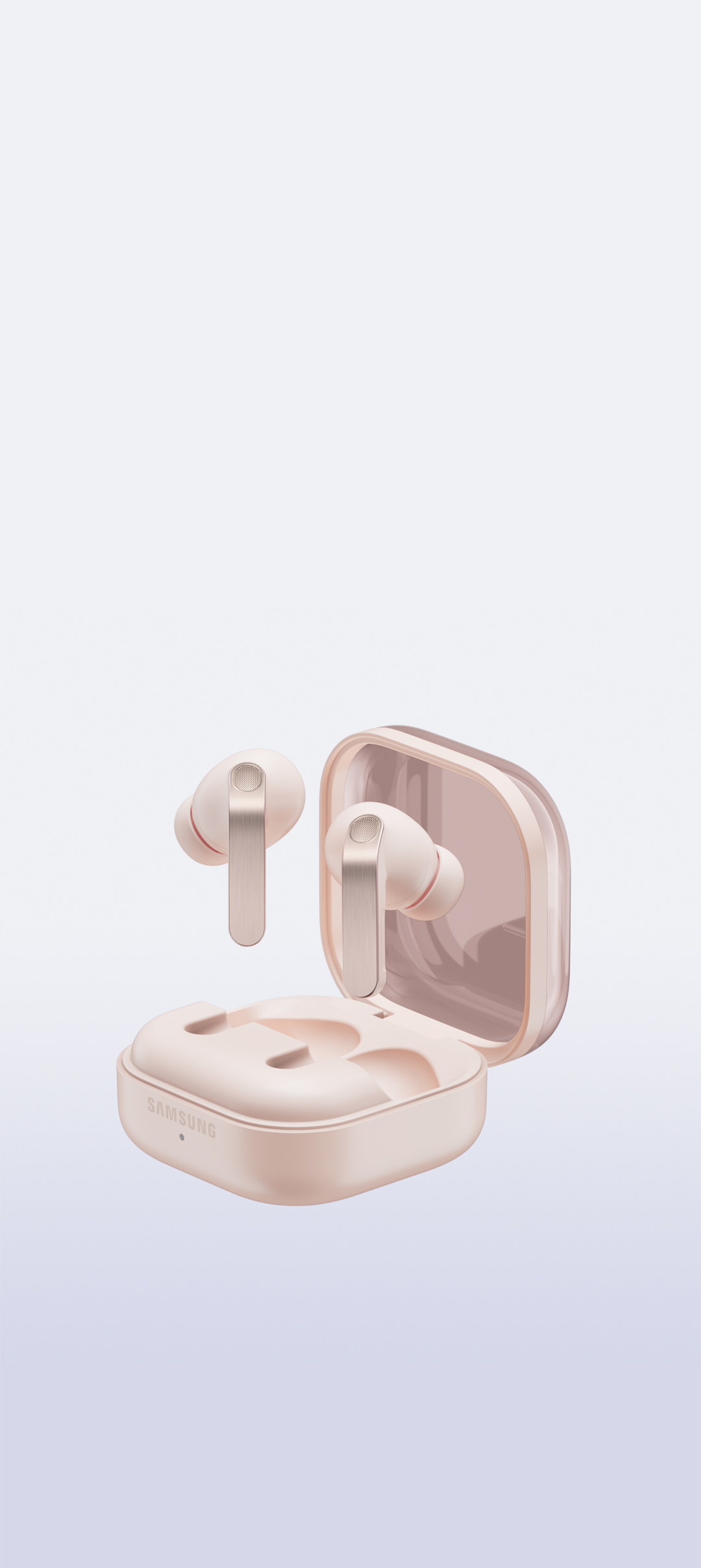
Pink Gold

-
-


-
Pinch Control View MoreClose Pinch Control information layer
Pinch Control
Now with the upgraded Pinch Control, you can manage your media or control the volume with just your index finger — no need to reach for your phone.


- Single pinch
- Double pinch
- Swipe up or down
- Pinch and hold
- Single pinch
- Double pinch
- Swipe up or down
- Pinch and hold

Unveil the artistry of
full-spectrum Hi-Fi sound

ADVANCED 2-WAY SPEAKER
Hi-Fi sound.
Hear the full range
Meet the true Hi-Fi Galaxy Buds. The advanced 2-way Speaker paired with dedicated Dual Amp is meticulously tuned to achieve high-fidelity sound across the full spectrum. Bring the studio-scale listening system to your ears, wherever you are.


ADVANCED WIRELESS AUDIO
Hear every layer come alive
Hear every layer come alive with extended bit depth and high sampling rates. Samsung Seamless Codec (SSC) supports 24-bit / 96 kHz audio to preserve the original sound with vast amount of information, while optimized data transmission control enables a stable listening experience with reduced audible artifacts or dropouts. Turn on the Ultra High Quality Audio (UHQ) option on your Galaxy smartphone and rediscover your favorite songs in full detail.,,
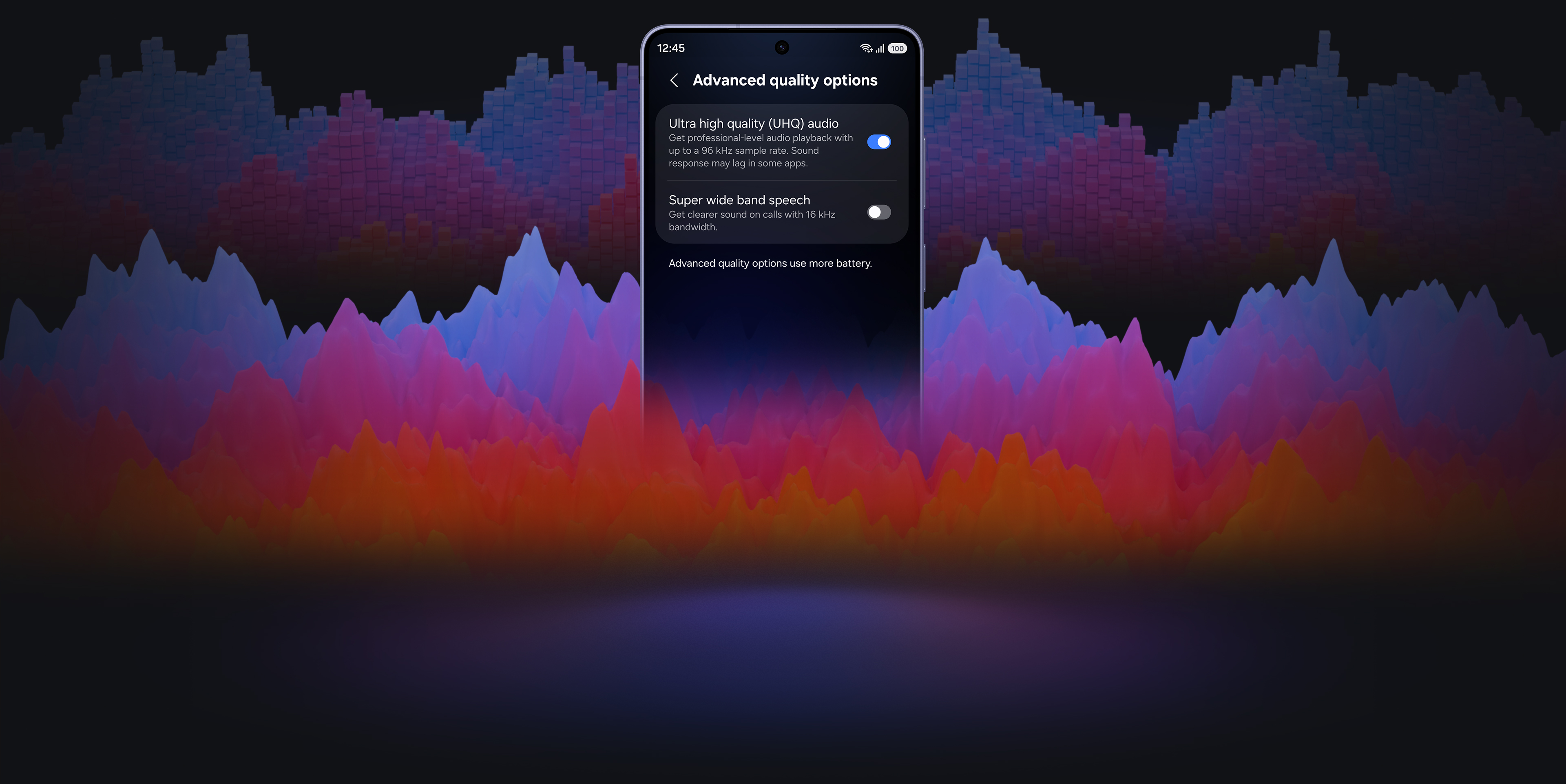
24-bit / 96 kHz Samsung Seamless Codec - UHQ
ADAPTIVE EQUALIZER
Tailor Hi-Fi sound your way
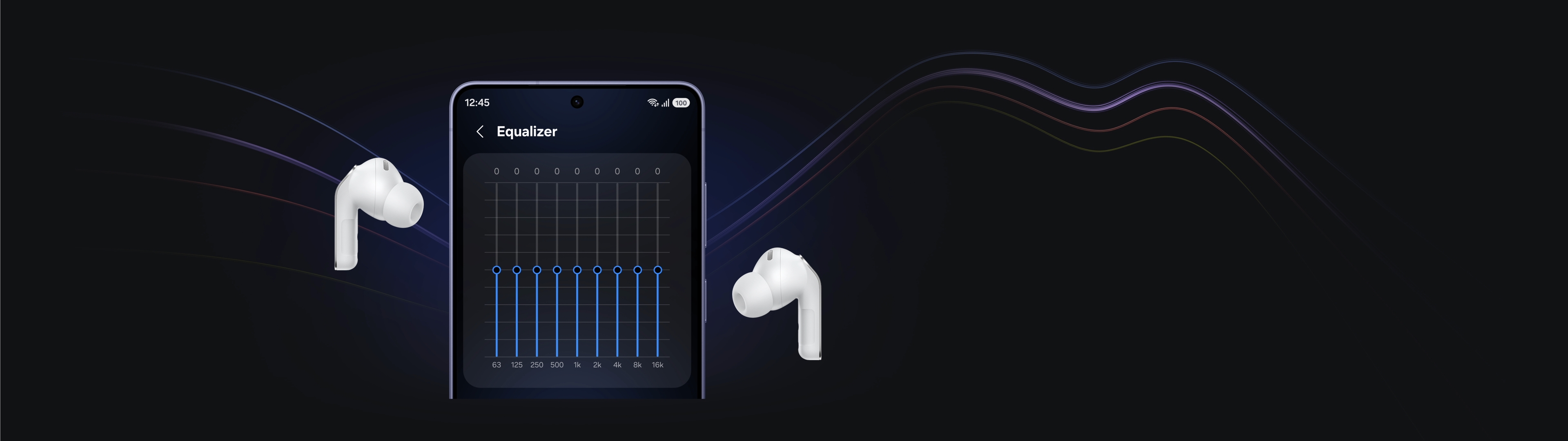
Take a step closer to the ultimate in audio. Customize bass, treble and tone with the 9-Band Equalizer to match your preference, creating a sound signature tailored just for you. Galaxy Buds4 Pro also optimizes sound adaptively to your ear shape and wearing style, ensuring a consistent listening experience as your ears perceive it — even when you adjust the volume.
SUPER CLEAR CALL
Super Clear Call, even in noise
Even your calls are clear like Hi-Fi audio. Your voice is clearly captured by 6 microphones positioned around your head, intelligently isolating it from the background sound with advanced Deep Neural Network (DNN). The exceptionally clean voice signal is transmitted with pure effortlessness through Super Wideband (SWB) up to 16 kHz between your Galaxy Buds4 Pro and Galaxy smartphone. Hear and be heard, loud and clear — even in noisy moments.,,
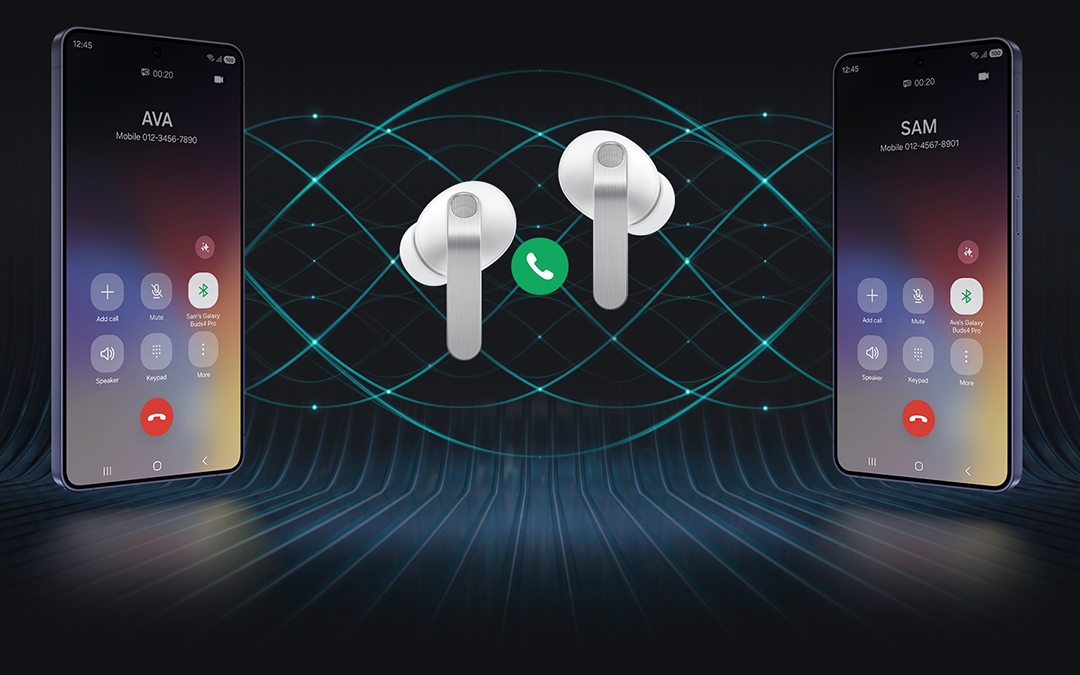
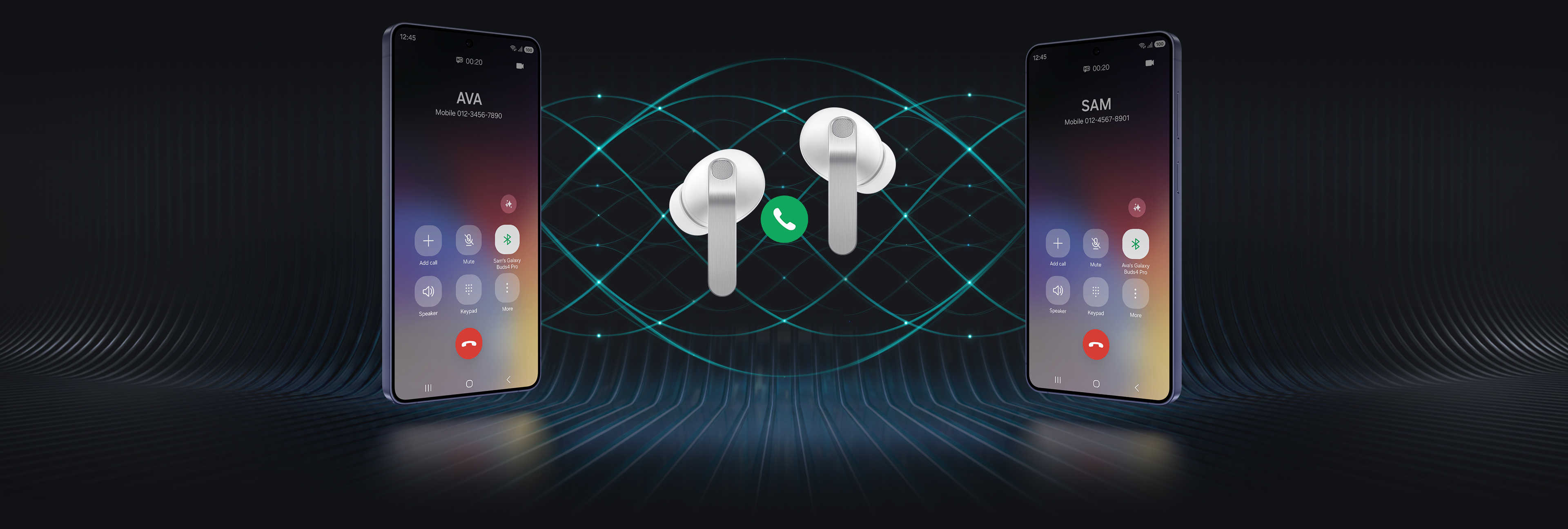
Two Galaxy smartphones are on each side with a pair of white, Galaxy Buds4 Pro in the middle. Between the earbuds is a phone call icon. The smartphone on the left shows the call screen with the name 'Ava' and the smartphone on the right shows the call screen with the name 'Sam'. In the background are multiple waves showcasing the Super Clear Call feature available on Galaxy Buds4 Pro.
360 AUDIO
Surround yourself in sound
Expand your soundstage from stereo into a grand orchestral hall or a large arena, placing you at the center of a live performance with a single touch. Feel every instrument and vocals in three dimensions, surrounding you with natural depth and spacious clarity. You don't just hear the music — you're enveloped by the atmosphere all around you.
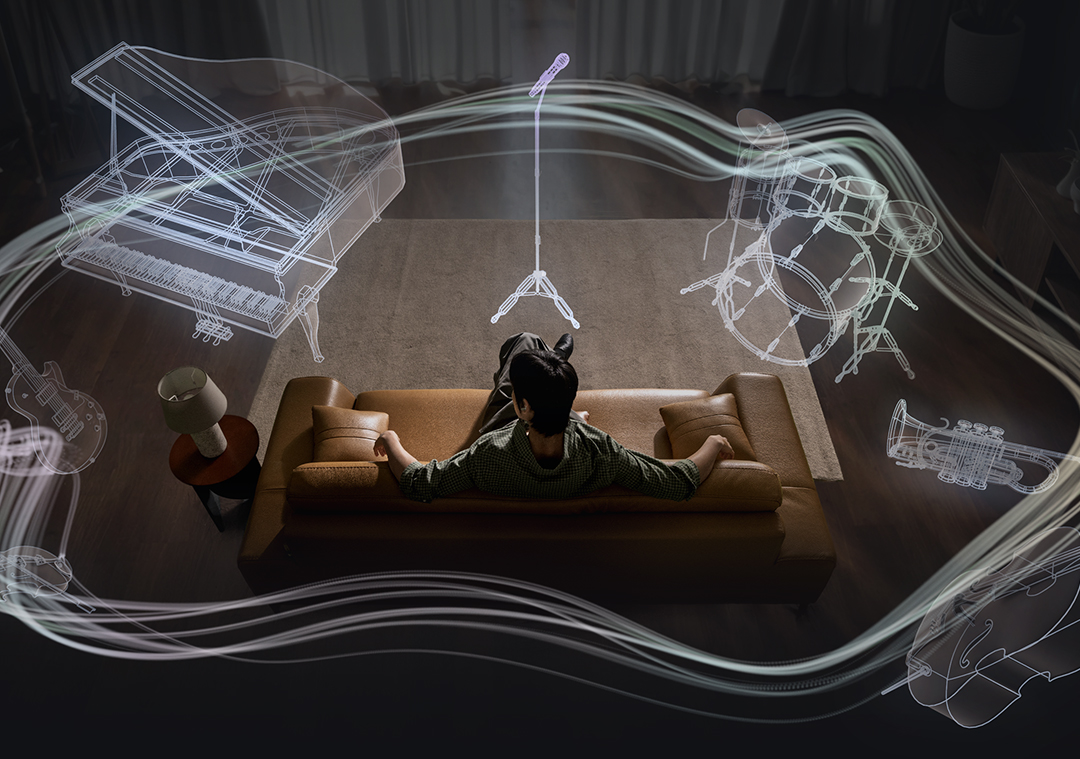

A man sitting on a couch as a collection of instruments appear in a circle around him. The instruments include a mic with a mic stand, a drum set, trumpet, cello, violin, electric guitar and grand piano. The instruments are shown in outline, highlighting the 360 Audio system available on Galaxy Buds4 Pro.
Deeper immersion that adapts with you



ENHANCED ANC
Let Hi-Fi sound stay vivid
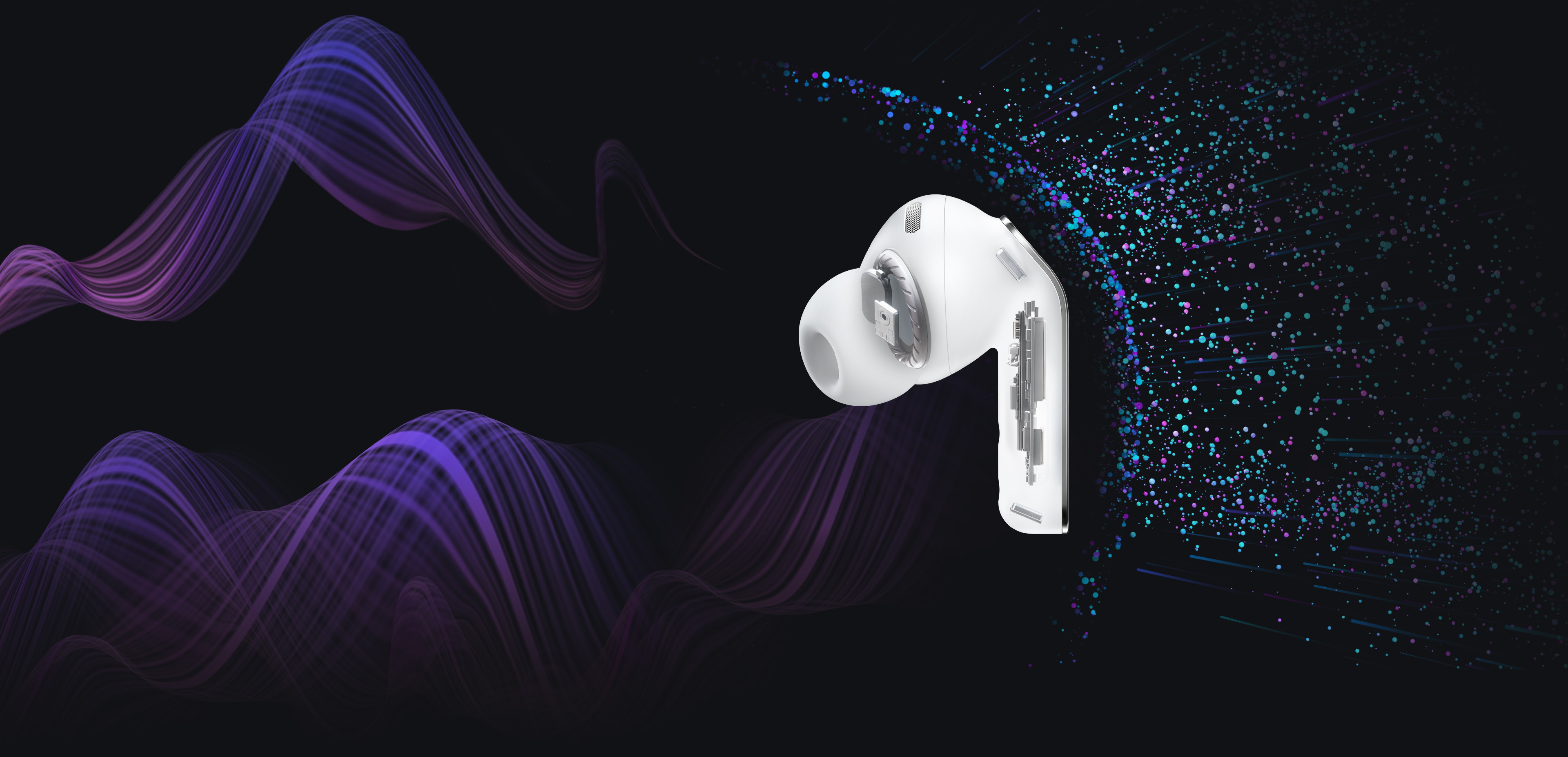
With its top-notch high-fidelity sound system, Galaxy Buds4 Pro achieves precise noise control. Distractions fade in real-time as the Active Noise Canceling (ANC) algorithm instantly processes and adapts to your ear shape and fit. Listen to vivid, layered and deeply engaging Hi-Fi sound wherever you are.
ADAPTIVE NOISE CONTROL
Stay immersed, stay connected
Manage your listening experience your way. Galaxy Buds4 Pro adjusts the levels of ANC and ambient sounds in real-time, adapting to your environment — whether you're sensitive to noise or prefer more blending. Stay more immersed in the music while remaining connected to the world around you.





-
ONE UI 8.5
Now, everything flows as one in One UI
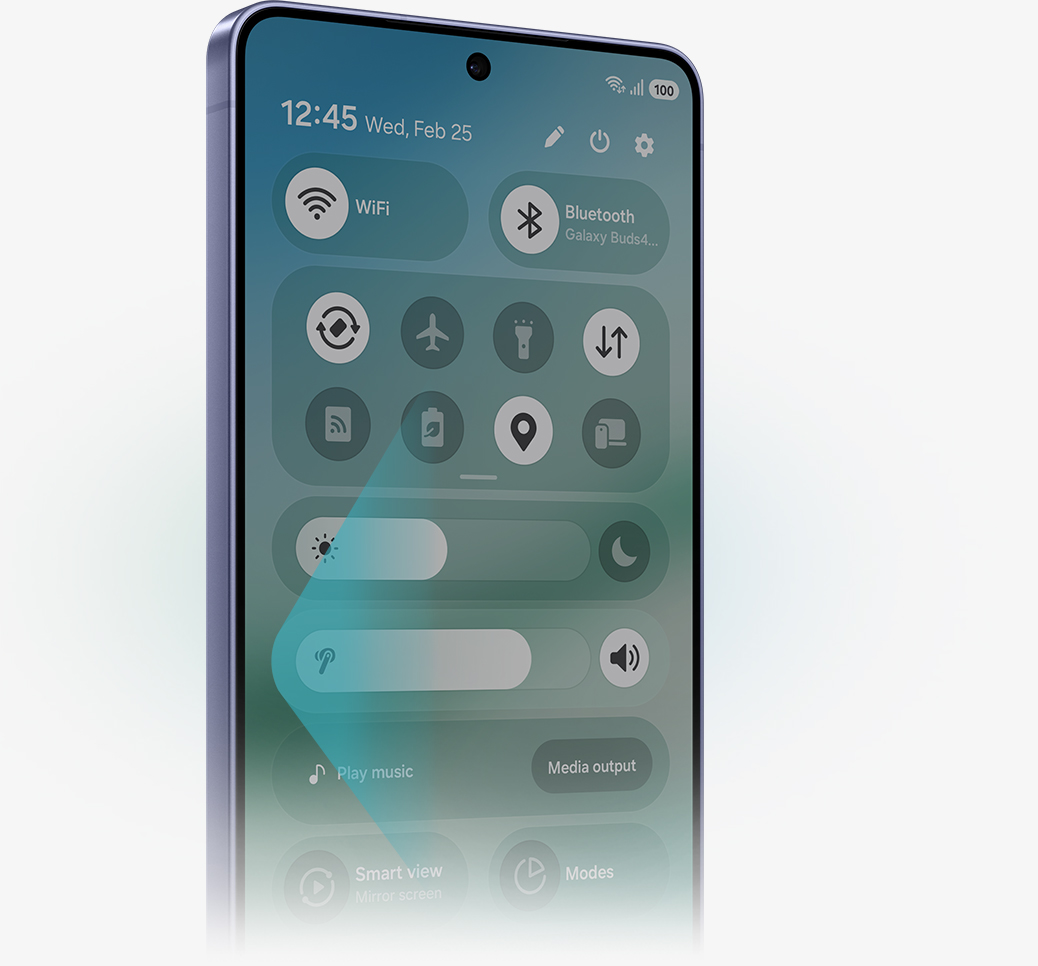
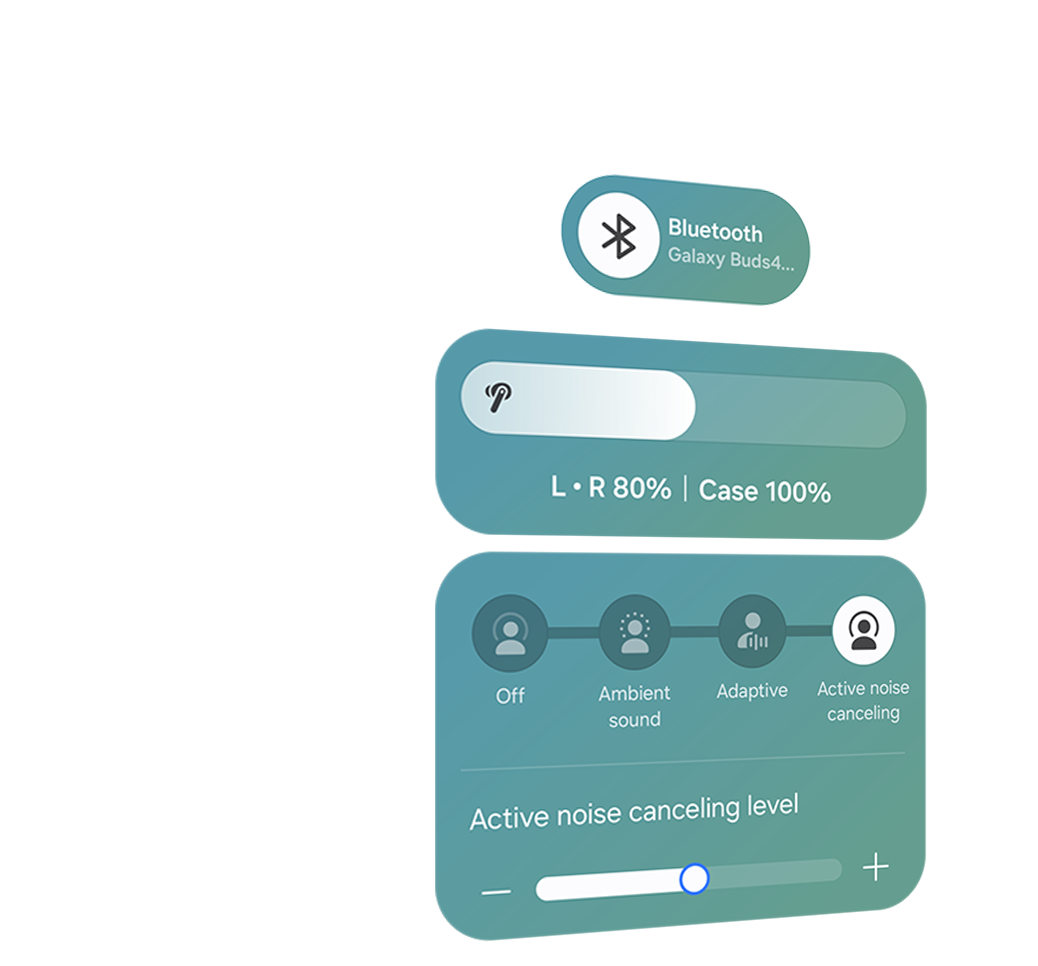
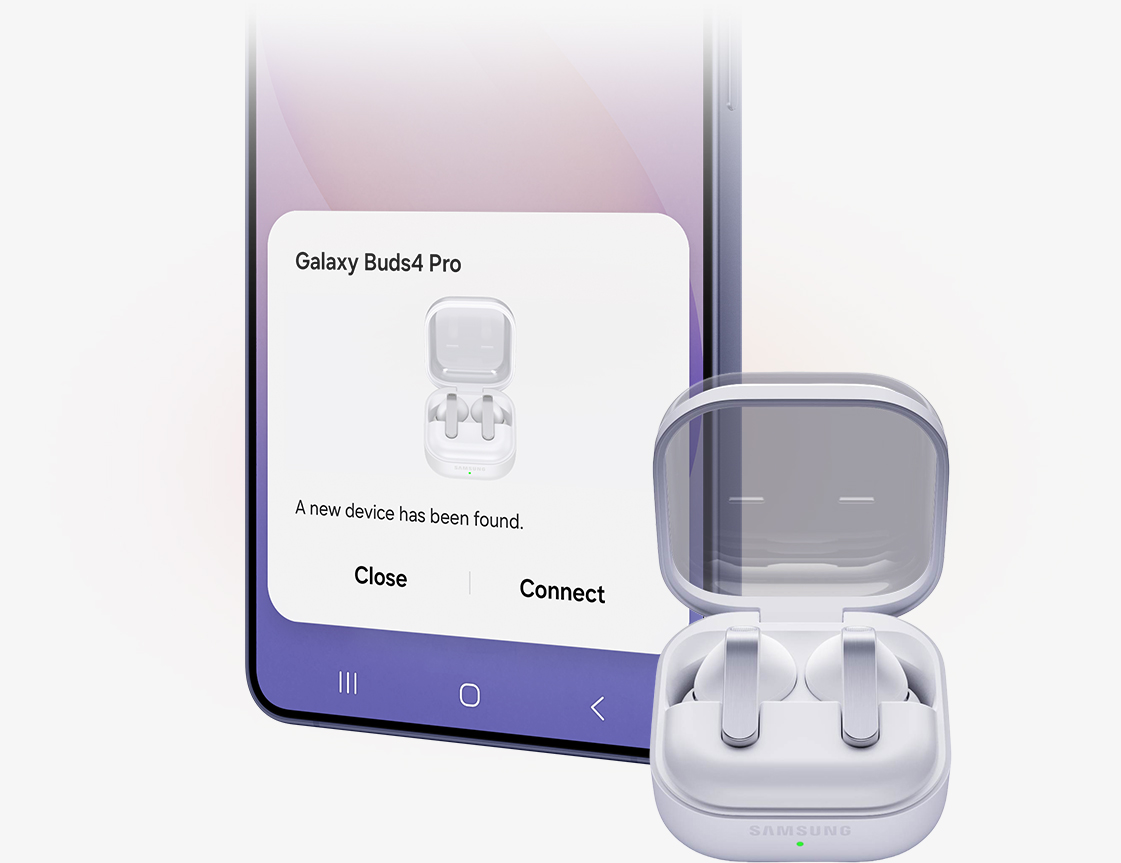
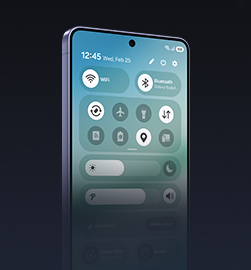
The evolved One UI 8.5 creates a deep connection between your Galaxy Buds and Galaxy smartphone, almost like a duet. Control has never been more intuitive — manage features from the device settings, without downloading a separate app. From the Quick Panel, you can easily access features and also set and save sound preferences for each app.,,

INTERPRETER
Personal AI Translator in your ear
Break language barriers with a personal AI translator in your ear. Fully engage in the moment with Galaxy AI-powered Interpreter — hear it through Galaxy Buds4 Pro and read it on your Galaxy smartphone. Galaxy AI steps in to ensure clear communication across different languages.,,


VOICE-READY AI AGENT
Just talk to wake your AI agents
Ask for assistance with just your voice — no phone-pulling required. Simply speak to AI agents such as Bixby to get answers to questions or manage tasks instantly without slowing you down.,,



A rearview shot of a woman using a single, white Galaxy Buds4 Pro. Nearby, a text bubble asking AI, 'What is a moon jar?' Below the text bubble is a separate bubble with the response 'A moon jar is a large, round Korean white porcelain jar from the Joseon dynasty, whose softly swollen, almost spherical body and milky-white glaze evoke the appearance of a full moon.' Below is a list of the key points of a moon jar.

AUTO SWITCH
Switch instantly between Galaxy devices
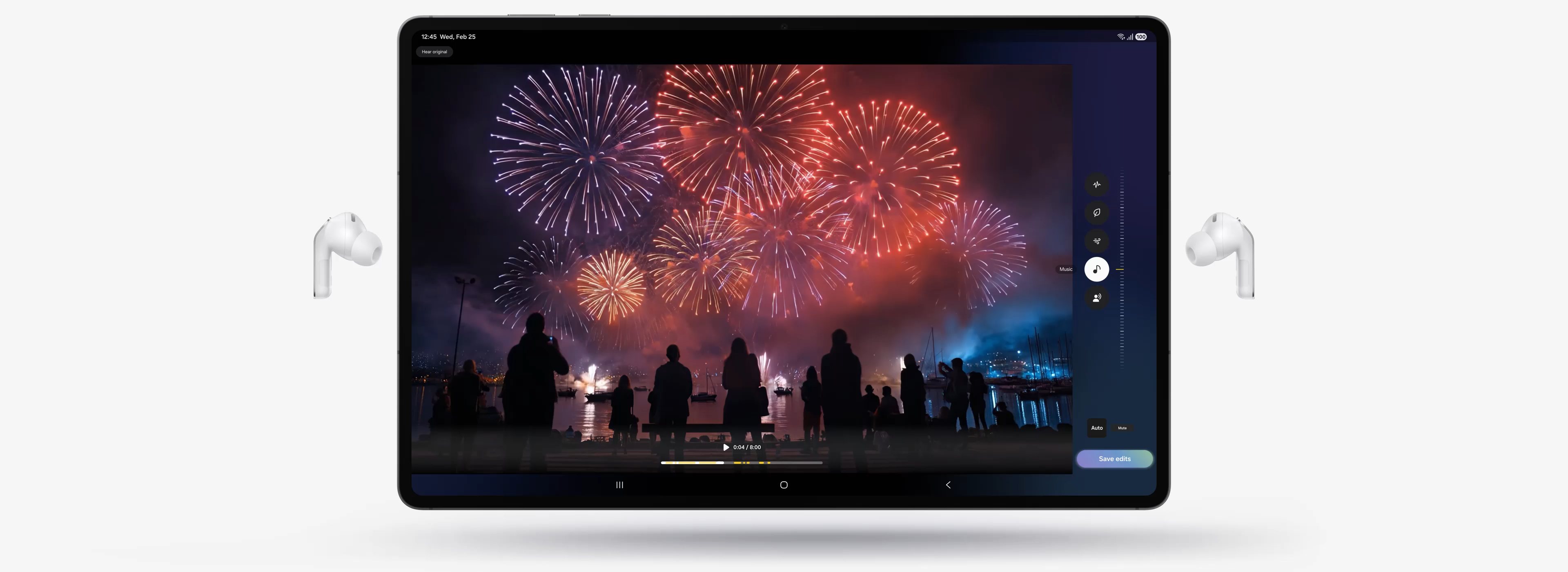
Auto Switch shifts your audio to the most pressing task at hand. Take a call on your Galaxy smartphone while focusing on your creative project on your Galaxy Tab or Galaxy Book. Jump right back to where you left off, the instant you hang up. The experience is seamless across your Galaxy devices.,
Key takeaways at a glance
Advanced
2-way Speaker
Ultra High Quality
Audio with
24-bit / 96 kHz
Super Clear Call
Iconic in metal

One UI 8.5
Advanced
2-way Speaker
Ultra High Quality
Audio with
24-bit / 96 kHz
Super Clear Call
Iconic in metal
One UI 8.5


GALAXY ECOSYSTEM
Pair up with our all-new AI phone
Add Galaxy S26 Ultra and Galaxy Watch Ultra to your everyday life to spark excitement — from listening to Hi-Fi audio with an improved codec and stable Bluetooth 6.1 connection, to paying more attention to your sleep quality and cardio health.
-
Galaxy S26 Ultra
Learn more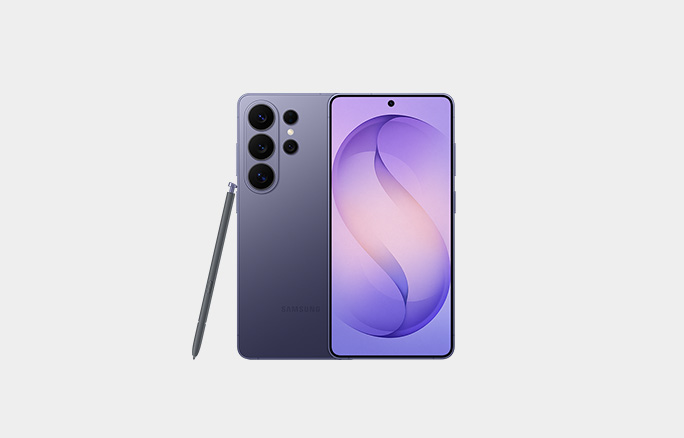
-
Galaxy Watch Ultra
Learn more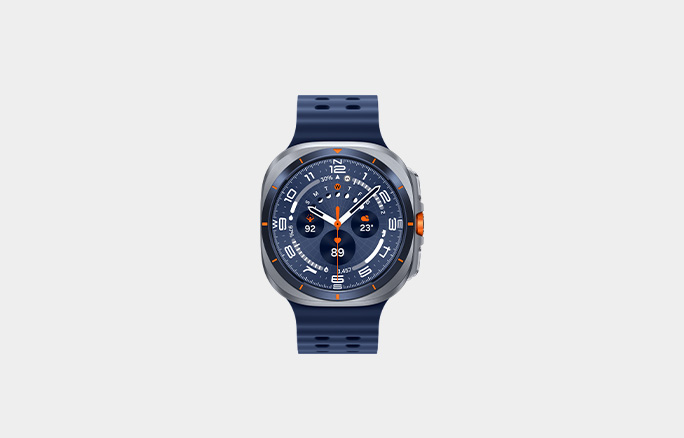
Galaxy Buds4 Pro Frequently Asked Questions
-
Galaxy Buds4 Pro delivers Hi-Fi audio with premium upgrades.
- Sound: The 2-way Speaker and Dual Amp reproduces sound that's true to the original recording. Samsung Seamless Codec (SSC) supports 24-bit / 96 kHz audio for improved fidelity and stability. With Adjust to fit option, you can enjoy music anywhere through sound that adjusts to your ear shape and wearing style. Plus, the Super Clear Call lets you communicate clearly through the noise.
- Design: The metal blade adds sophistication to the design, which is also upgraded for comfortable fit with an ergonomic shape and silicone ear tips. The Charging Case has a translucent cover, and is compact for portability.
- One UI: The seamless connection with Galaxy devices running the latest One UI 8.5 makes more things effortless with Galaxy Buds4 Pro. You can easily manage features from the device settings and Quick Panel without downloading a separate app.
-
The main differences between Galaxy Buds4 Pro and Galaxy Buds4 are as follows.
- Galaxy Buds4 Pro has an enhanced 2-way Speaker and a Dual Amplifier to reproduce Hi-Fi sound that's true to the original recording. And it comes with 3 sets of silicone ear tips in different sizes for sound delivery with less distortion. Features such as Voice Detect and Siren Detect are supported on Galaxy Buds4 Pro.
- Galaxy Buds4 produces balanced sound with a capable speaker and is optimized for everyday listening.
-
Galaxy Buds4 Pro comes with earbuds, ear tips (3 sets: S/M/L), Charging Case and the Quick Start Guide. USB Type-C cable is not included.
-
Yes, Galaxy Buds4 Pro includes 3 sets of ear tips in different sizes — small, medium and large.
- M-sized ear tips are attached to the earbuds by default.
- Change the size if you need to and find the fit that's comfortable to your ears.
-
-
Yes, Galaxy Buds4 Pro Charging Case can be charged wirelessly. Wireless charging pad is not included in the box and is sold separately.
-
No. The Charging Case for each Buds is shaped differently, making it incompatible between the two models.
-
You can use Pinch Control on Galaxy Buds4 Pro using your index finger. First, wear the earbuds and try the following actions:
- Single pinch: Pinch once to play or pause the track, answer or end a call and stop using features such as Read notifications aloud, Voice Detect and Siren Detect.
- Double pinch: Pinch twice to play the next track.
- Triple pinch: Pinch three times to play the previous track.
- Pinch and hold: Pinch and hold to turn on the preset feature or decline a call.
- Swipe: Swipe up or down using your index finger to adjust the volume.
-
-
Galaxy Buds4 Pro has two dedicated amplifiers for each speaker driver in the advanced 2-way Speaker for intricate control, minimizing interference. This separate operation makes meticulous tuning possible to produce high-quality sound.
-
-
SSC - UHQ supports up to 24-bit / 96 kHz and is available on Galaxy smartphones and Galaxy Tab. More devices may be supported in the future.
-
When you're on a phone call with Galaxy Buds4 Series in your ears, you can hear and be heard, loud and clear, even in noisy moments.
-
-
If you're using Galaxy devices running on One UI 8.0 or later, you can control Galaxy Buds4 Series without downloading any additional apps. Pair your Buds with your Galaxy device instantly and enjoy your listening experience.
- On Galaxy devices running on One UI 8.0 or later, certain features can be controlled from the Quick Panel or you can manage Galaxy Buds4 Pro in more detail from your phone's device settings without downloading any additional apps.
- For Galaxy devices running on earlier versions of One UI, configurations can be found in the Galaxy Wearable app.
-
Galaxy AI provides swift interpretation — hear it through Galaxy Buds4 Pro and read it on your Galaxy smartphone. Keep your earbuds on, even when you're talking with a person that speaks in another language.
-
Compare Galaxy Buds
-
Latest Products
More Galaxy
-
Latest Products
More Galaxy
Key Specs,,,
-
Speaker
-
Speaker
-
Speaker
-
Amplifier
-
Amplifier
-
Amplifier
-
Bluetooth Codec
-
Bluetooth Codec
-
Bluetooth Codec
-
Bluetooth Ver.
-
Bluetooth Ver.
-
Bluetooth Ver.
-
MIC
-
MIC
-
MIC
-
Super Clear Call
-
Super Clear Call
-
Super Clear Call
-
360 Audio
-
360 Audio
-
360 Audio
-
Active Noise Cancellation
-
Active Noise Cancellation
-
Active Noise Cancellation
-
Adaptive Noise Control
-
Adaptive Noise Control
-
Adaptive Noise Control
-
Adaptive EQ/Adaptive ANC
-
Adaptive EQ/Adaptive ANC
-
Adaptive EQ/Adaptive ANC
-
Volume EQ
-
Volume EQ
-
Volume EQ
-
Galaxy AI availability
-
Galaxy AI availability
-
Galaxy AI availability
-
LE Audio
-
LE Audio
-
LE Audio
-
Auracast
-
Auracast
-
Auracast
-
Swipe Control
-
Swipe Control
-
Swipe Control
-
Pinch Control
-
Pinch Control
-
Pinch Control
-
Head Gesture
-
Head Gesture
-
Head Gesture
-
Play time
-
Play time
-
Play time
- Devices sold separately.
- Availability of colors may vary by country or carrier. Pink Gold color sold exclusively online at Samsung.com.
- Wireless charger and cable sold separately.
- Based on global ear data research conducted by Samsung Design Innovation Center.
- The new wider woofer on Galaxy Buds4 Pro has 19.8% larger diaphragm compared to Galaxy Buds3 Pro.
- Ultra High Quality Audio (UHQ) up to 24-bit / 96 kHz is available on Galaxy S26 Series, S25 Series, S24 Series, S23 Series, Z Fold7, Z Flip7, Z Fold6, Z Flip6, Z Fold5, Z Flip5 and Tab S11 Series, Tab S10 Series, Tab S9 Series with One UI 6.1.1 or above. Additional devices may be supported in the future.
- UHQ is off by default and can be configured directly in the phone settings for devices running One UI 8.0 and later. For devices running on earlier versions of One UI, configurations can be found in the Galaxy Wearable app.
- 360 Audio is only available on Samsung Galaxy smartphones and Galaxy Tab devices with Android One UI version 3.1 or later, and selected Samsung TV models. Supported Samsung TV models include: Neo QLED 8K (QN900D, QN800D), Neo QLED 4K (QN95D, QN90D, QN87D, QN85D), OLED (S95D, S90D, S85D), QLED (Q80D, Q70D). Support for 360 Audio and head tracking may vary depending on the application and content.
- Super wideband (SWB) call is available on Galaxy S26 series, S25 series, Z Fold7, Z Flip7, Z Fold6, Z Flip6, A56, Tab S11 series and Tab S10 series with One UI 6.1.1 or above. Additional devices may be supported in the future. Super wideband call is available regardless of the call app. SWB may not be supported depending on the mobile network between devices.
- Each earbud contains three microphones (six in total across the device). The advanced DNN technology processes audio independently on each earbud, with no interaction between them.
- Adaptive Noise Control, Voice Detect and Siren Detect are off by default, and can be configured directly in the phone settings for devices running One UI 8.0 and later. For devices running on earlier versions of One UI, configurations can be found in the Galaxy Wearable app.
- Bluetooth must be turned on to pair Galaxy Buds4 Pro with Galaxy smartphone and Galaxy Tab.
- UnifiedMgr module may need to be downloaded based on the version of One UI. For devices running on One UI versions below 8.0, Galaxy Wearable app needs to be downloaded.
- Connecting Samsung Galaxy Buds4 Pro as Bluetooth Audio is available regardless of OS but to configure advanced settings on the Galaxy Wearable app, Samsung Galaxy Buds4 Pro must be paired with a smartphone with Android 12.0 or above and minimum 1.5 GB Memory.
- Samsung Account login is required to activate and change Galaxy Buds4 Pro settings on the Galaxy Wearable app.
- Samsung Account login is required to activate and change Galaxy Buds4 Pro settings. For devices running on One UI 8.0 or later, settings can be configured directly in the phone settings. For devices running on earlier versions, configurations can be found in the Galaxy Wearable app. Additionally, to use the Galaxy Wearable app, Samsung Galaxy Buds4 Pro must be paired with a smartphone running Android 12.0 or above with at least 1.5 GB of memory. Galaxy Wearable app is not supported on iOS.
- Connecting Samsung Galaxy Buds4 Pro as Bluetooth Audio is available regardless of the OS.
- Interpreter is available on smartphone devices with Galaxy AI features included, running on One UI 6.1.1 or later.
- Galaxy Buds4 Pro supports Galaxy AI features such as Interpreter and Live Translate when paired with compatible Samsung Galaxy devices. Availability of Galaxy AI features may vary by device model. Samsung Account login may be required to use certain Samsung AI features. Samsung does not make any promises, assurances or guarantees as to the accuracy, completeness or reliability of the output provided by AI features. Supported languages (Regions) are Arabic, Bahasa Indonesia, Chinese Simplified, Chinese Traditional (Hong Kong, Taiwan), Dutch, English (Australia, India, United Kingdom, United States), French (Canada, France), German, Hindi, Italian, Japanese, Korean, Polish, Portuguese (Brazil, Portugal), Romanian, Russian (Russian Federation), Spanish (Mexico, Spain, United States), Swedish, Thai, Turkish, Vietnamese, Tagalog, Gujarati. More languages will be added in future updates.
- Voice wake-up is off by default, and can be configured directly in the phone settings for devices running One UI 8.0 and later. For devices running on earlier versions of One UI, configurations can be found in the Galaxy Wearable app.
- Bixby is supported on most Samsung Galaxy smartphones and Galaxy Tab devices. Bixby provides real-time answers on devices running on One UI 8.5 or later. Service availability may vary by country, service provider, device model and OS version.
- Bixby supports 9 languages: Korean, English, German, French, Italian, Spanish, Portuguese, Chinese (Simplified) and Japanese.
- Head Gesture is off by default, and can be configured directly in the phone settings for paired devices running One UI 8.5 and later.
- Supported apps may vary by country. Gestures can be set by the user.
- Auto Switch feature is only available on Samsung Galaxy Book series with One UI 6.0 Book or later, Samsung Galaxy smartphones and Galaxy Tab devices with One UI 4.1.1 or later and Galaxy Watch4 series or later. Samsung Galaxy devices must be logged in to Samsung Account to enable the Auto Switch feature. Auto Switch feature for Samsung TV is only available on Samsung TVs launched Feb ’22 or later after getting a firmware update from Jul ’22. Auto Switch with TV is only available for making and receiving phone calls.
- Galaxy Buds4 Pro can be connected to iOS devices but cannot be controlled through the device as Galaxy Wearable app is not supported.
- Actual battery life may vary and depend on usage conditions, settings, number of times charged, Bluetooth signal strength, and other factors.
- Actual Play time may vary based on settings.
- Galaxy Buds use LC3 Codec when audio is transmitted over LE Audio. The availability of LE Audio may vary depending on the paired device and the audio features used. For LE Audio to function, the paired device must support it.
- Auracast™ is a trademark of Bluetooth SIG, Inc.
- IP57 is based on laboratory test conditions for submersion in up to 1 meter of fresh water for up to 30 minutes.
- Not advised for beach or pool use. Charging Case is not water resistant. If the earbuds are damaged, they are not guaranteed to be water resistant. If the earbuds or your hands are wet, they must be dried thoroughly prior to handling or placing into the Charging Case. If placed into the Charging Case without drying, the earbuds may be damaged.
Specifications
-
Earbud Weight (g)
5.1
-
Bluetooth Version
Bluetooth v6.1
-
Sensors
Accelerometer, Gyro Sensor, Hall Sensor, Pressure Sensor, Proximity Sensor, Touch Sensor, VPU(Voice Pickup Unit)
-
Number of MIC
6
-
Speaker
Enhanced 2-way
-
Ambient Sound
Yes
-
Adaptive Noise Control
Yes
-
Active Noise Cancellation
Yes
-
Voice Detect
Yes
-
360 Audio
Yes
-
Siren Detect
Yes
-
Adaptive EQ
Yes
-
Adaptive ANC
Yes
-
Super Wide Band
Yes
-
Bluetooth Version
Bluetooth v6.1
-
Bluetooth Profiles
A2DP, AVRCP, HFP, PBP, TMAP
-
LE Audio
Yes
-
Auto Switch
Yes
-
Accelerometer, Gyro Sensor, Hall Sensor, Pressure Sensor, Proximity Sensor, Touch Sensor, VPU(Voice Pickup Unit)
-
Earbud Dimension (HxWxD, mm)
30.9 x 18.1 x 19.6
-
Earbud Weight (g)
5.1
-
Case Dimension (HxWxD, mm)
51 x 28.3 x 51
-
Case Weight (g)
44.3
-
Durability
IP57
-
Talk Time (Hours, ANC On)
Up to 4.5
-
Total Talk Time (Hours, ANC On)
Up to 20
-
Music Play Time (Hours, ANC On)
Up to 6
-
Total Music Play Time (Hours, ANC On)
Up to 26
-
Talk Time (Hours, ANC Off)
Up to 5
-
Total Talk Time (Hours, ANC Off)
Up to 22
-
Music Play Time (Hours, ANC Off)
Up to 7
-
Total Music Play Time (Hours, ANC Off)
Up to 30
-
Earbud Battery Capacity (mAh, Typical)
61
-
Case Battery Capacity (mAh, Typical)
530
-
Samsung Find
Yes
-
Bixby Voice Wake-up
Yes
-
Neck Stretch Reminder
Yes
-
Voice Command
Yes
User manual & downloads
Solutions & Tips
- How to use Head gestures on the Samsung Galaxy Buds4 series
- Gear S3 Frontier: How do I download watch faces for my Samsung Gear S3 Frontier(SM-R760)?
- How to connect a Galaxy Watch to a smartphone
- Monitor your heart rate and blood pressure with the Galaxy Watch series
- Use the Samsung Find app to locate a lost device
* Key feature may different from Key Spec
* Images are for illustration purposes only and the accessories are sold separately.
* Features and specifications are subject to change without prior notification and may vary per country, please check in store for more details.
* Dimension: Size and weight may vary by the device's configuration and manufacturing process.
* Memory size: User memory is less than the total memory due to storage of the operating system and software used to operate the phones features. Actual user memory will vary depending on the mobile phone operator and may change after software upgrades are performed.
* External Memory may be used to store media (photos, video, and music files) but application storage on external device may be limited or unavailable on certain handset models.
* Data - Internet connection required. Data and subscription charges may apply. Content subject to availability in country.
* Notice to our customers - safe battery use (certain Mobile devices don’t have removable back covers and customer removable batteries - In this case the battery is a Service replaceable part and not a customer replaceable part and special tools are required).
* In case of repair, Devices without removable batteries should be booked with a Samsung Authorised Service Centre. Please purchase Samsung-branded batteries from reputable and approved sellers to ensure the batteries are not counterfeit.
* Galaxy AI basic features provided by Samsung are free. Future releases may include enhanced features or new services that are offered on a paid basis. Different terms may apply for AI features provided by third parties. Galaxy AI basic features are those services listed under "Advanced intelligence" in the current Samsung Services Terms and Conditions. For more details, visit: Terms
* Use only Samsung-approved accessories. Using unapproved accessories will not be covered by the warranty, and may cause performance problems and malfunctions as well as damage the device.
* Image of Galaxy Buds3 FE earbuds simulated for illustration purposes.
* Compatibility : Galaxy S21|S21+|S21 Ultra 5G, Galaxy S20|S20+|S20 Ultra, Galaxy Note20|20+, Galaxy Fold, Galaxy Z Fold2 5G, Galaxy Z Flip, Galaxy S20 FE, Galaxy S10e|S10|S10+, Galaxy Note10|10+, Galaxy Tab S7|S7+, Galaxy Tab S6, Galaxy Tab S6 Lite with OneUI 3.1 or higher