Unlock Your Samsung Galaxy with a previous screen lock method
Important Note: The information on this page is for Hong Kong products only. Models, sequences or settings will vary depending on location and/or where the product had been purchased. To be redirected to your local support page please click here.
Galaxy devices have a feature that allows you to unlock the screen by using a past screen lock method when you have forgotten or lost your current means (PIN, password, or pattern) for unlocking your device.
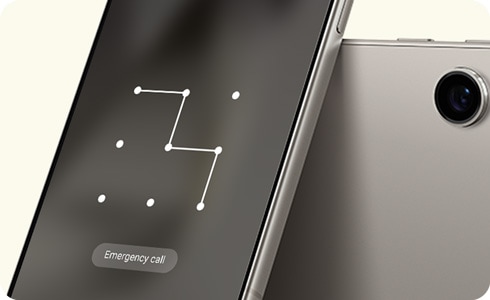
Notes:
- The unlocking function using the previous screen lock method (PIN, password, or pattern) is supported on Galaxy models equipped with One UI 6.1 or later.
- This function can be used once per screen lock type after changing your PIN, password, or pattern.
- After changing your screen lock PIN, password, or pattern, the previous screen lock data is stored for 72 hours and then deleted.
The “Forgot PIN/Password/Pattern” option on the lock screen is activated after 5 or more failed attempts to unlock the device. After using the "Forgot PIN/Password/Pattern" feature, if the previous lock method is entered incorrectly 3 times, no further attempts will be allowed.
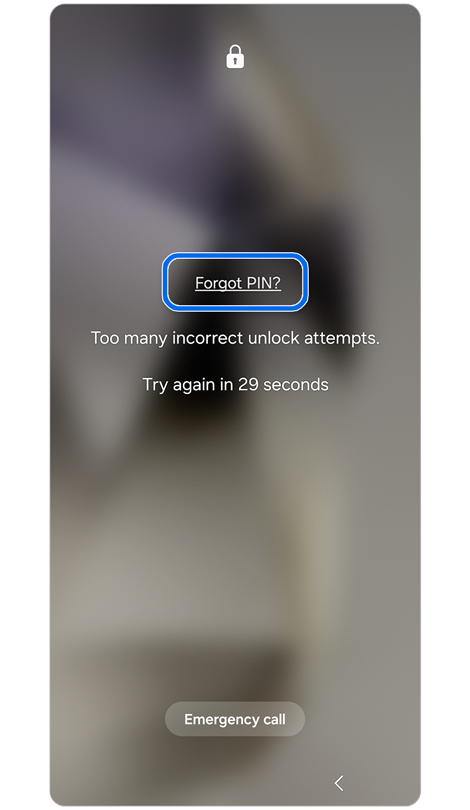
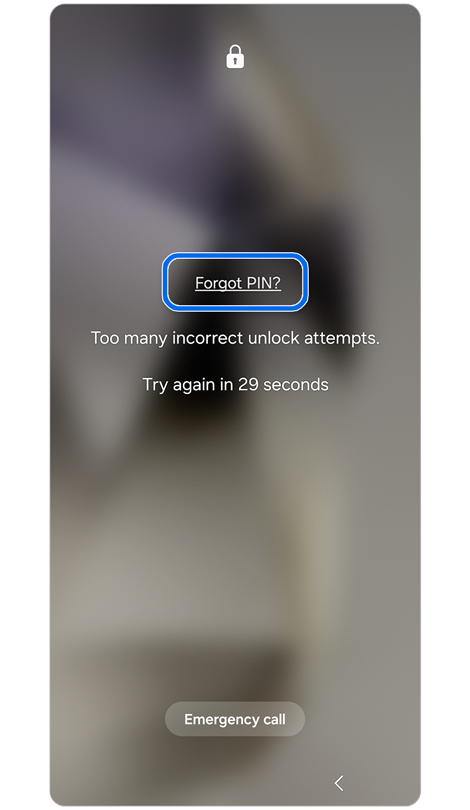
Step 1. Tap Forgot PIN? when the link appears.
* The link will refer to your screen lock type.


Step 2. Enter a previous PIN > Tap OK.
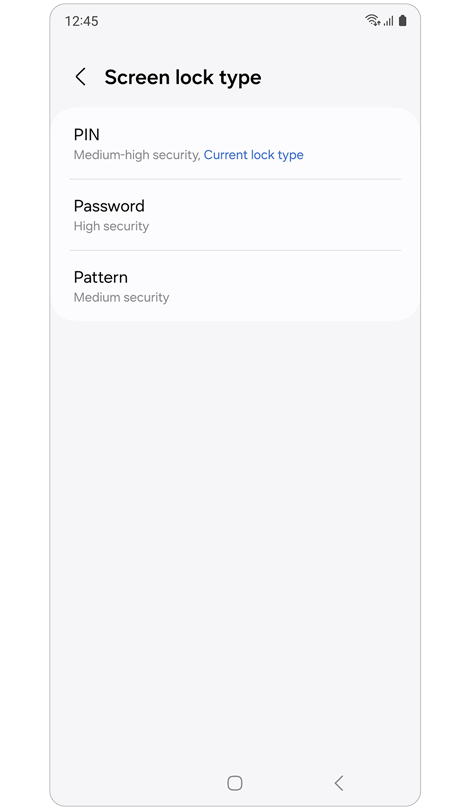
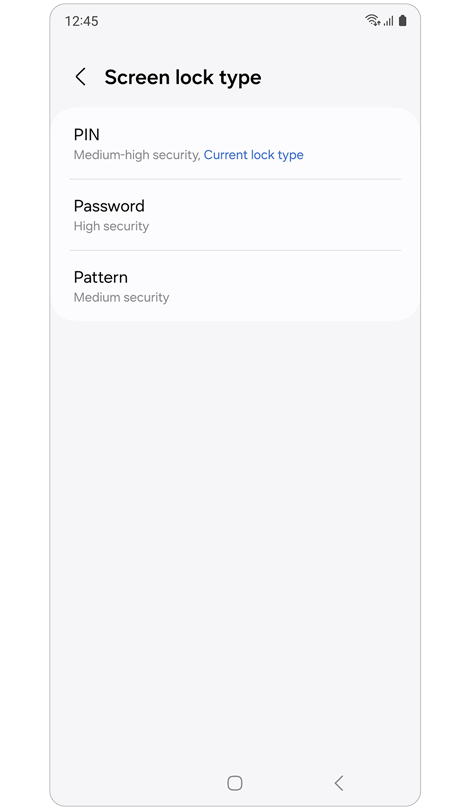
Step 3. To change your current screen lock, select a screen lock type.
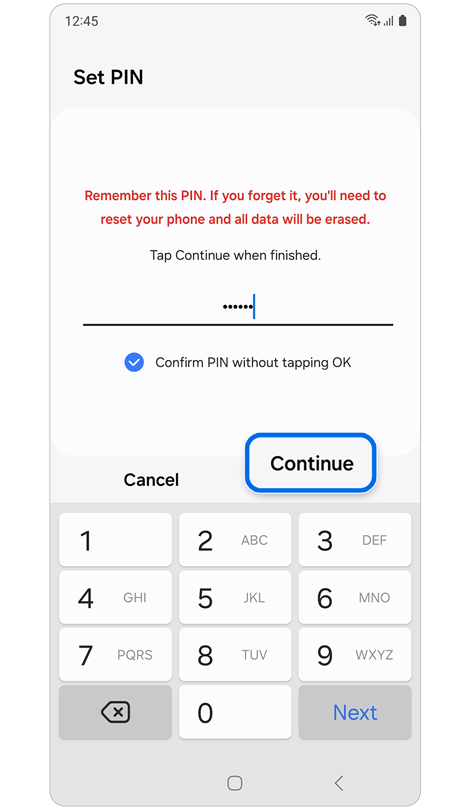
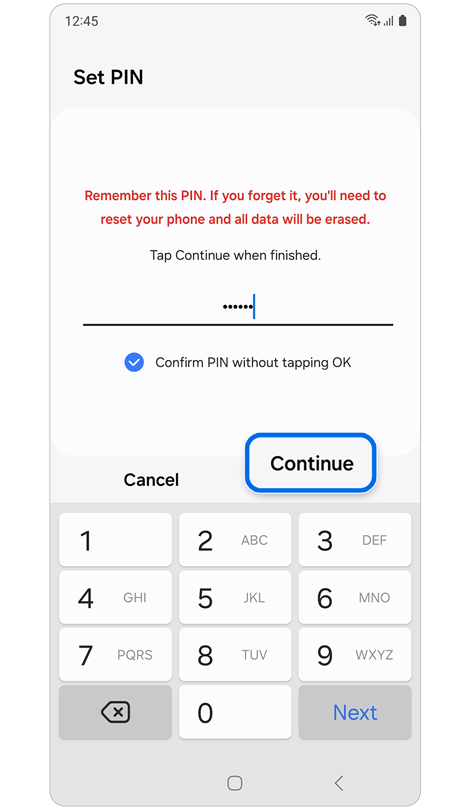
Step 4. Enter your new PIN, password, or pattern > Tap Continue.


Step 5. Re-enter your new PIN, password, or pattern > Tap OK.
If you do not wish to save the previous lock method (PIN/password/pattern), please refer to the instructions to delete it.


Step 1. Open Settings > Tap Lock screen and AOD.
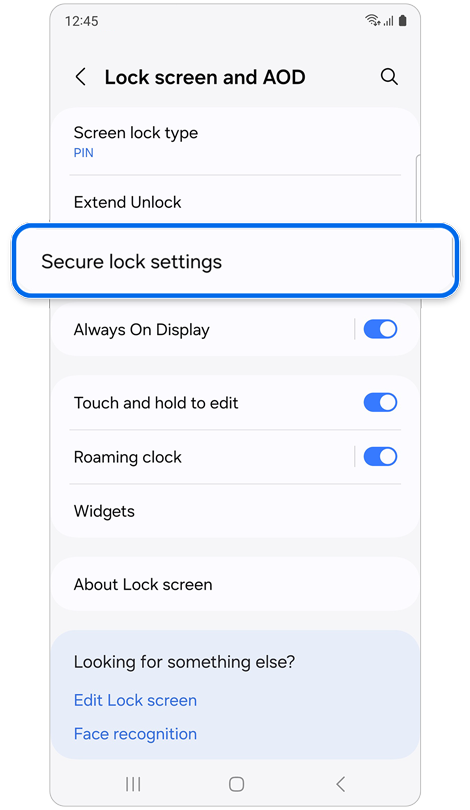
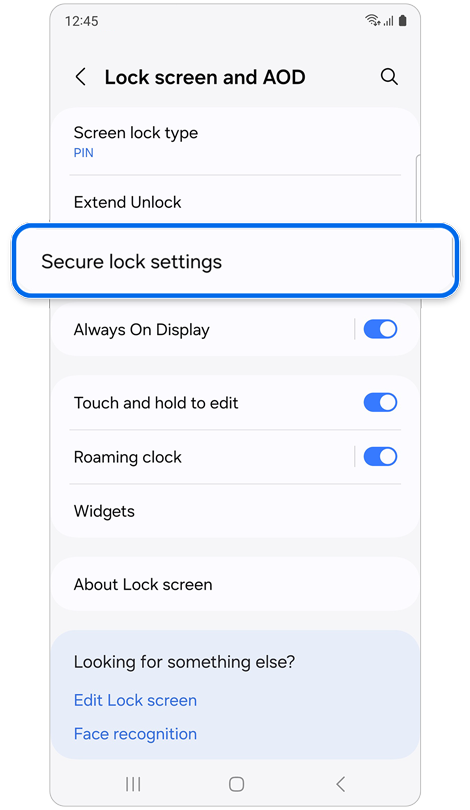
Step 2. Tap Secure lock settings > Enter your PIN, password, or pattern.
* The Secure lock settings button appears only if you have set a pattern, password, or PIN for the lock screen.
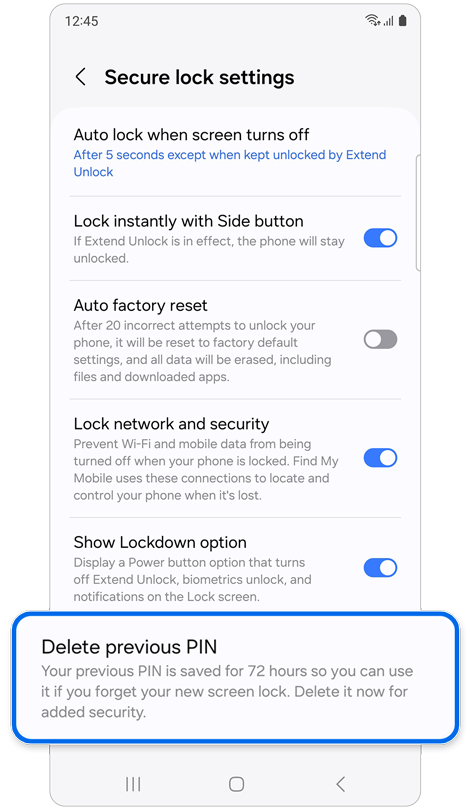
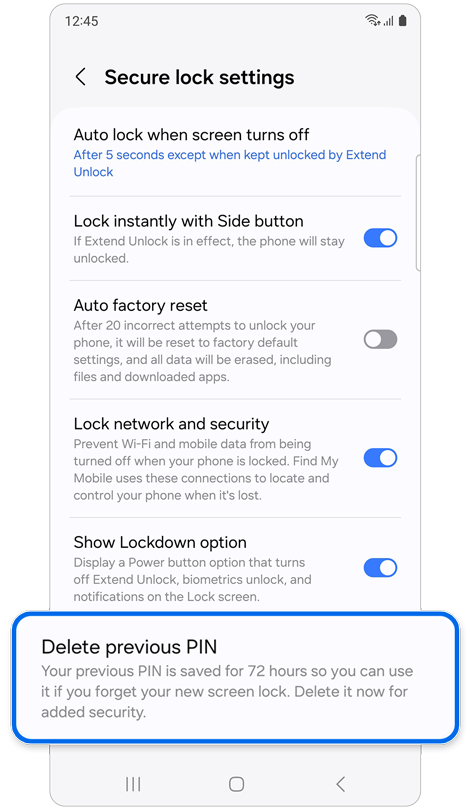
Step 3. Tap Delete previous pattern.
* The Delete option for the old pattern, password, or PIN appears differently depending on the screen lock method currently set up.
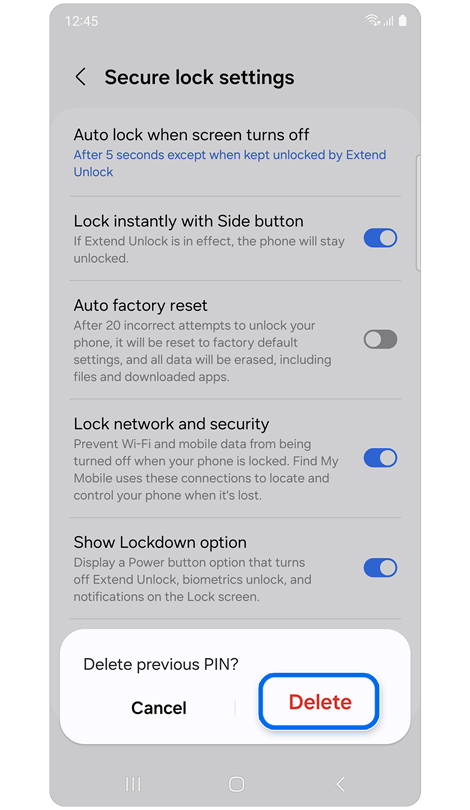
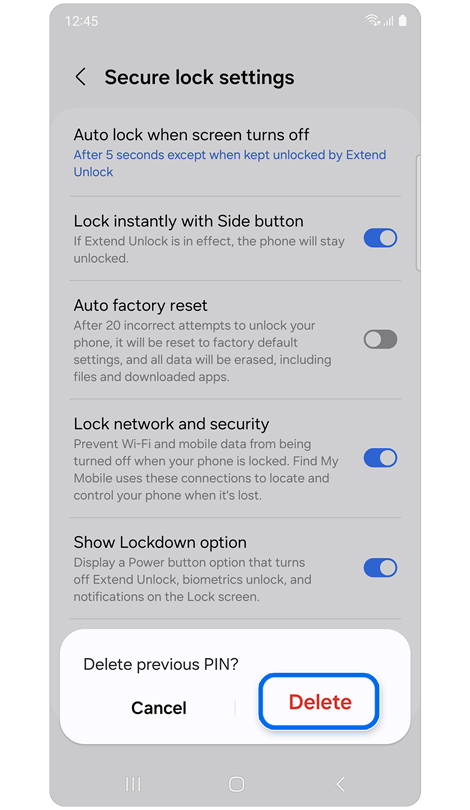
Step 4. Tap Delete.
If the above information does not match what your product is showing, you may check the User Manual for your product. If you are unable to solve the problem, please contact us for further assistance.
Thank you for your feedback!
Please answer all questions.
RC01_Static Content : This text is only displayed on the editor page