Use the Samsung Find app to share your location with your friends, child, family, and other contacts
Important Note: The information on this page is for Hong Kong products only. Models, sequences or settings will vary depending on location and/or where the product had been purchased. To be redirected to your local support page please click here.
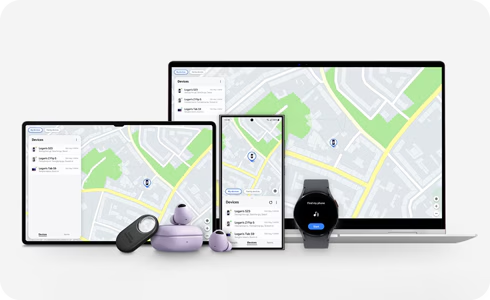
The Samsung Find app gives you the ability to share your location with your family, contacts, and other Samsung account users. This feature can help with keeping track of family members, and assist users in finding shared devices.
Notes:
- Samsung Find is supported on all Galaxy phone/tablet models running One UI 2 (Android Q OS) or later.
- Samsung Find is provided as preload in new devices with One UI 6.1 version.
- The Samsung Find app must be installed on the device of the user you're sharing with.
- The device sharing menu is not visible if a family group has not been created.
Creating family groups is supported in One UI 5.1 and later in the U.S. and One UI 6.1 and later in Europe.
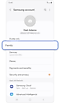

Step 1. Open Settings > Tap Samsung account > Select Family.
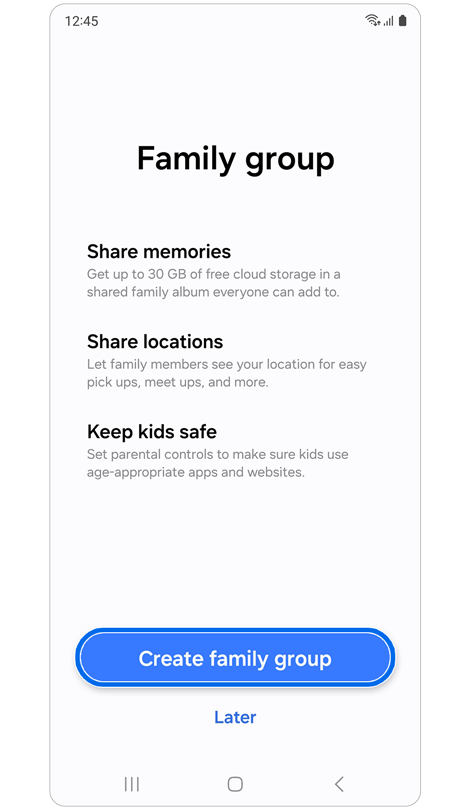
Step 2. Tap Create family group.
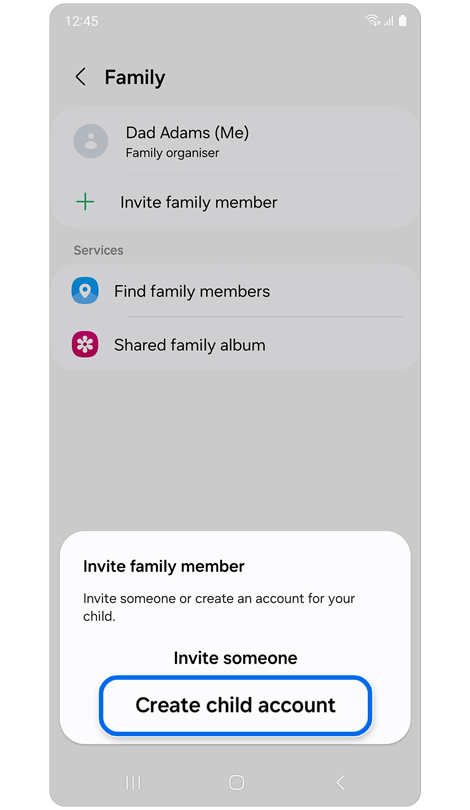
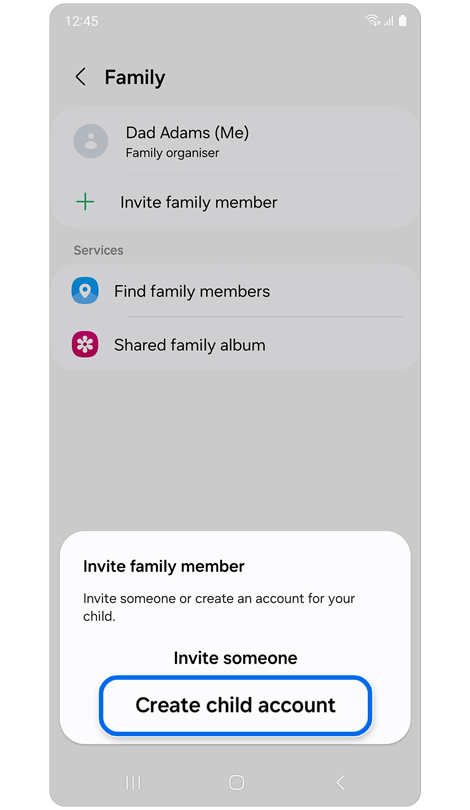
Step 3. Tap Invite family member > Select either Invite someone or Create child account.
* You cannot add more than five additional people to the family group.
The Samsung Find app can see the child's location on the parent device if the child has signed into the Samsung Find app with the child account and shared their location with the parent account.
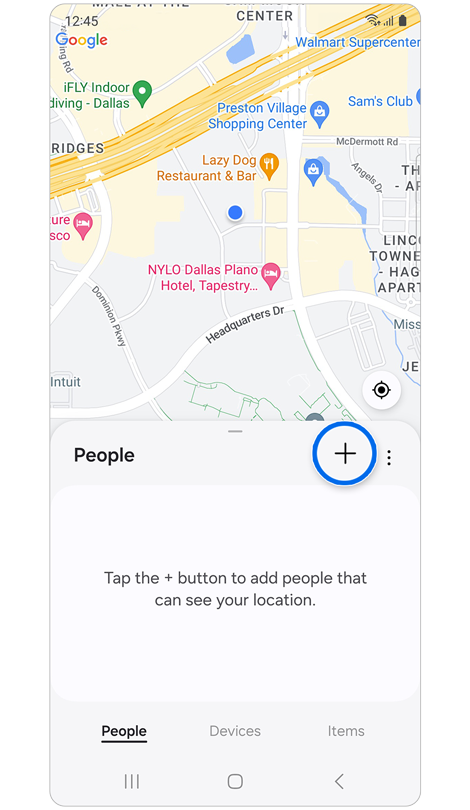
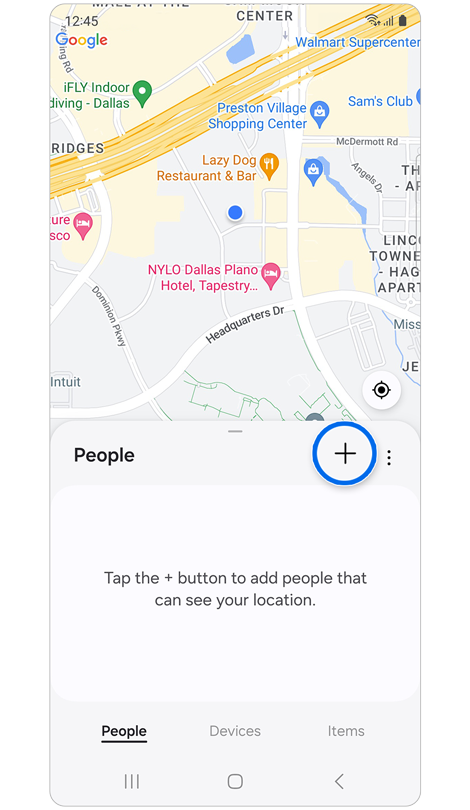
Step 1. Sign in to your child account in the Samsung Find app > Tap the ‘+’ icon in People tab.
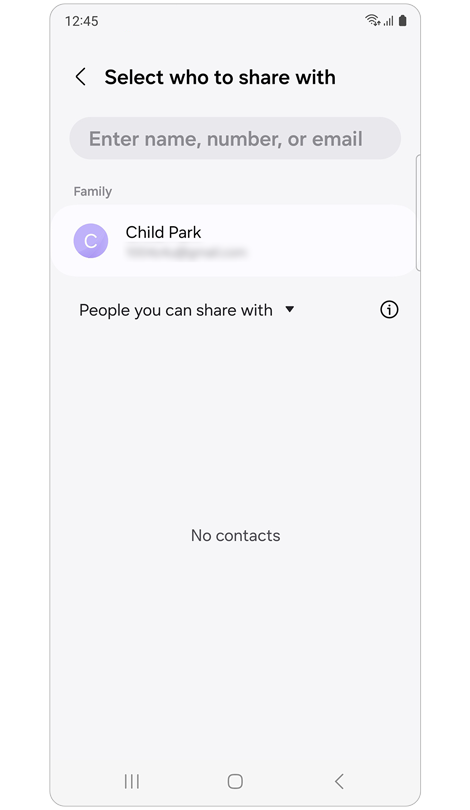
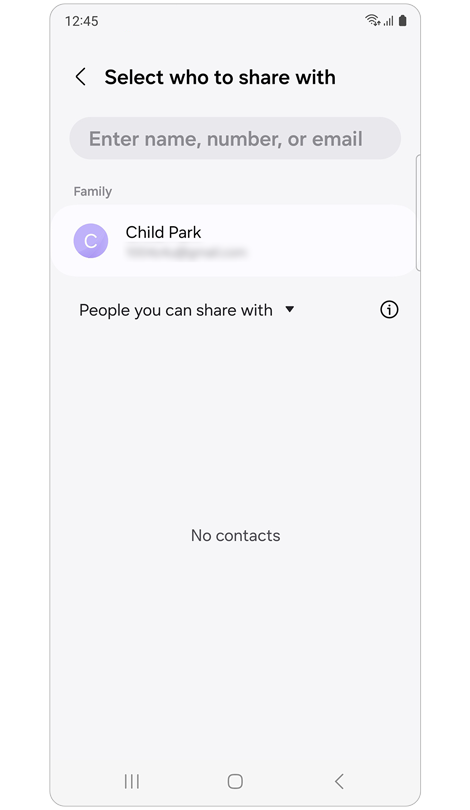
Step 2. Select who to share with.
* If you don't see the Family account in the list of location sharing destinations, you need to register the account in the Family group in Samsung account.

Step 3. Select the time range you want the child to share their location > Tap Share to proceed with parental consent to share the child's location.
* Once the parental consent process is complete, a location sharing notification is sent to the parent device.
You can specify which family members you want to share your device with. If you turn on the additional location sharing option, they will be able to see your device's location.
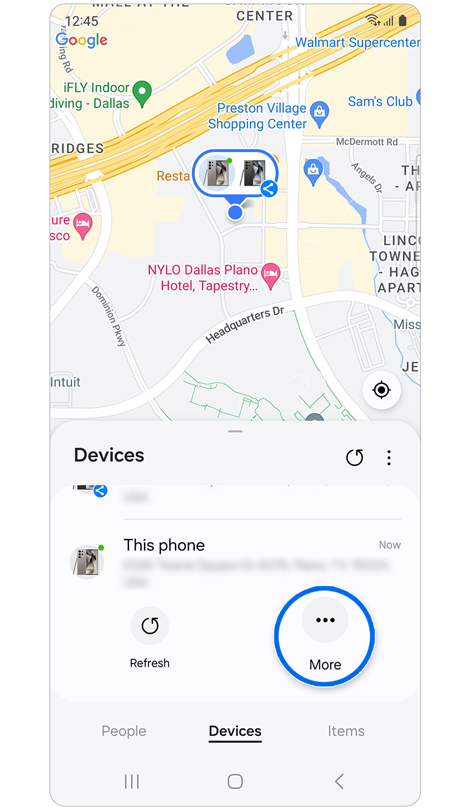
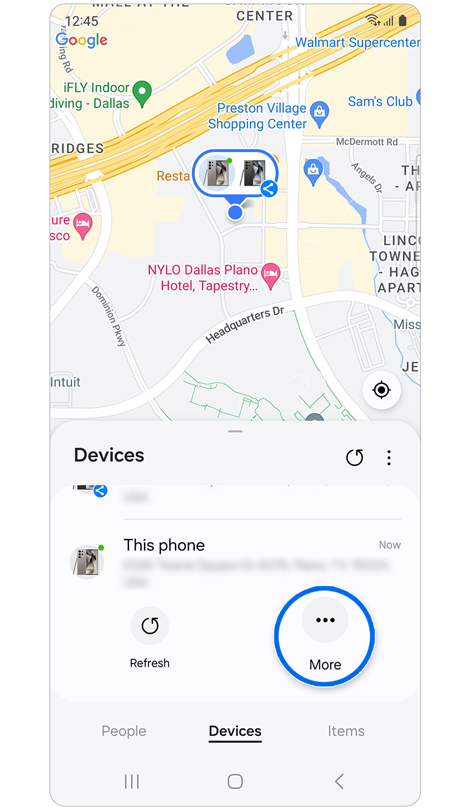
Step 1. Open Samsung Find > Select the Devices tab > Tap the name of your device (example: This phone) > Tap More.


Step 2. Tap the plus sign next to Add people.
* Only individuals in your Family group will be listed.
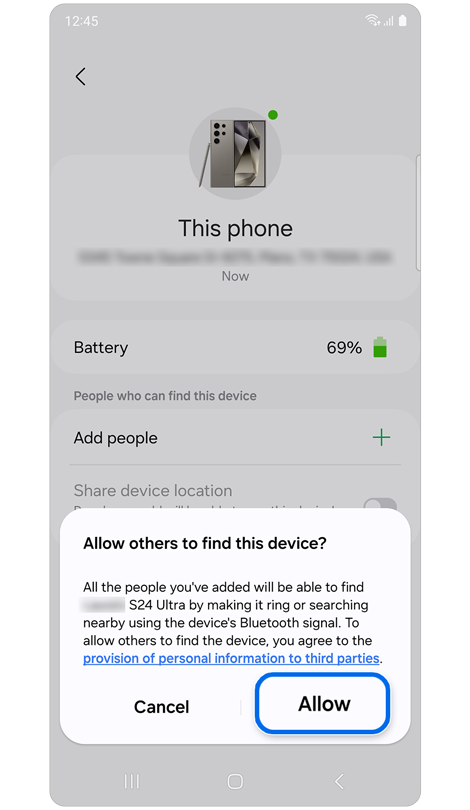
Step 3. Tap the name of who you want to share your location with > Select Allow > Tap the switch to turn on Share device location.
You can easily find your family shared device through a ringtone, checking location or direction if you lose it.
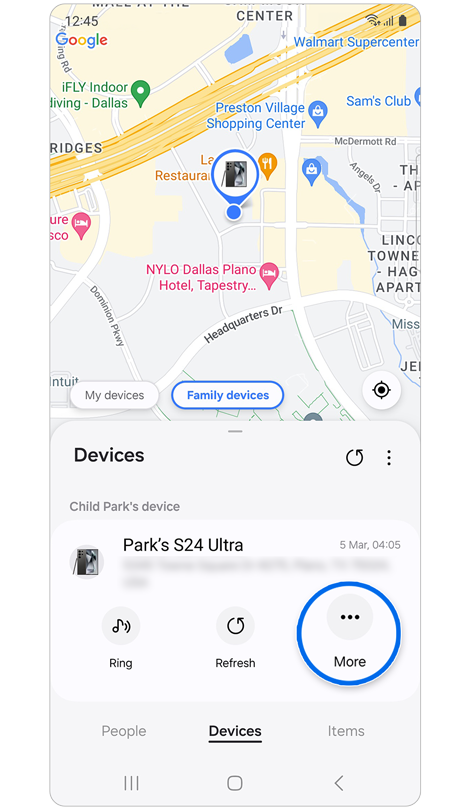
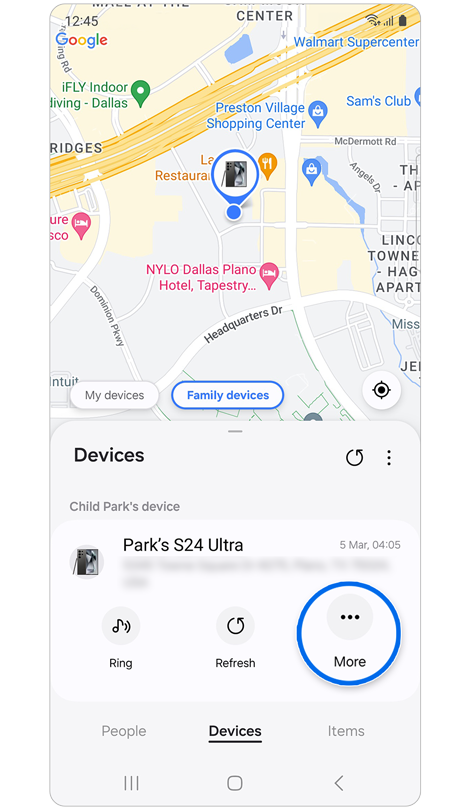
Step 1. Open the Samsung Find app > Tap Devices > Tap Family devices > Select a device > Tap More.
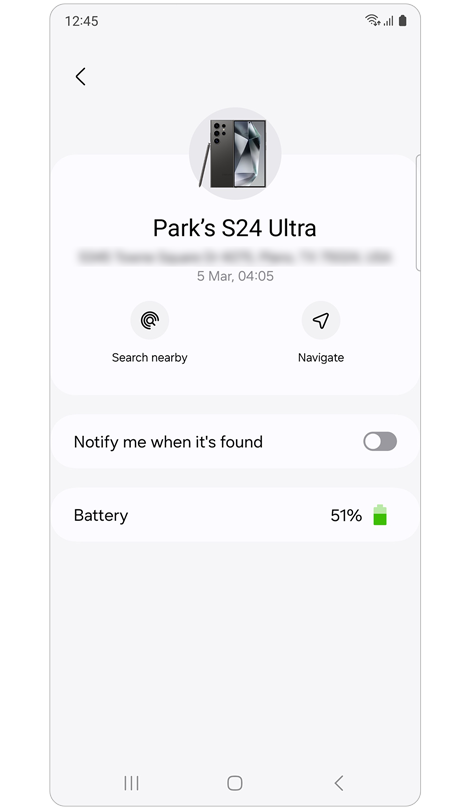
Step 2. You can control shared family devices by sharing locations, sending a signal to search nearby, and making them sound.
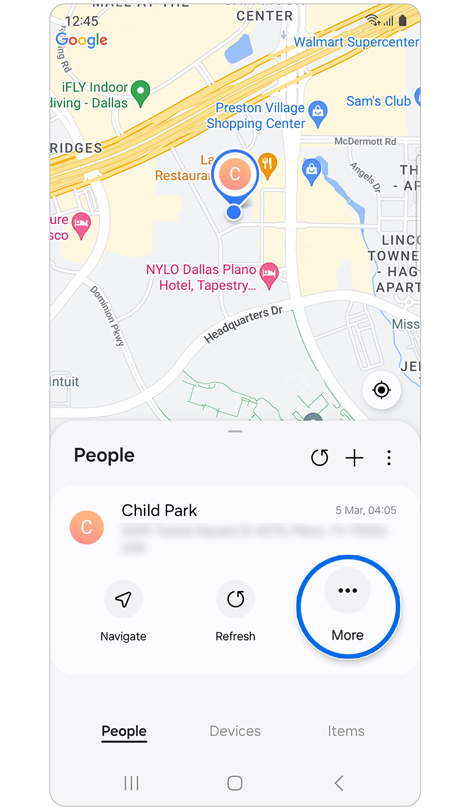
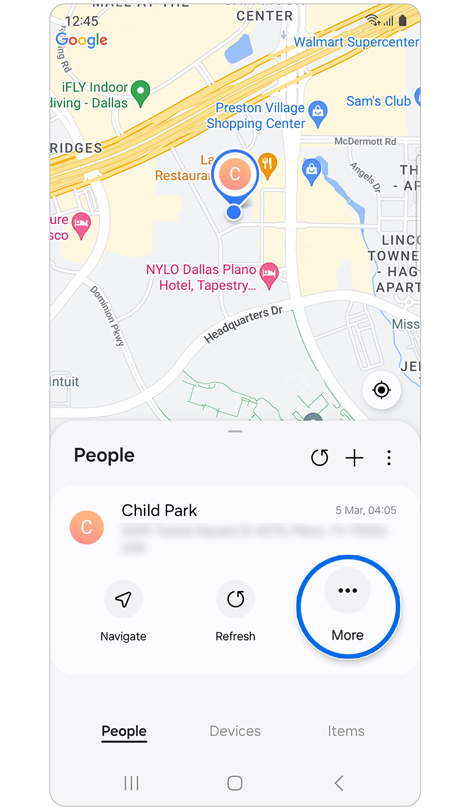
Step 1. Open the Samsung Find app > Select the People tab > Select which contact to discontinue sharing your location with > Tap More.
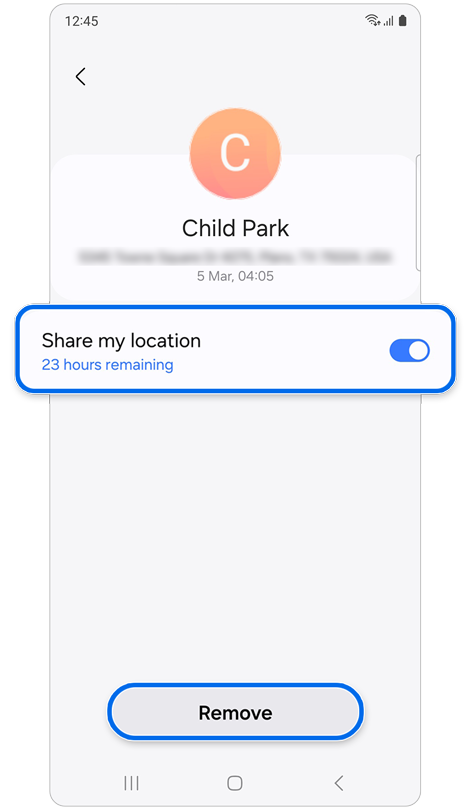
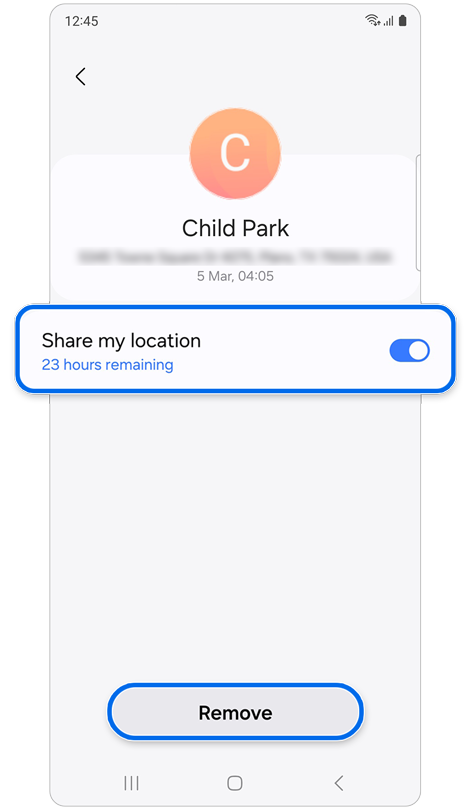
Step 2. Turn off the Share my location switch or tap Remove to discontinue sharing your location.
If the above information does not match what your product is showing, you may check the User Manual for your product. If you are unable to solve the problem, please contact us for further assistance.
Thank you for your feedback!
Please answer all questions.
RC01_Static Content : This text is only displayed on the editor page