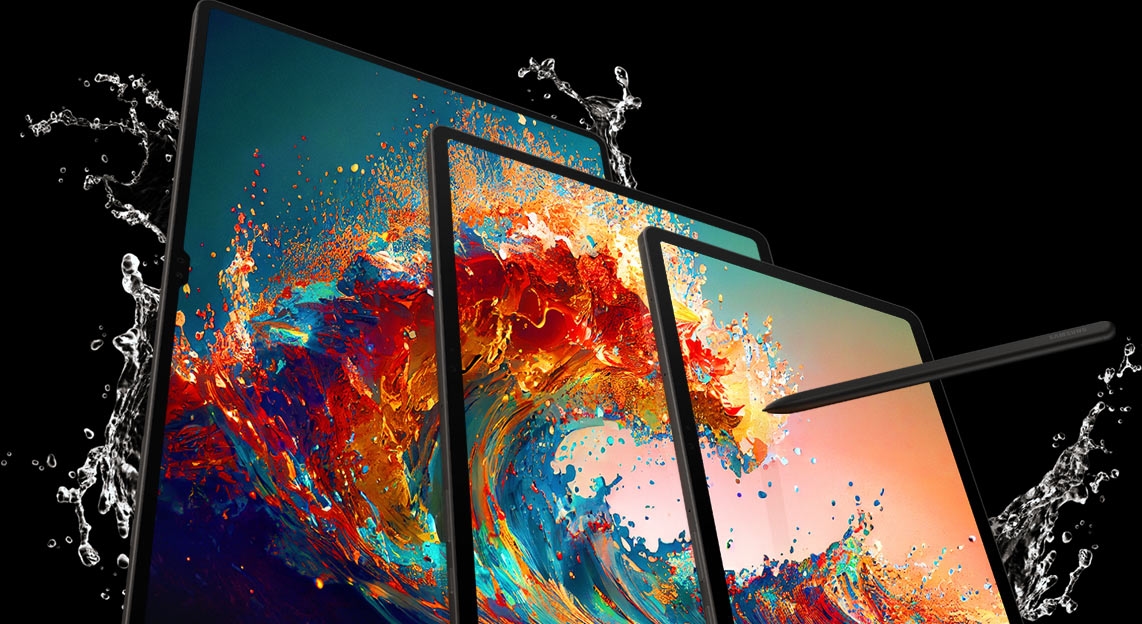
- *Image simulated. Color and model availability may vary depending on country or carrier.
- *Galaxy Tab S9, Tab S9+, Tab S9 Ultra are rated as IP68. Based on test condition for submersion in up to 1.5 meter of fresh water for up to 30 mins. Not advised for beach or pool use.
Our largest Dynamic AMOLED 2X tablet.
More durable than ever and water resistant.1
Our most powerful S Pen.2 Unrivaled Snapdragon® 8 Gen 2 performance.
Galaxy Tab S9 Series The new standard of premium tablets


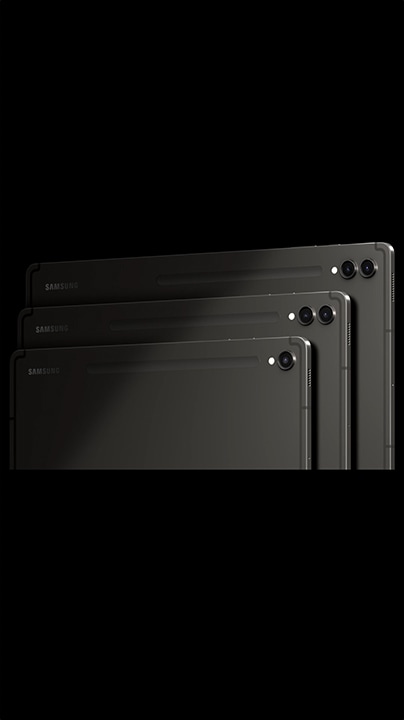
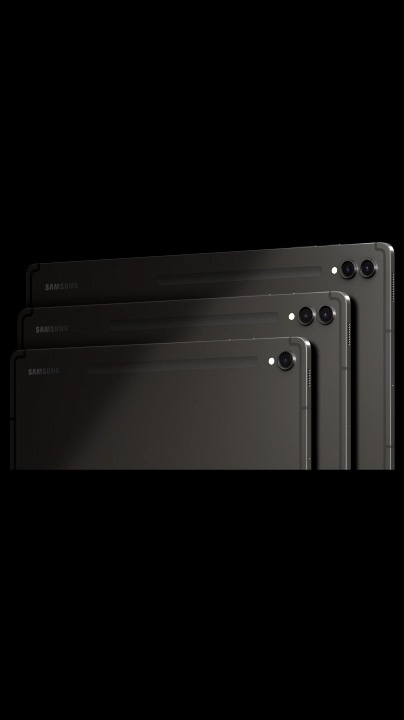
Galaxy Tab S9, S9+ and S9 Ultra in Graphite appear each at a time from left to right in Landscape mode, overlapping each other with their back facing forward. Shadow cast on the devices moves to reveal Samsung logo on the top left.

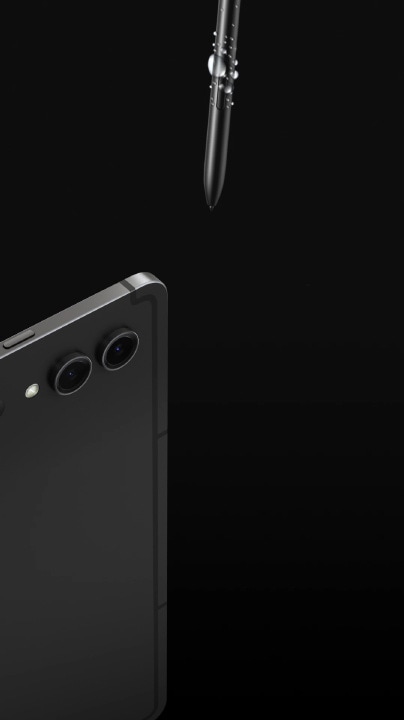
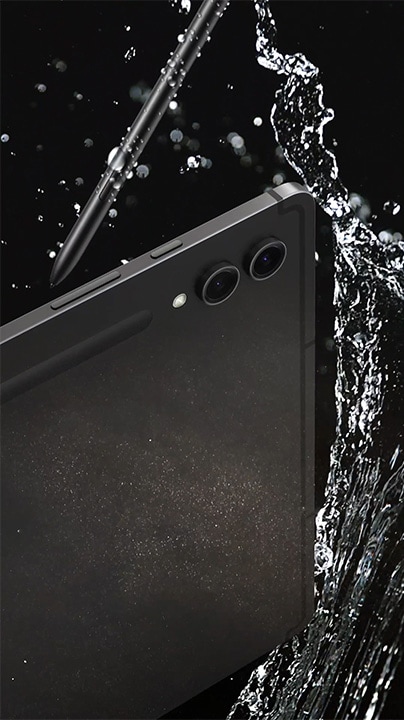
A Galaxy Tab S9 Series device in Graphite appear from left and S Pen from the top. Water and dust splash on them to highlight their resistance.
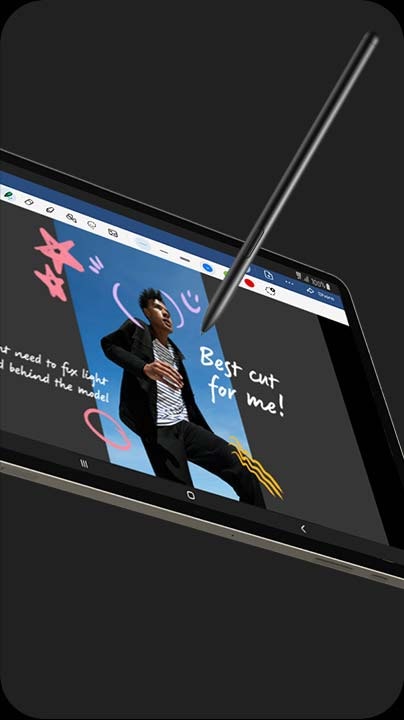
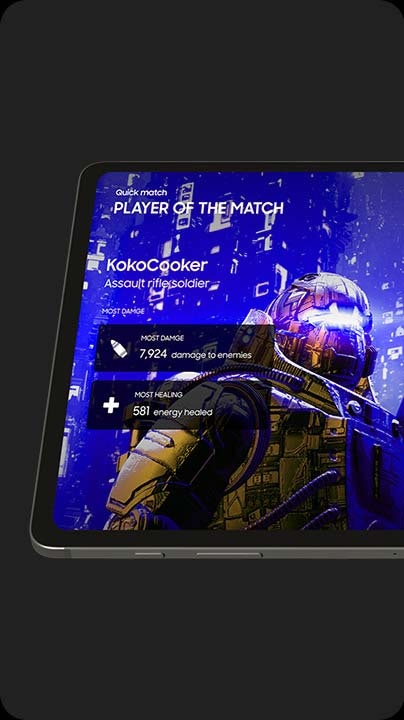
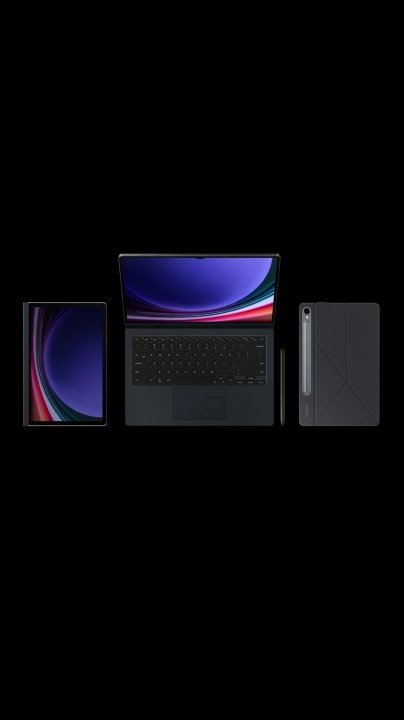
A Galaxy Tab S9 Series device with Book Cover Keyboard on unfolding to make the display and keyboard visible. S Pen appears from the bottom. Another Galaxy Tab S9 Series device with Smart Book Cover on appears from the right. Another Galaxy Tab S9 Series device with Privacy Screen on appears from the left.


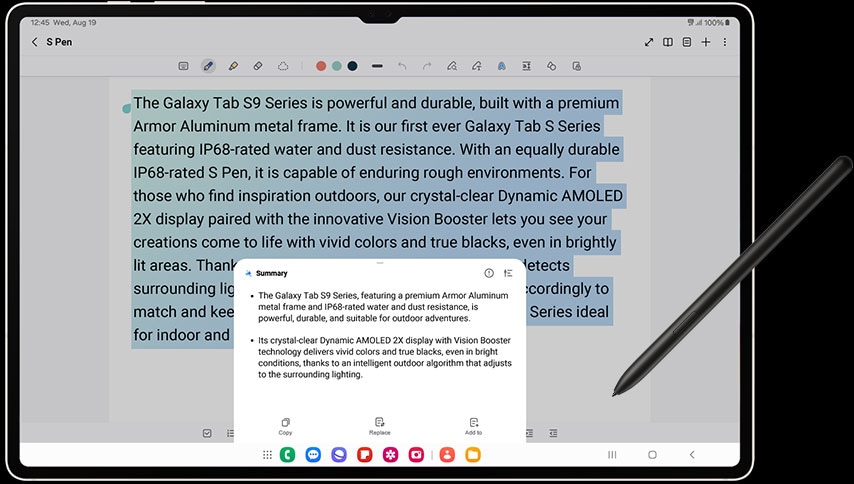
Using AI-assisted features just got easier with Galaxy Tab S9 Series' large display. Whether you're typing up a storm or jotting something down, Note Assist makes a long story short. Simply start writing, and format it into a clear,
easy-to-review summary later. And when you're looking for an old note, the new covers show simple summaries — keeping your screen looking organized.
*Note Assist is only available on One UI 6.1 and Samsung Note 4.4.17. or above. Note Assist requires a network connection and Samsung Account login. Character limit applies. Service availability may vary by language. Accuracy of results is not guaranteed. Actual UI may different.
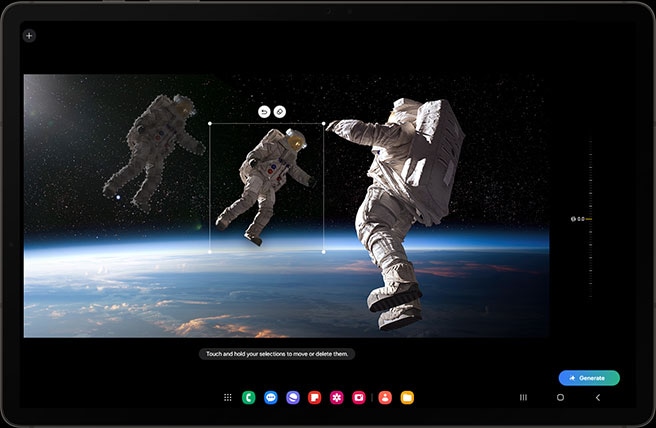
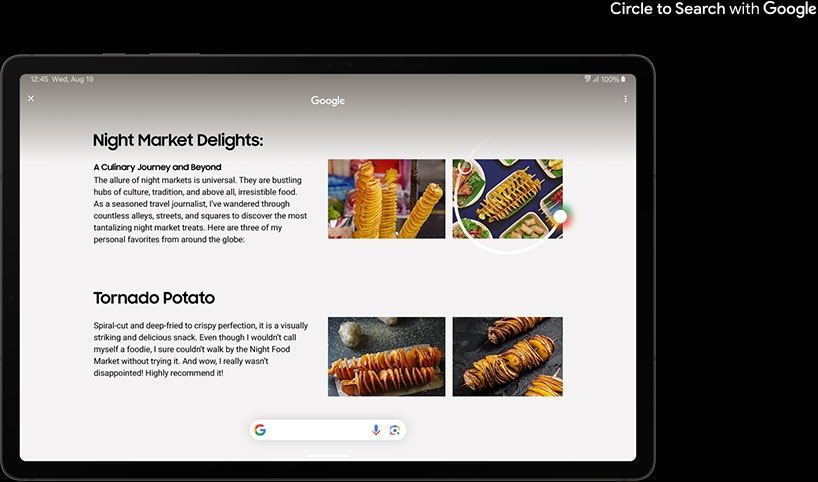
Dynamic
AMOLED 2X.
Uniform brilliance
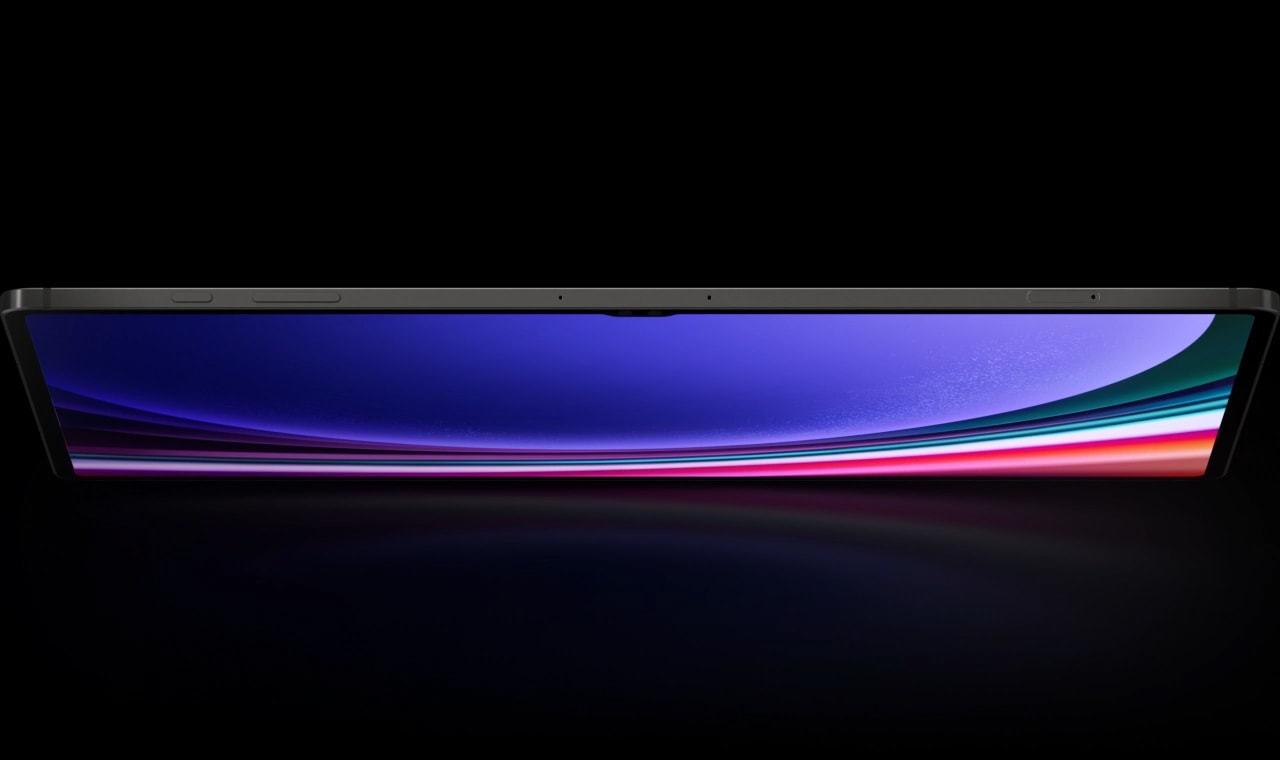
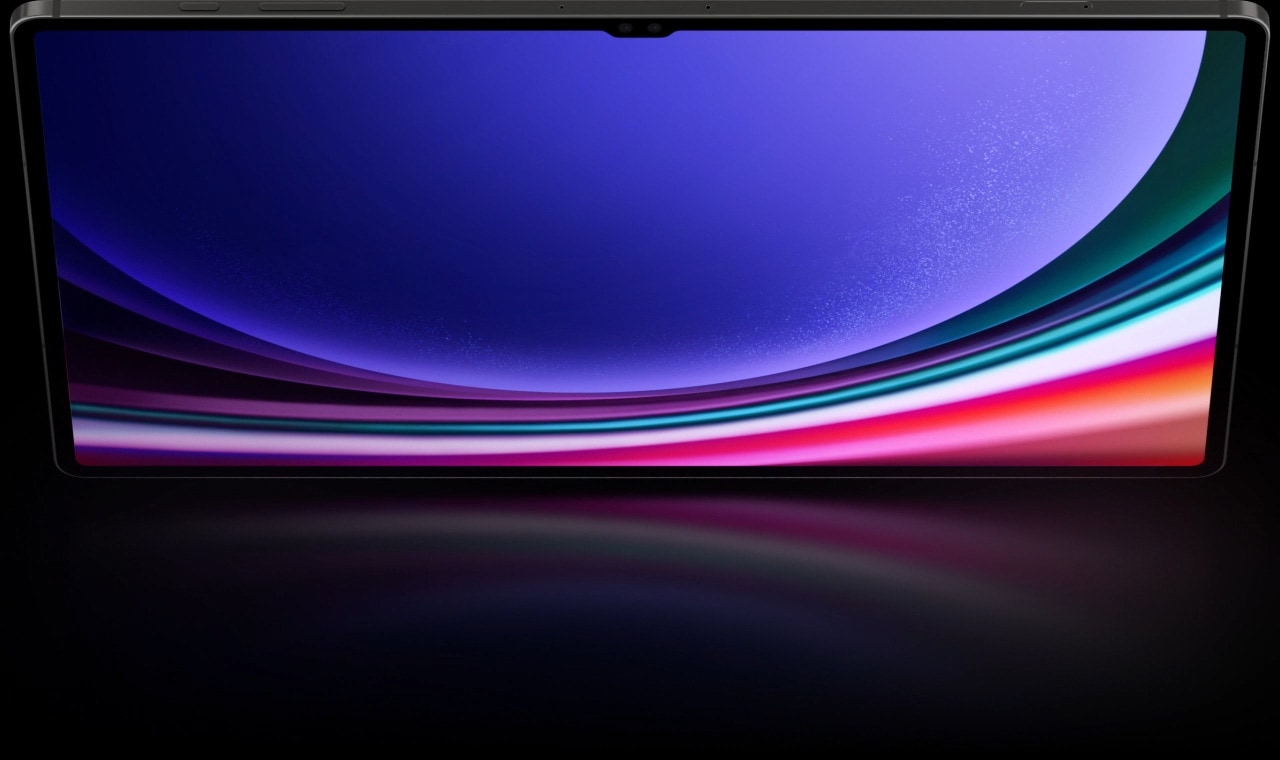
A Galaxy Tab S9 Series device with its screen facing down rising up to stand upright in Landscape mode with a blue wallpaper onscreen highlighting its large display.
Three sizes.3,4
Two nature–inspired colors
Choose between understated, professional Graphite and soft, natural Beige — both accentuated with premium detailing and a smooth blasting finish for a sophisticated look.5
*The weight stated above is based on Wi–Fi model.
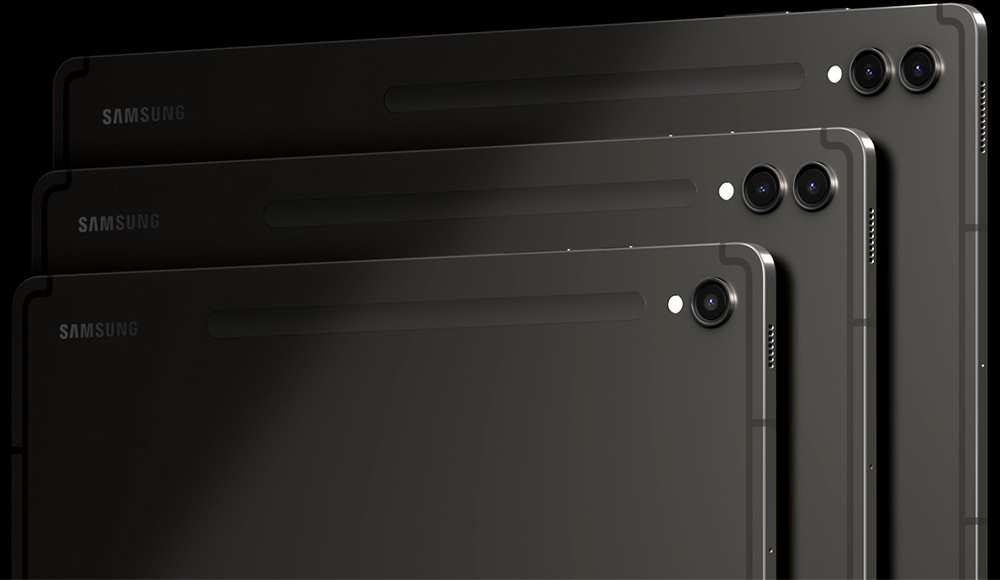
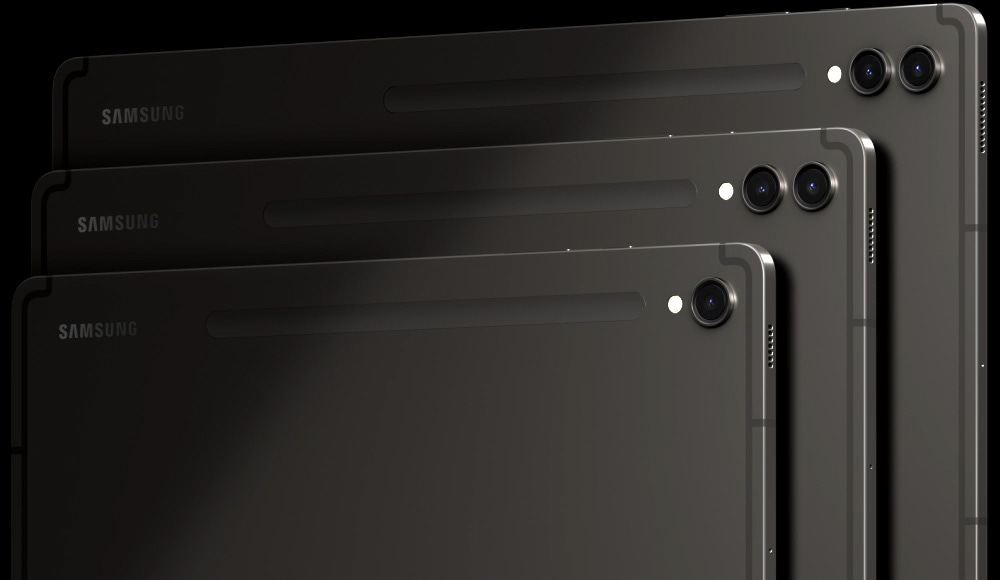
Galaxy Tab S9, S9+ and S9 Ultra in Graphite appear from left to right in Landscape mode, overlapping each other with their back facing forward. Samsung logo is shown on the top left of each device.
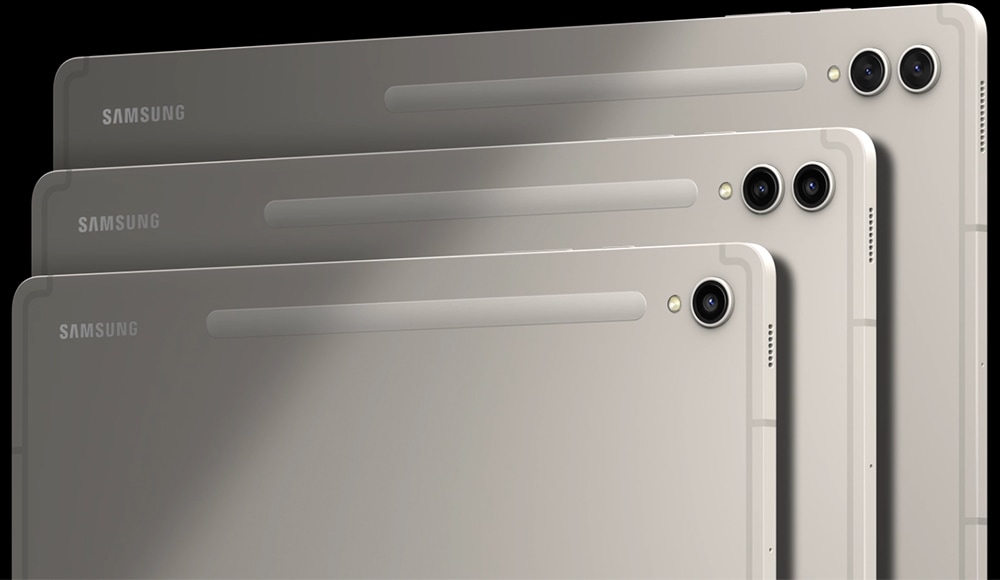
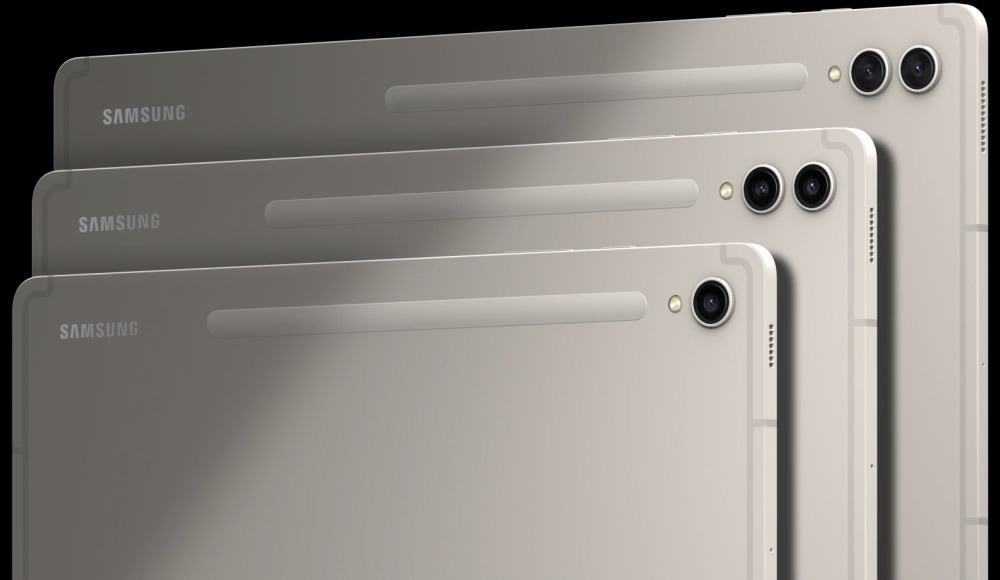
| Tab S9 UltraTab S9 Ultra | Tab S9+Tab S9 + | Tab S9Tab S9 | |
|---|---|---|---|
| Display | 36.99 cm | 31.50 cm | 27.81 cm |
| Weight | 732 g | 581 g | 498 g |
| Thickness | 0.55 cm | 0.57 cm | 0.59 cm |
Get a crystal–clear, comfortable view with Dynamic AMOLED 2X
Whether you choose Galaxy Tab S9, Galaxy Tab S9+ or Galaxy Tab S9 Ultra, each is ready to bring your creative vision to life. All three feature a Dynamic AMOLED 2X display, delivering stunning color and visuals. Plus, it's easy on the eyes with reduced blue light emission.
*Screen image simulated for illustrative purposes.

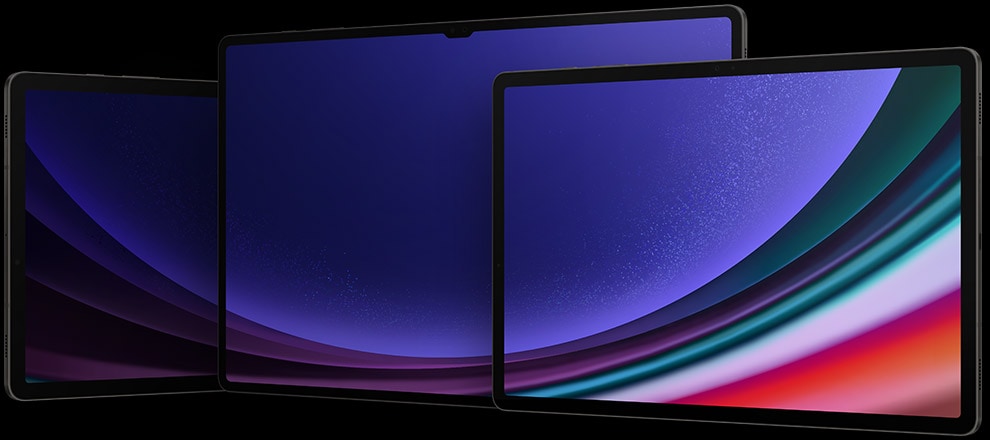
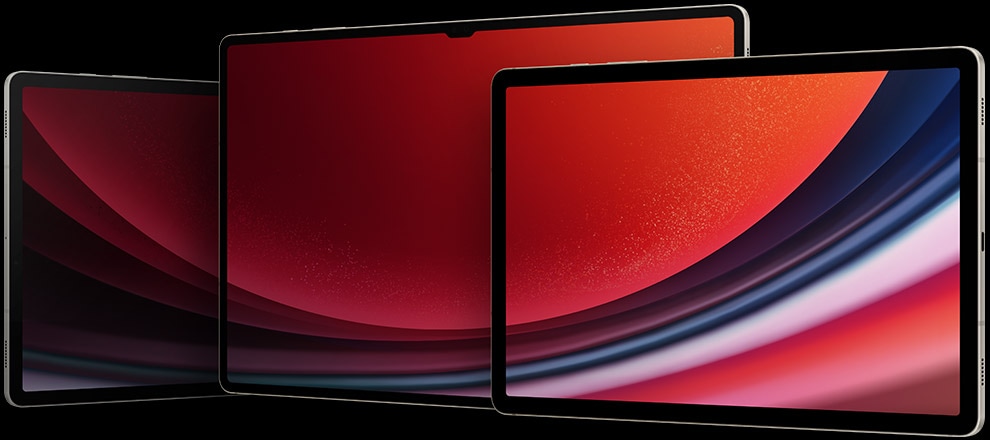
Galaxy Tab S9, S9+ and S9 Ultra in Graphite are placed next to each other in Landscape mode with their front facing forward and a blue wallpaper shown on all screens.
Unified design.
The beauty is in the details
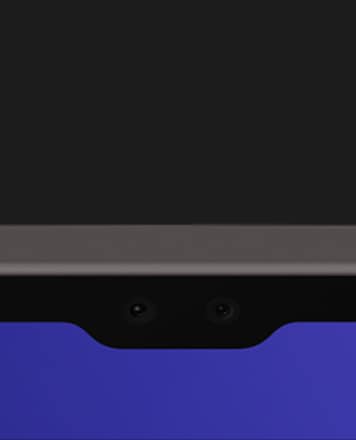
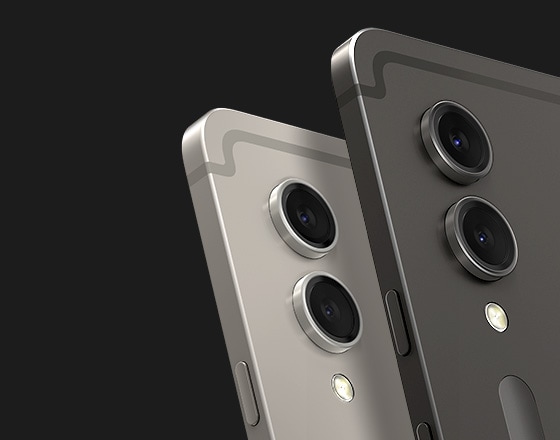
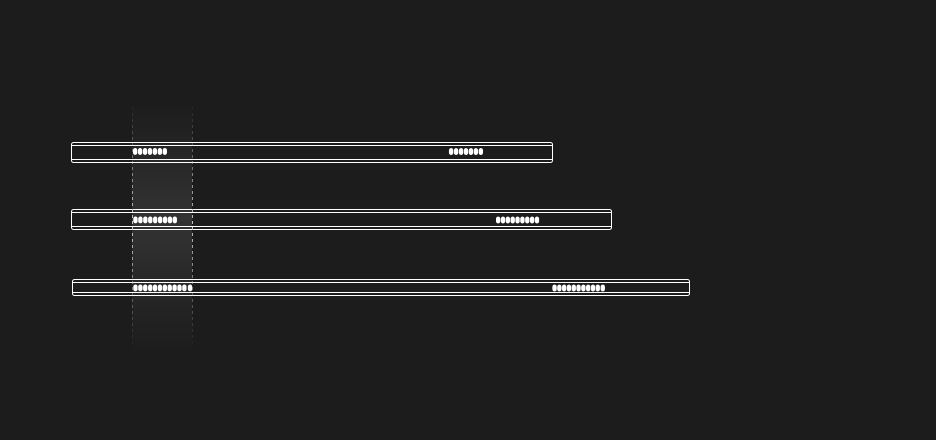
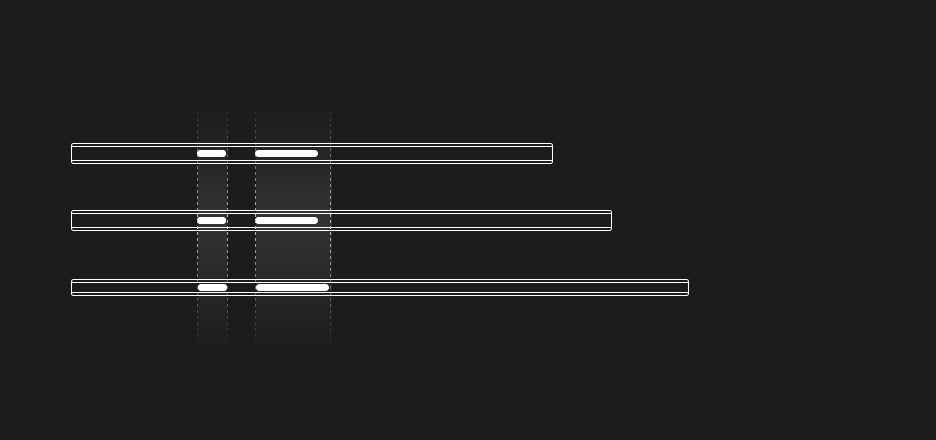
It's always the smallest things that matter most. Like the floating camera design on the back — crafted to elegantly encapsulate the upgraded camera system. We even reimagined the side buttons and speaker arrangement to feel more familiar.
- *The image depicts features of Galaxy Tab S9 Ultra.
- *Compared to Galaxy Tab S8 Ultra, Tab S9 Ultra features an upgraded 13MP and 8MP rear camera and 12MP and 12MP Ultra Wide front camera. Compared to Galaxy Tab S8+, Tab S9+ features an upgraded 13MP and 8MP rear camera and 12MP Ultra Wide front camera. Galaxy Tab S9 features a 13MP rear camera and 12MP Ultra Wide front camera.
Vibrant hues. Stunning views
Everything on screen is lifelike with the high-resolution Dynamic AMOLED 2X display. Details are crisp and clear with a wide range of vivid colors and true blacks thanks to HDR10+ enhanced visuals and smooth scrolling at up to 120Hz refresh rate.
*Screen image simulated for illustrative purposes.
Dynamic AMOLED 2XSmooth 120Hz display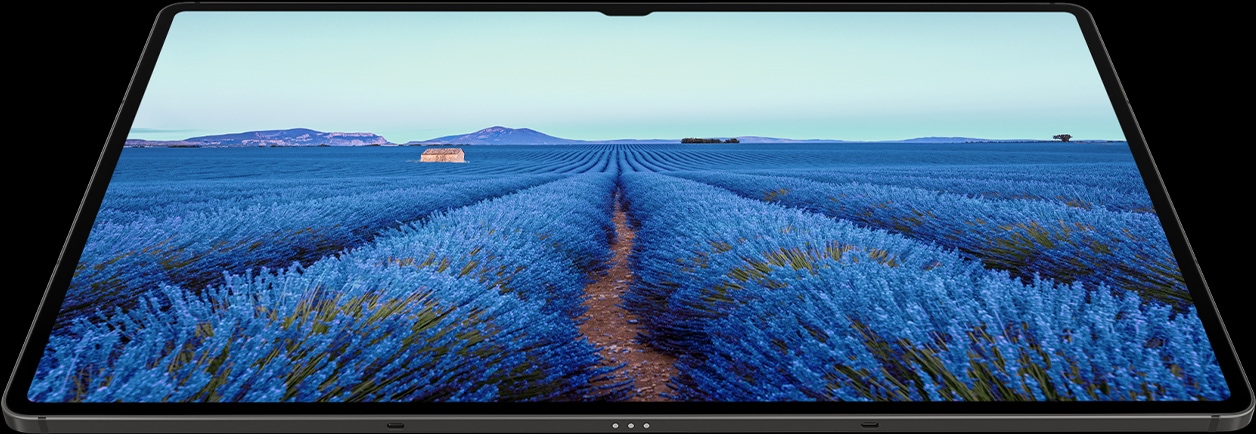
Level up your play
with epic, cinematic visuals
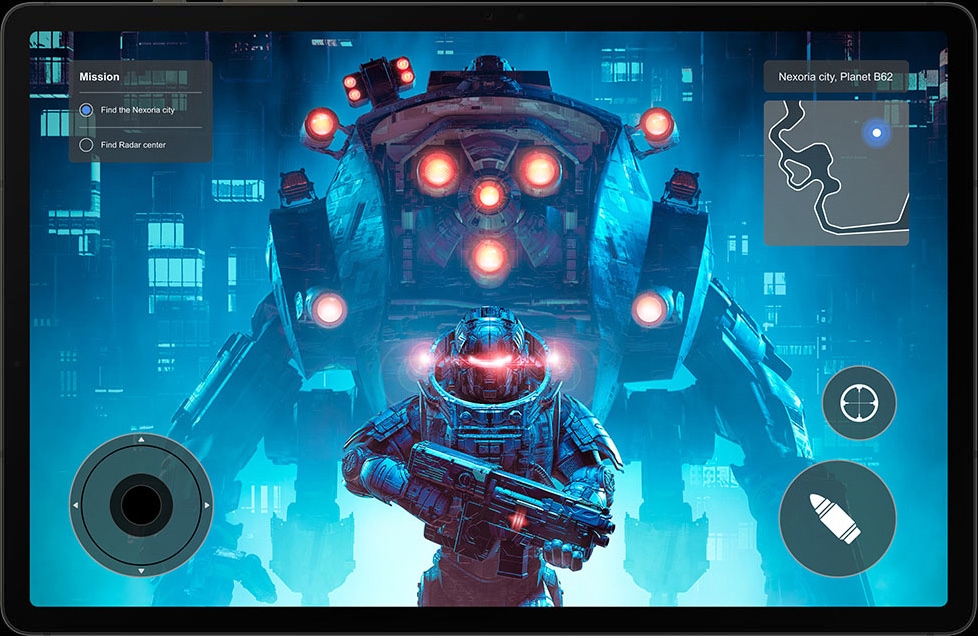
The Galaxy Tab S9 Series delivers an engrossing, photo-realistic gaming experience on the Tab's expansive screen for marathon playthroughs.6,7 The experience is heightened with immersive audio from the quad AKG speaker system and Dolby Atmos surround sound.
*Screen image simulated for illustrative purposes.



The first water
and dust–resistant Galaxy S tablet
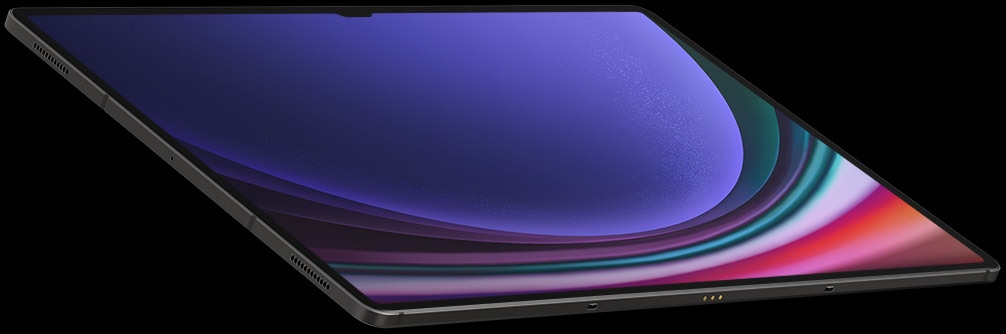

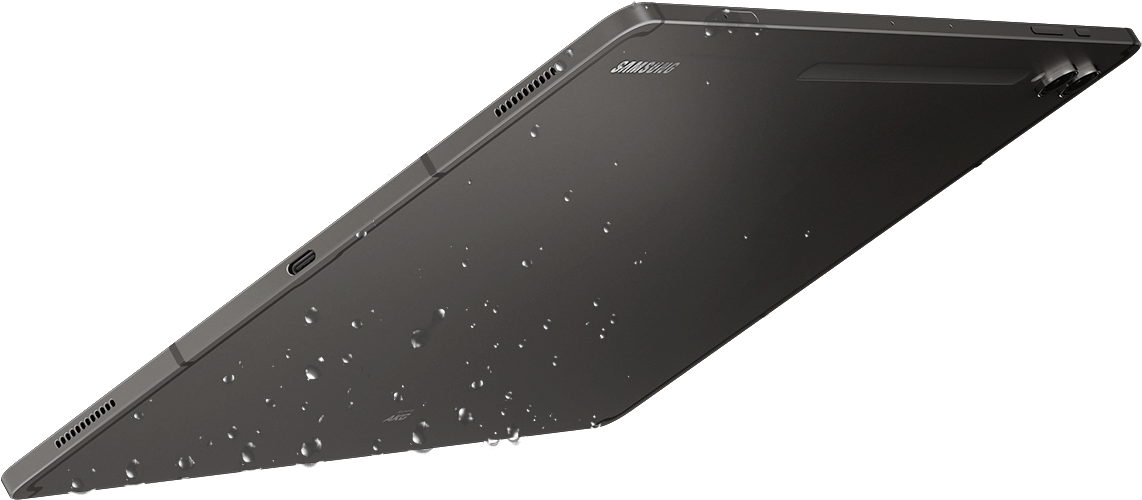
Two Galaxy Tab S9 Series devices in Graphite are floating in mid-air at an angle opposing each other with the front and back visible. Splashes of water are surrounding the two devices.
When the day gets tough, the Galaxy Tab S9 Series stays sturdy and durable. The smooth metal design is suited up with our strongest Armor Aluminum8 frame — living up to its name by protecting your tablet from shocks and drops. And the IP68 rating9,10 means it's our first water and dust-resistant Galaxy Tab S Series ever.
S Pen. Stronger, faster, more responsive
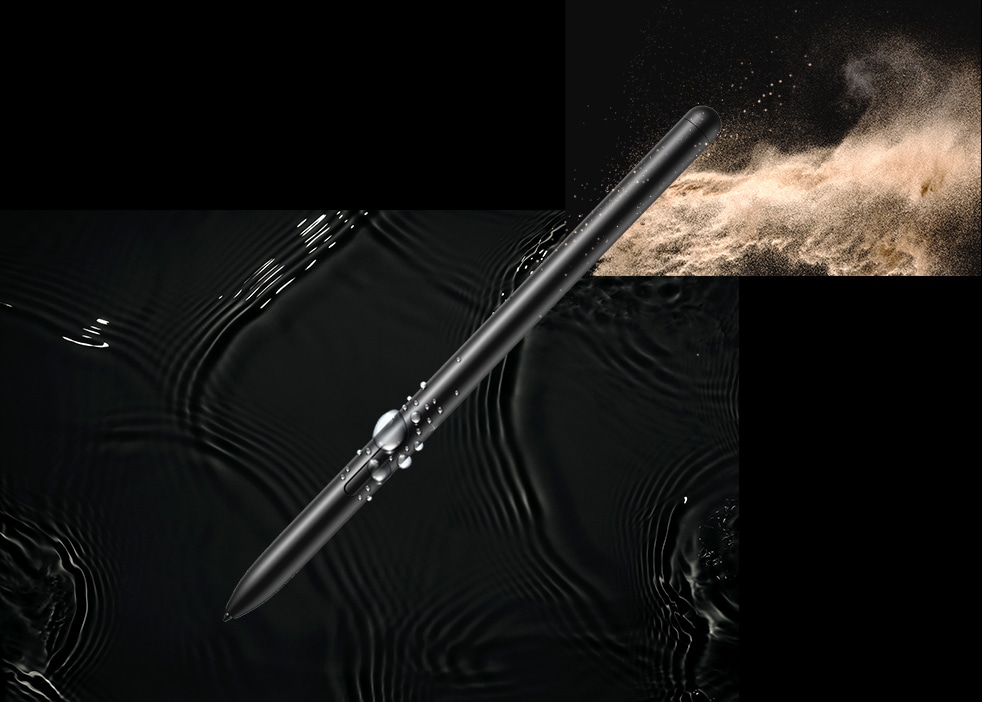


We rebuilt the included S Pen to be IP68 water resistant11,12 just like the tablet. It's also improved across the board, with enhanced tip sensitivity for less accidental clicks. And with the magnetic attachment and bidirectional charging, just snap it on to charge.13


Enhanced outdoor viewing with Vision Booster
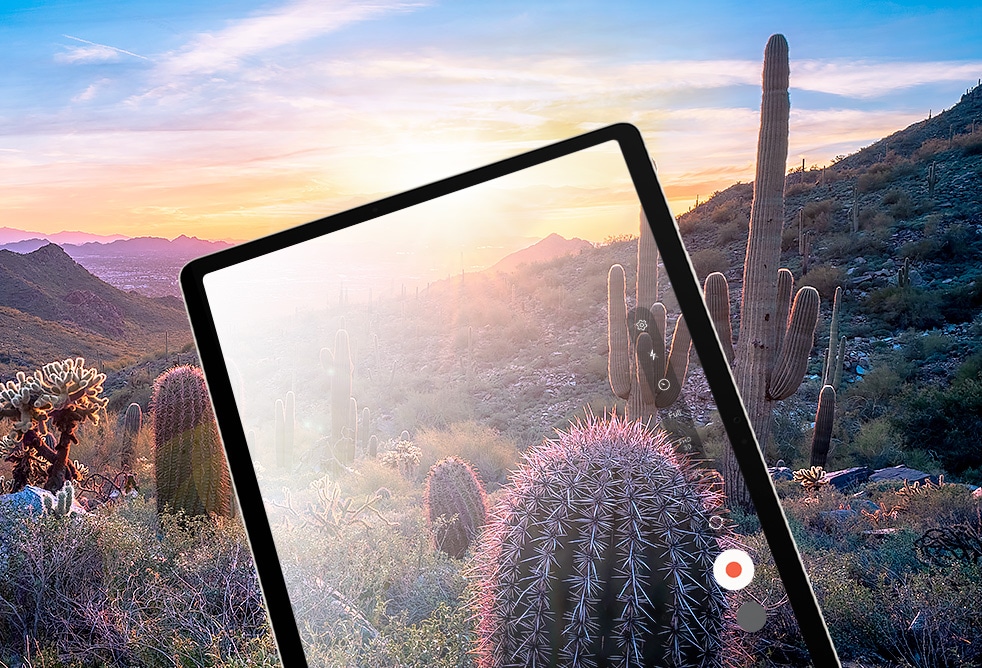
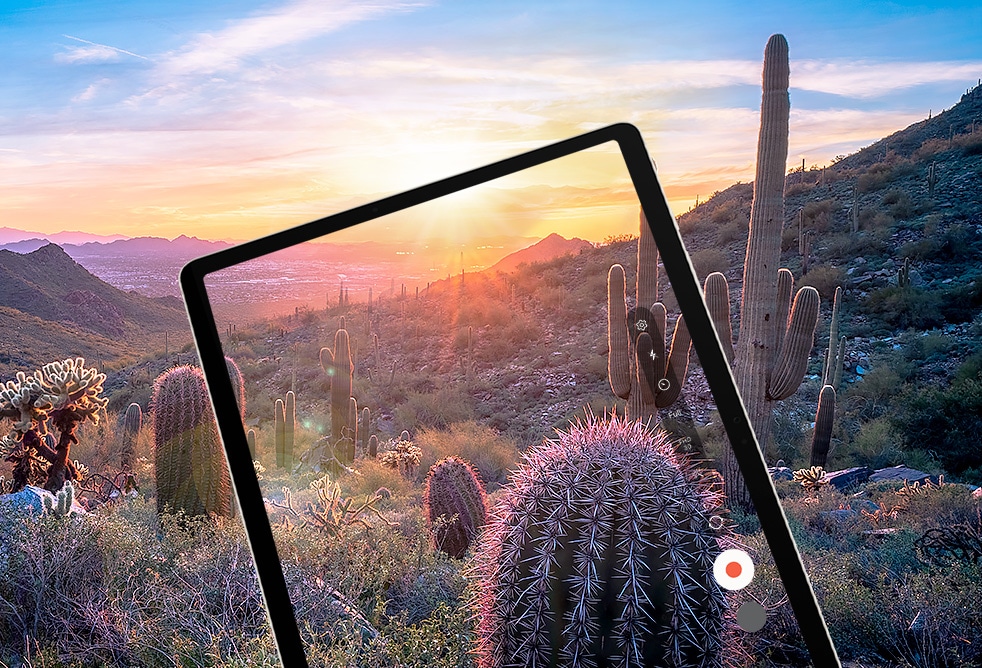
A Galaxy Tab S9 Ultra displaying at full screen rays of sunlight over a mountain captured by its camera and the glare gradually reducing to show a clearer image thanks to Vision Booster.
Next–gen
processor for
next–level, lifelike gaming
The extremely fast Snapdragon® 8 Gen 2 for Galaxy processor is intelligently engineered to deliver revved–up performance and power savings for champion-level gameplay.14,15 The graphics engine powers true–to–life reflections and shadows in 3D gaming environments for immersive gaming.
*Screen image simulated for illustrative purposes.


Stay creative on the move with a long–lasting battery
Keep the creative juices flowing with the long-lasting battery. It's got enough power to get you through your day and even spare some in case your phone needs a boost, too. Plug in your Samsung Galaxy smartphone with a USB–C cable and charging takes care of the rest.16,17,18,19,20,21
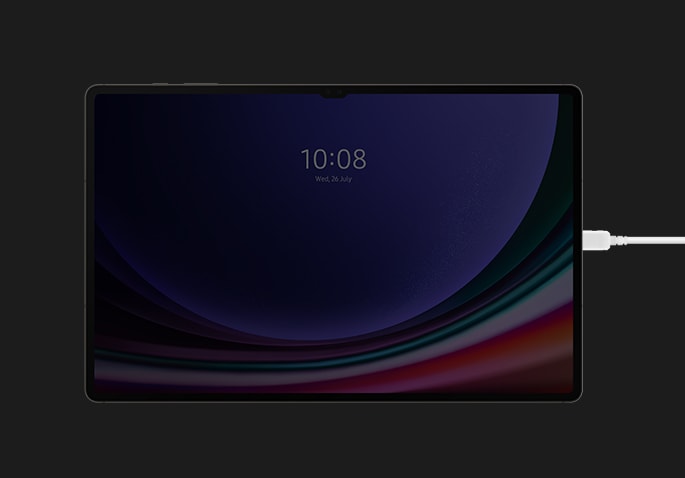
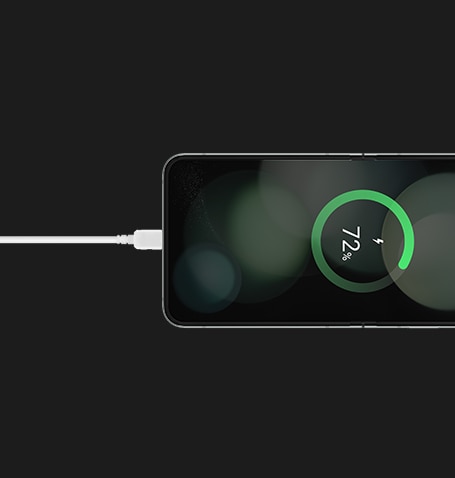
A Galaxy Z Flip5 device connected with a Type-C cable is being charged from a Galaxy Tab S9 Series device.

Elevate your notetaking,
optimized for
the big screen
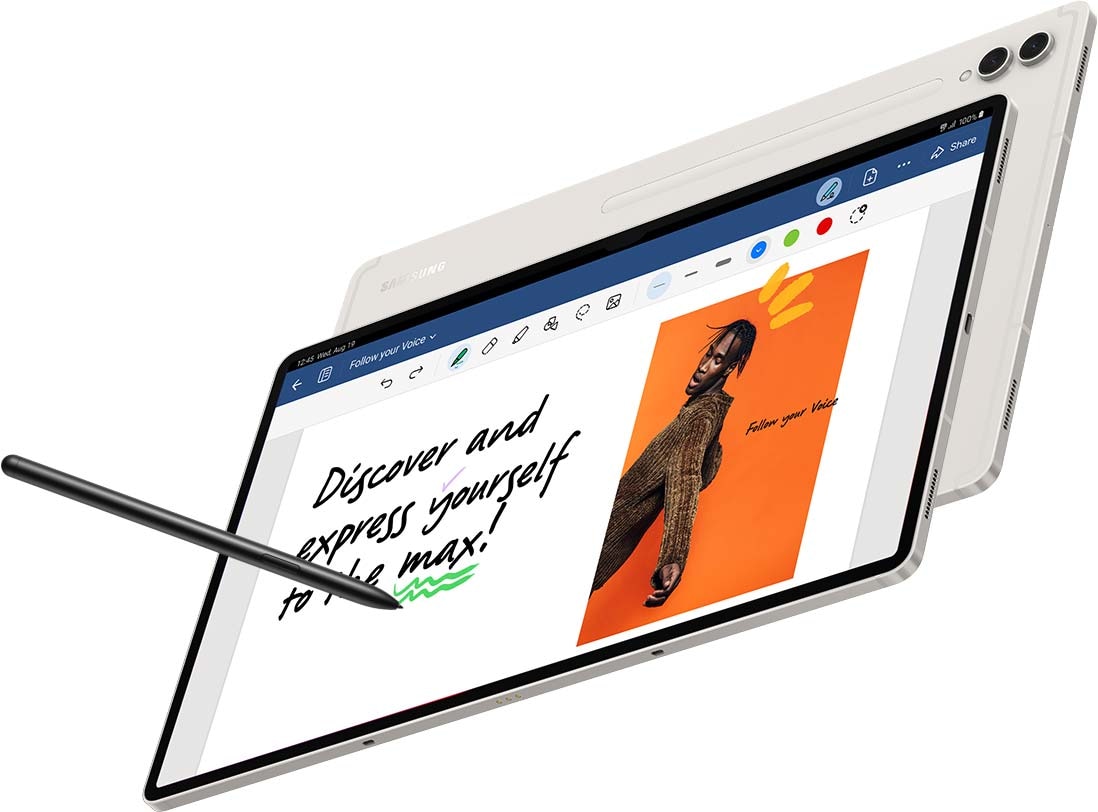

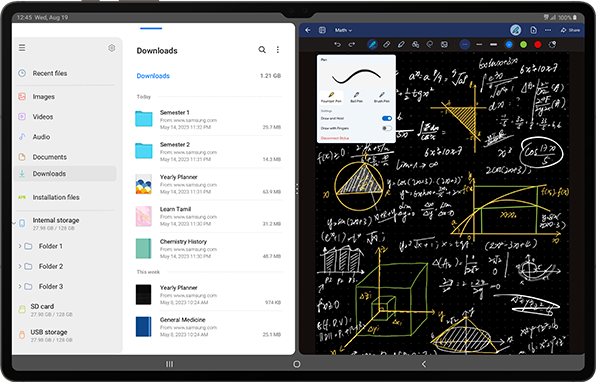
Let your imagination run wild on pro-level notetaking with GoodNotes — optimized to provide a seamless S Pen experience and feel of writing on actual paper.24 Sketch in portrait view and edit in horizontal view, or vice versa.
- *Image simulated for illustrative purposes.
Actual UI may be different. - *Galaxy Tab S9 Series in Beige comes with a Beige S Pen.
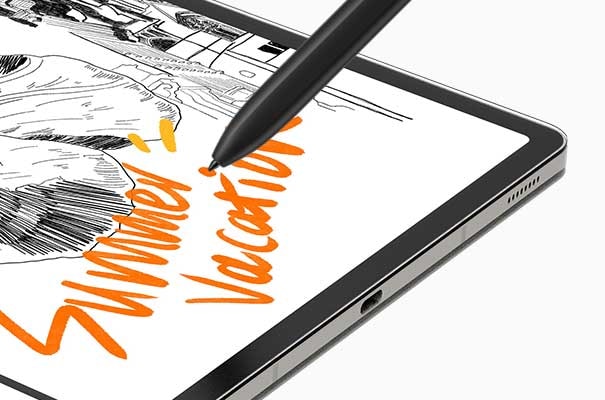
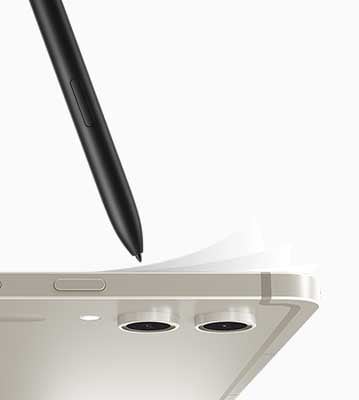
Put S Pen to paper with the NotePaper Screen
With the NotePaper Screen, writing is the next best thing to pen and paper.25 Add in S Pen — the ultimate drawing tool to elevate your canvas. It is sensitive to pressure and tilt, allowing you to create detailed sketches and illustrations with precision and control.
*Image simulated for illustrative purposes.
Actual UI may be different.

Note taking
just
got more noteworthy
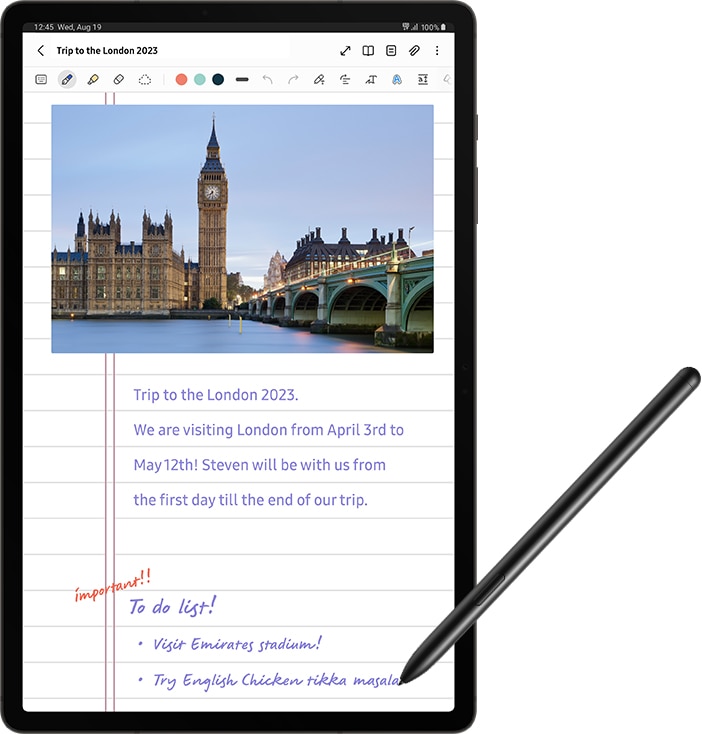
Amp up your productivity with S Pen's enhanced note–taking functions. Quickly jot down novel ideas or make a quick diagram to get your point across. And with S Pen to Text, you can seamlessly turn your handwriting into text input in a wide range of apps like Google, Messages, Maps and more.
*Image simulated for illustrative purposes.
Actual UI may be different.
Live collaboration comes to
Samsung Notes
Pull your teammates in for a brainstorming session, facilitated by S Pen and Samsung Notes. Share notes between Samsung Galaxy devices to edit content in real time directly in the app. You can even scan multi–page documents easily and save them in Gallery to pull them up during video calls.
*Image simulated for illustrative purposes.
Actual UI may be different.
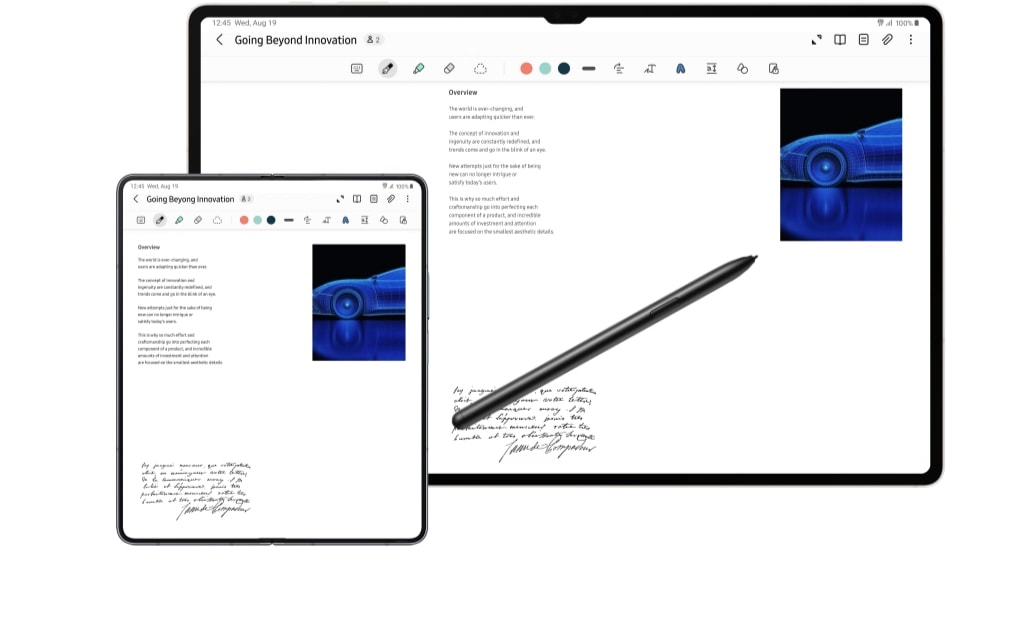
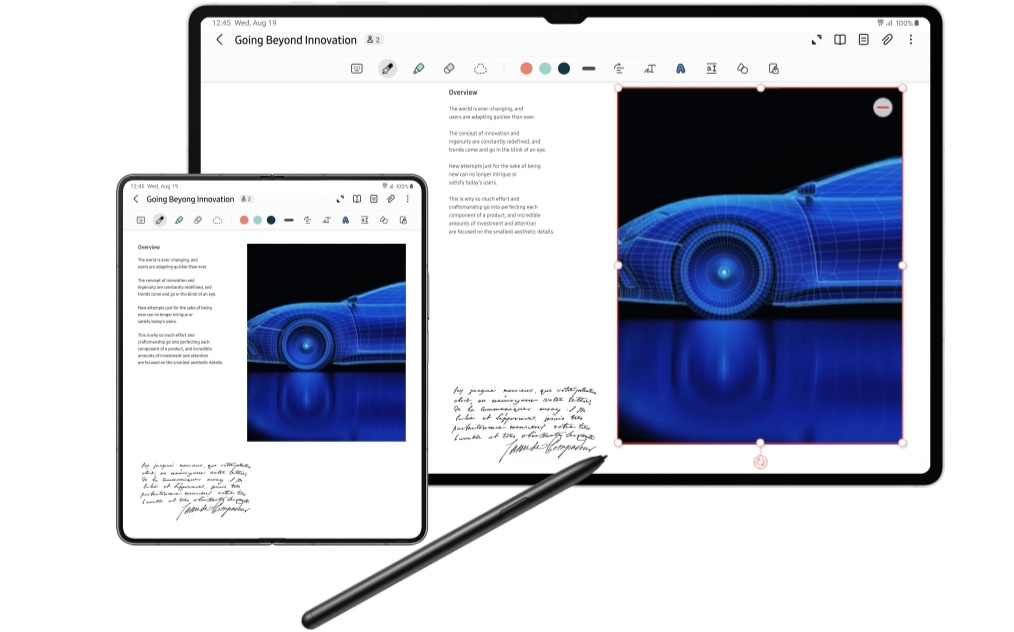
S Pen is used in the Samsung Notes app on a Galaxy Tab S9 series device in Landscape mode to make a car image bigger. In front, the same note is open in the Samsung Notes app on an unfolded Galaxy Z Fold5 device with the car image getting bigger at the same time as on the tablet.
Plus up
your
tablet experience
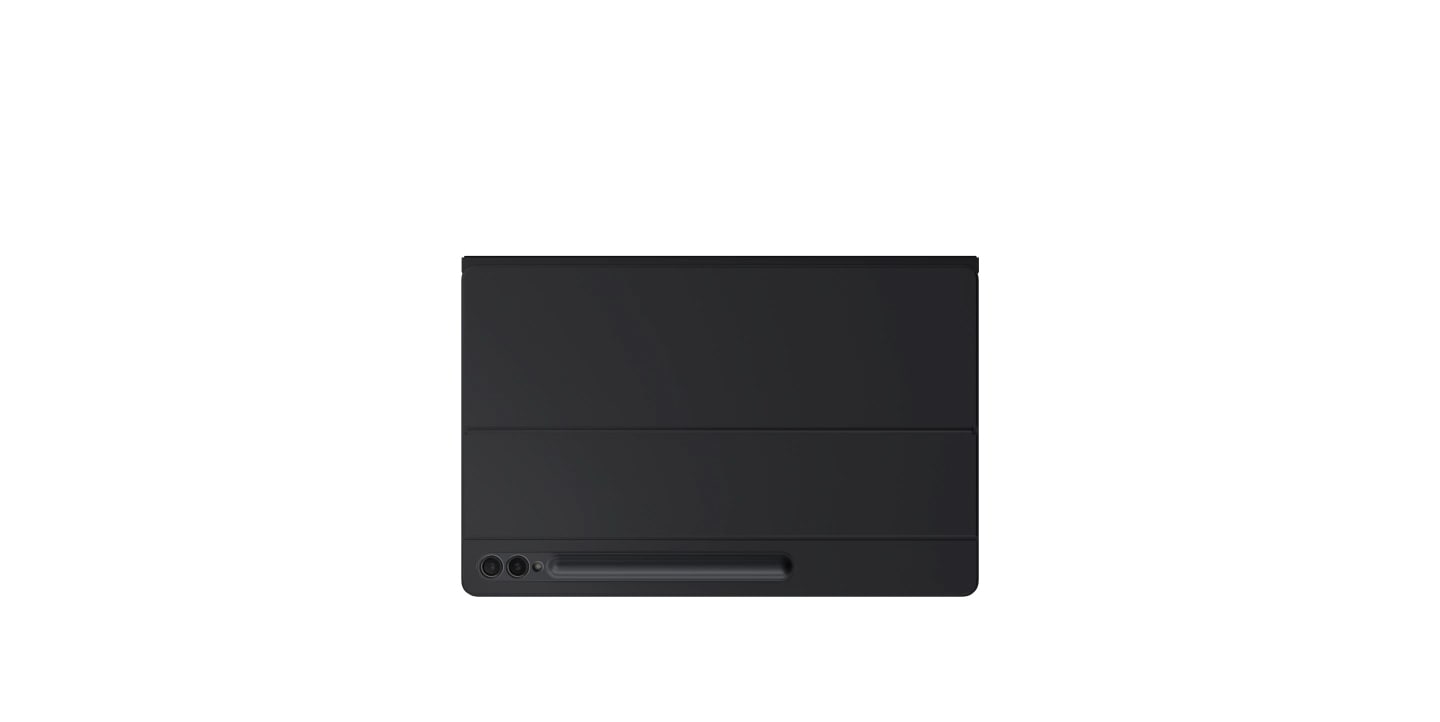
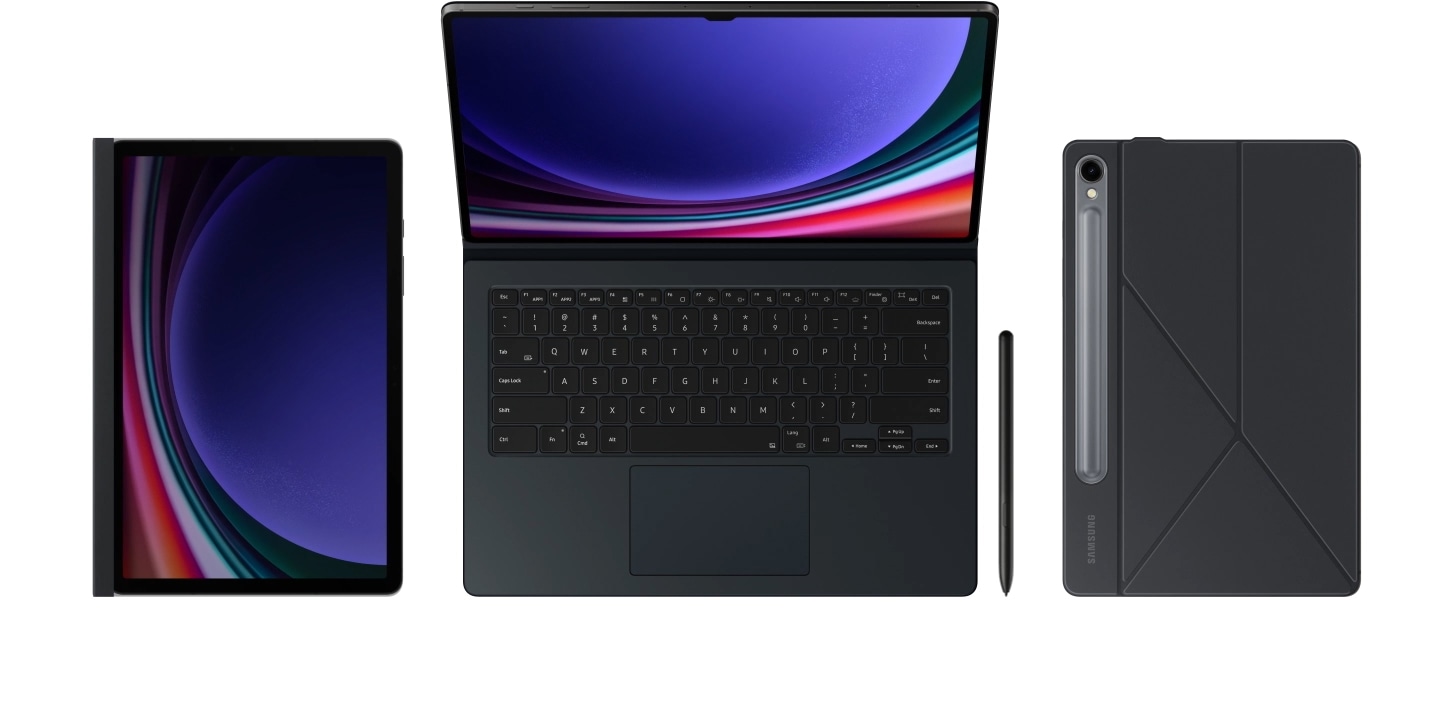
A Galaxy Tab S9 series device with Book Cover Keyboard on unfolding to make the display and keyboard visible. S Pen appears from the bottom. Another Galaxy Tab S9 series device with Smart Book Cover on appears from the right. Another Galaxy Tab S9 series device with Privacy Screen on appears from the left.
Get a PC–like experience with a single snap
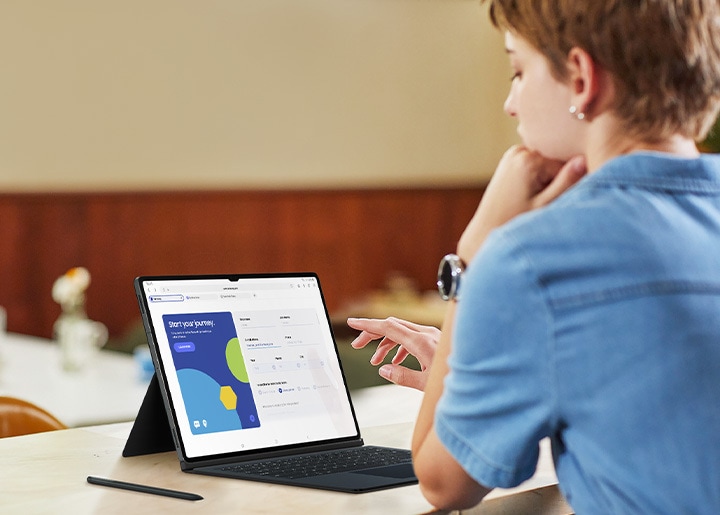
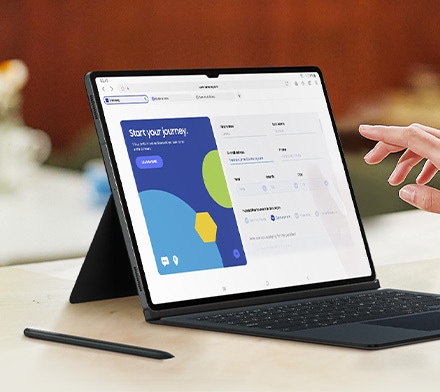
Attach the Book Cover Keyboard to topple your to–do lists with ease. Fully backlit with function keys and a trackpad, it supports DeX mode for a seamless PC–like experience. Assign app shortcuts to up your efficiency and connect wirelessly to other Samsung Galaxy devices to type smoothly on any screen.26,27,28,29,30,31
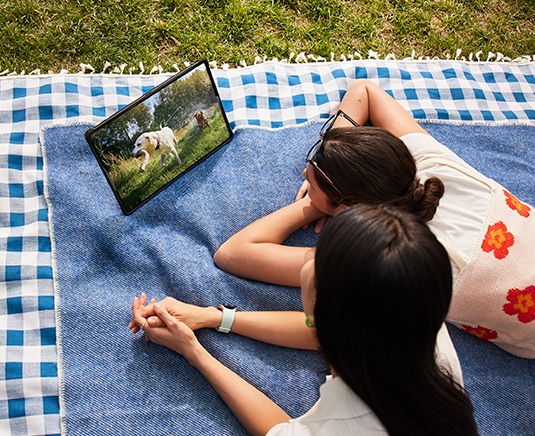
The Smart Book Cover stands all on its own
Find the most comfortable position for whatever you're doing with a simple adjustment of the foldable Smart Book Cover. Set your Galaxy Tab S9, S9+ or S9 Ultra up vertically or horizontally for an easel-esque balance, or a hands-free way to catch up on your shows.
*Smart Book Cover sold separately.

Shoot on your phone,
share
it to your tablet
Move massive files from one Samsung Galaxy device to another in a flash with Quick Share.32 Open up LumaFusion to take advantage of the expansive screen to edit, cut and add final touches with precision.33
*Image simulated for illustrative purposes. Actual UI may be different.

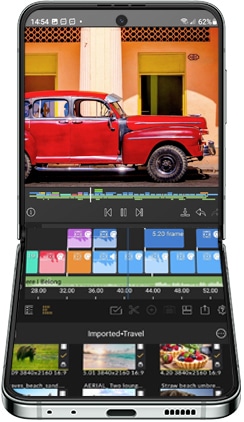
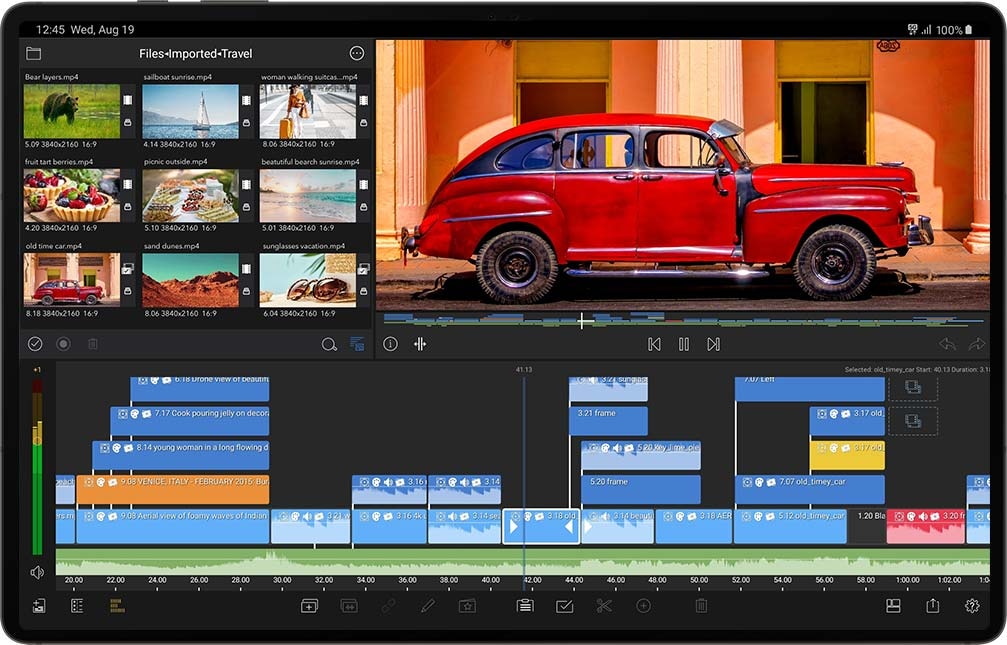
Front view of an unfolded Galaxy Z Flip5 with a recorded video onscreen being edited with the LumaFusion app that is synchronized with a Galaxy Tab S9 device.
Streamline creativity and multitasking
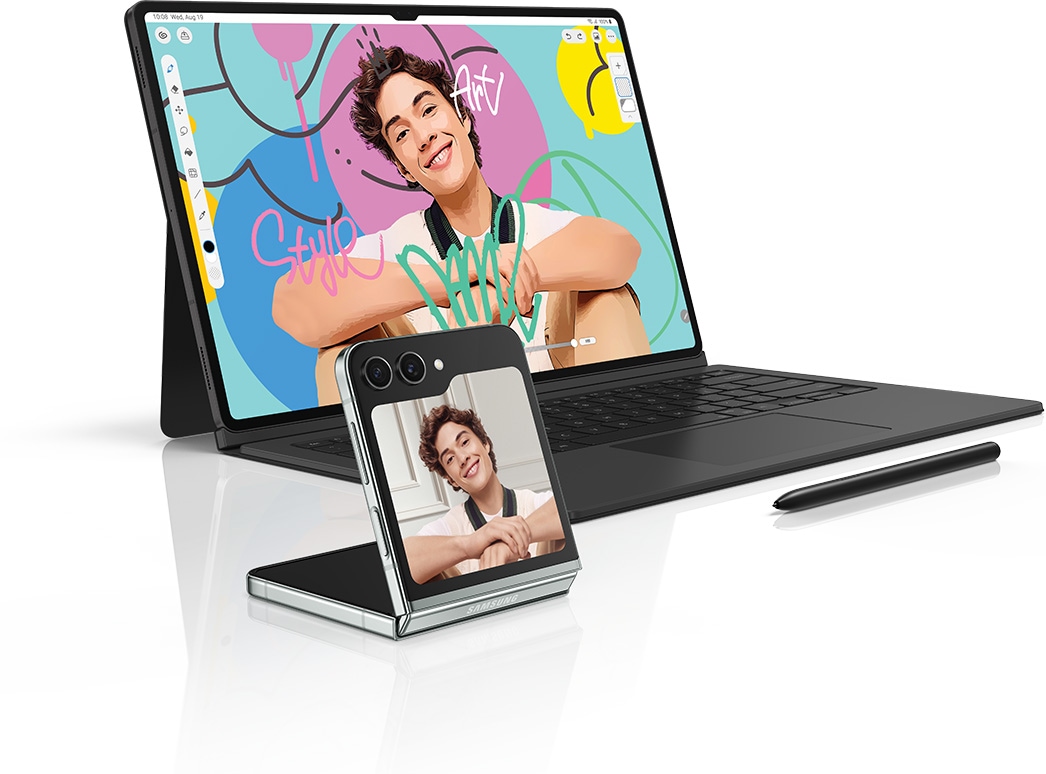
Painting on your tablet just got easier with the newly-added Simple Mode on Clip Studio Paint. Elevate multitasking with your smartphone by using Multi Control that allows you to drag and drop images between the devices, or instantly transfer files from your smartphone and continue editing on your tablet.34,35
- *Image simulated for illustrative purposes.
Actual UI may be different. - *Book Cover Keyboard sold separately.
Galaxy Z Flip5 sold separately. - *Clip Studio Paint membership required. Preload supported in select markets. Clip Studio Paint can be downloaded from the Galaxy Store in select markets.

Divide your screen.
Multiply your productivity
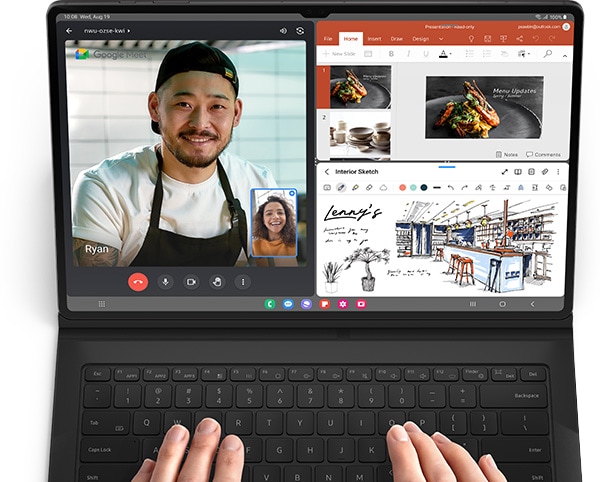
Conquer multiple tasks at once. You can sketch out architectural plans and choose captivating visuals and video chat — all on one screen without ever closing a window.36
- *Image simulated for illustrative purposes.
Actual UI may be different. - *Book Cover Keyboard sold separately.
- *Google Meet and Microsoft 365 available for download at Google Play. Google Meet is a trademark of Google LLC.
- *Up to three apps available on display simultaneously.
Discover the
Galaxy Tab S9 Series with unbeatable performance
-

- Display 14.6" Dynamic AMOLED 2X
- Durability IP68
- Processor Snapdragon® 8 Gen 2
- Storage 256GB, 512GB, 1TB
Micro SD supported - Memory 12GB, 16GB
- Battery
(typical) 11,200 mAh - Pen IP68 S Pen (BLE O) Inbox
- Camera [Rear]
13MP + 8MP UW
[Front]
12MP + 12MP UW - Network 5G / Wi-Fi
- Weight 737 g (5G),
732g (Wi-Fi) - Thickness 0.55 cm
-
-
- Display 12.4" Dynamic AMOLED 2X
- Durability IP68
- Processor Snapdragon® 8 Gen 2
- Storage 256GB, 512GB
Micro SD supported - Memory 12GB
- Battery
(typical) 10,090 mAh - Pen IP68 S Pen (BLE O) Inbox
- Camera [Rear]
13MP + 8MP UW
[Front]
12MP UW - Network 5G / Wi-Fi
- Weight 586 g (5G),
581g (Wi-Fi) - Thickness 0.57 cm
-
-
- Display 11" Dynamic AMOLED 2X
- Durability IP68
- Processor Snapdragon® 8 Gen 2
- Storage 128GB, 256GB
Micro SD supported - Memory 8GB, 12GB
- Battery
(typical) 8,400 mAh - Pen IP68 S Pen (BLE O) Inbox
- Camera [Rear]
13MP
[Front]
12MP UW - Network 5G / Wi-Fi
- Weight 500 g (5G),
498g (Wi-Fi) - Thickness 0.59 cm
-



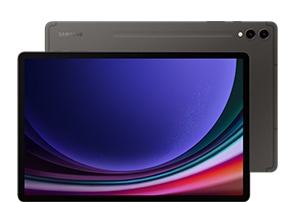
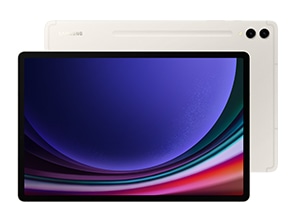
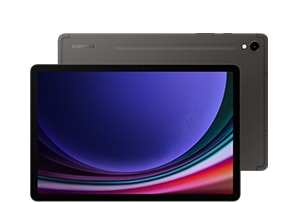
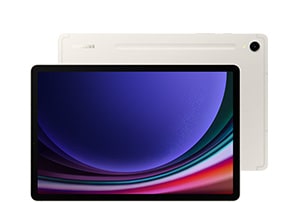
- Galaxy Tab S9 Series is the first water and dust-resistant Samsung Galaxy Tab S Series with an IP68 rating.
- The inbox S Pen for the Galaxy Tab S9 Series is water and dust-resistant S Pen with an IP68 rating.
- Measured diagonally, Galaxy Tab S9 Ultra's screen size is 36.99 cm in the full rectangle and 36.72 cm accounting for the rounded corners. Galaxy Tab S9+'s screen size is 31.50 cm in the full rectangle and 31.47 cm accounting for the rounded corners. Galaxy Tab S9's screen size is 27.81 cm in the full rectangle and 27.62 cm accounting for the rounded corners. Actual viewable area is less due to the rounded corners and the camera hole.
- Product weight varies by 5G and Wi-Fi model. Galaxy Tab S9 Ultra 5G 737 g, Wi-Fi 732 g. Galaxy Tab S9+ 5G 586 g, Wi-Fi 581 g. Galaxy Tab S9 5G 500 g, Wi-Fi 498 g.
- Dyes for anodizing the metal frames are made of 10% natural dye.
- The OLED display used in the Galaxy Tab S9 Series has received the "Eye Care" certification from SGS based on its ability to drastically reduce the harmful effects of blue light. More information of this certification can be found on www.sgs.com/performance.
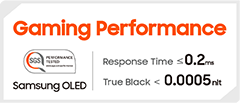
- The OLED display used in the Galaxy Tab S9 Series display has received the "Gaming Performance" certification from SGS, by recording respectively 0.2ms or less and 0.0005 nits or less in response time and perfect black, which are important image quality factors when enjoying dynamic and speedy action games. More information of this certification can be found on www.sgs.com/performance.
- Armor Aluminum is cased on the metal rear, excluding Cam Deco, Pen Deco, side keys and the SIM tray.
- Galaxy Tab S9, Tab S9+, Tab S9 Ultra and the including S Pen are rated IPx4/68 under IEC standard 60529. Based on lab test conditions under water spray 180° from vertical, 10 L / min for 5 mins (IPx4) and submersion in up to 1.5 meters of freshwater for up to 30 minutes (IP68). Not advised for beach or pool use. Water and dust resistance of device is not permanent and may diminish over time because of normal wear and tear.
- Dust resistance rating is tested under lab conditions by a third party: 2 kg of talc powder (max. diameter of 0.005 cm) per cubic meter was blown into a test chamber housing the device (air pressure within device kept below surrounding air) for 2 hours. Rated IP6X. Dust-resistance may vary by actual usage conditions.
- The inbox S Pen for the Galaxy Tab S9 Series is water and dust-resistant S Pen with an IP68 rating. Based on lab test conditions for submersion in up to 1.5 meters of freshwater for up to 30 minutes. Not advised for beach or pool use. Water and dust resistance of the S Pen is not permanent and may diminish over time because of normal wear and tear.
- Dust resistance rating is tested under lab conditions by a third party: 2 kg of talc powder (max. diameter of 0.005 cm) per cubic meter was blown into a test chamber housing the device (air pressure within device kept below surrounding air) for 2 hours. Rated IP6X. Dust-resistance may vary by actual usage conditions.
- Remove any excess water from the S Pen with a dry cloth or towel before using or attaching it to tablet.
- Snapdragon is a product of Qualcomm Technologies Inc. and/or its subsidiaries.
- Snapdragon is a trademark or registered trademark of Qualcomm Incorporated.
- Typical value tested under third-party laboratory conditions. Typical value is the estimated average value considering the deviation in battery capacity among the battery samples tested under IEC 61960 standard. Rated (minimum) capacity is 10,880 mAh for Galaxy Tab S9 Ultra, 9,800 mAh for Galaxy Tab S9+ and 8,160 mAh for Galaxy Tab S9. Actual battery life may vary depending on network environment, usage patterns and other factors.
- Charging is supported when the Galaxy Tab S9 Series display is turned off and the battery level is at least 30%.
- Charging from Galaxy Z Flip5, Galaxy Z Fold5, Galaxy Z Flip4, Galaxy Z Fold4, Galaxy S23, Galaxy S22, Galaxy A53, Galaxy A33 and Galaxy Tab S8 series, using a Type-C cable. The power source is determined on a random basis when sharing battery power between Galaxy Tab S9 Series.
- Charging speed may vary depending on charging conditions and other factors.
- Using the original Samsung data cable is recommended.
- Samsung Galaxy smartphone sold separately.
- MicroSD card sold separately.
- Availability of 1TB internal storage option may vary depending on country, region or carrier and actual storage availability may vary depending on pre-installed software. Memory and storage options vary by model: Galaxy Tab S9 Ultra – 16GB memory and 1TB storage, 12GB memory and 512GB storage, 12GB memory and 256GB storage; Galaxy Tab S9+ – 12GB memory and 512GB storage, 12GB memory and 256GB storage; Galaxy Tab S9 – 12GB memory and 256GB storage, 8GB memory and 128GB storage.
- GoodNotes app requires separate download from Galaxy Store.
- NotePaper Screen sold separately.
- Book Cover Keyboard sold separately. The product is available for Galaxy Tab S9 Ultra, Galaxy Tab S9+ and Galaxy Tab S9. Product design may vary by model.
- Features and keyboard layout may vary by model or type of language. Backlit feature available only on Galaxy Tab S9 Ultra Book Cover Keyboard by pressing Fn + F12.
- App shortcuts can be assigned for select apps only.
- Wireless Keyboard Sharing is supported on Samsung Galaxy Tab devices running One UI 2.5 or above, connected to the Book Cover Keyboard via POGO. Not available on select smartphone models.
- Up to 3 devices can be registered for Wireless Keyboard Sharing. To enable Wireless Keyboard Sharing, both devices must be logged in to the same Samsung account. Performance may vary depending on user network environment.
- Wireless Keyboard Sharing feature can be turned on/off in Settings > General Management > Physical Keyboard > Share keyboard.
- Available on devices with One UI 2.1 or later versions installed, and requires Quick Share, Quick Share Connectivity and Quick Share Agent app updates. Bluetooth Low Energy and Wi-Fi connection are required for Quick Share use. Certain applications may not support Quick Share.
- LumaFusion app requires separate purchase and download. App availability and terms of service may vary by country and region.
- Multi Control is available only on Galaxy smartphones with One UI 5.1 or above and Galaxy Tab devices with One UI 4.1 or above and Multi Control actions may be unavailable in certain apps. Not available on select smartphone models.
- Clip Studio Paint app comes pre-installed in select markets. Clip Studio Paint app can be downloaded from the Galaxy Store. Terms of service may vary by country and region.
- Certain applications may not support multi-tasking.
Highlights

Premium Display

Durability

Performance

S Pen
Specifications
-
Size (Main Display)
27.81 cm
-
CPU Speed
3.36GHz, 2.8GHz, 2GHz
-
CPU Speed
3.36GHz, 2.8GHz, 2GHz
-
CPU Type
Octa-Core
-
Size (Main Display)
27.81 cm
-
Resolution (Main Display)
2560 x 1600 (WQXGA)
-
Technology (Main Display)
Dynamic AMOLED 2X
-
Colour Depth (Main Display)
16M
-
Yes (Gesture/Remote Control)
-
Rear Camera - Resolution
13.0 MP
-
Rear Camera - Auto Focus
Yes
-
Front Camera - Resolution
12.0 MP
-
Rear Camera - Flash
Yes
-
Video Recording Resolution
UHD 4K (3840 x 2160)@30fps
-
Memory (GB)
12
-
Storage (GB)
256
-
Available Storage (GB)
218.2
-
External Storage Support
MicroSD (Up to 1 TB)
-
2G GSM
GSM850, GSM900, DCS1800, PCS1900
-
3G UMTS
B1(2100), B2(1900), B4(AWS), B5(850), B8(900)
-
4G FDD LTE
B1(2100), B2(1900), B3(1800), B4(AWS), B5(850), B7(2600), B8(900), B12(700), B13(700), B17(700), B20(800), B25(1900), B26(850), B28(700), B32(1500), B66(AWS-3)
-
4G TDD LTE
B38(2600), B40(2300), B41(2500)
-
5G* FDD Sub6
N1(2100), N3(1800), N5(850), N7(2600), N8(900), N20(800), N28(700), N66(AWS-3)
-
5G* TDD Sub6
N38(2600), N40(2300), N41(2500), N77(3700), N78(3500)
-
USB Version
USB 3.2 Gen 1
-
Location Technology
GPS, Glonass, Beidou, Galileo, QZSS
-
MHL
No
-
Wi-Fi
802.11a/b/g/n/ac/ax 2.4GHz+5GHz+6GHz, HE160, MIMO, 1024-QAM
-
Wi-Fi Direct
Yes
-
Bluetooth Version
Bluetooth v5.3
-
NFC
No
-
Bluetooth Profiles
A2DP, AVRCP, DI, HFP, HID, HOGP, HSP, MAP, OPP, PAN, PBAP, PBP, TMAP
-
PC Sync.
Smart Switch (PC version)
-
Android
-
Form Factor
Tablet
-
Accelerometer, Fingerprint Sensor, Gyro Sensor, Geomagnetic Sensor, Hall Sensor, RGB Light Sensor
-
Dimension (HxWxD, mm)
165.8 x 254.3 x 5.9
-
Weight (g)
500
-
Internet Usage Time(LTE) (Hours)
Up to 10
-
Internet Usage Time(Wi-Fi) (Hours)
Up to 10
-
Video Playback Time (Hours, Wireless)
Up to 15
-
Battery Capacity (mAh, Typical)
8400
-
Removable
No
-
Audio Playback Time (Hours, Wireless)
Up to 149
-
Talk Time (4G LTE) (Hours)
Up to 72
-
Video Playing Format
MP4, M4V, 3GP, 3G2, AVI, FLV, MKV, WEBM
-
Video Playing Resolution
UHD 8K (7680 x 4320)@60fps
-
Audio Playing Format
MP3, M4A, 3GA, AAC, OGG, OGA, WAV, AMR, AWB, FLAC, MID, MIDI, XMF, MXMF, IMY, RTTTL, RTX, OTA
-
Gear Support
Galaxy Buds2 Pro, Galaxy Buds Pro, Galaxy Buds Live, Galaxy Buds+, Galaxy Buds2, Galaxy Buds
-
Mobile TV
No
-
Imported by
Samsung India Electronics Pvt. Ltd. having its Registered Office at: 6th Floor, DLF Centre, Sansad Marg, New Delhi-110001
-
Contact us
For All Product Related Complaints/assistance, please contact Manager, Customer Care Samsung India Electronics Pvt. Ltd., 6th Floor, DLF Centre, Sansad Marg, New Delhi - 110001 Email us at: support.india@samsung.com Tel (Toll Free): 1800 40 7267864 (1800 40 SAMSUNG)
-
Launch date
July 27th, 2023
Reviews
Galaxy Tab S9 5G
Filters
Relevancy sort puts the best reviews at the top. We look at things like helpfulness votes, latest review, pictures and other traits that readers look for in their reviews.
Filters
23 Reviews
2025-03-24
Greenhithe Kent
CX
We're thrilled to see you're loving the awesome Tab S9! First impressions are important, and we're happy to see you found transferring your data was a quick and seamless process! The battery can last a full day on a single charge and with Fast Charging, you're back to full in no time! The camera is great for luscious landscapes or detailed close-ups on your frets! The sound is perfect for watching films or listening to music and with Dolby Atmos, you'll feel like you're right there! We do provide a few cases which may be of interest to you through the following link: https://www.samsung.com/uk/aisearch/?searchvalue=tab%20s9%20case Many thanks for the five stars! ^CH at Samsung Support
2023-09-05
Nottingham
2023-11-28
2023-09-04
Bristol
2023-11-07
2023-09-12
London
2023-09-04
DARWEN
2024-06-30
Samsung UK Reviews Team
Thank you for sharing your positive experience with the Tab S9, Andy! We're thrilled to see you're loving the upgrade from your Tab S6, and have been wowed by the design and improved functionality! We appreciate your feedback regarding the position of the holder for the S Pen. Your input is valuable as it helps us improve our products, and we'll certainly consider your suggestion for future designs. Once again, we appreciate your stellar review! ^AP at Samsung Support
2024-01-31
2024-11-19
Cotswolds
CX
It makes us very happy to read that you love your amazing Galaxy Tab S9, Anthony! From its impressive and convenient size to the quality of the display, the enhanced speakers and the always useful AI features; this fantastic product will let you enjoy any content you love with a premium experience! ^CL at Samsung Support
2024-12-16
CX
We are over the moon to see you are loving your stunning Tab S9, Franc! The striking 11" Dynamic AMOLED 2X display will bring your viewing experience to life! Along with the exceptional 8,400 mAh battery, you will have hours of fun! ^LB at Samsung Support
2024-03-06
I travel the world
2024-08-03
CX
Thank you very much for your fab feedback, Andy! We are delighted to read that you are happy with your new Tab S9, especially thanks to its beautiful display and crisp audio! Perfect for watching all your favourite shows and films on the go! ^CR at Samsung Support
2025-03-29
CX
We are thrilled to see you are loving your Tab S9, Joe! Thanks to the striking 11" Dynamic AMOLED 2X display, using the incredible S Pen will bring your creativity to life, along with the awesome 13MP camera, your pics will be enhanced! Not to forget the impressive Snapdragon 8 Gen 2 processor, you will have a smooth experience! ^LB at Samsung Support
2024-05-10
Samsung UK Reviews Team
We're pleased to see that you are loving your Tab S9, and we do assure you that our Customer Support team is always here to help however we can. We have a number of teams who are available on different channels, and you can find details for the different ways to contact them, plus their opening times, by following this link: https://spr.ly/6421jxZGT ^DB at Samsung Support
2025-01-28
Aberdeen
CX
Thank you for taking the time to review your new Tab S9, Neil! It is an absolute pleasure to read how much you are enjoying the beautiful display and strong, reliable connectivity! ^CR at Samsung Support
2024-11-04
CX
Thank you very much, Ben, for letting us know why you love the Galaxy Tab S9! With a spectacular camera, an S Pen, a beautiful display, AI features and all the apps and functionality you could ever need, it's perfect for work and play! Enjoy! ^CR at Samsung Support
2023-08-04
2024-08-19
Newcadtle
CX
We are thrilled to read that the fantastic Galaxy Tab S9 has fully met your expectations with top marks, Mike! You can always trust our brand to enjoy top-quality products that are also smart and powerful! ^CL at Samsung Support
2024-07-08
Birmingham, West Midlands
2024-06-29
Oxford
Samsung UK Reviews Team
Thanks for the five stars, James! We are over the moon to see how happy you are with the wonderful AI features of your new Tab S9! With the all new AI features, your tech can word even harder for than ever before, providing live translations on holiday, making it easier to search for things online, transcription for easy reading, photo editing features and so much more! ^CR at Samsung Support
2024-05-02
South ayrshire
2023-09-04
Warrington
These reviews are managed by Bazaarvoice and comply with the Bazaarvoice Authenticity Policy, which is supported by anti-fraud technology and human analysis. Details at
https://www.bazaarvoice.com/legal/trustmark/User manual & downloads
Solutions & Tips
User Available Memory : User memory is less than the total memory due to storage of the operating system and software used to operate the device features. Actual user memory will vary depending on the operator and may change after software upgrades are performed
Network : The bandwidths supported by the device may vary depending on the region or service provider
All specifications and descriptions provided herein may be different from the actual specifications and descriptions for the product. Samsung reserves the right to make changes to this web page and the product described herein, at anytime, without obligation on Samsung to provide notification of such change. All functionality, features, specifications, GUI and other product information provided in this web page including, but not limited to, the benefits, design, pricing, components, performance, availability, and capabilities of the product are subject to change without notice or obligation. The contents within the screen are simulated images and are for demonstration purposes only.
Measured diagonally, Galaxy Tab S9 Ultra's screen size is 36.99 cm in the full rectangle and 36.72 cm, accounting for the rounded corners. Galaxy Tab S9+'s screen size is 31.50 cm in the full rectangle and 31.47 cm accounting for the rounded corners. Galaxy Tab S9's screen size is 27.81 cm in the full rectangle and 27.62 cm accounting for the rounded corners. Actual viewable area is less due to the rounded corners and the camera hole.
Typical value tested under third-party laboratory condition. Typical value is the estimated average value considering the deviation in battery capacity among the battery samples tested under IEC 61960 standard. Rated (minimum) capacity is 10,880mAh for Galaxy Tab S9 Ultra, 9,800mAh for Galaxy Tab S9+, and 8,160mAh for Galaxy Tab S9. Actual battery life may vary depending on network environment, usage patterns and other factors.