What's New in the Phone App on Galaxy Z Fold6 and Z Flip6?
Last Update date : 2026-07-01
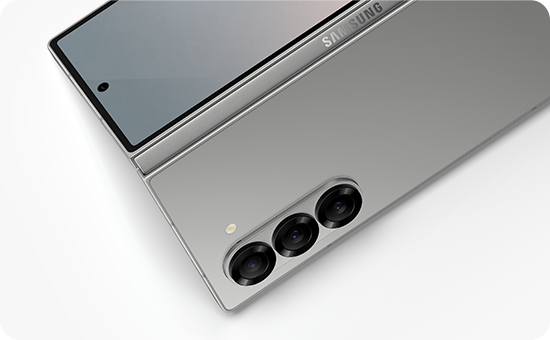
What Are the New Features of the Phone App in the Galaxy Fold6 and Galaxy Flip6?
The Samsung Galaxy Fold6 and Galaxy Flip6 introduce enhanced call management features in the Phone app, allowing users to answer calls with gestures and automatically use the speaker when no headphones or Bluetooth devices are connected.
1. What Are the New Call Answering Features?
The Phone app now supports two gesture-based options for answering calls: Swipe and Tap. Additionally, users can enable Answer Using Speaker by default when no audio accessories are connected.
2. How to Switch Between Gesture Options for Answering Calls
Follow these steps to change the gesture method for answering calls:
- Open the Phone app.
- Tap on More options (⁝).
- Select Settings.
- Go to Answering and ending calls.
- Tap on Gesture to answer calls.
- Choose your preferred option: Swipe or Tap.
3. How to Enable or Disable Answer Using Speaker
To toggle the Answer Using Speaker feature, follow these steps:
- Open the Phone app.
- Tap on More options (⁝).
- Select Settings.
- Go to Answering and ending calls.
- Toggle the switch for Answer using speaker to enable or disable the feature.
4. Supported Samsung Galaxy Devices
These features are available on the following devices:
- Galaxy Fold6
- Galaxy Flip6
5. Related Samsung Support Topics
Thank you for your feedback!
Please answer all questions.