
Look your best. Get more done. That's the dream.
We're making it a reality with our largest watch screen yet, custom exercise routines and sleep tracking — finished with a timeless aesthetic.1, 2
Start your everyday wellness journey with a refined classic


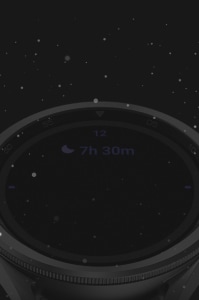
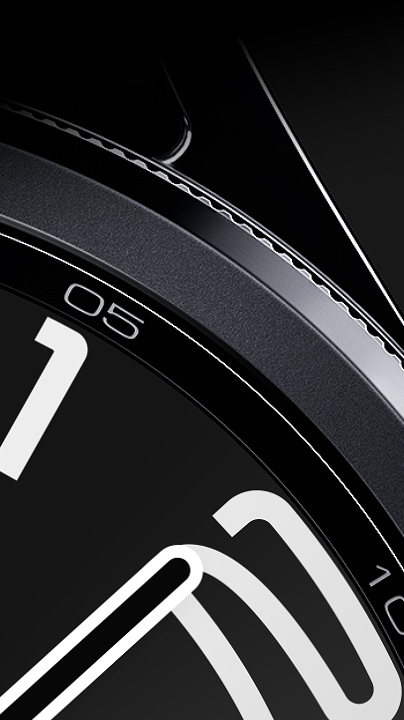
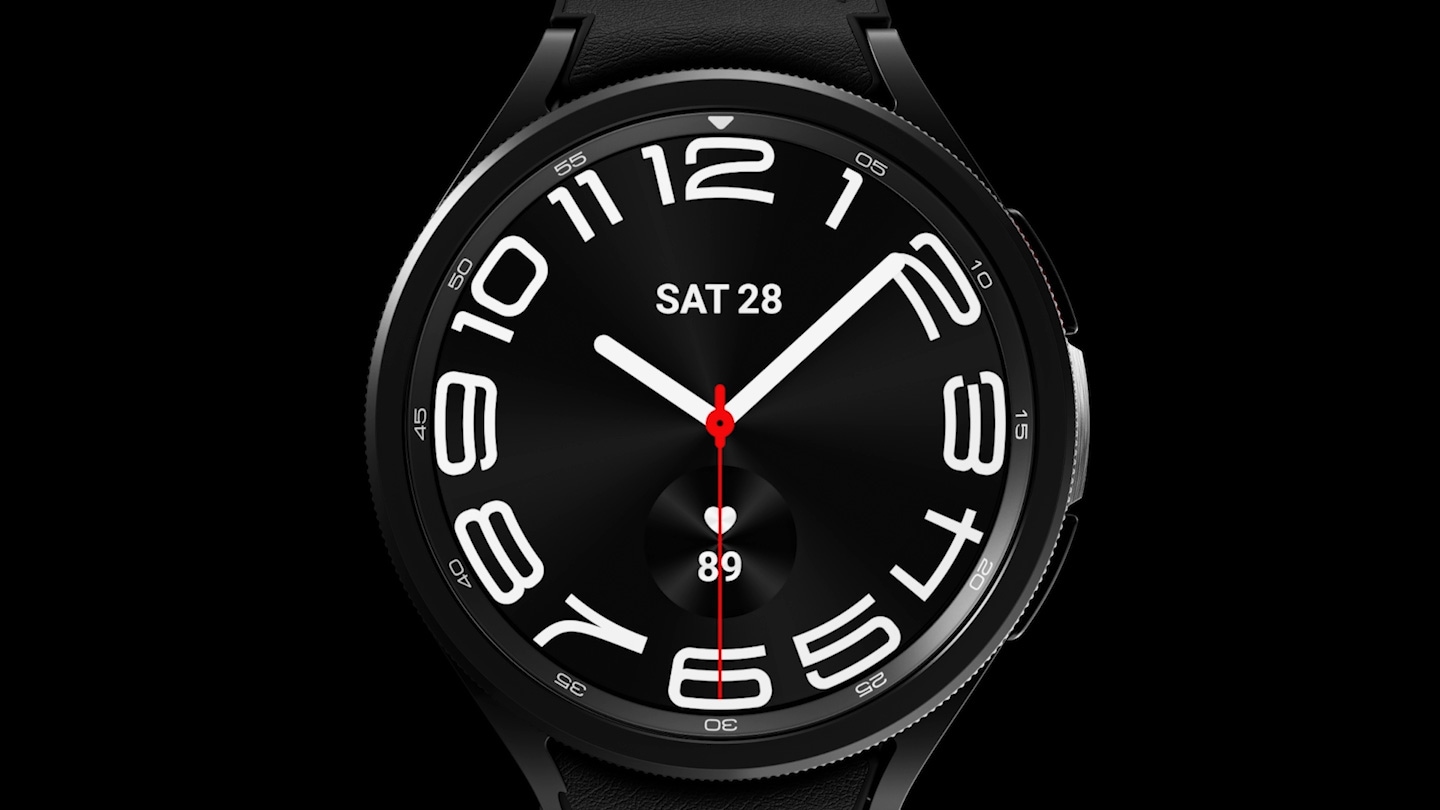
A zoomed-in view of Galaxy Watch6 Classic and its rotating bezel getting thinner and the screen getting larger, highlighting the larger display.

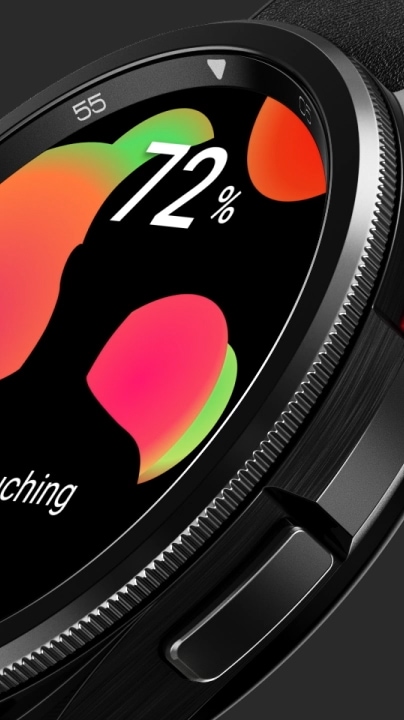
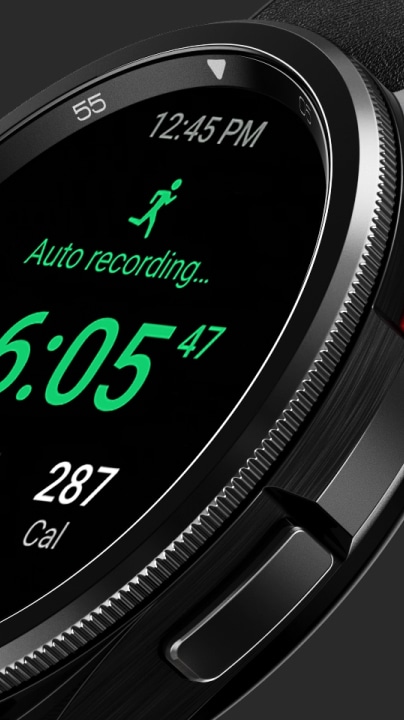
A zoomed-in side view of Galaxy Watch6 Classic with the app being displayed changing as the bezel rotates.
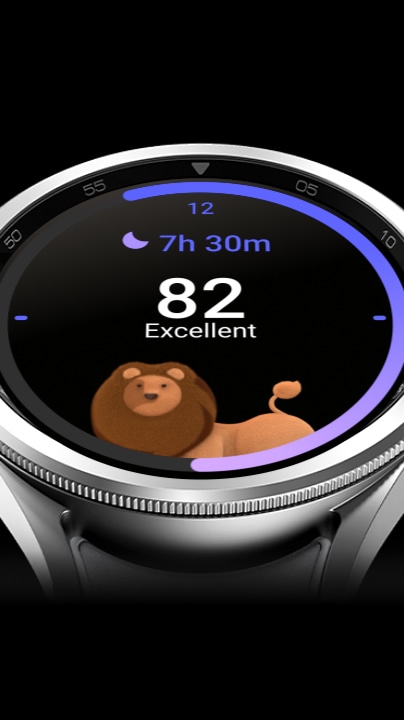
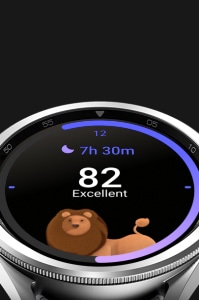
Galaxy Watch6 Classic can be seen displaying the Sleep score screen. The progress bar is advancing as the sleep score '82' appears with the text 'Excellent' below. The sleep animal, a lion, appears at the bottom of the screen.

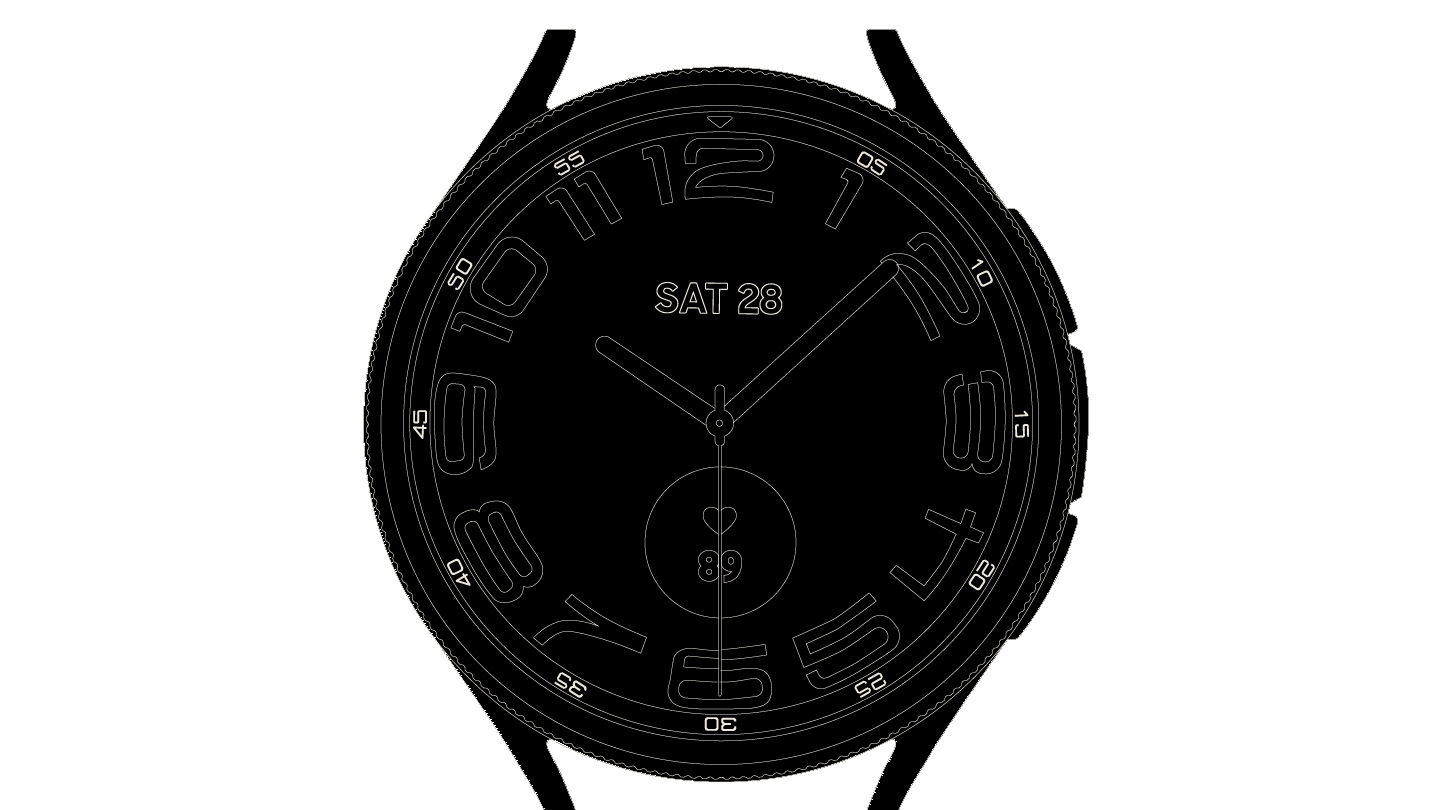
More screen. Thinner bezel
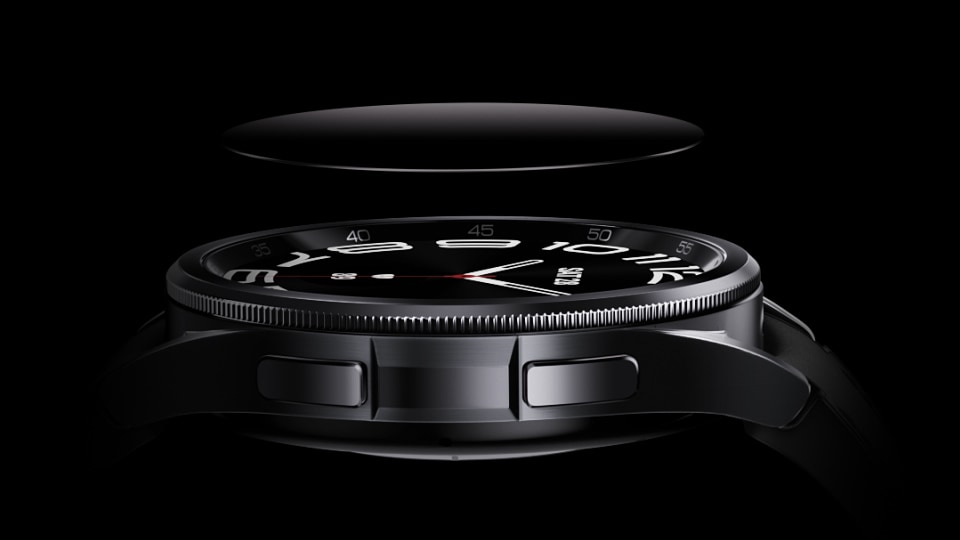
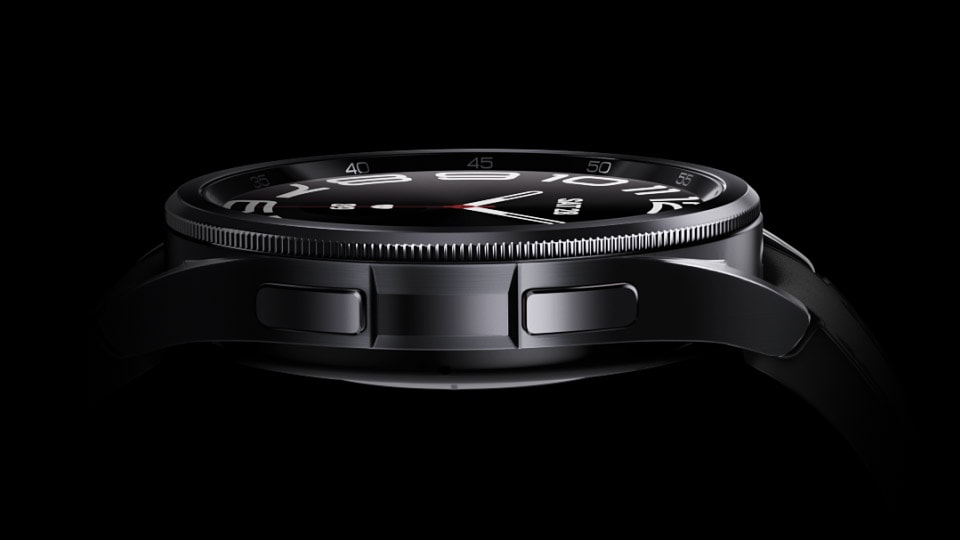
Sapphire Crystal glass is lowered down and installed over the face display.
Sapphire Crystal glass.
A clear difference in durability
Designed to withstand daily wear and tear. The display of Galaxy Watch6 Classic is expertly crafted with Sapphire Crystal glass to protect its timeless beauty. And the finishing has IP68 and 5ATM ratings, so you can keep your watch on through all your adventures.5, 6

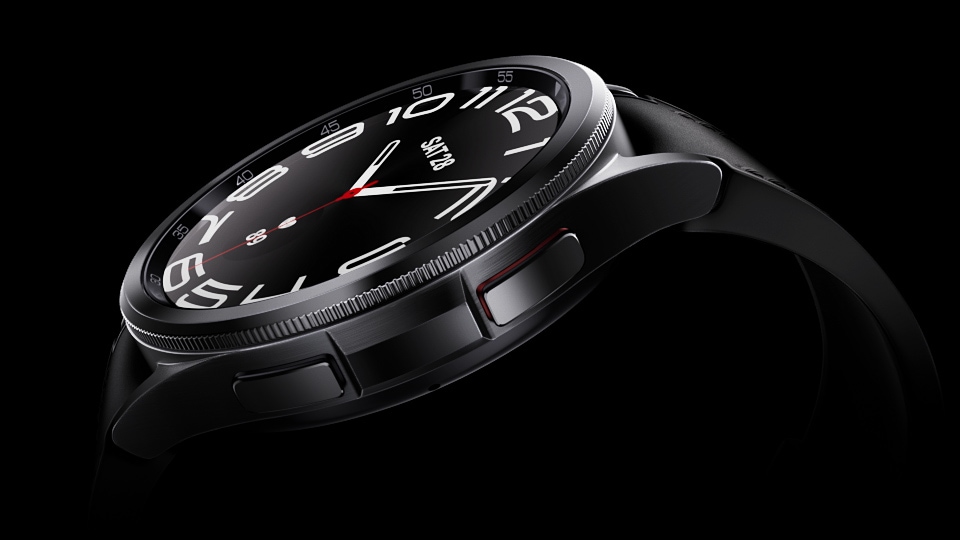
The Galaxy Watch6 Classic rotating bezel slowly moves clockwise.
Take the improved
rotating bezel for a spin1
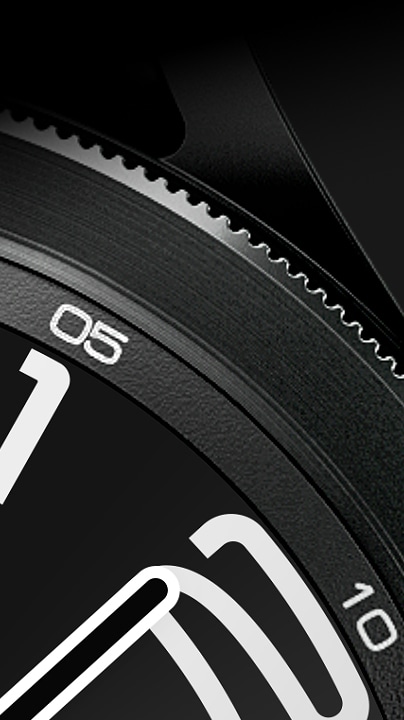
Embrace the time-defying style of a classic. Inspired by the iconic design of diving watches, the slim spinning bezel on Galaxy Watch6 Classic brings history into the future with more fluid, responsive scrolling for intuitive interaction with the screen. And the circular frame is crafted with sleek stainless steel to elevate every glance at the clock.
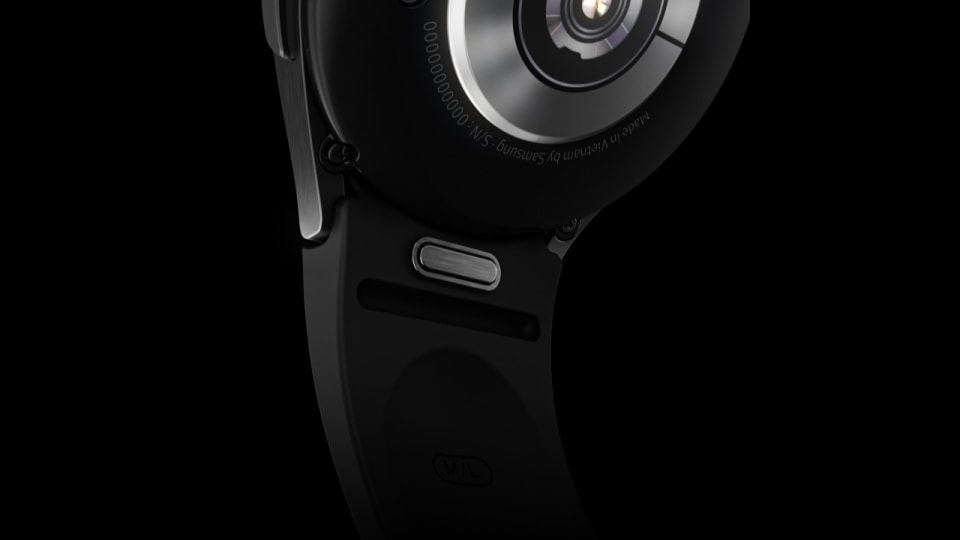
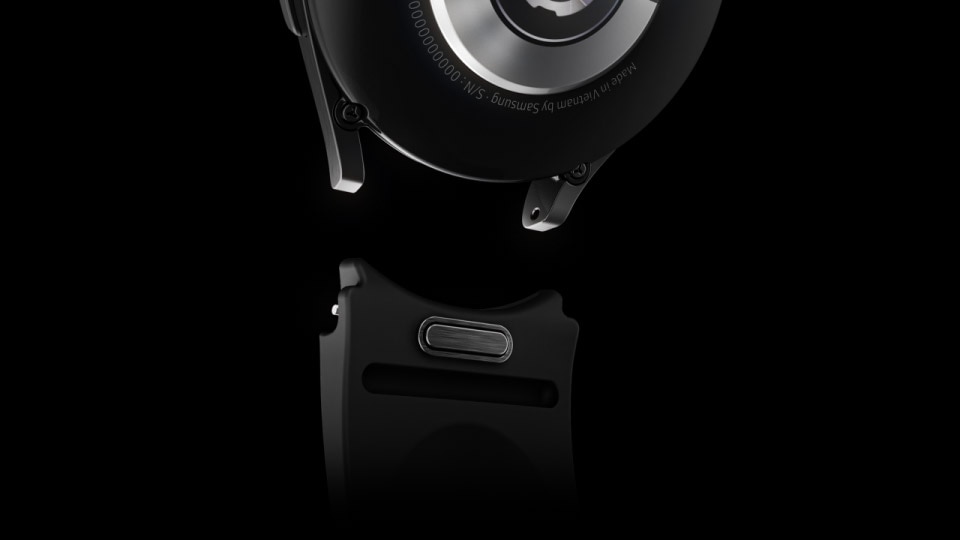
Watch bands detach with the press of a button.
Go from boardroom to
weight room in a snap
Swapping bands is as seamless as pressing the quick release button. A convenient guide lets you install the new band with ease — just press gently until you hear a click. Transition from work to workout or back again without breaking a sweat.7



More processing power to do more with every minute
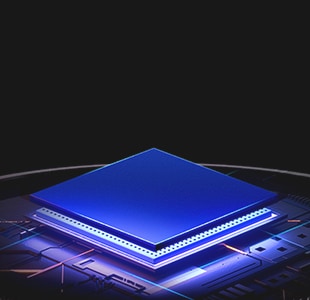
Get more done in less time with Galaxy Watch6 Classic's upgraded processor. The 18% faster CPU speed and quick app launch time keep you productive and efficient throughout the day.1
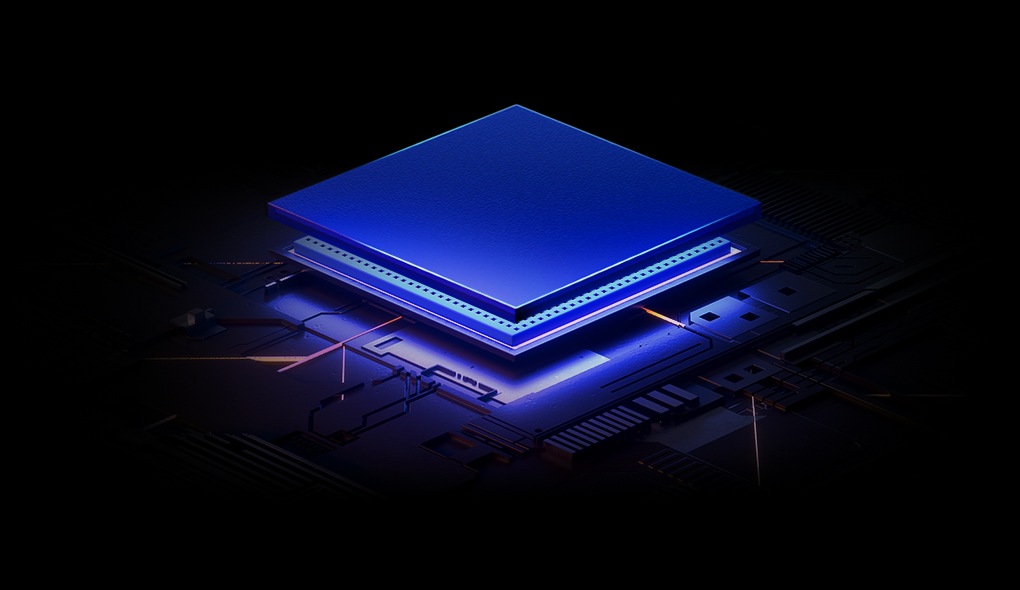
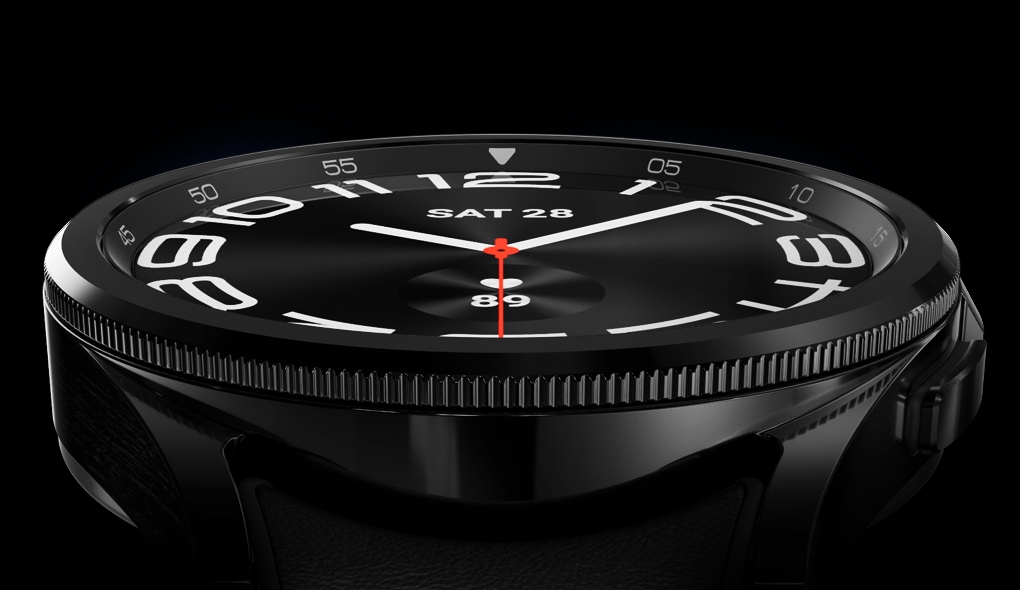
Galaxy Watch6 Classic's processor is being assembled with the bezel and display.
Charge up in record time
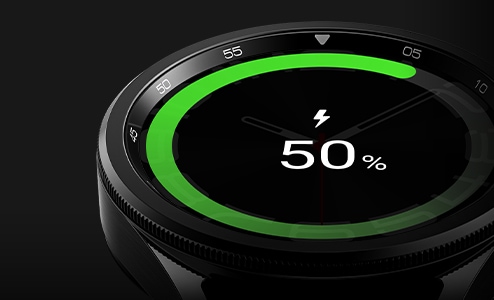
With one full charge, the watch lasts up to 40 hours. Fast charge the watch to 45% in just 30 minutes and you're all set to explore the great outdoors or enjoy a well-deserved break in bed.8, 9, 10
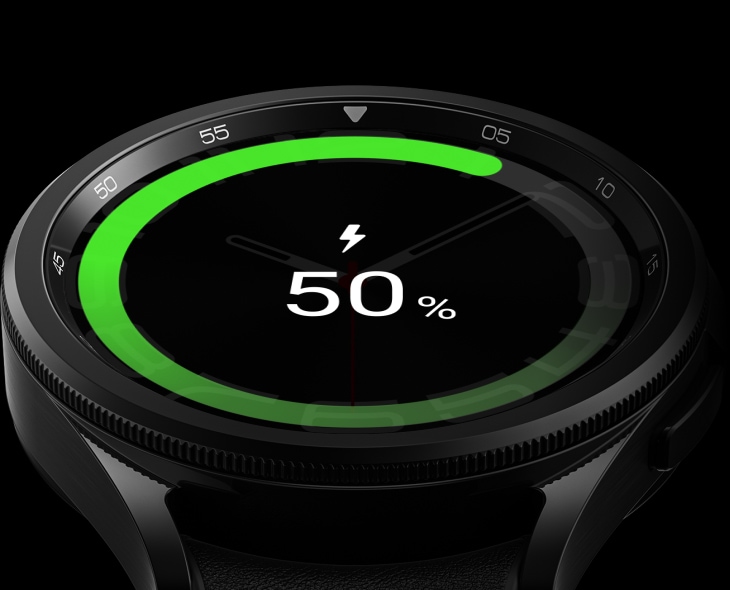
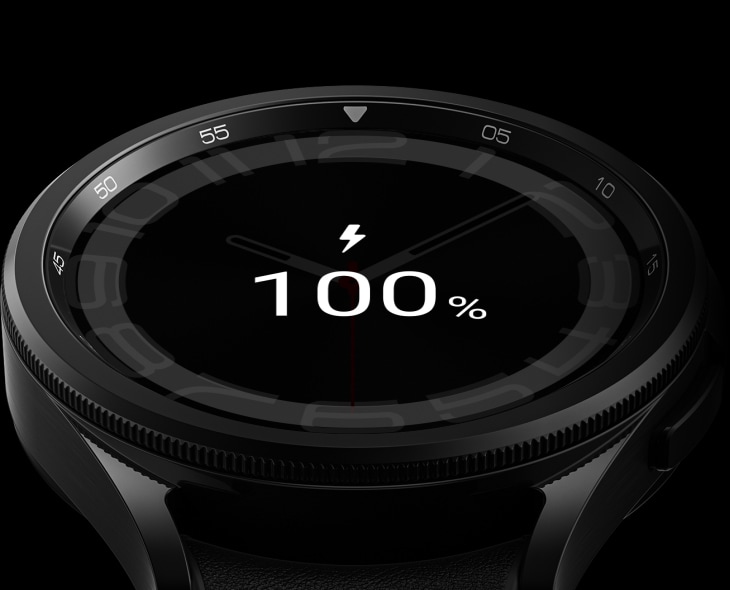
Front view of Galaxy Watch6 Classic can be seen with the charging screen GUI on display. The number is going up from '50%' to '100%', implying the battery is being fully charged.
Hands-on
shooting, hands-free
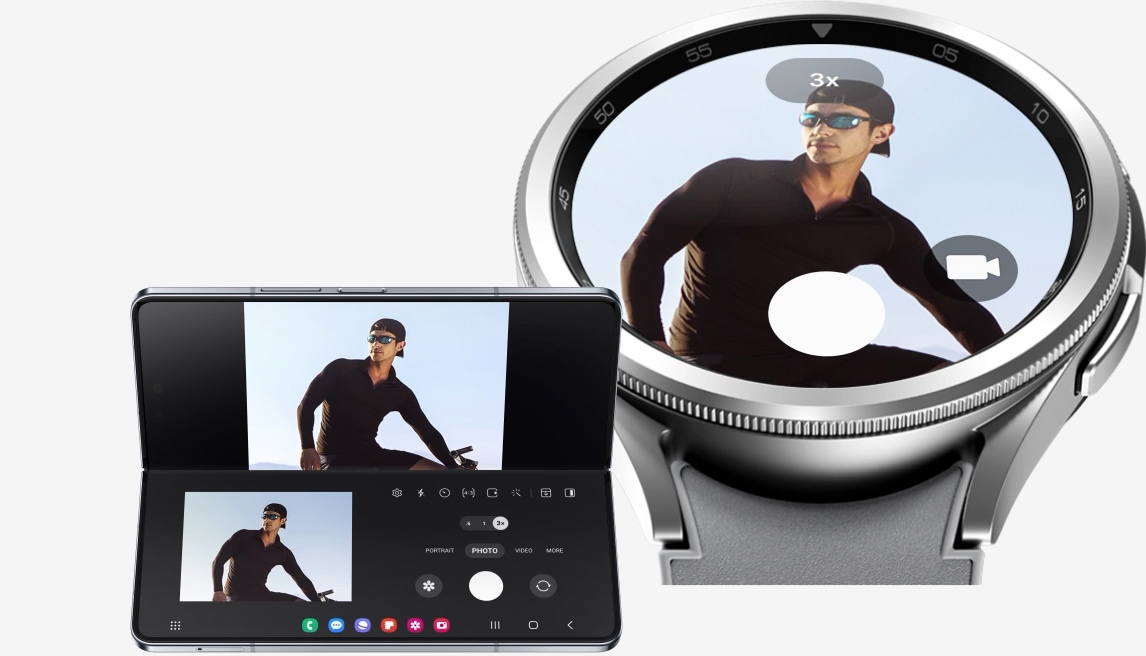
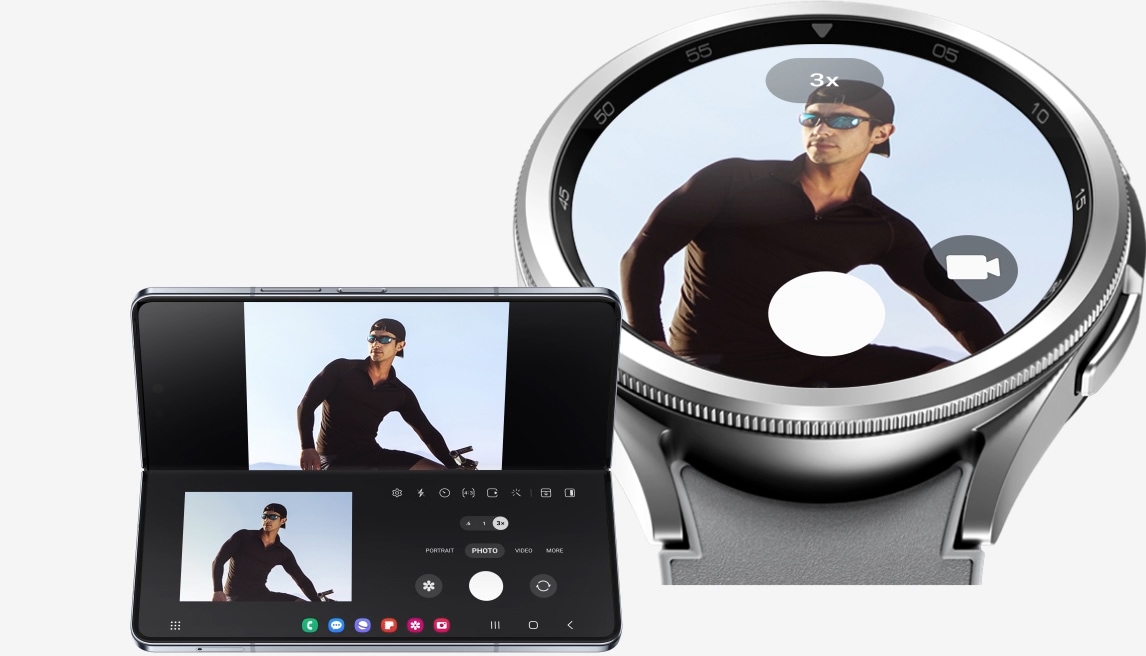
On the left is Galaxy Z Fold5 on Flex mode. On the right is Galaxy Watch6 Classic displaying the same screen as Galaxy Z Fold5 , illustrating the Camera Controller feature.
Pair your watch with Galaxy Z Fold5 to capture the healthy you up close or from a distance. Galaxy Z Fold5's Flex mode and Camera Controller let you easily switch between photo and video mode, or zoom in and out, all from the comfort of your wrist. Then tap the shutter button on your watch to take a pic.11, 12
Begin with
your watch,
follow up on your phone
Team up with your Galaxy Z Fold5 to monitor your progress seamlessly. Use your Galaxy Watch6 Classic track your workouts and health stats. Then sync your watch with the Samsung Health app to graph your activities on a larger screen, including your daily steps, workout intensity, heart rate and more.1
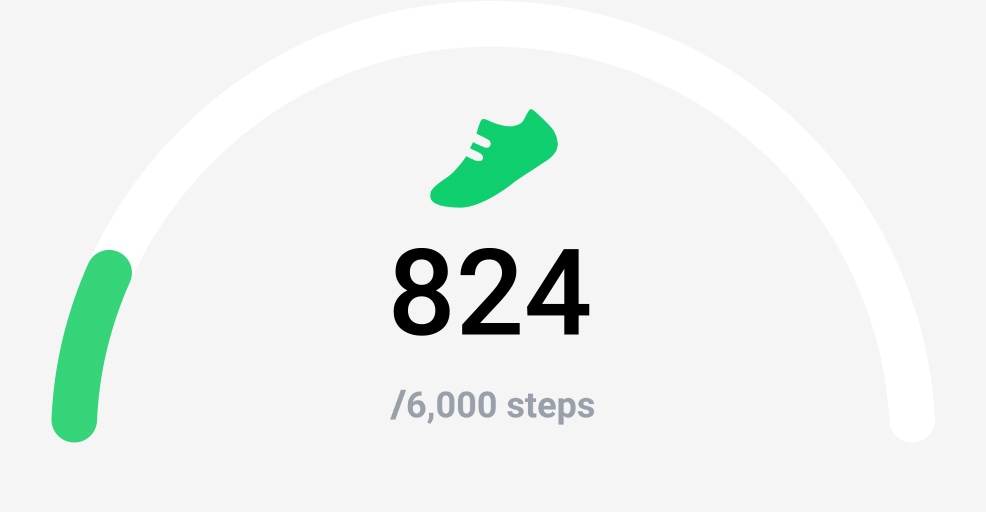
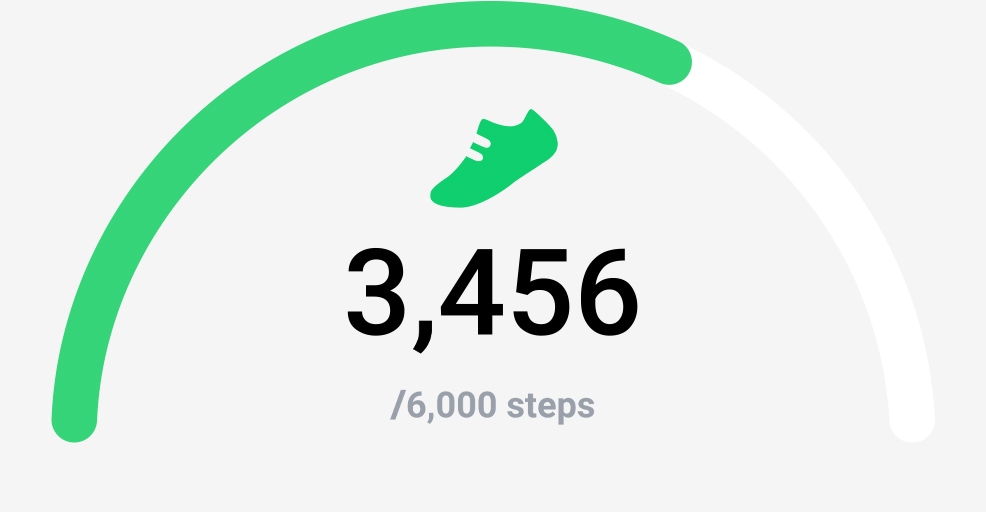
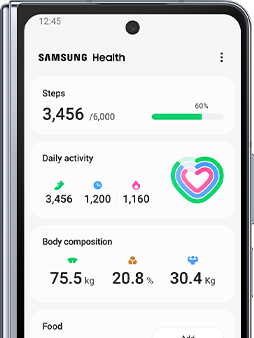
Daily steps icon and progress bar can be seen. The number of steps go up from 824 to 3,456 and the progress bar advances accordingly. On the right is the Galaxy Z Fold5 displaying the Samsung Health app with the detailed data.
International Roaming keeps your world within reach

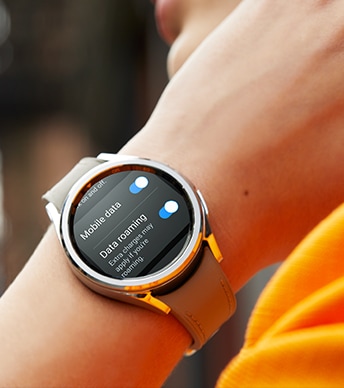
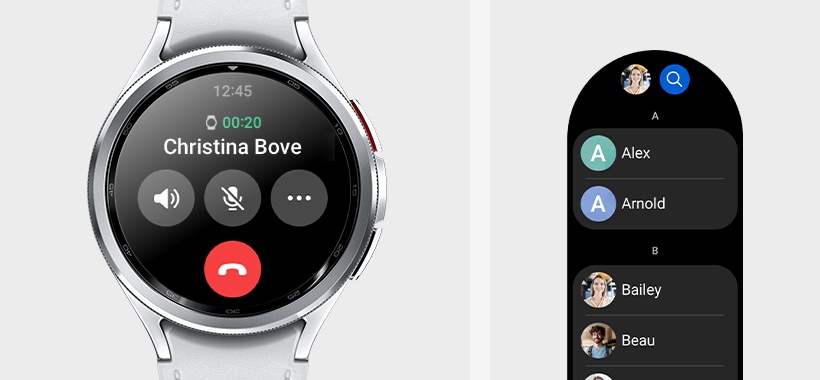
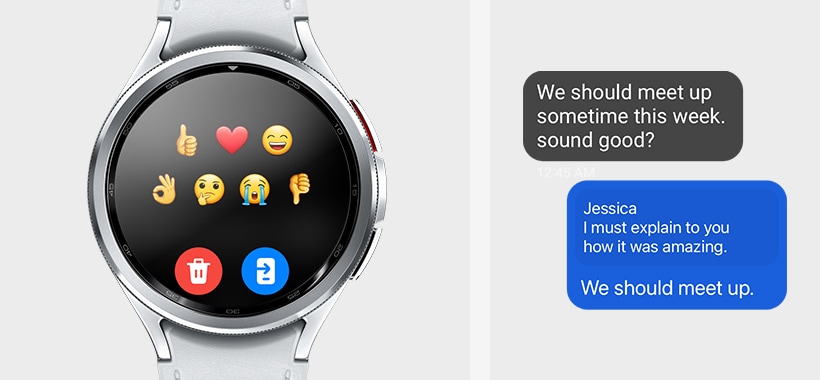
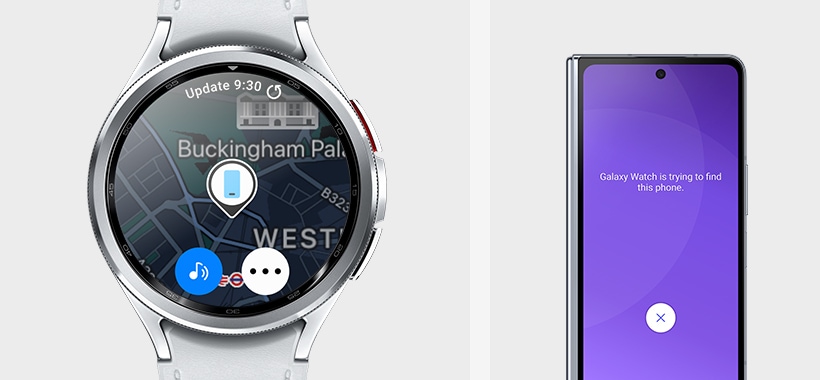
Whether exploring a new city, hiking in the mountains or lounging on a beach, international roaming keeps you connected to loved ones, or help you call for reservations and even access important information.13, 17

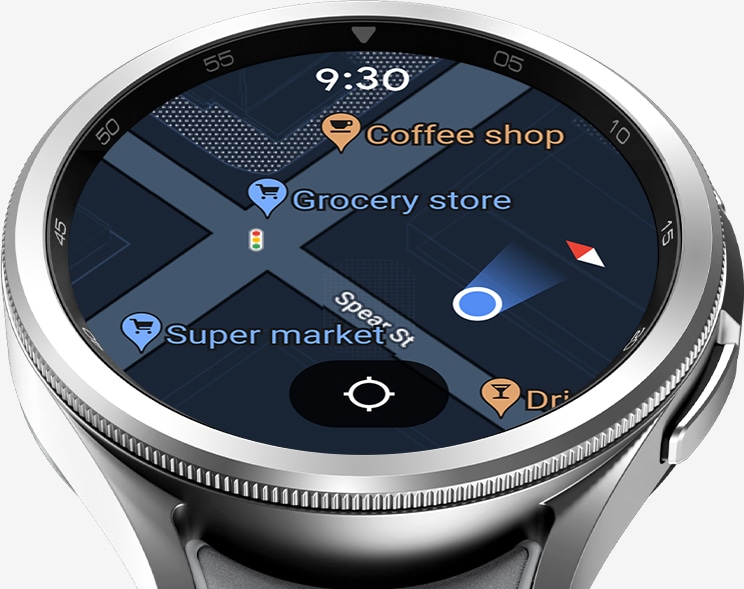
Unleash more and do more
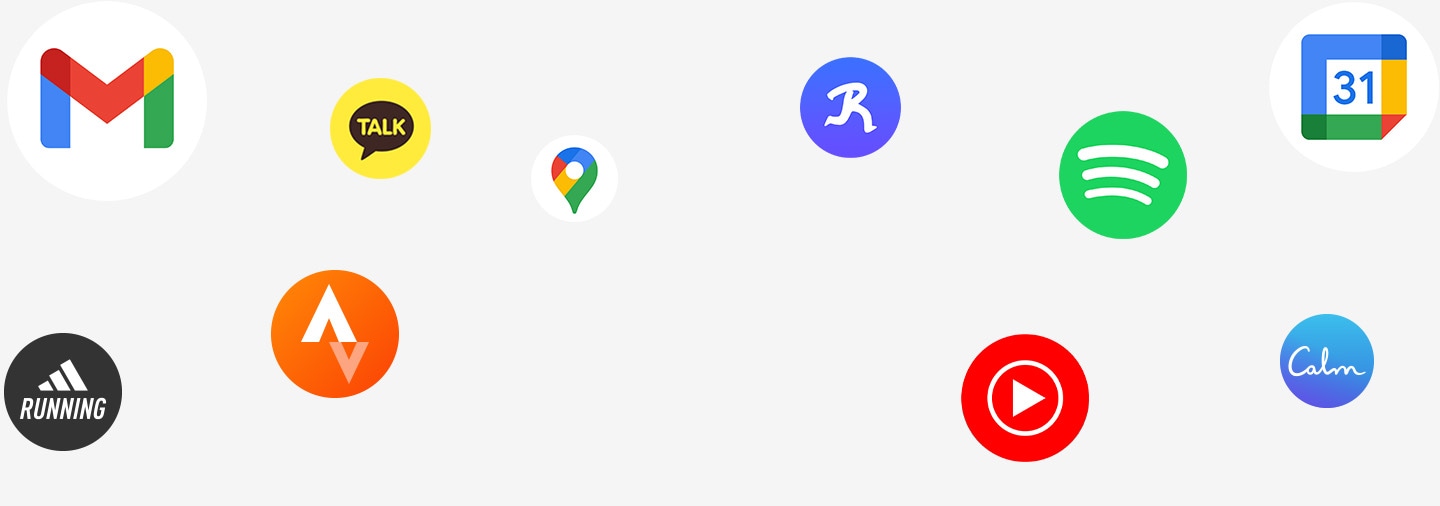
A fine collection of popular smartphone apps are now also available on your wrist. Tap into your favorite apps such as Gmail, Strava, Spotify and other third-party apps on the watch.20

Wake up to our most advanced sleep tracking
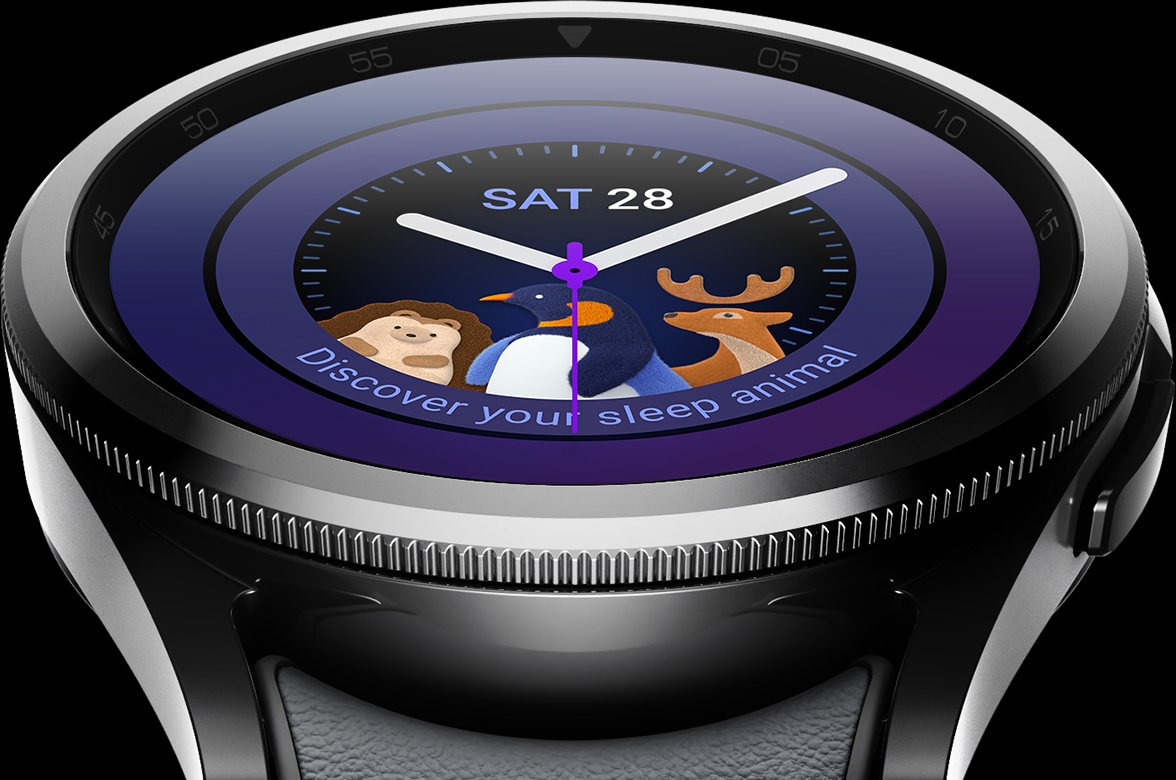
Get detailed sleep tracking with improved analysis and deeper insights to enhance the quality of your sleep. And now you can access Sleep Coaching on your Galaxy Watch6 Classic to build better sleeping habits. Get a good night's sleep when wearing your watch to bed by switching to the Fabric Band. Be sure to put your watch on sleep mode to change the PPG sensor's green LED to invisible infrared LED, dim the display brightness and mute notifications.21, 22, 23, 24, 25, 26, 27
Information on the time spent in each sleep stage can be seen: Awake 35m, REM 1h 30m, Light 4h 30m, Deep 55m. The information is also displayed as a graph.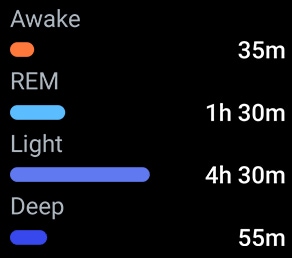

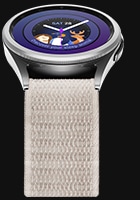
Fabric Band


A heart monitoring package that watches over you
Lessen your worries with a heart monitoring package that brings you peace of mind, so you can focus on your day. The built-in PPG sensor periodically measures heart rate and heart rhythm while you wear your Galaxy Watch6 Classic, and will alert you if your heart rate is too high or too low. Use the ECG sensor for more detailed measurements28, 29, 30
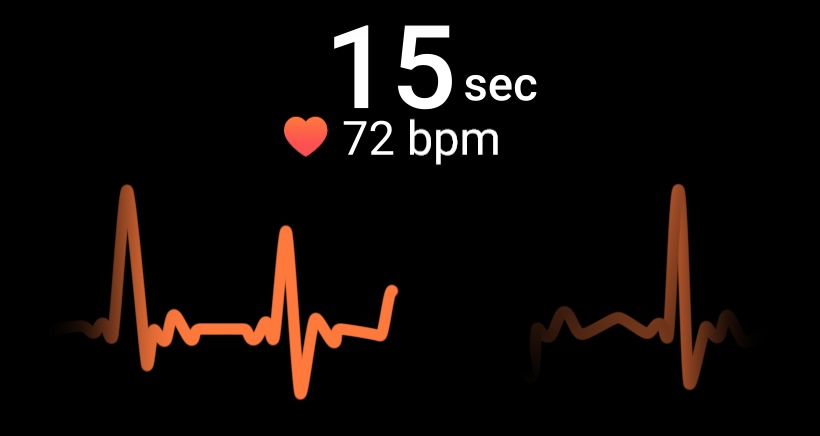
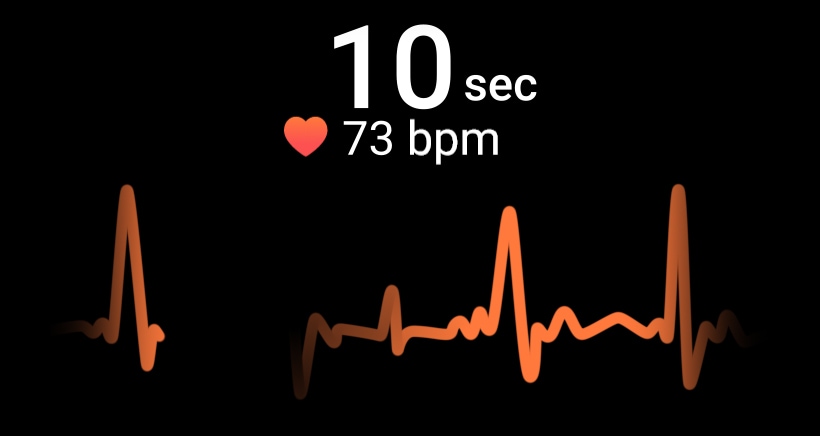
GUI of ECG being measured can be seen, with the measure time changing from 26 to 31 seconds and the bpm changing between 72 and 77. Under the numbers is a moving graph illustrating the heartbeat.


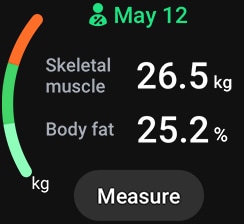
Meet your Personalised HR Zone
Your watch can assess your fitness capacity to determine your personal HR Zone. If there's a specific HR zone you want to hit, you can set the goal manually. As you workout you'll be alerted when you enter your target HR Zone, whether that's fat burning, cardio or high-intensity training. Move out of the zone, and it'll alert you too — letting you adjust your effort accordingly.38
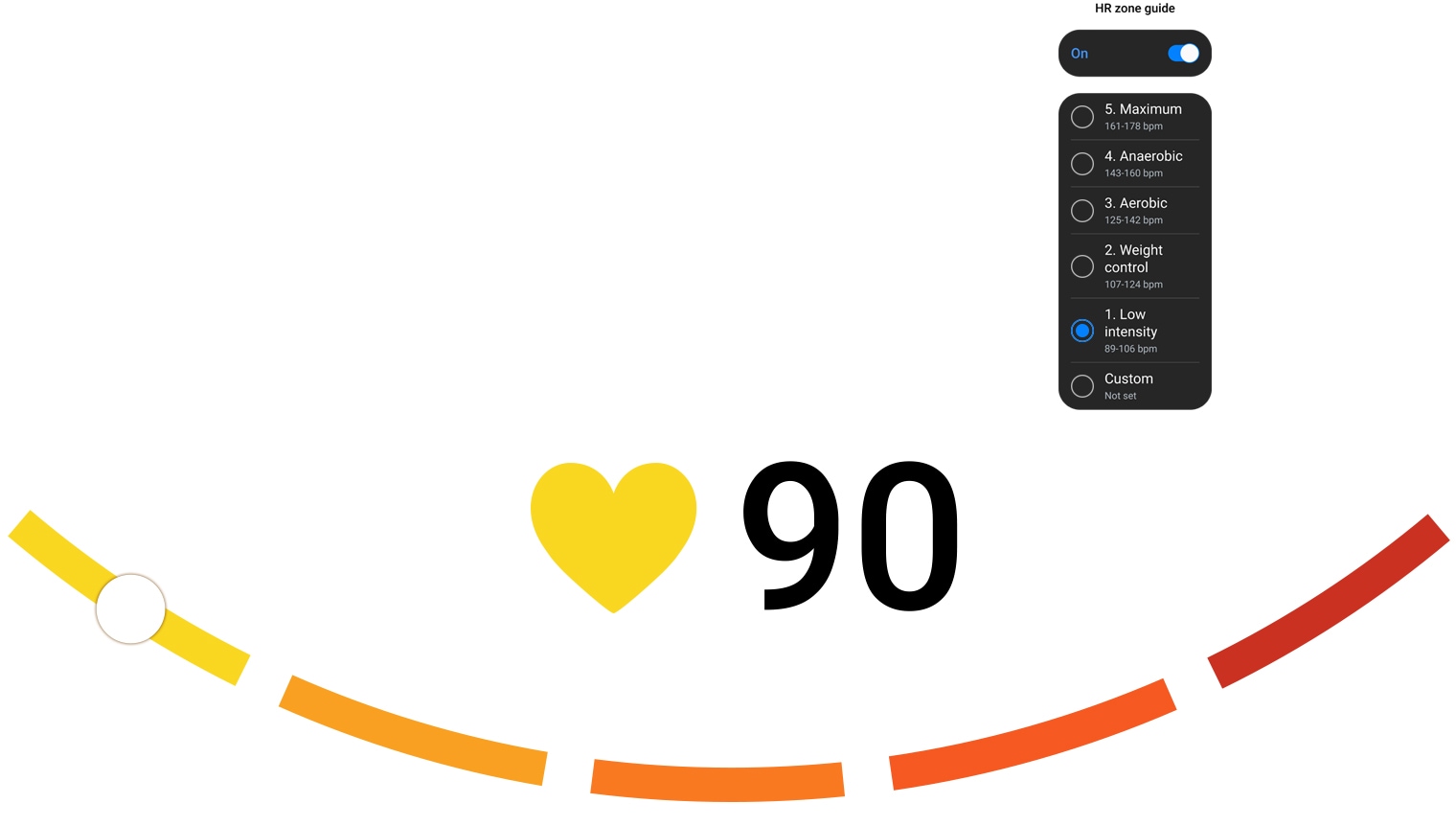
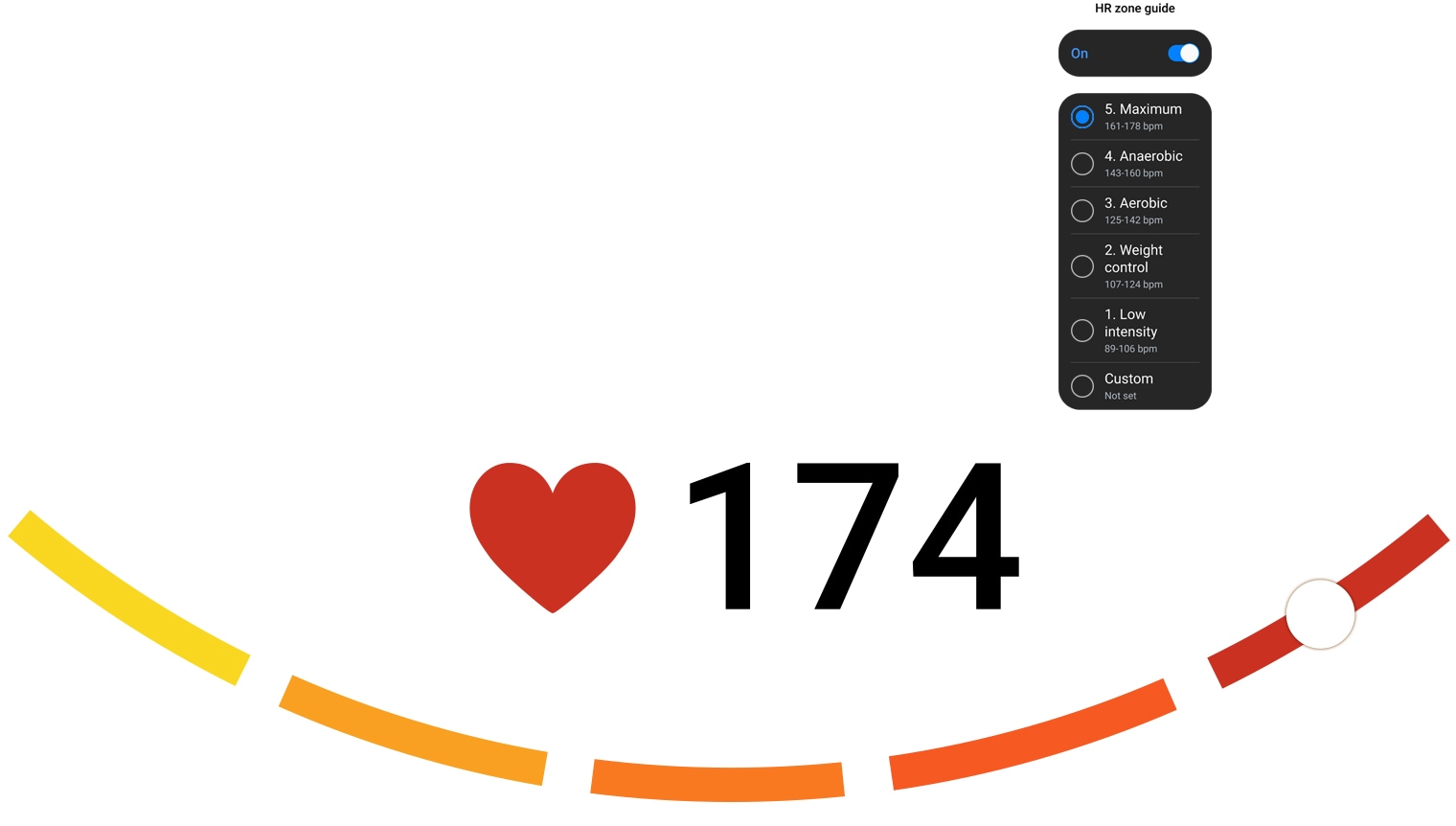
5 different curved lines that form a U-shape can be seen. Each is in different shade of color from yellow to red. A white dot placed in the middle of each line moves along the lines as a same-colored heart and heart rate number indicating the Personalised HR Zone changes. GUI of Personalised HR Zone can be seen, with the function button enabled and 5 HR Zones. With the increasing heart rate from 90 to 114, 125, 158 and 174, the selected zone changes from 1 to 5, respectively.
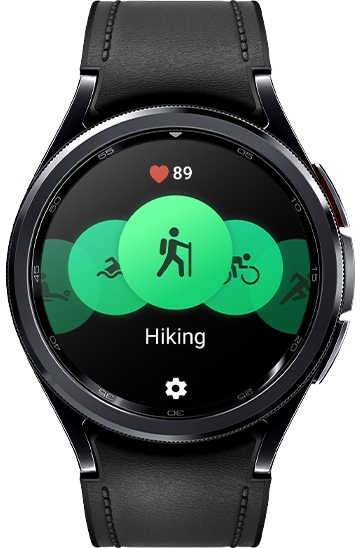
Exercise tracking - Chart your growth to peak performance
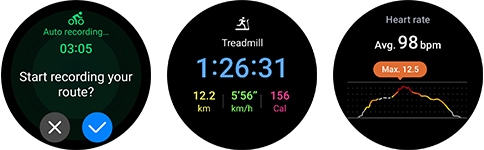
Gain valuable insights into your progress and achievements with Galaxy Watch6 Classic. Track over 90 different workouts, or you can even create your own custom workout, to log your daily activity and monitor your progress. You can activate auto detect for select workouts like running, walking, and now, cycling to go straight from warm up mode to beast mode.39, 40, 41
Start your own friendly fitness challenges
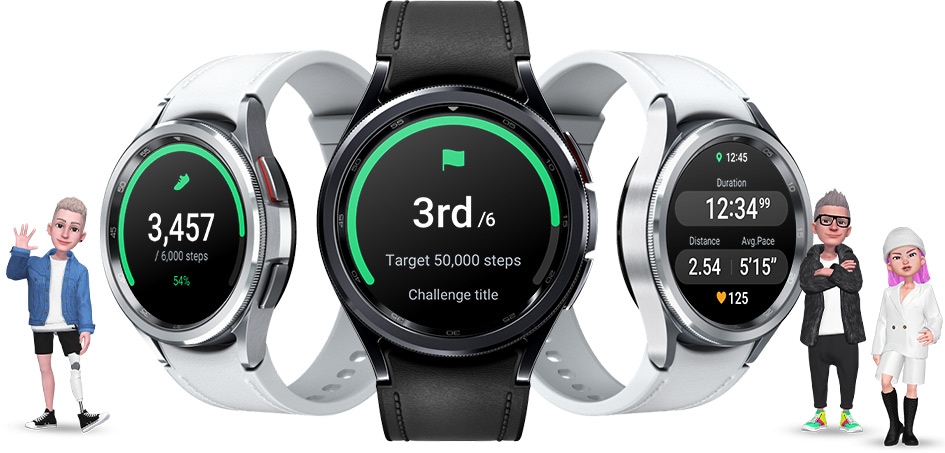
Boost your workouts by challenging your crew to group exercises. Motivate each other along the way to meet your fitness goals together.
Change plans?
Change bands.
Change faces
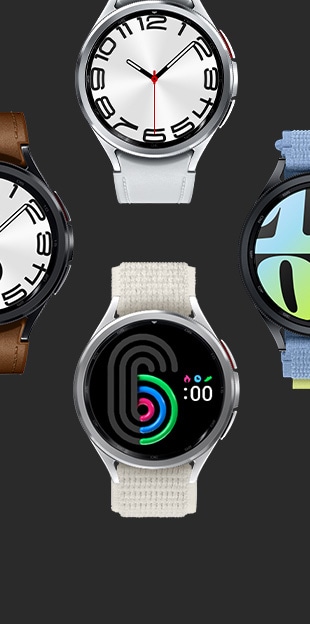
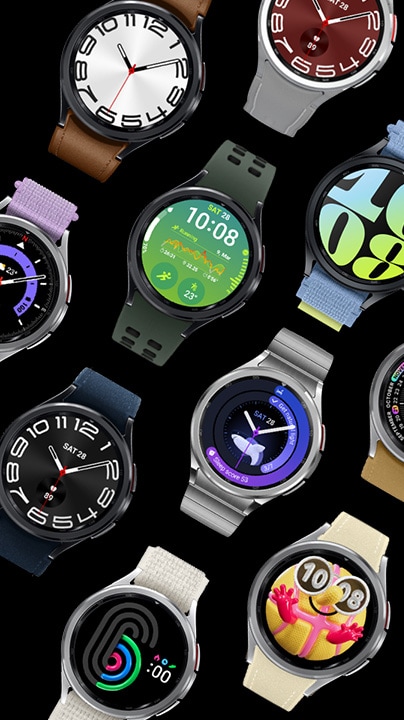
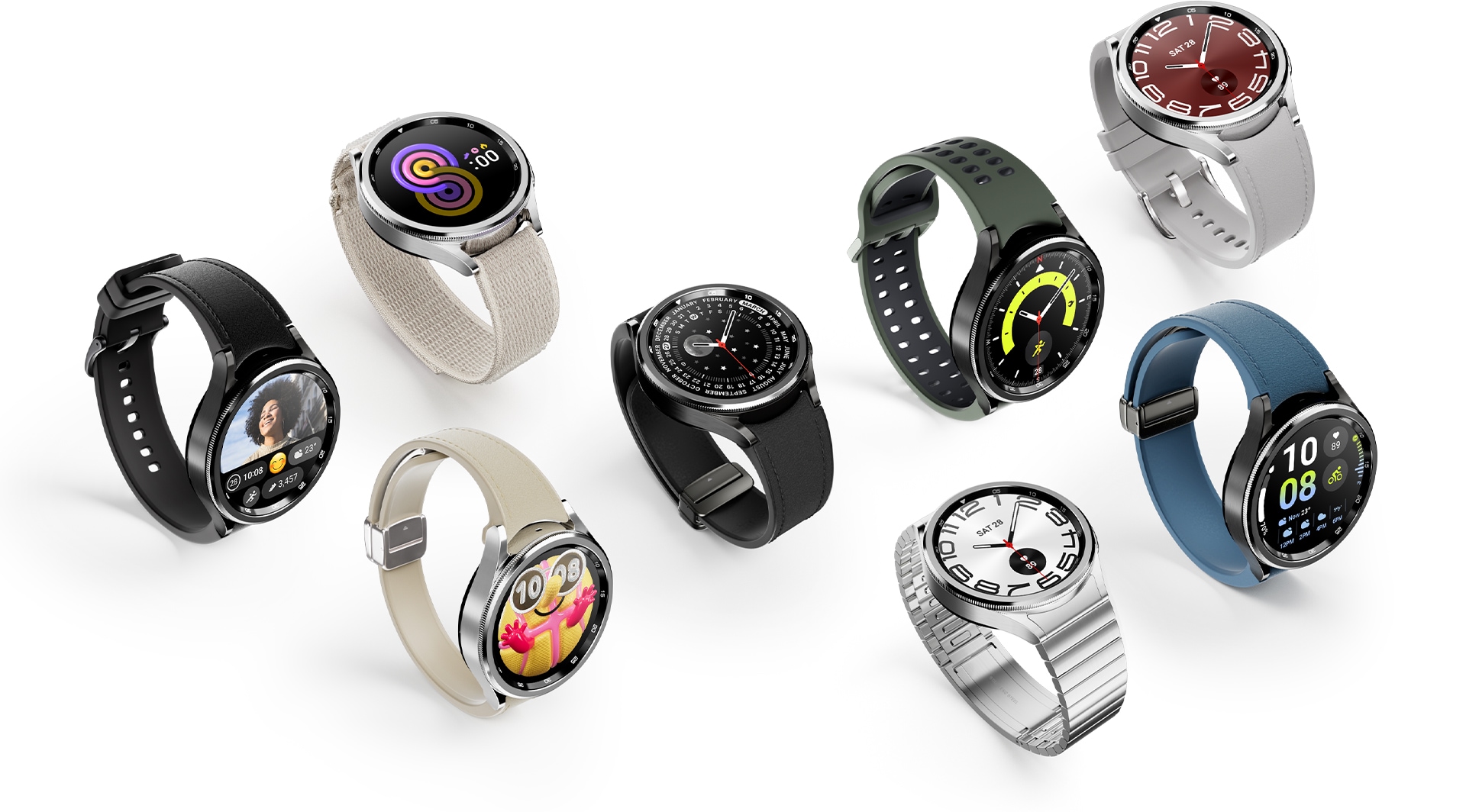
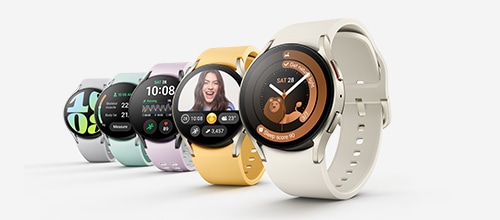
Create your own bespoke look for Galaxy Watch6 Classic. Choose from a wide collection of bands to take your look from rugged to classy, depending on your mood. Customise your watch face with a sleek design or complications to quickly access your favorite apps.42
It's time to find your Watch
-
Galaxy Watch6 Classic

- Display Sapphire Crystal
- Screen Size 37.3mm | 33.3mm
- Fast Charge9, 10
- Infrared
Temperature
Sensor - Material Stainless Steel
- Battery
(typical)8 425mAh |
300mAh - Sleep
Tracking - Cycle
Tracking - Body
Composition - Route
Workout /
Track Back - Durability 5ATM+IP68/
MIL-STD-810H - Size 47mm | 43mm
- Weight 59.0g | 52.0g
-
-
Galaxy Watch6
- Display Sapphire Crystal
- Screen Size 37.3mm | 33.3mm
- Fast Charge9, 10
- Infrared
Temperature
Sensor - Material Armor
Aluminum - Battery
(typical)8 425mAh |
300mAh - Sleep
Tracking - Cycle
Tracking - Body
Composition - Route
Workout /
Track Back - Durability 5ATM+IP68/
MIL-STD-810H - Size 44mm | 40mm
- Weight 33.3g | 28.7g
-
-
Galaxy Watch4 Classic
-
Galaxy Watch5 Pro
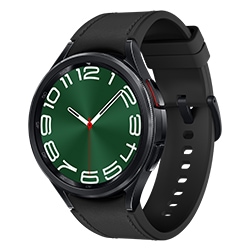
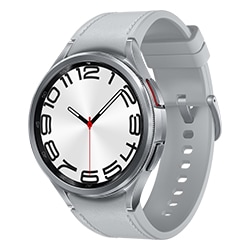
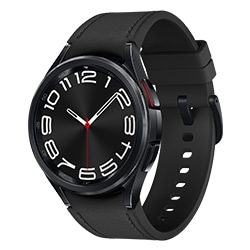
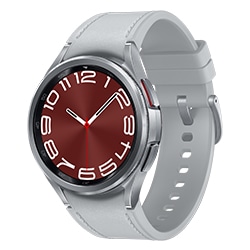


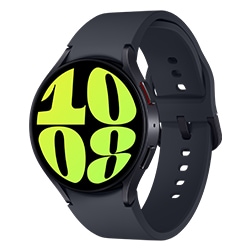
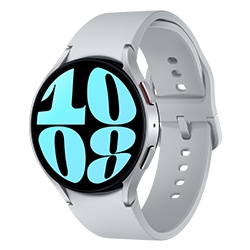
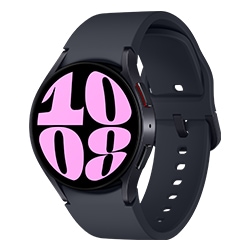
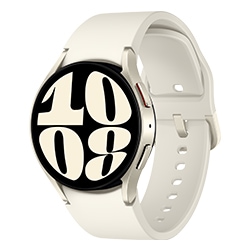
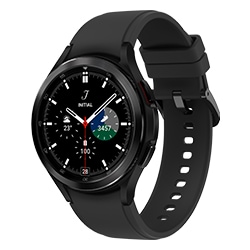
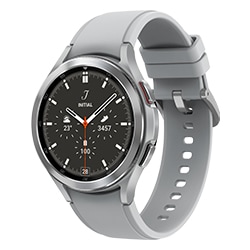
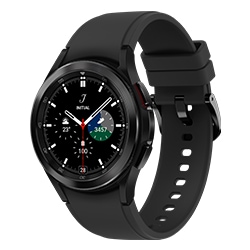
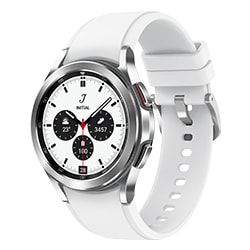
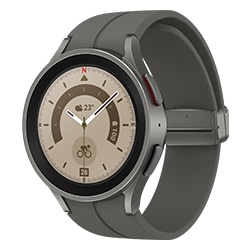
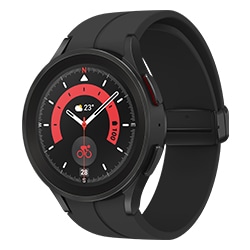
- Compared to Galaxy Watch4 Classic.
- The screen size comparison is based on Galaxy Watch6 Classic 43mm model.
- The screen size and bezel width comparisons are based on Galaxy Watch6 Classic 43mm model.
- Galaxy Watch6 Classic 43mm model display size is compared to that of Galaxy Watch4 Classic 42mm model.
- Galaxy Watch6 Classic is water resistant to up to 50 meters in depth for 10 minutes under the 5ATM rating. It is not suitable for diving or high-pressure water activities. If the device or your hands are wet, they must be dried thoroughly prior to handling. Galaxy Watch6 Classic provides ingress protection (IP68) against dust and fresh water to a maximum of 1.5 meters for up to 30 minutes. Refer to user manual for further information, including care/use instructions.
- Based on Vickers hardness measured with constant load of 200gf.
- Availability of Watch bands may vary by country or region. Additional Watch bands are sold separately.
- Actual battery life may vary depending on network environment, usage patterns and other factors.
- Testing conducted by Samsung using pre-released version of Galaxy WatchX (BT & LTE), each paired to a Samsung phone; all devices tested with prerelease software, Galaxy Watch Magnetic Fast Charging USB C Cable (EP-OR900), and Samsung 25W USB C Power Adapter (EP-TA800). Charge time varies with region, settings, usage pattern and environmental factors; actual results may vary.
- Samsung 25W USB C Power Adapter (EP-TA800) sold separately.
- Galaxy Z Fold5 sold separately.
- Camera Controller is supported on Galaxy Watch4 and later released Galaxy Watch models when paired with Galaxy S9 Series and later. Camera Controller zoom feature is available on Samsung Galaxy Watch4 series and later released Galaxy Watch models that are paired with a Galaxy S series, Galaxy Note series and Galaxy Z series smartphone running One UI 5.1 or above with Camera Controller support.
- LTE connection required to use select features on Galaxy Watch6 Classic. LTE connectivity only available in LTE models.
- Bluetooth models must be paired with a compatible mobile device connected to a mobile network.
- Not all apps and services are compatible with Wear OS.
- Find My Phone is supported when Galaxy Watch in Wear OS is paired with a smartphone running Android 10 or above. To use this feature, the paired smartphone should be signed in to Samsung Account.
- Enabling International Roaming may result in roaming charges depending on your smartphone carrier's plan.
- GPS function requires internet connection. Can be used on LTE models without paired smartphone. Non-LTE models require Bluetooth connection to paired smartphone.
- By enabling GPS, your current location information may be gathered and used by Galaxy apps and third-party apps to provide location-based services.
- Availability of certain apps may vary by country or region.
- Requires Samsung Health app version 6.24 or later.
- Galaxy Watch6 Classic must be paired with a Samsung Galaxy smartphone with Android 10.0 and minimum 1.5GB Memory.
- Sleep tracking features are intended for general wellness and fitness purposes only. Not intended for use in detection, diagnosis, treatment of any medical condition or sleep disorder. The measurements are for your personal reference only. Please consult a medical professional for advice.
- Sleep Coaching requires sleep data of at least 7 days, including 2 days off.
- Availability of blood oxygen level feature may vary by country or regions.
- Invisible LED is enabled when Sleep mode is turned on.
- Fabric Band is sold separately and compatible with Galaxy Watch4 and later released Galaxy Watch series. Availability of watch bands may vary by country/region or carrier.
- HR alerts is intended for general wellness and fitness purposes only. Not intended for use in detection, diagnosis, treatment, monitoring or management of any medical condition or disease. Any health-related information accessed through the device and application should not be treated as medical advice. Users should seek any medical advice from a physician.
- Availability of Irregular Heart Rhythm Notification (IHRN) feature may vary by country or region. Due to country restrictions in obtaining approval/registration as a Software as a medical device (SaMD), it only works on watches and smartphones purchased in the countries where service is currently available (however, service may be restricted when users travel to non-service countries). Not intended to provide a notification on every episode of irregular rhythm suggestive of AFib and the absence of a notification is not intended to indicate no disease process is present. It is not intended for users with other known arrhythmias or users under 22 years old. Users should not interpret or take clinical action based on the predictions made without consultation of a qualified healthcare professional.
- Availability of ECG app may vary by country or region. Due to country restrictions in obtaining approval/registration as a Software as a medical device (SaMD), ECG app only works on watches and smartphones purchased in the countries where service is currently available (however, service may be restricted when users travel to non-service countries). Check out https://www.samsung.com/apps/samsung-health-monitor for more information and latest update on service countries. It is not intended for users by people under 22 years old. Users should not interpret or take clinical action based on the device output without consultation of a qualified healthcare professional.
- For accurate blood pressure readings, a calibration is required every 4 weeks by BP monitor & arm cuff. Requires a Galaxy smartphone running Android 9.0 or above.
- Availability of Blood pressure app may vary by country or region. Due to country restrictions in obtaining approval/registration as a Software as a medical device (SaMD), Blood pressure app only works on watches and smartphones purchased in the countries where service is currently available (however, service may be restricted when users travel to non-service countries). Check out https://www.samsung.com/apps/samsung-health-monitor for more information and latest update on service countries. It is not intended for use by people under 22 years old.
- Users should measure their blood pressure when at rest, as they would do with a traditional cuff, and refrain from measuring when they are working out, smoking, or drinking. Blood pressure app is not intended for any diagnostic purposes regarding hypertension or other heart conditions or users under 22 years old. Users should not interpret or take clinical action based on the device output without consultation of a qualified healthcare professional. Blood pressure app is not intended to replace traditional methods of diagnosis or treatment.
- Measured blood pressure history can be reviewed within the Samsung Health Monitor app on a paired smartphone.
- Not intended for use in detection, diagnosis, treatment. Intended for general wellness and fitness purposes only.
- Body composition is only supported in Samsung Galaxy Watch4 series and later released Galaxy Watch models. Body composition should not be used if you have an implanted pacemaker or other implanted medical devices, or if you are pregnant. Any health-related information accessed through the device and application should not be treated as medical advice. Measurement results may not be accurate if you are under 20 years old. The measurements are for your personal reference only. Please consult a medical professional for advice.
- Compatible smartphones and available features may vary by country/region, carrier or device.
- To update the ranges of each HR zone when running based on cardiopulmonary capabilities, it is required to run outdoors for more than 10 minutes with constant speed of 4km/h or faster.
- Compatible smartphones and available features may vary by country/region, carrier or device.
- Auto detect workouts must be turned on in Settings. Auto detect is not available for all workouts.
- Only available on Galaxy Watch6 series and must be paired with a compatible mobile device.
- Availability of Watch bands may vary by country or region. Additional Watch bands are sold separately.
- Bluetooth, Wi-Fi or LTE connection is required.
- Third-party apps must be downloaded separately.
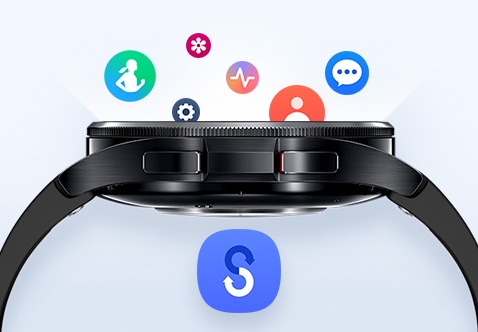
- Compatible with Galaxy Watch in Wear OS powered by Samsung. Requires pairing with smartphone with latest version of Smart Switch installed.
- Data and content available for transfer may vary by OS.
- The typical capacity has been tested under third party laboratory conditions. The typical capacity is the estimated average capacity considering the deviation in battery capacity among the battery samples tested under the IEC 61960-3 standard.
- Testing conducted by Samsung in June 2022 using pre-released version of Galaxy Watch5 (BT & LTE), each paired to a Samsung phone; all devices tested with prerelease software, Galaxy Watch Magnetic Fast Charging USB C Cable (EP-OR900), and Samsung 25W USB C Power Adapter (EP-TA800). Charge time varies with region, settings, usage pattern and environmental factors; actual results may vary.
- The typical capacity has been tested under third party laboratory conditions. The typical capacity is the estimated average capacity considering the deviation in battery capacity among the battery samples tested under the IEC 61960-3 standard. Rated capacity is 573mAh. Actual battery life may vary depending on network environment, usage patterns and other factors.
Highlights

Rotating Bezel

Exercise

Sleep
Specifications
-
NFC
NFC
-
Bluetooth Version
Bluetooth v5.3
-
Size (Main Display)
1.3" (33.3mm)
-
Processor
1.4GHz
-
Storage (GB)
16
-
Sensors
Accelerometer,Barometer,Bioelectrical Impedance Analysis Sensor,Electrical Heart Sensor,Gyro Sensor,Geomagnetic Sensor,Hall Sensor,Infrared Temperature Sensor,Light Sensor,Optical Heart Rate Sensor
-
Physical specification
42.5 x 42.5 x 10.9 mm
-
Weight
52.0 g
-
Infra
Wi-Fi,Bluetooth
-
Audio Playing Format
MP3,M4A,3GA,AAC,OGG,OGA,WAV,AMR,AWB
-
Location Technology
GPS,Glonass,Beidou,Galileo
-
Wi-Fi
802.11 a/b/g/n 2.4+5GHz
-
NFC
Yes
-
Bluetooth Version
Bluetooth v5.3
-
Bluetooth Profiles
A2DP,AVRCP,HFP,HSP
-
Wear OS Powered by Samsung
-
Technology (Main Display)
Super AMOLED
-
Size (Main Display)
1.3" (33.3mm)
-
Resolution (Main Display)
432 x 432
-
Color Depth (Main Display)
16M
-
CPU Speed
1.4GHz
-
CPU Type
Dual-Core
-
Memory (GB)
2
-
Storage (GB)
16
-
Available Storage (GB)
7.1
-
Accelerometer,Barometer,Bioelectrical Impedance Analysis Sensor,Electrical Heart Sensor,Gyro Sensor,Geomagnetic Sensor,Hall Sensor,Infrared Temperature Sensor,Light Sensor,Optical Heart Rate Sensor
-
Body Dimension (HxWxD, mm)
42.5 x 42.5 x 10.9 mm
-
Body Weight (g)
52.0 g
-
Battery Capacity (mAh, Typical)
300
-
Removable
No
-
Usage Time (Hours, AOD Off)
Up to 40 Hours
-
Usage Time (Hours, AOD On)
Up to 30 Hours
Reviews
Galaxy Watch6 Classic (Bluetooth, 43mm)
- The smartwatch offers an elegant design, seamless integration with the brand's ecosystem, and comprehensive health and fitness tracking capabilities.
- Users praise the intuitive rotating bezel, high-quality display, and responsive performance.
- The watch's ability to handle tasks like calls and music control without constant smartphone access is also appreciated.
- The health and fitness features, including heart rate monitoring and sleep tracking, are widely regarded as excellent.
- However, some customers have experienced battery life and occasional connectivity issues.
Reviews with images & videos
Filters
Relevancy sort places the best reviews at the top, factoring in helpfulness votes, latest reviews, images, and other traits that readres look for in their reviews.
Filters
3,597 Reviews
2023-11-25
2023-12-22
2025-03-29
2023-12-22
2023-12-12
2023-09-07
2023-12-22
2024-02-05
2025-02-11
2023-09-21
2025-03-06
2023-09-08
![[D] Alternative Text](https://img.youtube.com/vi/xEIKkIpGYWA/hqdefault.jpg)
2023-12-25
2023-12-22
2023-09-24
2024-10-23
MS
Social Commerce
Thanks for sharing your feedback on the Galaxy Watch7. We greatly appreciate your candidness and hope to hear more from you in the future. We hate to see that you have been experiencing a shortened battery life while wearing your watch at night. The new 3nm processor in the Galaxy Watch7 is designed to supercharge your daily routine. With this advanced processor, you can seamlessly switch from checking the weather to tracking your workouts in no time. The improved processing power not only enhances the speed and responsiveness of the device but also optimizes battery life for long-lasting power. This means that the Galaxy Watch7 is designed to keep up with your active lifestyle without compromising on performance. We are happy to see that you've already begun the process of having us service your watch. If you require any further assistance with this or anything else, please do not hesitate to reach out to us at Samsung Support. -Kelvin https://www.samsung.com/us/support/troubleshooting/TSG01003232/ (Battery saving tips) smsng.us/Samsung-Support smsng.us/Facebook-Messenger smsng.us/X-Messages smsng.us/Samsung-Community smsng.us/Warranty-Info smsng.us/Samsung-Care-Plus
2025-03-27
R&R Team
Hello there Mari37, Thanks for taking the available time out of your day to share your thoughts with us about your Samsung Galaxy WAtch6 Classic. We appreciate your candor. We are happy to hear that your Galaxy Watch6 Classic has lived up to your expectations and more. Please do not hesitate to reach out to Samsung Support if you would like to share any other feedback with us or if you have any questions. Thank you for being a valued Samsung customer. - Debra Samsung Support smsng.us/Samsung-Support Warranty Info smsng.us/Warranty-Info Facebook Messenger smsng.us/Facebook-Messenger X Messages https://smsng.us/X-Messages Samsung Community smsng.us/Samsung-Community Watch6 Classic https://www.samsung.com/us/watches/galaxy-watch6-classic/
2023-09-04
Manchester
2023-12-23
2024-06-13
2023-09-09
2025-02-11
2025-06-02
R&R Team
Aloha Acs24u, Thanks for taking the time out of your busy day to share your thoughts with us about your Samsung Galaxy Watch6 Classic. As we strive to be innovative and make improvements on the design and functionality of our product line, your feedback is invaluable. Samsung provides a 12-month warranty for manufacturing defects in materials and workmanship. Inaccurate step counts on the Galaxy Watch6 Classic can stem from several factors, including inaccurate arm movement, improper sensitivity settings, and environmental conditions. Ensuring your watch is properly worn, sensitivity settings are adjusted, and the Samsung Health app is updated may help resolve step counting inaccuracies. Check out, "Inaccurate steps on your Samsung smart watch" to help resolve what you've described to be experiencing with your device. If you would like anu further assistance afterward, please do not hesitate to contact Samsung Support. Thank you for being a steadfast Samsung customer. - Debra Samsung Support smsng.us/Samsung-Support Warranty Information smsng.us/Warranty-Info Facebook Messenger smsng.us/Facebook-Messenger X Messages https://smsng.us/X-Messages Samsung Community smsng.us/Samsung-Community Galaxy Watch6 Classic https://www.samsung.com/us/watches/galaxy-watch6-classic/ Inaccurate steps on your Samsung smart watch https://www.samsung.com/us/support/troubleshooting/TSG01003112/
2024-08-28
2024-12-05
Houston
2025-07-07
2025-02-28
2023-12-30
2025-06-19
R&R Team
Hi there Justkeli, Thanks for taking the time to review your Samsung Galaxy Watch6 Classic. We appreciate your honesty as we strive to provide the best products with superior functionality on the market to our customers. Samsung provides a 12-month warranty on our products for manufacturing defects in materials and workmanship, linked below. We also offer Samsung Care+ which can be added to eligible devices. It's similar to extended warranty and an insurance package combined that provides protection beyond the standard manufacturer's warranty. It would cover events like accidental damage, mechanical breakdowns, and potentially theft and loss. Samsung Care+ offers you the ultimate peace of mind when added to your eligible devices. Without having more information available regarding what may be occurring with your device and without being able to ask you any follow up questions to probe further, I recommend reaching out to Samsung Support at your leisure. Thank you for being a loyal Samsung customer. - Debra Samsung Support smsng.us/Samsung-Support Warranty Information smsng.us/Warranty-Info smsng.us/Facebook-Messenger smsng.us/Twitter-Messages smsng.us/Samsung-Community Samsung Care Plus smsng.us/Samsung-Care-Plus Watch6 Classic https://www.samsung.com/us/watches/galaxy-watch6-classic/
2023-12-22
2023-11-13
2023-12-22
2023-09-12
2024-12-15
California
R&R Team
Hey there Brian, Thank you for finding the free time out of your busy day to share your thoughts with us about your Samsung Galaxy Watch6 Classic. We appreciate your feedback as we strive to be innovative and improve the design and functionality of our products. Our goal is for our customers to feel like they are having the most memorable experiences while using our products. Samsung provides a 12-month warranty on our products for manufacturing defects in materials and workmanship, linked below. If the watch screen is slow to respond, frozen, or not responding at all the issue could be caused by outdated software, a third-party app, or even the watch's physical condition. Unclean hands, optional accessories, gloves, and sharp objects can also prevent the screen from responding properly. Please take a moment to review, "Samsung smart watch app crashes, freezes, or doesn't respond" to help resolve what you may be experiencing with your Galaxy Watch6 Classic. If you would like to share any other feedback with us or if you would like any further assistance, feel free to contact Samsung Support. Thank you for being a valued Samsung customer. - Debra smsng.us/Samsung-Support smsng.us/Warranty-Info smsng.us/Facebook-Messenger https://smsng.us/X-Messages smsng.us/Samsung-Community https://www.samsung.com/us/support/troubleshooting/TSG01003105/
2024-09-13
2023-12-22
2024-08-13
2023-09-21
2023-12-26
2025-08-14
R&R Team
Good day Disappointed, Thanks for taking the time to share your thoughts with us about your experience using the Samsung Galaxy Watch6 Classic. We value your candor as we improve the functionality and performance of our product line. Samsung offers a 12-month warranty for manufacturing defects in materials and workmanship. Please take a moment to review, "Use Samsung Health sleep monitoring on your Galaxy Watch" to help resolve what you may be experiencing with your features. Do not hesitate to reach out to Samsung Support if you would like any further assistance afterward. Thanks for choosing Samsung! - Debra Samsung Support smsng.us/Samsung-Support Warranty Information smsng.us/Warranty-Info Facebook Messenger smsng.us/Facebook-Messenger X Messages https://smsng.us/X-Messages Samsung Community smsng.us/Samsung-Community Use Samsung Health sleep monitoring on your Galaxy Watch https://www.samsung.com/us/support/answer/ANS10003657/ Watch6 Classic https://www.samsung.com/us/watches/galaxy-watch6-classic/
2024-06-13
2024-02-11
CX
Thank you for your feedback, Kenny, although we do regret seeing that you weren't getting everything that you were hoping for with your Galaxy Watch6 Classic. The battery was designed to provide a lengthy and reliable service, so we can understand your frustration that this has not been your experience. If you are ever having any issues with the battery of our watches then we do have some handy tips for getting the most out of every charge, which you can find by following this link: https://spr.ly/6427Sf4k5. We're happy to take on board your feedback regarding the blood pressure monitor, so we can keep on ensuring that all of our products are providing our customers with everything that they'd need. ^DB at Samsung Support
2023-09-11
Social Commerce
Hi Genosox, Thanks for taking the time out of your hectic day to share your thoughts with us about your Samsung Galaxy Watch6 Classic. We appreciate your directness as we strive to provide the very best products with superior functionality on the market to our customers while we remain committed to constant innovation. Our goal is for our customers to feel like they are having the most incredible experiences while using our products. Samsung provides a 12-month warranty on our products for manufacturing defects in materials and workmanship, linked below. Fun fact: The Galaxy Watch6 Classic battery can last up to 40 hours so that you have enough power to do more in your day! When you finally need to power up your Watch6 Classic, you can quickly charge it back up from 0% to 45% in just 30 minutes! How amazing is that? There are several reasons why your Galaxy Watch may be experiencing battery drain or have decreased battery life. For example, certain apps can increase battery consumption. Feel free to review the article titled, "Reduced battery life on your Samsung smart watch" when you have the free time in your busy day to learn more about how to increase your watch's battery life. For your convenience, I have linked this article below for your quick access. Let us know if you would like any further assistance and/or troubleshooting on your Galaxy devices by reaching out to Samsung Support. Thank you for being a cherished Samsung customer. - Debra smsng.us/Samsung-Support smsng.us/Warranty-Info smsng.us/Facebook-Messenger smsng.us/Twitter-Messages smsng.us/Samsung-Community https://www.samsung.com/us/support/troubleshooting/TSG01003232/ https://www.samsung.com/us/watches/galaxy-watch6-classic/
2025-07-15
2023-12-22
2023-12-22
2024-05-13
2024-02-26
2023-08-22
2024-08-12
2024-07-30
R&R Team
Thanks for reaching out to us, Andorus. We always appreciate hearing from our valued customers. The Watch6 is designed to assist you in enhancing your sleep habits through the power of AI. Its Advanced Sleep Coaching feature, powered by Galaxy AI, continuously personalizes sleep data and insights based on your usage, providing you with valuable information to improve your sleep quality over time. With the Watch6, you can conveniently plan your bedtime, identify instances of snoring, and closely track your sleep stages, enabling you to make informed decisions about your sleep patterns and ultimately achieve better rest. Your Samsung smartwatch automatically tracks the number of steps you've taken while wearing it. Different factors can cause the watch's step count to be inaccurate. However, you may need to verify how your steps are being counted by Samsung Health. Check out the link attached for instructions on how to troubleshoot this. If this persists, please reach out to us at Samsung Support for more assistance. -Kelvin https://www.samsung.com/us/support/troubleshooting/TSG01003112/#inaccurate-step-factors-on-your-samsung-smart-watch smsng.us/Samsung- Support smsng.us/Facebook-Messenger smsng.us/X-Messages smsng.us/Samsung-Community smsng.us/Warranty-Info smsng.us/Samsung-Care-Plus
2025-02-11
2024-07-25
North Carolina
R&R Team
Hey! We appreciate you taking the time to reach out to us. Thank you for sharing your experience with the Galaxy Watch6 Classic. It’s great to hear that you were excited to start your fitness journey with its heart rate monitoring features. If you're encountering challenges with the step and heart rate tracking features on your watch, there are a few potential reasons why this might be happening. First, the watch band or strap may be too loose, which can disrupt the accuracy of the tracking features. You may want to consider adjusting the fit of the band to ensure it is securely in place. Another possibility is that the watch's software is not up to date. Software updates often include bug fixes and improvements to various functionalities, including fitness tracking features. Therefore, it's important to regularly recheck for and install any available updates for your watch. In addition to these potential causes, sometimes a simple reboot can help resolve intermittent issues with tracking features. Rebooting the watch can clear temporary software glitches and restore normal functionality. Check out the link provided for options to help resolve this. The link includes step-by-step instructions and troubleshooting tips to assist you in addressing the tracking feature challenges effectively. If this persists after doing so, please reach out to us at Samsung Support. -Kelvin https://www.samsung.com/us/support/troubleshooting/TSG01003204/ smsng.us/Samsung- Support smsng.us/Facebook-Messenger smsng.us/X-Messages smsng.us/Samsung-Community smsng.us/Warranty-Info smsng.us/Samsung-Care-Plus
2023-12-13
2025-02-07
2023-11-13
2023-12-22
2023-09-11
2024-08-12
R&R Team
Hey! It's great to hear from you. Thank you for sharing your thoughts on the Galaxy Watch 6 Classic. It’s great to hear that you’re enjoying features like the rotating bezel, sleep tracking, and customizable watch faces. We understand that battery life and overheating are important concerns, especially with heavy data usage. To help improve your battery life, we recommend making sure that your watch is up to date with the latest software. From your phone, open the Galaxy Wearable app. Depending on your watch, you will either tap Watch settings or tap SETTINGS tab. Then, tap About watch, and then tap Update watch software. Or, tap About Gear, and then tap Update Gear software. Check out the link attached for options to help keep your device from overheating. If you need further assistance, please reach out to us at Samsung Support. -Kelvin https://www.samsung.com/us/support/answer/ANS00076952/ (overheating) smsng.us/Samsung-Support smsng.us/Facebook-Messenger smsng.us/X-Messages smsng.us/Samsung-Community smsng.us/Warranty-Info smsng.us/Samsung-Care-Plus
2024-05-13
Social Commerce
Hi there Nikkiej, Thanks for taking the opportunity to review your Samsung Galaxy Watch6 Classic. We appreciate your honesty. Our goal is for our customers to feel like they are having the most unforgettable experiences while using our products. Samsung provides a 12-month warranty on our products for manufacturing defects in materials and workmanship, linked below. We also offer Samsung Care+ that can be added to eligible devices to provide damage protection for your investments. This powerful protection for your Galaxy life covers unlimited drops, spills, and mechanical breakdown. Talk about peace of mind! On average, the Galaxy Watch6 Classic battery can last up to 40 hours so that you have enough power to do more in your day. When you finally need to power up your Watch6 Classic, you can quickly charge it back up from 0% to 45% in just 30 minutes! There are several reasons why your Galaxy Watch may be experiencing battery drain or have decreased battery life. For instance, certain apps can increase battery consumption. Feel free to review, "Reduced battery life on your Samsung smart watch" when you have the free time out of your busy day to learn more about how to increase your watch's battery life. Let us know if you have any questions for us afterward or if you would like any further assistance by contacting Samsung Support at your earliest convenience. Thank you for being a loyal Samsung customer. - Debra smsng.us/Samsung-Support smsng.us/Warranty-Info smsng.us/Samsung-Care-Plus smsng.us/Facebook-Messenger smsng.us/Twitter-Messages smsng.us/Samsung-Community https://www.samsung.com/us/support/troubleshooting/TSG01003232/ https://www.samsung.com/us/watches/galaxy-watch6-classic/
2025-06-02
2024-08-12
2023-09-30
norfolk
2024-11-02
2024-07-29
2024-02-04
2024-02-19
2024-10-27
2023-12-31
Houston, tx
Social Commerce
Hi there Solame82, Thanks for taking the opportunity to review your Samsung Galaxy Watch6 Classic. We appreciate your honesty. Samsung provides a 12-month warranty on our products for manufacturing defects in materials and workmanship, linked below. There are several reasons why your Galaxy Watch may be experiencing battery drain or have decreased battery life. For example, certain apps can increase battery consumption. Take a moment to look at the article that I have linked below for you titled, "Reduced battery life on your Samsung smart watch" when you have some free time to conduct some quick troubleshooting steps to help resolve what you may be experiencing with your watch's battery life. On average, the Galaxy Watch6 Classic battery can last up to 40 hours so that you have enough power to do everything that you would like to do in your day. However, this all depends on how you use your watch. When you finally need to power up your Watch6 Classic, you can quickly charge it back up from 0% to 45% in just 30 minutes! Feel free to contact Samsung Support after reviewing the provided resource if you have any questions for us or if you would like any further assistance. We are always here to assist you in any way that we can! Thank you for being a loyal Samsung customer. - Debra smsng.us/Samsung-Support smsng.us/Facebook-Messenger smsng.us/Warranty-Info smsng.us/Twitter-Messages smsng.us/Samsung-Community https://www.samsung.com/us/support/troubleshooting/TSG01003232/ https://www.samsung.com/us/watches/galaxy-watch6-classic/
2023-09-09
2025-07-01
R&R Team
Howdy Desi4111, Thanks for taking the time out of your hectic day to share your thoughts with us about your Samsung Galaxy Watch6 Classic. We appreciate your feedback as we strive in providing the best products with superior functionality on the market for our customers. Samsung provides a 12-month warranty on our products for manufacturing defects in materials and workmanship, linked below. If your watch will not pair to a phone, or if it randomly disconnects, restart your watch. You should also make sure the Galaxy wearable app is up to date, but it may be necessary to reset the app and unpair your watch. Please check out, "Samsung smart watch will not connect to a phone" to help resolve what you've described to be experiencing with your device. If you would like any further assistance afterward, feel free to contact Samsung Support. Thank you for being a devoted Samsung customer. - Debra Samsung Support smsng.us/Samsung-Support Warranty Information smsng.us/Warranty-Info Facebook Messenger smsng.us/Facebook-Messenger X Messages https://smsng.us/X-Messages Samsung Community smsng.us/Samsung-Community Samsung smart watch will not connect to a phone https://www.samsung.com/us/support/troubleshooting/TSG01003238/
2023-12-22
2025-01-19
R&R Team
Aloha Luvsamsung, Thank you for finding the opportunity to share your sentiments with us about your Samsung Galaxy Watch6 Classic. We value your feedback as we are committed to constant innovation as we strive to improve the design and functionality of our product line. Our goal is for our customers to feel like they are having the most enlightening experiences while using our products. Samsung provides a 12-month warranty on our products for manufacturing defects in materials and workmanship, linked below. The Galaxy Watch6 Classic battery can last up to 40 hours so that you have enough power to do more in your day. When you finally need to power up your Watch6 Classic, you can quickly charge it back up from 0% to 45% in just 30 minutes! There are several reasons why your Galaxy Watch may be experiencing battery drain or have decreased battery life. For example, certain apps can increase battery consumption. Feel free to review the article titled, "Reduced battery life on your Samsung smart watch" when you have the free time to learn more about how to increase your watch's battery life. Feel free to reach out to Samsung Support afterward if you would like any further assistance. Thank you for being a staunch Samsung customer. - Debra smsng.us/Samsung-Support smsng.us/Warranty-Info smsng.us/Facebook-Messenger https://smsng.us/X-Messages smsng.us/Samsung-Community https://www.samsung.com/us/support/troubleshooting/TSG01003232/ https://www.samsung.com/us/watches/galaxy-watch6-classic/
2023-08-21
2024-08-12
2023-08-21
2025-03-17
2025-06-05
R&R Team
Salutations LiamFromHyrule, Thanks for taking the opportunity to review your Samsung Galaxy Watch6 Classic. Your feedback allows us to remain committed to constant innovation as we strive to improve the design and functionality of our product line. Samsung provides a 12-month warranty for manufacturing defects in materials and workmanship. If the watch screen is slow to respond, frozen, or not responding at all the issue could be caused by outdated software, a third-party app, or even the watch's physical condition. Unclean hands, optional accessories, gloves, and sharp objects can also prevent the screen from responding properly. Please ensure that Gestures are enabled and configured on your device. Next, check wrist detection and watch fit. Ensure that your watch is worn snugly on your wrist. If you have wrist detection enabled and are heavily tattooed, this artwork might be affecting the sensor's ability to pick up movements. You may consider turning off wrist detection in the watch settings if this applies. Also, check for software updates. Then you can restart your watch. The Galaxy Watch6 Classic, running on One UI 6 Watch, features Galaxy AI-powered enhancements focused on health and wellness. These include features like the Energy Score, personalized health recommendations, and enhanced sleep tracking. Bixby may occasionally display an error message or not respond to your voice commands. Before anything else, make sure your device is connected to either a Wi-Fi or mobile data network. If it's connected but you're still experiencing issues, you will need to clear the data for all of Bixby's system apps. Please take a look at the article that I have linked below for you titled, "Reset Bixby on your Samsung phone or tablet." This article will help you reset your Bixby and may help you resolve what you have been experiencing with your Galaxy Watch6 Classic's feature. If you would like to share any other feedback with us or if you would like any further assistance after reviewing the resources shared, please feel free to reach out to Samsung Support at your leisure. Thank you for being a dedicated Samsung customer. - Debra Samsung Support smsng.us/Samsung-Support Warranty Info smsng.us/Warranty-Info Facebook Messenger smsng.us/Facebook-Messenger X Messages https://smsng.us/X-Messages Samsung Community smsng.us/Samsung-Community Watch6 Classic https://www.samsung.com/us/watches/galaxy-watch6-classic/ Samsung smart watch screen is slow, frozen, or not responding https://www.samsung.com/us/support/troubleshooting/TSG01003105/ Reset Bixby on your Samsung phone or tablet https://www.samsung.com/us/support/troubleshooting/TSG01001306/
2023-12-22
2023-09-11
2023-11-13
2023-11-13
2023-11-16
Mesa, AZ
2024-08-12
2023-09-19
2025-06-02
2023-08-11
2023-12-12
2023-12-22
2025-07-01
R&R Team
Hello Christina, Thank you for finding the time out of your day to share your sentiments with us about your Samsung Galaxy Watch6 Classic. We appreciate your feedback as it allows us to improve the design and functionality of our product line. It's wonderful to hear how you've made your Galaxy Watch6 Classic an integral part of your lifestyle. If you would care to share any other feedback with us or if you would like any further assistance, please do not hesitate to reach out to Samsung Support. Thank you for being a treasured Samsung customer. - Debra Samsung Support smsng.us/Samsung-Support Warranty Information smsng.us/Warranty-Info Facebook Messenger smsng.us/Facebook-Messenger X Messages https://smsng.us/X-Messages Samsung Community smsng.us/Samsung-Community
2023-12-22
2025-07-07
2023-12-30
2025-03-06
2025-02-11
2023-12-22
2023-09-11
2024-01-03
Social Commerce
Howdy Fancysadie, Thanks for taking the available time out of your busy day to share your thoughts with us about your Samsung Galaxy Watch6 Classic. We appreciate your candor. Samsung provides a 12-month warranty on our products for manufacturing defects in materials and workmanship, linked below. Were you aware that we also offer Samsung Care+ that can be added to eligible devices to provide damage protection for your investments? This powerful protection for your Galaxy life covers unlimited drops, spills, and mechanical breakdown. Talk about peace of mind! Did you know that the Galaxy Watch6 Classic battery can last up to 40 hours so that you have enough power to do more in your day? Amazing, right? When you finally need to power up your Watch6 Classic, you can quickly charge it back up from 0% to 45% in just 30 minutes! There are several reasons why your Galaxy Watch may be experiencing battery drain or have decreased battery life. For example, certain apps can increase battery consumption. Feel free to review the article titled, "Reduced battery life on your Samsung smart watch" when you have the free time out your busy day to learn more about how to increase your watch's battery life. Let us know if you would like any further assistance by contacting Samsung Support at your earliest convenience afterwards. Thank you for being a valued Samsung customer. - Debra smsng.us/Samsung-Support smsng.us/Warranty-Info smsng.us/Samsung-Care-Plus smsng.us/Facebook-Messenger smsng.us/Twitter-Messages smsng.us/Samsung-Community https://www.samsung.com/us/support/troubleshooting/TSG01003232/ https://www.samsung.com/us/watches/galaxy-watch6-classic/
2023-12-23
2025-06-15
These reviews are managed by Bazaarvoice and comply with the Bazaarvoice Authenticity Policy, which is supported by anti-fraud technology and human analysis. Details at
https://www.bazaarvoice.com/trustmark/User manual & downloads
Solutions & Tips
- How to set up and use the Heart rate monitor in the Galaxy Watch and Galaxy Fit
- What to do when your Samsung Galaxy Watch will not connect
- What devices and operating systems work with the Samsung Galaxy Watch
- Why the Ambient sound volume seems to fluctuate or sound seems muffled on your Galaxy Buds
- How to Set a lock on your Samsung Galaxy Watch
All specifications and descriptions provided herein may be different from the actual specifications and descriptions for the product. Samsung reserves the right to make changes to this web page and the product described herein, at anytime, without obligation on Samsung to provide notification of such change. All functionality, features, specifications, GUI and other product information provided in this web page including, but not limited to, the benefits, design, pricing, components, performance, availability, and capabilities of the product are subject to change without notice or obligation. The contents within the screen are simulated images and are for demonstration purposes only.
Q Card, AfterPay, NOW Rewards Visa are not available through Farmlands Enhanced Partnership Program.
***Q Card: 12/24/36 Months Interest Free - Available on Long Term Finance (LTF) for online only. Min Spend $200/$600/$800 respectively. Lending criteria, $50 annual Account Fee, fees, T&Cs apply. $55 Establishment Fee applies to your first LTF transaction, $35 Advance Fee applies to subsequent LTF transactions. Min payments of 3 % of the monthly closing balance or $10 (whichever is greater) are required throughout interest free period. Paying only the minimum monthly payments will not fully repay the loan before the end of the interest free period. Standard Interest Rate of 28.95 % p.a. applies to outstanding balance at the end of LTF Interest Free Period. Other interest rates and fees may apply, please visit www.qcard.co.nz for further details. Rates and fees subject to change. Columbus Financial Services Limited and Consumer Finance Limited reserve the right to amend, suspend or terminate the offer and these T&Cs at any time without notice.
****AfterPay late fees, eligibility criteria and terms & conditions apply. Purchase up to a maximum cart value of $3000 NZD. Visit www.afterpay.com/en-NZ/terms-of-service for full terms. Please Note: Trade In is not available for purchases made using AfterPay.
It is important to note that the address entered on your loan application matches the delivery address provided on samsung.com/nz. If there is a discrepancy, Samsung New Zealand may reach out to you with an order cancellation notification, and you may need to place a new order. In addition, any discount codes that were used to facilitate the order will be cancelled.
Please Note: Trade In is not available for purchases made using QCard, AfterPay, Now Rewards or Finance Now.
Samsung New Zealand reserves the right to amend, suspend, or withdraw the offer and these T&Cs at any time without prior notice.